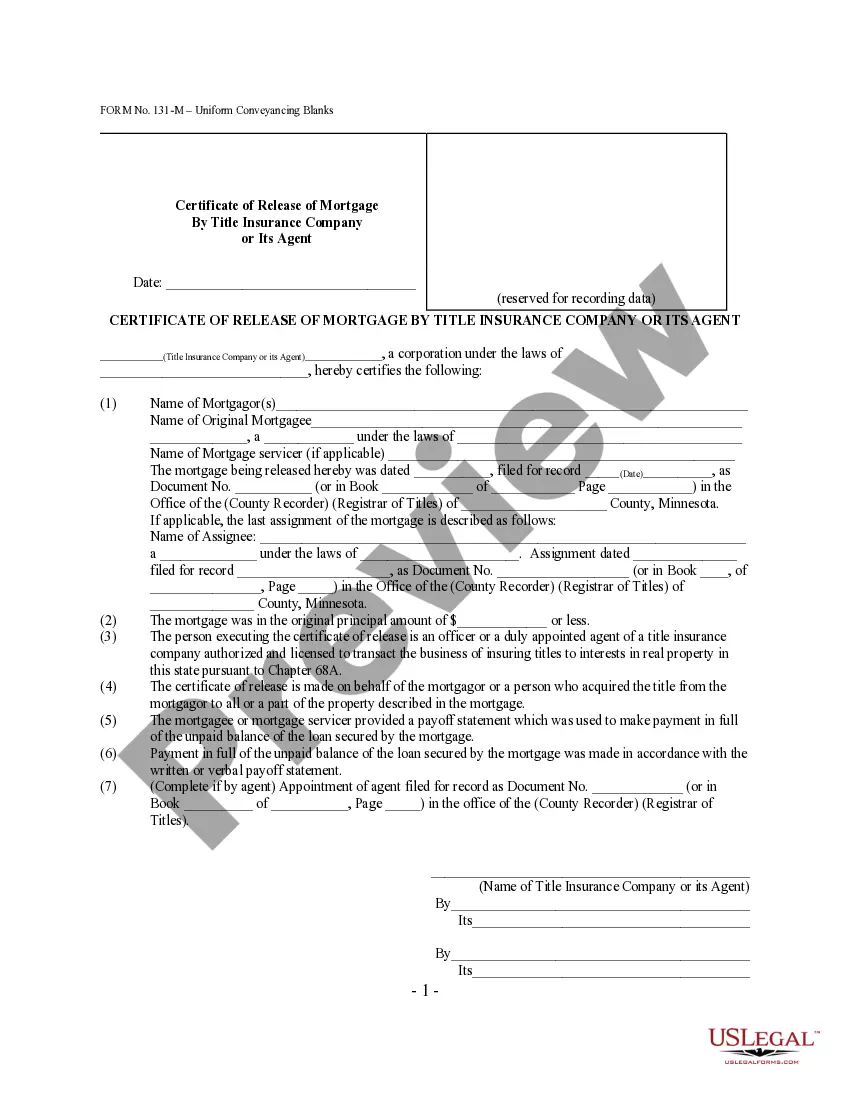
Certificate Insurance Form With Name
Description
Get your form ready online
Our built-in tools help you complete, sign, share, and store your documents in one place.
Make edits, fill in missing information, and update formatting in US Legal Forms—just like you would in MS Word.
Download a copy, print it, send it by email, or mail it via USPS—whatever works best for your next step.
Sign and collect signatures with our SignNow integration. Send to multiple recipients, set reminders, and more. Go Premium to unlock E-Sign.
If this form requires notarization, complete it online through a secure video call—no need to meet a notary in person or wait for an appointment.
We protect your documents and personal data by following strict security and privacy standards.

Make edits, fill in missing information, and update formatting in US Legal Forms—just like you would in MS Word.

Download a copy, print it, send it by email, or mail it via USPS—whatever works best for your next step.

Sign and collect signatures with our SignNow integration. Send to multiple recipients, set reminders, and more. Go Premium to unlock E-Sign.

If this form requires notarization, complete it online through a secure video call—no need to meet a notary in person or wait for an appointment.

We protect your documents and personal data by following strict security and privacy standards.
Looking for another form?






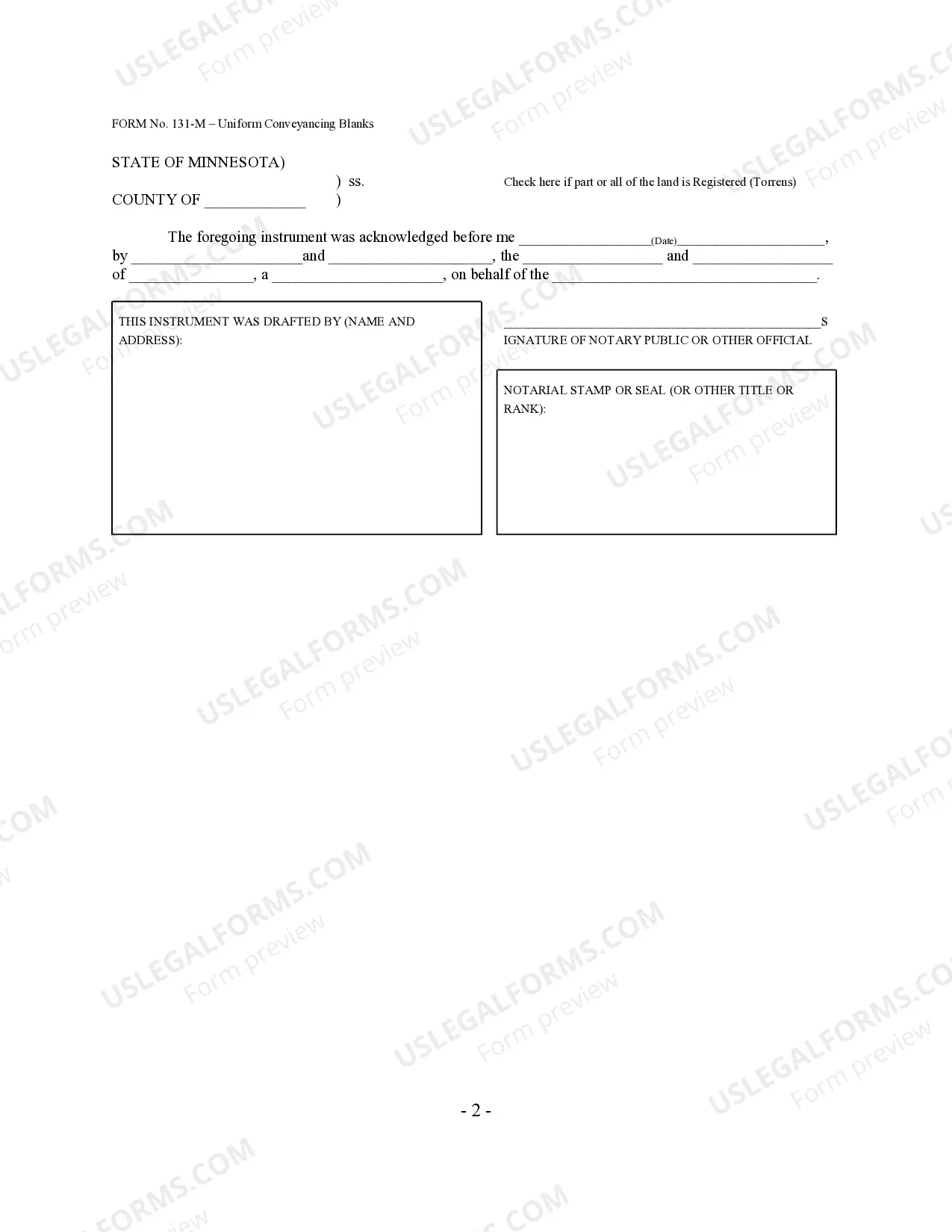
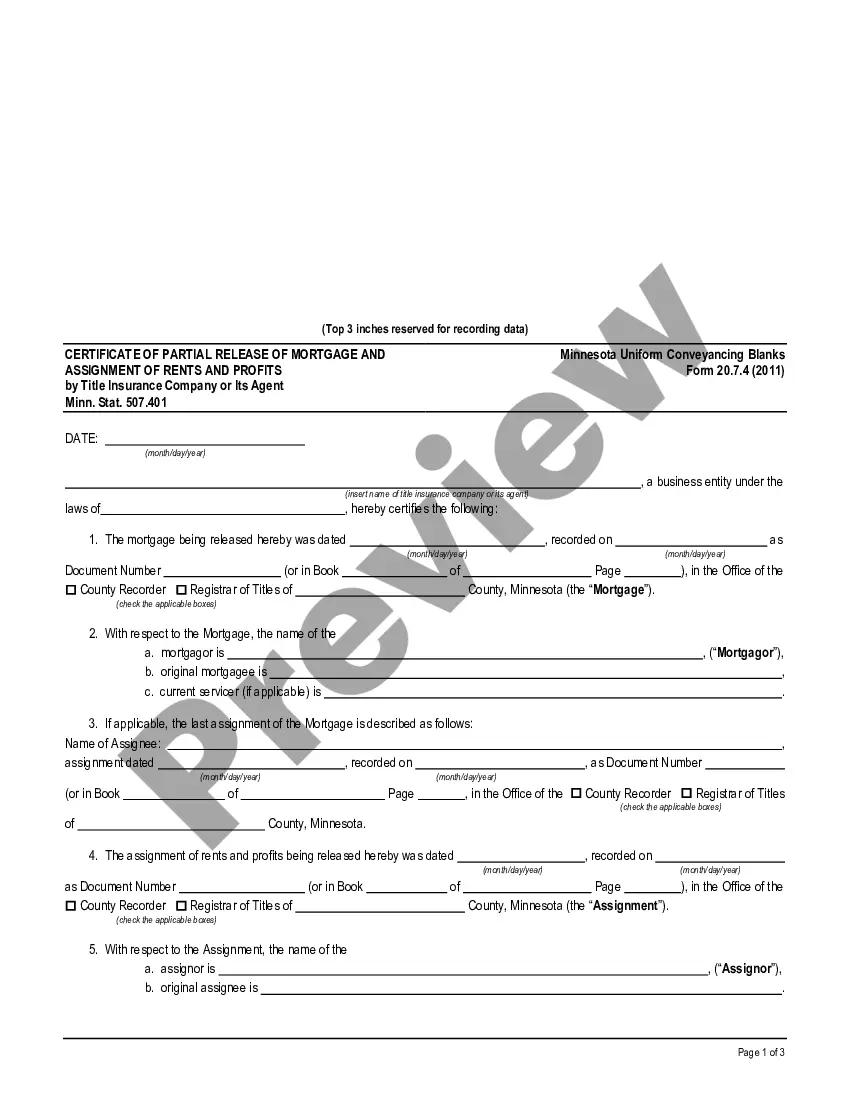
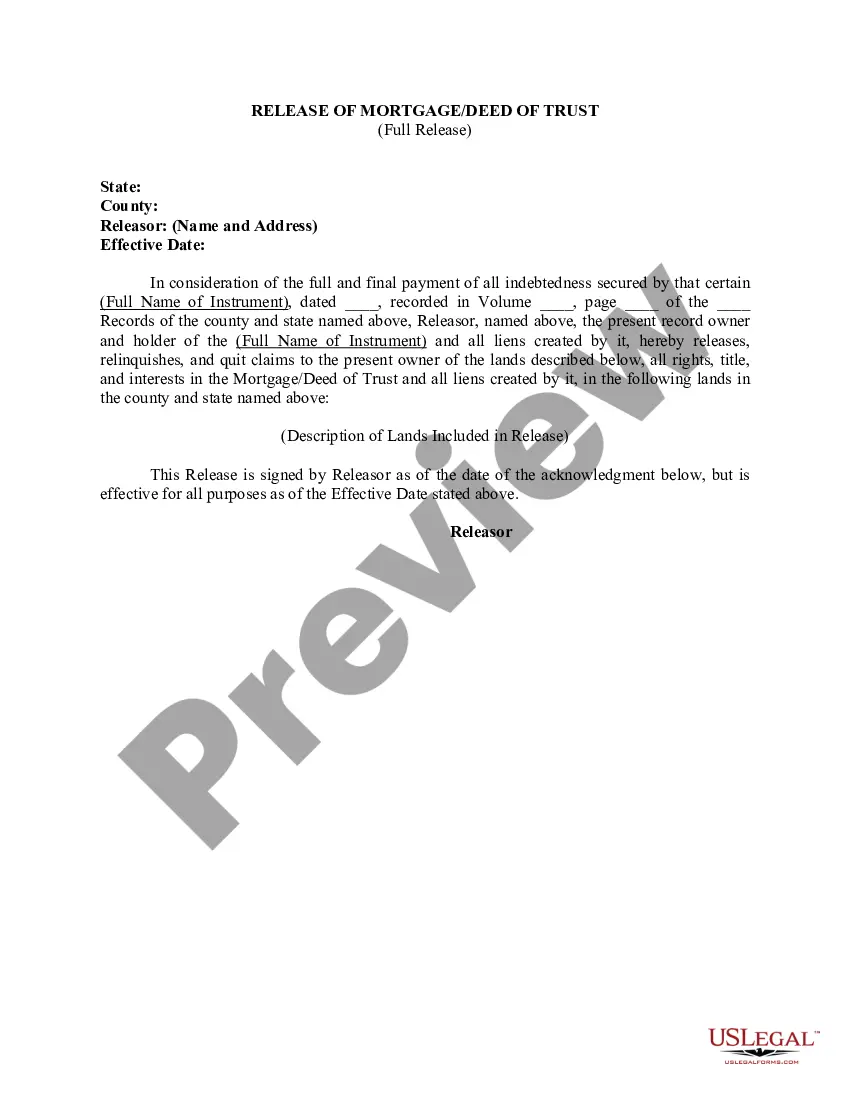
How to fill out Minnesota Certificate Of Full Release Of Mortgage By Title Insurance Company Or Its Agent - Minn. Stat. 507.401 - UCBC Form 20.7.1?
Whether for commercial purposes or for private issues, everyone encounters legal matters at some point in their life.
Filling out legal documentation requires meticulous attention, starting with selecting the appropriate form template.
After downloading, you can fill out the form using editing software or print it out and complete it manually. With an extensive US Legal Forms catalog available, you won’t need to waste time searching for the right template online. Take advantage of the library’s simple navigation to find the appropriate template for any circumstance.
- Obtain the sample you require by utilizing the search box or catalog navigation.
- Examine the form’s details to confirm it aligns with your needs, jurisdiction, and area.
- Select the form’s preview to review it.
- If it's the wrong document, return to the search function to find the Certificate Insurance Form With Name template you need.
- Download the file when it meets your criteria.
- If you have a US Legal Forms account, simply click Log in to retrieve saved documents in My documents.
- If you don’t have an account yet, you can acquire the form by clicking Buy now.
- Select the appropriate pricing option.
- Fill out the profile registration form.
- Choose your payment method: use a credit card or PayPal account.
- Select the document format you desire and download the Certificate Insurance Form With Name.
Form popularity
FAQ
It is a one- or two-page document that you can get from your insurance company or broker, if you used one. You should keep a copy in your vehicle, in case you have an accident and the attending police want to see it.
Insureds don't have the authority to issue their own certificates. The agent, under contract with the carrier, issues a COI on behalf of the insurer. Talk to your companies?
The term ?insured? refers to the policyholder, person, or company appearing on the certificate as being covered by the insurance. In addition to coverage levels, the certificate includes the policyholder's name, mailing address, and describes the operations that the insured performs.
Call your broker, explain to them what the minimum coverage amount is and that you need proof of insurance. If your policy already meets the requirements, then the broker will contact your carrier to secure the COI.
23, Automobile. Certificate of Insurance, is used to provide a coverage. statement with respect to physical damage and/or. liability insurance coverage to lessors or loss payers of. leased vehicles, but only when the insurance policy.