Advance Directive Form For Arizona
Description
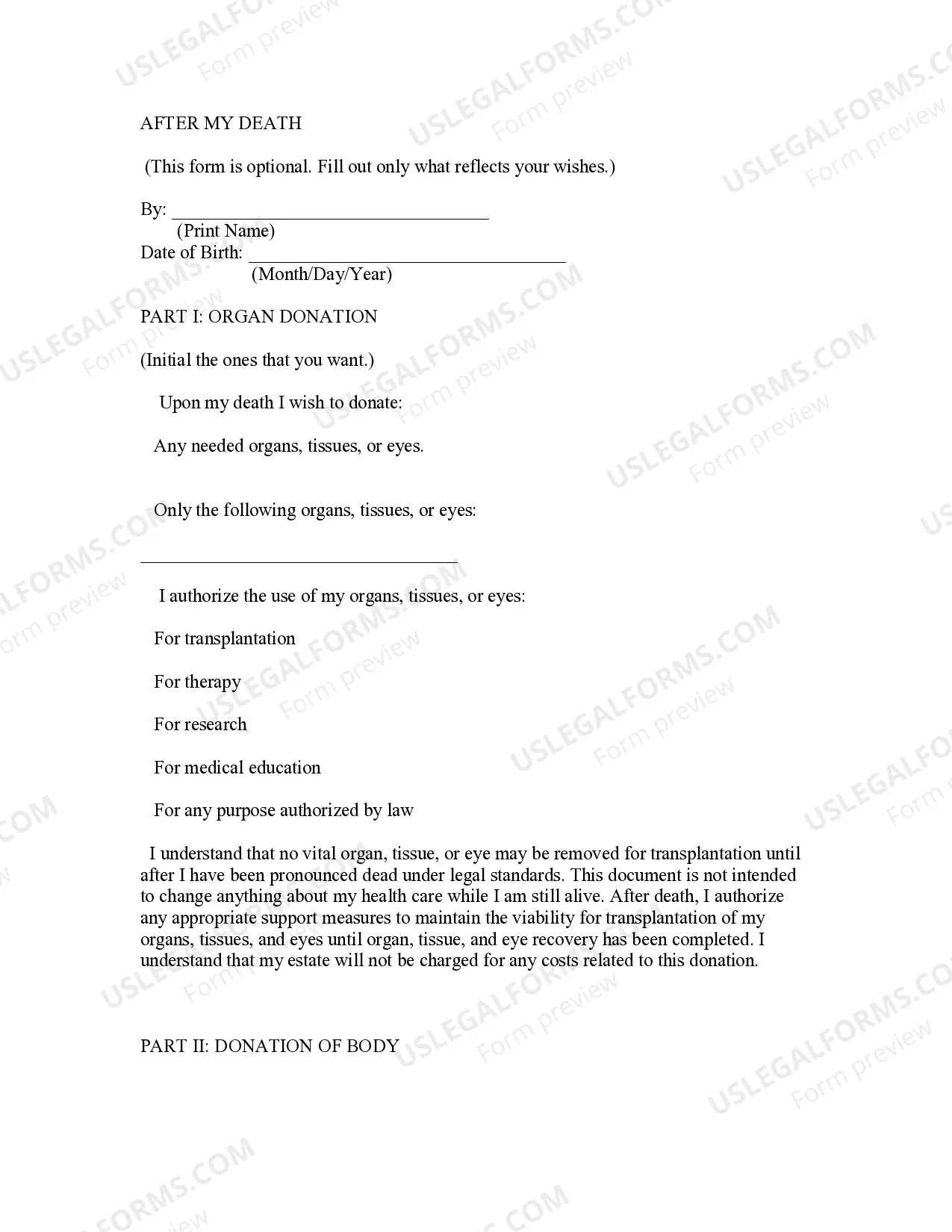
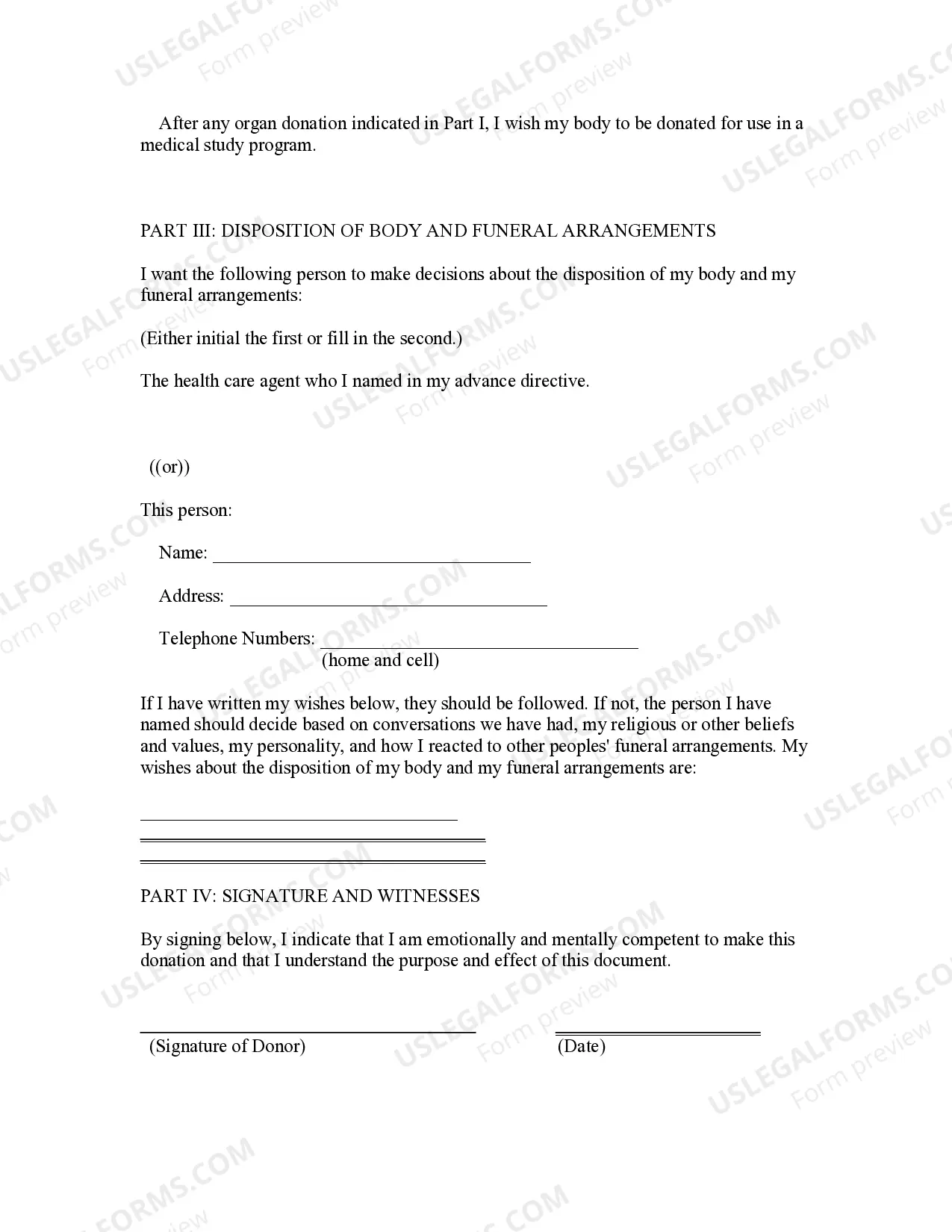

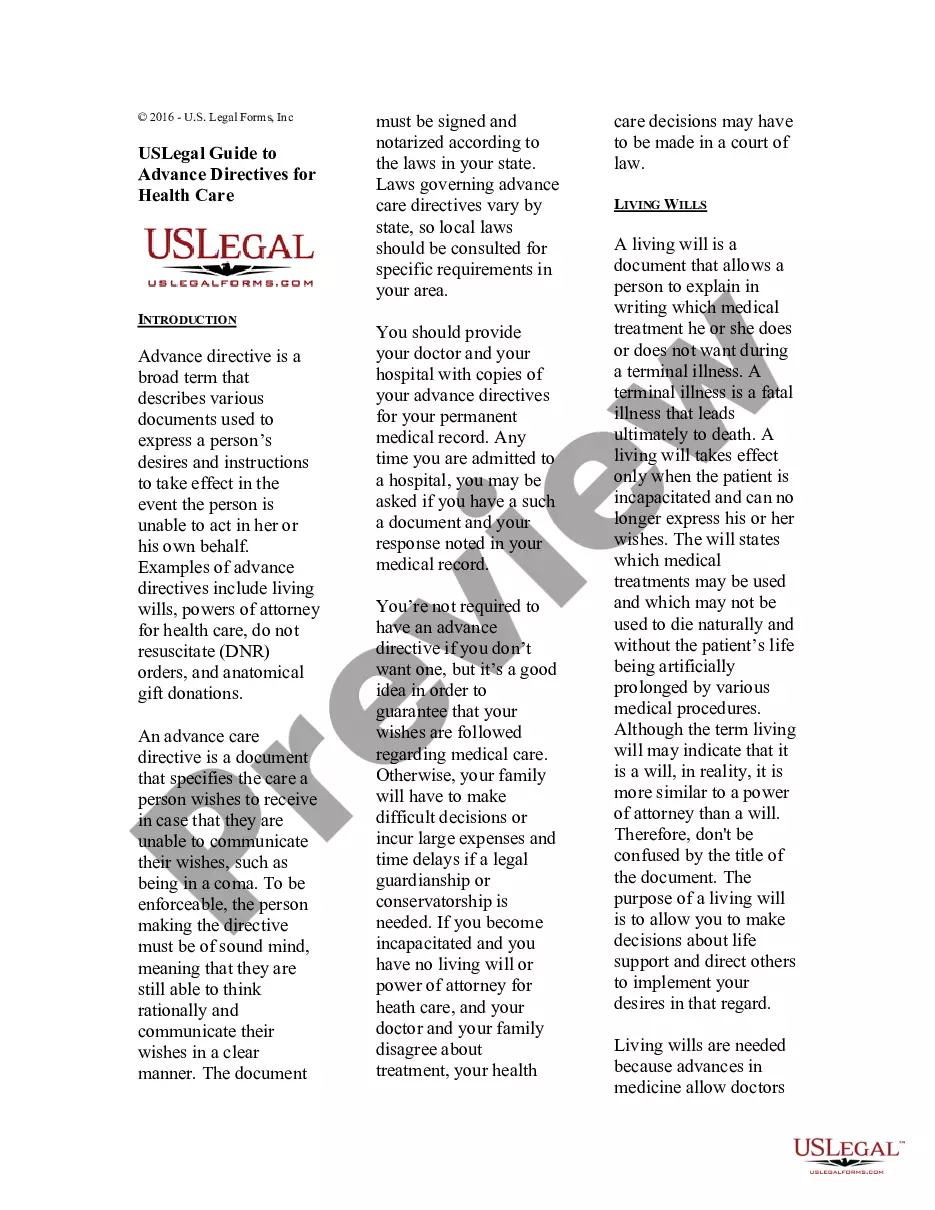
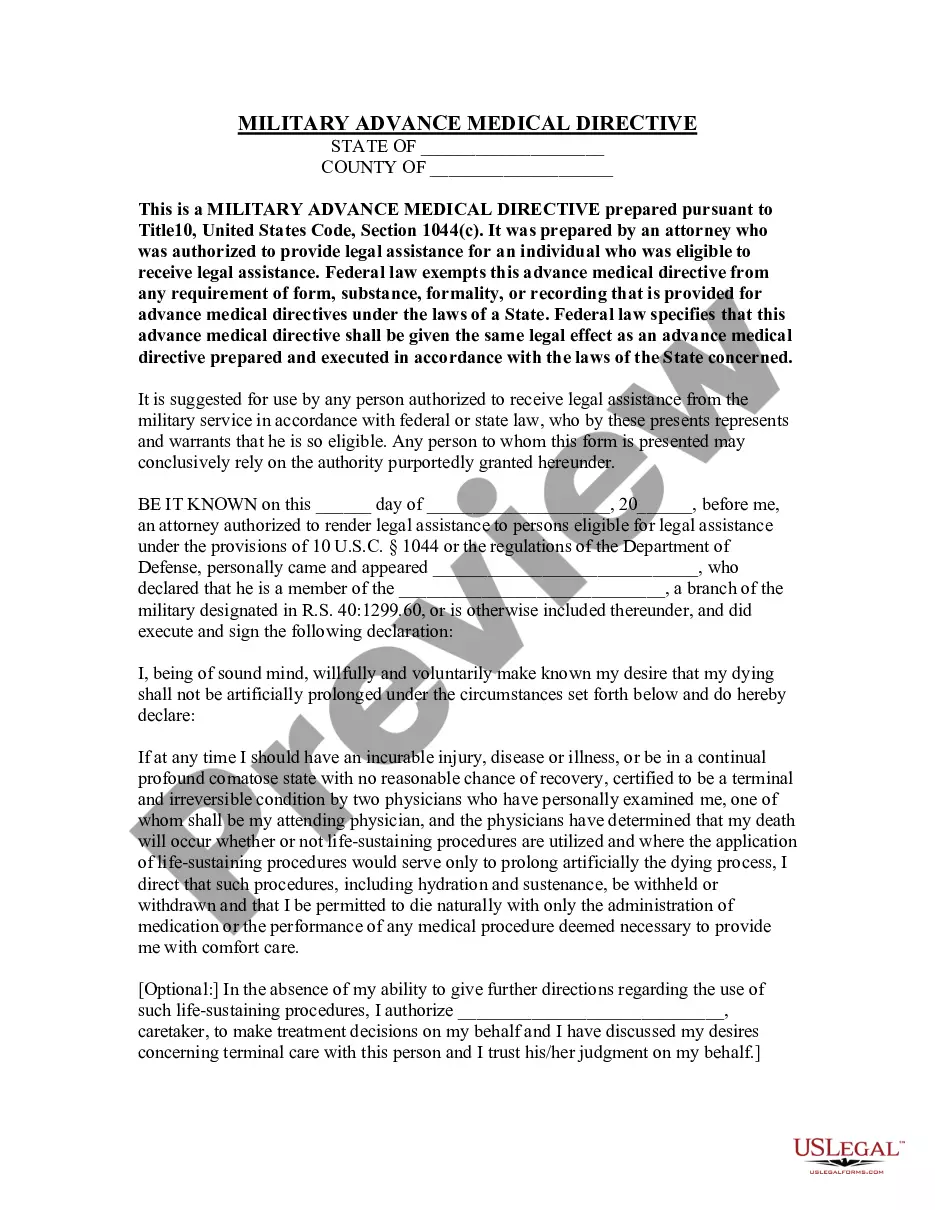
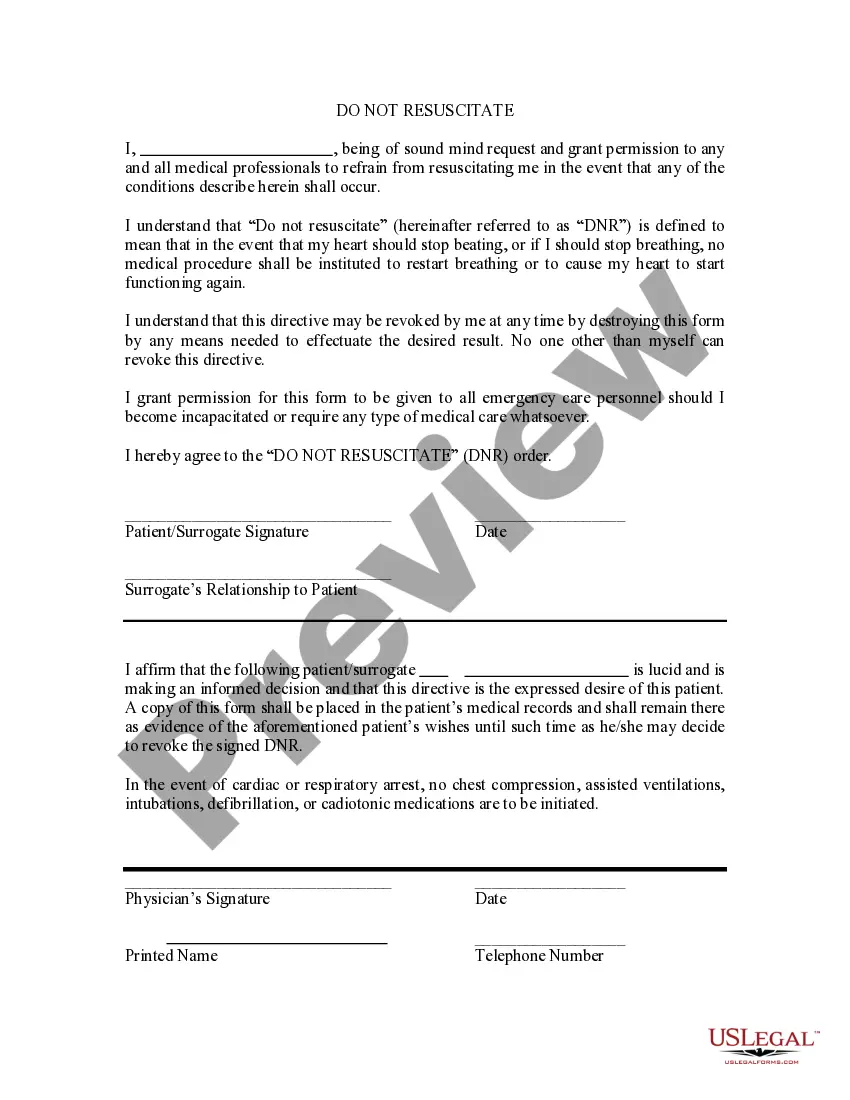
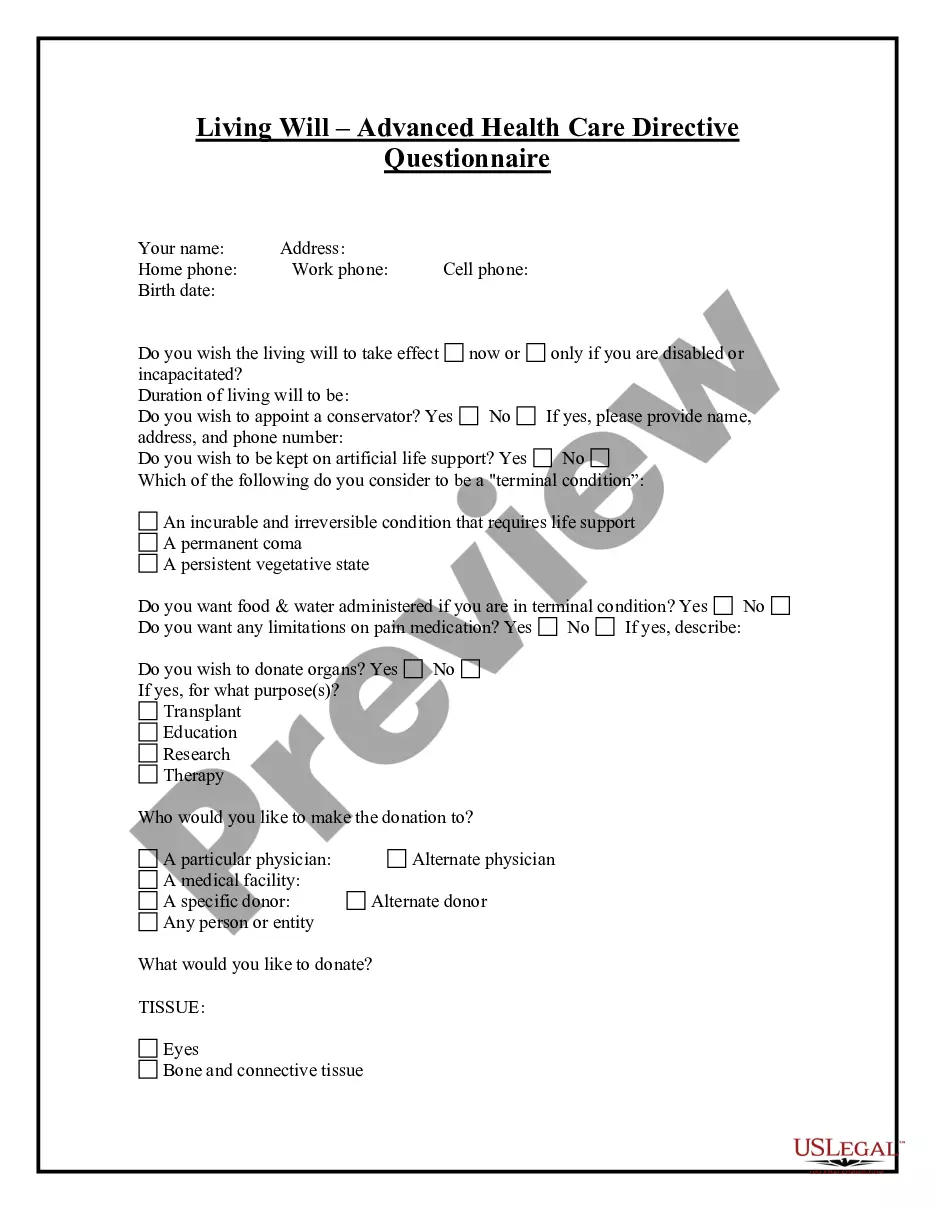
Get your form ready online
Our built-in tools help you complete, sign, share, and store your documents in one place.
Make edits, fill in missing information, and update formatting in US Legal Forms—just like you would in MS Word.
Download a copy, print it, send it by email, or mail it via USPS—whatever works best for your next step.
Sign and collect signatures with our SignNow integration. Send to multiple recipients, set reminders, and more. Go Premium to unlock E-Sign.
If this form requires notarization, complete it online through a secure video call—no need to meet a notary in person or wait for an appointment.
We protect your documents and personal data by following strict security and privacy standards.

Make edits, fill in missing information, and update formatting in US Legal Forms—just like you would in MS Word.

Download a copy, print it, send it by email, or mail it via USPS—whatever works best for your next step.

Sign and collect signatures with our SignNow integration. Send to multiple recipients, set reminders, and more. Go Premium to unlock E-Sign.

If this form requires notarization, complete it online through a secure video call—no need to meet a notary in person or wait for an appointment.

We protect your documents and personal data by following strict security and privacy standards.
Looking for another form?

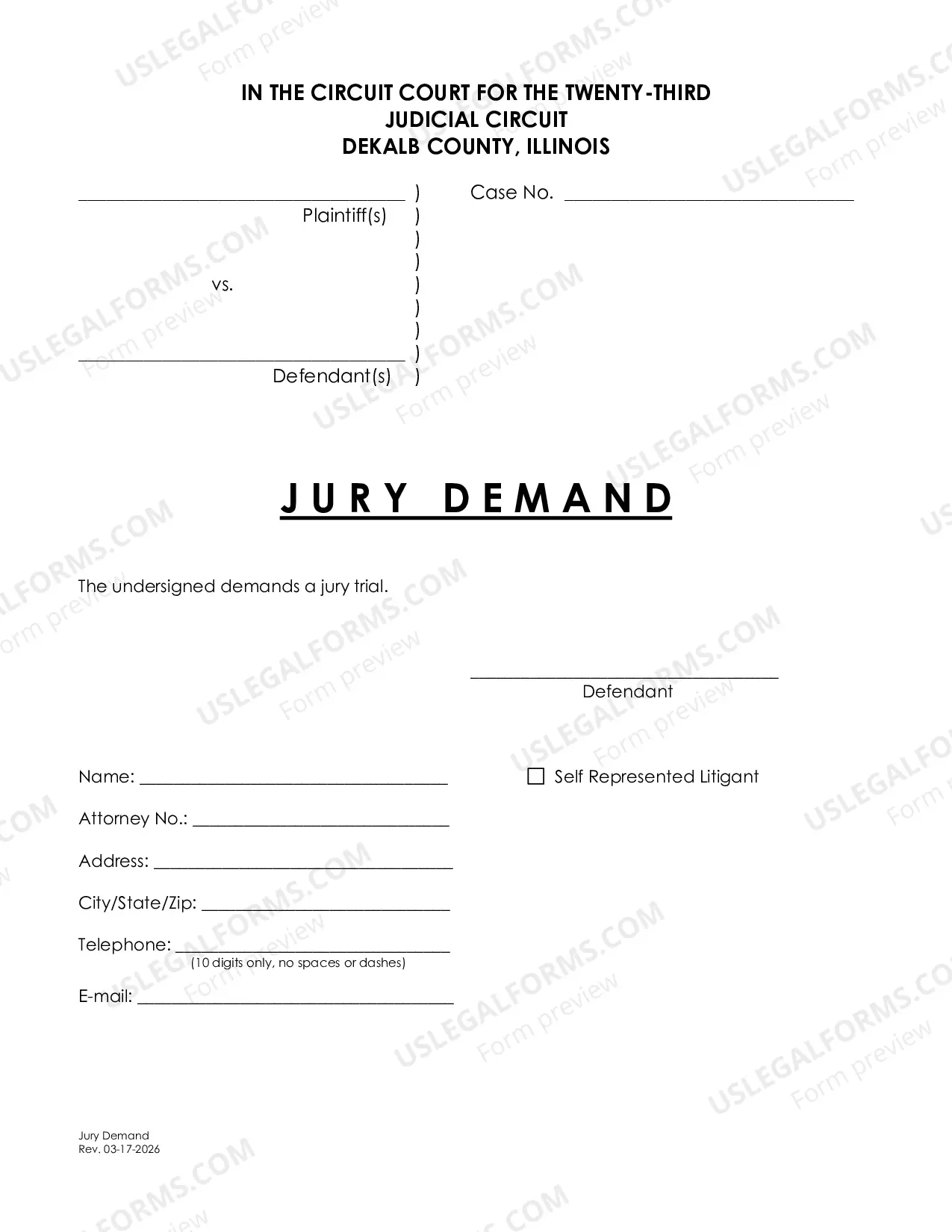

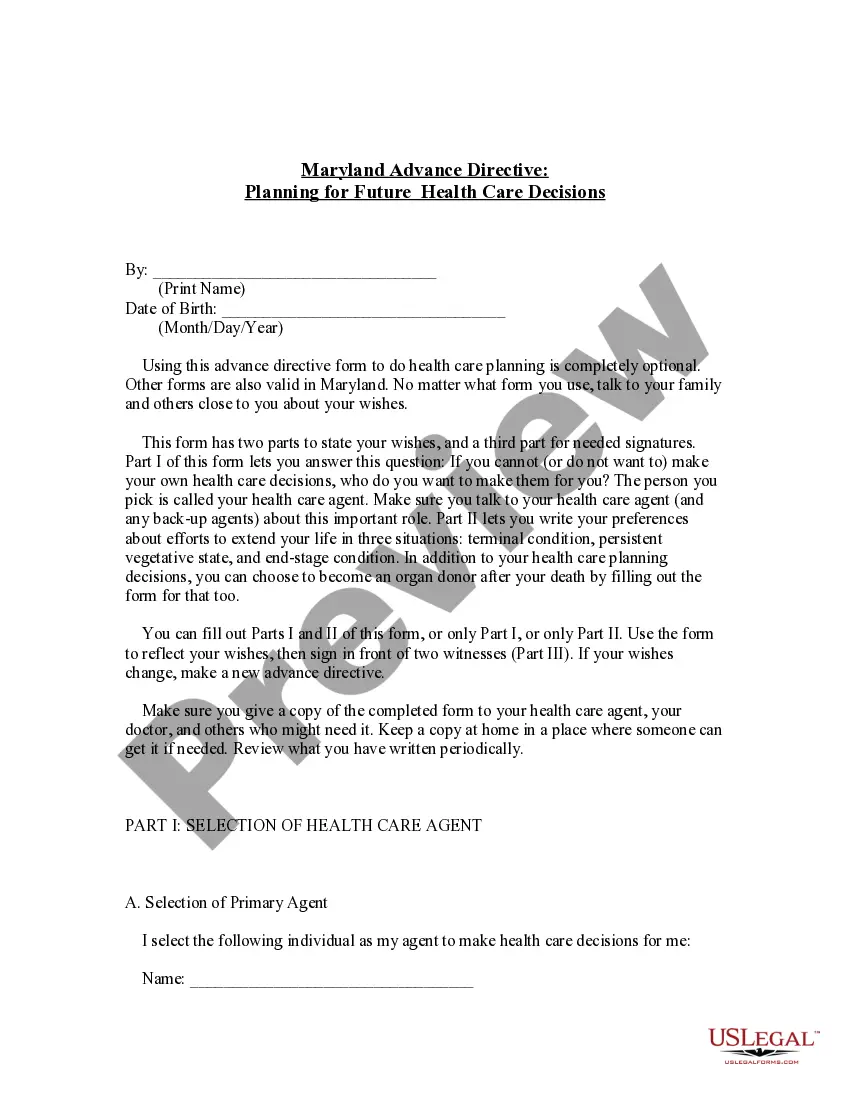
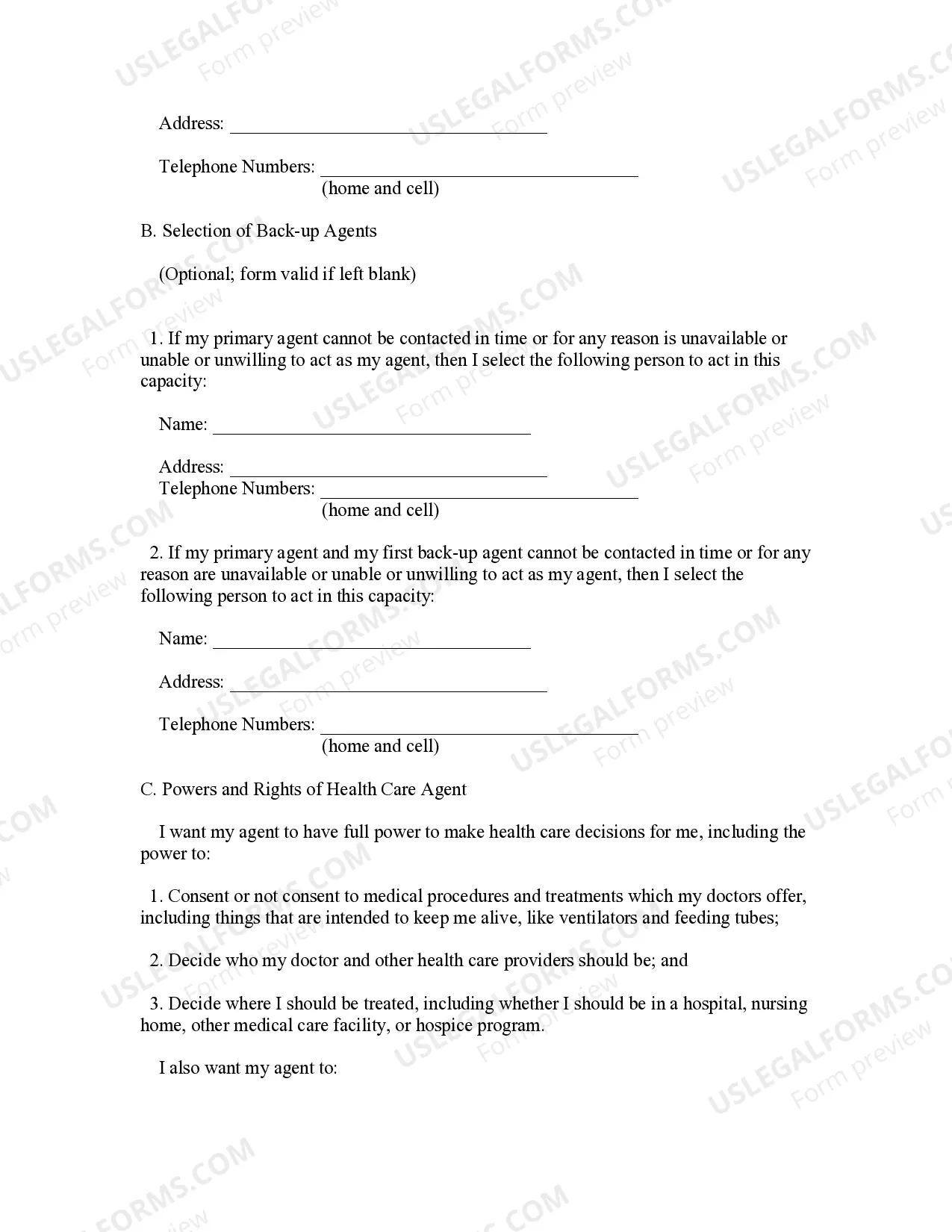
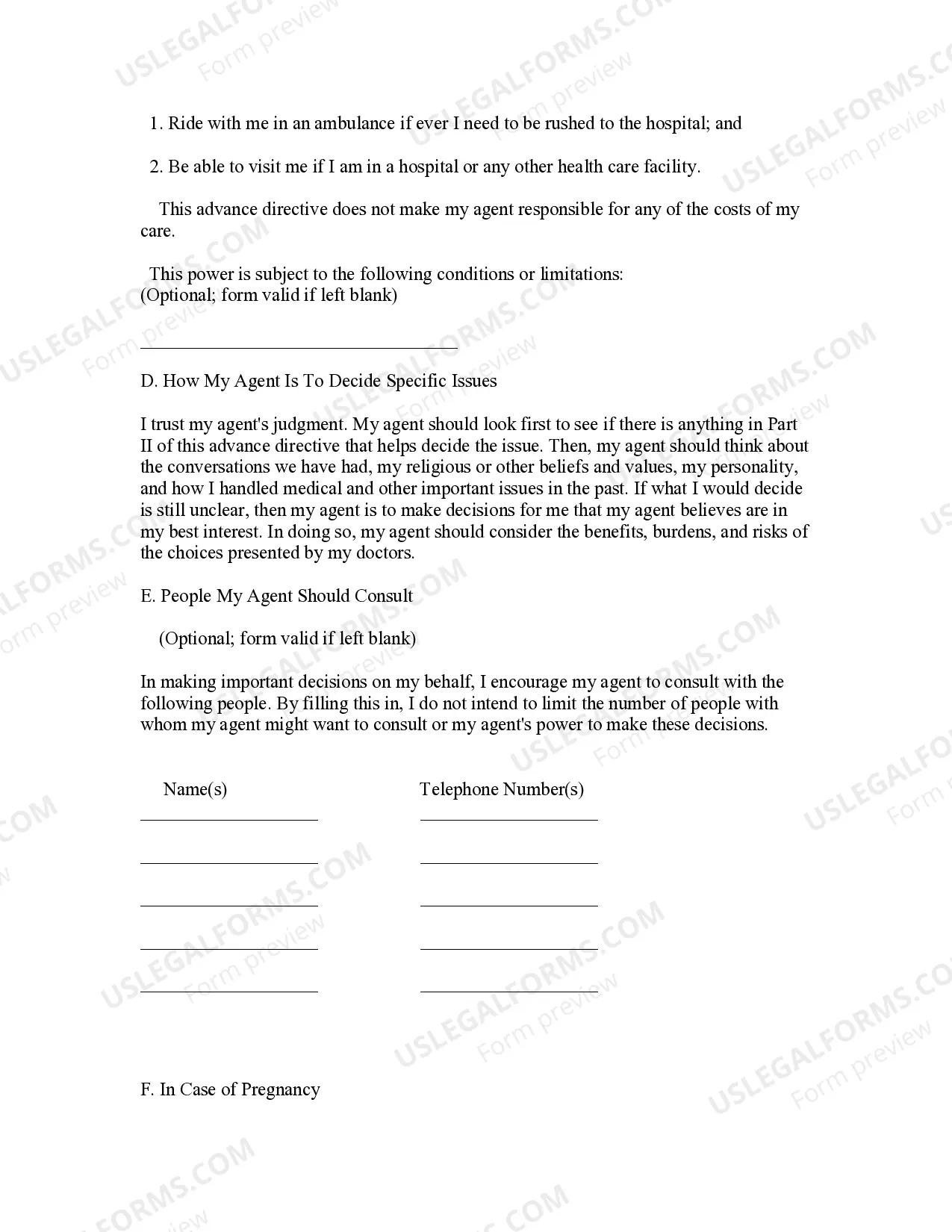
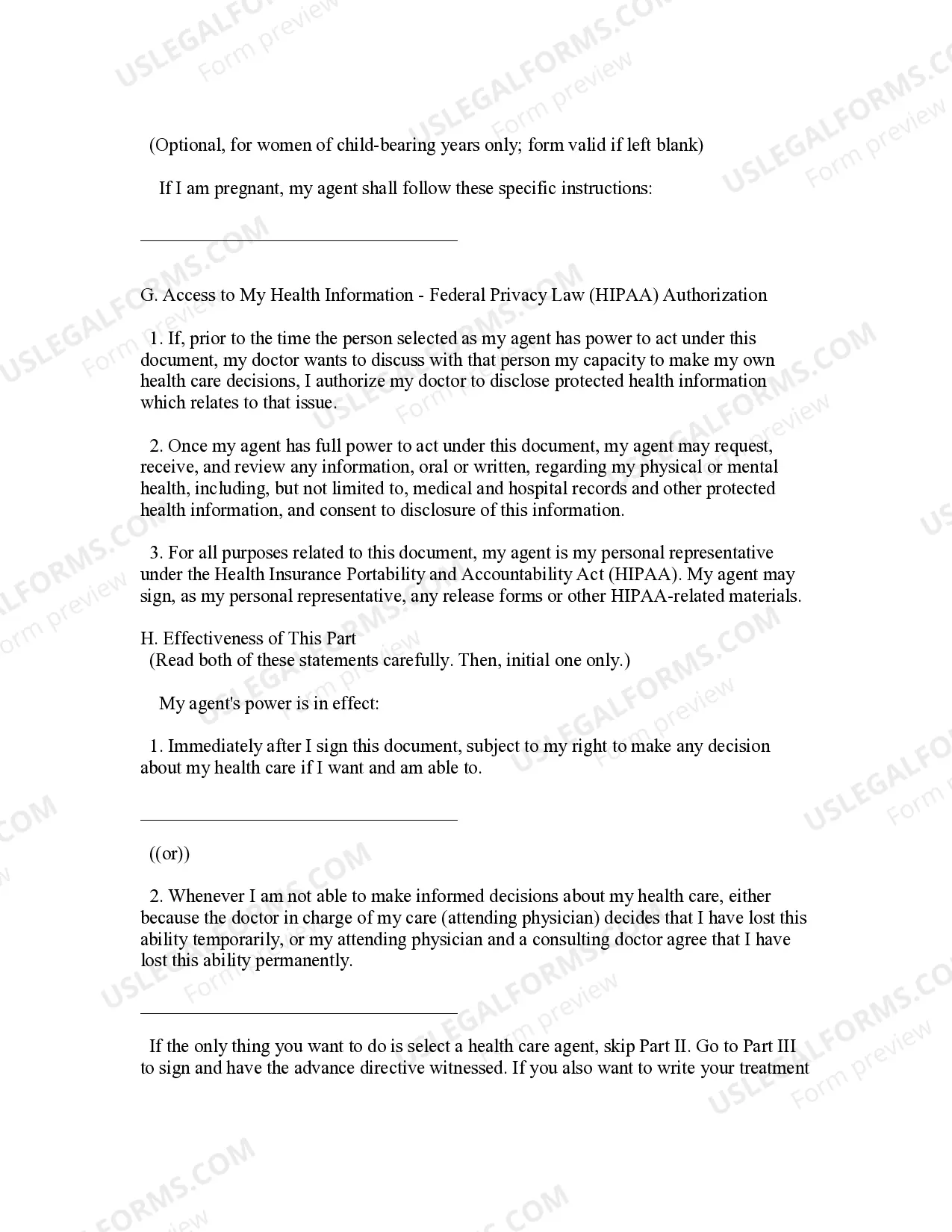
How to fill out Maryland Statutory Advance Health Directive?
Managing legal documents can be daunting, even for the most proficient professionals.
If you are looking for an Advance Directive Form For Arizona and don’t have the time to seek out the correct and latest version, the process can be taxing.
US Legal Forms meets all your requirements, from personal to business documentation, all in one place.
Leverage advanced tools to fill out and manage your Advance Directive Form For Arizona.
Here are the steps to follow after obtaining the form you desire: Verify that this is the correct form by previewing it and reviewing its details. Ensure that the template is valid in your state or county. Click Buy Now when you are ready. Choose a subscription plan. Select the file format you prefer, and Download, complete, sign, print, and send your documents. Enjoy the US Legal Forms online library, supported by 25 years of experience and trustworthiness. Transform your routine document management into a straightforward and user-friendly process today.
- Access a valuable resource center of articles, guides, and materials relevant to your circumstances and requirements.
- Save time and effort searching for the documents you need, and utilize US Legal Forms’ sophisticated search and Review feature to find and download the Advance Directive Form For Arizona.
- If you have a subscription, Log In to your US Legal Forms account, search for the form, and download it.
- Check your My documents tab to view the documents you have previously downloaded and manage your folders as desired.
- If this is your first experience with US Legal Forms, create a free account for unlimited access to all platform benefits.
- A robust online form repository can be transformative for anyone aiming to handle these circumstances effectively.
- US Legal Forms is a frontrunner in online legal documentation, offering over 85,000 state-specific legal forms at any time.
- With US Legal Forms, you can access state- or county-specific legal and business documents.
Form popularity
FAQ
After you've completed your advance directives, make copies and store them in a safe place. Give copies to your health care proxy, health care providers, and lawyer. Some states have registries that can store your advance directive for quick access by health care providers and your proxy.
Ask to have it kept as part of your medical record. If you have more than one doctor, make sure that each one has a copy. Put a copy of your living will where it can be easily found. For example, some people may put a copy on their refrigerator door.
How to Write (1) Arizona Principal Name. ... (2) Age And Date Of Birth. (3) Address And Phone Number Of Arizona Declarant. (4) Comfort Care Only. ... (5) Specific Limitations On Medical Treatment. ... (6) Pregnancy. ... (7) Treatment Until My Medical Condition Is Reasonably Known. ... (8) Direction To Prolong My Life.
You can write your own advance directives or use any form as long as your signature is properly witnessed. The witness to your signature cannot be related to you by marriage or adoption or benefit from your estate. In Arizona, the form does not have to be notarized.
Although advisable for an advance decision to be in writing, if the treatment you want to refuse is not life-sustaining, you can create a valid advance decision simply by telling your doctor which treatments, and under what circumstances you would not want them in the future.