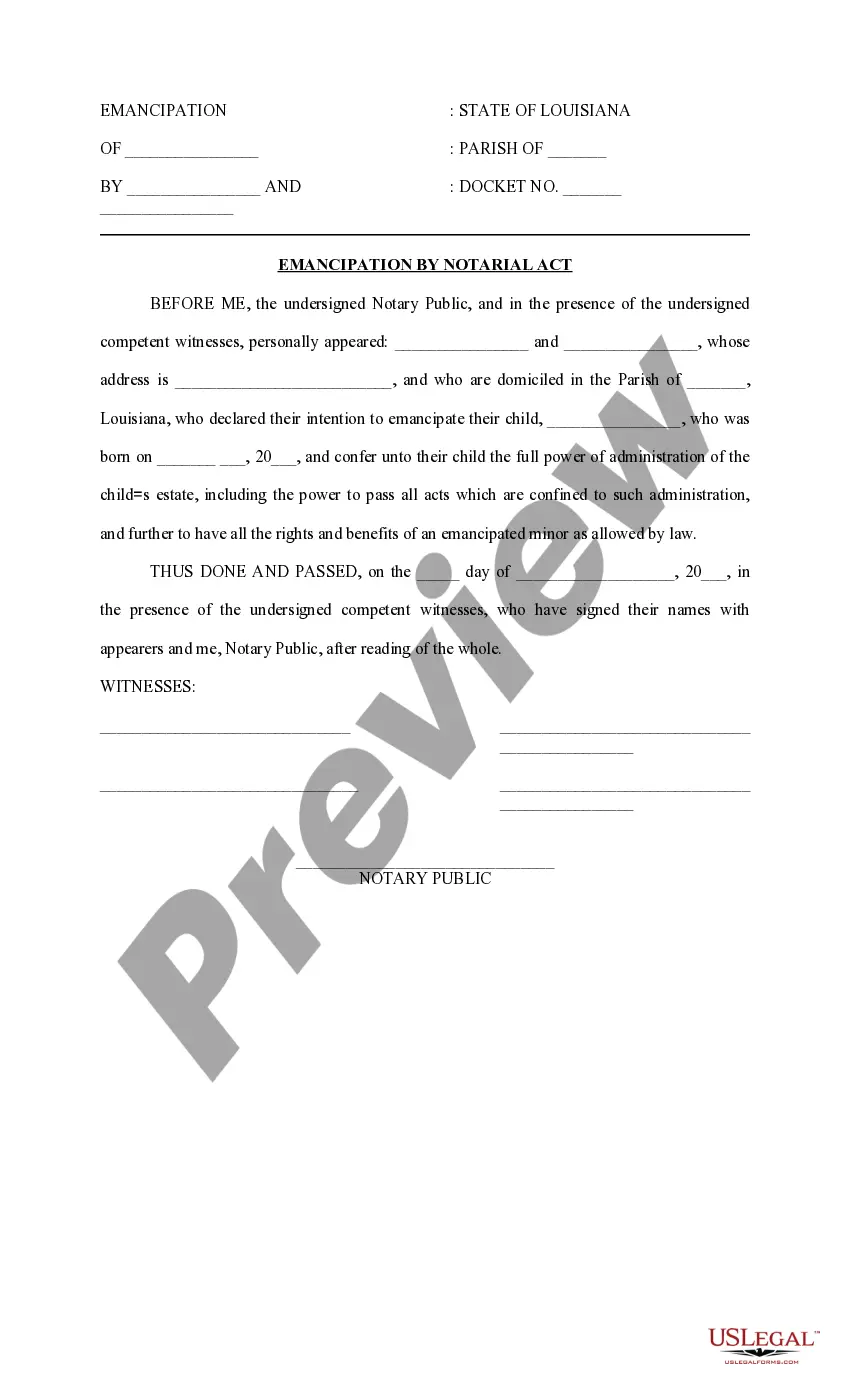
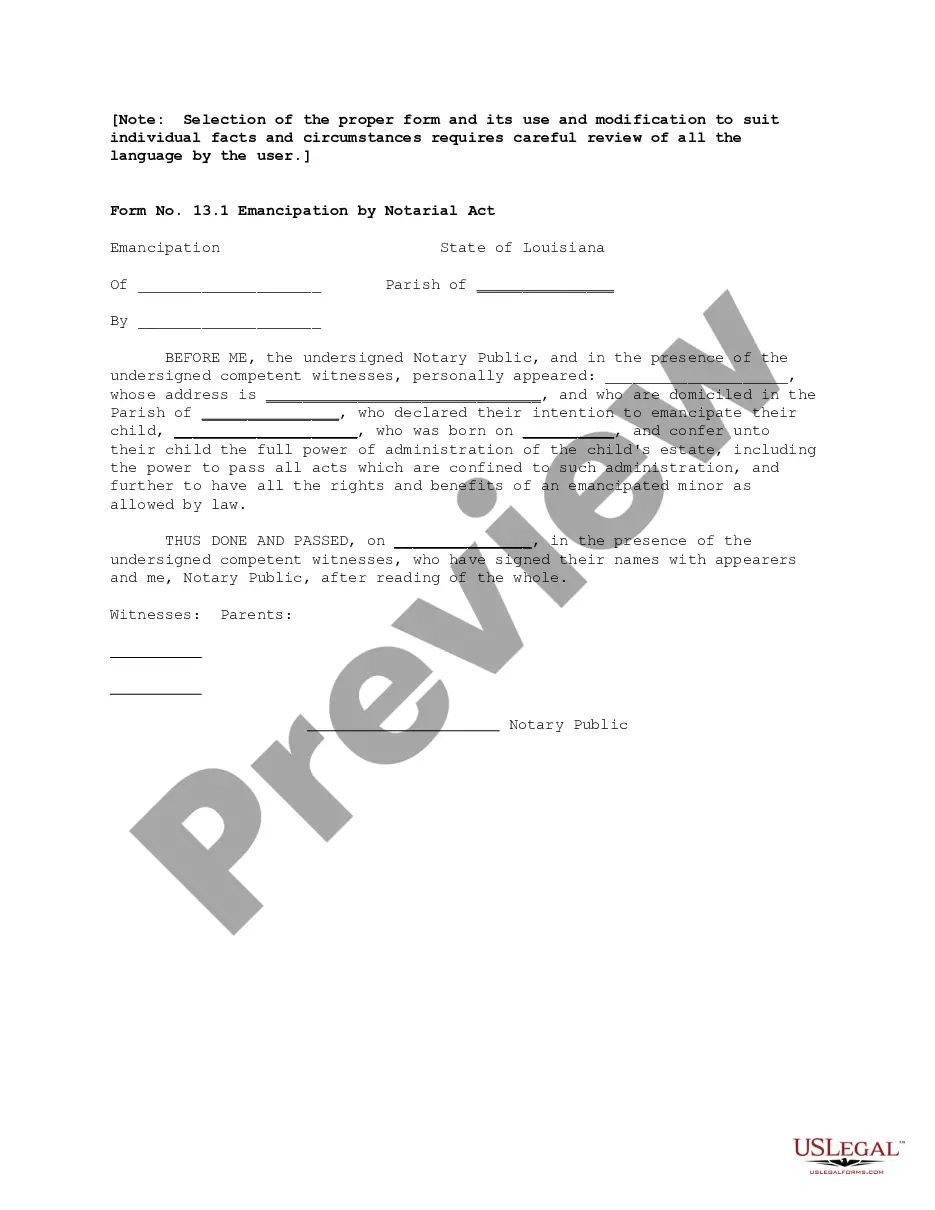
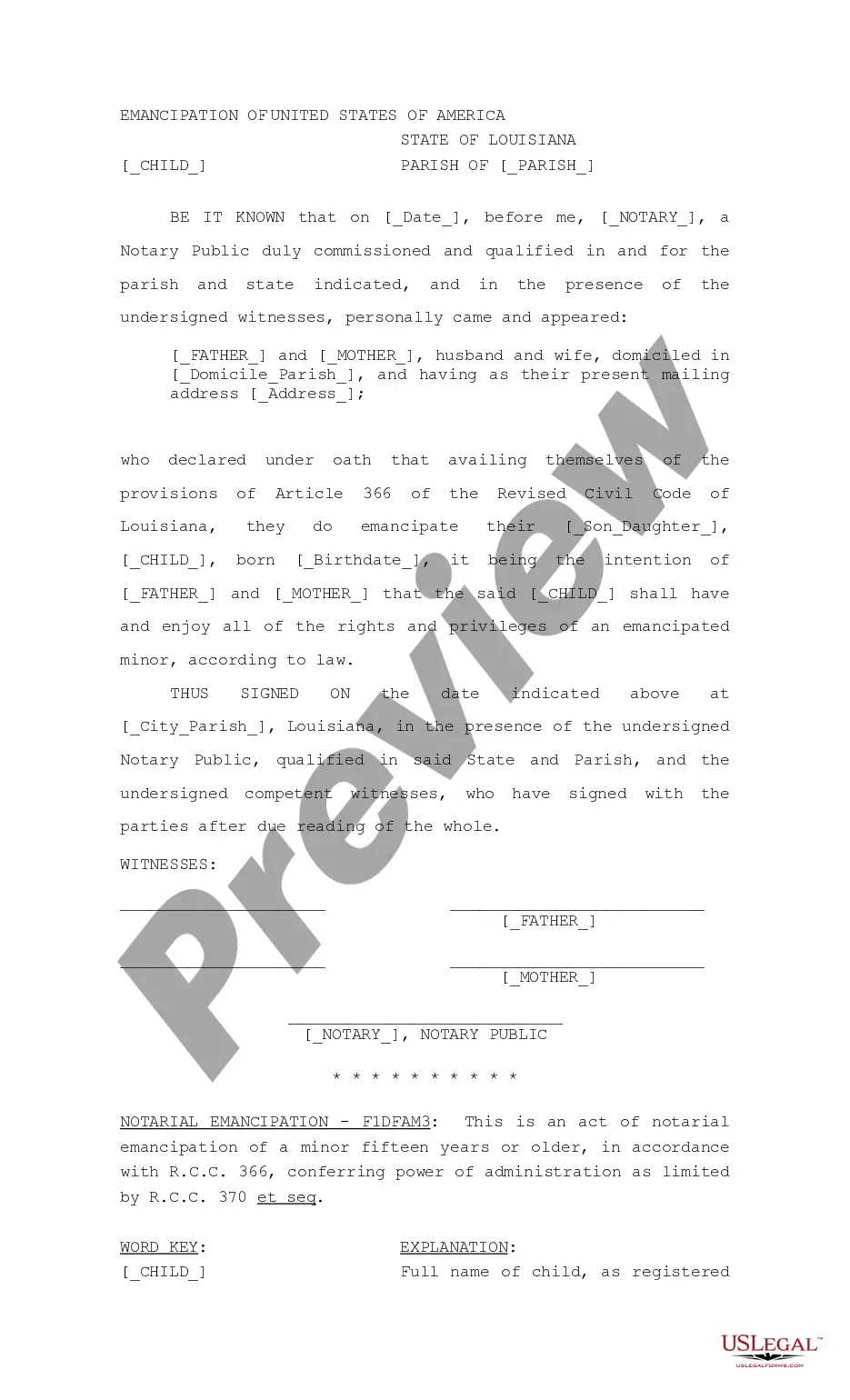
Notarial Format
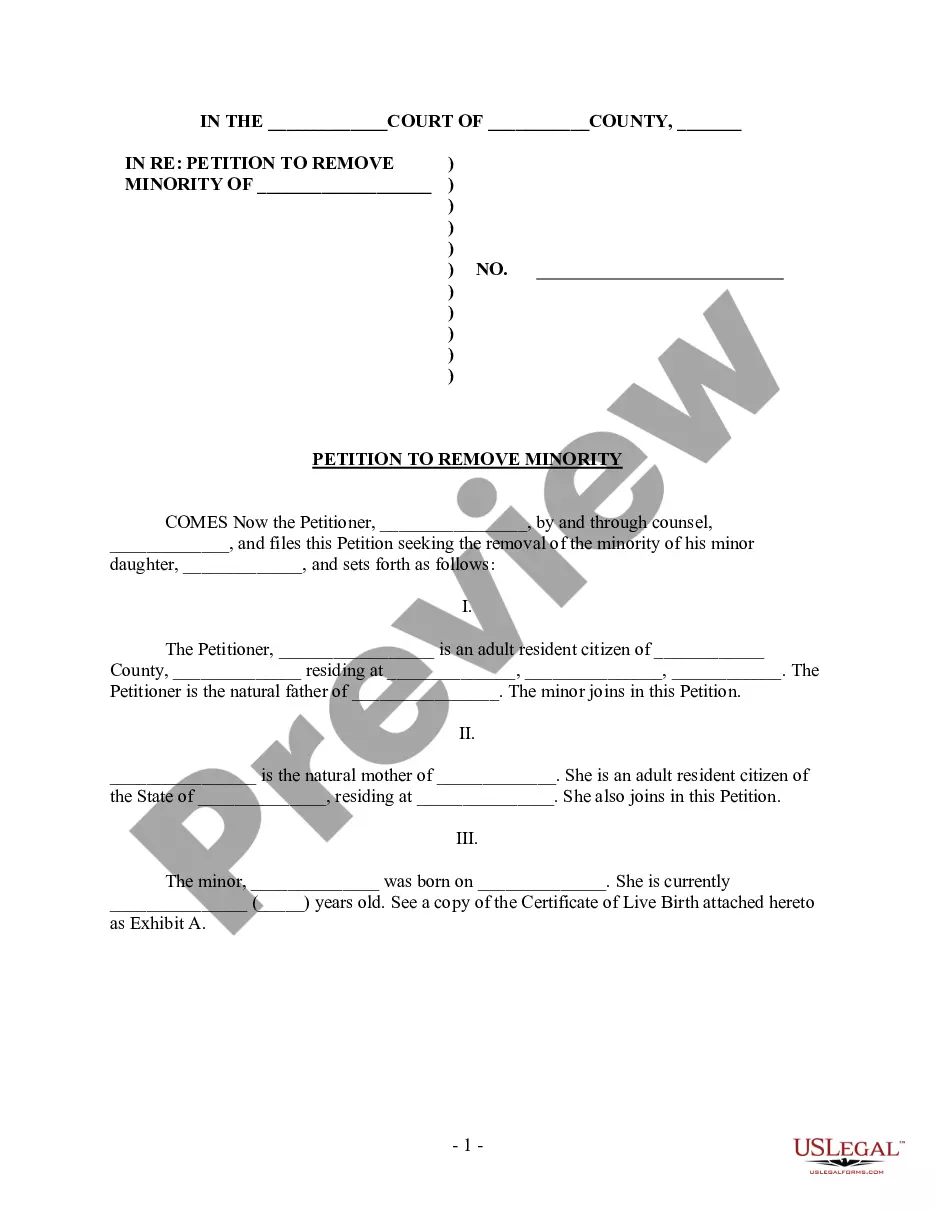
Description

Get your form ready online
Our built-in tools help you complete, sign, share, and store your documents in one place.
Make edits, fill in missing information, and update formatting in US Legal Forms—just like you would in MS Word.
Download a copy, print it, send it by email, or mail it via USPS—whatever works best for your next step.
Sign and collect signatures with our SignNow integration. Send to multiple recipients, set reminders, and more. Go Premium to unlock E-Sign.
If this form requires notarization, complete it online through a secure video call—no need to meet a notary in person or wait for an appointment.
We protect your documents and personal data by following strict security and privacy standards.

Make edits, fill in missing information, and update formatting in US Legal Forms—just like you would in MS Word.

Download a copy, print it, send it by email, or mail it via USPS—whatever works best for your next step.

Sign and collect signatures with our SignNow integration. Send to multiple recipients, set reminders, and more. Go Premium to unlock E-Sign.

If this form requires notarization, complete it online through a secure video call—no need to meet a notary in person or wait for an appointment.

We protect your documents and personal data by following strict security and privacy standards.
Looking for another form?
How to fill out Louisiana Emancipation By Notarial Act?
The Notarial Template you observe on this page is a reusable legal framework crafted by expert attorneys in accordance with national and local statutes and regulations.
For over 25 years, US Legal Forms has offered individuals, businesses, and legal experts access to over 85,000 authenticated, state-specific documents for a variety of commercial and personal situations. It’s the fastest, simplest, and most reliable method to acquire the documentation you require, as the service ensures the utmost level of data protection and anti-malware safeguards.
Subscribe to US Legal Forms to have verified legal templates for all of life's situations readily available.
- Examine the document you require and assess it.
- Survey the sample you searched for and view it or consult the form description to ensure it meets your needs. If it doesn’t, use the search tool to find the appropriate one. Click Buy Now when you have identified the template you want.
- Register and Log In.
- Select the pricing plan that fits you and create an account. Use PayPal or a credit card to make a quick payment. If you already have an account, Log In and check your subscription to continue.
- Obtain the editable template.
- Choose the format you prefer for your Notarial Template (PDF, DOCX, RTF) and download the sample onto your device.
- Complete and sign the documentation.
- Print the template to finish it manually. Alternatively, use an online multifunctional PDF editor to swiftly and precisely fill out and sign your form with a legally-binding electronic signature.
- Download your documentation once more.
- Reuse the same document whenever necessary. Access the My documents tab in your profile to redownload any previously saved forms.
Form popularity
FAQ
To fill out an acknowledgment form, start with the name of the person making the acknowledgment, followed by their signature and date of the signing. Next, include details regarding the document being acknowledged, specifying its final title and relevant legal language. Ensure to follow the notarial format required by your state, as this helps in maintaining the legality and authenticity of the acknowledgment.
You are not required to complete and deliver the disclosure statement for certain types of property transfers that are exempt from the PCDA, as follows: transfer ordered by the court in a lawsuit such as a probate, mortgage foreclosure, bankruptcy, legal partition, or divorce.
Here's everything you need to know to renew a real estate license in New York, including the new continuing education requirements. Step one: complete your continuing education. ... Step two: log into the eAccessNY portal. ... Step three: complete the renewal application. ... Step four: pay the fee.
Because of the potential for creating conflicts of interest between the agent and the principal who is the other party to the transaction, some states such as Massachusetts and New York limit or prohibit the use of net listing or agency agreements.
New York State Real Property Law Section 443 (?RPL 443?) requires real estate licensees in New York State to provide buyers, sellers, landlords and/or tenants with a disclosure (the ?Agency Disclosure Form?) set- ting forth the nature of the agency relationship the real estate licensee will have with said buyers, sell- ...
The Property Condition Disclosure Act requires the seller of residential real property to cause this disclosure statement or a copy of thereof to be delivered to a buyer or buyer's agent prior to the signing by the buyer of a binding contract of sale.
You can search for property records and property ownership information online, in person, or over the phone with a 311 representative. Property owners of all boroughs except Staten Island can visit ACRIS. To search documents for Staten Island property, visit the Richmond County Clerk's website.
No person, co-partnership, limited liability company or corporation shall engage in or follow the business or occupation of, or hold himself or itself out or act temporarily or otherwise as a real estate broker or real estate salesman in this state without first procuring a license therefor as provided in this article.
THE PROPERTY CONDITION DISCLOSURE ACT REQUIRES THE SELLER OF RESIDENTIAL REAL PROPERTY TO CAUSE THIS DISCLOSURE STATEMENT OR A COPY THEREOF TO BE DELIVERED TO A BUYER OR BUYER'S AGENT PRIOR TO THE SIGNING BY THE BUYER OF A BINDING CONTRACT OF SALE.