Packages With Peacock
Description
Get your form ready online
Our built-in tools help you complete, sign, share, and store your documents in one place.
Make edits, fill in missing information, and update formatting in US Legal Forms—just like you would in MS Word.
Download a copy, print it, send it by email, or mail it via USPS—whatever works best for your next step.
Sign and collect signatures with our SignNow integration. Send to multiple recipients, set reminders, and more. Go Premium to unlock E-Sign.
If this form requires notarization, complete it online through a secure video call—no need to meet a notary in person or wait for an appointment.
We protect your documents and personal data by following strict security and privacy standards.

Make edits, fill in missing information, and update formatting in US Legal Forms—just like you would in MS Word.

Download a copy, print it, send it by email, or mail it via USPS—whatever works best for your next step.

Sign and collect signatures with our SignNow integration. Send to multiple recipients, set reminders, and more. Go Premium to unlock E-Sign.

If this form requires notarization, complete it online through a secure video call—no need to meet a notary in person or wait for an appointment.

We protect your documents and personal data by following strict security and privacy standards.
Looking for another form?
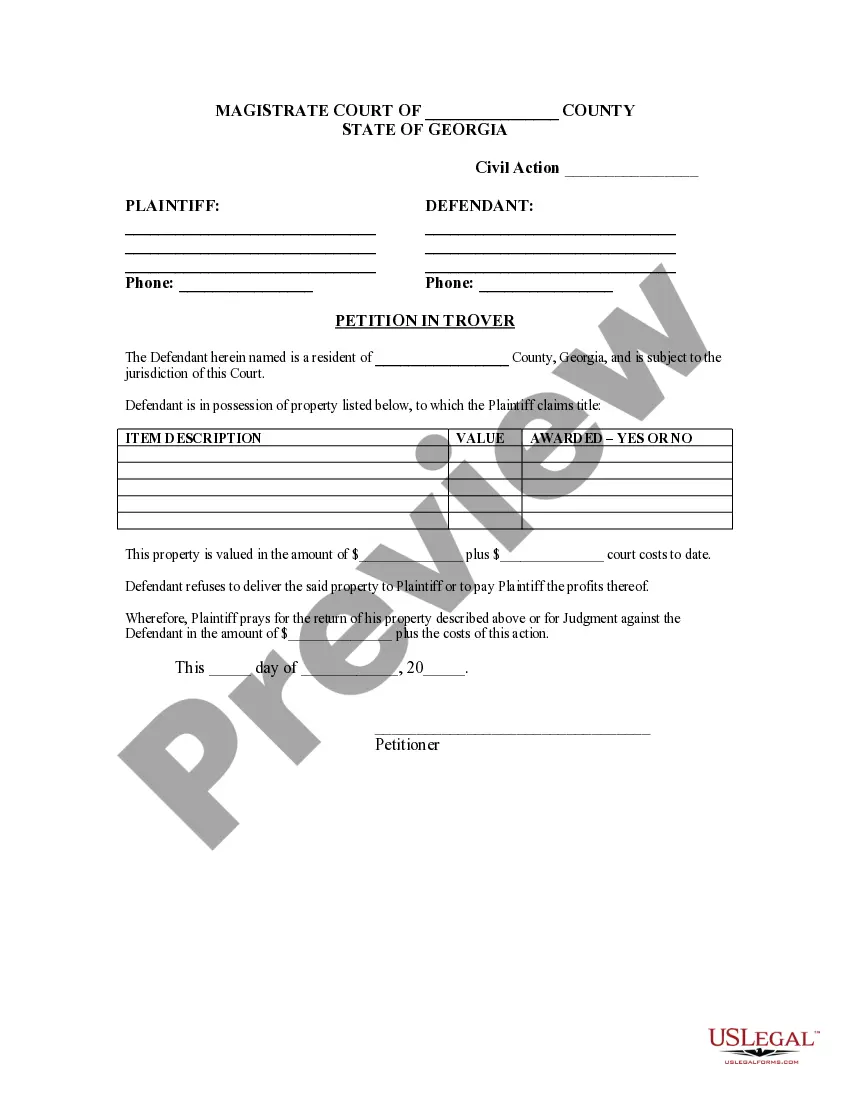
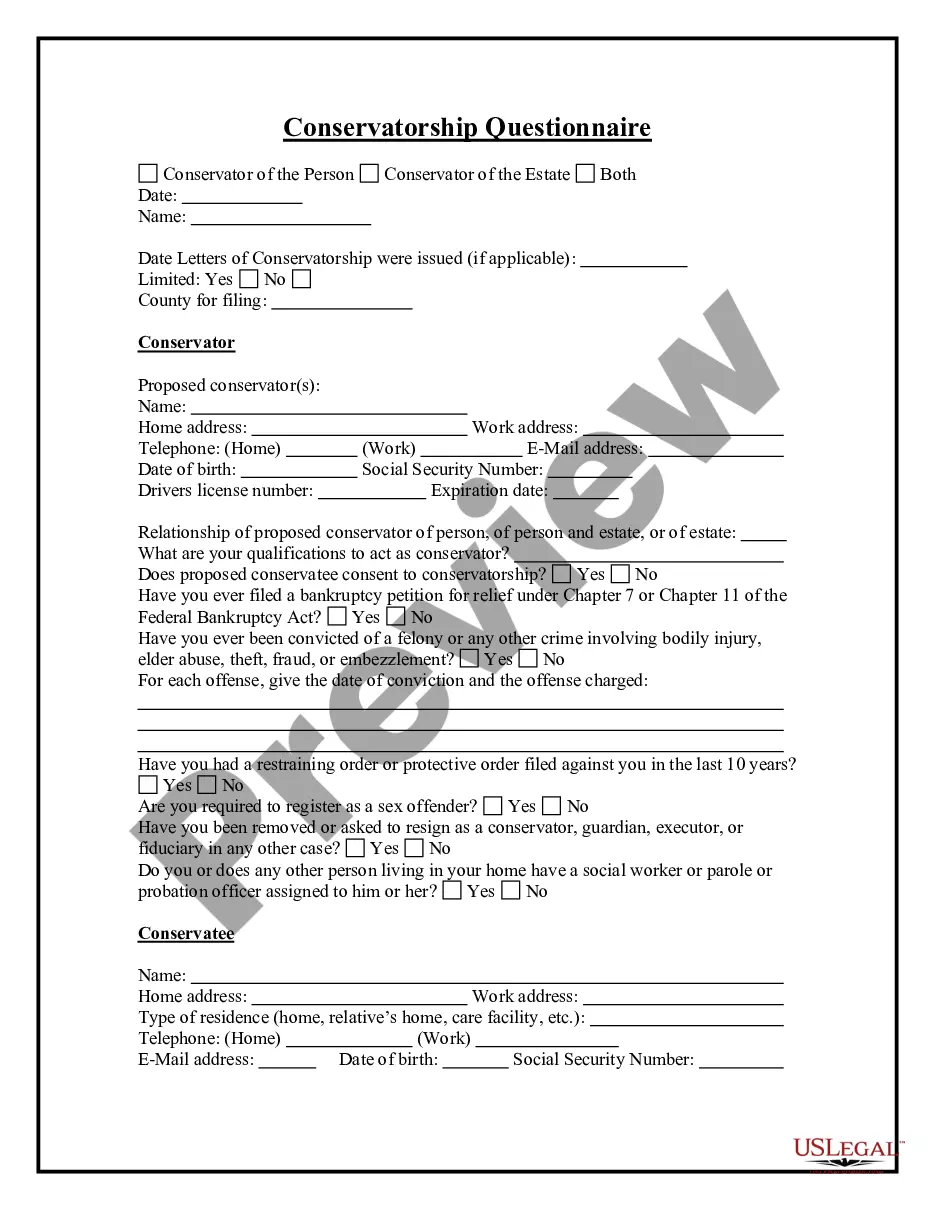
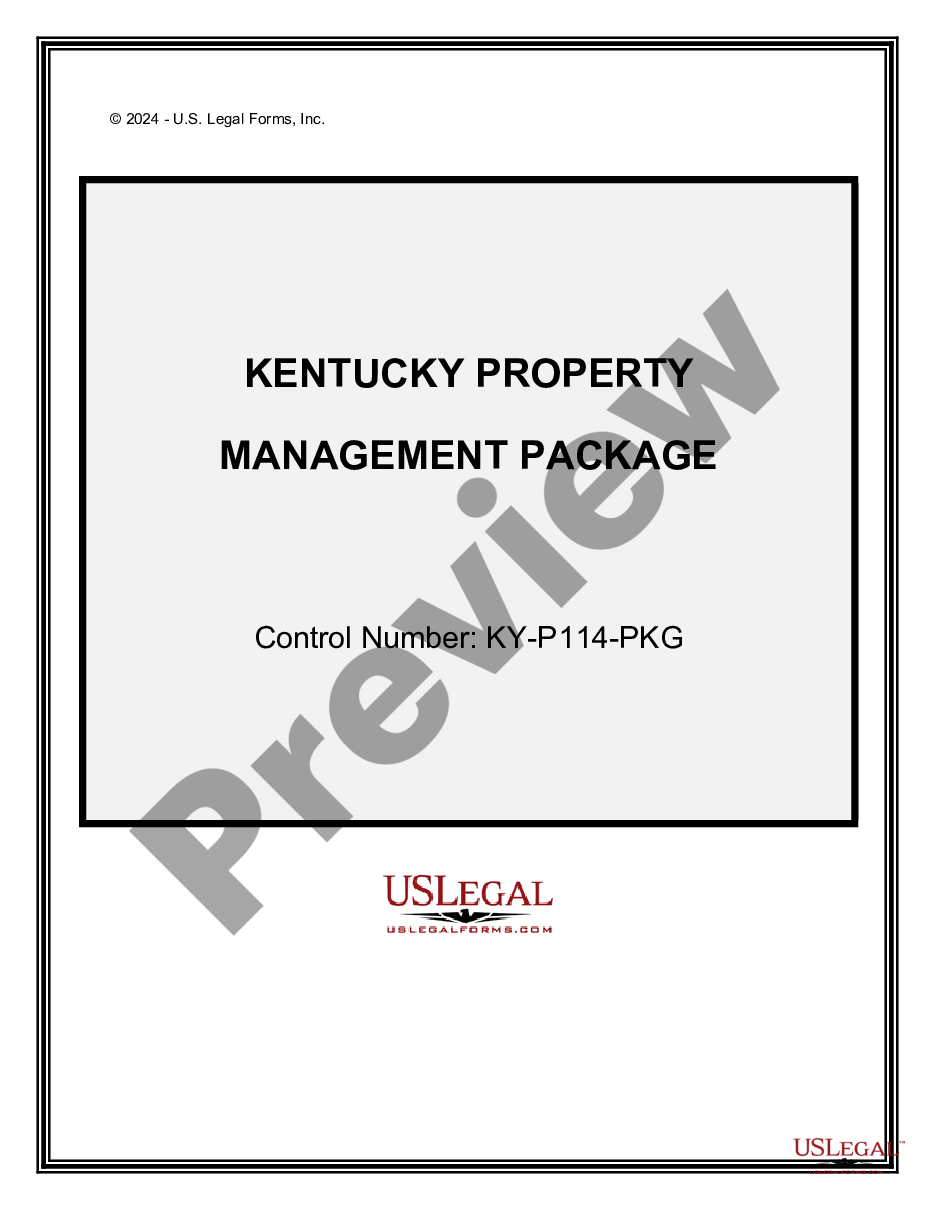
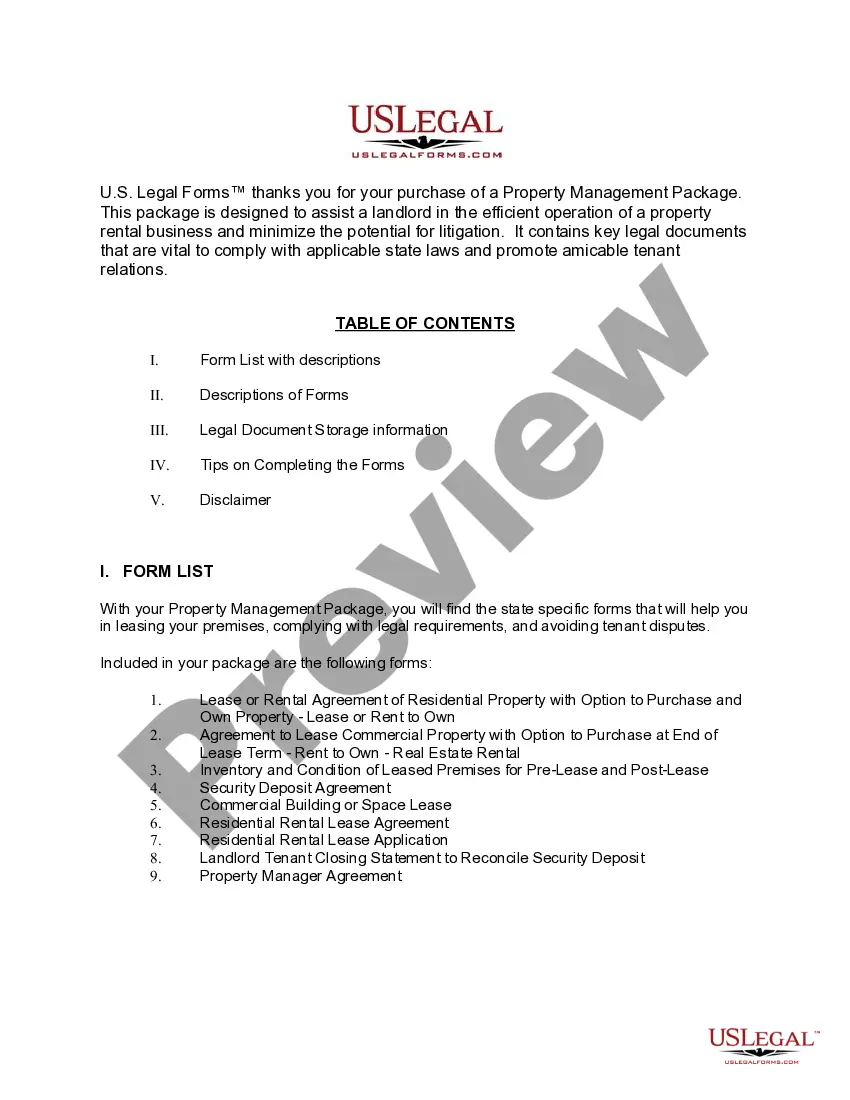
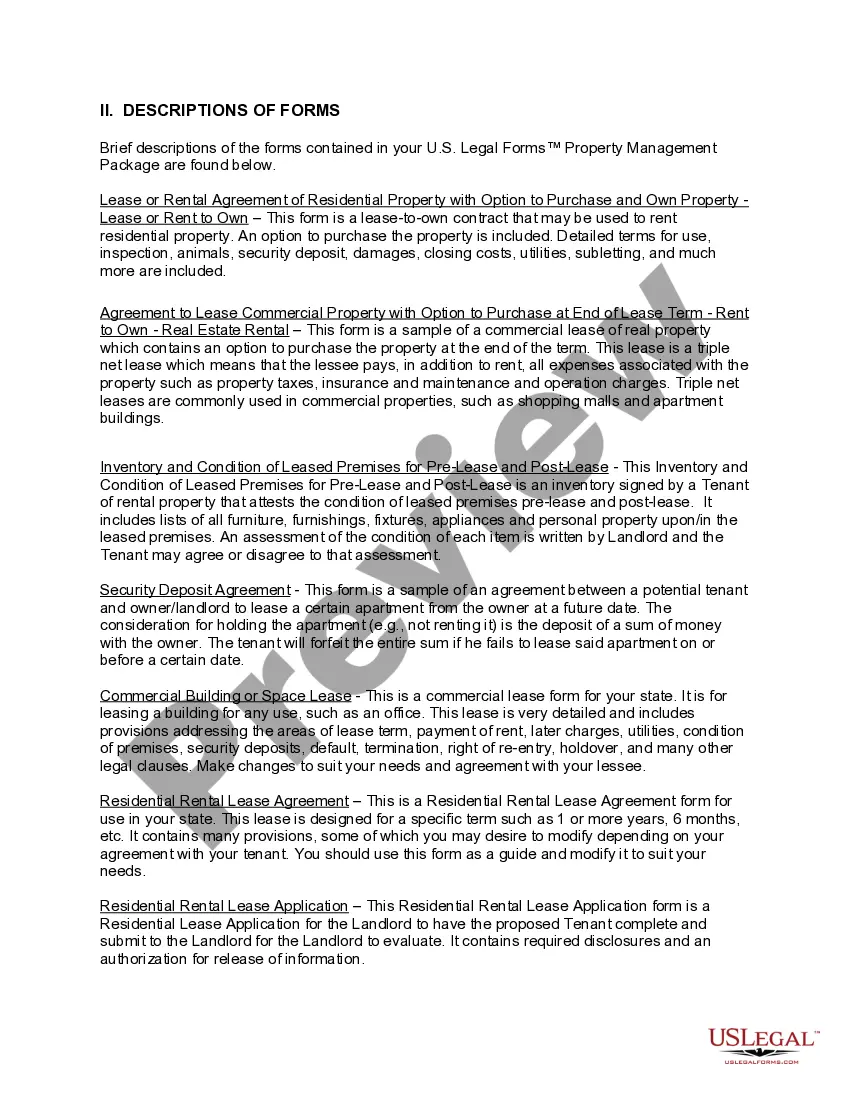
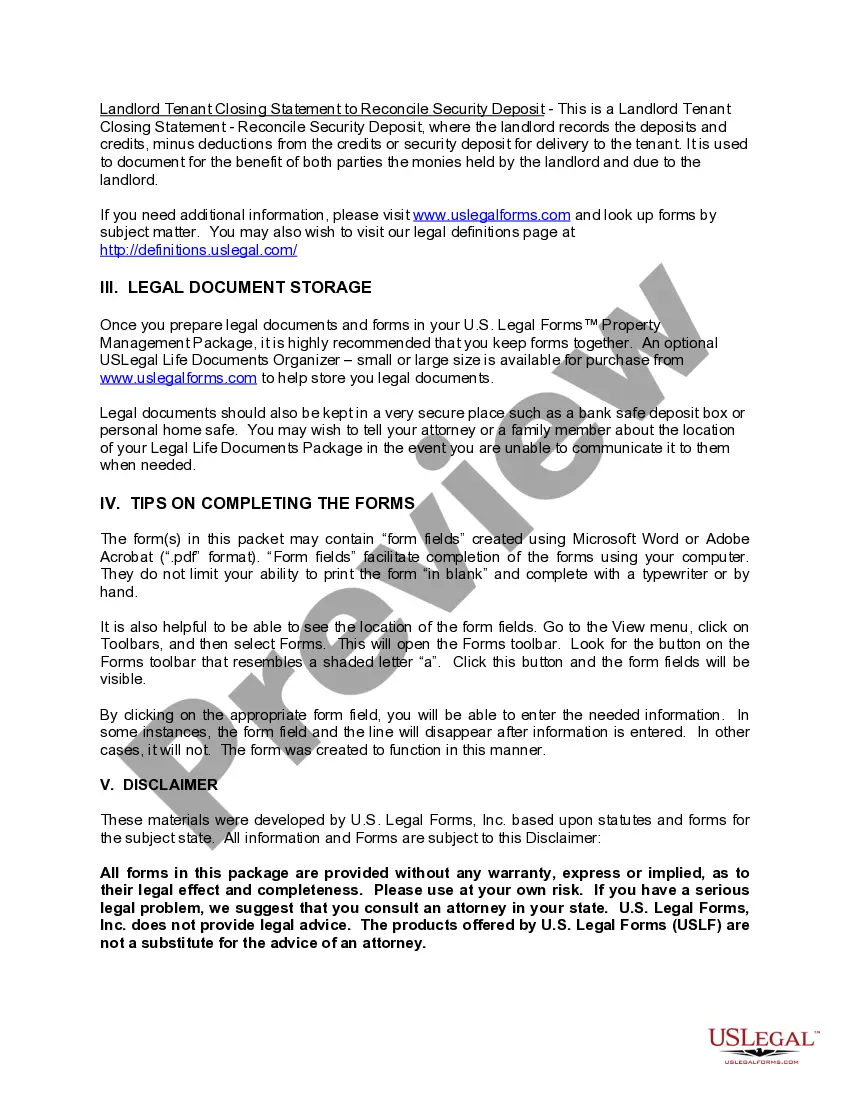
How to fill out Kentucky Property Management Package?
Dealing with legal documents and tasks can be a lengthy addition to your day.
Packages With Peacock and similar forms generally necessitate you to search for them and comprehend how to fill them out proficiently.
Therefore, if you are managing financial, legal, or personal issues, utilizing an extensive and straightforward online library of forms when needed will be extremely beneficial.
US Legal Forms is the leading online resource for legal templates, providing over 85,000 state-specific forms and a range of tools that will assist you in completing your documents swiftly.
Is this your first time utilizing US Legal Forms? Register and set up an account in a few minutes and you’ll gain access to the form library and Packages With Peacock. Then, follow the steps below to complete your form: Ensure you have found the correct form by utilizing the Review feature and examining the form description. Select Buy Now when ready, and choose the subscription plan that suits your requirements. Choose Download then fill out, eSign, and print the form. US Legal Forms has 25 years of experience assisting users with their legal documents. Locate the form you need today and simplify any process effortlessly.
- Explore the library of relevant documents available to you with just one click.
- US Legal Forms offers state- and county-specific forms available at any time for download.
- Safeguard your document management processes with a premium service that enables you to prepare any form in minutes without additional or concealed charges.
- Simply Log In to your account, locate Packages With Peacock and obtain it immediately in the My documents section.
- You can also access previously downloaded forms.
Form popularity
FAQ
If you are signed in on your device, you will be able to locate your email address by navigating to your account in the Peacock application. If you are not signed in, try checking all your email accounts, including any spam or junk folders, for emails from Peacock.
As of 2023, Peacock TV costs have two tiers: Peacock Premium (ads) at $5.99 per month and Peacock Premium Plus (ad-free) at $11.99 per month. Each of these then has an annual offering of $59.99 a year (ads) and $119.99 a year (ad-free). You save 17% a year by opting for an annual subscription.
You may pay for a Peacock subscription via credit card (Visa/MasterCard/Discover/American Express), PayPal or in-app purchase on supported devices.
How to Log into Peacock? Go to the homepage and click Sign In at the top right corner of the website.
If you already have a Peacock account, you may use your promo code within your Account "Plans & Payments" page.