Employee File Requirements
Description

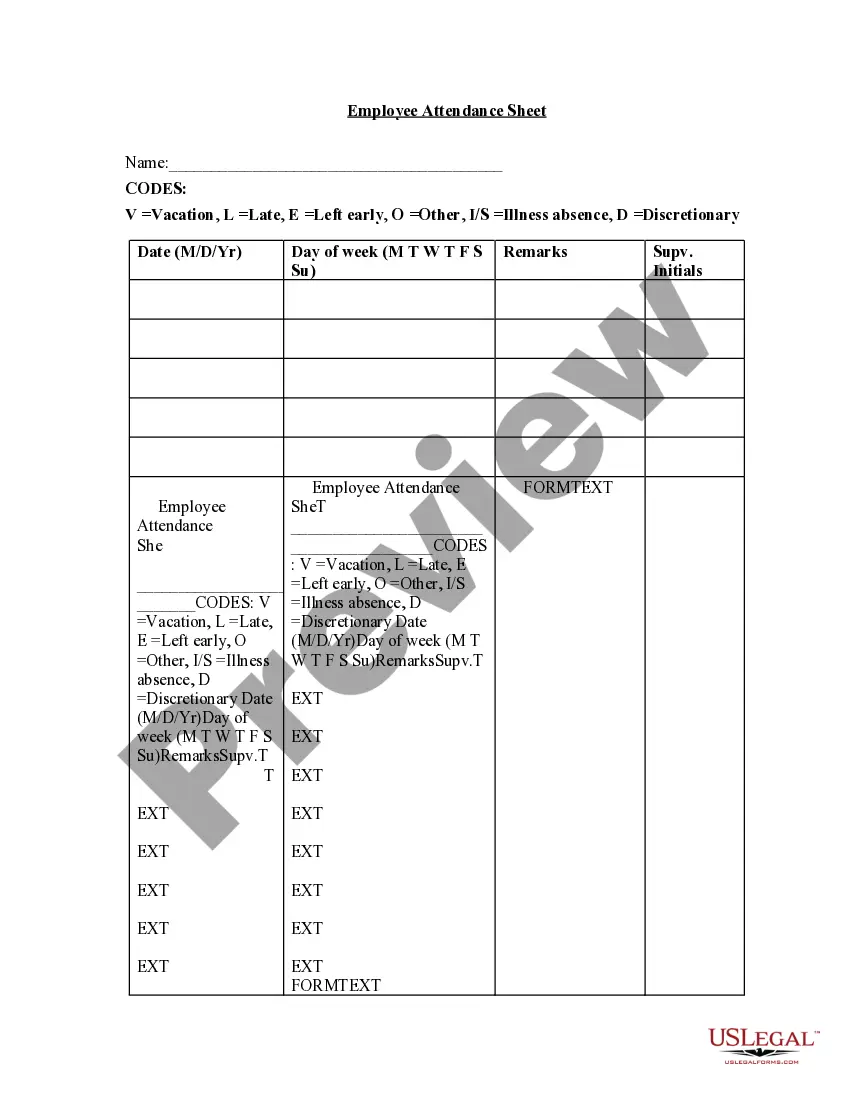

Get your form ready online
Our built-in tools help you complete, sign, share, and store your documents in one place.
Make edits, fill in missing information, and update formatting in US Legal Forms—just like you would in MS Word.
Download a copy, print it, send it by email, or mail it via USPS—whatever works best for your next step.
Sign and collect signatures with our SignNow integration. Send to multiple recipients, set reminders, and more. Go Premium to unlock E-Sign.
If this form requires notarization, complete it online through a secure video call—no need to meet a notary in person or wait for an appointment.
We protect your documents and personal data by following strict security and privacy standards.

Make edits, fill in missing information, and update formatting in US Legal Forms—just like you would in MS Word.

Download a copy, print it, send it by email, or mail it via USPS—whatever works best for your next step.

Sign and collect signatures with our SignNow integration. Send to multiple recipients, set reminders, and more. Go Premium to unlock E-Sign.

If this form requires notarization, complete it online through a secure video call—no need to meet a notary in person or wait for an appointment.

We protect your documents and personal data by following strict security and privacy standards.
Looking for another form?
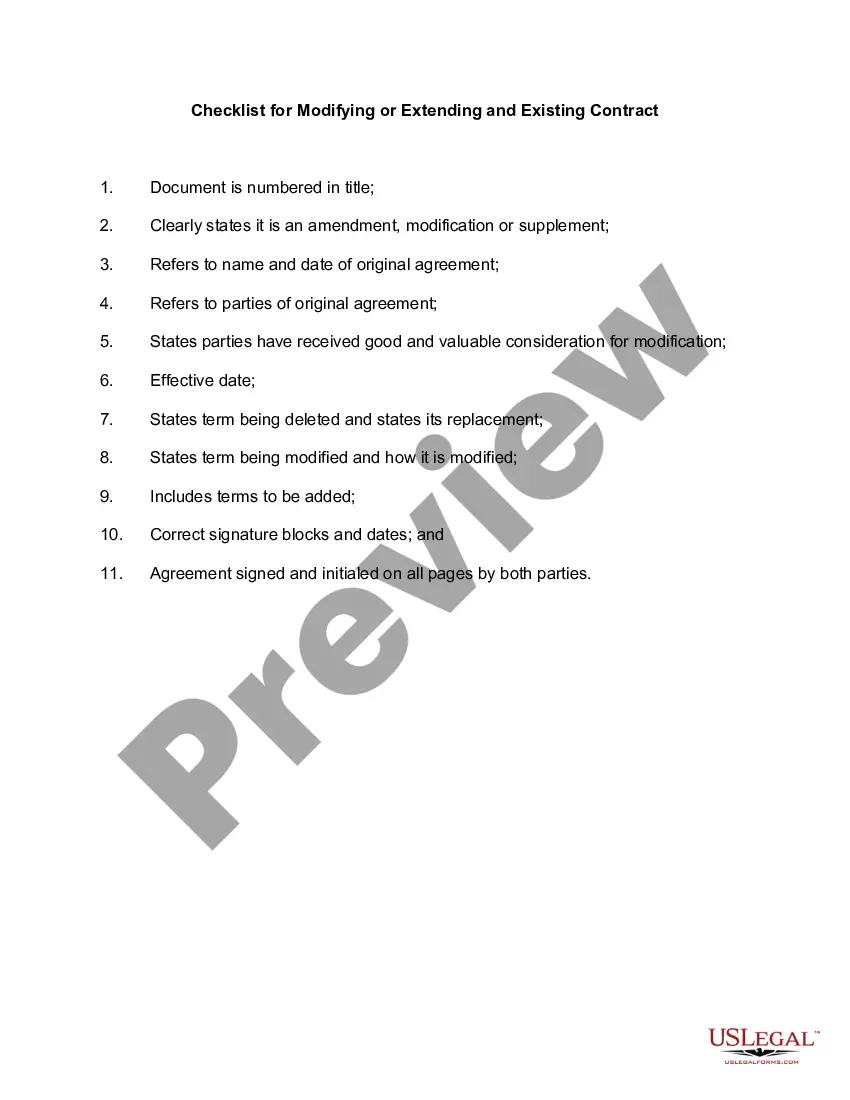


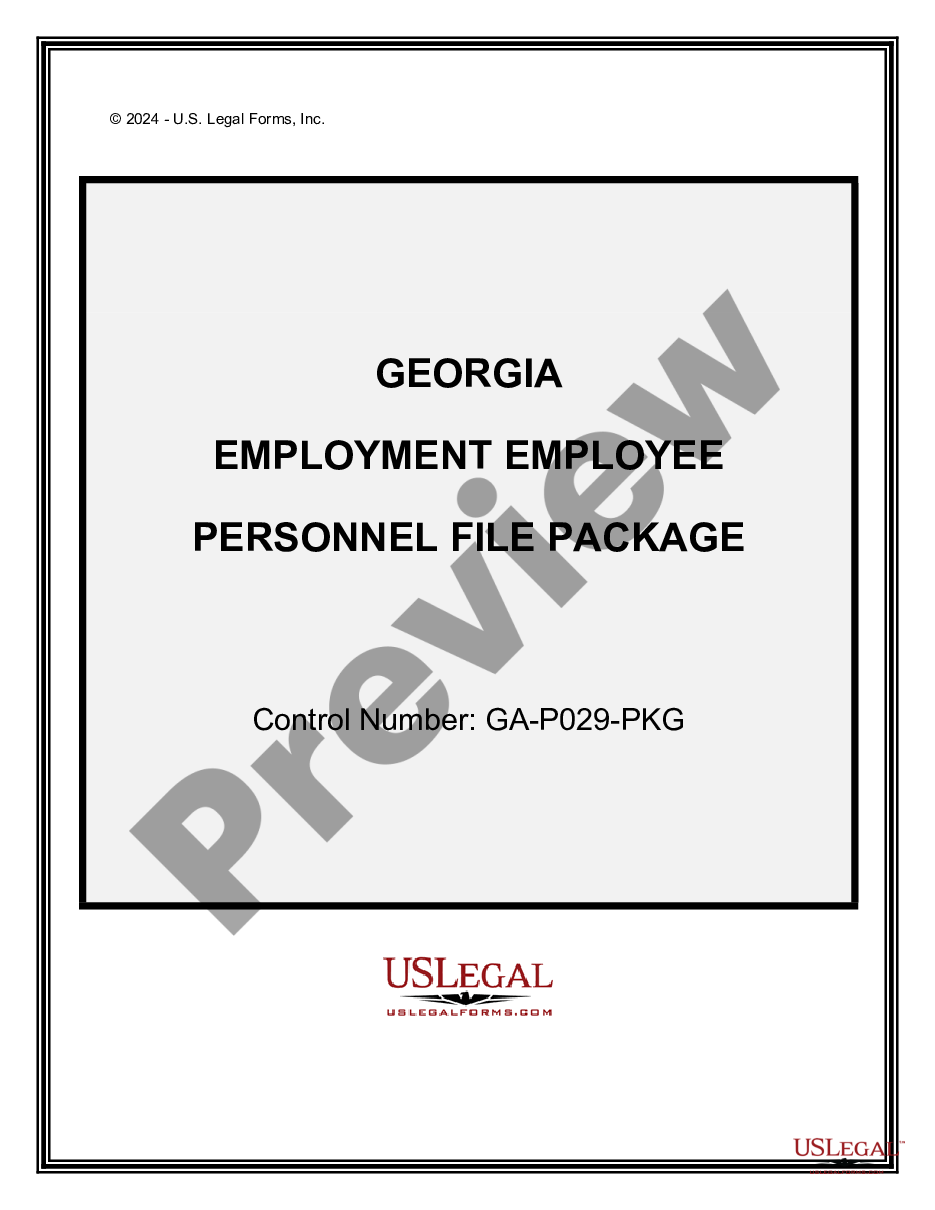
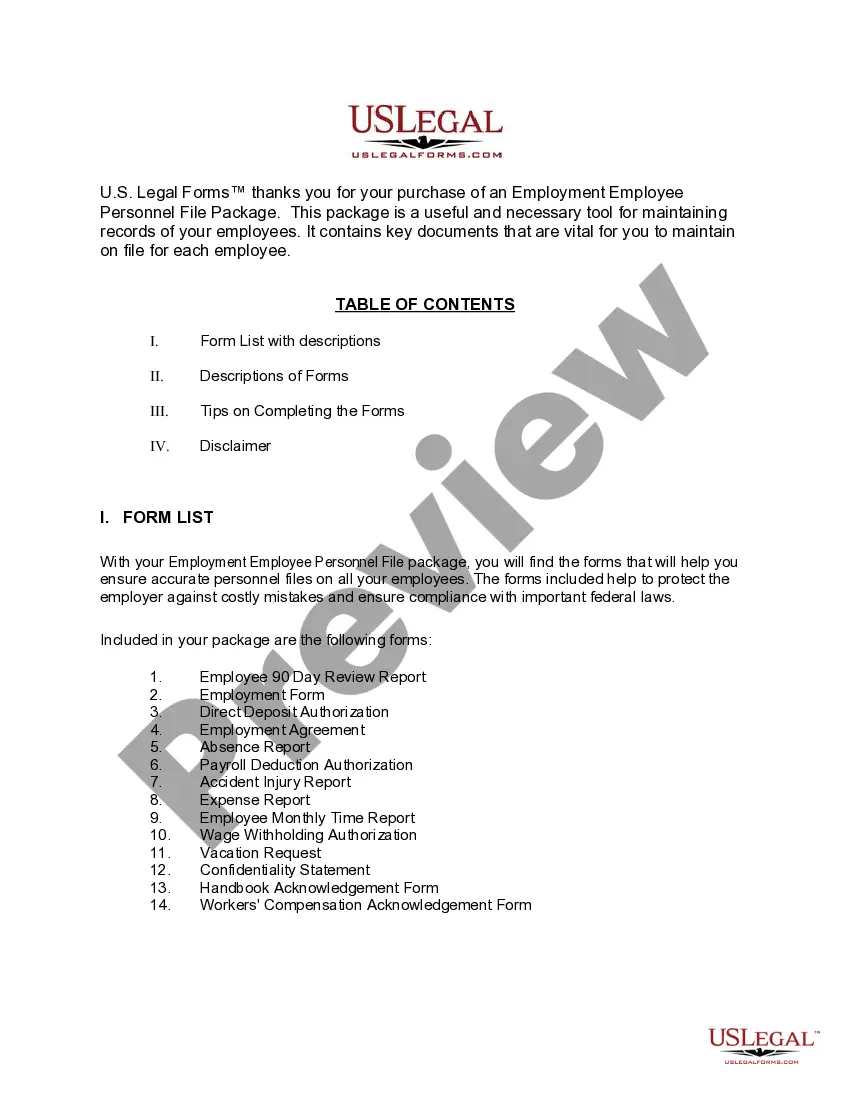
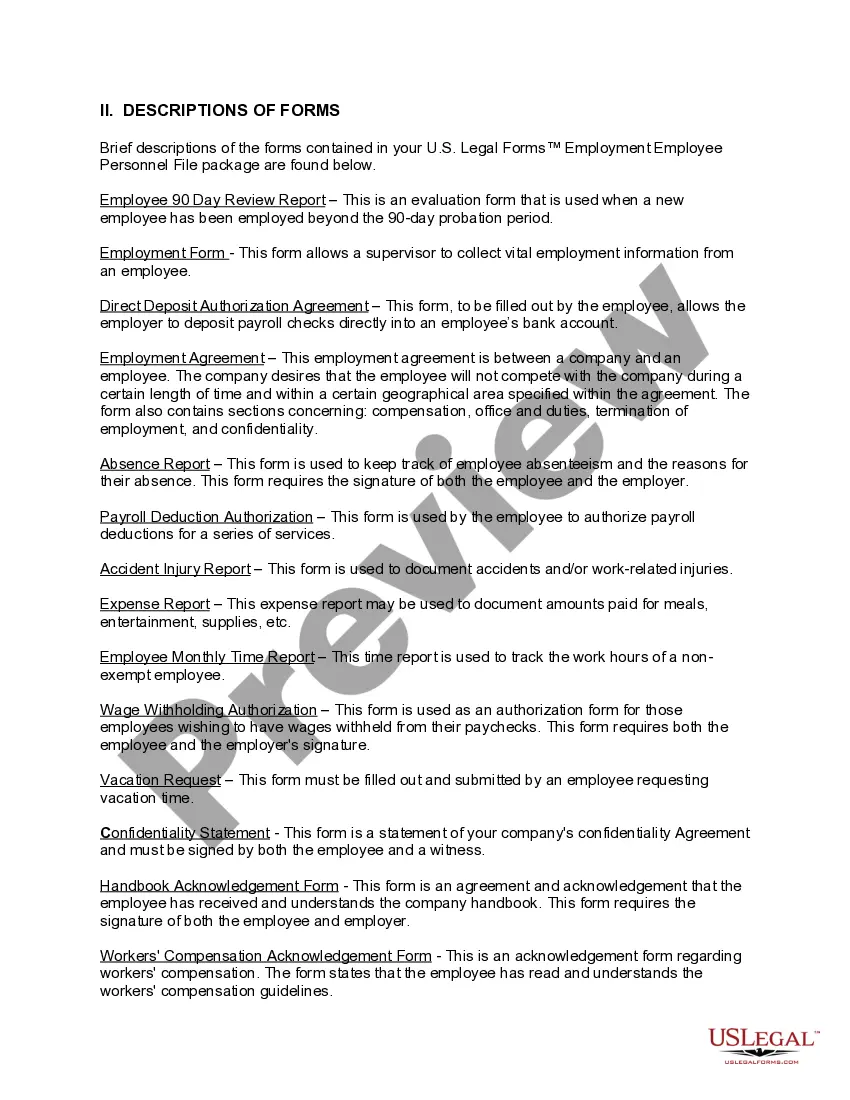
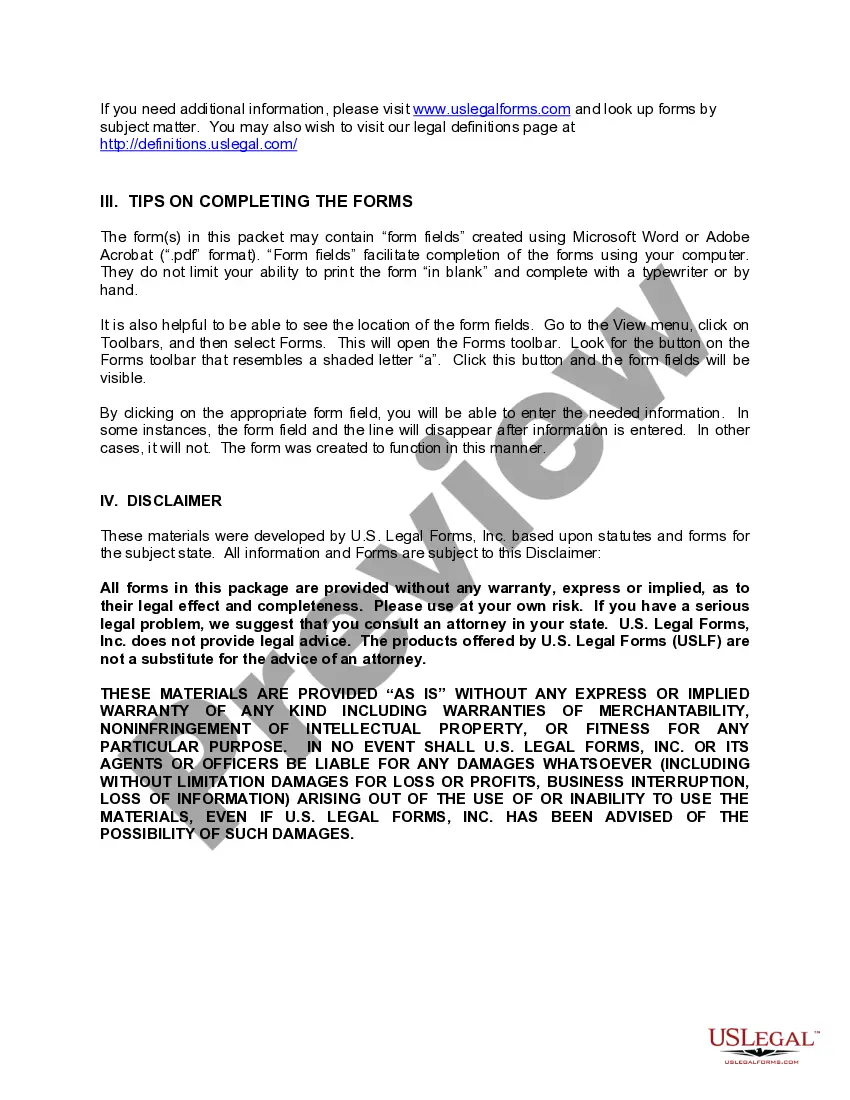
How to fill out Georgia Employment Employee Personnel File Package?
- If you are a returning user, log into your account and download the form template you need directly onto your device by simply clicking the Download button. Ensure that your subscription is active; renew if necessary.
- For first-time users, start by reviewing the Preview mode and form descriptions. Verify that you select a template that aligns with your requirements and complies with your local jurisdiction.
- If you need a different template, utilize the Search tab at the top to find the right form. Once you find an appropriate option, proceed to the next step.
- Purchase the document by clicking the Buy Now button and selecting your desired subscription plan. You will need to create an account to access the library.
- Complete your purchase by entering your credit card information or using your PayPal account to pay for your chosen subscription.
- Download the completed form and save it on your device. You can access it anytime through the My Forms section in your profile.
With US Legal Forms, users benefit from a comprehensive library of over 85,000 editable legal forms, ensuring all documents are precise and legally compliant.
Don't hesitate any longer! Start utilizing US Legal Forms today for all your employee file requirement needs and simplify your legal documentation process.
Form popularity
FAQ
Employee file requirements dictate that certain essential documents must be included in each employee file. Include the employment application, performance reviews, disciplinary records, tax forms, and anything that reflects the employee's work history. Adhering to these guidelines will facilitate efficient management and compliance.
An employee information sheet should contain vital details that align with employee file requirements. Important information includes the employee's full name, contact information, job title, department, and emergency contact details. This document serves as a quick reference and ensures easy access to essential information.
Employees usually need to complete several forms as part of employee file requirements. This typically includes a new hire application, tax withholding forms, and employment agreements. It's vital to ensure that all required paperwork is filled out entirely and accurately to avoid issues down the line.
An ideal employee file should include key documents that meet employee file requirements. Typically, this includes the employment application, tax forms, W-2s, performance evaluations, and copies of any disciplinary actions. Maintaining organization in your employee file will streamline audits and improve compliance.
It is essential to understand what to exclude from employee personnel files to comply with employee file requirements. Avoid including sensitive information such as medical records or personal notes that don’t pertain to job performance. Keeping this information separate helps protect employee privacy and reduces potential legal risks.
To effectively manage employee file requirements, start by creating a consistent filing system. You can organize files by employee name, department, or a unique identifier. Consider using digital platforms, such as USLegalForms, to store and categorize documents for easy access and compliance.
An employee file generally consists of various documents that outline an employee's history, performance, and employment status. It typically includes a cover sheet, personal information, the employment application, tax documents, and performance evaluations. Understanding what an employee file looks like will help you ensure you meet all employee file requirements and maintain comprehensive records.
Employee records should be kept securely, regardless of whether they are stored in physical or digital formats. For physical records, utilize locked storage containers and limit access to authorized personnel only. If you prefer a digital solution, consider using software designed to meet employee file requirements, which often includes backup features and encryption for data protection.
Best practices for organizing employee files include creating a systematic approach that categorizes files by type, such as personal information, performance reviews, and disciplinary actions. You can also use a digital platform for added efficiency, which can enhance accessibility and security. Following these organizational strategies helps you comply with employee file requirements while fostering an efficient workplace.
To file employee records effectively, start by creating a distinct filing system that includes two main categories: active and inactive employees. Within these categories, arrange files in alphabetical order. This strategy not only helps you meet the employee file requirements but also streamlines your workflow, making it easier to locate and update records when needed.