Namechanger
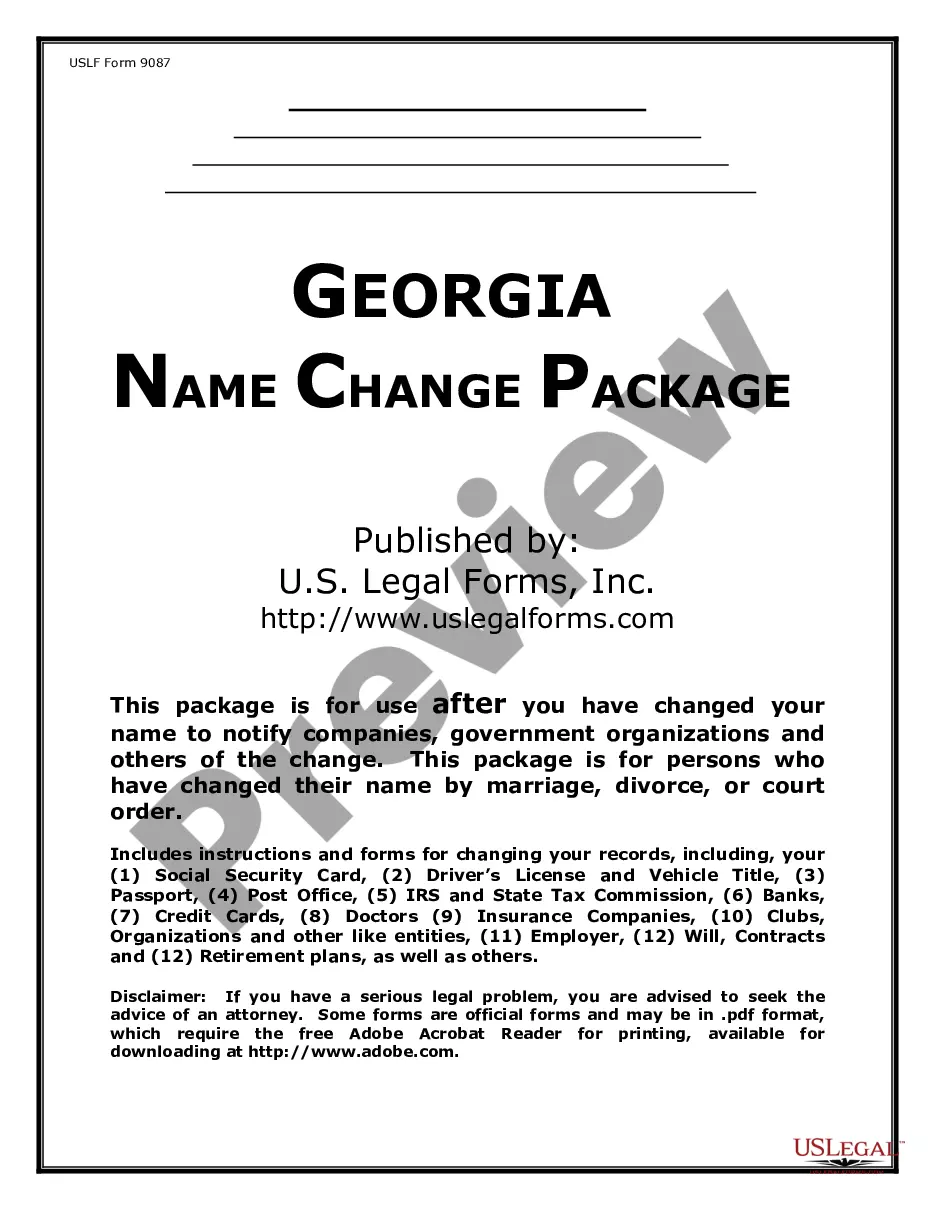
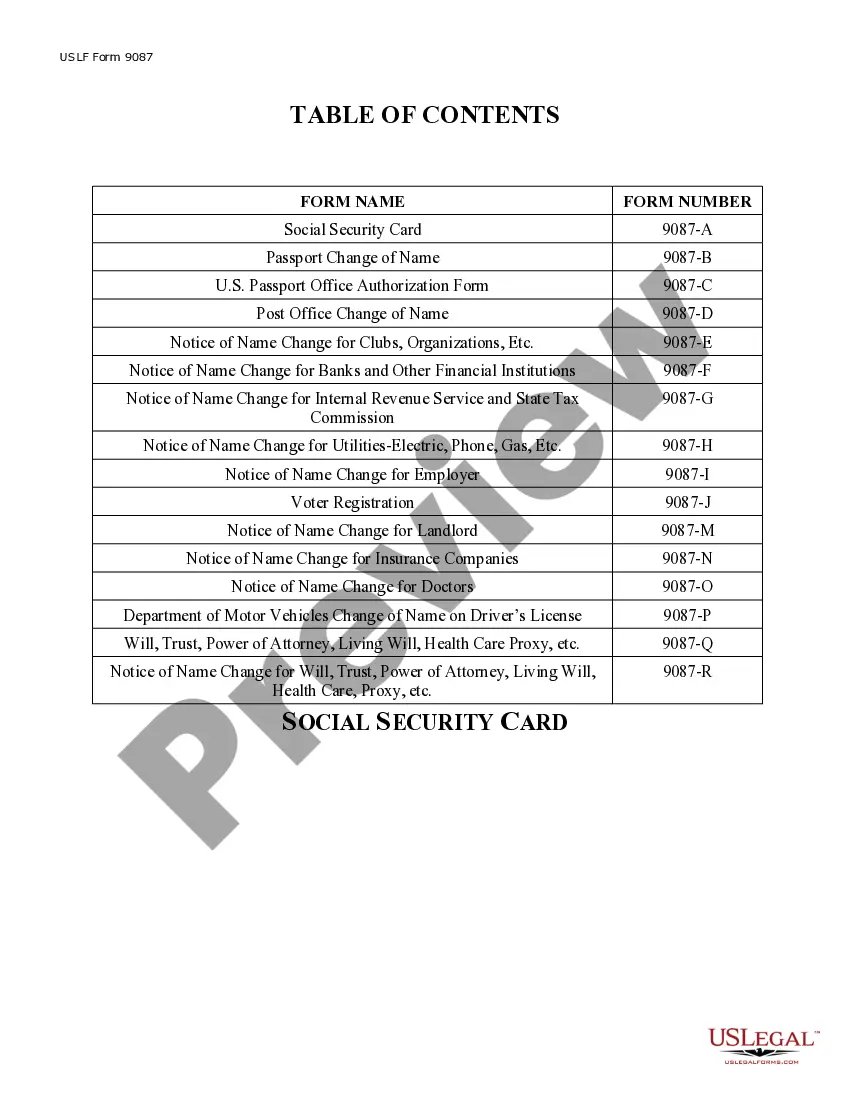
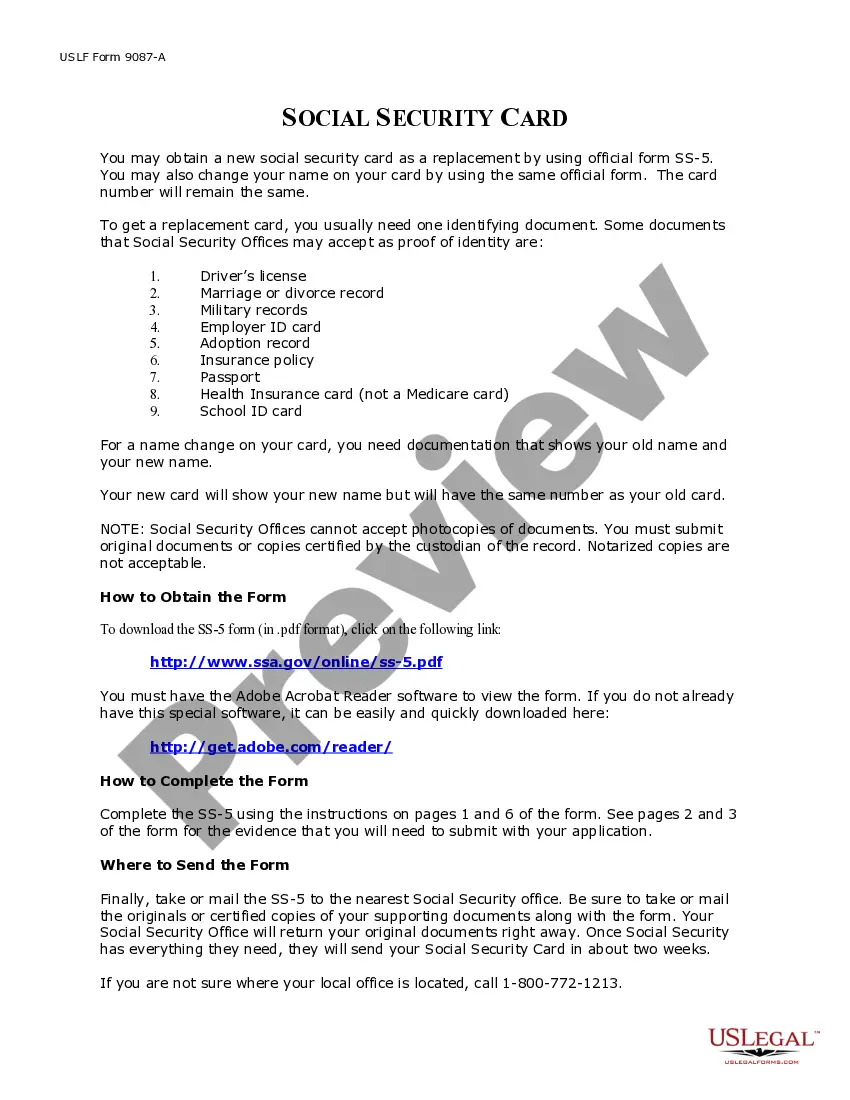
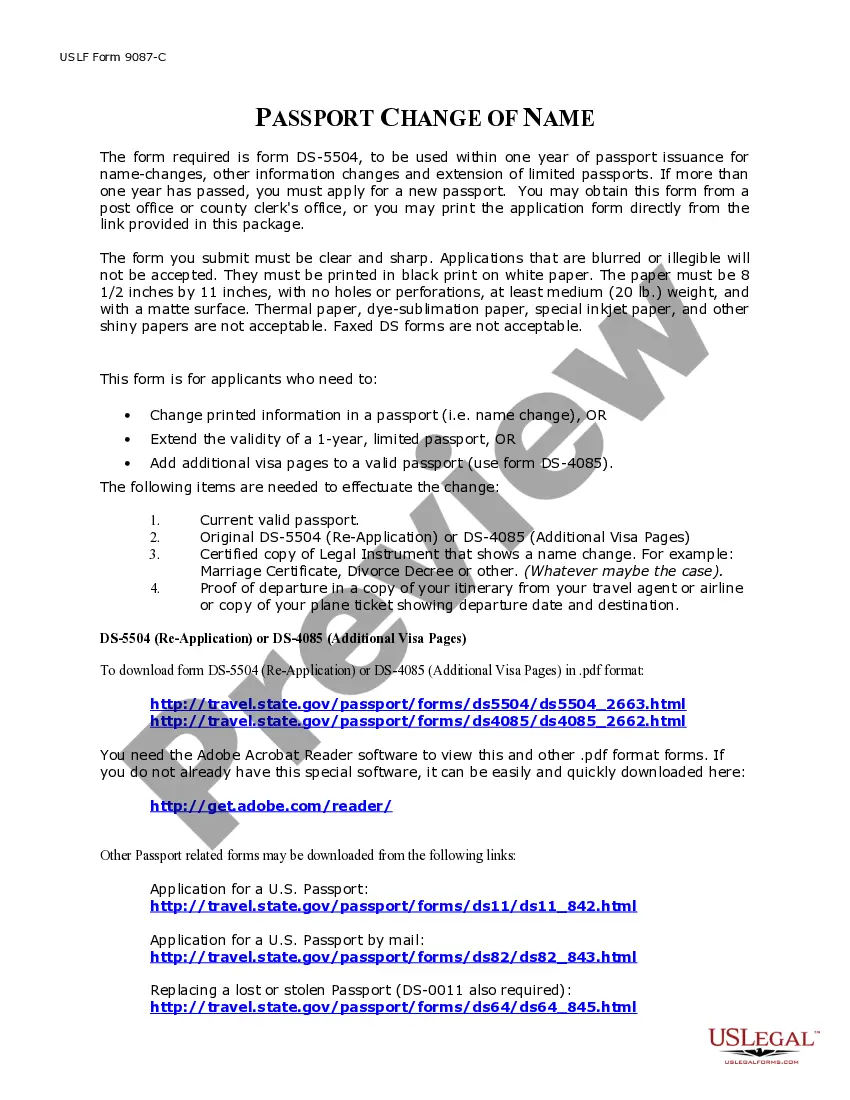
Description
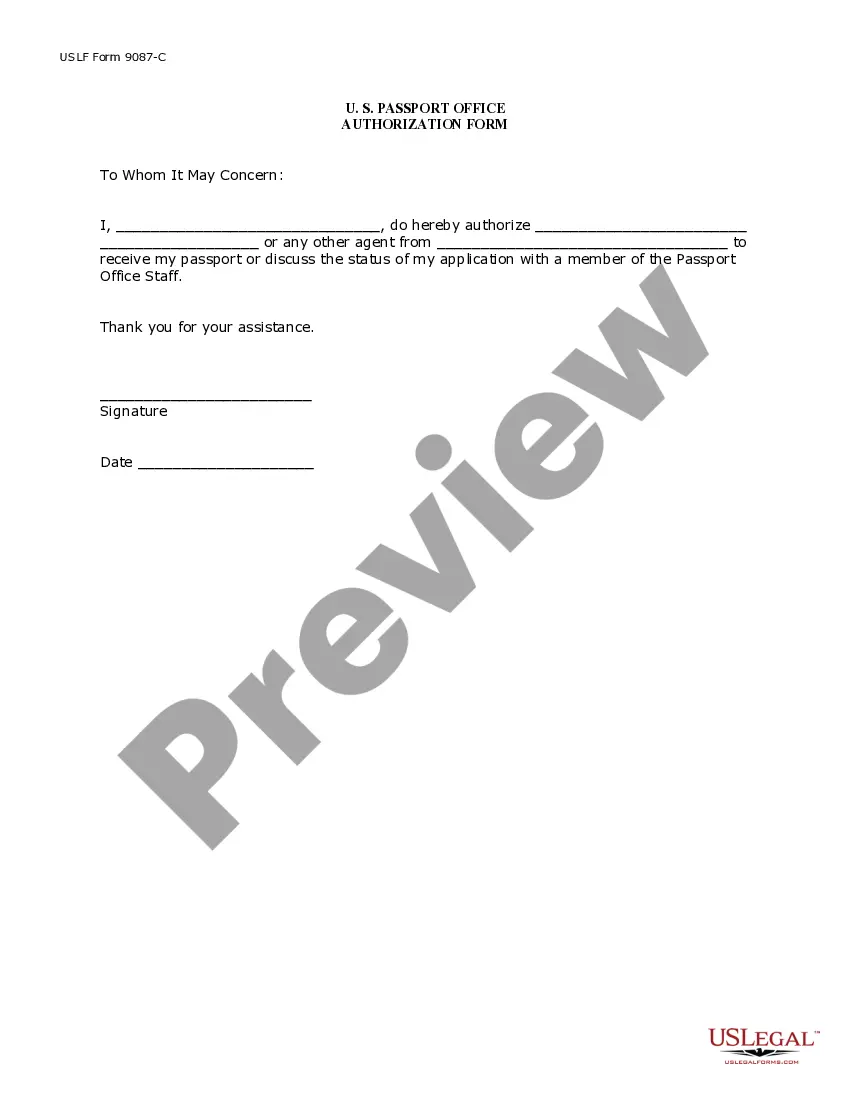
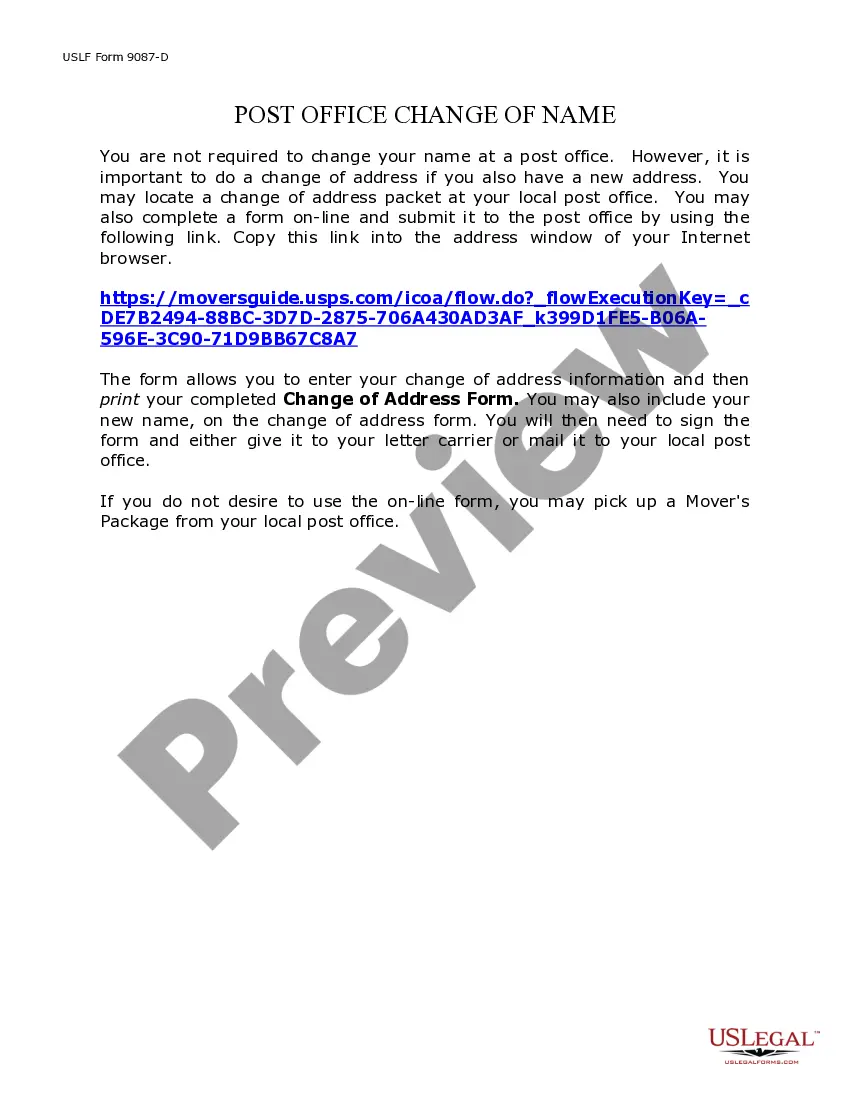
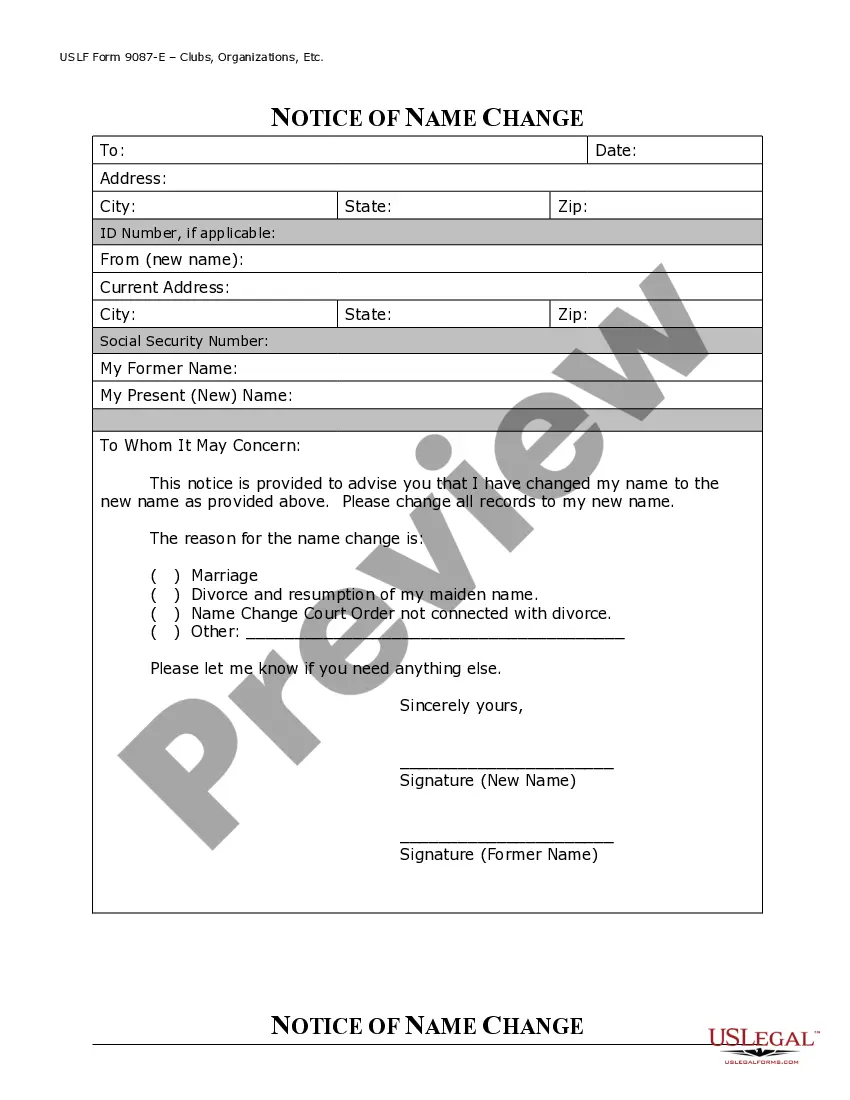
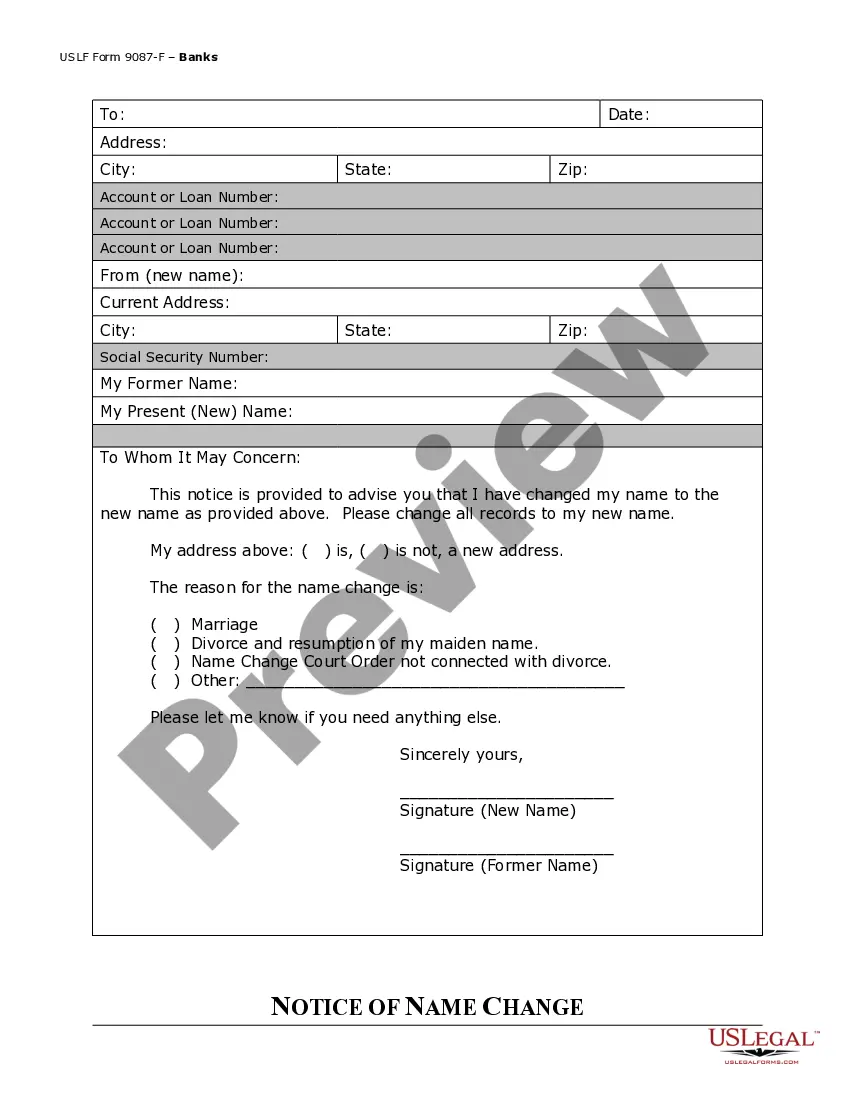
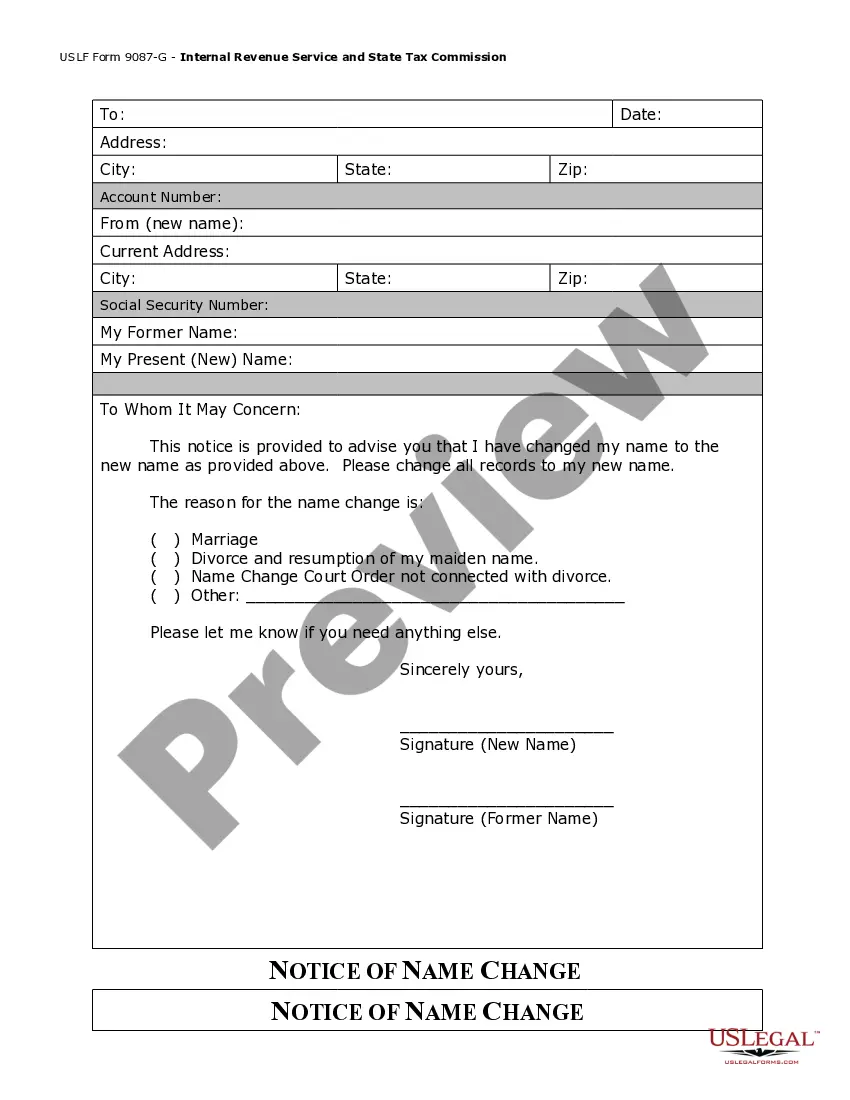
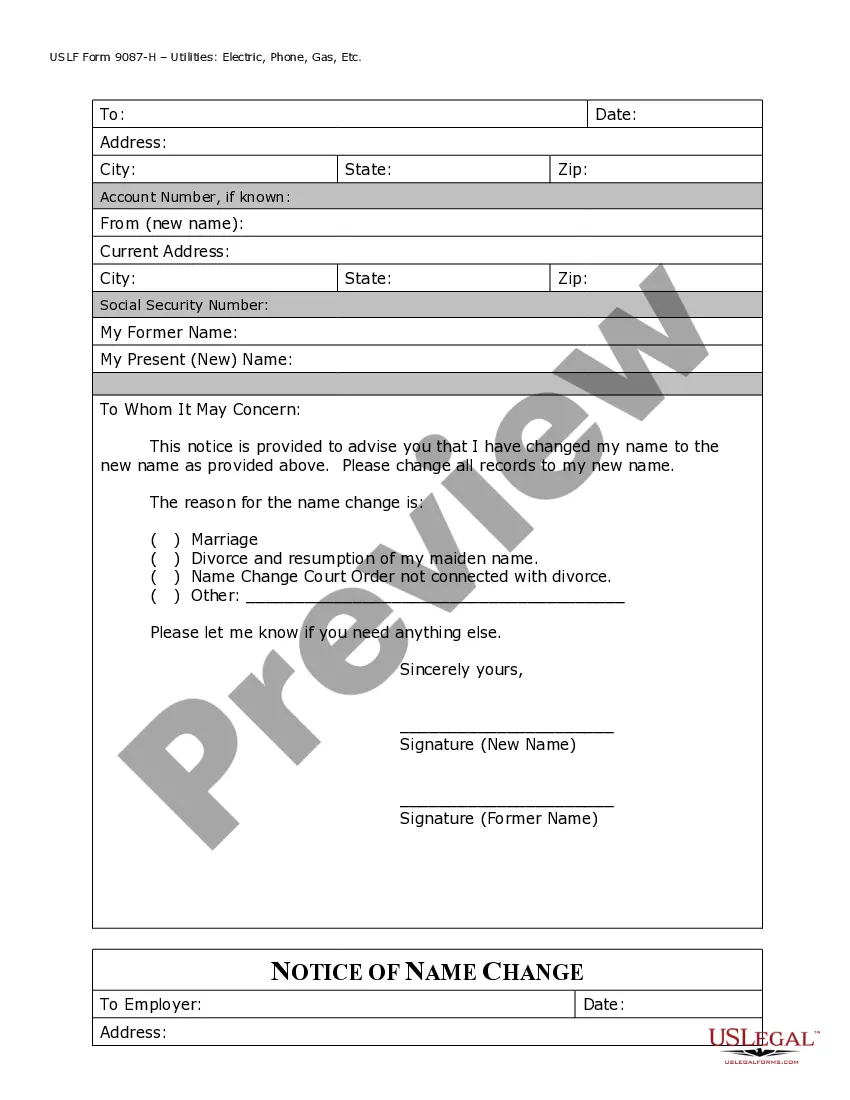




Get your form ready online
Our built-in tools help you complete, sign, share, and store your documents in one place.
Make edits, fill in missing information, and update formatting in US Legal Forms—just like you would in MS Word.
Download a copy, print it, send it by email, or mail it via USPS—whatever works best for your next step.
Sign and collect signatures with our SignNow integration. Send to multiple recipients, set reminders, and more. Go Premium to unlock E-Sign.
If this form requires notarization, complete it online through a secure video call—no need to meet a notary in person or wait for an appointment.
We protect your documents and personal data by following strict security and privacy standards.

Make edits, fill in missing information, and update formatting in US Legal Forms—just like you would in MS Word.

Download a copy, print it, send it by email, or mail it via USPS—whatever works best for your next step.

Sign and collect signatures with our SignNow integration. Send to multiple recipients, set reminders, and more. Go Premium to unlock E-Sign.

If this form requires notarization, complete it online through a secure video call—no need to meet a notary in person or wait for an appointment.

We protect your documents and personal data by following strict security and privacy standards.
Looking for another form?







How to fill out Georgia Name Change Notification Package For Brides, Court Ordered Name Change, Divorced, Marriage?
- Log in to your account on US Legal Forms or create one if you're a new user.
- Browse through the available form templates or use the search function to find your desired document.
- Examine the preview mode and form description to ensure it meets your local jurisdiction requirements.
- Select the appropriate subscription plan that suits your needs and click on the Buy Now button.
- Complete your purchase by entering your payment details securely.
- Download the completed form template directly to your device and access it anytime through your profile's My Forms section.
In conclusion, Namechanger via US Legal Forms streamlines the process of obtaining essential legal documents, providing an easy-to-use platform with vast resources. Empower yourself today and simplify your legal document needs!
Start your journey with US Legal Forms now and experience the convenience!
Form popularity
FAQ
The NameChanger tool is a powerful application designed to help users rename files quickly and easily. It offers features that allow for bulk renaming, pattern matching, and custom formats. Whether you're organizing photos, documents, or music files, NameChanger provides the tools you need. With its intuitive interface, anyone can efficiently manage their file names without any hassle.
The best file renamer is often subjective, but Namechanger stands out for its simplicity and functionality. It provides powerful renaming options, letting you change names in bulk with just a few clicks. Users appreciate its versatility, as it supports numerous file formats and naming conventions. This makes Namechanger an excellent choice for anyone needing to manage large numbers of files.
Yes, there is a way to mass rename files efficiently. Namechanger allows you to rename multiple files simultaneously, saving you time and effort. With its user-friendly interface, you can easily customize the new names with various patterns. This feature is perfect for organizing your files or preparing them for larger projects.
To change a filename, you can use Namechanger for a straightforward solution. Simply select the file, enter your desired new name, and apply the changes through the program. Namechanger makes the entire process intuitive, allowing you to rename files quickly and efficiently.
Yes, there are several programs available, and Namechanger stands out as an excellent choice for efficiently renaming multiple files at once. It offers various options for customization and allows batch processing, making it a reliable solution for your renaming needs. You can easily find Namechanger online to start managing your files more effectively.
The fastest way to rename multiple files is by using Namechanger. This tool simplifies the renaming process, enabling you to quickly batch rename your files based on specific patterns or criteria. By streamlining your file organization, Namechanger helps you save valuable time.
Renaming multiple JPG files is easy with Namechanger. You can select your JPG files, set your preferred naming conventions, and let Namechanger do the tedious work for you. This ensures that your image files are organized effectively without the hassle of renaming each file individually.
Yes, Namechanger provides a fast method to rename multiple files simultaneously. It allows you to customize your new file names while effortlessly processing numerous files at once. With Namechanger, you can streamline your workflow and focus on other important tasks.
To rename PDF files in bulk, you can use Namechanger, a versatile tool designed for this purpose. Simply select the files you want to rename, input your desired naming format, and Namechanger will handle the rest efficiently. This way, you can save time and maintain consistency across your documents.
If you encounter issues renaming files in Finder, it could be due to file permissions or the file being currently in use. Ensure that you have the necessary permissions and that the file is not open in another application. If you still have trouble, consider utilizing Namechanger as a workaround for file renaming.