Florida Employment File With State
Description


Get your form ready online
Our built-in tools help you complete, sign, share, and store your documents in one place.
Make edits, fill in missing information, and update formatting in US Legal Forms—just like you would in MS Word.
Download a copy, print it, send it by email, or mail it via USPS—whatever works best for your next step.
Sign and collect signatures with our SignNow integration. Send to multiple recipients, set reminders, and more. Go Premium to unlock E-Sign.
If this form requires notarization, complete it online through a secure video call—no need to meet a notary in person or wait for an appointment.
We protect your documents and personal data by following strict security and privacy standards.

Make edits, fill in missing information, and update formatting in US Legal Forms—just like you would in MS Word.

Download a copy, print it, send it by email, or mail it via USPS—whatever works best for your next step.

Sign and collect signatures with our SignNow integration. Send to multiple recipients, set reminders, and more. Go Premium to unlock E-Sign.

If this form requires notarization, complete it online through a secure video call—no need to meet a notary in person or wait for an appointment.

We protect your documents and personal data by following strict security and privacy standards.
Looking for another form?

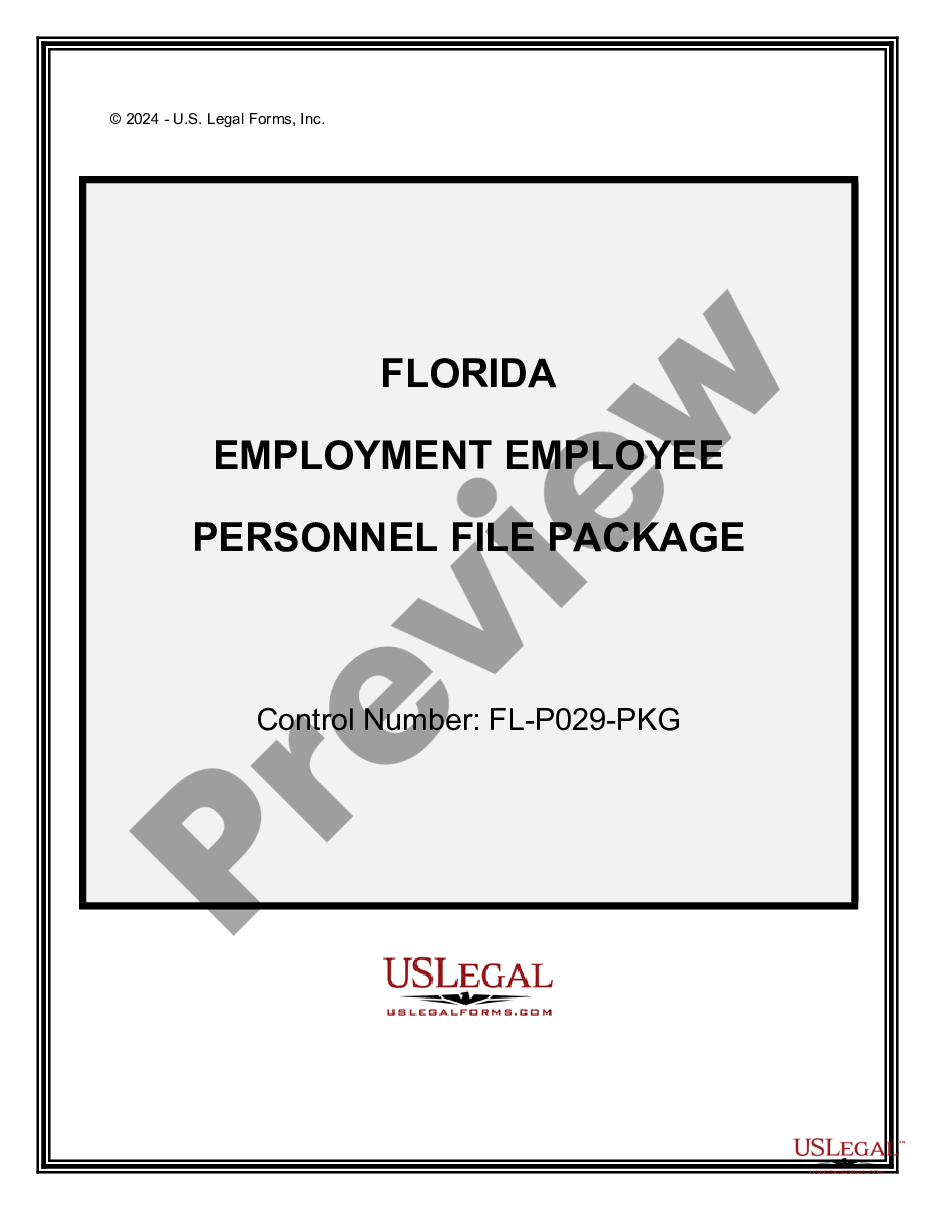
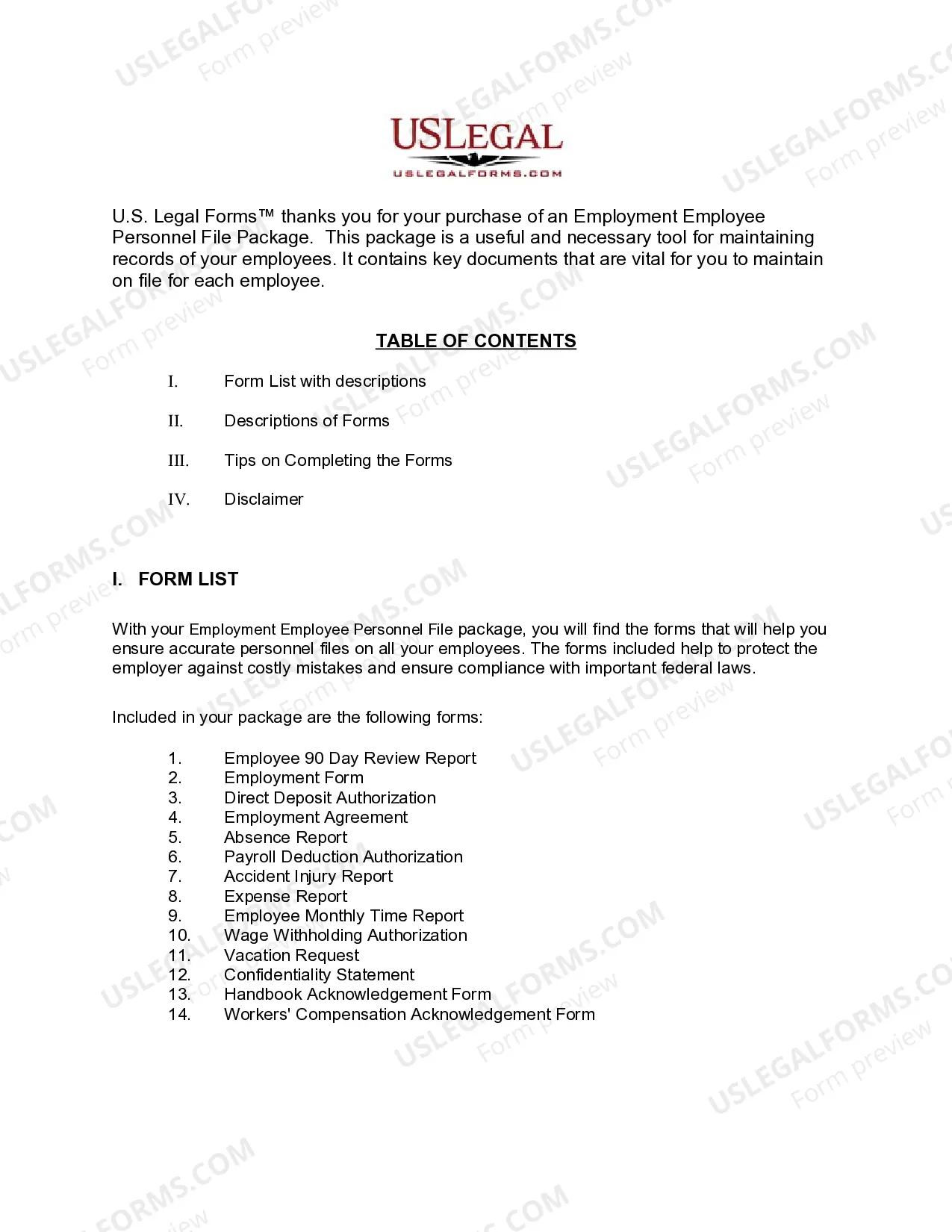
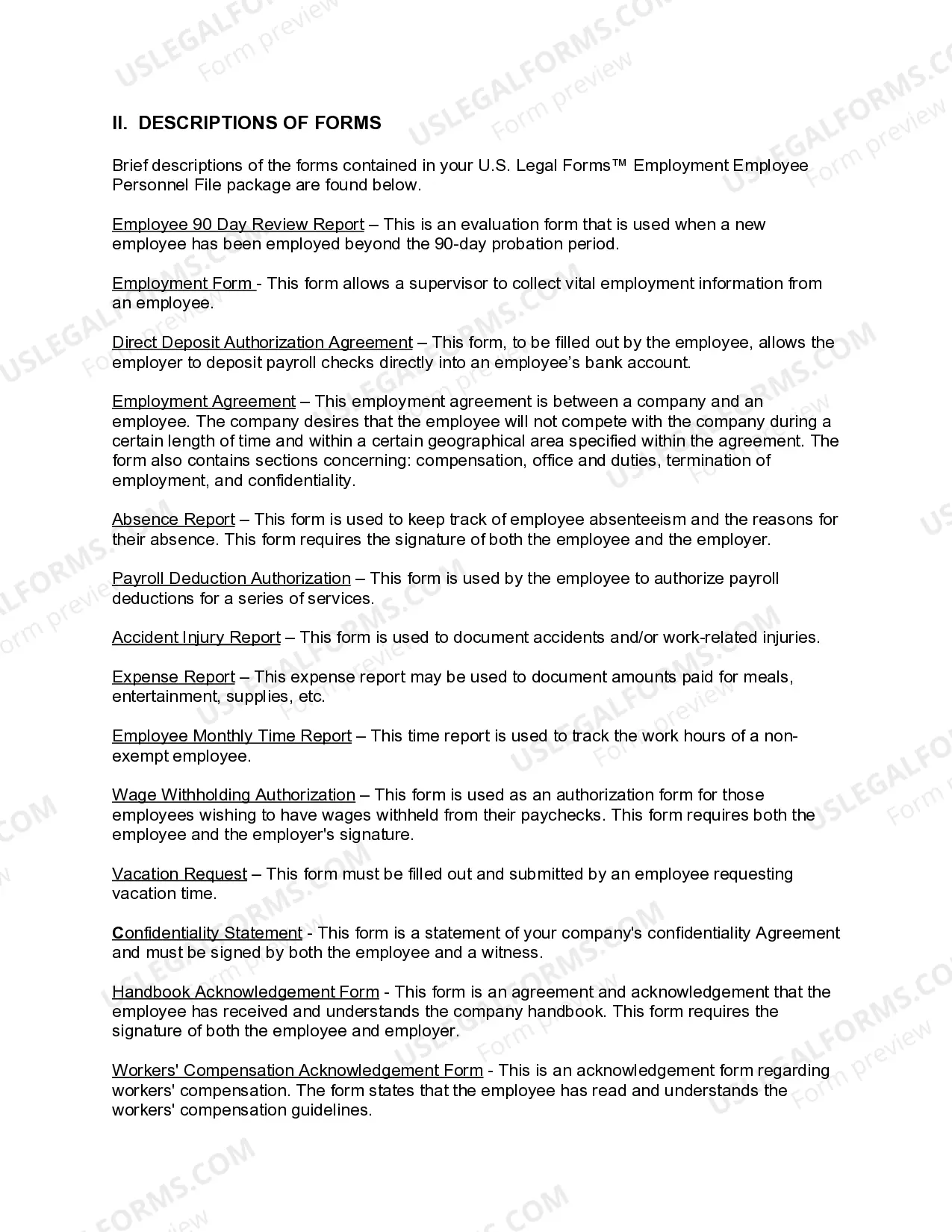
How to fill out Florida Employment Employee Personnel File Package?
Managing legal documents and processes may be an extensive addition to the day.
Florida Employment File With State and similar forms usually necessitate that you search for them and figure out how to fill them out accurately.
For this reason, whether you are dealing with financial, legal, or personal issues, utilizing a comprehensive and functional online repository of forms when needed will be very beneficial.
US Legal Forms is the premier online platform for legal templates, featuring over 85,000 state-specific forms and a range of resources to help you complete your documents easily.
Is this your initial time using US Legal Forms? Register and create a free account in a few minutes, and you will gain access to the form library and Florida Employment File With State. Then, follow the steps below to finalize your form: Ensure you have the correct form using the Preview option and reviewing the form details. Select Buy Now when ready, and choose the monthly subscription plan that fits your needs. Click Download then fill out, eSign, and print the form. US Legal Forms has 25 years of experience assisting clients with their legal documents. Find the form you need today and streamline any process effortlessly.
- Browse the collection of pertinent documents accessible to you with just a single click.
- US Legal Forms provides state- and county-specific forms available at any time for download.
- Protect your document management processes with a high-quality service that allows you to create any form within minutes without extra or hidden charges.
- Simply Log In to your account, find Florida Employment File With State and obtain it immediately in the My documents section.
- You can also retrieve previously downloaded forms.
Form popularity
FAQ
Filing a Claim File a claim online by visiting the agency's website at FloridaJobs.org. Call the agency 1-800-204-2418 during normal business hours, Monday through Friday. (The number to the unemployment office is often busy or unmanned, so filing online may be the best course of action).
ESPANOL | KREYOL Social Security number. Driver's license or State ID number. Your employment for the last 18 months including for each employer: Name, address, and phone number. First and last day of work. Gross earnings (before taxes are taken out) during the listed dates. The reason for separation.
Florida employers pay reemployment tax. It is one of the employer's business costs. Workers do not pay reemployment tax and employers must not make payroll deductions for this purpose.
You can register for an account with the DOR online. Once registered, you'll be issued a reemployment tax (RT) account number. To register online, use the DOR's online registration website. To register on paper, use Form DR-1, Florida Business Tax Application.
Dates worked and total wages from each employer (last 18 months) Gross earnings (pre-tax wages) for the current week (your first week being claimed for unemployment) ID ? such as a driver's license, state identification, voter registration number, or any other type of ID used to verify your identity.