Health Care Surrogate In Spanish
Description
Get your form ready online
Our built-in tools help you complete, sign, share, and store your documents in one place.
Make edits, fill in missing information, and update formatting in US Legal Forms—just like you would in MS Word.
Download a copy, print it, send it by email, or mail it via USPS—whatever works best for your next step.
Sign and collect signatures with our SignNow integration. Send to multiple recipients, set reminders, and more. Go Premium to unlock E-Sign.
If this form requires notarization, complete it online through a secure video call—no need to meet a notary in person or wait for an appointment.
We protect your documents and personal data by following strict security and privacy standards.

Make edits, fill in missing information, and update formatting in US Legal Forms—just like you would in MS Word.

Download a copy, print it, send it by email, or mail it via USPS—whatever works best for your next step.

Sign and collect signatures with our SignNow integration. Send to multiple recipients, set reminders, and more. Go Premium to unlock E-Sign.

If this form requires notarization, complete it online through a secure video call—no need to meet a notary in person or wait for an appointment.

We protect your documents and personal data by following strict security and privacy standards.
Looking for another form?
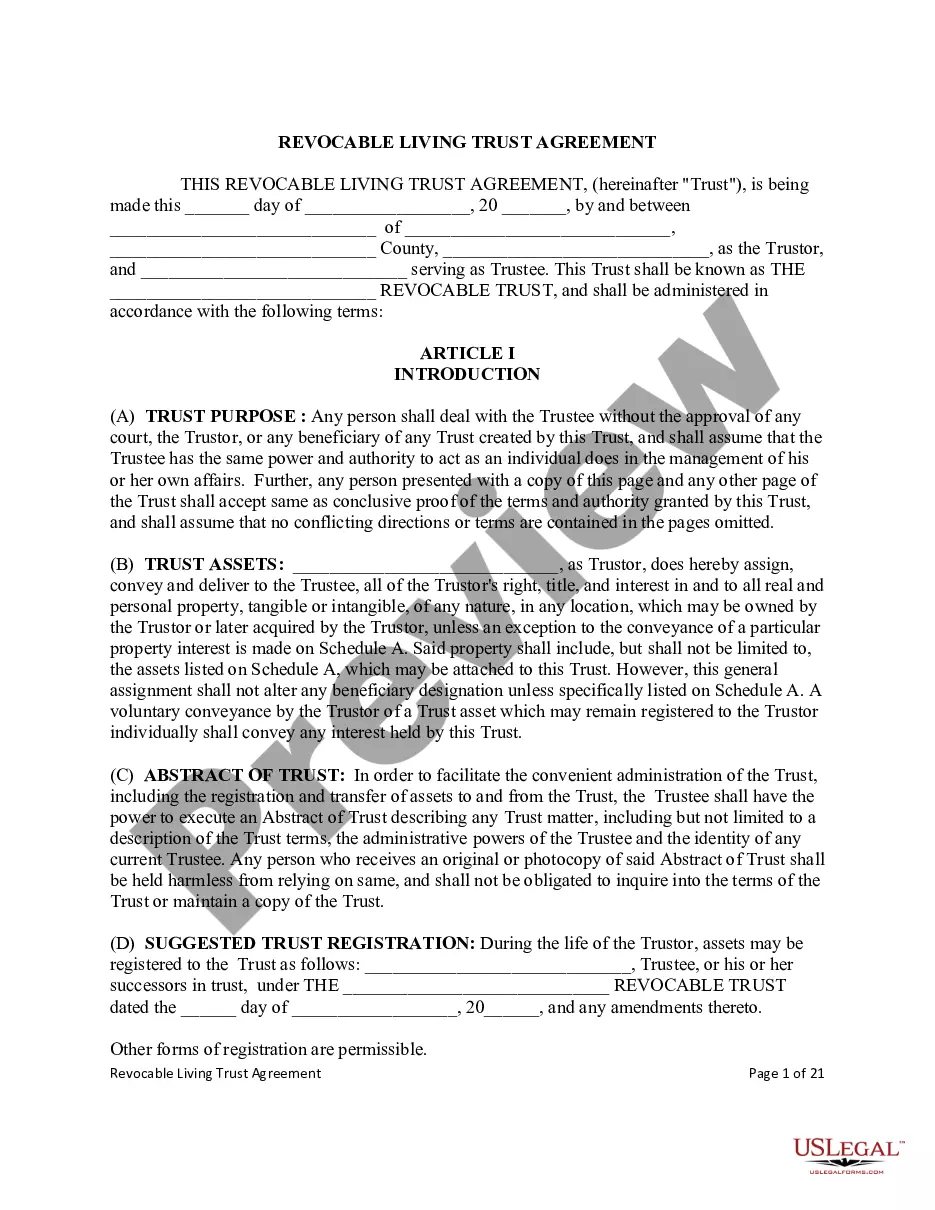
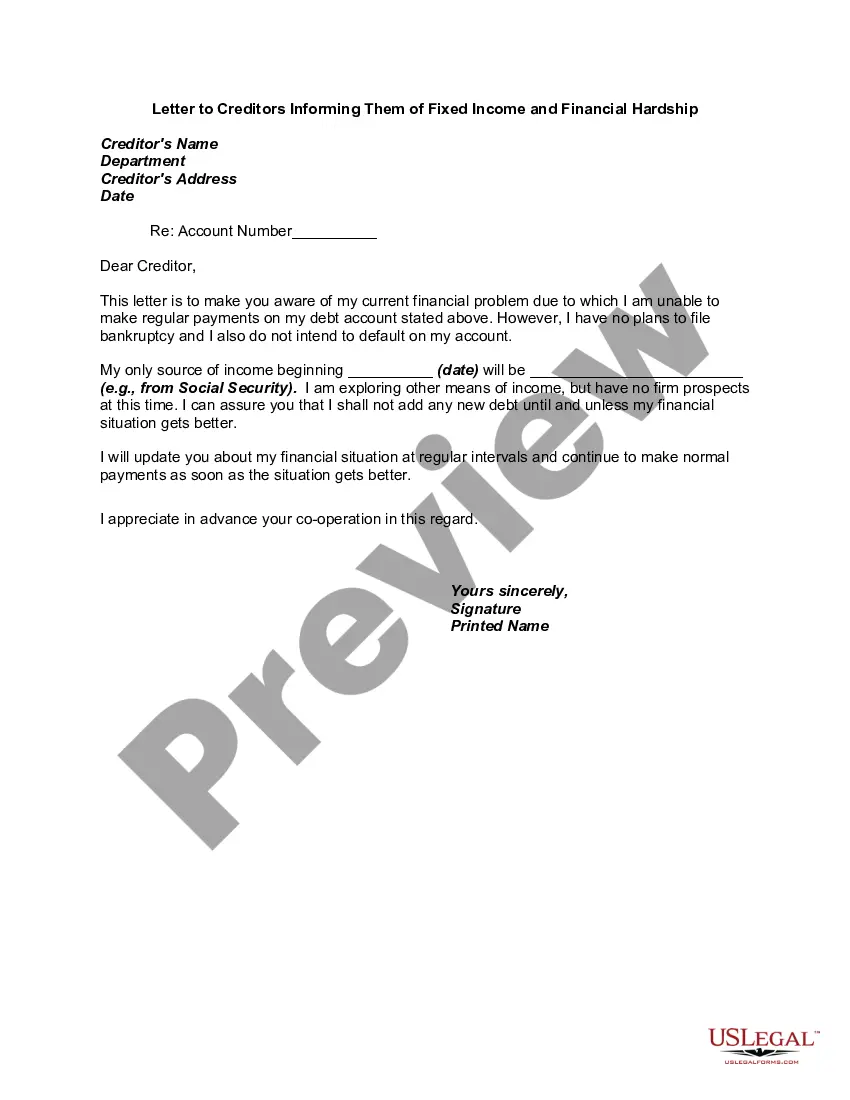
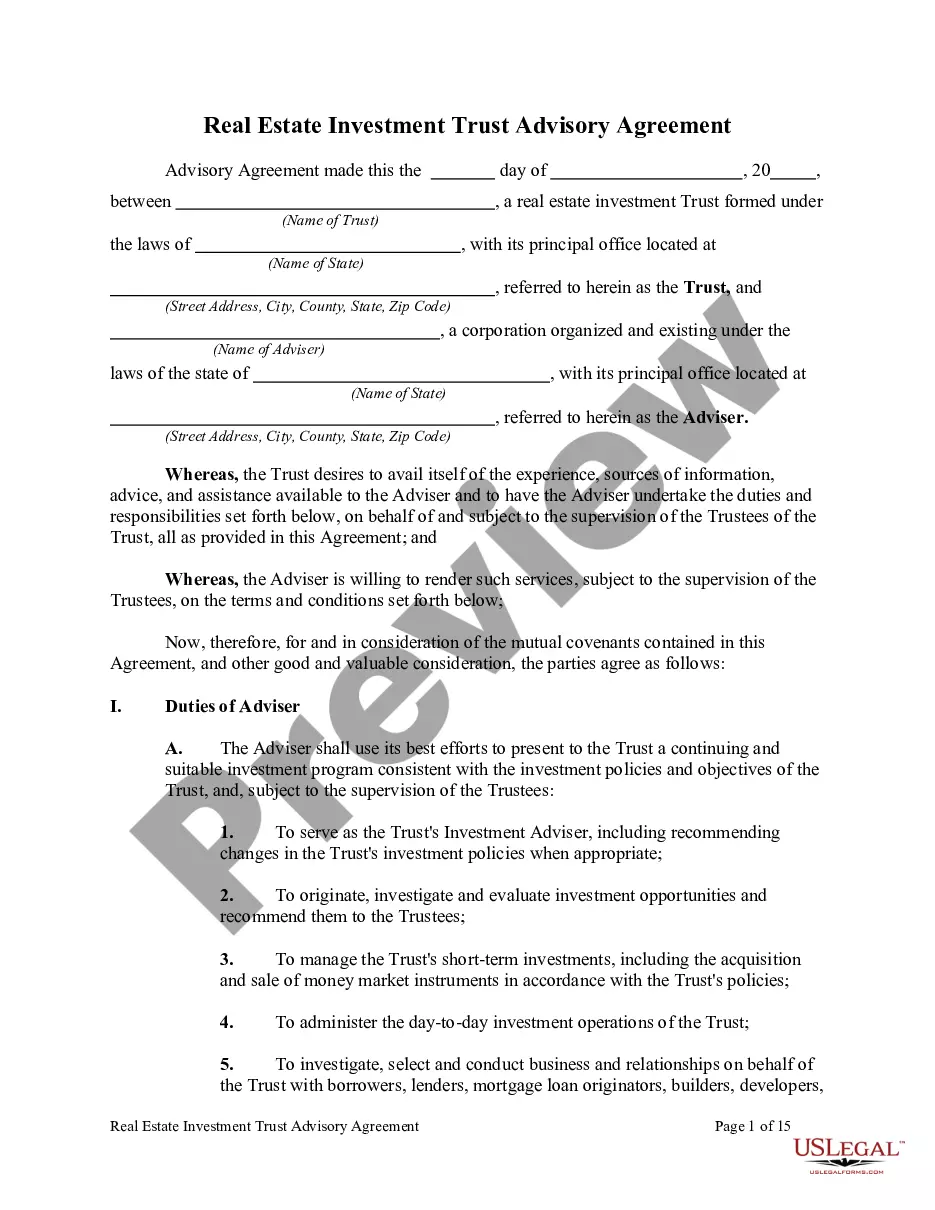
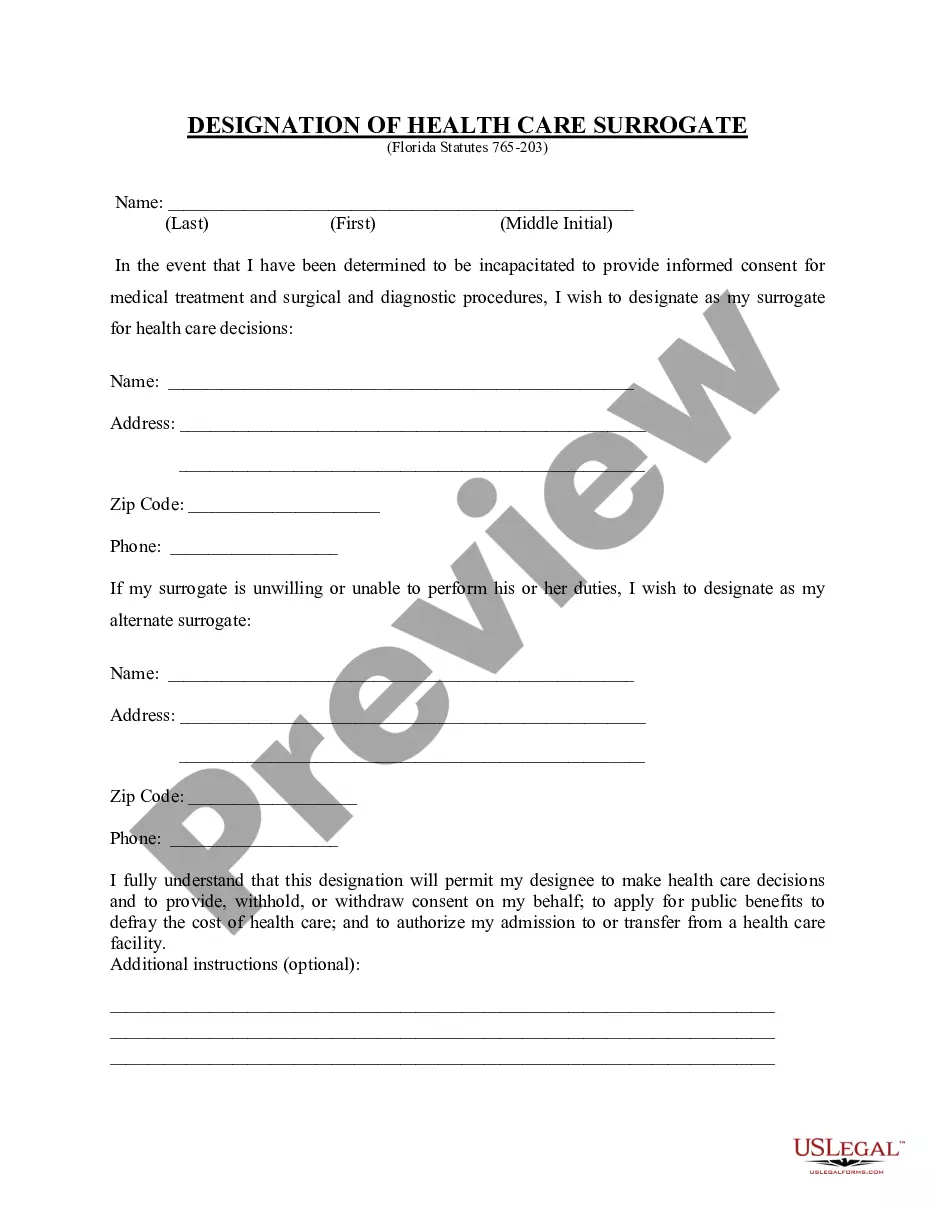
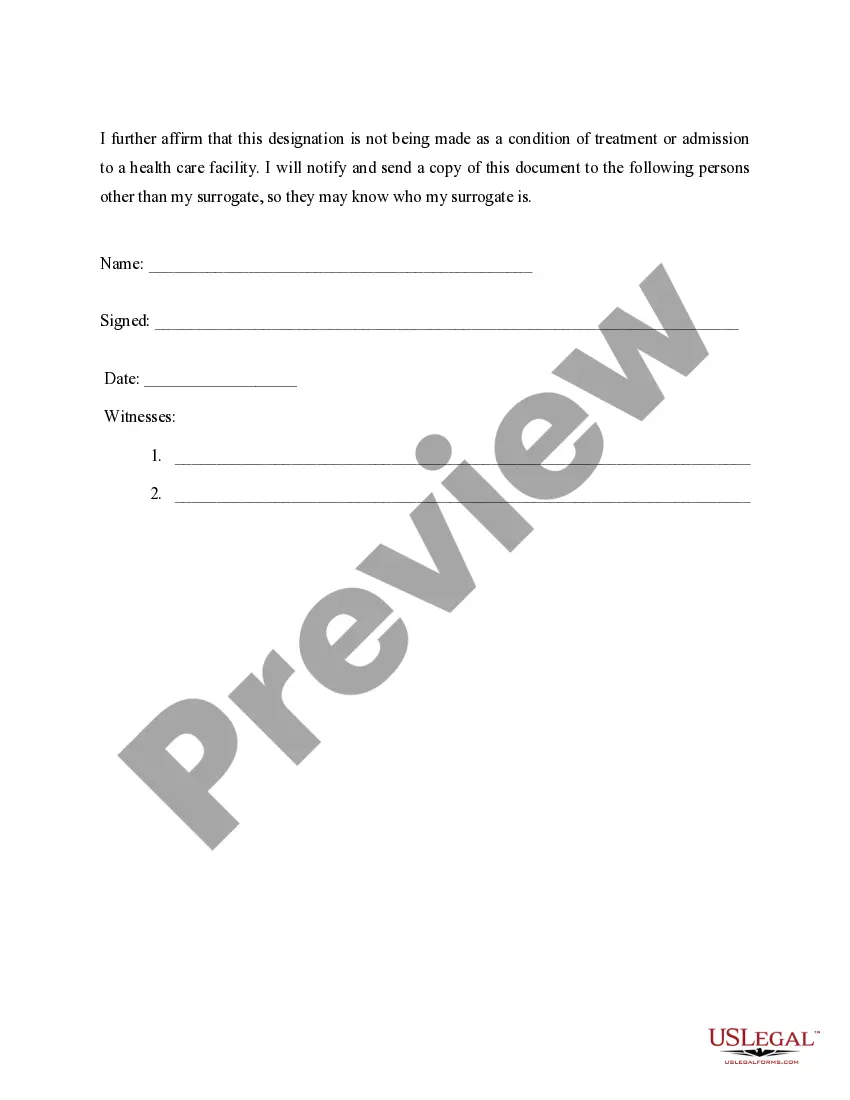
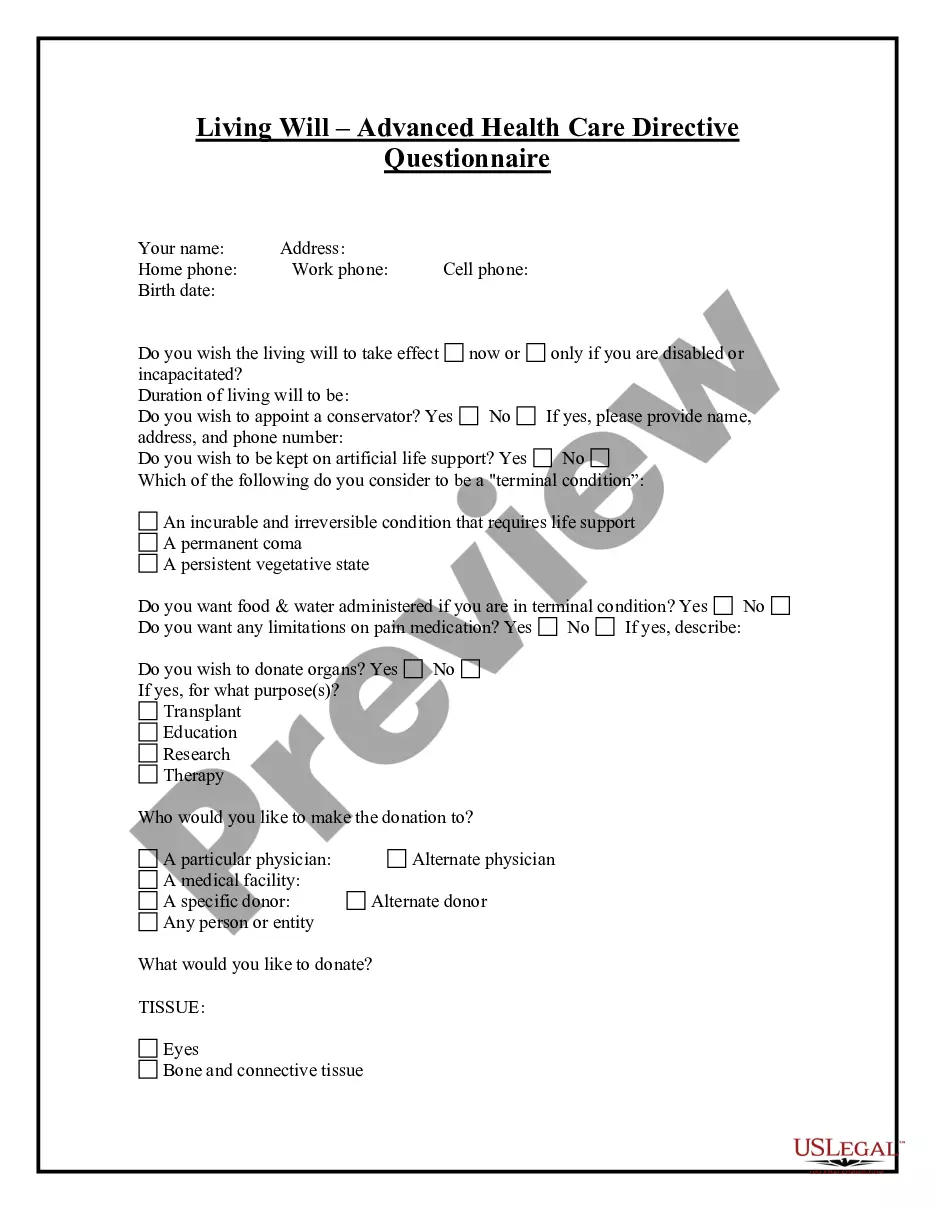
How to fill out Florida Health Care Proxy - Designation Of Health Care Surrogate - Statutory Form?
Securing a reliable location to obtain the latest and pertinent legal templates is a significant part of navigating bureaucracy.
Locating the appropriate legal documents requires precision and meticulousness, which highlights the importance of sourcing Health Care Surrogate In Spanish solely from trustworthy providers, such as US Legal Forms.
Once you have the form on your device, you can edit it using the editor or print it out and fill it in by hand. Simplify the complexities of your legal documentation. Browse the extensive US Legal Forms catalog to locate legal samples, assess their applicability to your situation, and download them instantly.
- Utilize the catalog search or the search bar to locate your template.
- Access the form's details to determine if it meets the regulations of your state and locality.
- View the form preview, if available, to confirm the template is what you require.
- Return to the search to find the correct document if the Health Care Surrogate In Spanish does not fulfill your needs.
- If you are confident about the form's relevance, download it.
- As an authorized user, click Log in to verify your identity and gain access to your chosen templates in My documents.
- If you have not created an account yet, click Buy now to acquire the form.
- Choose the pricing plan that suits your requirements.
- Proceed to the registration to complete your purchase.
- Finalize your transaction by selecting a payment method (credit card or PayPal).
- Choose the document format before downloading Health Care Surrogate In Spanish.
Form popularity
FAQ
The specific requirements and restrictions for PoA forms will vary in each state; however, in South Carolina, your Power of Attorney will require notarization and the signatures of two witnesses. If your agent will manage real estate transactions, the Power of Attorney must be notarized and recorded with your county.
Yes. You can create your own will in South Carolina. The state does not require that you use an attorney to draft your will. You can make your own will if you have a simple estate and know your wishes.
A South Carolina durable power of attorney is a statutory form that lets a person choose someone else to handle financial decisions and conduct business affairs on their behalf.
In South Carolina, as in many states, the duration of a POA is typically determined by the terms outlined in the POA document itself. This means that the POA could be designated to expire on a specific date, when a certain event takes place, or when the principal becomes incapacitated or passes away.
In most circumstances, a spouse is not automatically designated as the medical or healthcare power of attorney (POA) for their incapacitated partner. The lack of a formal designation can lead to conflict and confusion during a medical emergency.
Does a Medical Power of Attorney need to be notarized, witnessed, or recorded in South Carolina? The specifications and restrictions for PoA forms are different in each state; however, in South Carolina, your Power of Attorney will require the signatures of two witnesses and a notary public.
South Carolina Requires Powers of Attorney to Be Recorded Note that a POA does not have to be recorded for the agent to exercise powers while the principal still has capacity.
No, in South Carolina, you do not need to notarize your will to make it legal. However, South Carolina allows you to make your will "self-proving" and you'll need to go to a notary if you want to do that.