Lasting Power For Attorney
Description
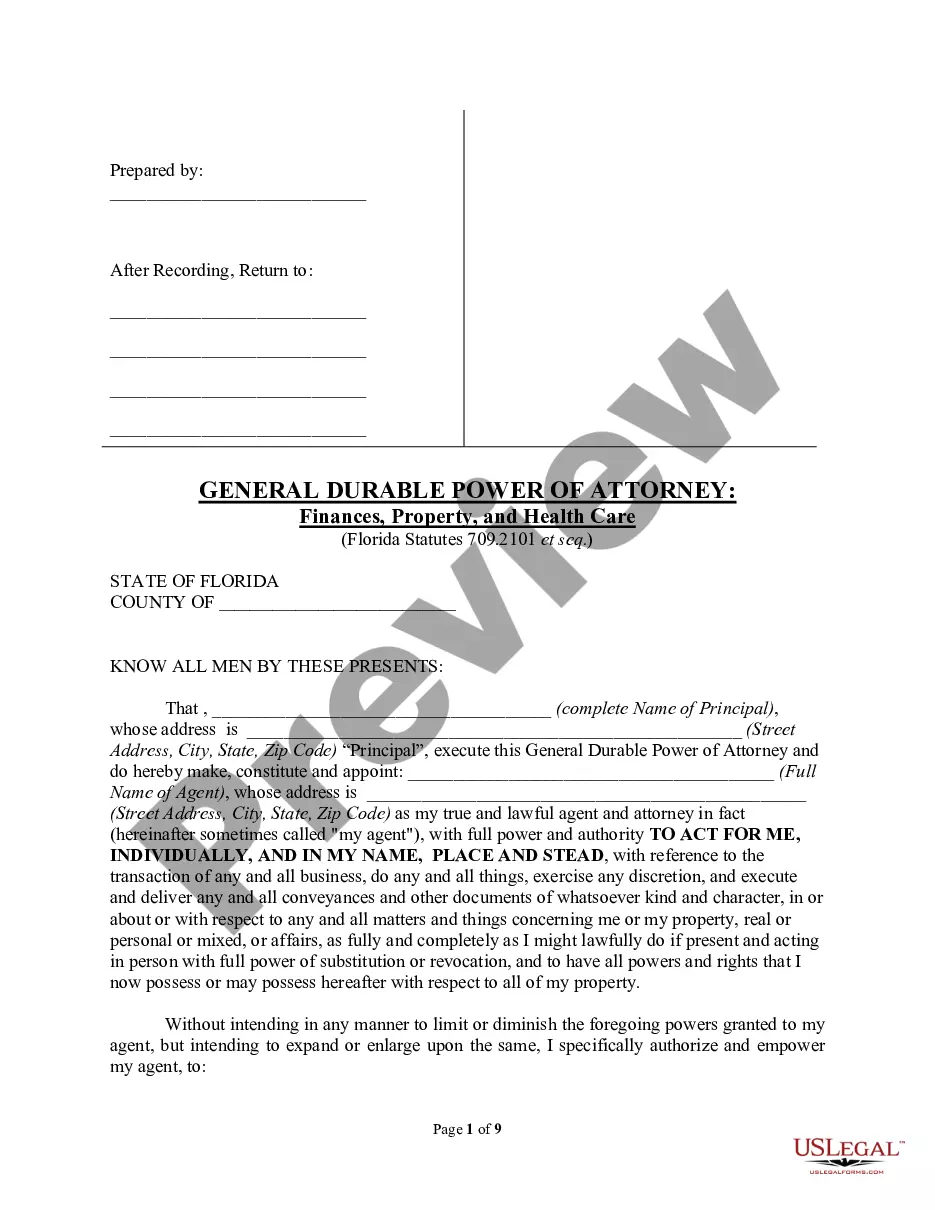
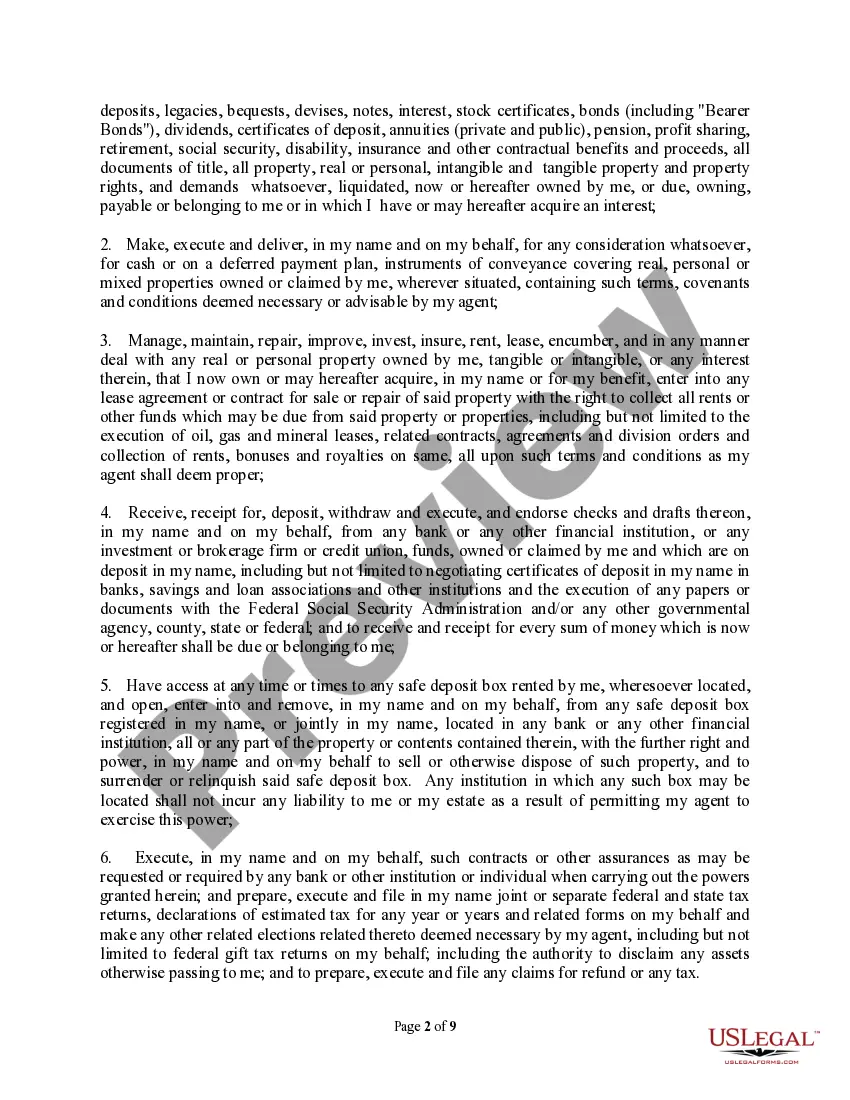
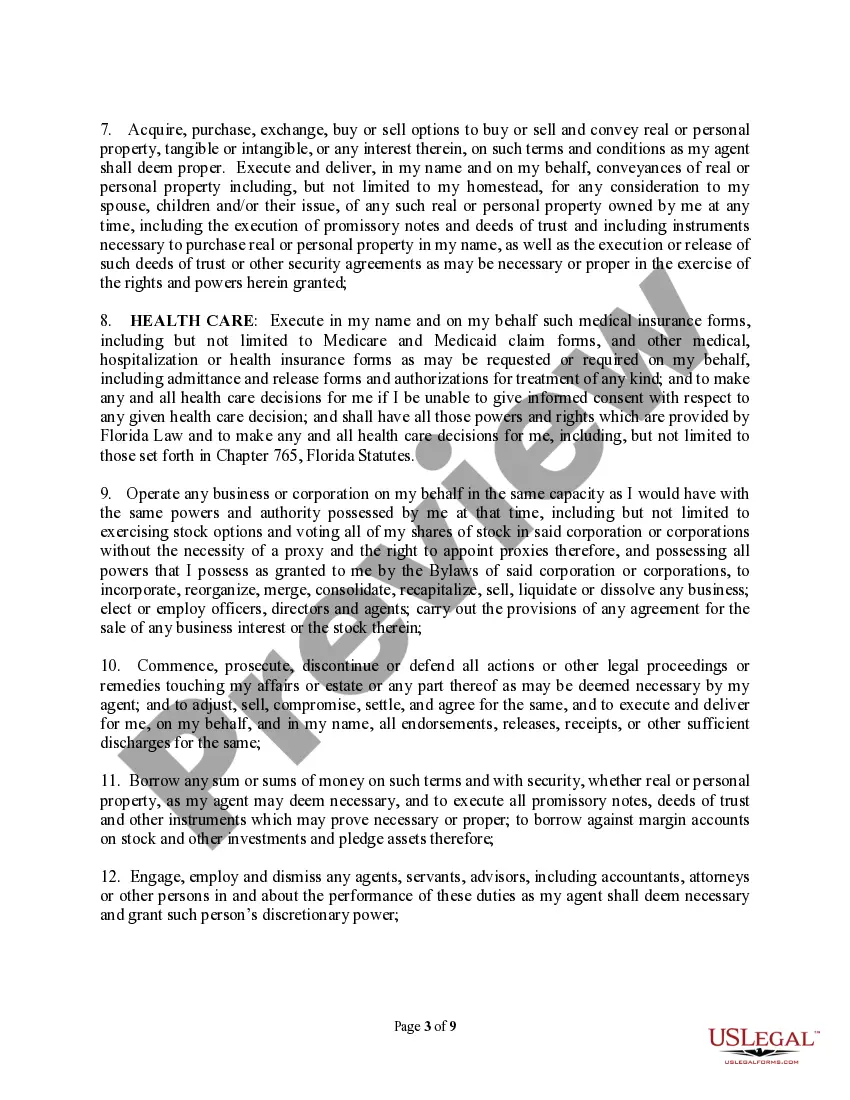
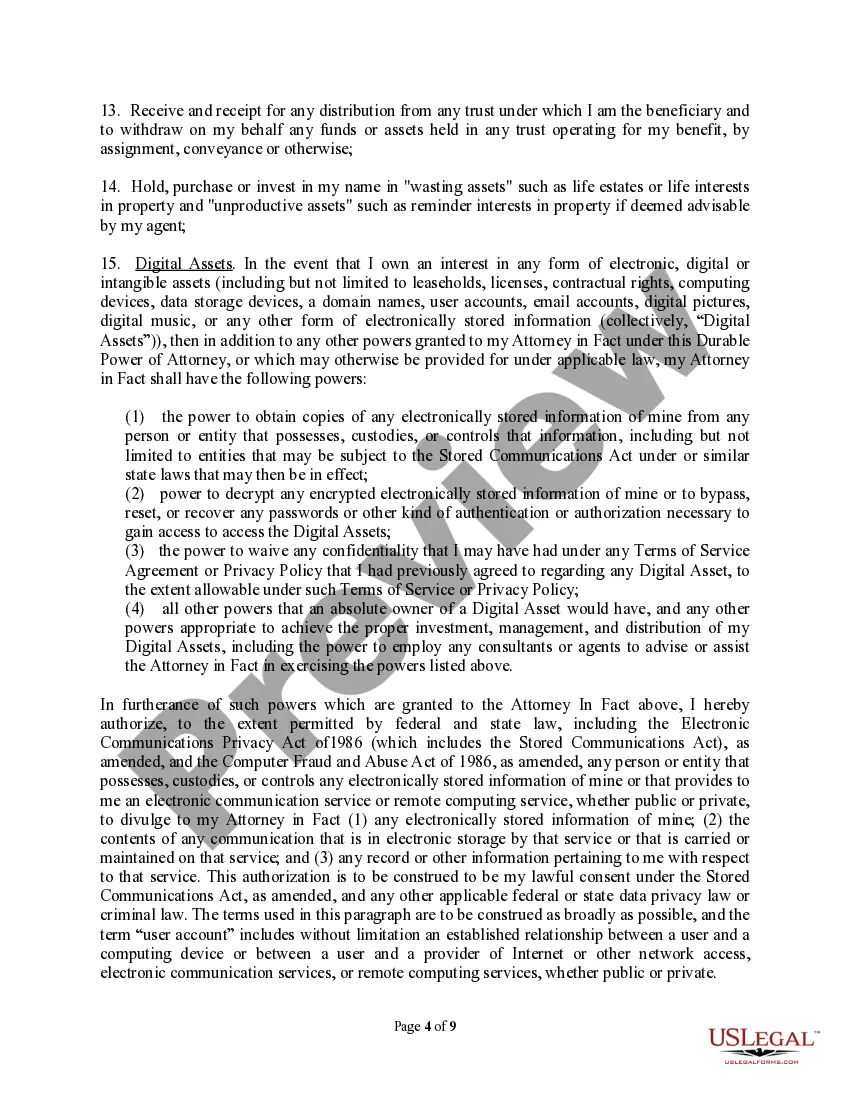
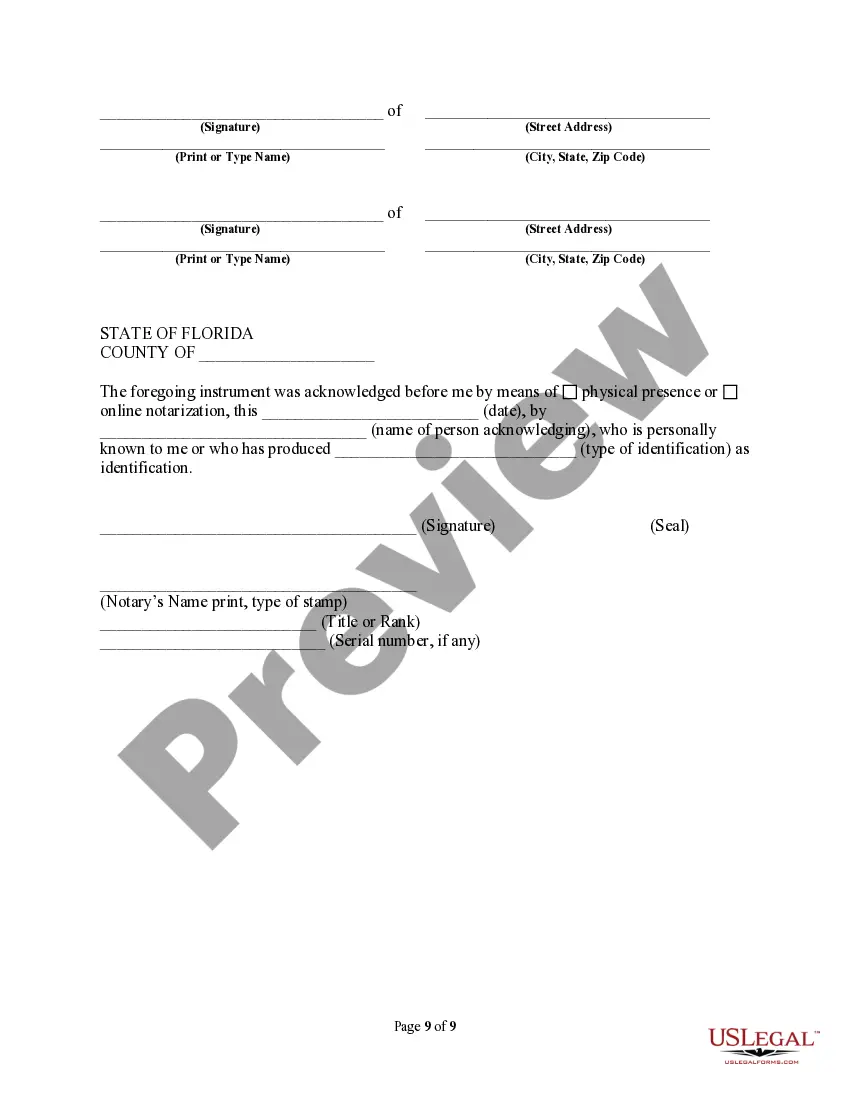
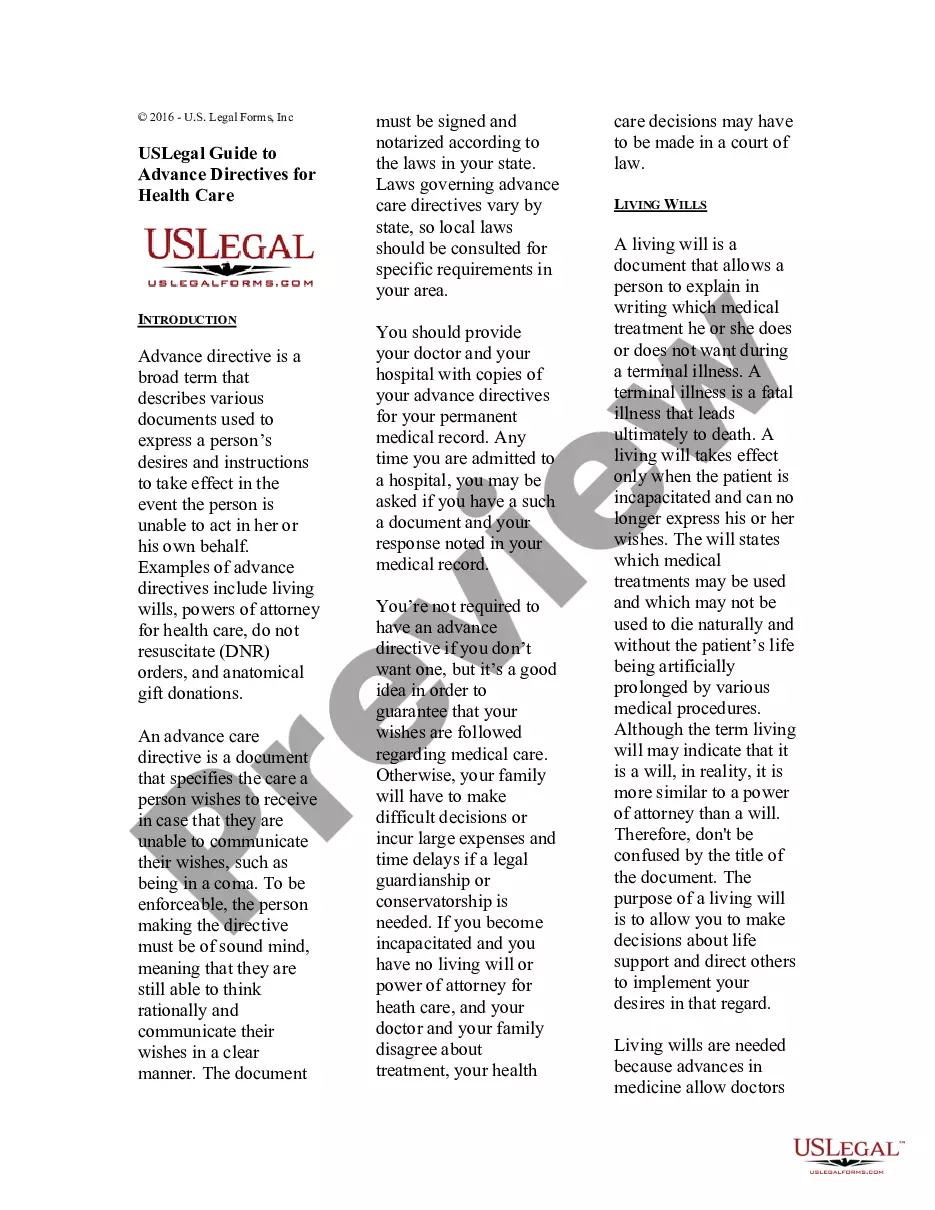
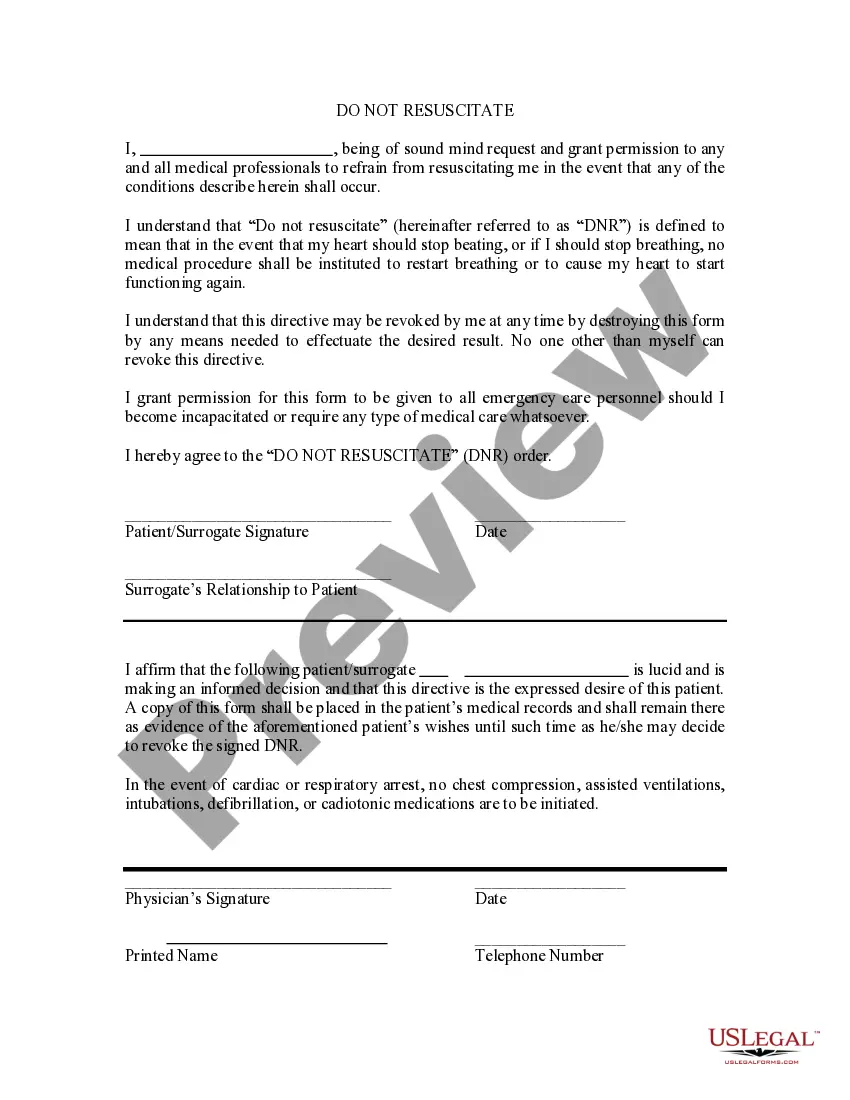
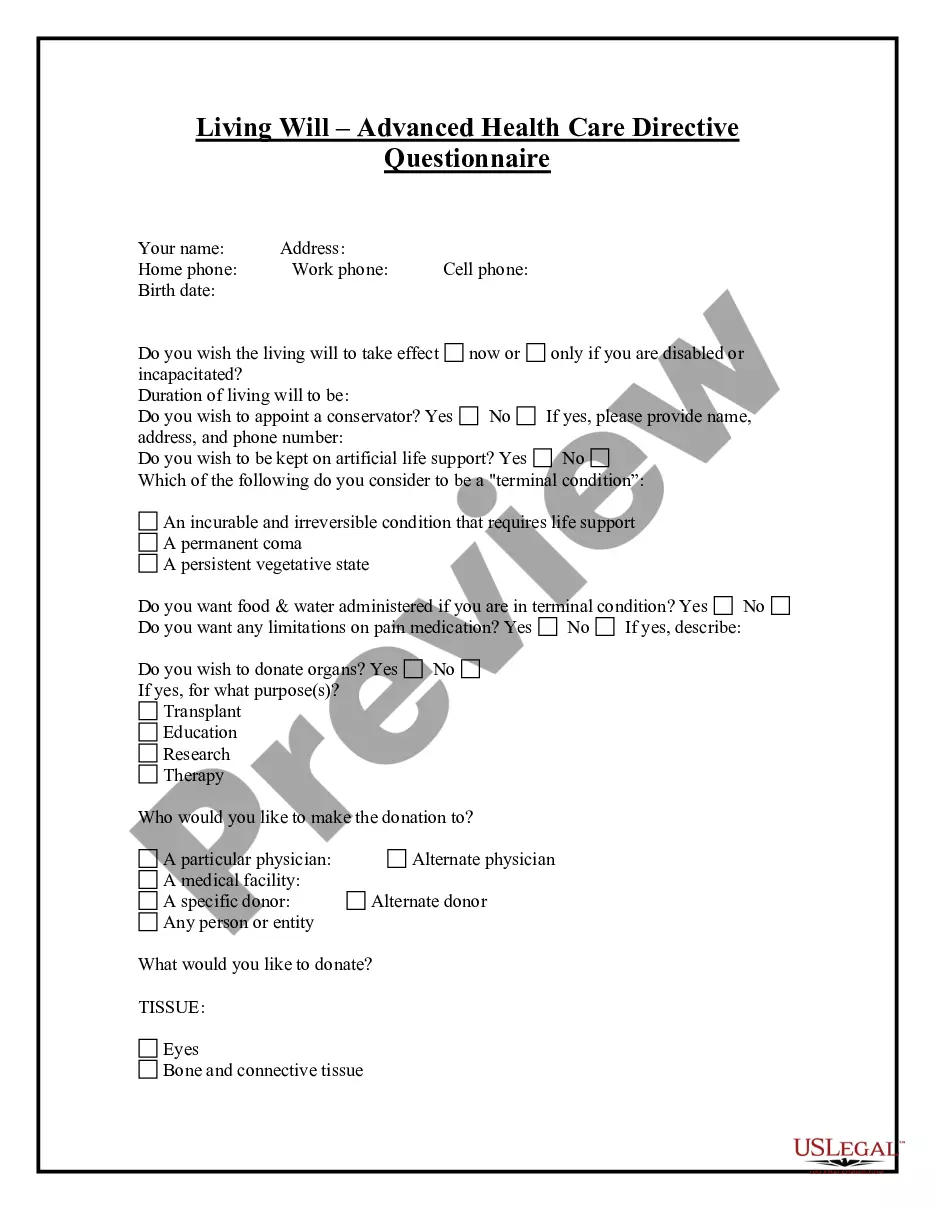
Get your form ready online
Our built-in tools help you complete, sign, share, and store your documents in one place.
Make edits, fill in missing information, and update formatting in US Legal Forms—just like you would in MS Word.
Download a copy, print it, send it by email, or mail it via USPS—whatever works best for your next step.
Sign and collect signatures with our SignNow integration. Send to multiple recipients, set reminders, and more. Go Premium to unlock E-Sign.
If this form requires notarization, complete it online through a secure video call—no need to meet a notary in person or wait for an appointment.
We protect your documents and personal data by following strict security and privacy standards.

Make edits, fill in missing information, and update formatting in US Legal Forms—just like you would in MS Word.

Download a copy, print it, send it by email, or mail it via USPS—whatever works best for your next step.

Sign and collect signatures with our SignNow integration. Send to multiple recipients, set reminders, and more. Go Premium to unlock E-Sign.

If this form requires notarization, complete it online through a secure video call—no need to meet a notary in person or wait for an appointment.

We protect your documents and personal data by following strict security and privacy standards.
Looking for another form?


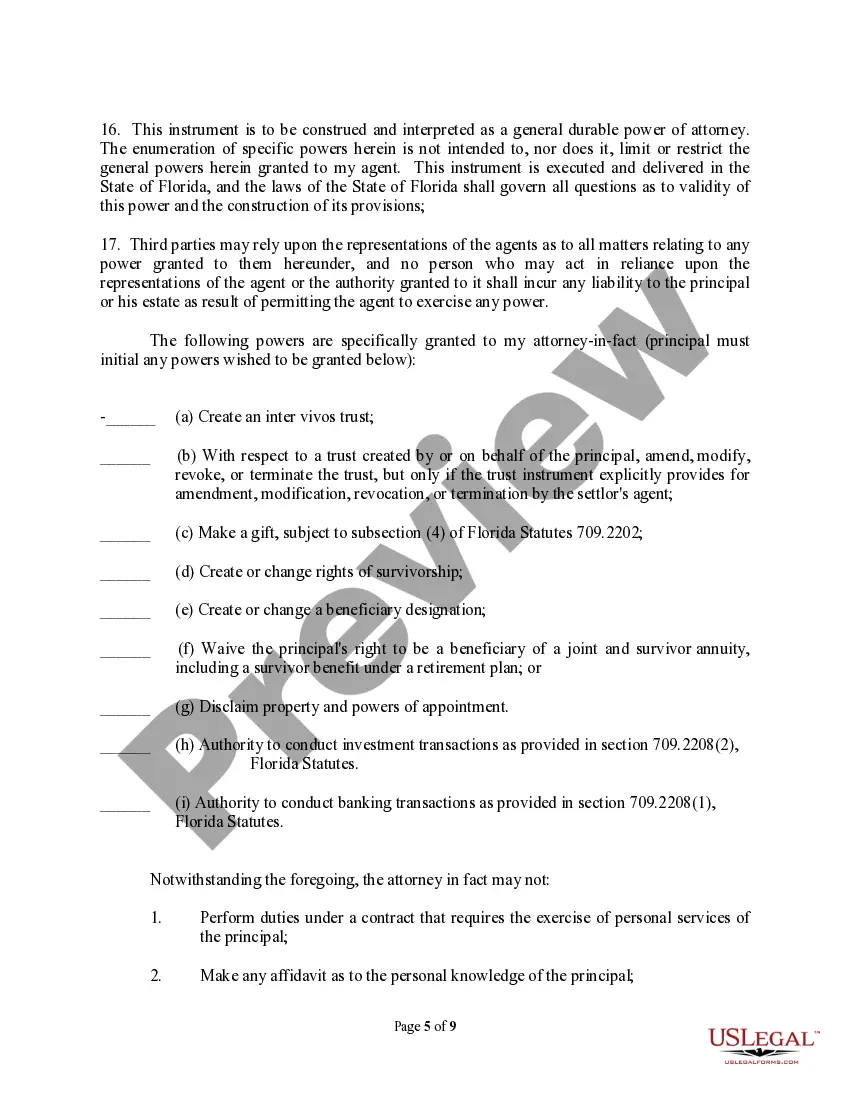
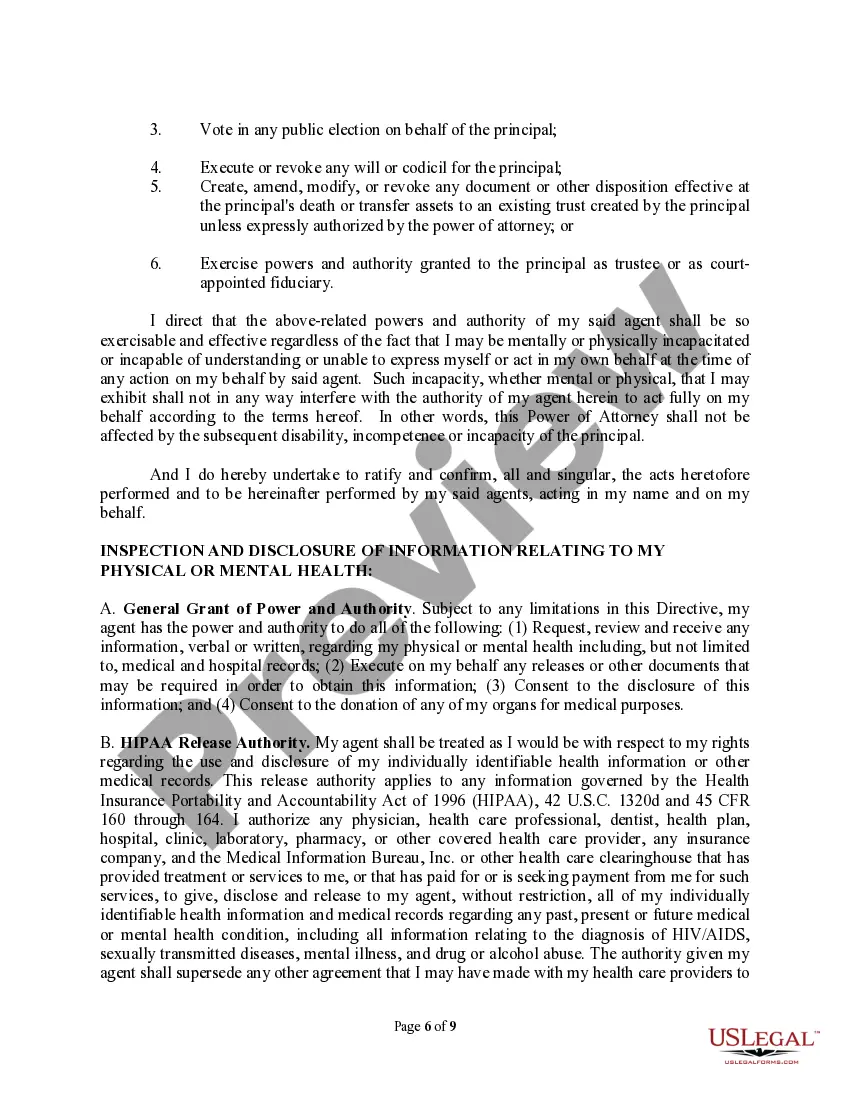
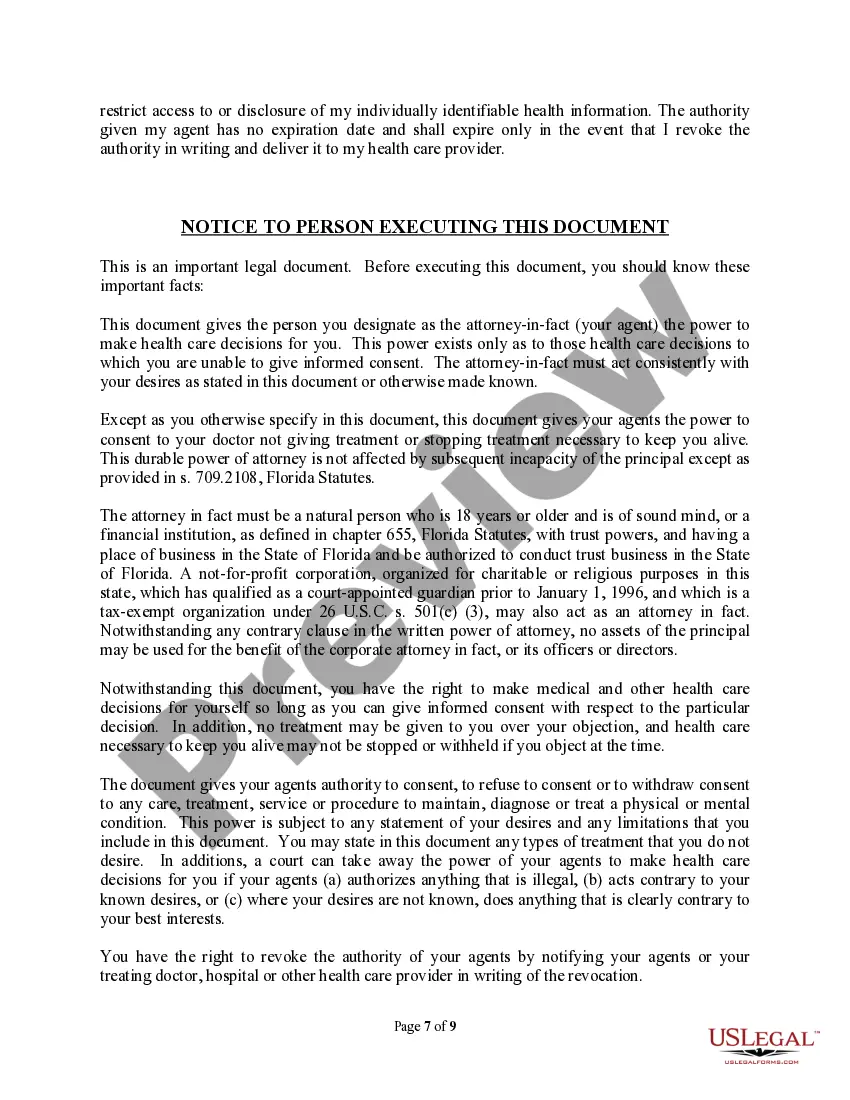
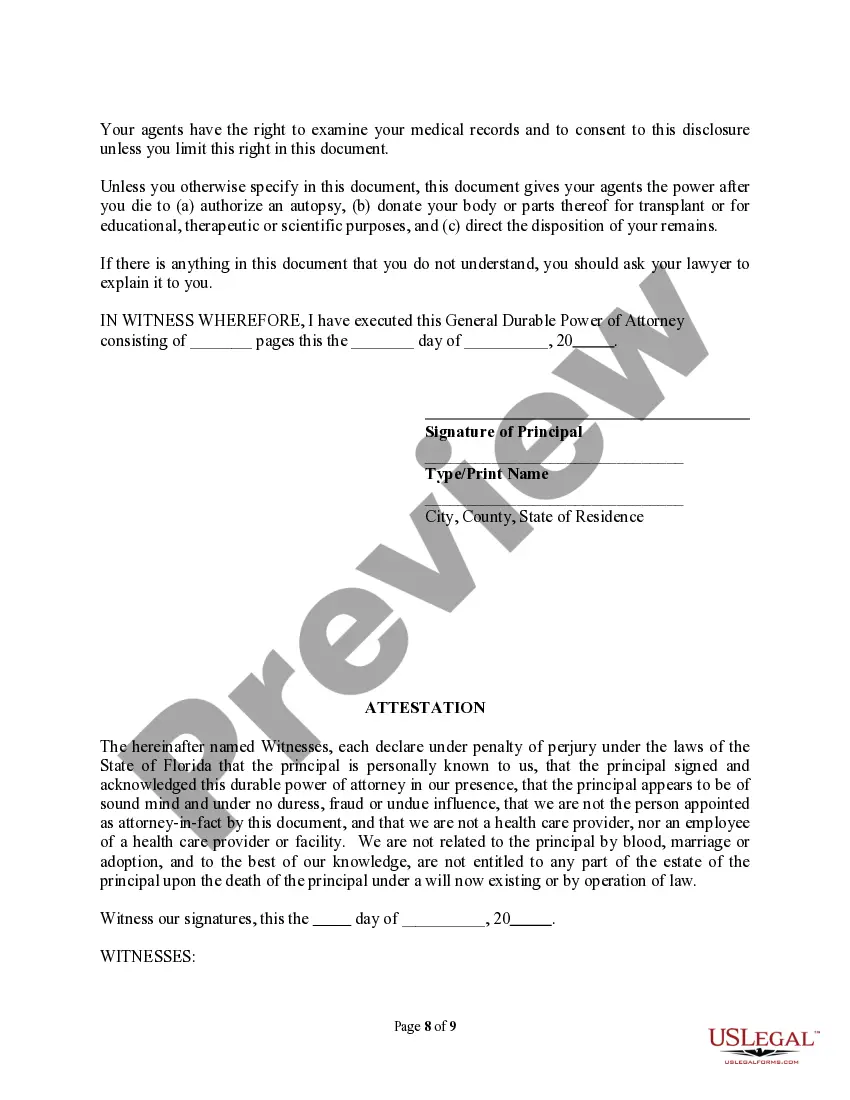
How to fill out Florida Durable Power Of Attorney For Property, Finances And Health Care?
Engaging with legal documentation and processes can be a lengthy addition to your whole day.
Lasting Power Of Attorney and similar forms usually require you to locate them and learn how to complete them accurately.
As a result, whether you're managing financial, legal, or personal issues, utilizing a comprehensive and user-friendly online repository of forms at your disposal will be extremely beneficial.
US Legal Forms is the premier online platform for legal templates, providing over 85,000 state-specific documents along with various resources to assist you in completing your paperwork seamlessly.
Is it your first experience using US Legal Forms? Register and set up your account in just a few minutes to gain access to the form repository and Lasting Power Of Attorney. Then, follow the instructions below to complete your form: Make sure you have the correct document by utilizing the Preview function and reviewing the form details. Select Buy Now once you're prepared, and choose the monthly subscription plan that fits your needs. Click Download then finish, eSign, and print the document. US Legal Forms has twenty-five years of expertise assisting users in managing their legal documents. Obtain the form you need today and simplify any process without breaking a sweat.
- Browse the selection of relevant documents available with just one click.
- US Legal Forms offers state- and county-specific forms available for download at any time.
- Protect your document management processes by utilizing a high-quality service that enables you to prepare any form in moments without any additional or hidden charges.
- Simply Log In to your account, search for Lasting Power Of Attorney and acquire it instantly from the My documents section.
- You can also access previously stored forms.
Form popularity
FAQ
Right-click the file or folder, and then click Restore previous versions. You'll see a list of available previous versions of the file or folder. The list will include files saved on a backup (if you're using Windows Backup to back up your files) as well as restore points.
How to recover overwritten files on a Windows PC Open Windows Explorer and open the folder that contained the overwritten file. From anywhere within the folder, right-click and select Properties. Select the Previous Versions tab. Look at the list of versions, each with a date, and look for the version you want.
From the drop-down menu, select 'Version History'. A list of all the previous versions of the document will appear. You can see the date and time each version was saved. To restore a previous version, simply click on the 'Restore' button next to the version you want to retrieve.
Go to the folder where you had stored your PDF file. You can search for it using the file name or go through previous versions of your files. Now, choose the file you want to restore. Click on the green Restore button at the bottom.
In the Cloud documents tab, select the document. To view all versions of the document, click the Version icon on the right. Select the version you want to revert to. Then click the More options icon and select Revert to this version.
With the Adobe Autosave tool, you can attempt to restore lost Adobe Acrobat files. If you had previously saved PDF files but lost them as a result of a mistake or virus assault, you can recover them using Adobe applications and EaseUS Data Recovery Wizard.
Find your PDF in your files, right click and select Restore previous versions. This will bring up a list of the previously saved versions that are backed up.