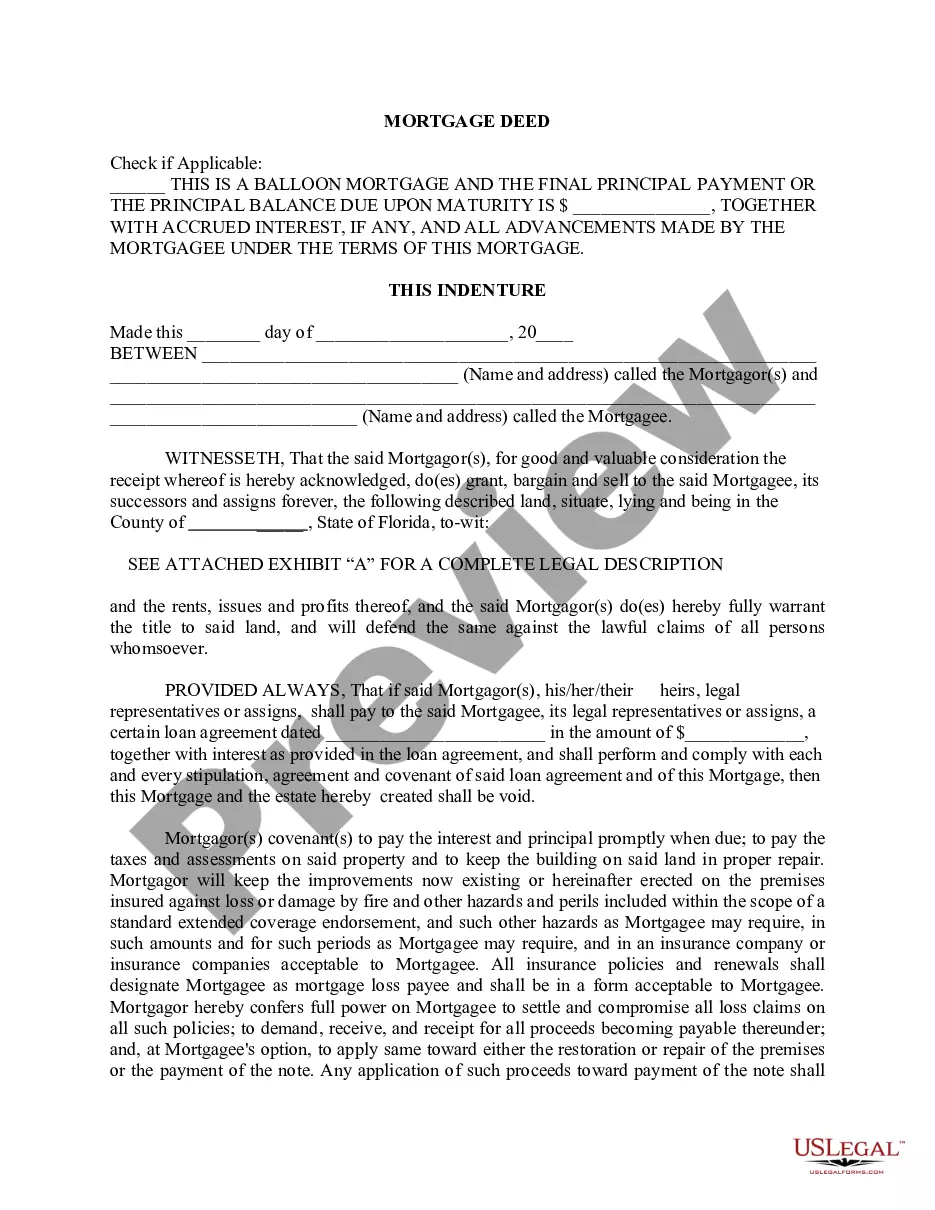
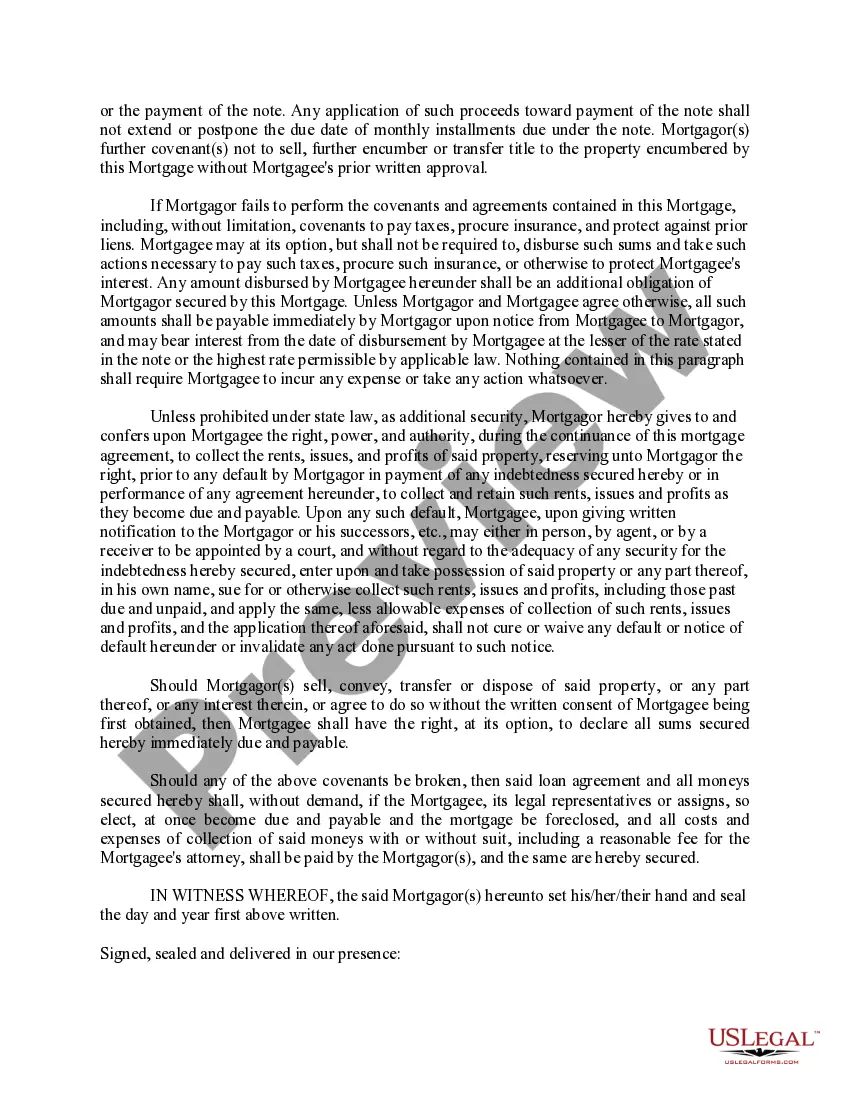
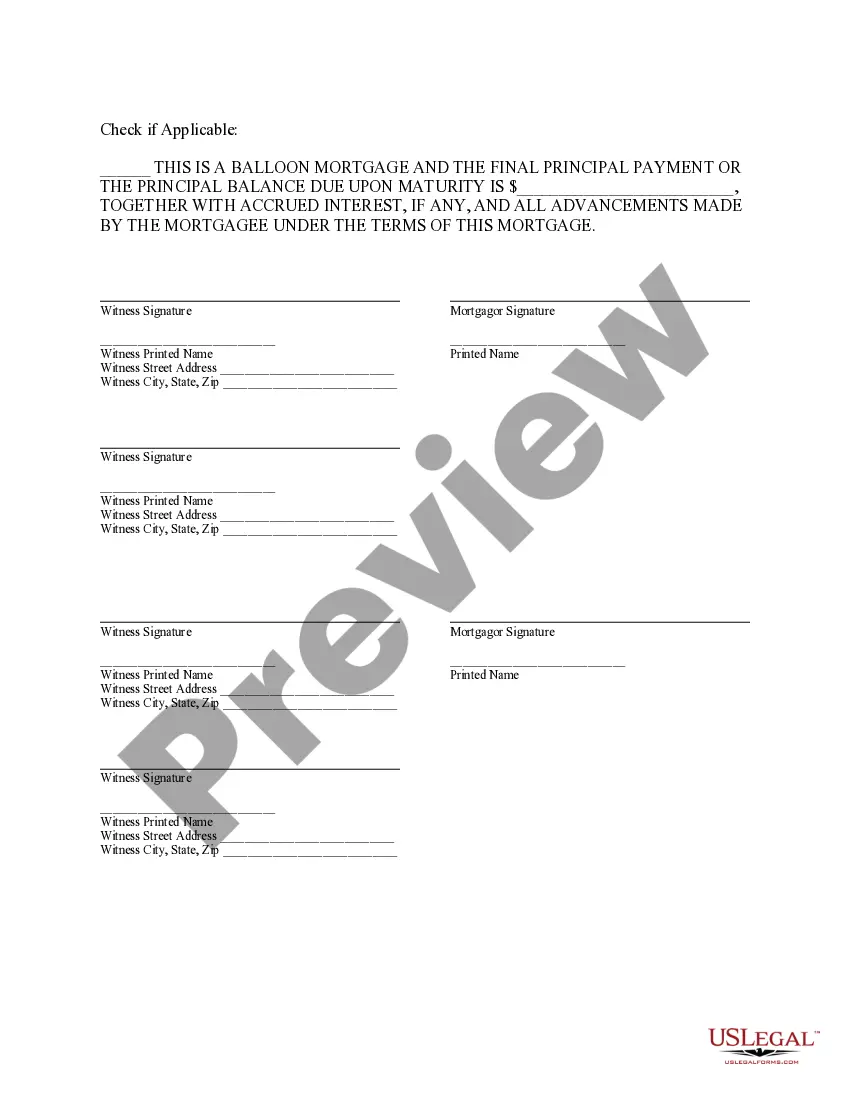
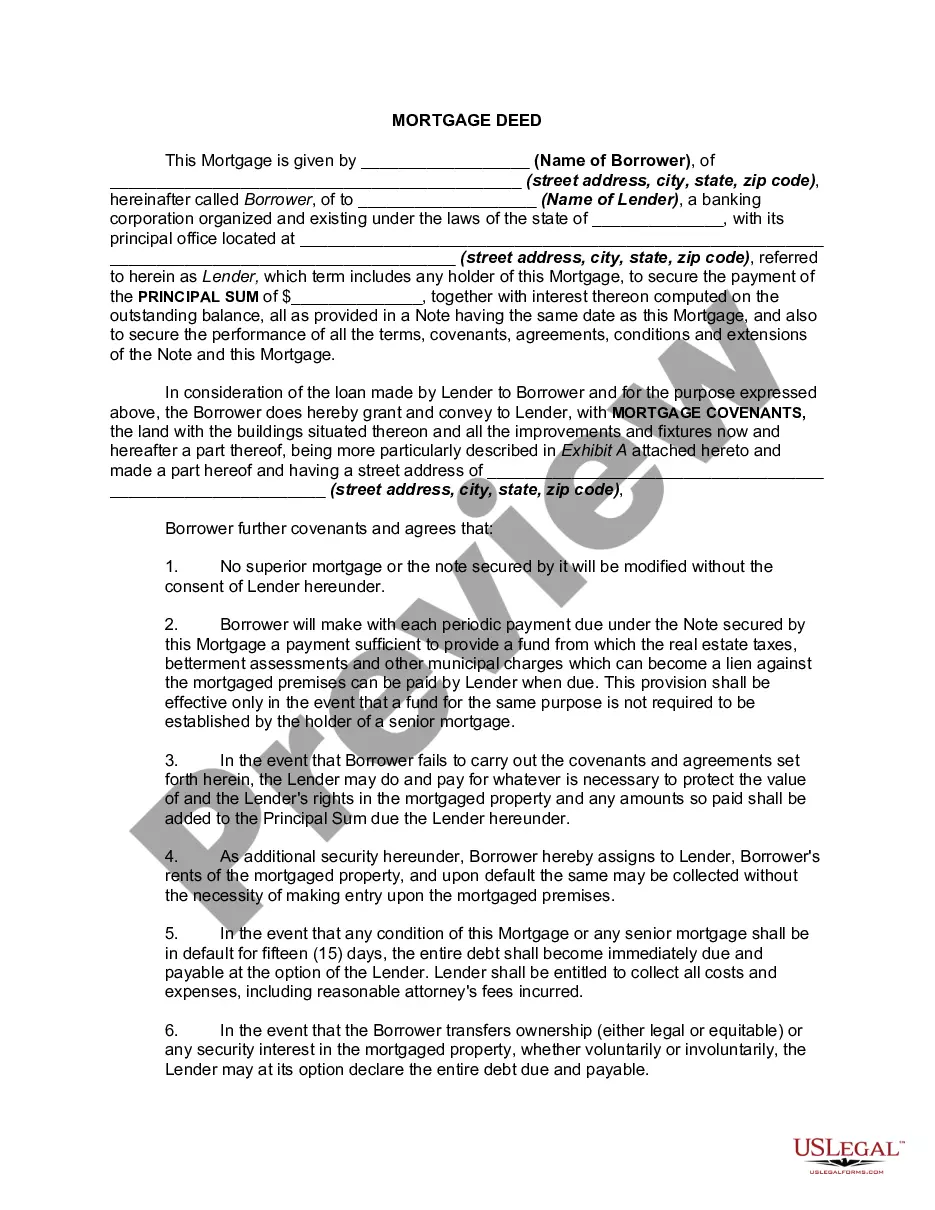
Mortgage Deed Format For Bank
Description

Get your form ready online
Our built-in tools help you complete, sign, share, and store your documents in one place.
Make edits, fill in missing information, and update formatting in US Legal Forms—just like you would in MS Word.
Download a copy, print it, send it by email, or mail it via USPS—whatever works best for your next step.
Sign and collect signatures with our SignNow integration. Send to multiple recipients, set reminders, and more. Go Premium to unlock E-Sign.
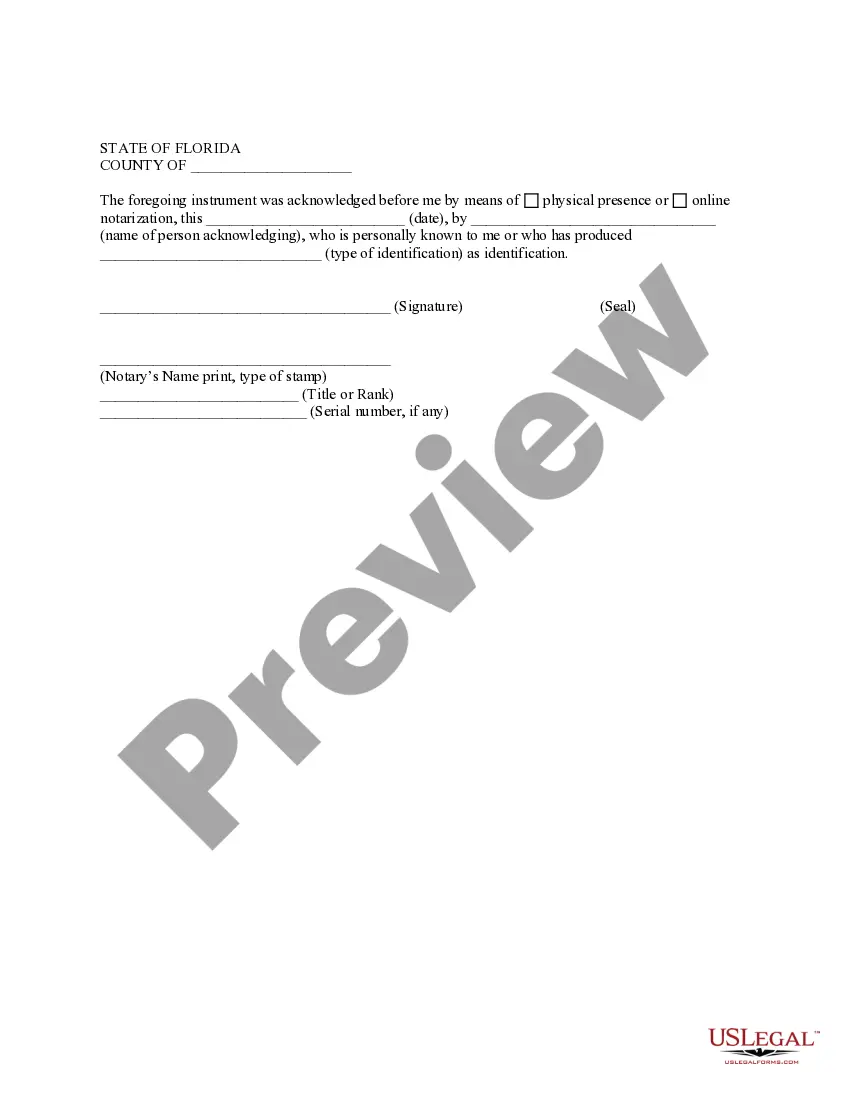
If this form requires notarization, complete it online through a secure video call—no need to meet a notary in person or wait for an appointment.
We protect your documents and personal data by following strict security and privacy standards.

Make edits, fill in missing information, and update formatting in US Legal Forms—just like you would in MS Word.

Download a copy, print it, send it by email, or mail it via USPS—whatever works best for your next step.

Sign and collect signatures with our SignNow integration. Send to multiple recipients, set reminders, and more. Go Premium to unlock E-Sign.

If this form requires notarization, complete it online through a secure video call—no need to meet a notary in person or wait for an appointment.

We protect your documents and personal data by following strict security and privacy standards.
Looking for another form?

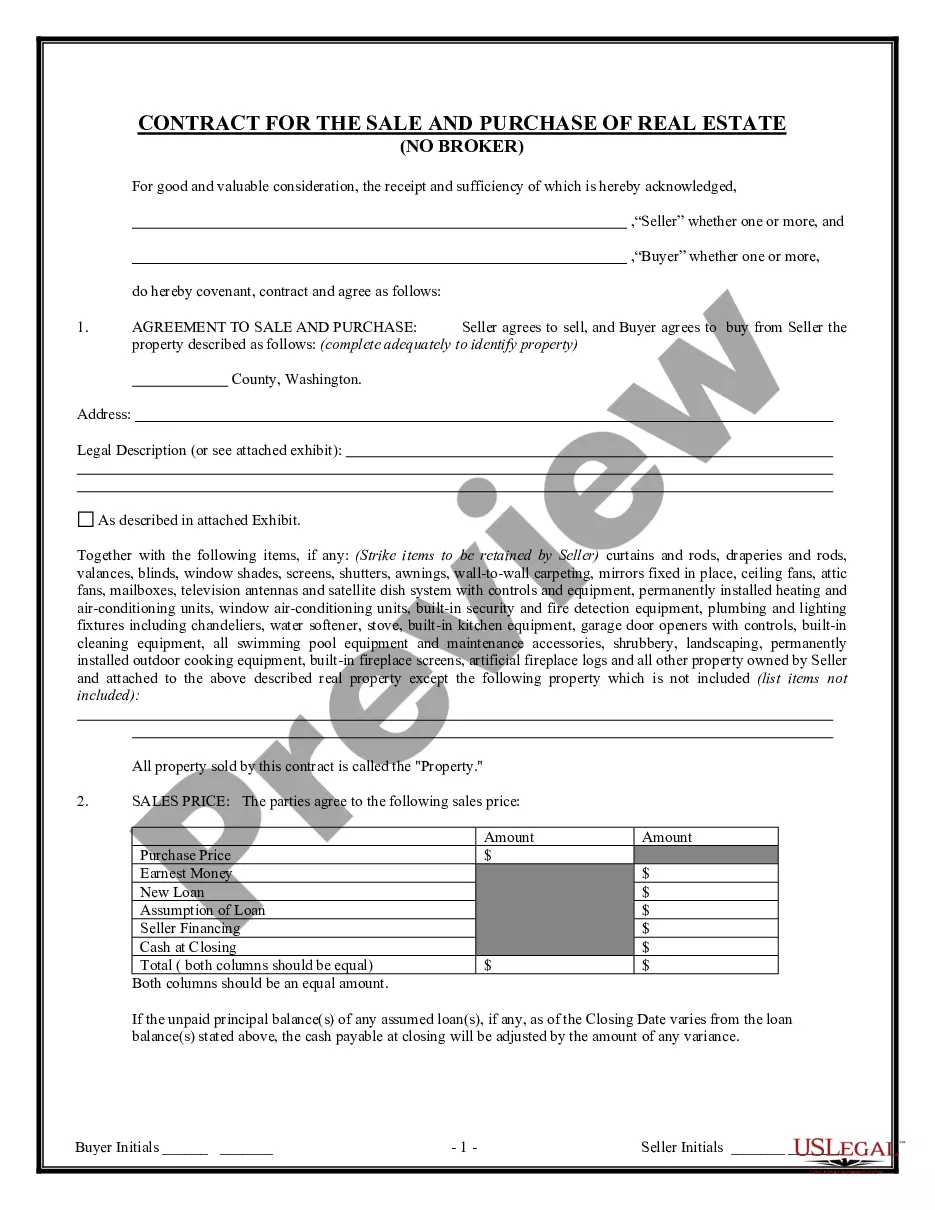

How to fill out Florida Mortgage Deed From Individual?
It’s well known that you cannot transform into a legal expert instantly, nor can you swiftly learn how to create a Mortgage Deed Format For Bank without having a specialized background.
Assembling legal documents is a labor-intensive task that necessitates a certain level of education and expertise. So why not entrust the development of the Mortgage Deed Format For Bank to the professionals.
With US Legal Forms, which boasts one of the most comprehensive legal document libraries, you can access everything from court documents to templates for internal corporate correspondence.
You can regain access to your documents from the My documents section at any time. If you are a current customer, you can simply Log In, and locate and download the template from the same section.
Regardless of the reason for your documents—whether they are financial and legal, or personal—our platform has you covered. Give US Legal Forms a try today!
- Identify the form you require using the search bar at the top of the webpage.
- View it (if this option is available) and read the accompanying description to determine if Mortgage Deed Format For Bank is what you need.
- Begin your search anew if you require a different form.
- Create a free account and choose a subscription plan to acquire the template.
- Select Buy now. Once the transaction is complete, you can download the Mortgage Deed Format For Bank, complete it, print it, and deliver it by mail to the appropriate individuals or organizations.
Form popularity
FAQ
Although many contracts are enforceable whether written or oral, contracts that involve a transfer of real estate are deemed important enough that they are required, under the Statute of Frauds, to be in writing to be enforceable.
The deed confirms the conditions of your mortgage, the total to be repaid, and the lending terms. You will be asked to sign a mortgage deed if you purchase a property with a mortgage or take out a remortgage and renegotiate the terms of your original borrowing contract.
To put simply, the deed is the legal document that proves who holds title to a property, while a mortgage is an agreement between a financial lender and borrower to repay the amount borrowed to purchase a home.
The Mortgage or Deed of Trust is a legal document in which the borrower transfers the title to a third party (trustee) to hold as security for the lender. When the loan is paid in full the trustee transfers the title back to the borrower.
How to Write a Mortgage Deed Step 1 ? Fill In the Effective Date. ... Step 2 ? Enter Borrower and Lender Details. ... Step 3 ? Write Loan Information. ... Step 4 ? Fill In Property Details. ... Step 5 ? Identify Assigned Rents. ... Step 6 ? Enter Acceleration Upon Default. ... Step 7 ? Choose the Power of Sale Option.