Lease Forcee
Description

Get your form ready online
Our built-in tools help you complete, sign, share, and store your documents in one place.
Make edits, fill in missing information, and update formatting in US Legal Forms—just like you would in MS Word.
Download a copy, print it, send it by email, or mail it via USPS—whatever works best for your next step.
Sign and collect signatures with our SignNow integration. Send to multiple recipients, set reminders, and more. Go Premium to unlock E-Sign.
If this form requires notarization, complete it online through a secure video call—no need to meet a notary in person or wait for an appointment.
We protect your documents and personal data by following strict security and privacy standards.

Make edits, fill in missing information, and update formatting in US Legal Forms—just like you would in MS Word.

Download a copy, print it, send it by email, or mail it via USPS—whatever works best for your next step.

Sign and collect signatures with our SignNow integration. Send to multiple recipients, set reminders, and more. Go Premium to unlock E-Sign.

If this form requires notarization, complete it online through a secure video call—no need to meet a notary in person or wait for an appointment.

We protect your documents and personal data by following strict security and privacy standards.
Looking for another form?







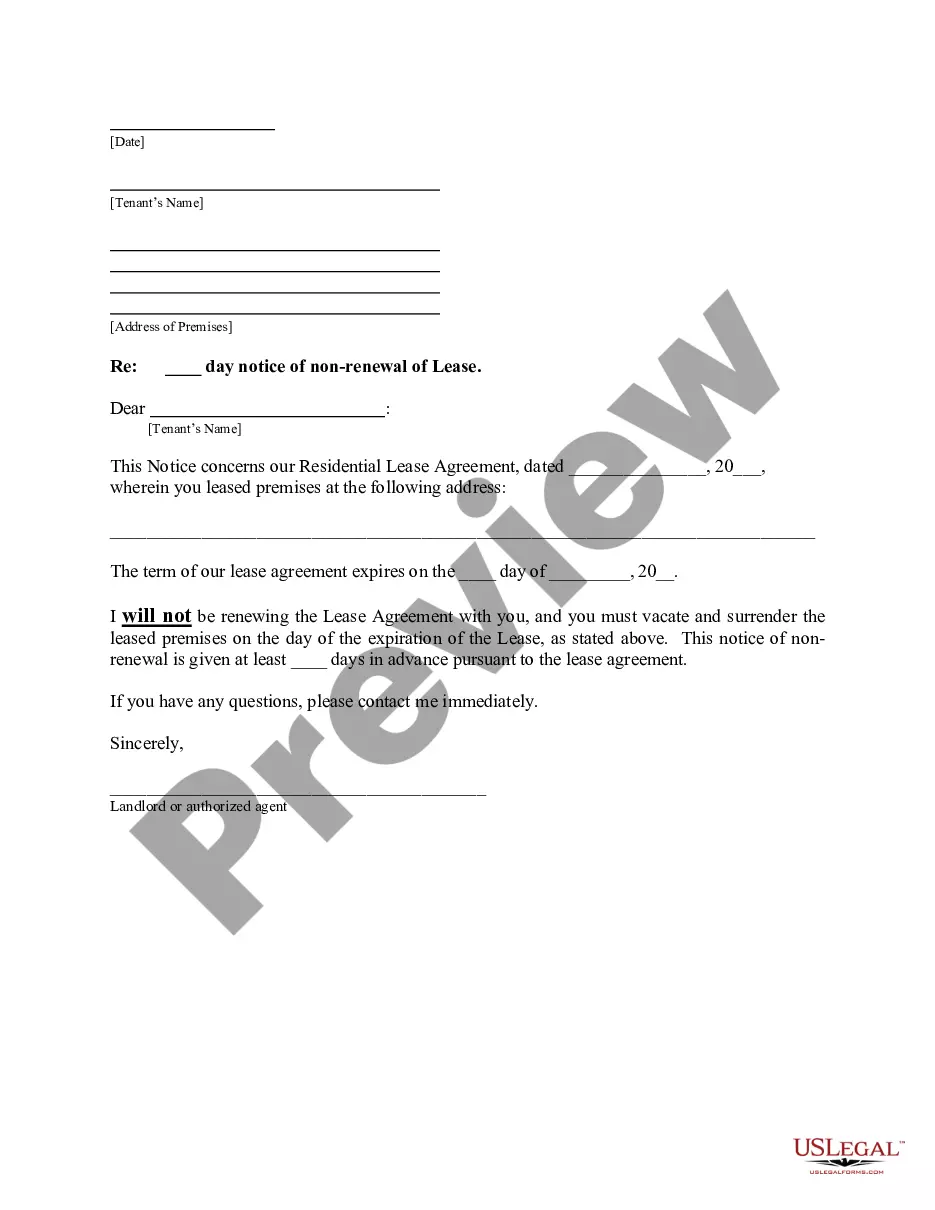
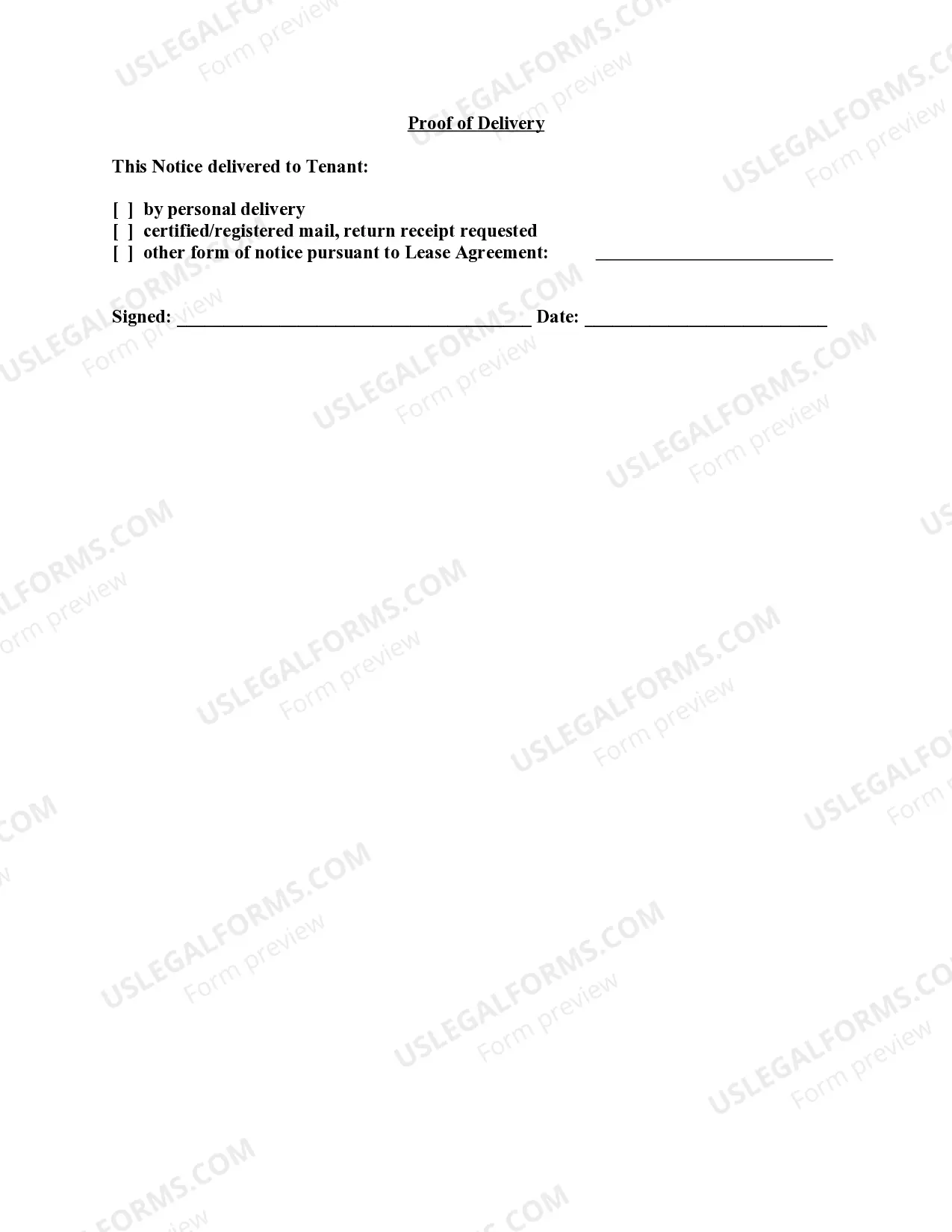
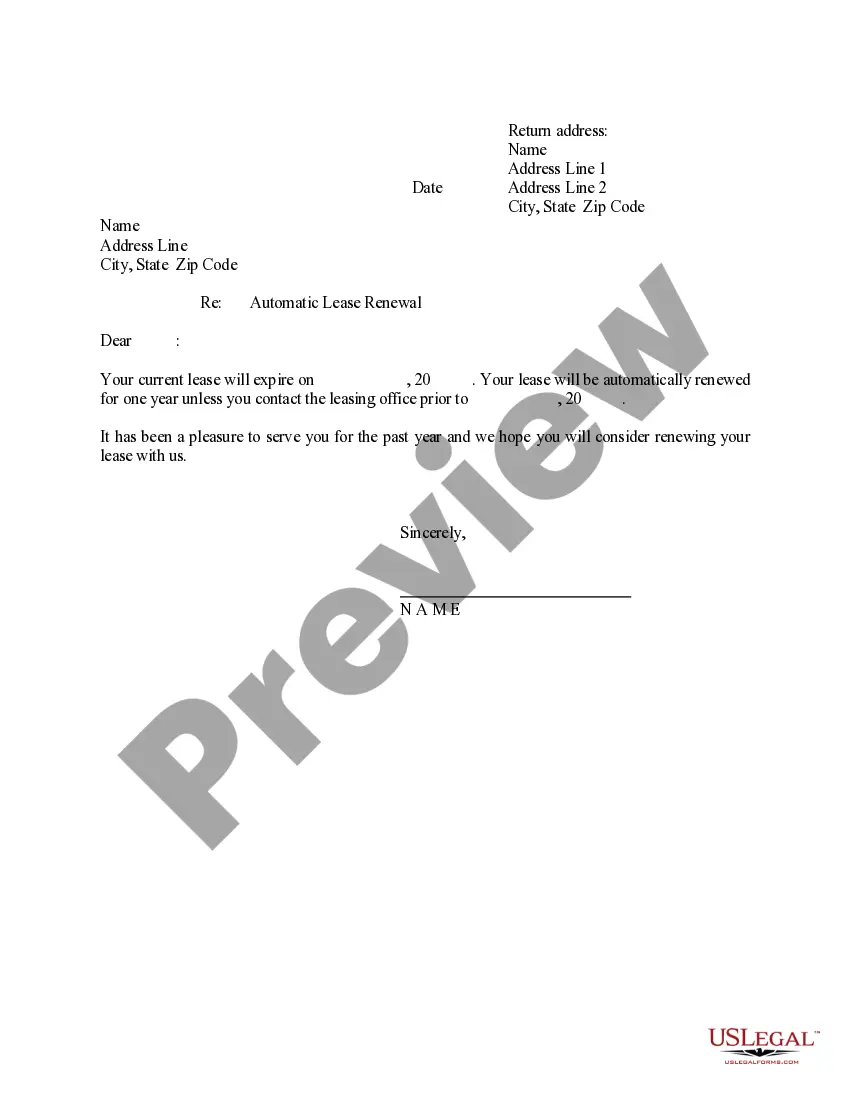
How to fill out Florida Letter From Landlord To Tenant With 30 Day Notice Of Expiration Of Lease And Nonrenewal By Landlord - Vacate By Expiration?
- If you're a returning user, start by logging into your account and verifying your subscription status. If it’s expired, renew it to regain access.
- Explore the Preview mode and form descriptions to ensure that you select the correct template that fits your legal requirements.
- If adjustments are needed, use the Search tab to find an alternate document that aligns with your needs.
- Once you find the correct document, proceed to purchase it by clicking the Buy Now button and selecting your preferred subscription plan.
- Complete your purchase by entering your payment details through either credit card or PayPal for an efficient transaction.
- Lastly, download the document to your device. You can also access it anytime later from the My Forms section in your profile.
In conclusion, US Legal Forms empowers users to access a comprehensive range of legal documents effortlessly. With its user-friendly approach, you can ensure that your forms are legally sound and easy to utilize. Don't hesitate to start your journey with US Legal Forms today.
Visit US Legal Forms and streamline your legal document preparation experience!
Form popularity
FAQ
To execute a push command in git, simply type 'git push origin branch-name' to send your changes to the remote repository. This command helps synchronize your local modifications with the collaborative environment. Mastering this process, similar to understanding lease forcee, can empower you to maintain stronger project cohesion.
To push force in git, you can apply the command 'git push origin your-branch --force'. This action instructs Git to bypass traditional safeguards and enforce your local changes on the remote. Embracing the concept of lease forcee can enhance your ability to manage agile workflows in software development.
To achieve a force push, ensure your local branch is up to date, and then utilize the 'git push --force' command. This command allows you to overwrite history but should be used cautiously. Learning the principles behind lease forcee can ensure you manage your code effectively without losing important data.
To remove someone from a lease, you typically need to consult your lease agreement for specific provisions. Generally, both parties must agree to modify the lease terms or you may need to involve legal procedures. Understanding lease forcee can guide you through this process smoothly and confidently.
To perform a force push in git, you use the 'git push --force' command. This command overwrites the remote repository with your local changes, which can be useful if your history diverges from the remote. Just like lease forcee, using this command requires careful thought to prevent unintentional data loss.
To force a git commit, you can use the 'git commit --amend' command if you want to modify the previous commit. This command allows you to rephrase your commit message or include new changes. Remember, lease forcee in the context of your git operations can help clarify your project's direction.
When you apply force with a lease, you ensure that the terms of the lease agreement are fulfilled. This often involves taking necessary action to enforce your rights as a landlord or tenant. Understanding how lease forcee interacts with your legal obligations is crucial for maintaining effective landlord-tenant relationships.
A good sentence to describe a lease is, 'A lease is a legally binding contract that allows one party to use another's property for a specified period in exchange for payment.' This definition emphasizes the core nature of a lease and its legal implications. Understanding the lease's terms can protect both landlords and tenants, ensuring a smooth rental experience. If you need assistance in drafting or reviewing a lease, US Legal Forms provides excellent resources through their Lease forcee tools.
Gain on lease refers to the financial benefits derived from rental agreements that yield revenue above market standards. This term highlights how profitable a leasing strategy can be if managed well. Property owners should consistently evaluate their leases to identify potential gains. Tools like Lease forcee help streamline this evaluation, enhancing profitability over time.
Force with lease means implementing strategies to uphold the terms and conditions set forth in a lease agreement. This may involve pursuing actions when either party does not comply. Understanding this concept is crucial in maintaining healthy landlord-tenant relationships. Lease forcee simplifies the management of these agreements, making enforcement more straightforward for property owners.