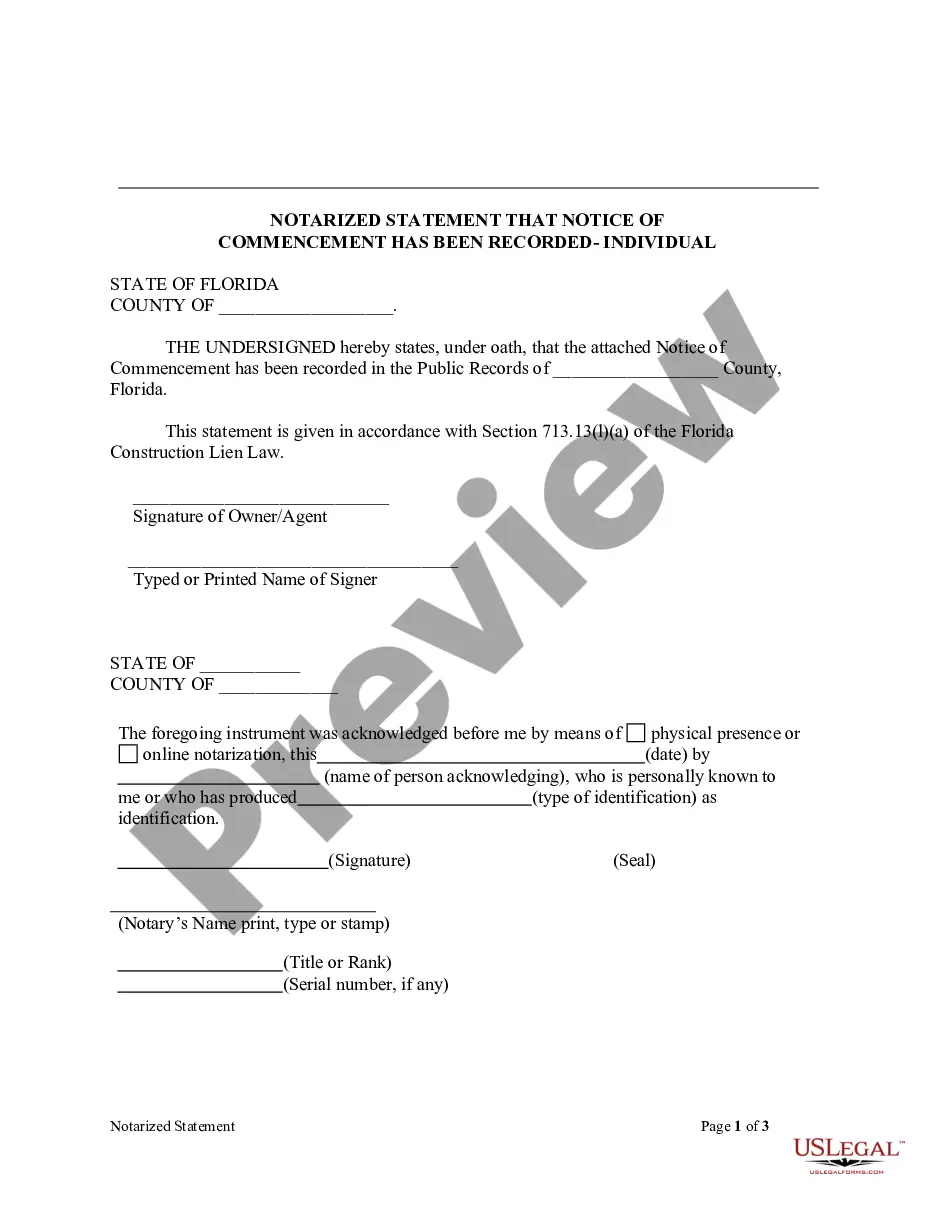
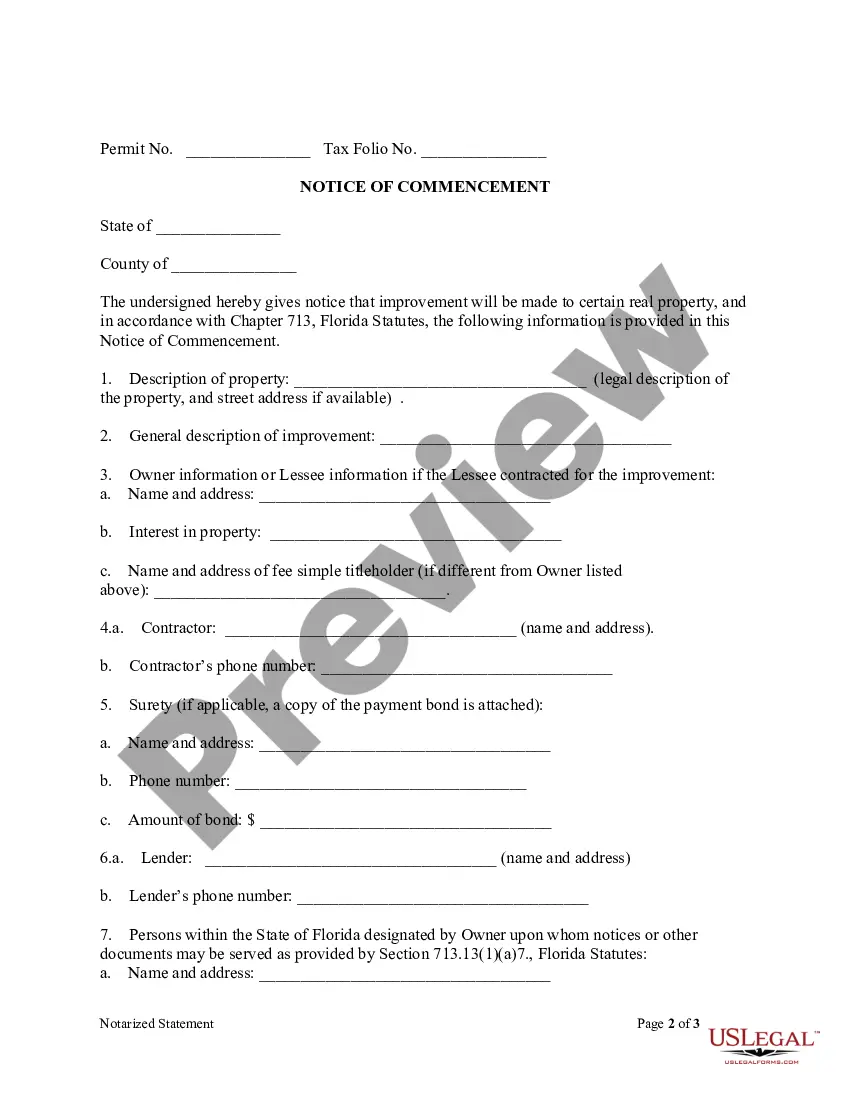
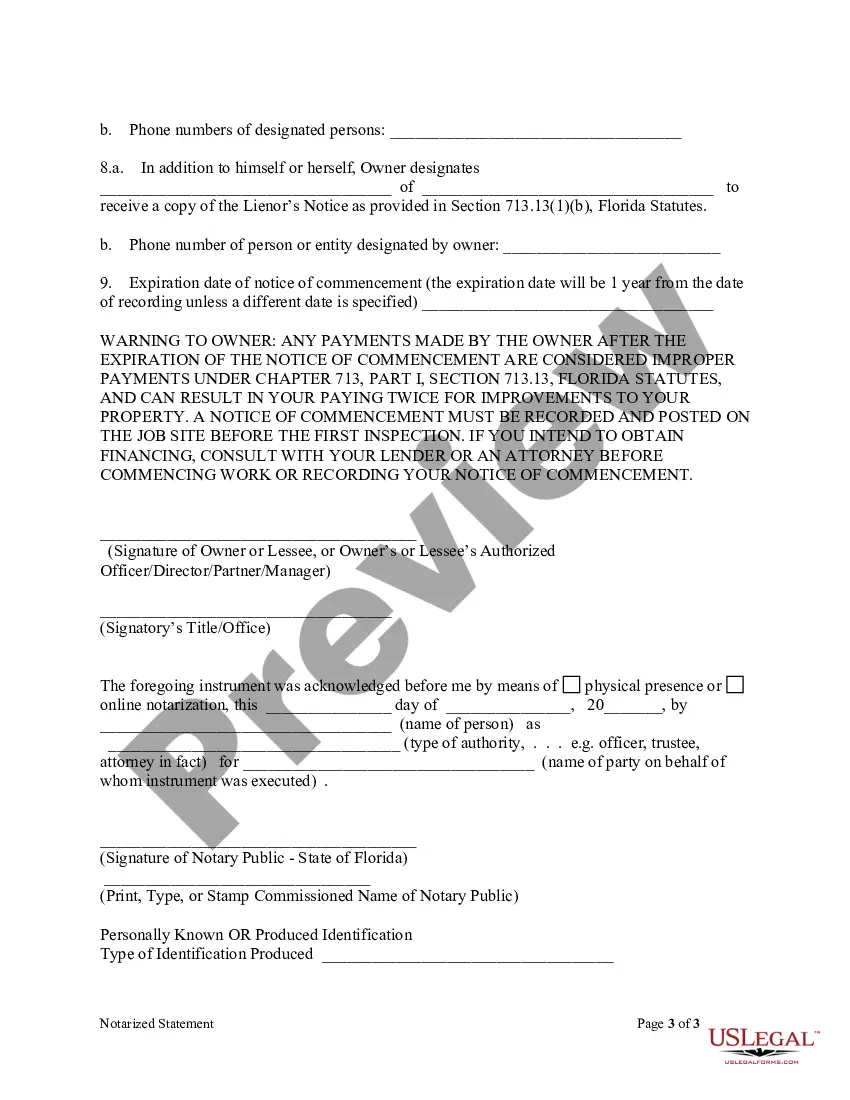
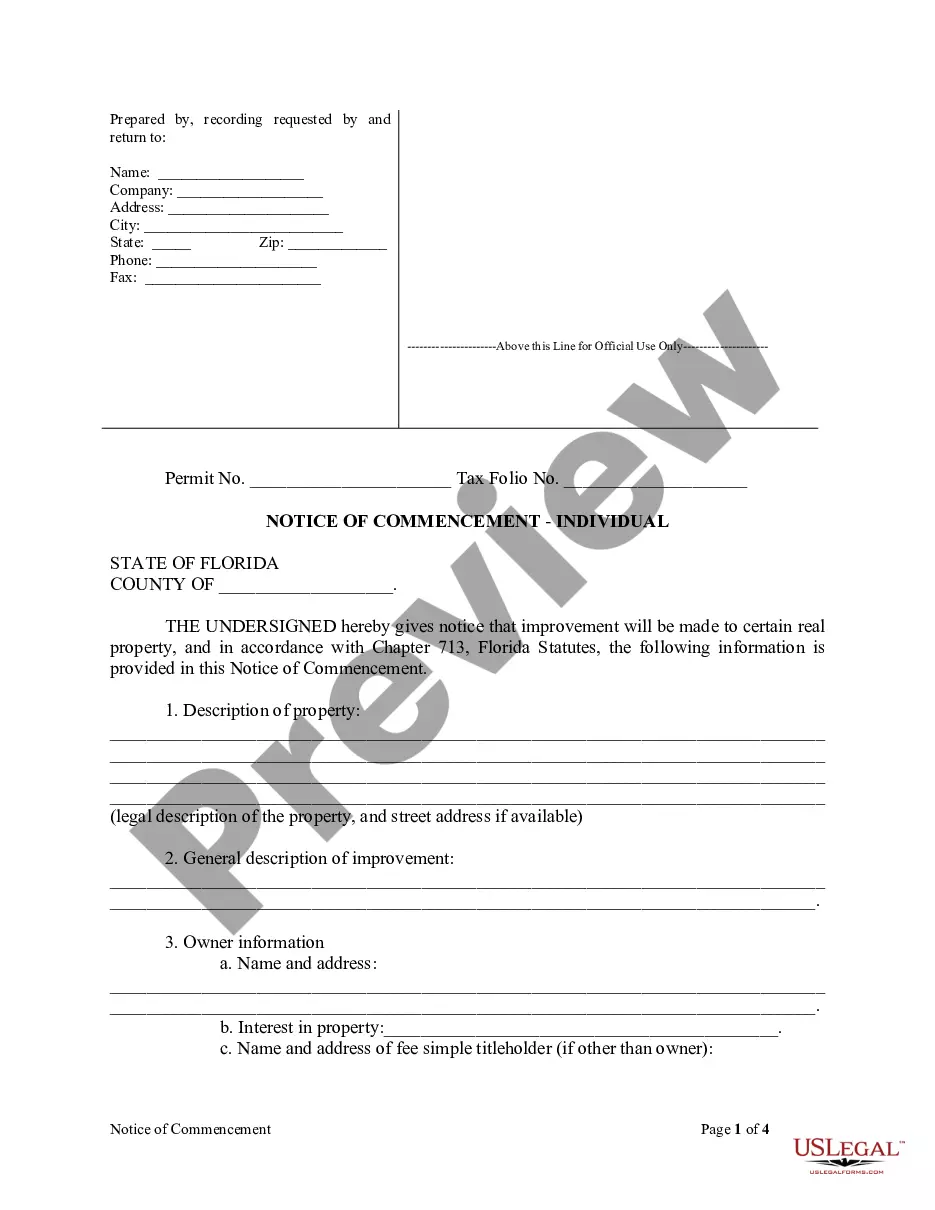
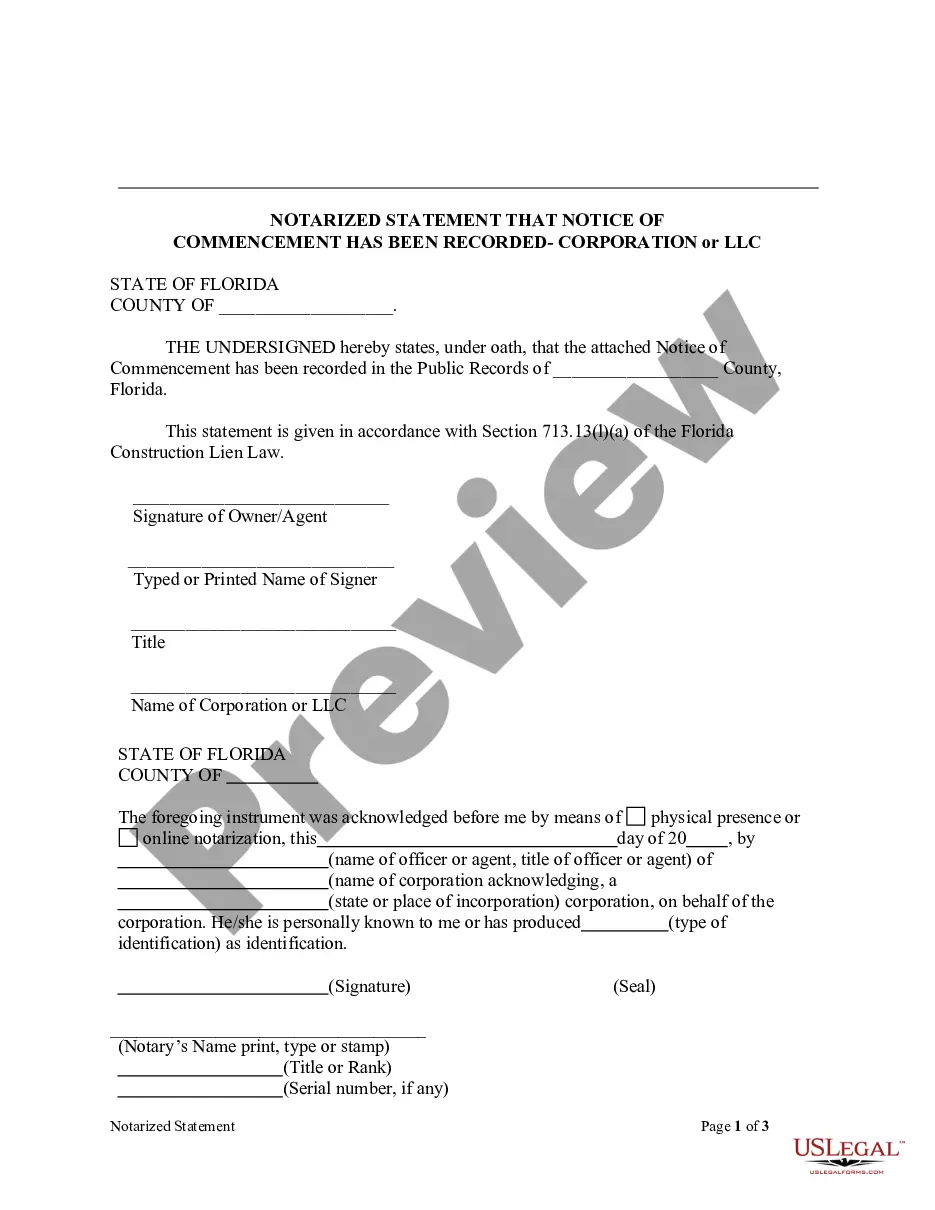
Notarized Statement Regarding Notice of Commencement Form - Construction - Mechanic Liens - Individual
Note: This summary is not intended to be an all inclusive discussion of Florida’s construction lien laws, but does include the basic provisions.
Who may claim a construction lien in Florida?
Generally, Florida law provides that a contractor, subcontractor or material supplier (“lienor”) who provides labor, work, or materials for the improvement of private real property located within Florida has a lien on that property for the value of the materials, labor, or work provided. Florida Statutes § 713.02 and § 713.06.
Private property owners concerned about clouds on title can exempt their property from liens by securing a lien bond in anticipation of construction. See Florida Statutes § 713.23 (Payment Bond) and § 713.245 (Conditional Payment Bond). The lien bond substitutes for the property as security for the payment of a potential lienor. If the project is bonded, the lienor has a claim against the bond for the value of the work and/or the materials provided to improve the property. Owners can also transfer liens to bonds as they see fit after a lien is recorded. Florida Statutes § 713.24.
Perfecting Claim of Lien When the Lienor is in “privity” with the Owner.
Laborers and lienors in privity of contract with the owner – having a “one on one” direct contractual relationship with the Owner – has a fairly direct route to a lien. The owner obviously is aware of the contractual relationship with the claimant since they have a contract. That satisfies the general requirement of “notice.” See Florida Statutes § 713.05. Assuming the contract includes the required warning language required by Florida Statutes § 713.015, that satisfies the statutory notice requirement. At this point, the claimant usually has a valid contract and is in a position to start providing materials or services on the job site.
All claimants – whether laborers or those in privity of contract with the owner or not – must file a claim of lien in a timely fashion in order to protect their lien rights. See Florida Statutes § 713.08(1) and Form FL-03201 – Claim of Lien. Also, any lienor, except a laborer or materialman who has a direct contractual relationship with the owner, must furnish an affidavit like the one required of contractors under Florida Statutes § 713.06(3). See Florida Statutes § 713.05 and Forms FL-3200 “Contractor’s Final Payment Affidavit and FL-03237 “Final Payment Affidavit – One Other than Contractor”.
Perfecting Claim of Lien When the Lienor is NOT in “privity” with the Owner.
A lienor who is not in contractual “privity” (a direct contractual relationship) with the owner must satisfy several requirements before perfecting its right to a construction lien. First, the lienor must serve the owner with a “Notice to Owner.” See Florida Statutes § 713.06(2)(c) and Form FL-03198 . The purpose of the notice to owner is to alert the owner to the lienor’s presence on the job so that the owner can protect himself from the risk of paying over to the contractor monies which ought to go to an unpaid potential lienor who has previously provided work, labor, and/or materials. The owner can eliminate the possibility of paying twice for lienor’s work by requiring a lien waiver (partial or final) ensuring that the money paid the contractor ends up paid to the lienor providing notice. The lienor must serve a notice to owner within the earlier of (1) 45 days of first materials delivered to the project or work performed on the project or (2) before final payment is made by the owner in reliance on the final contractor’s affidavit. See Florida Statutes § 713.06(2)(a) and Form FL-03200. The notice to owner and other required notices under the Florida Construction Lien Law must either be served certified or registered mail return receipt requested or by actual delivery to the person to be served. Fla. Stat. §713.18.
The notice to owner must be sent in the form provided by §713.06(2)(c). A deviation from the statutory form may result in loss of the lienor’s rights. The Owner must be served even if the Owner is in fact aware that the lienor is on the job and providing services and/or materials. If the lienor is not in privity with the general contractor, it must also serve the contractor with the Notice to Owner. See Florida Statutes § 713.06(2)(a). The notice to owner should also be served on any lender identified in the notice of commencement because the lender may be obligated to seek lien waivers from lienors as progress payments are made.
A lienor who fails to recover a timely payment and who has complied with its notice to owner requirements may lien the owner’s property to obtain payment. To do so, the lienor must record a claim of lien in the public records of the county where the property is located within 90 days of the final furnishing of materials, labor, or work or at any time during performance. Florida Statutes § 713.08(5).
The claim of lien must also be in substantially the same form as that provided in §713.08(3). To record the claim of lien, the lien must be prepared, signed and notarized by the lienor and then taken to the clerk of court in the county where the property is located. There it will be recorded in the public records for a nominal fee. Florida Statutes § 713.08(5).
Following recording, the claim of lien should be promptly served by certified mail, return receipt requested, on all of the applicable parties listed in the notice of commencement. If not timely served, “to the extent that the failure or delay is shown to have been prejudicial to any person entitled to rely on the service,” the lien may be void. Florida Statutes §713.08(4)(c). The filing of the claim of lien is not conditioned on the owner filing a Notice of Commencement. Even if the owner fails to file the Notice of Commencement, the lien must be served on the owner at any all available addresses. Florida States § 713.08(4)(c).
After the lien has been recorded, the lienor must commence a court action to foreclose the lien and recover for the work performed within one year from the date the lien is recorded. Florida Statutes § 713.22. The statutory scheme and interplay between F.S. §§713.21 and 713.22 allows an owner to choose a procedure to force a lienor to take action. F.S. §713.21(4) allows the owner or other party of interest to file a complaint and the lienor is required file an action to foreclose a claim of lien or, in the alternative, show cause why the lien should not be discharged within 20 days. F.S. §713.22(2) permits an owner to shorten the one-year period in subsection (1) of the statute down to a period of 60 days by recording a “Notice of Contest of lien” in the clerk’s office. By contesting the lien, the owner forces the lienor to file the action to enforce the lien. See Form FL-03202.
Demand for Copy of Contract and Statement of Account.
The Florida Statutes provide specific authorization for requests for copies of contracts and statements of account of the owner or any lienor upon written demand of an owner or lienor contracting with or employing the other party to such contract. Florida Statutes § 713.16(1). See forms Fl-03223 and FL-03224.
Also, the owner may demand in writing a sworn written statement of account showing the nature of the labor or services performed, or to be performed, or materials to be provided, or to be provided, details as to the amount paid, the amount due and the amount to become due as of the statement of the lienor. Florida Statutes § 713.16(2). See Forms FL-03207 and FL-03208.
Payment Bond
Under section 713.02(6), Florida Statutes, a property owner may require its contractor to provide a payment bond as provided in section § 713.23. See form FL-03216. Receipt of the payment bond exempts the property from lien claims by subcontractors. § 713.23(6), Under the statute, the bond must be: (1) furnished before “commencing the construction of the improvement under the direct contract;” (2) in an amount at least the contract price; (3) executed by a surety authorized to do business in this state; and (4) “conditioned that the contractor shall promptly make payments for labor, services, and material to all lienors under the contractor’s direct contract.” Thus, if an owner obtains a payment bond, the owner’s property is exempt from mechanics’ liens, and the subcontractors are protected by the payment bond.
The statute also imposes notice and time requirements. A copy of the bond must be attached to the notice of commencement when it is recorded. Florida Statutes § 713.23(1)(a). A subcontractor must give notice that it is relying on the bond for protection by giving notice to the contractor before or within 45 days of beginning to furnish labor, materials, or supplies. Florida Statutes § 713.23 (1)(c) and Form FL-02318. As a condition precedent to recovery under the bond, the subcontractor must serve written notice of nonpayment to the contractor and the surety not later than 90 days after it finally furnishes labor, services, or materials. Florida Statutes § 713.23 (1)(d). See Form FL-03232. A subcontractor may not institute suit against the contractor or surety unless the subcontractor has given both notices. § 713.23 (1)(e), Fla. Stat. A subcontractor has one year after completing its work within which to file an action on the bond. The contractor may elect to shorten the time within which an action to enforce a claim against a payment bond (and the § 713.245 Conditional Payment Bond) by recording a Notice of Contest of Claim Against Payment Bond. § 713.23(1)(e), Fla. Stat. See Form FL-03233.
Conditional Payment Bond.
Under Fl. Statutes § 713.23, the owner may be exempted from construction lien liability if the contractor furnishes a payment bond in an amount at least equal to the initial contract price. The payment bond must be attached to and recorded with the notice of commencement. But, if the written contract between the contractor and lienors (subcontractor) includes explicit “Pay When Paid” language, the duty of the contractor is conditioned on payment by the owner and the bond is called a “conditional” payment bond. The duty of the surety under the conditional payment bond can be similarly limited only if:
1. The bond is specified in the Notice of Commencement (Fl-03196) as a “conditional payment bond” and is recorded with the Notice of Commencement prior to the commencement of the project; and
2. The bond is clearly titled “conditional payment bond” at the top of the first page and contains the notice required under Fl. Statute §713.245(1)(c).
With ninety (90) days following the recording of a notice of claim for labor, services or materials for which the contractor has been paid, the owner or contractor may record the Notice of Bond (Fl-03220) specified in § 713.23(2), with an attached copy of the bond and the sworn statement “Certificate of Payment.” See Fl. Statutes § 713.245(4) and Form FL-03213. This transfers the lien from the property to the conditional payment bond to the extent of the owner-contractor payment. The contractor then has the option of joining in or contesting the Certificate of Payment. See Fl. Statute § 713.245(6) and (8). See also, forms FL-03215 Notice of Contest of Payment and FL-03214 Joinder in Certificate of Payment. If the contractor has not been paid as indicated, the Notice of Contest, executed under penalty of perjury, transfers the claim to the conditional payment bond.
Note: If the Notice of Bond is filed more than 90 days after the claim of lien, it must be signed by the owner and the surety and contractor or the lien can not be transferred to the bond.