Florida Enhanced Individual Application For Quick Refund
Description
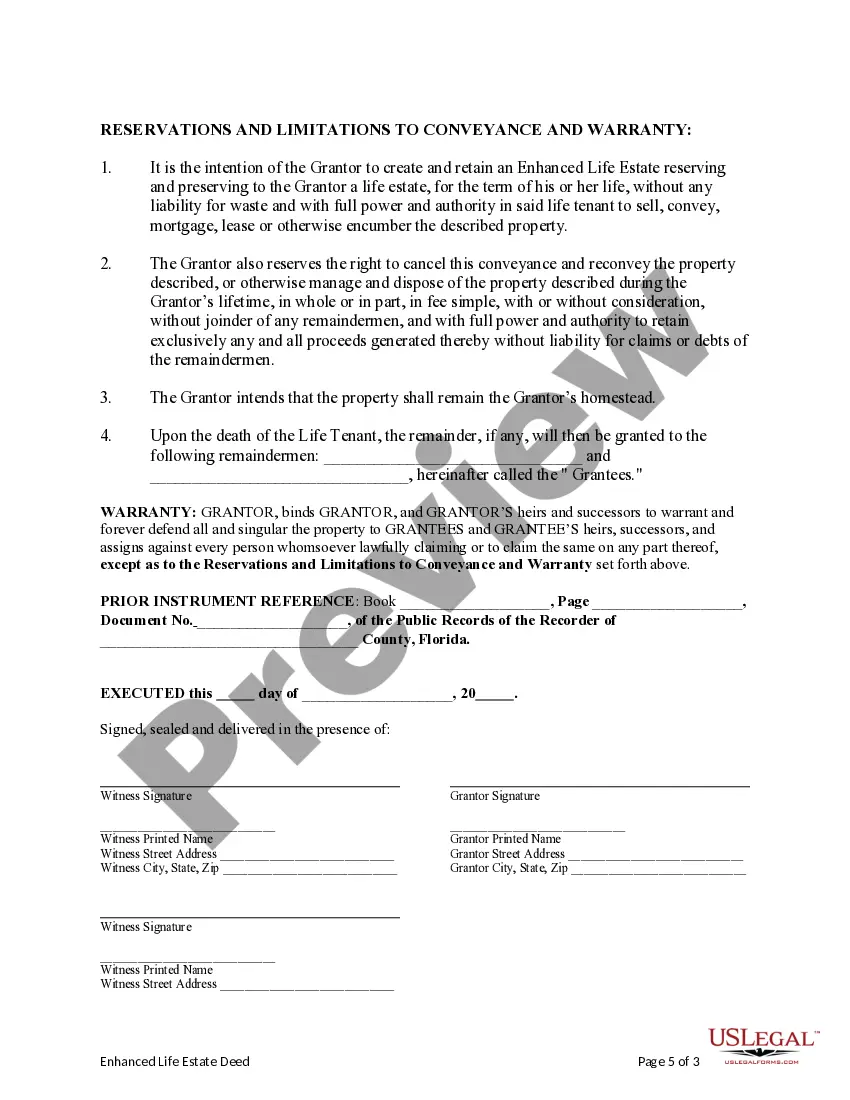
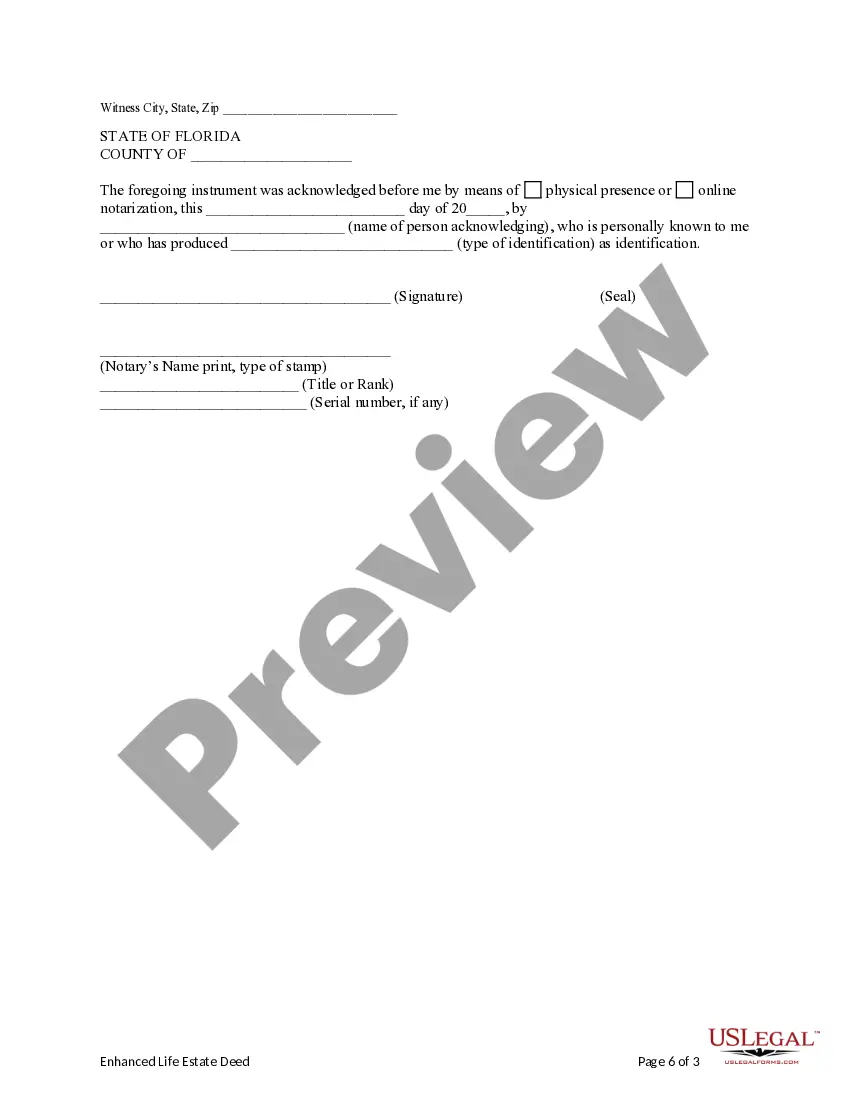
Get your form ready online
Our built-in tools help you complete, sign, share, and store your documents in one place.
Make edits, fill in missing information, and update formatting in US Legal Forms—just like you would in MS Word.
Download a copy, print it, send it by email, or mail it via USPS—whatever works best for your next step.
Sign and collect signatures with our SignNow integration. Send to multiple recipients, set reminders, and more. Go Premium to unlock E-Sign.
If this form requires notarization, complete it online through a secure video call—no need to meet a notary in person or wait for an appointment.
We protect your documents and personal data by following strict security and privacy standards.

Make edits, fill in missing information, and update formatting in US Legal Forms—just like you would in MS Word.

Download a copy, print it, send it by email, or mail it via USPS—whatever works best for your next step.

Sign and collect signatures with our SignNow integration. Send to multiple recipients, set reminders, and more. Go Premium to unlock E-Sign.

If this form requires notarization, complete it online through a secure video call—no need to meet a notary in person or wait for an appointment.

We protect your documents and personal data by following strict security and privacy standards.
Looking for another form?







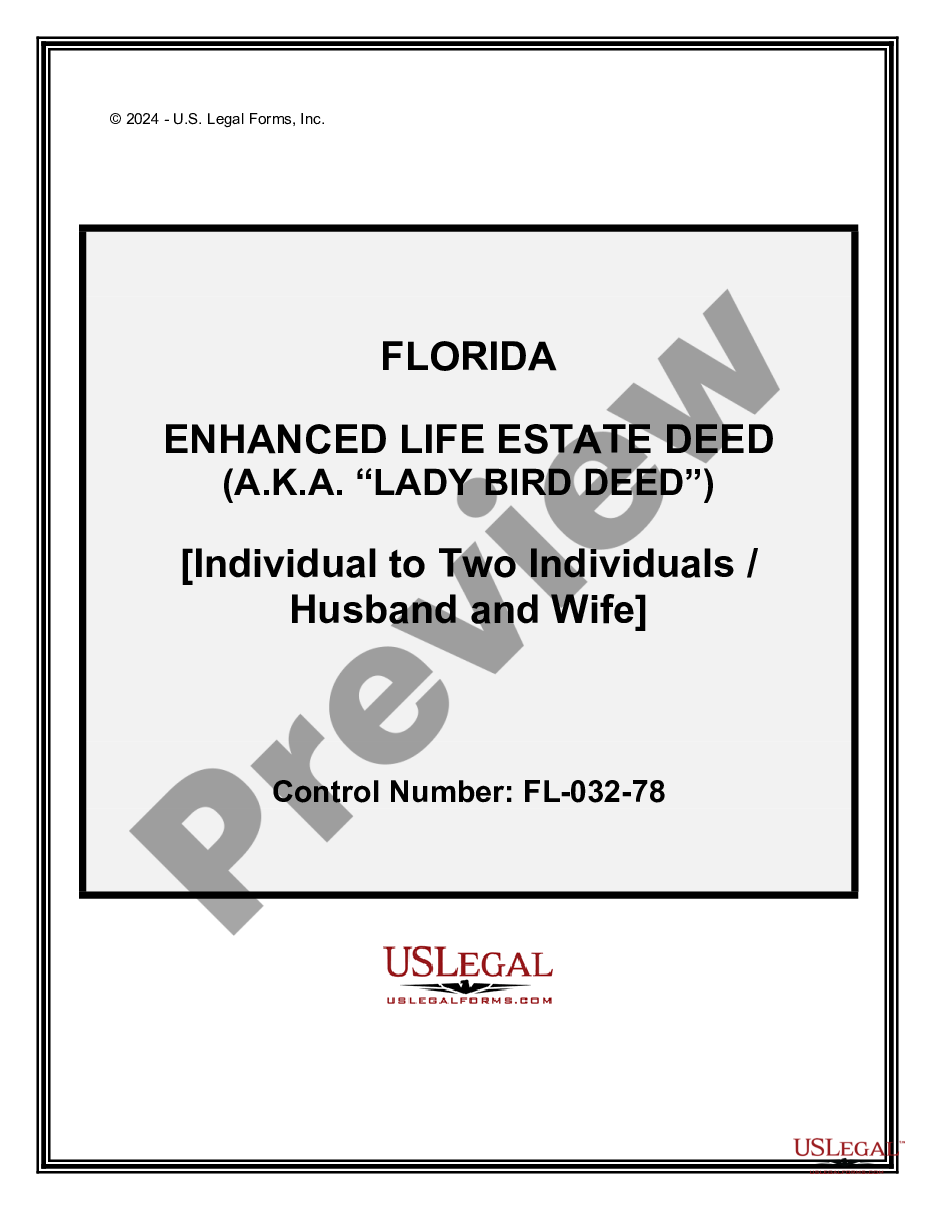
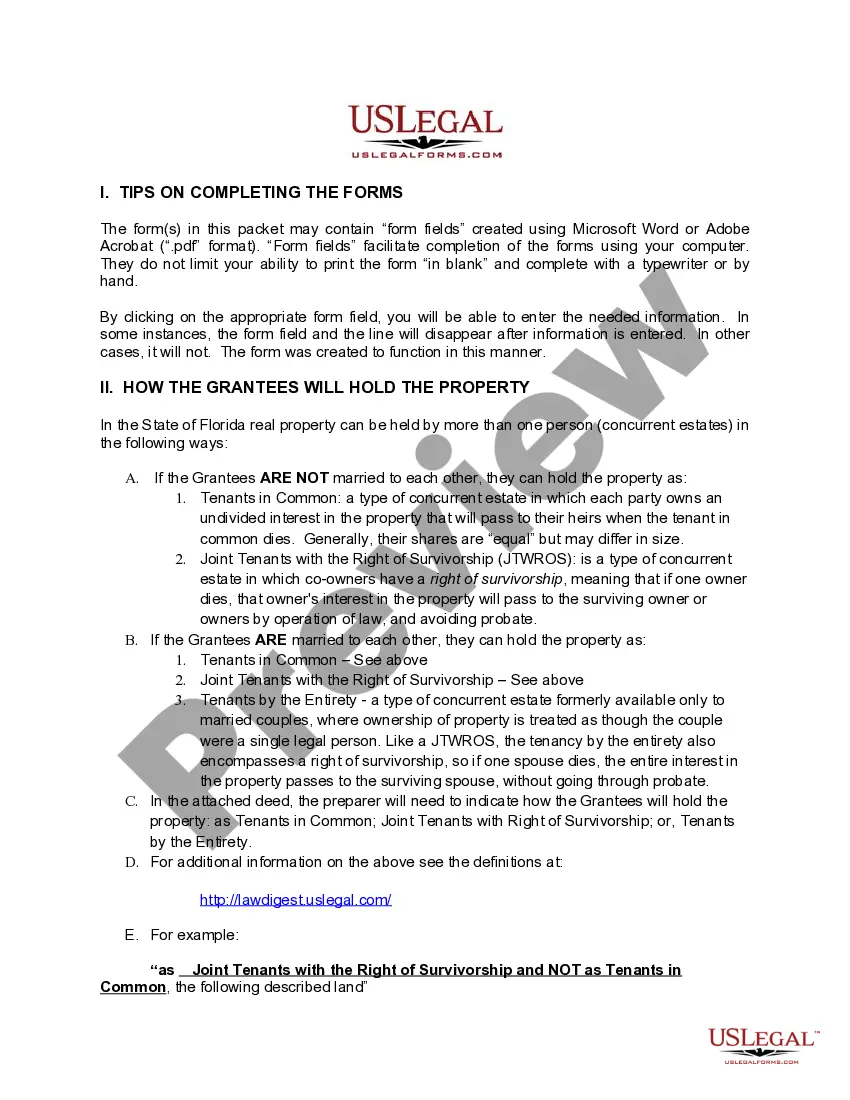
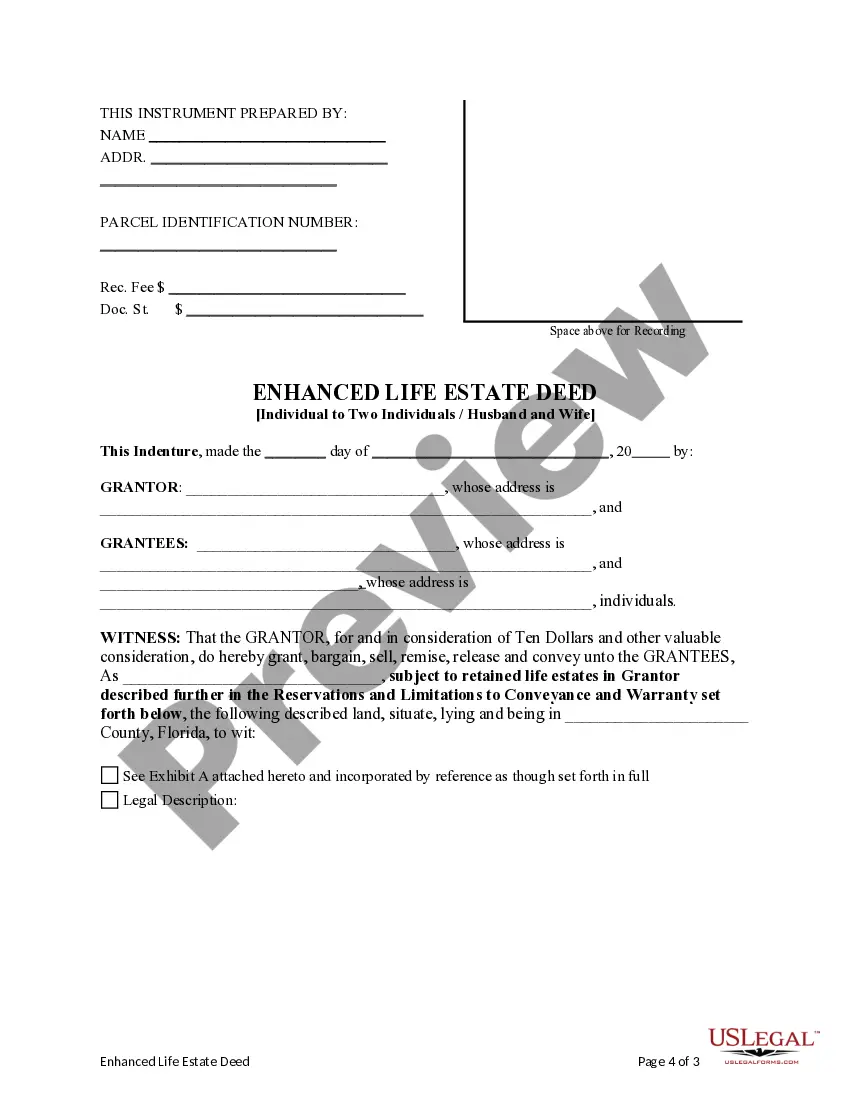
How to fill out Florida Enhanced Life Estate Or Lady Bird Deed - Individual To Two Individuals / Husband And Wife?
Locating a reliable source to obtain the most up-to-date and suitable legal templates is a significant part of dealing with bureaucracy.
Identifying the correct legal documents requires accuracy and meticulousness, which is why it's essential to obtain samples of the Florida Enhanced Individual Application For Quick Refund exclusively from trustworthy providers, such as US Legal Forms.
Proceed to register to complete your purchase. Conclude your transaction by selecting a payment method (credit card or PayPal). Choose the file format for downloading the Florida Enhanced Individual Application For Quick Refund. Once the form is on your device, you can modify it using the editor or print it out and complete it manually. Eliminate the hassle that comes with your legal documentation. Browse the extensive US Legal Forms collection to find legal templates, confirm their relevance to your situation, and download them instantly.
- An incorrect template will squander your time and delay your current situation.
- With US Legal Forms, you have minimal concerns.
- You can access and verify all the information regarding the document’s applicability and significance for your circumstances and in your jurisdiction.
- Follow these steps to complete your Florida Enhanced Individual Application For Quick Refund.
- Utilize the catalog navigation or search bar to locate your template.
- Review the form’s details to confirm it aligns with the stipulations of your state and locality.
- Preview the form, if available, to ensure it is the one you require.
- Return to the search if the Florida Enhanced Individual Application For Quick Refund does not meet your needs.
- Once you are confident about the form’s applicability, download it.
- If you are a registered user, click Log in to verify and access your selected forms in My documents.
- If you haven't created an account yet, click Buy now to acquire the form.
- Choose the pricing option that suits your needs.
Form popularity
FAQ
To request a tax refund, file an Application for Refund - Sales and Use Tax (Form DR-26S) or Application for Refund - All Other Taxes (Form DR-26). An application form may be completed to request moneys paid into the State Treasury for a tax overpayment, payment when tax was not due, or payment made in error.
You can direct your refund to any of your checking or savings accounts with a U.S. financial institution as long as your financial institution accepts direct deposits for that type of account and you provide valid routing and account numbers.
You must call to activate your card (1-800-240-0223). Then, you will need to register a phone number or email address on your card. This can be done online at mctrpayment.com. Once done, you can supply your bank's routing number and your account number for the money to be transferred to your bank account with no fee.
What should I do? Request an expedited refund by calling the IRS at 800-829-1040 (TTY/TDD 800-829-4059). Request a manual refund expedited to you.
"Taxpayers should prepare to file electronically and choose Direct Deposit for their tax refund ? it's the fastest and safest way to file and get a refund," ing to recent IRS taxpayer guidance.