Florida Notice To Owner Statute For Judicial
Description
Get your form ready online
Our built-in tools help you complete, sign, share, and store your documents in one place.
Make edits, fill in missing information, and update formatting in US Legal Forms—just like you would in MS Word.
Download a copy, print it, send it by email, or mail it via USPS—whatever works best for your next step.
Sign and collect signatures with our SignNow integration. Send to multiple recipients, set reminders, and more. Go Premium to unlock E-Sign.
If this form requires notarization, complete it online through a secure video call—no need to meet a notary in person or wait for an appointment.
We protect your documents and personal data by following strict security and privacy standards.

Make edits, fill in missing information, and update formatting in US Legal Forms—just like you would in MS Word.

Download a copy, print it, send it by email, or mail it via USPS—whatever works best for your next step.

Sign and collect signatures with our SignNow integration. Send to multiple recipients, set reminders, and more. Go Premium to unlock E-Sign.

If this form requires notarization, complete it online through a secure video call—no need to meet a notary in person or wait for an appointment.

We protect your documents and personal data by following strict security and privacy standards.
Looking for another form?





How to fill out Florida Notice To Owner Form - Construction - Mechanic Liens - Corporation?
Legal management may be overpowering, even for knowledgeable professionals. When you are looking for a Florida Notice To Owner Statute For Judicial and do not get the time to commit searching for the appropriate and updated version, the operations may be nerve-racking. A strong online form catalogue might be a gamechanger for anybody who wants to handle these situations effectively. US Legal Forms is a market leader in web legal forms, with over 85,000 state-specific legal forms available anytime.
With US Legal Forms, you are able to:
- Access state- or county-specific legal and organization forms. US Legal Forms handles any needs you might have, from individual to business paperwork, all in one location.
- Use innovative tools to finish and manage your Florida Notice To Owner Statute For Judicial
- Access a resource base of articles, guides and handbooks and resources highly relevant to your situation and needs
Save time and effort searching for the paperwork you will need, and use US Legal Forms’ advanced search and Review tool to locate Florida Notice To Owner Statute For Judicial and download it. If you have a monthly subscription, log in for your US Legal Forms profile, search for the form, and download it. Review your My Forms tab to find out the paperwork you previously saved and to manage your folders as you can see fit.
Should it be your first time with US Legal Forms, register an account and have unrestricted use of all benefits of the library. Listed below are the steps for taking after downloading the form you need:
- Verify this is the right form by previewing it and reading through its information.
- Be sure that the sample is approved in your state or county.
- Pick Buy Now once you are ready.
- Choose a monthly subscription plan.
- Pick the formatting you need, and Download, complete, sign, print and deliver your papers.
Enjoy the US Legal Forms online catalogue, backed with 25 years of expertise and reliability. Enhance your daily papers management into a smooth and easy-to-use process today.
Form popularity
FAQ
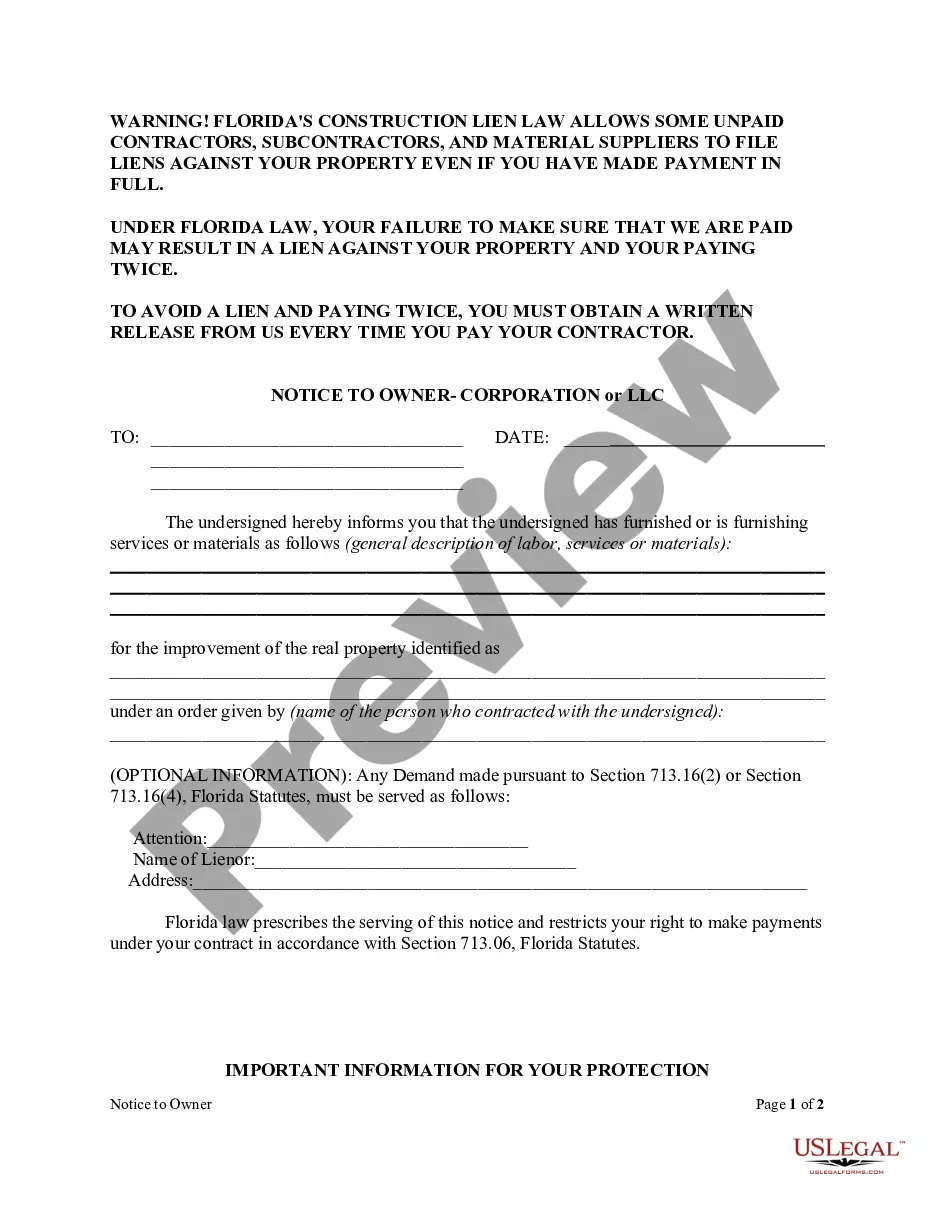
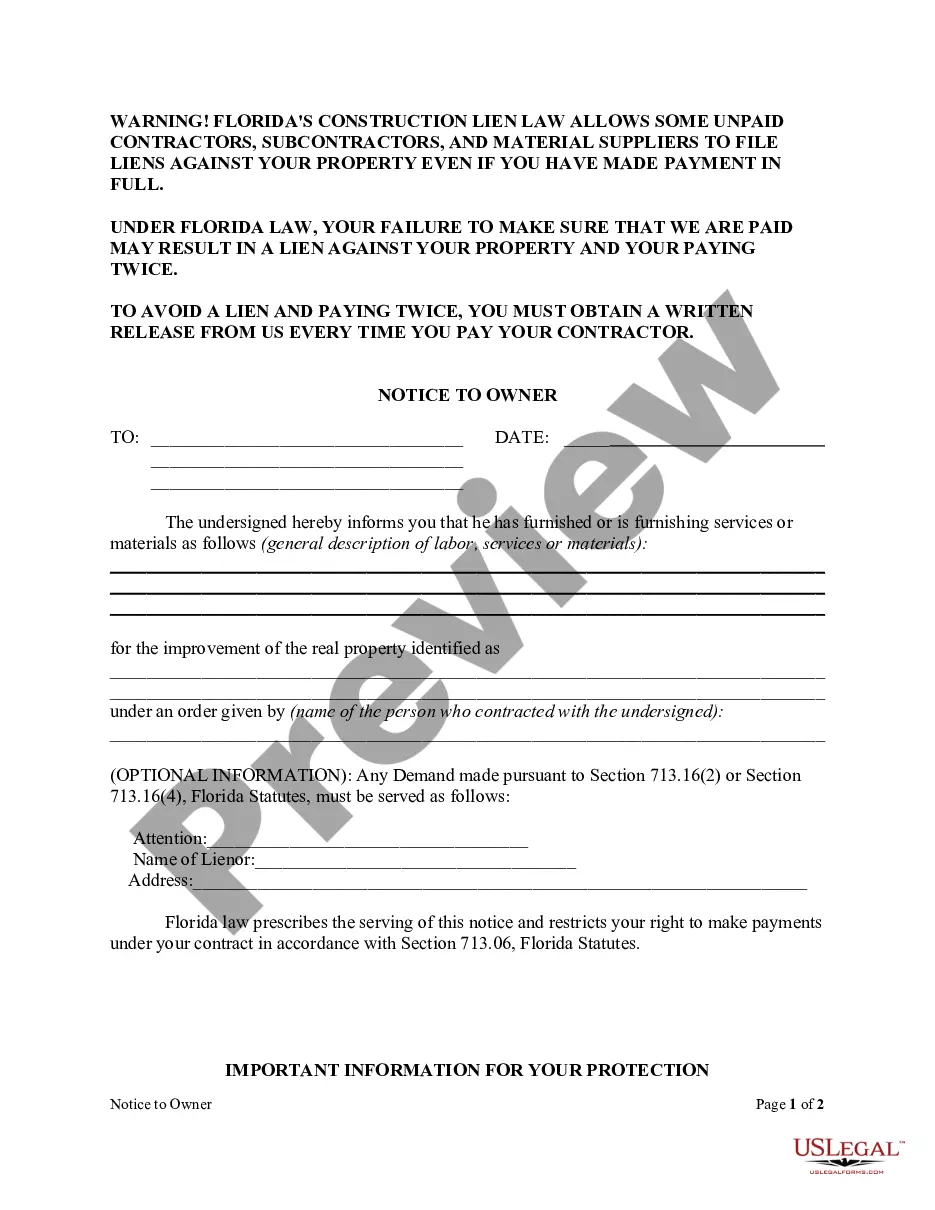
What information must be provided in the Florida NTO? Property owner(s) name & address. Owner designee name & address (if any) General contractor name & address. A ?general description? of the materials and/or work being provided to the job. Property description where the job is located. Hiring party's name & address.
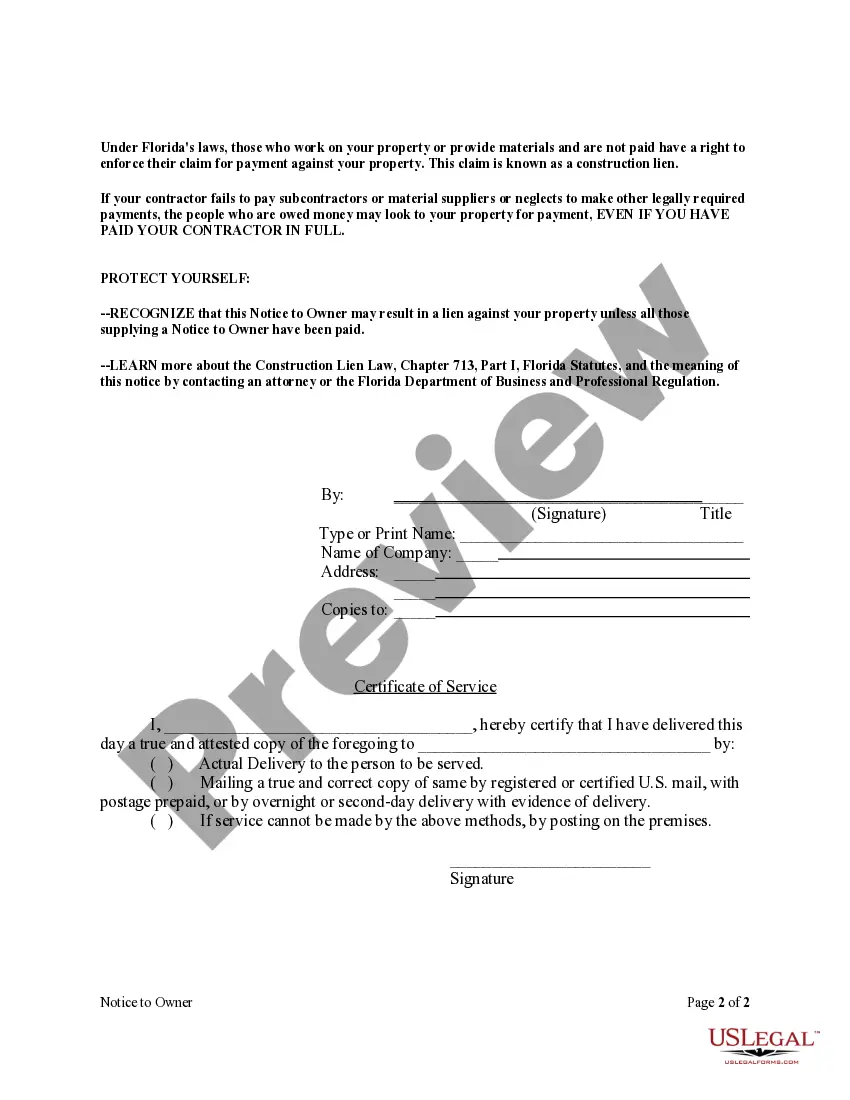
Sign your notice and mail it to the owner via certified mail, return receipt requested or have it personally delivered to the owner. If personally served, you need to receive a signature from an authorize signatory of the owner to prove service was completed.
Per Florida Statutes 713.16, the sworn statement of account is a written statement that documents the nature of the labor or services performed or to be performed, materials supplied or to be supplied, current amount paid on the account, amount due and amount to become due as stated by the lienor.
On a private construction project in Florida, any party not hired by the property owner must send a Notice to Owner by the earlier date of: 45 days after first providing labor or materials. 45 days when work begins on making specialty materials.
Florida Statute (713.06), requires that a Notice to Owner be served on the improvement owner not later than 45 days from the date of first labor, services, or materials delivered to the job site as a prerequisite to secure the sender's right to lien the property in the event the sender is not properly paid for work ...