Delaware Disclosure Sales Force Login
Description
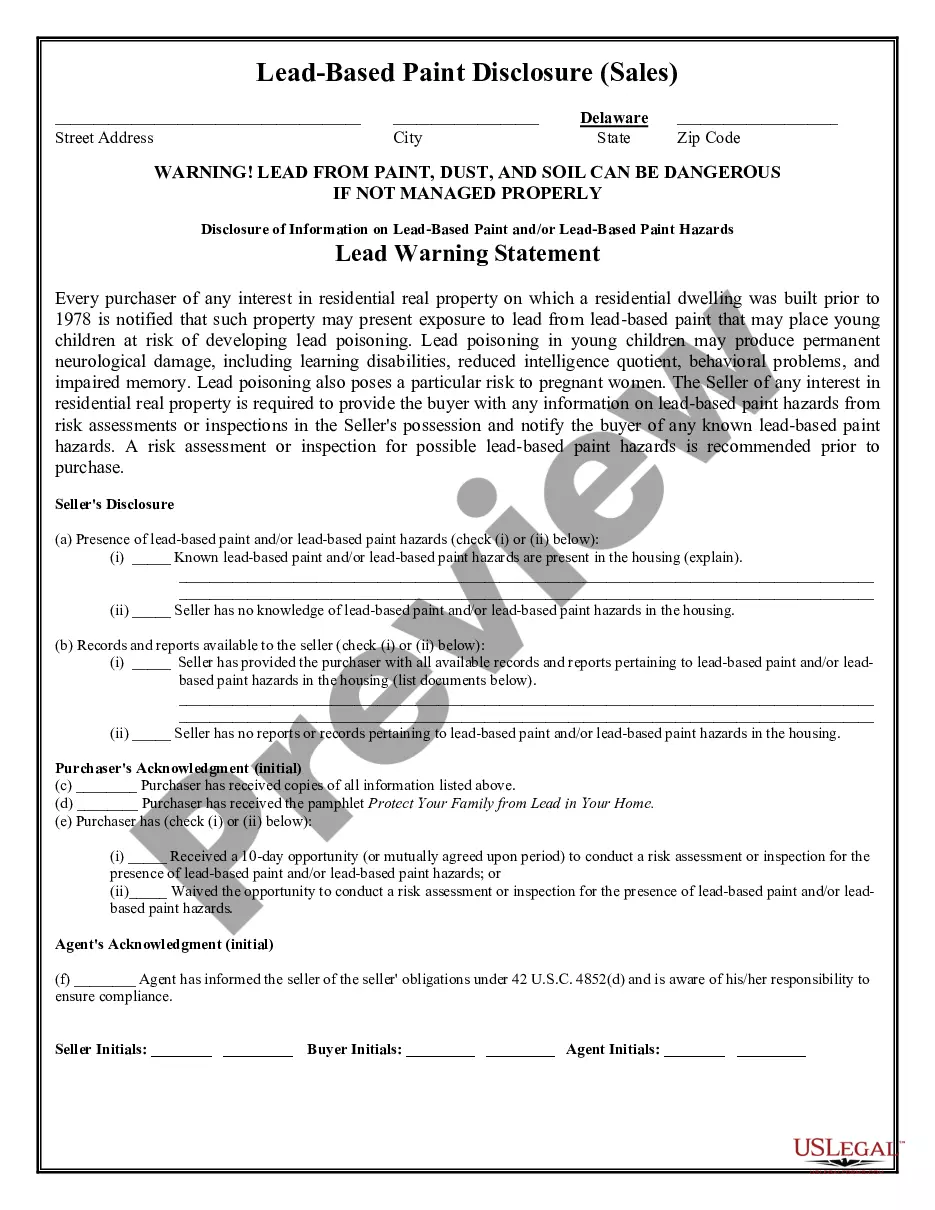
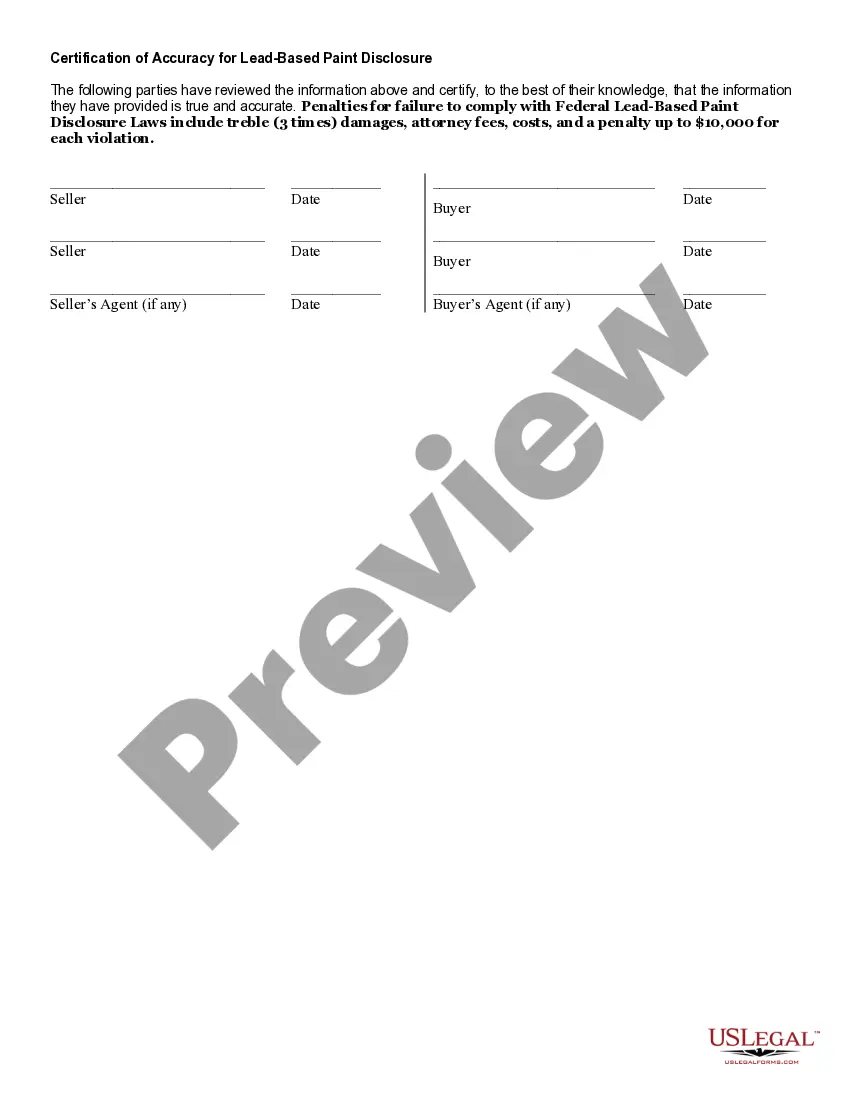
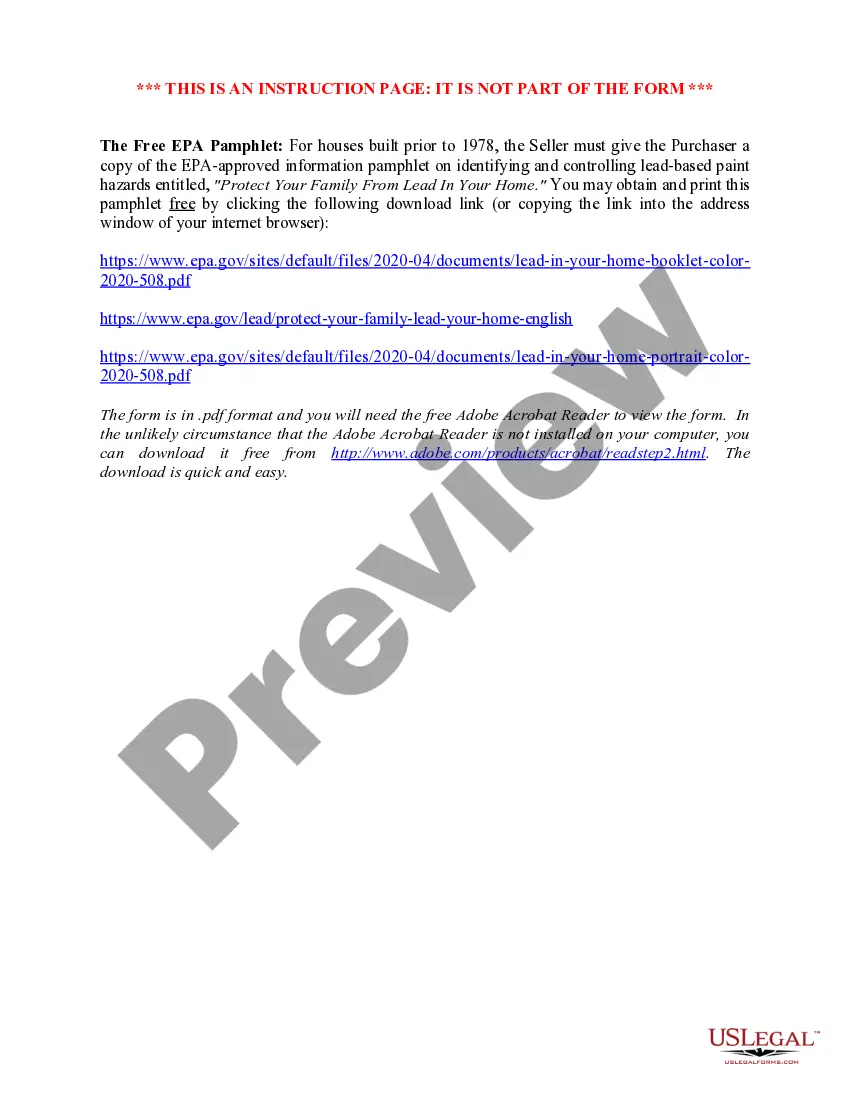
Get your form ready online
Our built-in tools help you complete, sign, share, and store your documents in one place.
Make edits, fill in missing information, and update formatting in US Legal Forms—just like you would in MS Word.
Download a copy, print it, send it by email, or mail it via USPS—whatever works best for your next step.
Sign and collect signatures with our SignNow integration. Send to multiple recipients, set reminders, and more. Go Premium to unlock E-Sign.
If this form requires notarization, complete it online through a secure video call—no need to meet a notary in person or wait for an appointment.
We protect your documents and personal data by following strict security and privacy standards.

Make edits, fill in missing information, and update formatting in US Legal Forms—just like you would in MS Word.

Download a copy, print it, send it by email, or mail it via USPS—whatever works best for your next step.

Sign and collect signatures with our SignNow integration. Send to multiple recipients, set reminders, and more. Go Premium to unlock E-Sign.

If this form requires notarization, complete it online through a secure video call—no need to meet a notary in person or wait for an appointment.

We protect your documents and personal data by following strict security and privacy standards.
Looking for another form?








How to fill out Delaware Lead Based Paint Disclosure For Sales Transaction?
It’s a well-known fact that you cannot transform into a legal specialist overnight, nor can you rapidly learn to efficiently prepare Delaware Disclosure Sales Force Log In without possessing a unique set of abilities.
Assembling legal documents is a lengthy undertaking that necessitates particular education and expertise. So why not entrust the development of the Delaware Disclosure Sales Force Log In to the experts.
With US Legal Forms, which has one of the most extensive libraries of legal templates, you can locate everything from legal filings to models for internal business communication.
If you require a different template, restart your search.
Create a complimentary account and select a subscription plan to purchase the form. Click Buy now. After the purchase is completed, you can obtain the Delaware Disclosure Sales Force Log In, complete it, print it, and send or mail it to the appropriate individuals or organizations.
- We recognize the significance of compliance and adherence to both federal and state regulations.
- That’s why, on our site, all templates are specific to locations and current.
- Start with our website to obtain the form you need in just a few minutes.
- Utilize the search bar located at the top of the page to find the necessary form.
- View a preview (if this feature is available) and review the accompanying description to confirm whether Delaware Disclosure Sales Force Log In is what you are looking for.
Form popularity
FAQ
To activate the login as Salesforce feature, navigate to your Salesforce setup. Under the 'Users' section, you can enable this option for specific users. This feature allows administrators to log in as another user, which is useful for troubleshooting. By utilizing the Delaware disclosure sales force login, administrators can provide tailored assistance to users effectively.
Logging into the Dev sandbox Salesforce is similar to accessing the main platform. Go to the sandbox login page and enter your username and password, which typically includes your sandbox domain. This allows you to test features without affecting your live environment. Remember, using the Delaware disclosure sales force login can help streamline your experience in both environments.
If you cannot log into your Salesforce account, it may be due to an incorrect username or password. Double-check your login information and ensure that your account is active. Additionally, verify that your browser is compatible with the Salesforce interface, as this can sometimes cause access issues. For better support, look into resources available through the Delaware disclosure sales force login.
Accessing your Salesforce account is straightforward. Visit the Salesforce login page and input your username along with your password. If you experience any issues, consider checking your internet connection or clearing your browser's cache. Once logged in, you will have full access to the features related to Delaware disclosure sales force login.
To login into the Salesforce Partner Community, first navigate to the login page. Enter your username and password associated with your Salesforce account. If you have forgotten your credentials, utilize the 'Forgot Your Password?' option to reset it. This process ensures secure access to your account and resources within the Delaware disclosure sales force login.
To get into Salesforce with no experience, consider enrolling in beginner courses or tutorials available online. Many resources provide step-by-step guidance on how to navigate the platform. Utilizing the US Legal Forms platform can also help you learn essential functions related to your Delaware disclosure sales force login.
Creating a login in Salesforce involves registering for an account through your organization's Salesforce setup. If you are using the US Legal Forms platform, you can follow their specific instructions or contact support for guidance. Once created, this login will facilitate your Delaware disclosure sales force login and access to various features.
When logging into Salesforce for the first time, use the provided temporary credentials from your welcome email. Follow the prompts to set your password and complete your profile. This initial setup is vital for your ongoing access, particularly when managing your Delaware disclosure sales force login.
To log in to Salesforce for the first time, locate the email containing your temporary login details sent to you. Use these details on the Salesforce login page to access your account. After your first login, make sure to change your password to something memorable, especially for your Delaware disclosure sales force login.
Logging into your Salesforce account is straightforward. Visit the Salesforce login page, enter your username and password, and click 'Log In.' If you encounter any issues, refer to the support section for troubleshooting assistance related to your Delaware disclosure sales force login.