Ct Divorce Law For Divorce
Description


Get your form ready online
Our built-in tools help you complete, sign, share, and store your documents in one place.
Make edits, fill in missing information, and update formatting in US Legal Forms—just like you would in MS Word.
Download a copy, print it, send it by email, or mail it via USPS—whatever works best for your next step.
Sign and collect signatures with our SignNow integration. Send to multiple recipients, set reminders, and more. Go Premium to unlock E-Sign.
If this form requires notarization, complete it online through a secure video call—no need to meet a notary in person or wait for an appointment.
We protect your documents and personal data by following strict security and privacy standards.

Make edits, fill in missing information, and update formatting in US Legal Forms—just like you would in MS Word.

Download a copy, print it, send it by email, or mail it via USPS—whatever works best for your next step.

Sign and collect signatures with our SignNow integration. Send to multiple recipients, set reminders, and more. Go Premium to unlock E-Sign.

If this form requires notarization, complete it online through a secure video call—no need to meet a notary in person or wait for an appointment.

We protect your documents and personal data by following strict security and privacy standards.
Looking for another form?



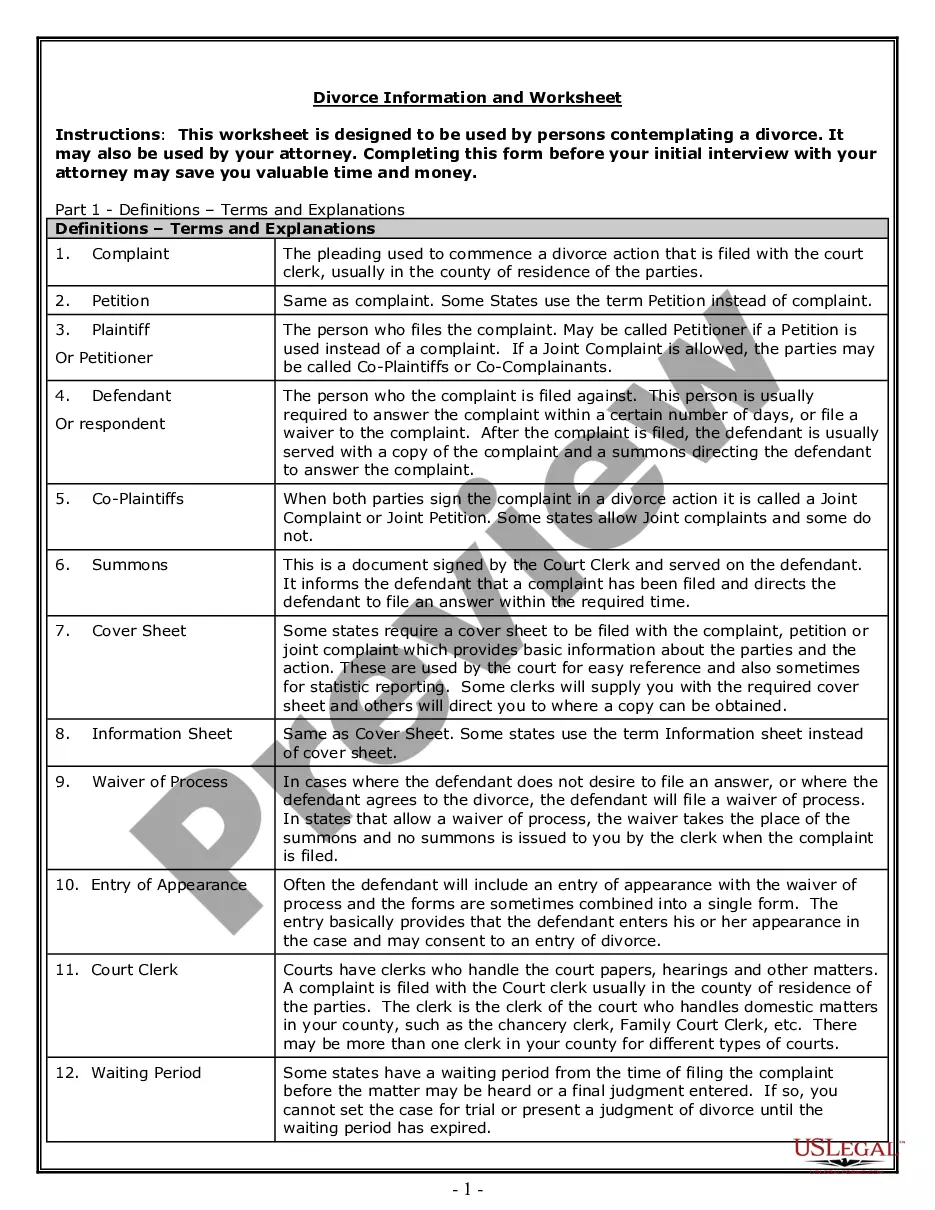
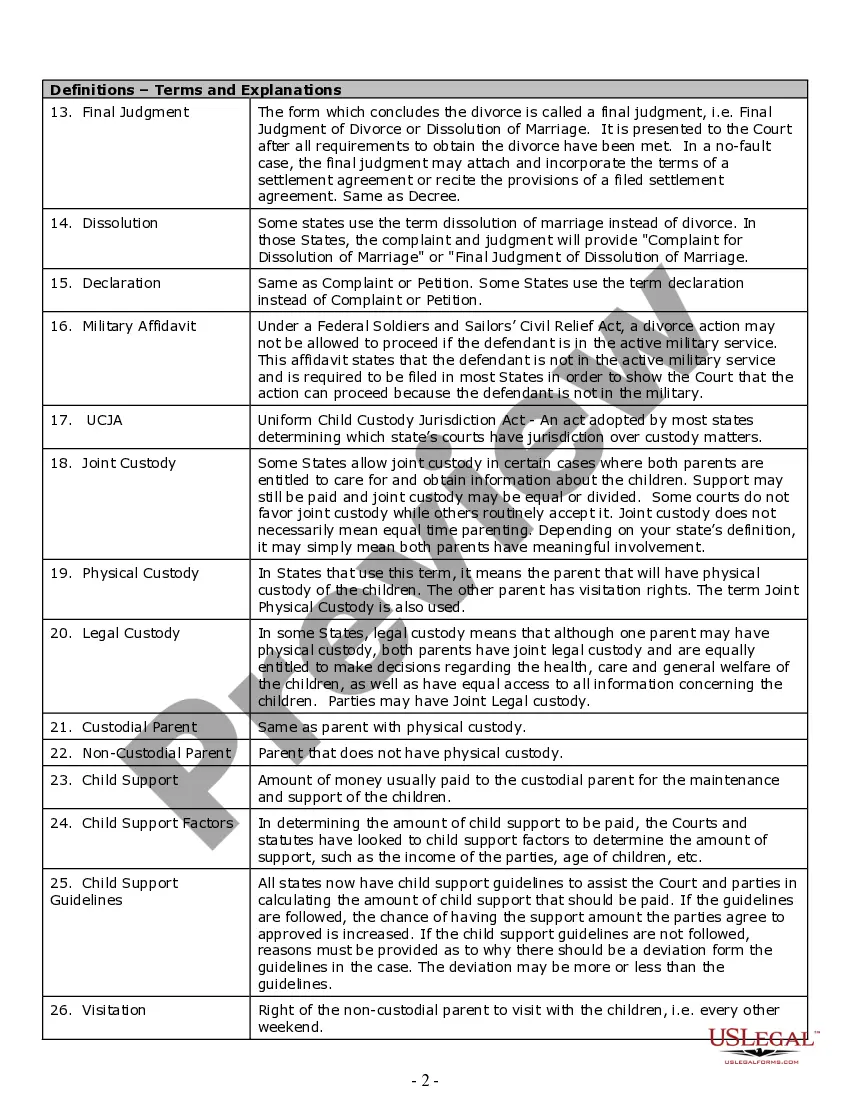
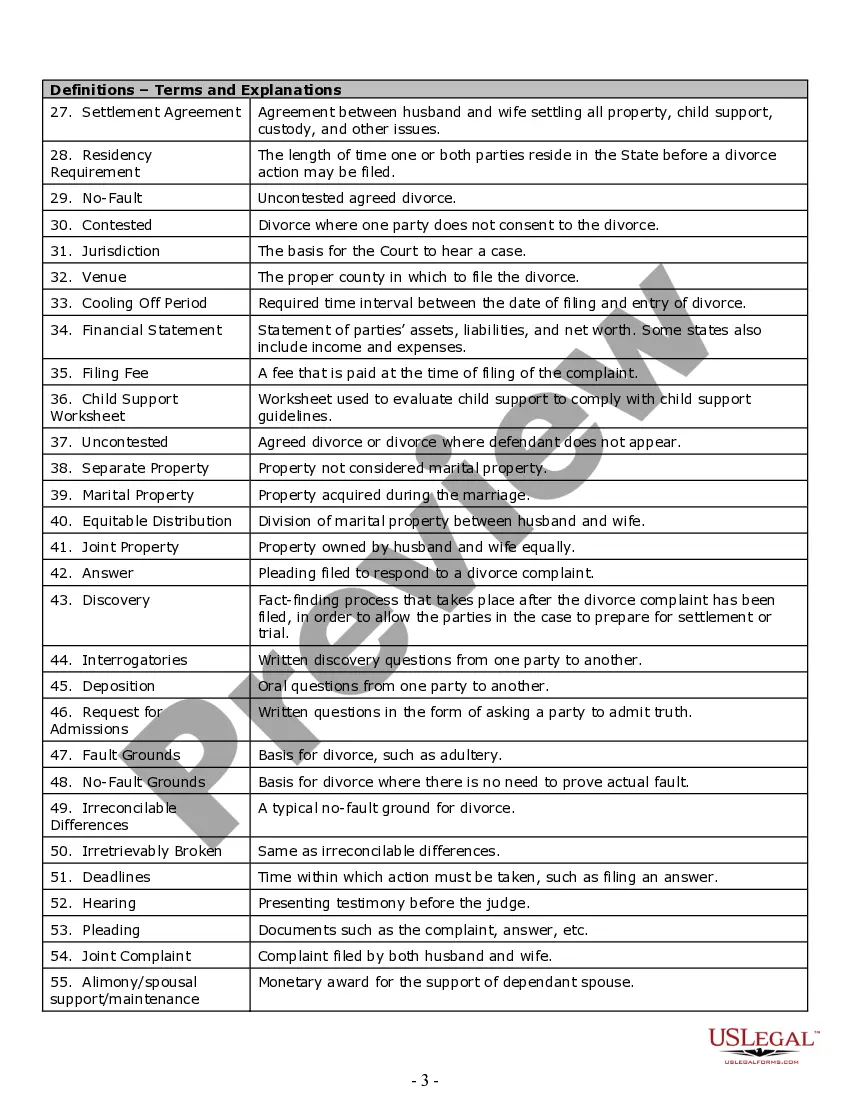
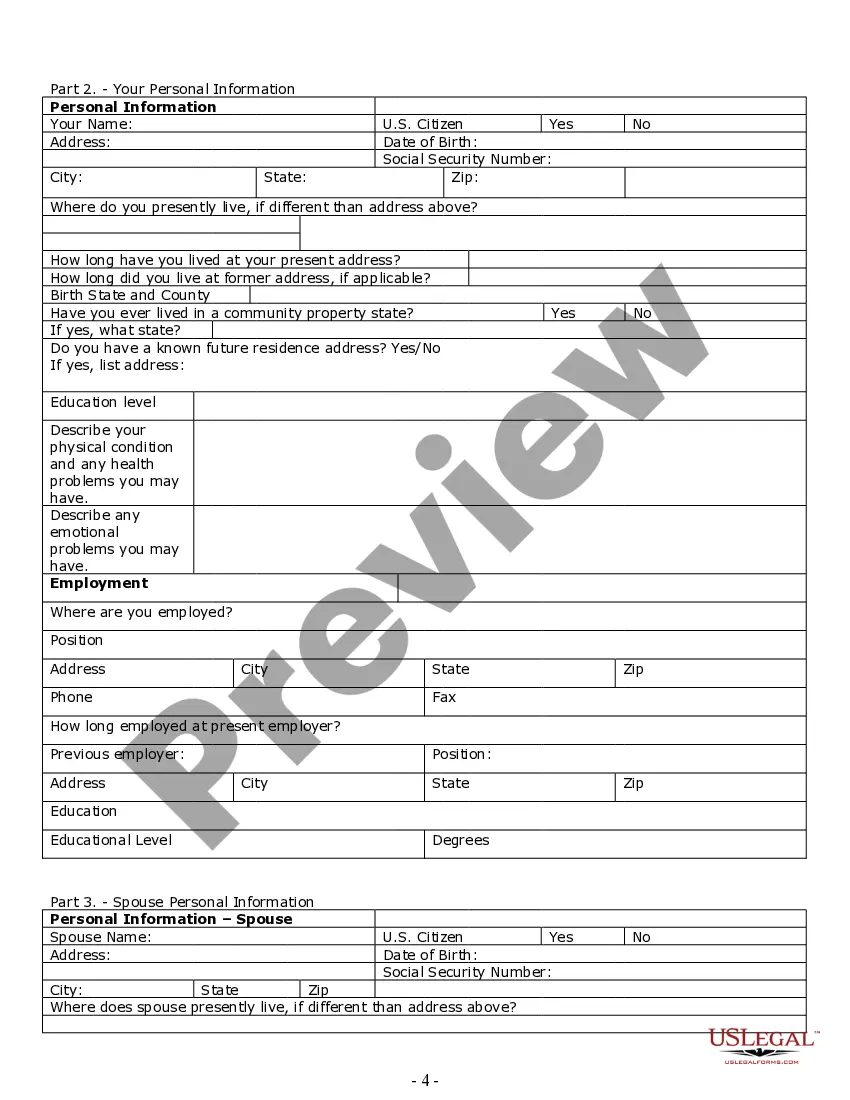
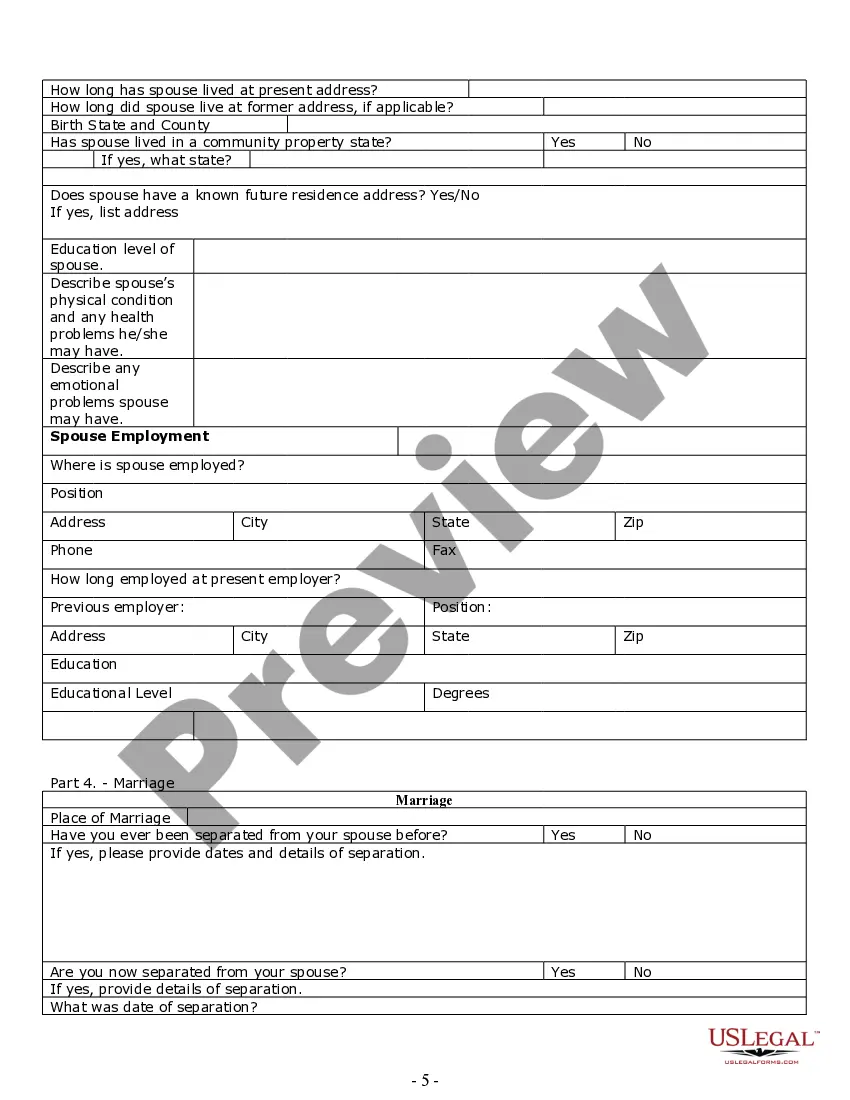
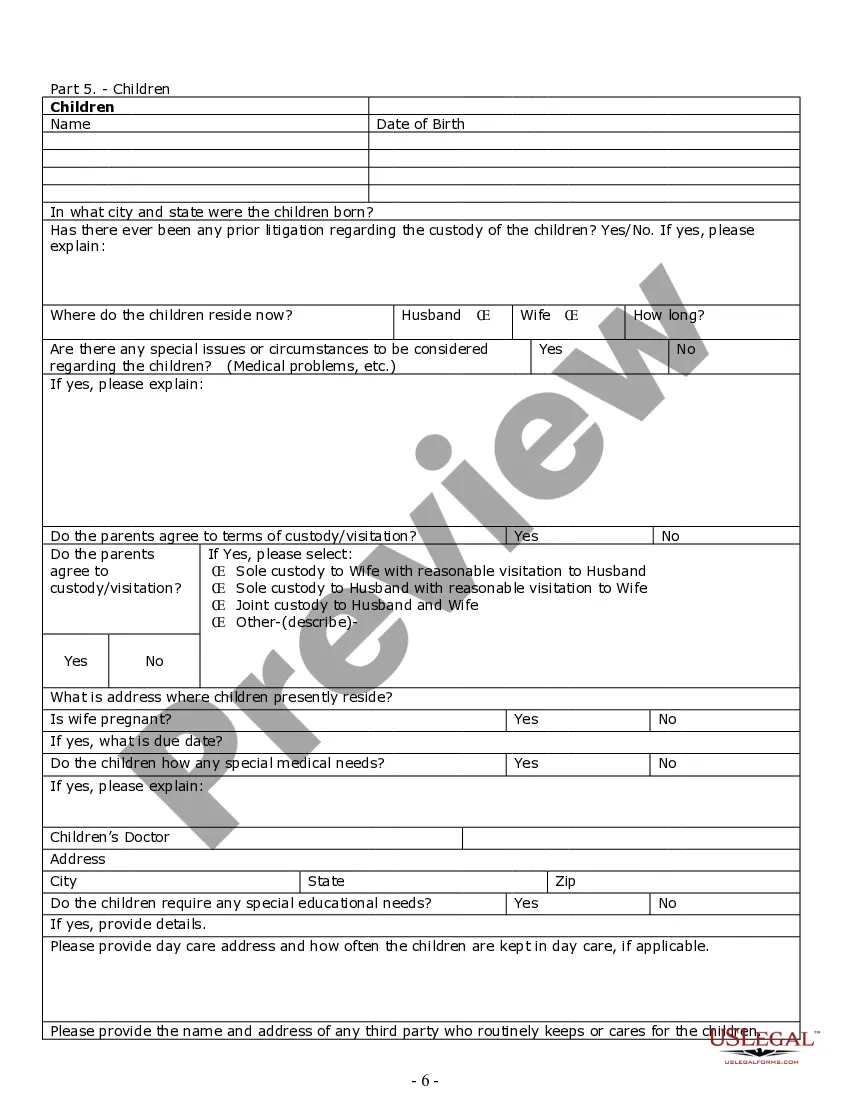
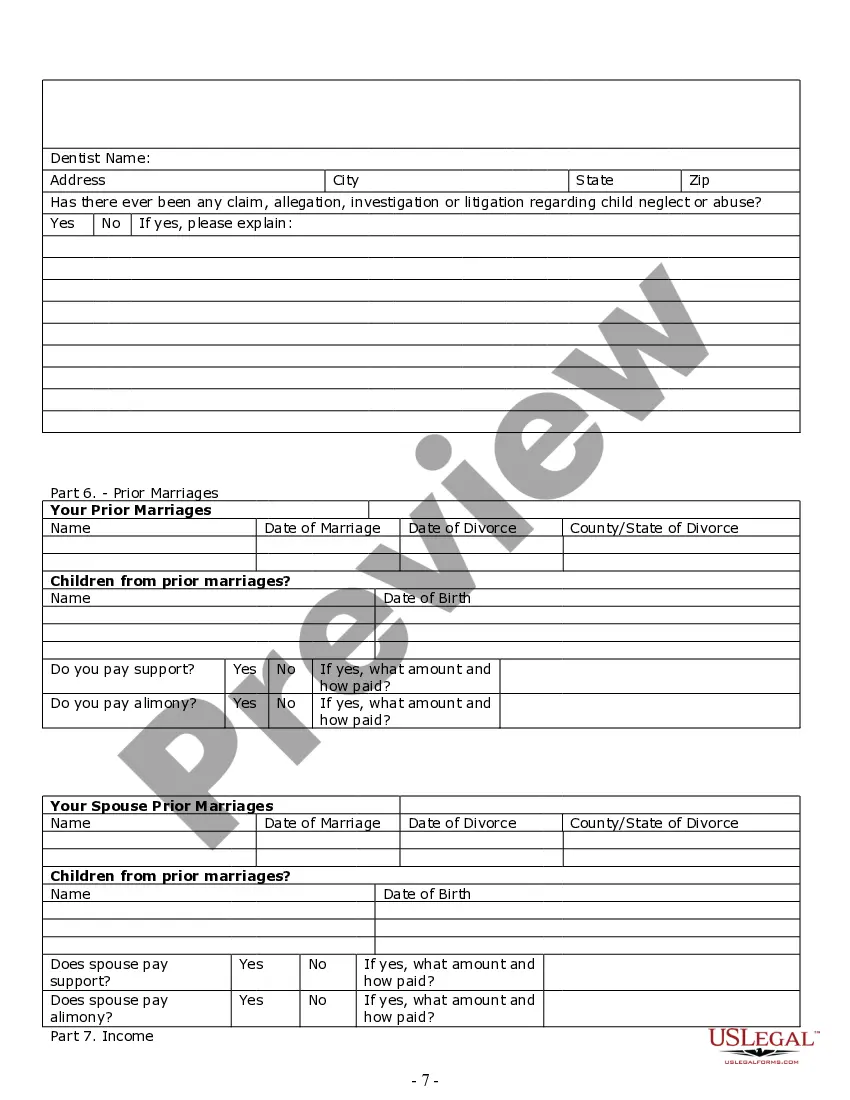
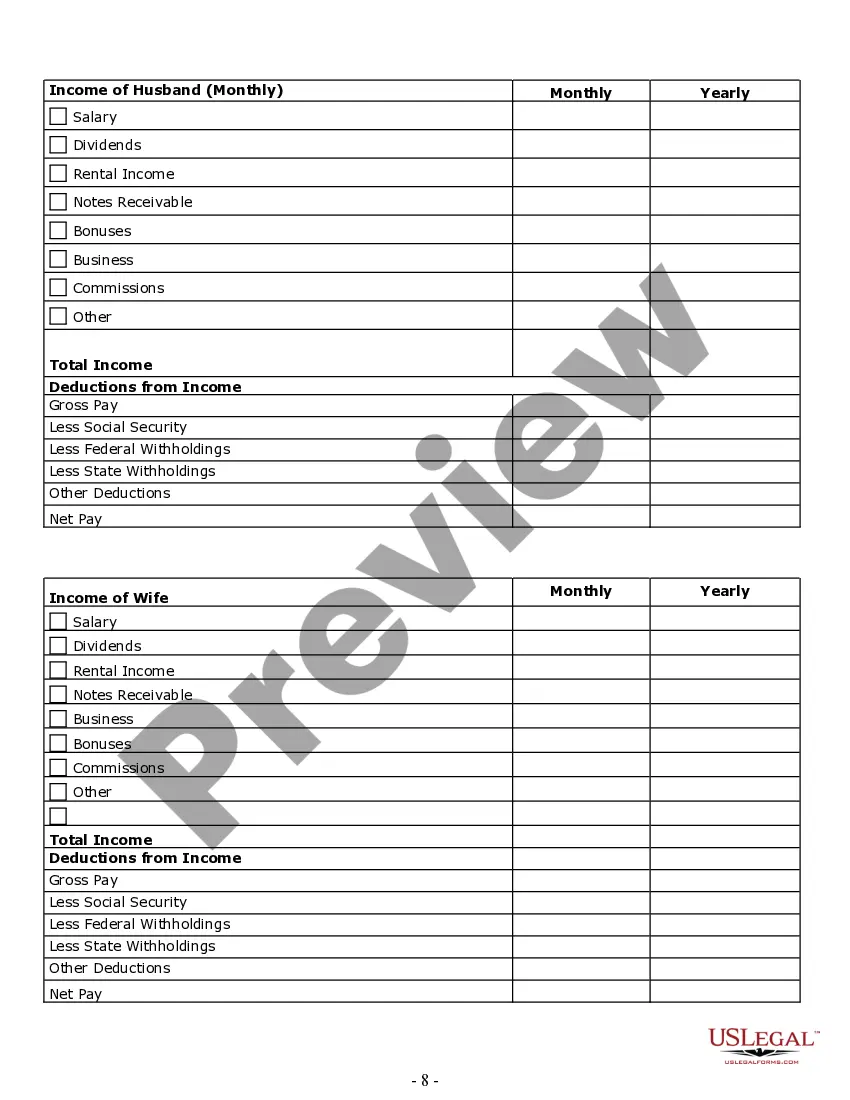
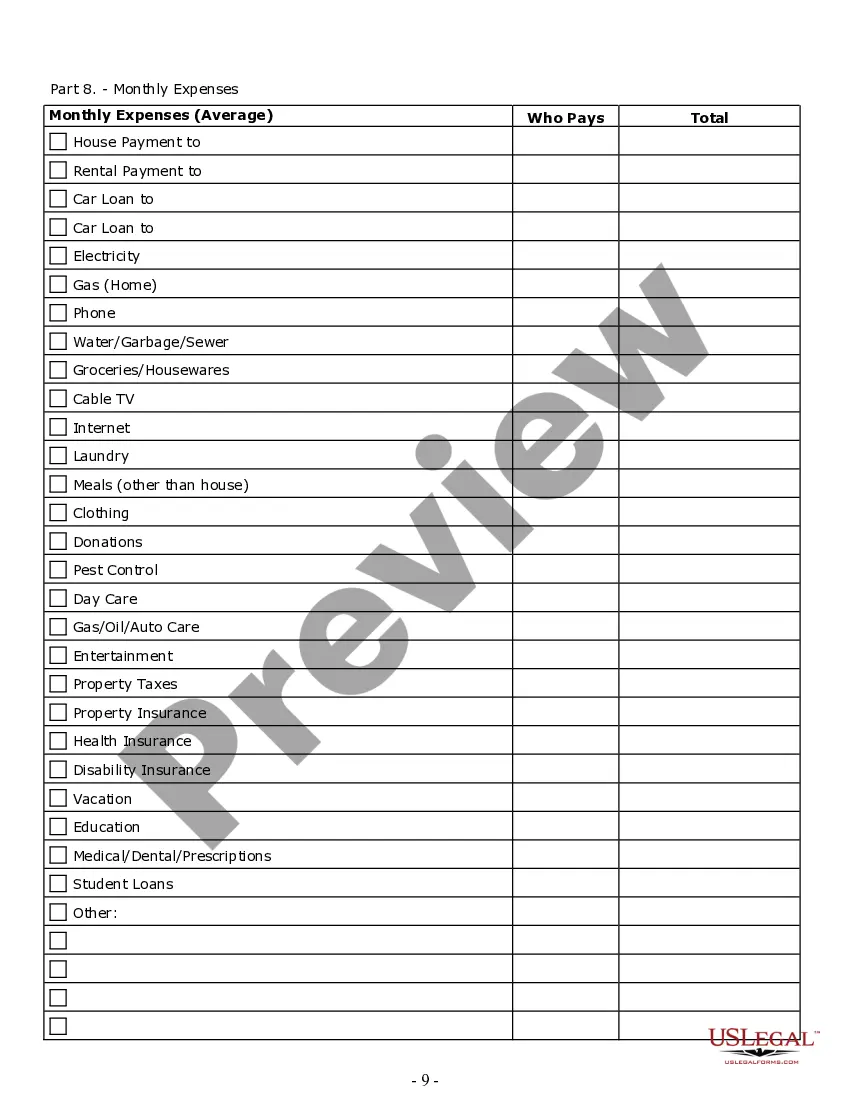
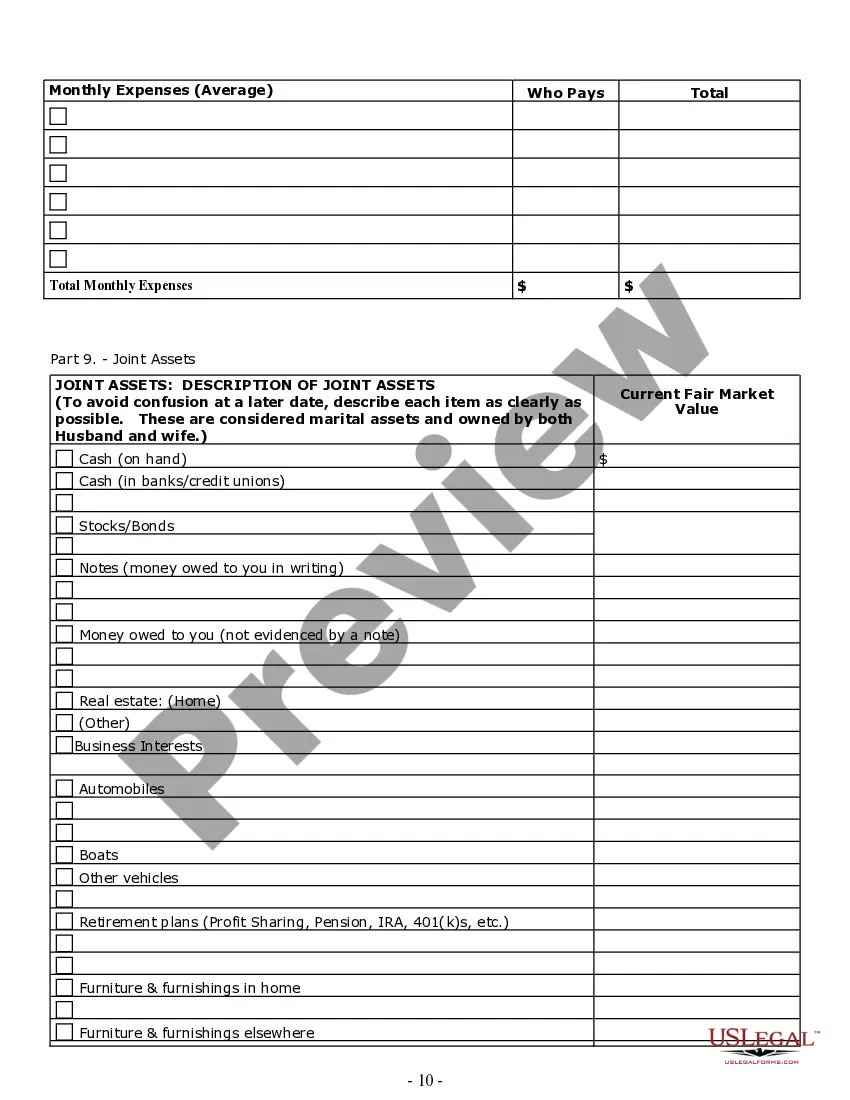
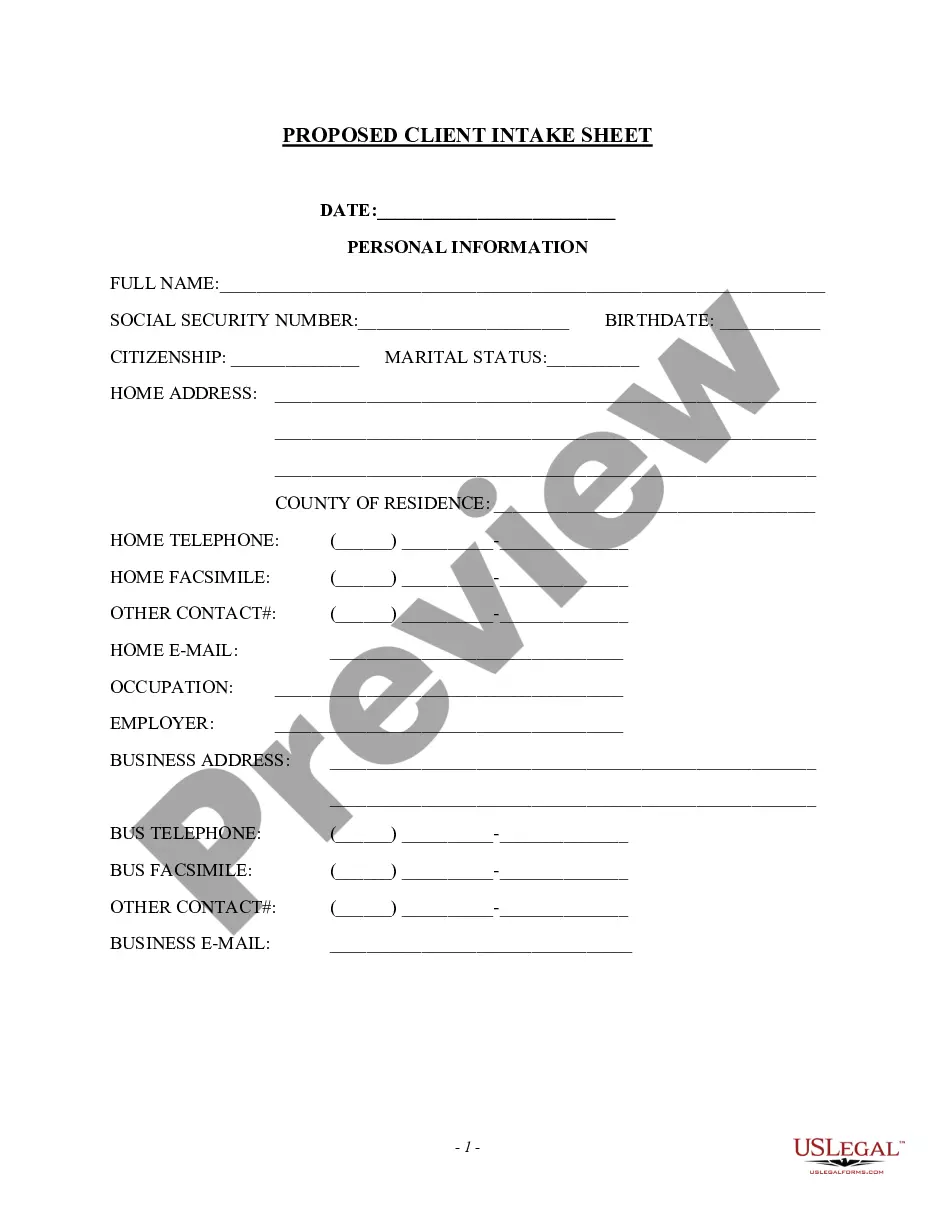
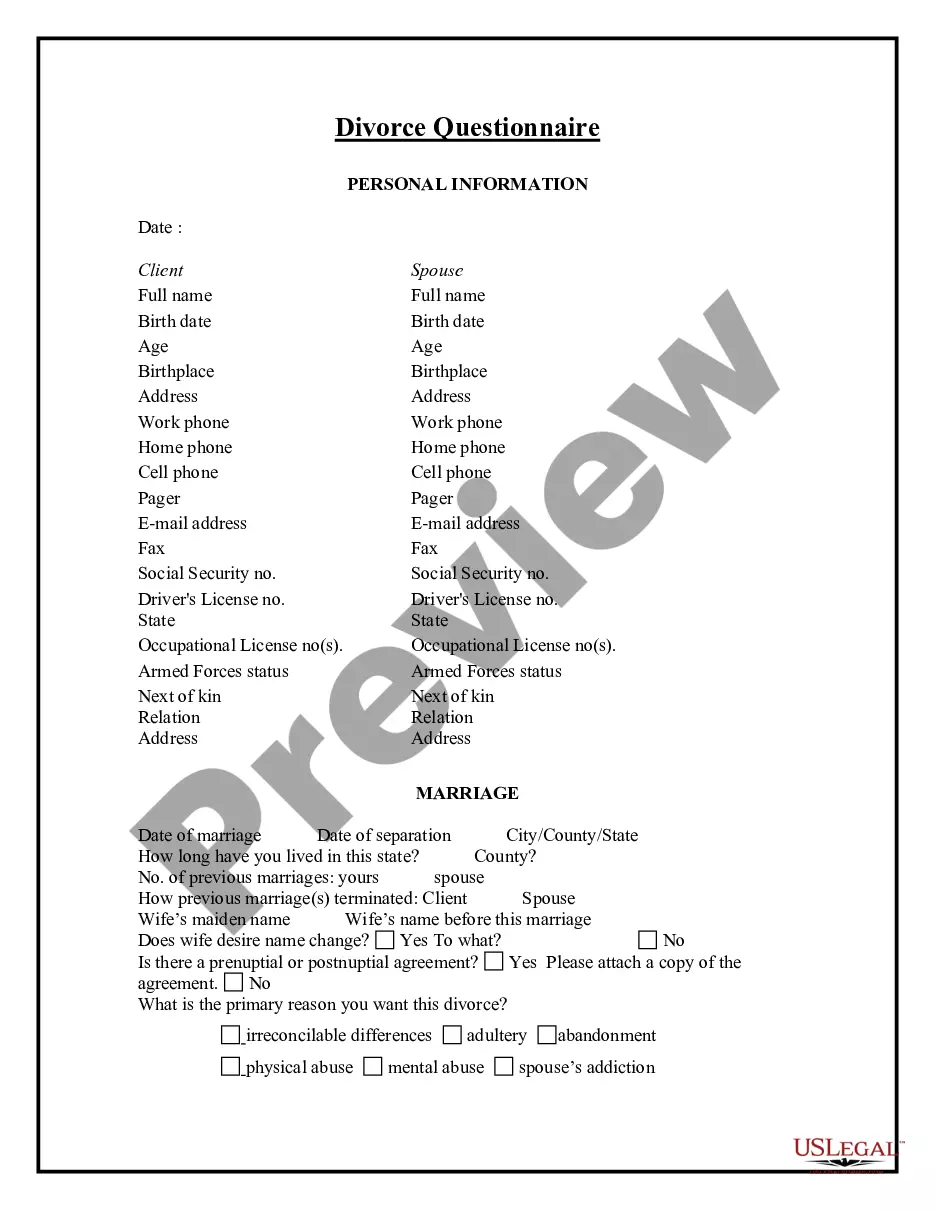
How to fill out Connecticut Divorce Worksheet And Law Summary For Contested Or Uncontested Case Of Over 25 Pages - Ideal Client Interview Form?
Finding a reliable source for accessing the latest and suitable legal templates is a significant part of tackling bureaucracy.
Identifying the correct legal documents necessitates precision and meticulousness, which is why it is crucial to obtain samples of Ct Divorce Law For Divorce solely from trustworthy providers, such as US Legal Forms.
Once you have the form saved on your device, you can modify it using the editor or print it out to fill it in manually. Eliminate the stress associated with your legal documentation. Browse through the comprehensive US Legal Forms library where you can discover legal templates, assess their applicability to your situation, and download them immediately.
- Utilize the catalog navigation or search box to find your template.
- Review the form’s description to determine if it meets the requirements of your state and region.
- Preview the form, if available, to ensure it is the correct form you need.
- Return to the search and find the suitable template if the Ct Divorce Law For Divorce does not satisfy your requirements.
- If you are confident about the form’s applicability, download it.
- As an authorized user, click Log in to verify your identity and access your selected templates in My documents.
- If you do not have an account yet, click Buy now to purchase the form.
- Choose the payment plan that meets your needs.
- Proceed with the registration to complete your purchase.
- Finalize your transaction by selecting a payment method (credit card or PayPal).
- Choose the document format for downloading Ct Divorce Law For Divorce.
Form popularity
FAQ
15 Things You Should Log Everything you do on a daily basis. Copies of communications with your lawyer. Important dates regarding the divorce itself. Details about parenting your child(ren) Any documentation you acquire that can back up your parenting time notes. Details about trading off the child(ren) with your spouse.
Traditional Divorce with Agreement - CT Judicial Branch. If you and your spouse have an agreement as to all issues, you may ask the court to waive the 90-day waiting period that is otherwise required for divorces.
A divorce financial checklist Gather key financial documents you'll need to form any kind of divorce settlement, including: The most current statements of all accounts (bank, checking, savings, credit cards, investment, retirement plans, etc.) All documents relating to loans.
It's important to know that they do not. In Connecticut divorces, you still must have ?Plaintiff? (the person who files first) and a ?Defendant,? (the spouse of the person who files first. But there is no implication to the court that the Plaintiff or Defendant is ?at fault? for the marriage ending.
To initiate a divorce in Connecticut, you or your attorney must, at a minimum, serve and file a ?Summons,? ?Complaint,? and ?Notice of Automatic Orders.? Generally speaking, these documents explain how you meet the residency requirement, some basic facts about your marriage, the grounds for divorce, and flag requests ...