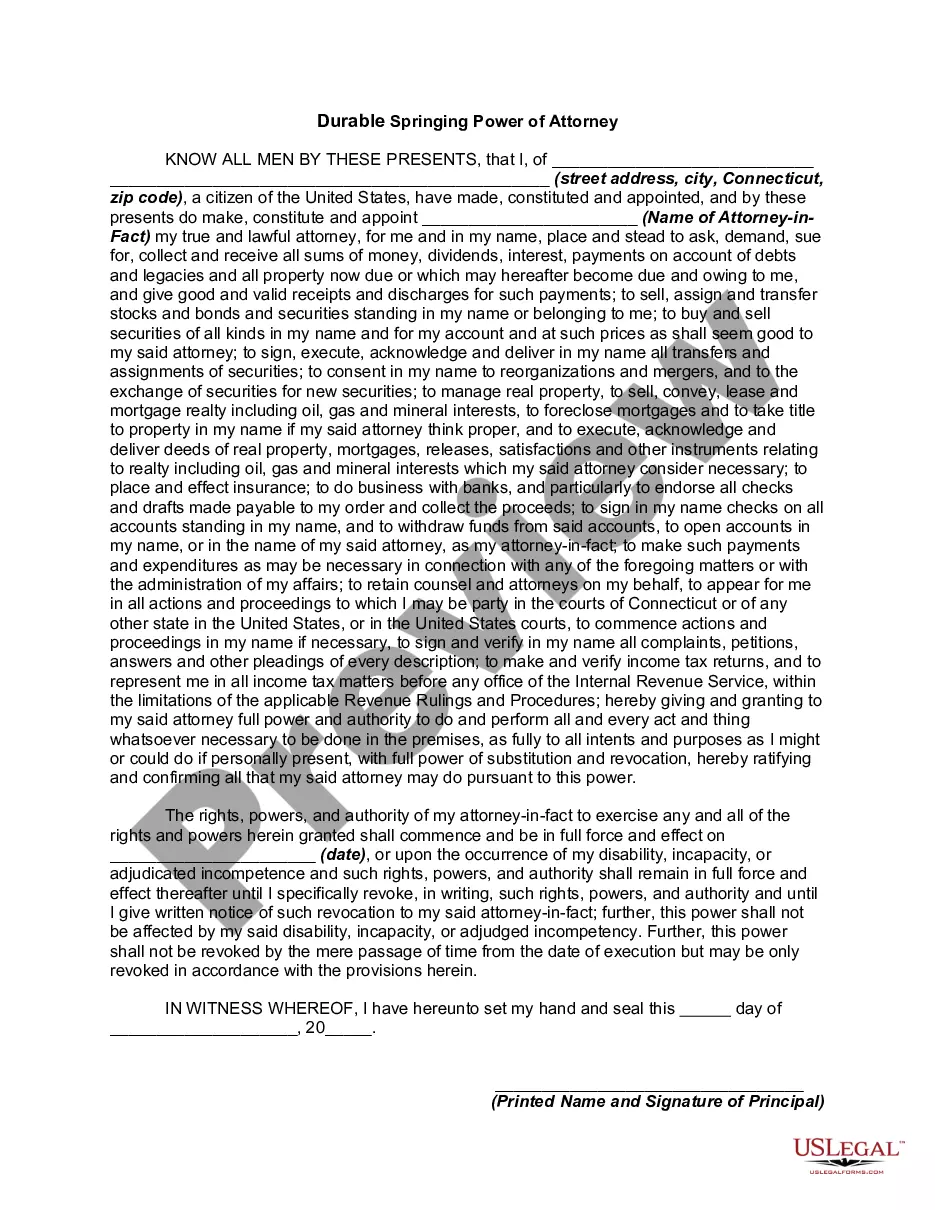
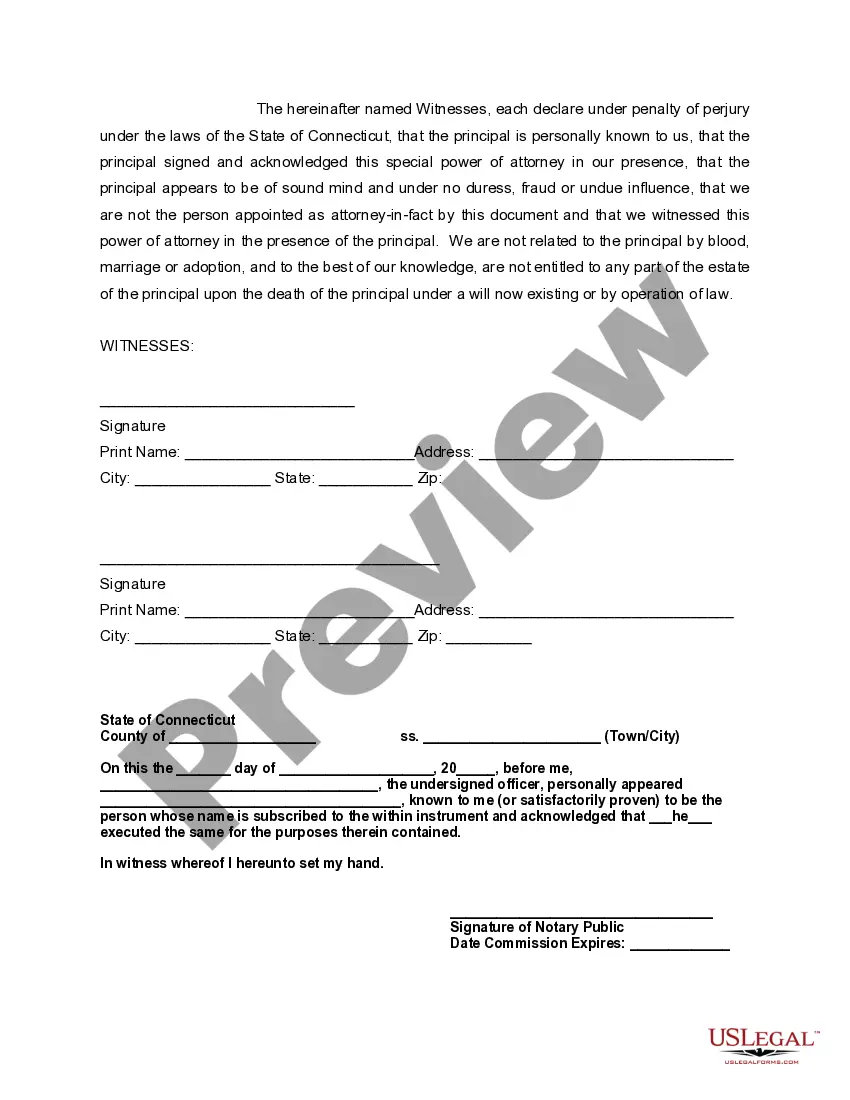
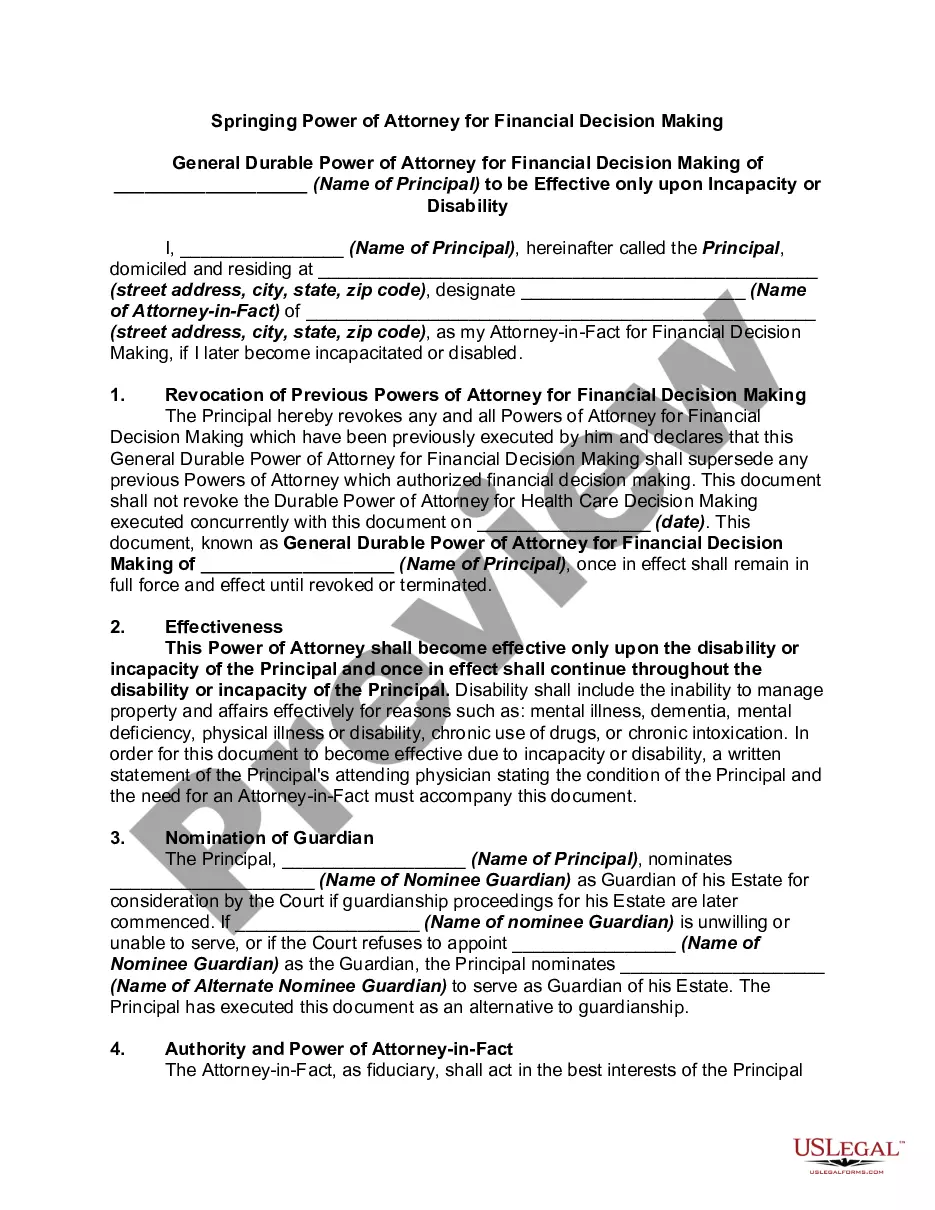
Connecticut Attorney Ct With Contrast
Description
Get your form ready online
Our built-in tools help you complete, sign, share, and store your documents in one place.
Make edits, fill in missing information, and update formatting in US Legal Forms—just like you would in MS Word.
Download a copy, print it, send it by email, or mail it via USPS—whatever works best for your next step.
Sign and collect signatures with our SignNow integration. Send to multiple recipients, set reminders, and more. Go Premium to unlock E-Sign.
If this form requires notarization, complete it online through a secure video call—no need to meet a notary in person or wait for an appointment.
We protect your documents and personal data by following strict security and privacy standards.

Make edits, fill in missing information, and update formatting in US Legal Forms—just like you would in MS Word.

Download a copy, print it, send it by email, or mail it via USPS—whatever works best for your next step.

Sign and collect signatures with our SignNow integration. Send to multiple recipients, set reminders, and more. Go Premium to unlock E-Sign.

If this form requires notarization, complete it online through a secure video call—no need to meet a notary in person or wait for an appointment.

We protect your documents and personal data by following strict security and privacy standards.
Looking for another form?


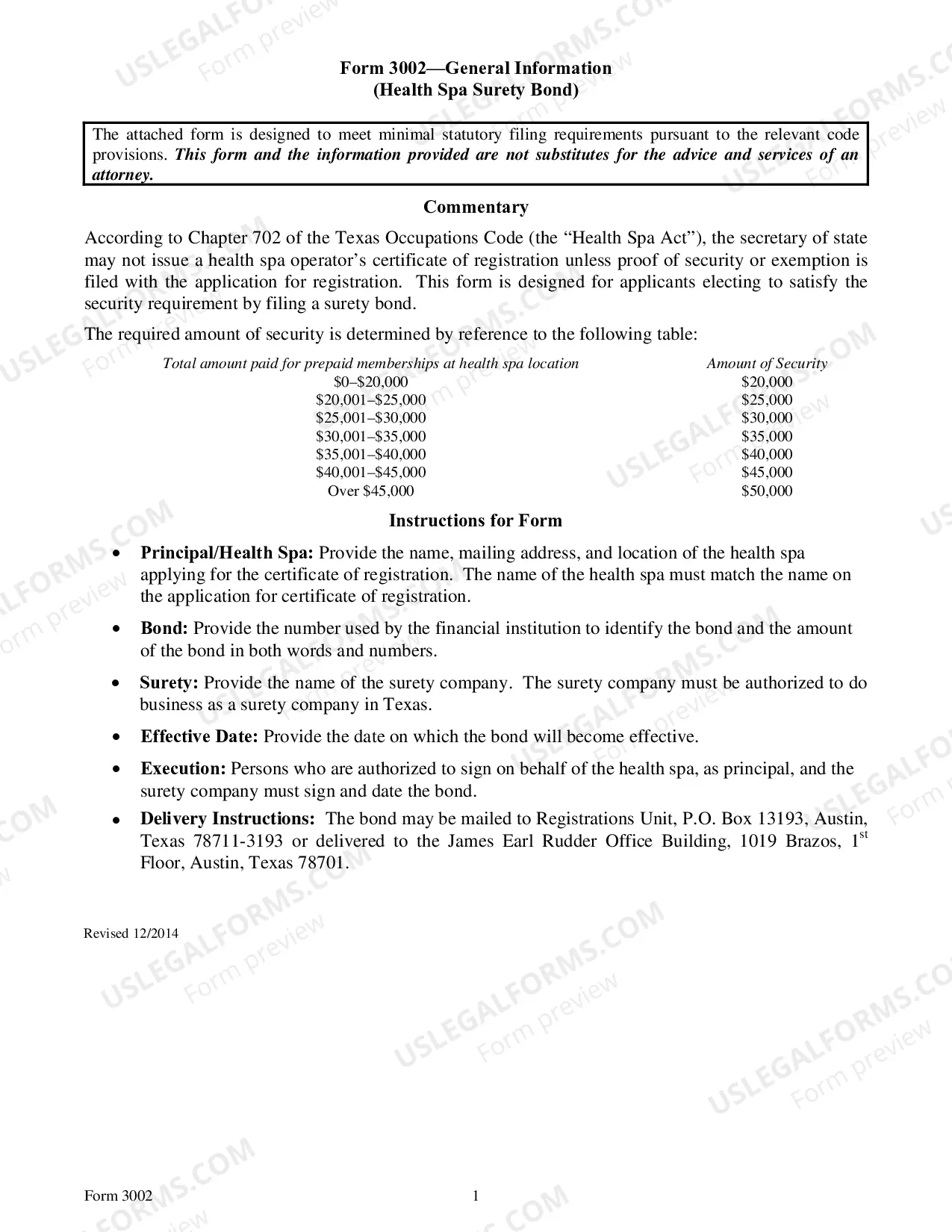
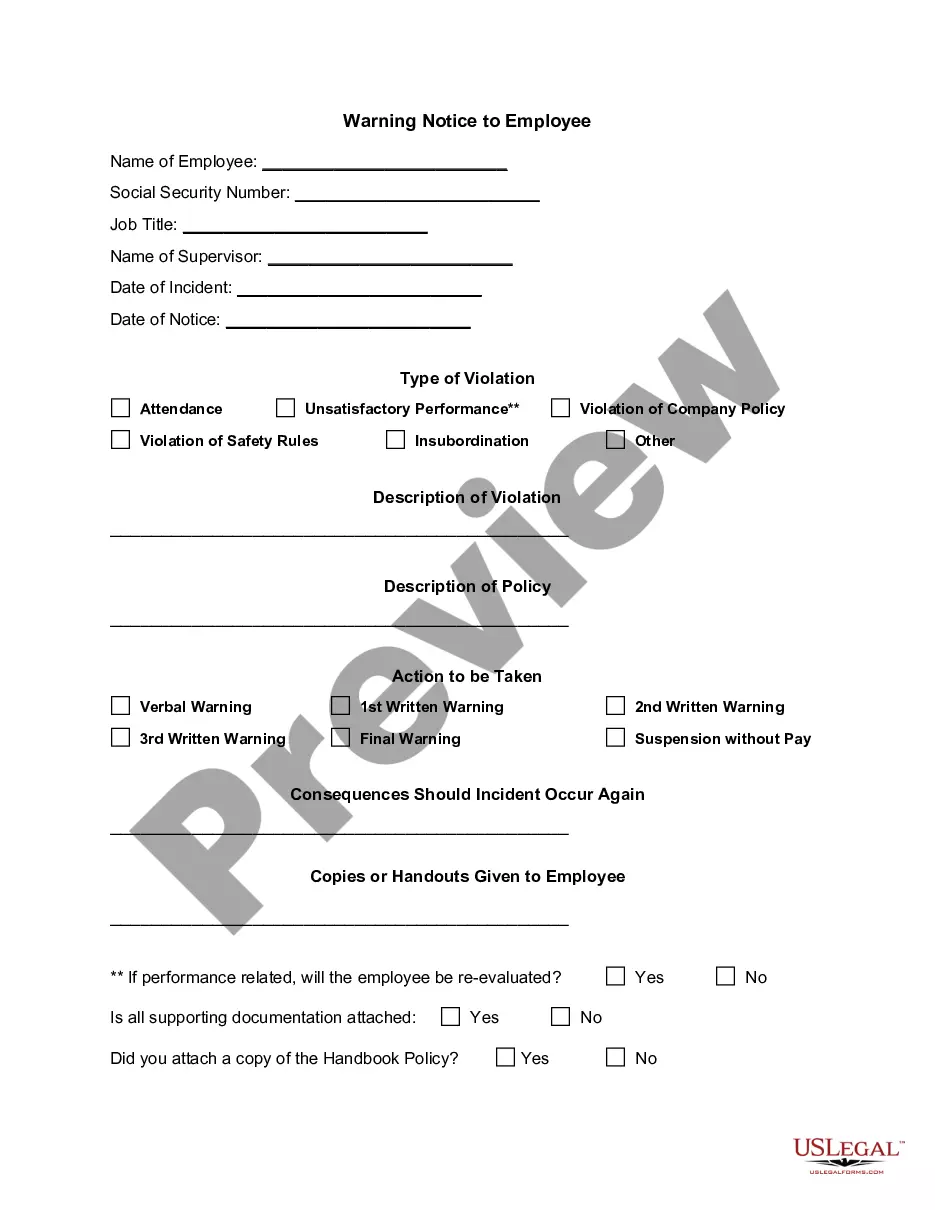
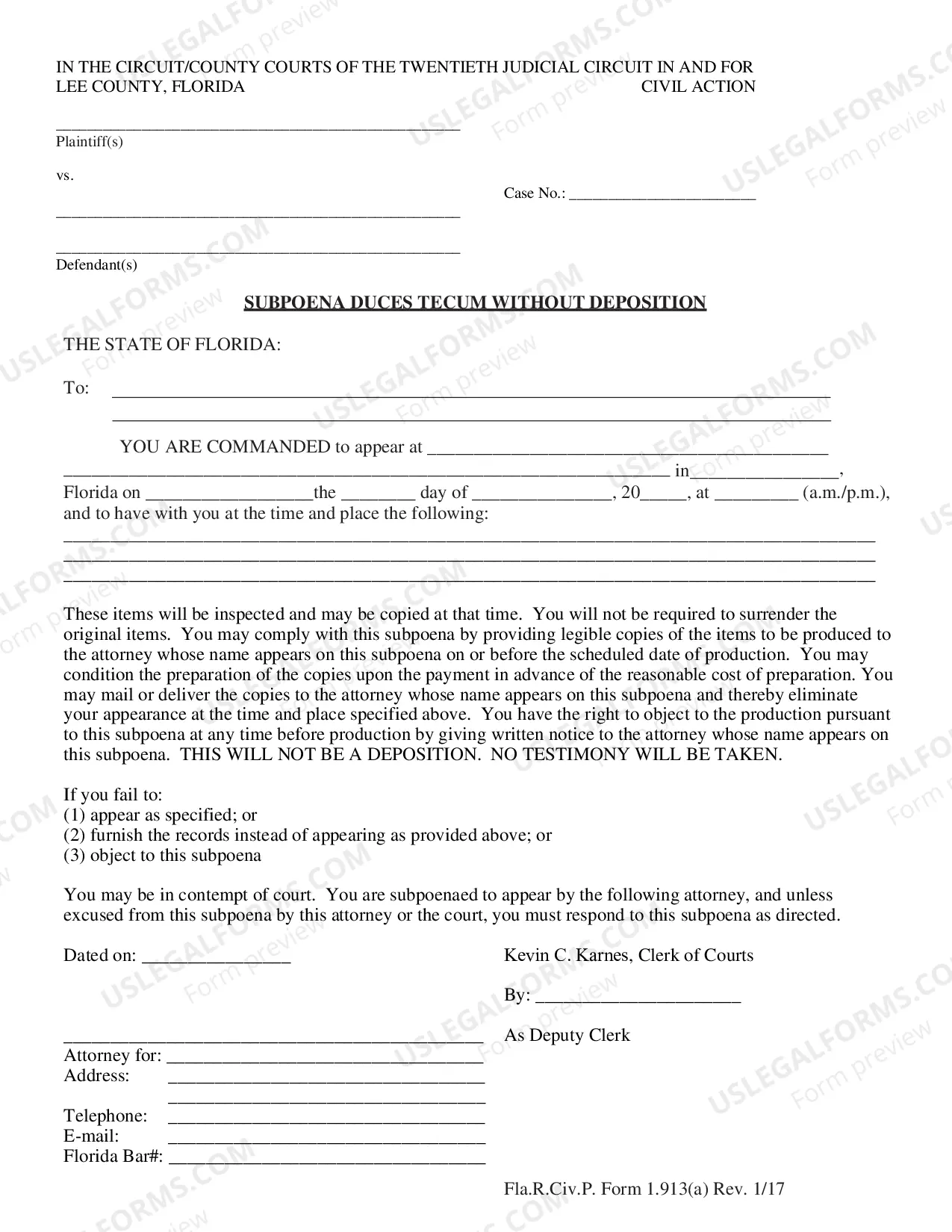
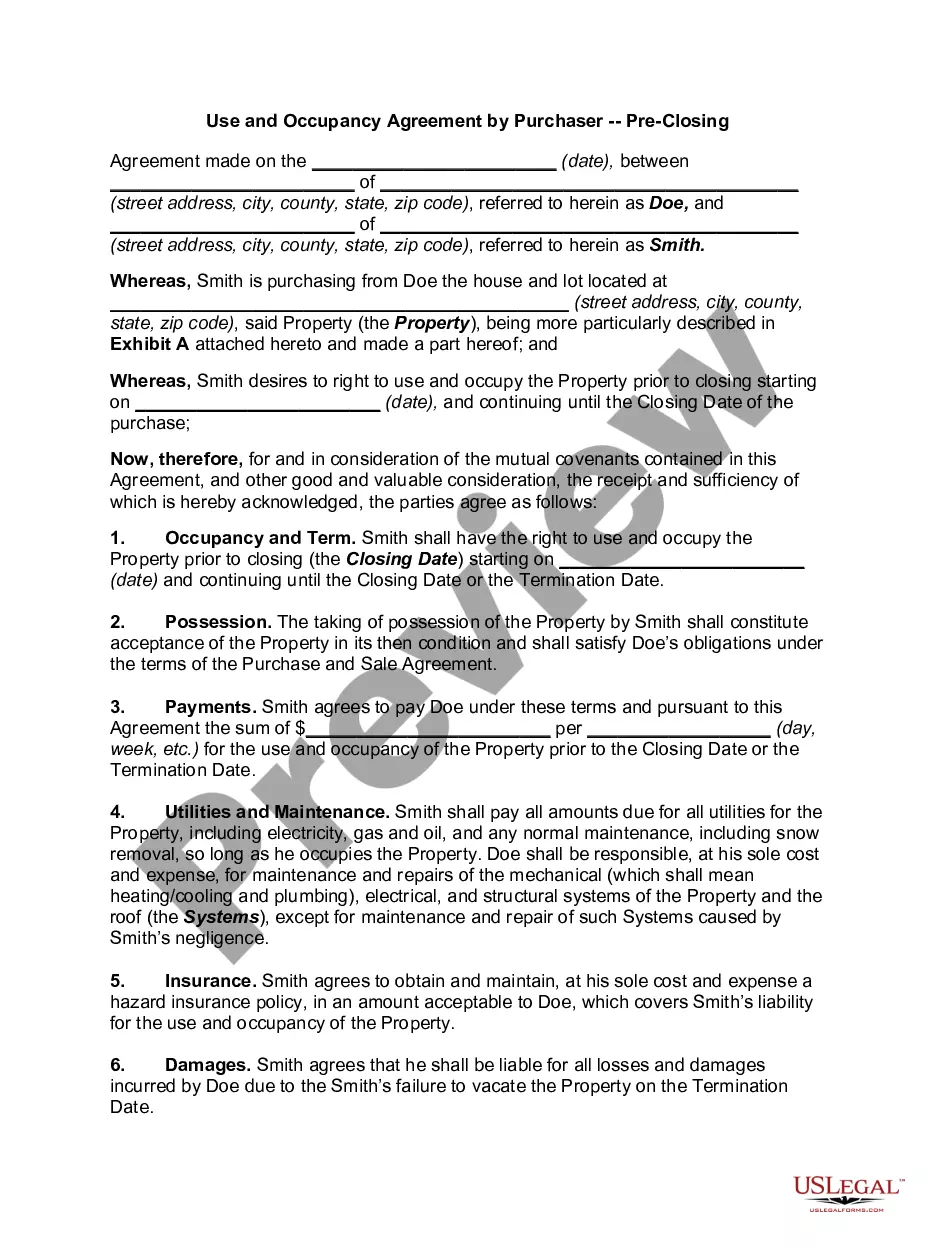


How to fill out Connecticut Durable Springing Power Of Attorney?
Legal documents handling may be daunting, even for the most adept professionals.
When you are searching for a Connecticut Attorney Ct With Contrast and don’t have the time to invest in finding the right and current version, the process can be taxing.
US Legal Forms addresses all your needs, from personal to corporate documents, all in one location.
Utilize cutting-edge tools to complete and manage your Connecticut Attorney Ct With Contrast.
Here are the steps to follow after accessing the form you need: Verify this is the correct form by previewing it and reviewing its details. Ensure that the template is accepted in your state or county. Click Buy Now when you are prepared. Choose a monthly subscription plan. Select the format you prefer, and Download, complete, sign, print, and send your documents. Enjoy the US Legal Forms online catalog, supported by 25 years of expertise and dependability. Transform your everyday document management into a simple and intuitive process today.
- Access a repository of articles, guides, and manuals related to your circumstances and needs.
- Save time and effort in locating the documents you require, and use US Legal Forms’ advanced search and Review feature to find Connecticut Attorney Ct With Contrast.
- If you have a monthly subscription, Log In to your US Legal Forms account, search for the form, and obtain it.
- Check your My documents tab to see the documents you previously saved and organize your folders as desired.
- If this is your first experience with US Legal Forms, create a free account for unrestricted access to all the benefits of the library.
- A comprehensive online form directory can be a significant advantage for anyone looking to manage these situations effectively.
- US Legal Forms is a leading provider of online legal documents, with over 85,000 state-specific legal forms accessible to you at any moment.
- With US Legal Forms, you can access state- or county-specific legal and business documents.
Form popularity
FAQ
Rule 8.4(7) defines ?professional misconduct? by a Connecticut attorney as including speech that the lawyer knows or reasonably should know ?is harassment or discrimination on the basis of? any of 15 listed characteristics?among them race, sex, religion, disability, sexual orientation, and gender identity.
Rule 4.2 of the Rules of Professional Conduct provides that ?[i]n representing a client, a lawyer shall not communicate about the subject of the representation with a party the lawyer knows to be represented by another lawyer in the matter, unless the lawyer has the consent of the other lawyer or is authorized by law ...
Proposed rule 4.2 carries forward the substance of current rule 2-100, the ?no contact? rule, and prohibits a lawyer who represents a client in a matter from communicating, either directly or indirectly, about the subject matter of the representation with a person represented by a lawyer in the same matter.
Rule 7.1. A lawyer shall not make a false or misleading communication about the lawyer or the lawyer's services. A communication is false or misleading if it contains a material misrepresentation of fact or law, or omits a fact necessary to make the statement considered as a whole not materially misleading.
Rule 1.7 - Conflict of interest: Current Clients. (a) Except as provided in paragraph (b), a lawyer shall not represent a client if the representation involves a concurrent conflict of interest.