Uniform Statutory Withholding
Description



Get your form ready online
Our built-in tools help you complete, sign, share, and store your documents in one place.
Make edits, fill in missing information, and update formatting in US Legal Forms—just like you would in MS Word.
Download a copy, print it, send it by email, or mail it via USPS—whatever works best for your next step.
Sign and collect signatures with our SignNow integration. Send to multiple recipients, set reminders, and more. Go Premium to unlock E-Sign.
If this form requires notarization, complete it online through a secure video call—no need to meet a notary in person or wait for an appointment.
We protect your documents and personal data by following strict security and privacy standards.

Make edits, fill in missing information, and update formatting in US Legal Forms—just like you would in MS Word.

Download a copy, print it, send it by email, or mail it via USPS—whatever works best for your next step.

Sign and collect signatures with our SignNow integration. Send to multiple recipients, set reminders, and more. Go Premium to unlock E-Sign.

If this form requires notarization, complete it online through a secure video call—no need to meet a notary in person or wait for an appointment.

We protect your documents and personal data by following strict security and privacy standards.
Looking for another form?


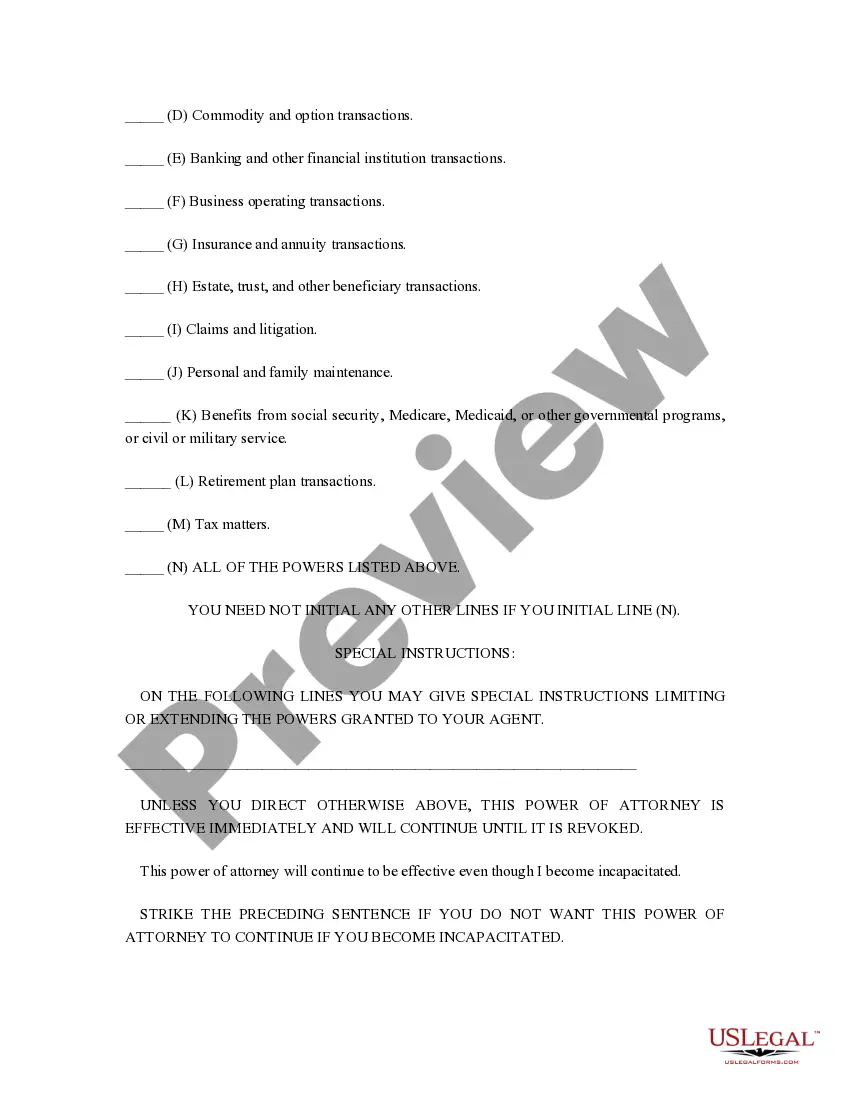
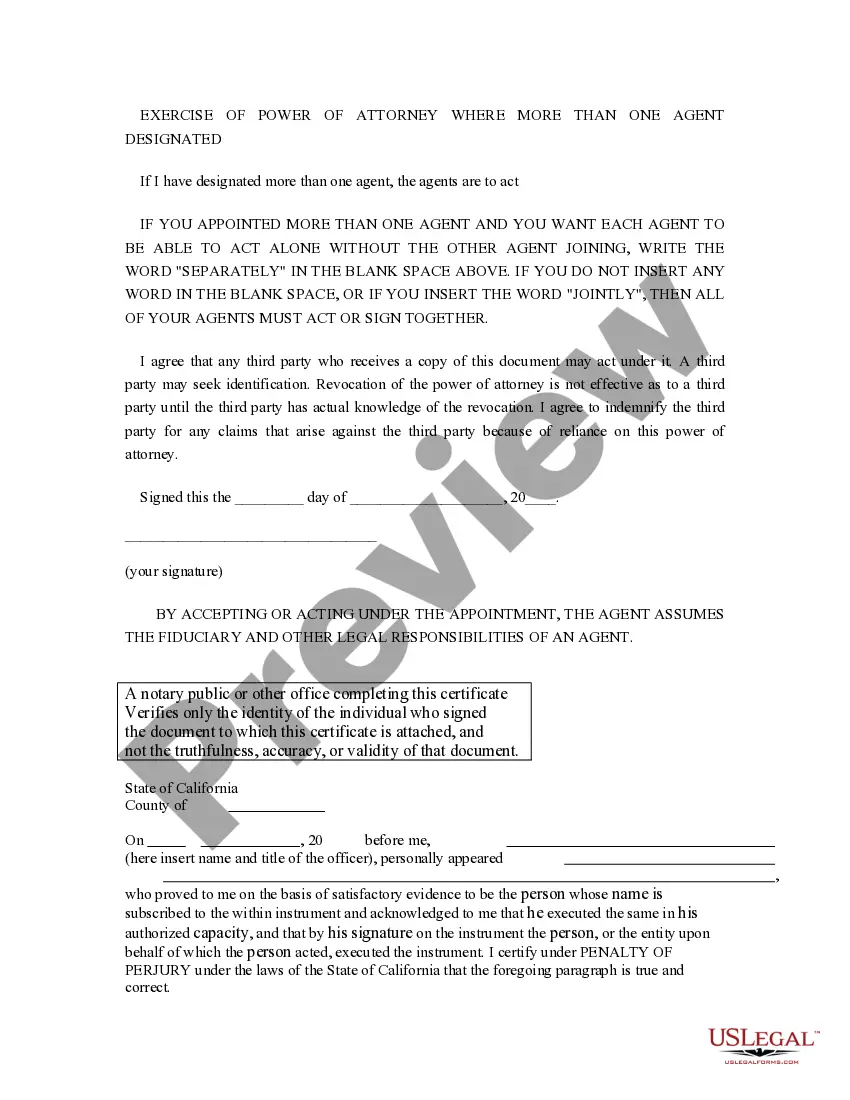
How to fill out California Uniform Statutory Power Of Attorney - Property - Finances - Section 4401?
It’s clear that you cannot become a legal expert instantly, nor can you comprehend how to swiftly create Uniform Statutory Withholding without possessing a specialized skill set.
Assembling legal documents is a lengthy task that necessitates specific education and expertise. So why not entrust the creation of the Uniform Statutory Withholding to the experts.
With US Legal Forms, one of the largest legal document repositories, you can locate everything from court documents to templates for office communication. We recognize how vital compliance and adherence to federal and state regulations are. That’s why, on our platform, all templates are location-specific and current.
You can regain access to your forms from the My documents tab at any time. If you’re a current customer, you can simply Log In, and locate and download the template from the same tab.
Regardless of the purpose of your forms—whether financial and legal, or personal—our website has you covered. Give US Legal Forms a try now!
- Find the form you require using the search bar at the top of the page.
- Preview it (if this option is available) and read the accompanying description to determine if Uniform Statutory Withholding is what you’re looking for.
- Restart your search if you need any other form.
- Create a free account and select a subscription plan to purchase the template.
- Click Buy now. Once the payment is processed, you can download the Uniform Statutory Withholding, fill it out, print it, and send or mail it to the necessary individuals or entities.
Form popularity
FAQ
2, Box 12 Codes Box 12 CodeDescriptionBUncollected Medicare tax on tipsCTaxable cost of groupterm life insurance over $50,000 (included in boxes 1, 3 (up to social security wage base, and 5)DElective deferrals under a section 401(k) cash or deferred arrangement plan (including a SIMPLE 401(k) arrangement)26 more rows
The Form W-4 in Depth Step 1: Provide Your Information. Provide your name, address, filing status, and Social Security number. ... Step 2: Indicate Multiple Jobs or a Working Spouse. ... Step 3: Add Dependents. ... Step 4: Add Other Adjustments. ... Step 5: Sign and Date Form W-4.
By placing a ?0? on line 5, you are indicating that you want the most amount of tax taken out of your pay each pay period. If you wish to claim 1 for yourself instead, then less tax is taken out of your pay each pay period. 2. You can choose to have no taxes taken out of your tax and claim Exemption (see Example 2).
It just depends on your situation. If you are single, have one job, and have no dependents, claiming 1 may be a good option. If you are single, have no dependents, and have 2 jobs, you could claim both positions on one W-4 and 0 on the other.
Claiming 1 reduces the amount of taxes that are withheld from weekly paychecks, so you get more money now with a smaller refund. Claiming 0 allowances may be a better option if you'd rather receive a larger lump sum of money in the form of your tax refund.