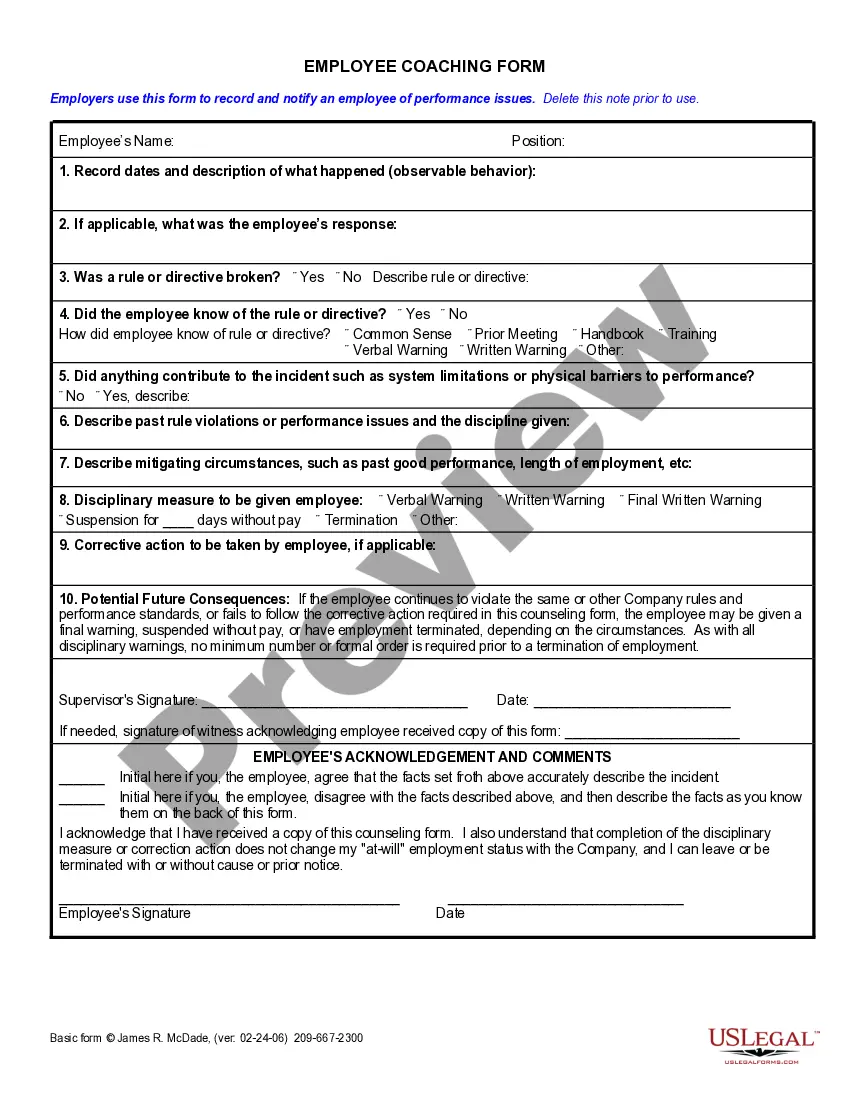
Employee Coaching Template With Excel
Description
Get your form ready online
Our built-in tools help you complete, sign, share, and store your documents in one place.
Make edits, fill in missing information, and update formatting in US Legal Forms—just like you would in MS Word.
Download a copy, print it, send it by email, or mail it via USPS—whatever works best for your next step.
Sign and collect signatures with our SignNow integration. Send to multiple recipients, set reminders, and more. Go Premium to unlock E-Sign.
If this form requires notarization, complete it online through a secure video call—no need to meet a notary in person or wait for an appointment.
We protect your documents and personal data by following strict security and privacy standards.

Make edits, fill in missing information, and update formatting in US Legal Forms—just like you would in MS Word.

Download a copy, print it, send it by email, or mail it via USPS—whatever works best for your next step.

Sign and collect signatures with our SignNow integration. Send to multiple recipients, set reminders, and more. Go Premium to unlock E-Sign.

If this form requires notarization, complete it online through a secure video call—no need to meet a notary in person or wait for an appointment.

We protect your documents and personal data by following strict security and privacy standards.
Looking for another form?








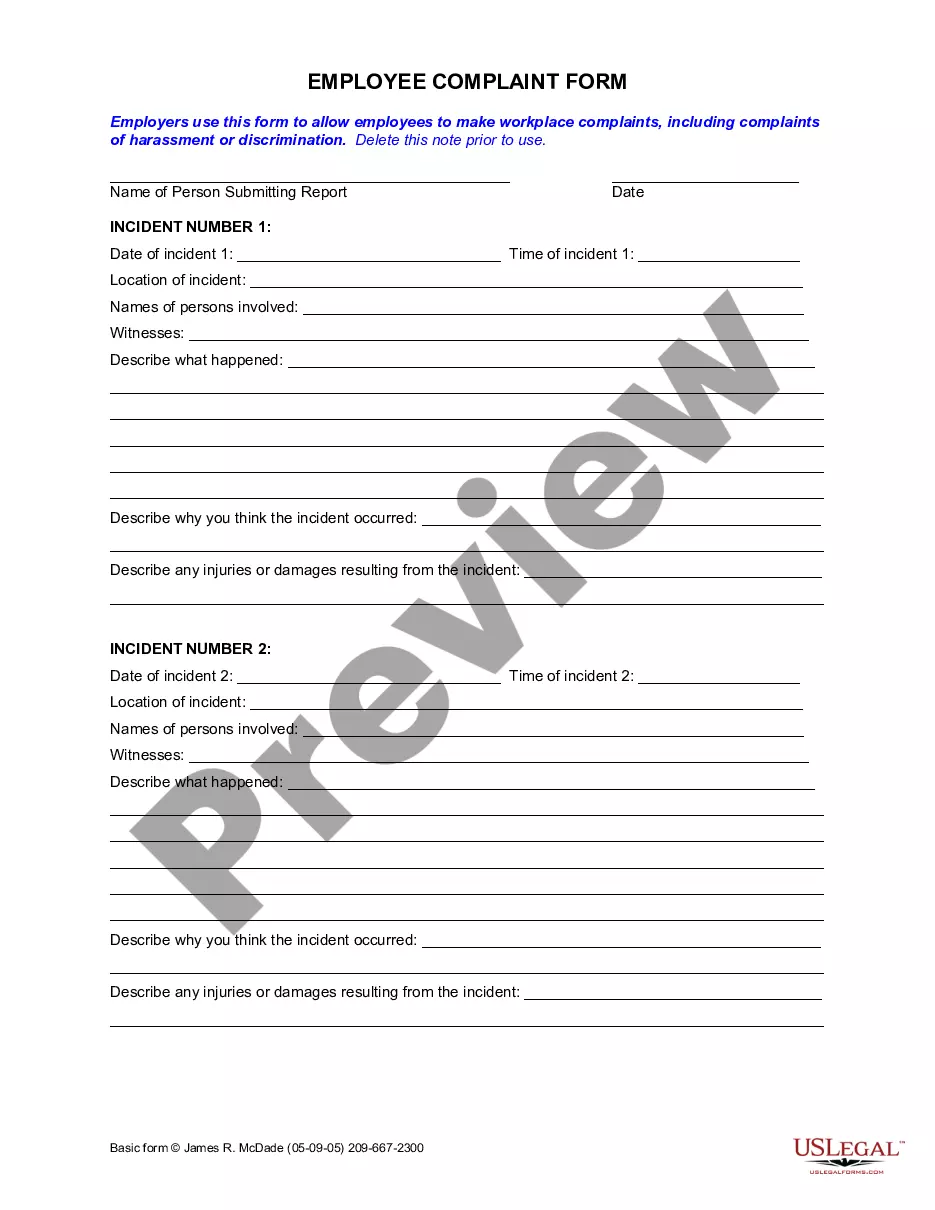
How to fill out California Employee Coaching Form?
It’s a well-known fact that you cannot instantly become a legal expert, nor can you swiftly create an Employee Coaching Template With Excel without possessing a particular set of skills.
Assembling legal documents is a lengthy endeavor that necessitates specific education and expertise. So why not let the professionals handle the development of the Employee Coaching Template With Excel.
With US Legal Forms, which is one of the most extensive legal document repositories, you can access anything from court forms to templates for internal communication.
If you need another form, restart your search.
Create a free account and select a subscription plan to buy the form.
- We recognize how essential compliance and adherence to federal and state legislation is.
- That’s why, on our platform, all templates are location-specific and current.
- Let’s begin with our website and obtain the document you require in just a few moments.
- Locate the form you need by utilizing the search bar located at the top of the page.
- Preview it (if this option is available) and review the accompanying description to ascertain whether Employee Coaching Template With Excel is what you want.
Form popularity
FAQ
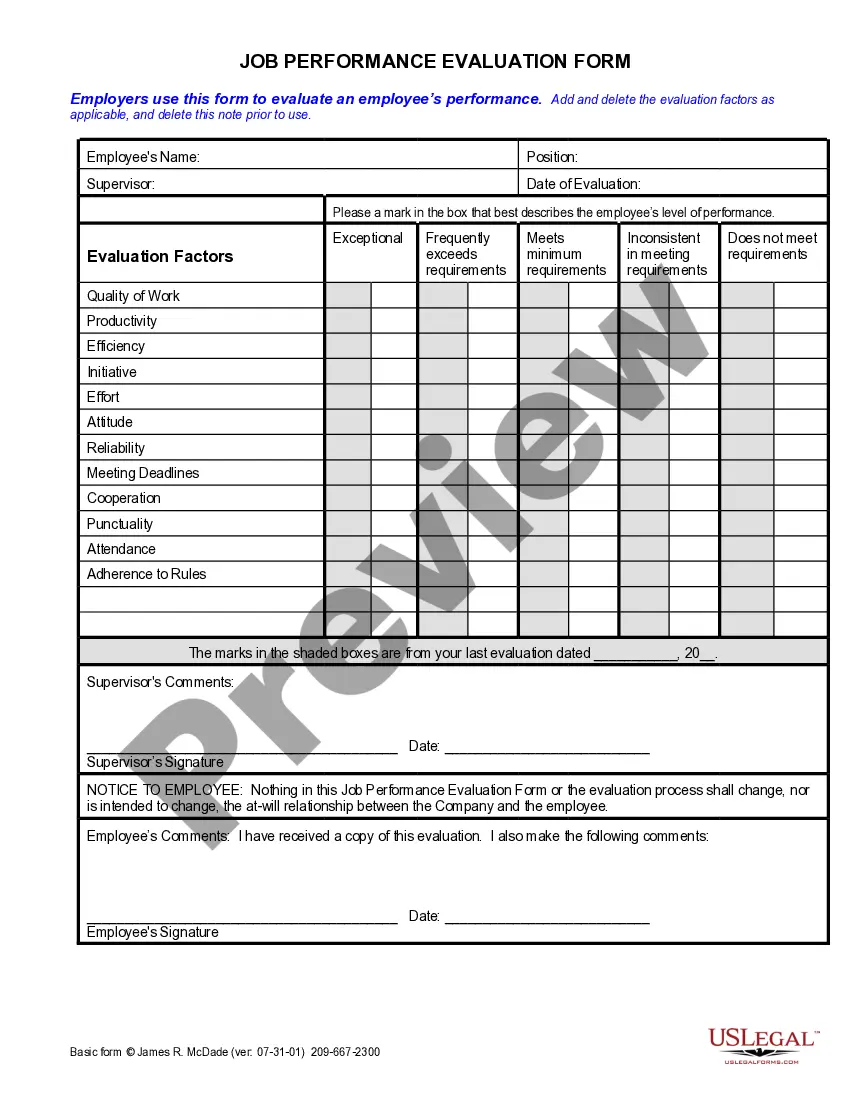
Creating a coaching template requires careful planning. Start by outlining the essential elements such as objectives, action items, and progress tracking. Using an employee coaching template with Excel simplifies this process, providing an organized framework for your sessions. You can easily update and modify the template to suit different coaching situations, ensuring that each employee receives tailored support.
The 5 C's of coaching consist of Communication, Commitment, Coaching Skills, Collaboration, and Confidence. These elements are crucial for fostering a successful coaching relationship and achieving desired outcomes. By implementing an employee coaching template with Excel, you can ensure that each of these areas is addressed effectively, aiding in alignment and progress tracking. Each coaching session can benefit from this structured approach, reinforcing the importance of these C's.
To make a coaching template, start by identifying the key areas you want to focus on, such as goals, feedback, and development plans. Use a user-friendly tool like Excel to lay out these components clearly, allowing for easy updates and tracking. With an employee coaching template with Excel, you can customize it to suit your needs and ensure that it aligns perfectly with your coaching objectives. This template acts as a roadmap for both coaches and employees, making sessions more productive.
The 7 P's of coaching include Purpose, People, Process, Project, Plan, Performance, and Progress. Understanding these elements ensures you keep your coaching sessions focused and effective. By utilizing an employee coaching template with Excel, you can easily track these components and improve your overall coaching strategy. This structured approach helps create clarity and enhances the outcomes of your coaching efforts.
Creating an employee hierarchy in Excel is straightforward. First, list all personnel along with their reporting structure in a new sheet. Use shapes or Smart Art to visually represent this hierarchy. Additionally, improve your employee coaching template with Excel by integrating team roles and responsibilities within the hierarchy, ensuring clarity and accountability for all team members.
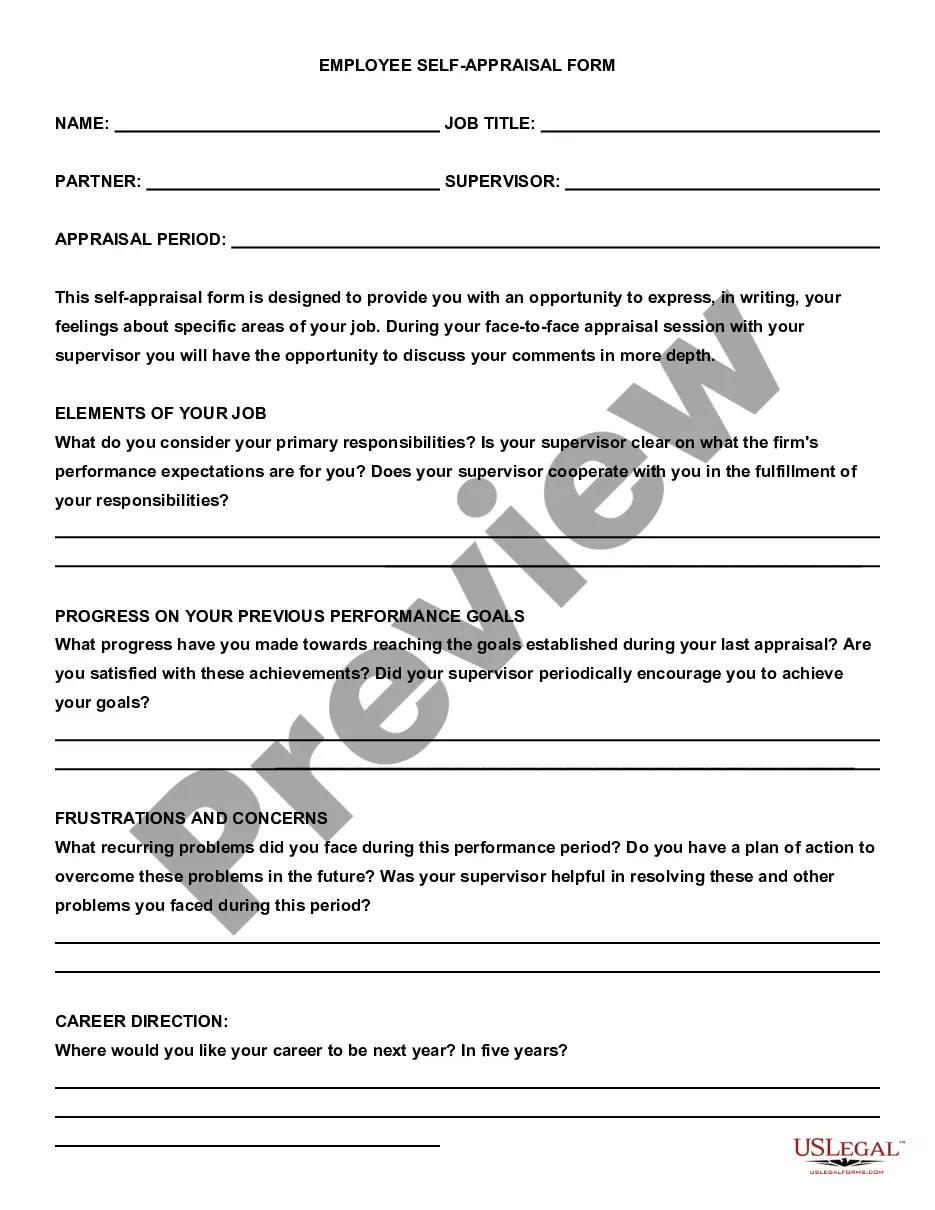
To create an employee spreadsheet in Excel, start by opening a new workbook. In the first row, add headers such as Name, Position, and Email to organize your data. Next, enter your employee information below each header in separate columns. You can enhance your employee coaching template with Excel by including additional columns for performance reviews, training sessions, and feedback to support employee development.
To create a training plan template in Excel, start by organizing your ideas into a clear format, including sections for goals, training topics, and timelines. Customize your spreadsheet with formulas to automate progress tracking, helping you stay efficient. Utilizing an employee coaching template with Excel will streamline this process and enhance your team's training experience.
The 50 30 20 rule in Excel is a budgeting guideline where 50% of income goes to needs, 30% to wants, and 20% to savings. While this rule primarily focuses on personal finance, it can also help structure training budgets when using an employee coaching template with Excel. This ensures adequate funding for employee development.
To make an employee spreadsheet in Excel, start by defining the categories you want to include, such as names, positions, and training progress. Once your categories are clear, enter the data and format it for easy readability. An employee coaching template with Excel can help you organize this information systematically.
Creating your own template in Excel is straightforward. Begin with a blank spreadsheet, then format your columns and rows to fit your specific needs. Add headings for different categories, then save your file as a template for future use; this customization can be especially useful for an employee coaching template with Excel.