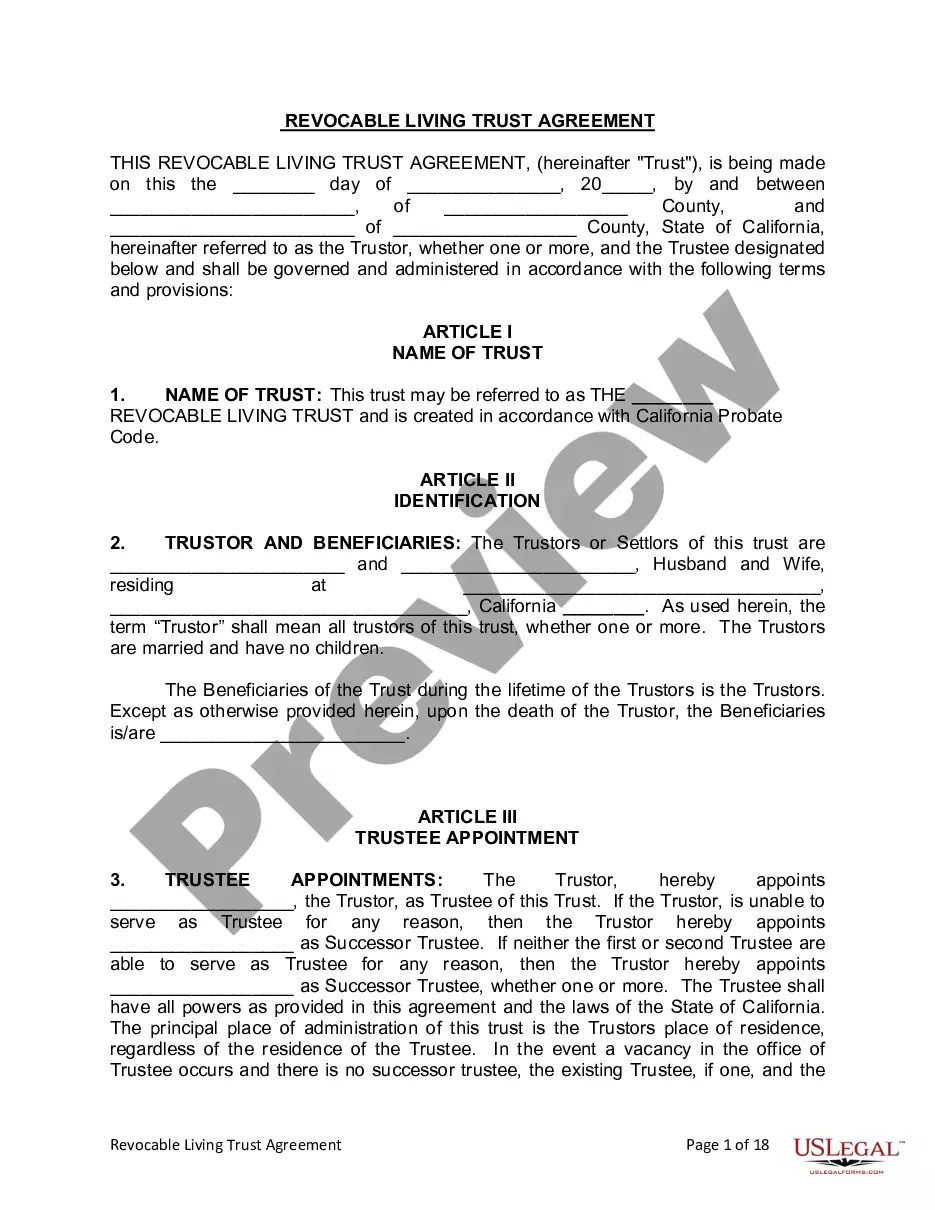
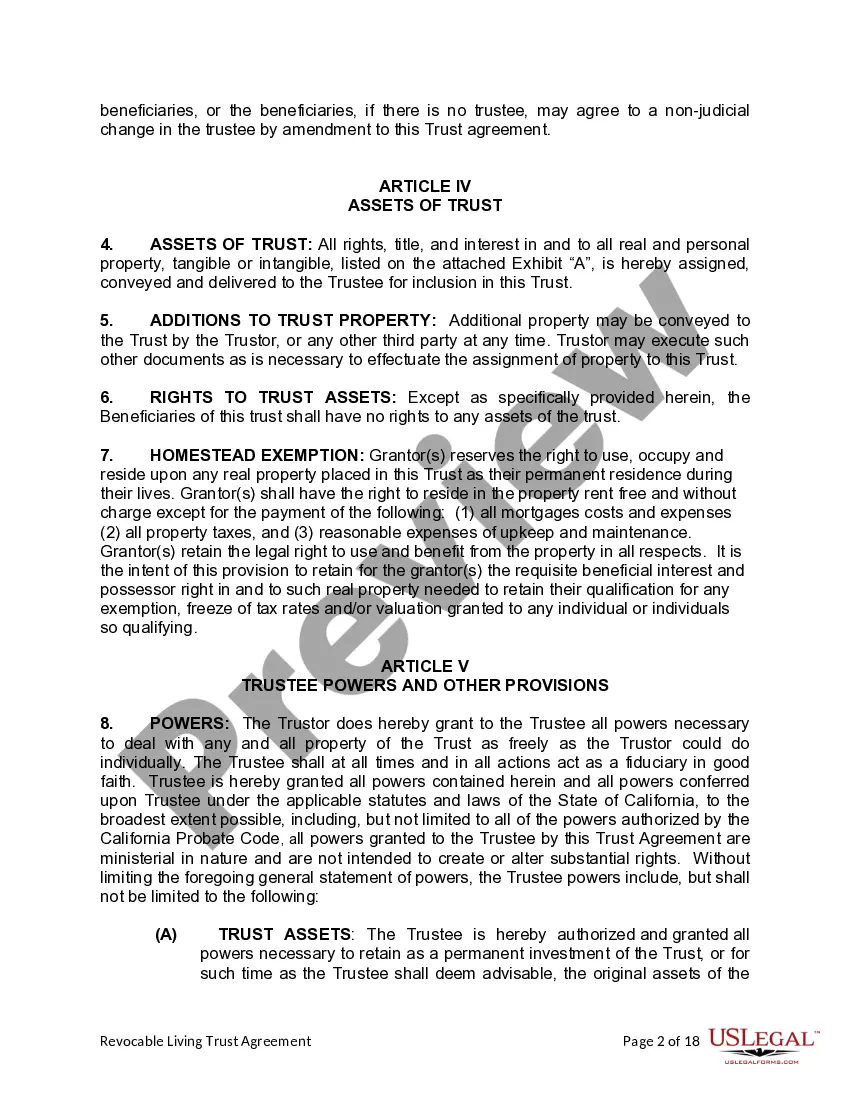
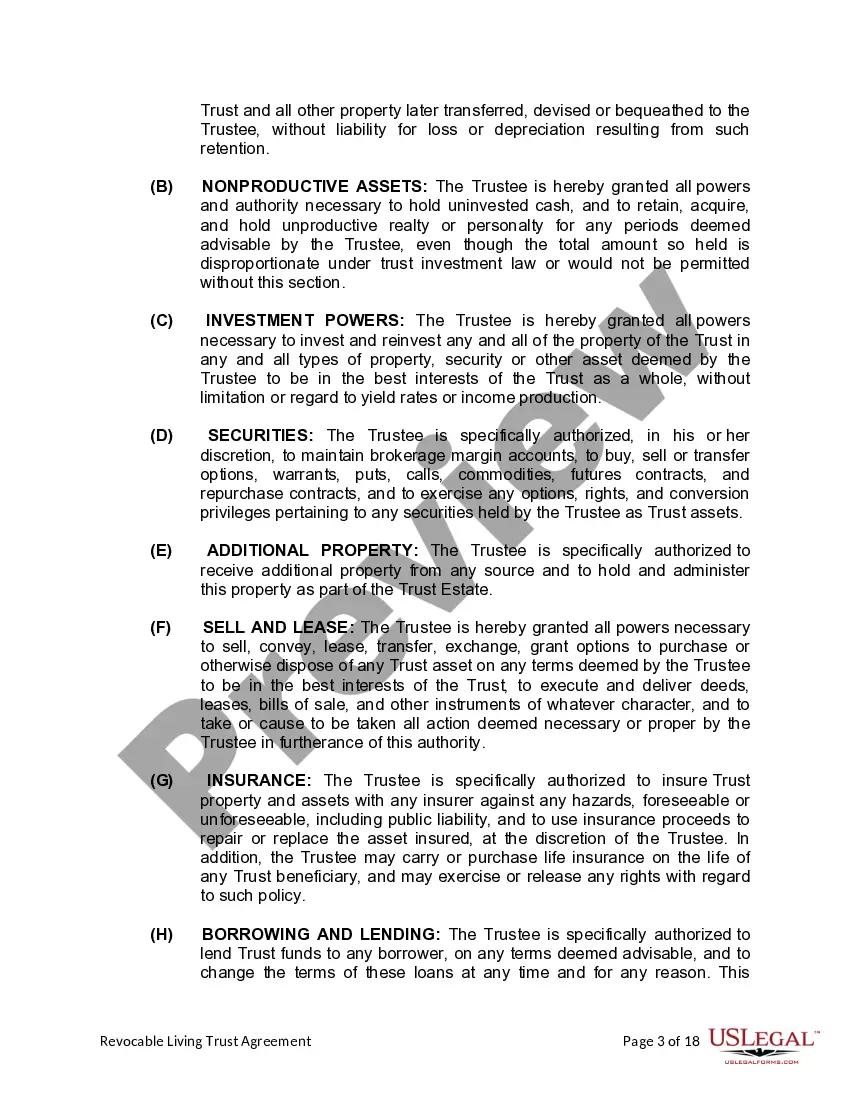
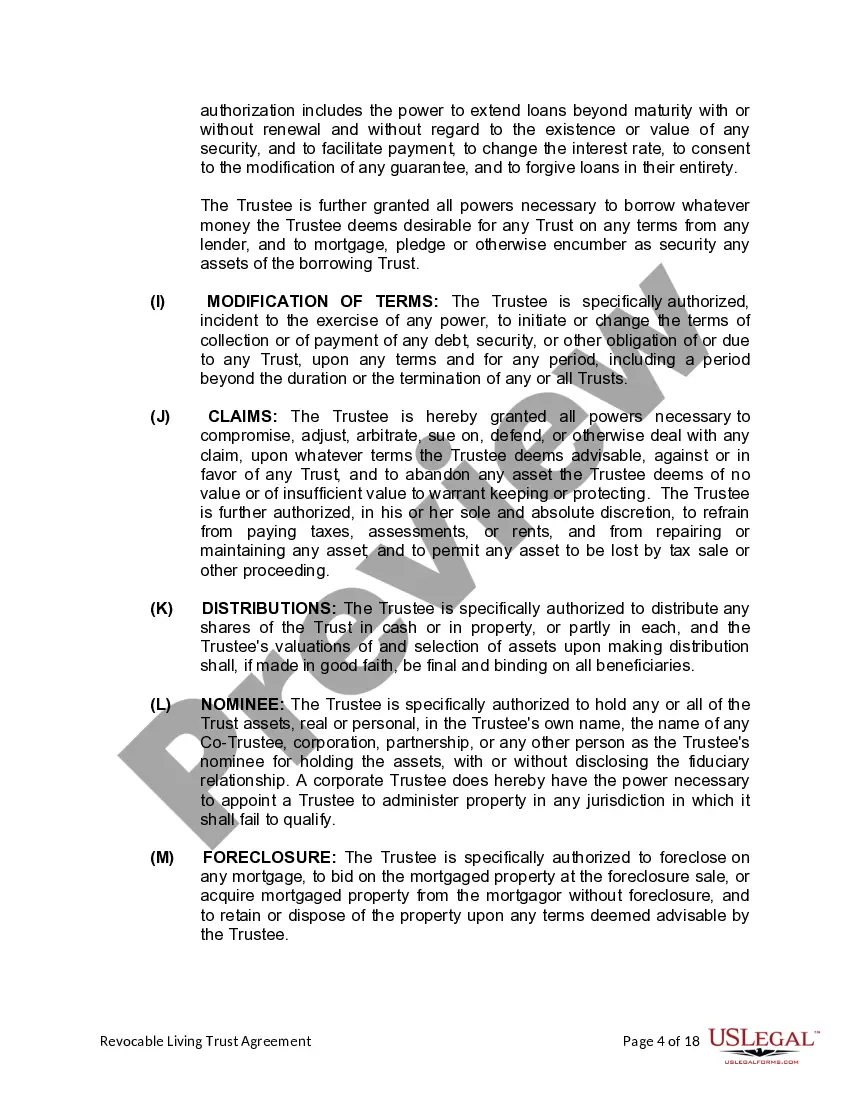
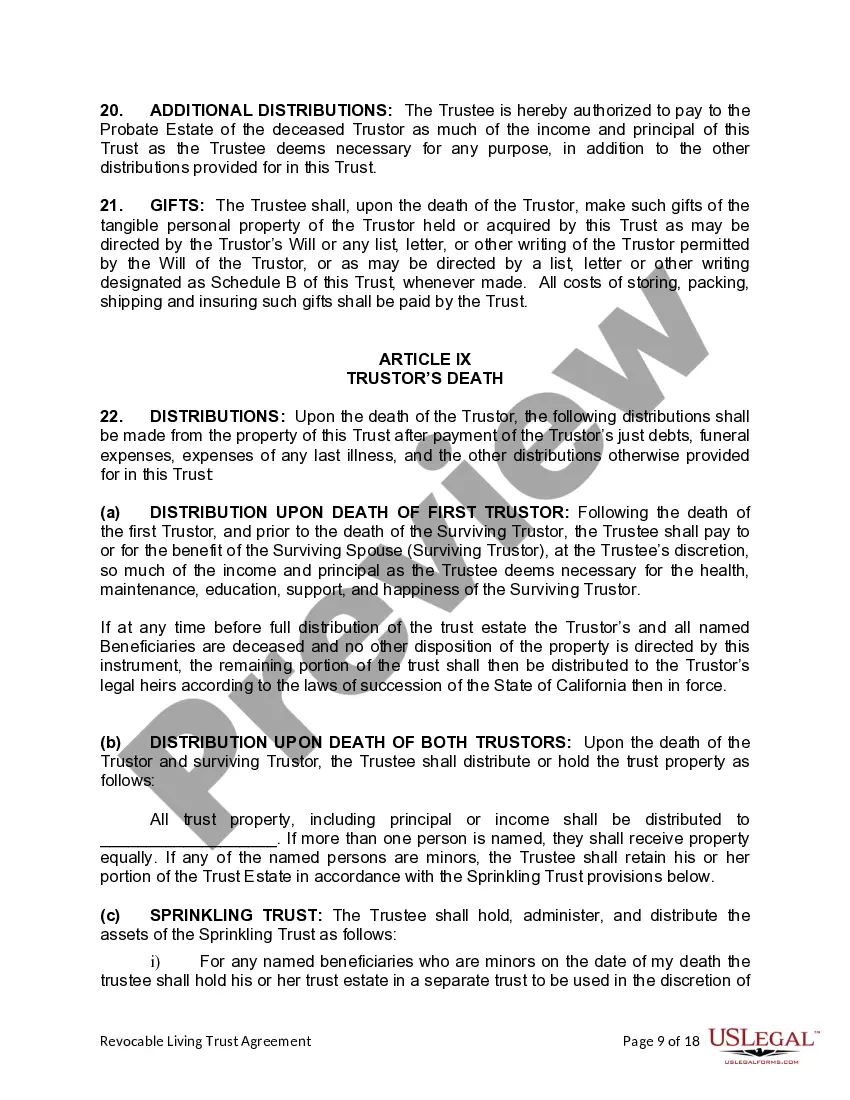
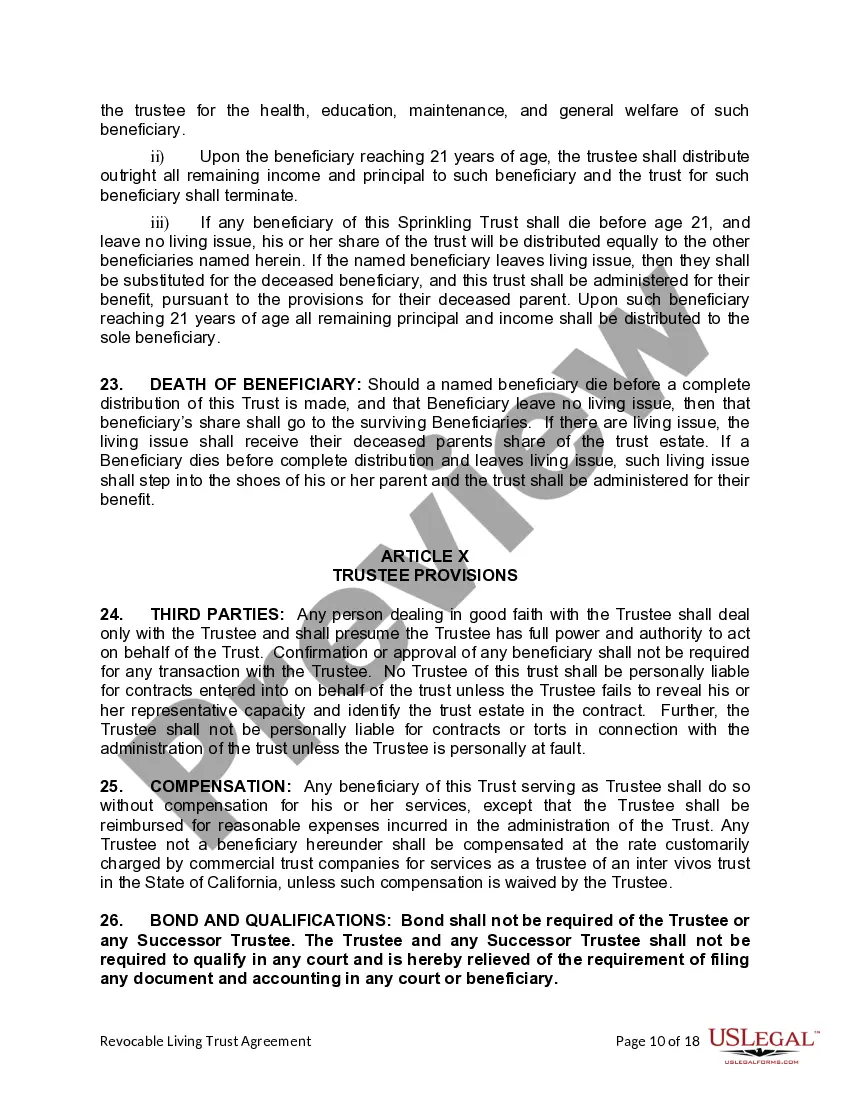
This Living Trust form is a living trust prepared for your State. It is for a Husband and Wife with no children. A living trust is a trust established during a person's lifetime in which a person's assets and property are placed within the trust, usually for the purpose of estate planning. The trust then owns and manages the property held by the trust through a trustee for the benefit of named beneficiary, usually the creator of the trust (settlor). The settlor, trustee and beneficiary may all be the same person. In this way, a person may set up a trust with his or her own assets and maintain complete control and management of the assets by acting as his or her own trustee. Upon the death of the person who created the trust, the property of the trust does not go through probate proceedings, but rather passes according to provisions of the trust as set up by the creator of the trust.
Should I Use Legalzoom For A Living Trust
Description

Get your form ready online
Our built-in tools help you complete, sign, share, and store your documents in one place.
Make edits, fill in missing information, and update formatting in US Legal Forms—just like you would in MS Word.
Download a copy, print it, send it by email, or mail it via USPS—whatever works best for your next step.
Sign and collect signatures with our SignNow integration. Send to multiple recipients, set reminders, and more. Go Premium to unlock E-Sign.
If this form requires notarization, complete it online through a secure video call—no need to meet a notary in person or wait for an appointment.
We protect your documents and personal data by following strict security and privacy standards.

Make edits, fill in missing information, and update formatting in US Legal Forms—just like you would in MS Word.

Download a copy, print it, send it by email, or mail it via USPS—whatever works best for your next step.

Sign and collect signatures with our SignNow integration. Send to multiple recipients, set reminders, and more. Go Premium to unlock E-Sign.

If this form requires notarization, complete it online through a secure video call—no need to meet a notary in person or wait for an appointment.

We protect your documents and personal data by following strict security and privacy standards.
Looking for another form?
How to fill out California Revocable Living Trust For Husband And Wife With No Children?
Finding a reliable source for the latest and most pertinent legal templates is a significant part of navigating bureaucracy. Identifying the appropriate legal documents requires precision and carefulness, which is why it is crucial to obtain samples of Should I Use Legalzoom For A Living Trust solely from reputable providers, such as US Legal Forms. An incorrect template can squander your time and delay your situation. With US Legal Forms, you have minimal concerns. You can access and review all the information regarding the document’s application and relevance for your specific situation and in your state or county.
Follow these steps to complete your Should I Use Legalzoom For A Living Trust.
Once you have the form on your device, you can modify it using the editor or print it and fill it out manually. Eliminate the hassle associated with your legal documentation. Explore the extensive US Legal Forms catalog where you can discover legal templates, assess their relevance to your situation, and download them instantly.
- Utilize the library navigation or search bar to locate your sample.
- Examine the form’s details to verify if it meets the standards of your state and county.
- Preview the form, if possible, to confirm it is indeed the one you are looking for.
- Return to the search and seek the suitable template if the Should I Use Legalzoom For A Living Trust does not fulfill your needs.
- If you are certain about the form’s appropriateness, download it.
- If you are a registered user, click Log in to verify your identity and access your selected forms in My documents.
- If you do not have an account yet, click Buy now to acquire the template.
- Select the pricing plan that meets your needs.
- Proceed to registration to complete your purchase.
- Conclude your purchase by choosing a payment method (credit card or PayPal).
- Select the file format for downloading Should I Use Legalzoom For A Living Trust.
Form popularity
FAQ
Assets that should not be used to fund your living trust include: Qualified retirement accounts ? 401ks, IRAs, 403(b)s, qualified annuities. Health saving accounts (HSAs) Medical saving accounts (MSAs) Uniform Transfers to Minors (UTMAs) Uniform Gifts to Minors (UGMAs) Life insurance. Motor vehicles.
Not all bank accounts are suitable for a Living Trust. If you need regular access to an account, you may want to keep it in your name rather than the name of your Trust. Or, you may have a low-value account that won't benefit from being put in a Trust.
The key disadvantages of placing a house in a trust include the following: Extra paperwork: Moving property in a trust requires the house owner to transfer the asset's legal title. This involves preparing and signing an additional deed, and some people may consider this cumbersome.
Offers a simple online process for creating your own living trust that is affordable, completely legit, and trustworthy. It not only provides a smooth and convenient online process that can include attorney advice and review of your documents.
For a revocable living trust to take effect, it should be funded by transferring certain assets into the trust. Often people fund a living trust with real estate, financial accounts, life insurance, annuity certificates, personal property, business interests, and other assets.