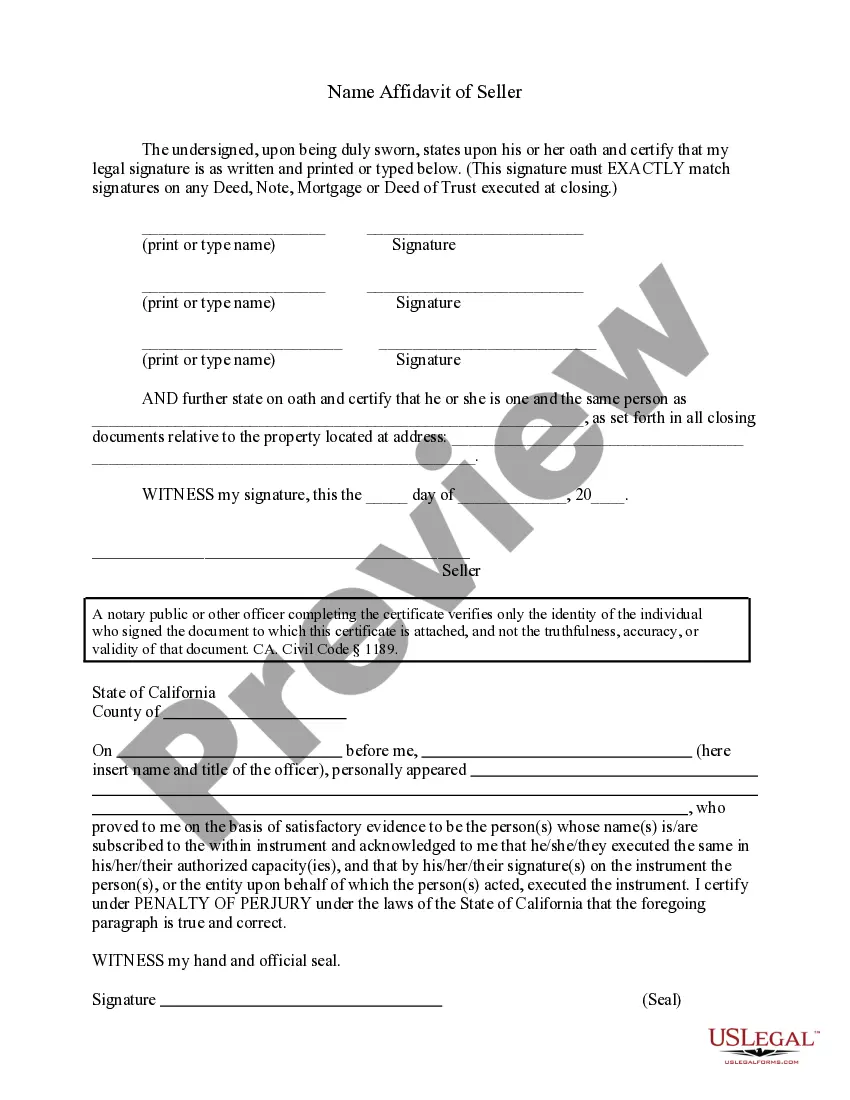
California Name Affidavit Form Notary
Description


Get your form ready online
Our built-in tools help you complete, sign, share, and store your documents in one place.
Make edits, fill in missing information, and update formatting in US Legal Forms—just like you would in MS Word.
Download a copy, print it, send it by email, or mail it via USPS—whatever works best for your next step.
Sign and collect signatures with our SignNow integration. Send to multiple recipients, set reminders, and more. Go Premium to unlock E-Sign.
If this form requires notarization, complete it online through a secure video call—no need to meet a notary in person or wait for an appointment.
We protect your documents and personal data by following strict security and privacy standards.

Make edits, fill in missing information, and update formatting in US Legal Forms—just like you would in MS Word.

Download a copy, print it, send it by email, or mail it via USPS—whatever works best for your next step.

Sign and collect signatures with our SignNow integration. Send to multiple recipients, set reminders, and more. Go Premium to unlock E-Sign.

If this form requires notarization, complete it online through a secure video call—no need to meet a notary in person or wait for an appointment.

We protect your documents and personal data by following strict security and privacy standards.
Looking for another form?
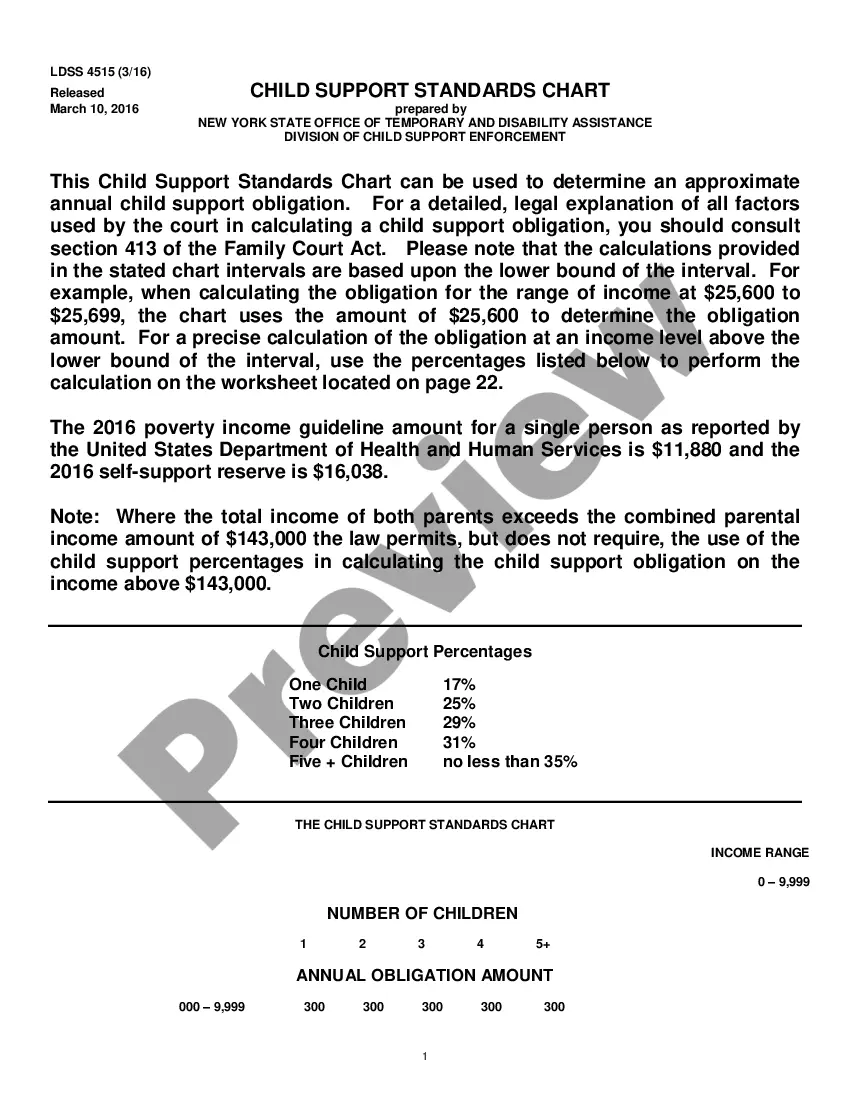
How to fill out California Name Affidavit Of Seller?
Well-formulated official documentation is one of the crucial assurances for preventing complications and disputes, but obtaining it without an attorney's assistance may require time.
Whether you need to swiftly discover a current California Name Affidavit Form Notary or any other templates for employment, family, or business purposes, US Legal Forms is consistently available to assist.
The procedure is even more straightforward for current users of the US Legal Forms library. If your subscription is active, you only need to Log In to your account and click the Download button adjacent to the chosen document. Moreover, you can retrieve the California Name Affidavit Form Notary anytime later, as all the documents ever obtained on the platform are accessible within the My documents tab of your profile. Save time and money on crafting official documents. Experience US Legal Forms right now!
- Confirm that the form is appropriate for your situation and area by reviewing the description and preview.
- Look for another example (if necessary) using the Search bar in the page header.
- Press Buy Now when you find the correct template.
- Choose the pricing plan, Log In to your account or create a new one.
- Select your preferred payment option to purchase the subscription plan (using a credit card or PayPal).
- Select PDF or DOCX file format for your California Name Affidavit Form Notary.
- Press Download, then print the template to fill it out or upload it to an online editor.
Form popularity
FAQ
6 steps to writing an affidavitTitle the affidavit. First, you'll need to title your affidavit.Craft a statement of identity. The very next section of your affidavit is what's known as a statement of identity.Write a statement of truth.State the facts.Reiterate your statement of truth.Sign and notarize.
All affidavits must be sworn to be true under oath and, according to California law, this means you must have a notary publicor other agent certified by the state to administer oaths, such as a judgeexecute the affidavit.
How To Notarize A Document In CaliforniaStep 1: Personal appearance is required.Step 2: Check over the document before notarizing.Step 3: Carefully identify the signer.Step 4: Complete your journal entry.Step 5: Fill in the notarial certificate.
In the sentence, the person writing the statement must state that he or she is stating that the information is accurate. (Example: I, Jane Doe, solemnly swear that the contents of this document are true and correct, and that I agree to abide by the terms in this affidavit.)
The bottom part of the Affidavit should include the following:Full name of the deponent and their signature.Statement indicating whether the affidavit has been sworn or not.Date and place where the affidavit is being signed.Designation and full name of the Notary or Magistrate (person attesting the affidavit)