Reformation Of Contract Oblicon
Description
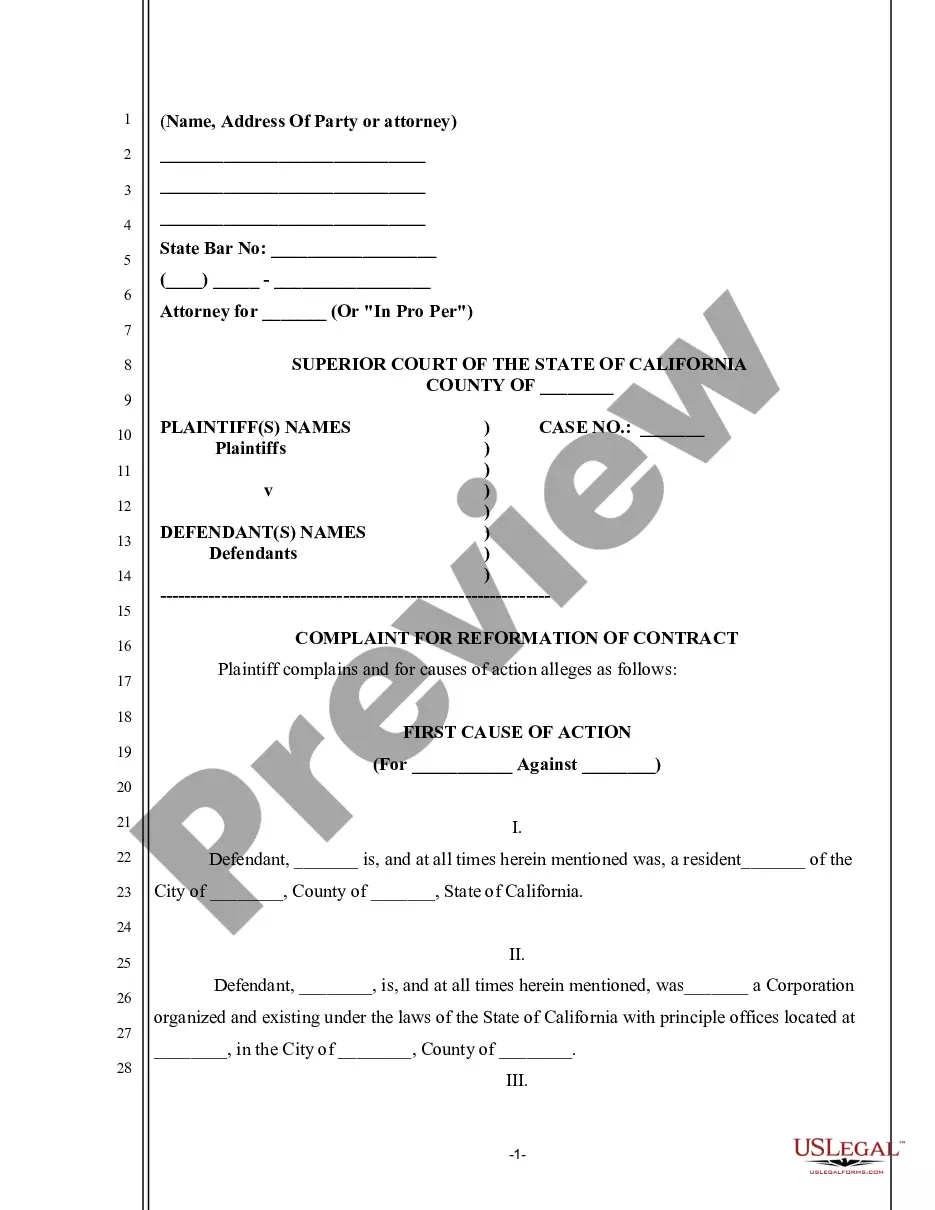
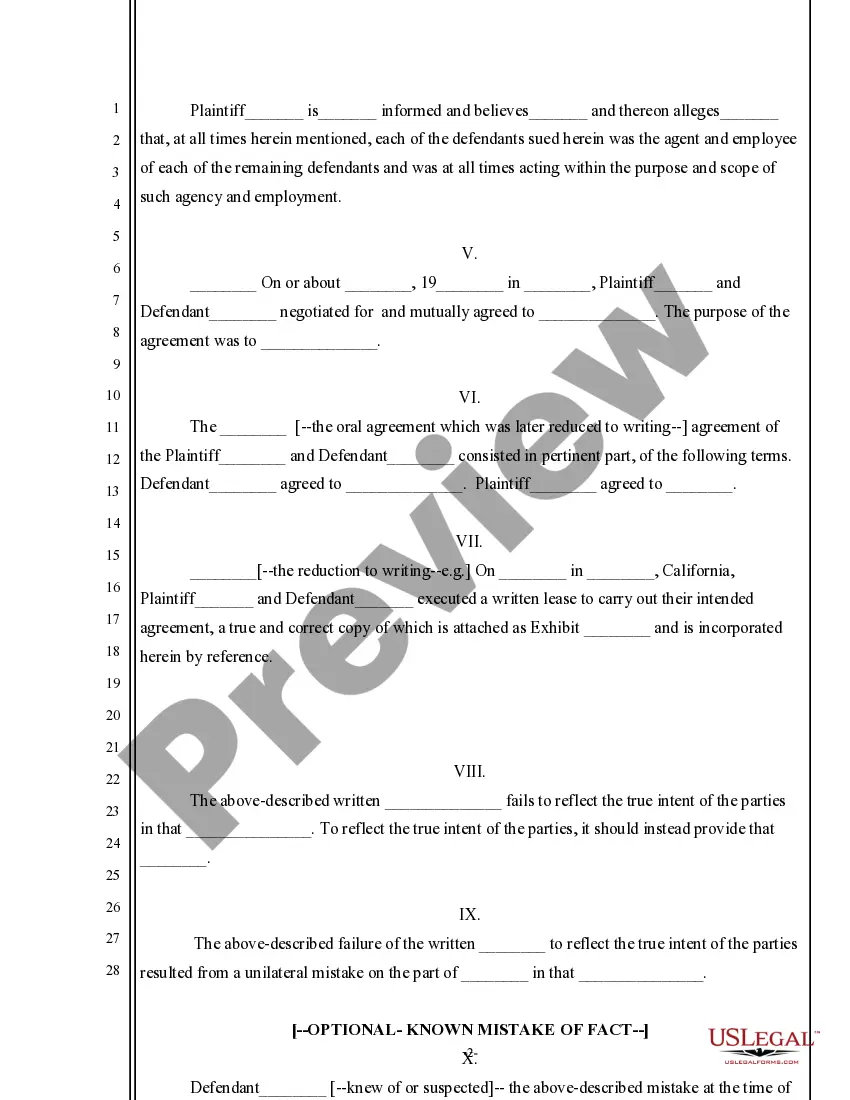
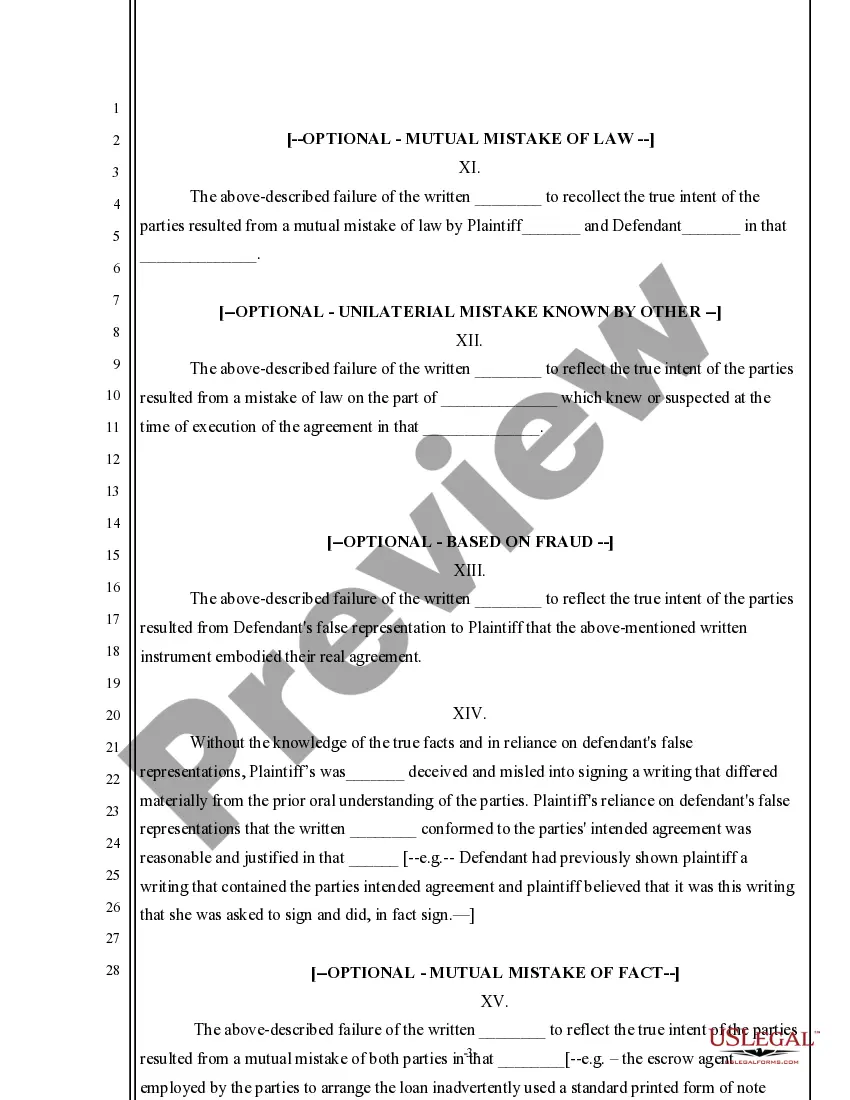
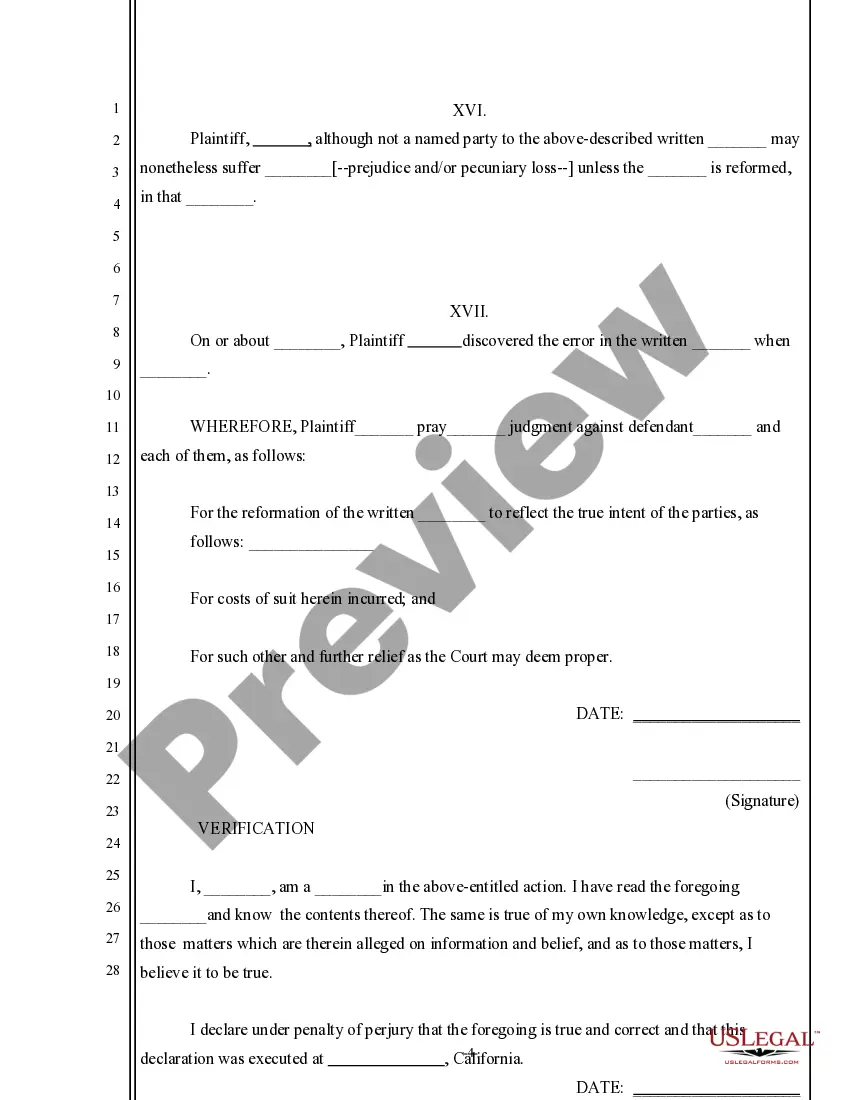
Get your form ready online
Our built-in tools help you complete, sign, share, and store your documents in one place.
Make edits, fill in missing information, and update formatting in US Legal Forms—just like you would in MS Word.
Download a copy, print it, send it by email, or mail it via USPS—whatever works best for your next step.
Sign and collect signatures with our SignNow integration. Send to multiple recipients, set reminders, and more. Go Premium to unlock E-Sign.
If this form requires notarization, complete it online through a secure video call—no need to meet a notary in person or wait for an appointment.
We protect your documents and personal data by following strict security and privacy standards.

Make edits, fill in missing information, and update formatting in US Legal Forms—just like you would in MS Word.

Download a copy, print it, send it by email, or mail it via USPS—whatever works best for your next step.

Sign and collect signatures with our SignNow integration. Send to multiple recipients, set reminders, and more. Go Premium to unlock E-Sign.

If this form requires notarization, complete it online through a secure video call—no need to meet a notary in person or wait for an appointment.

We protect your documents and personal data by following strict security and privacy standards.
Looking for another form?


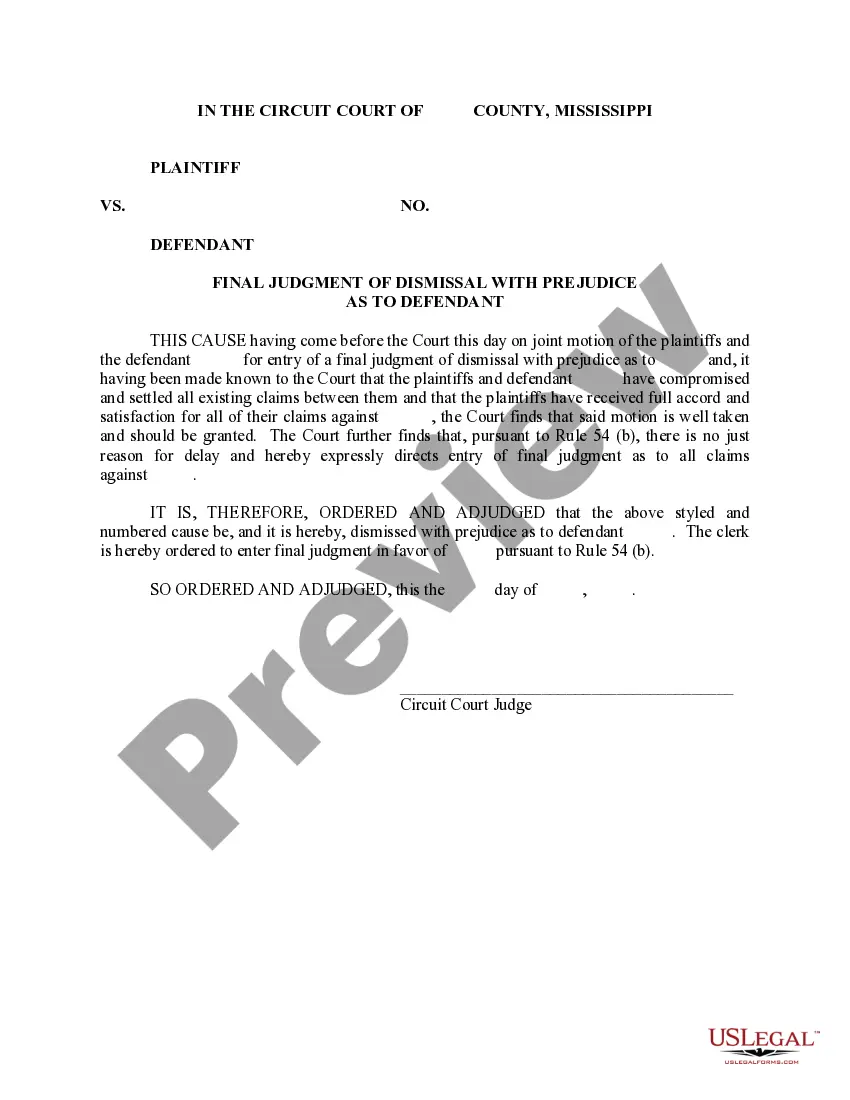
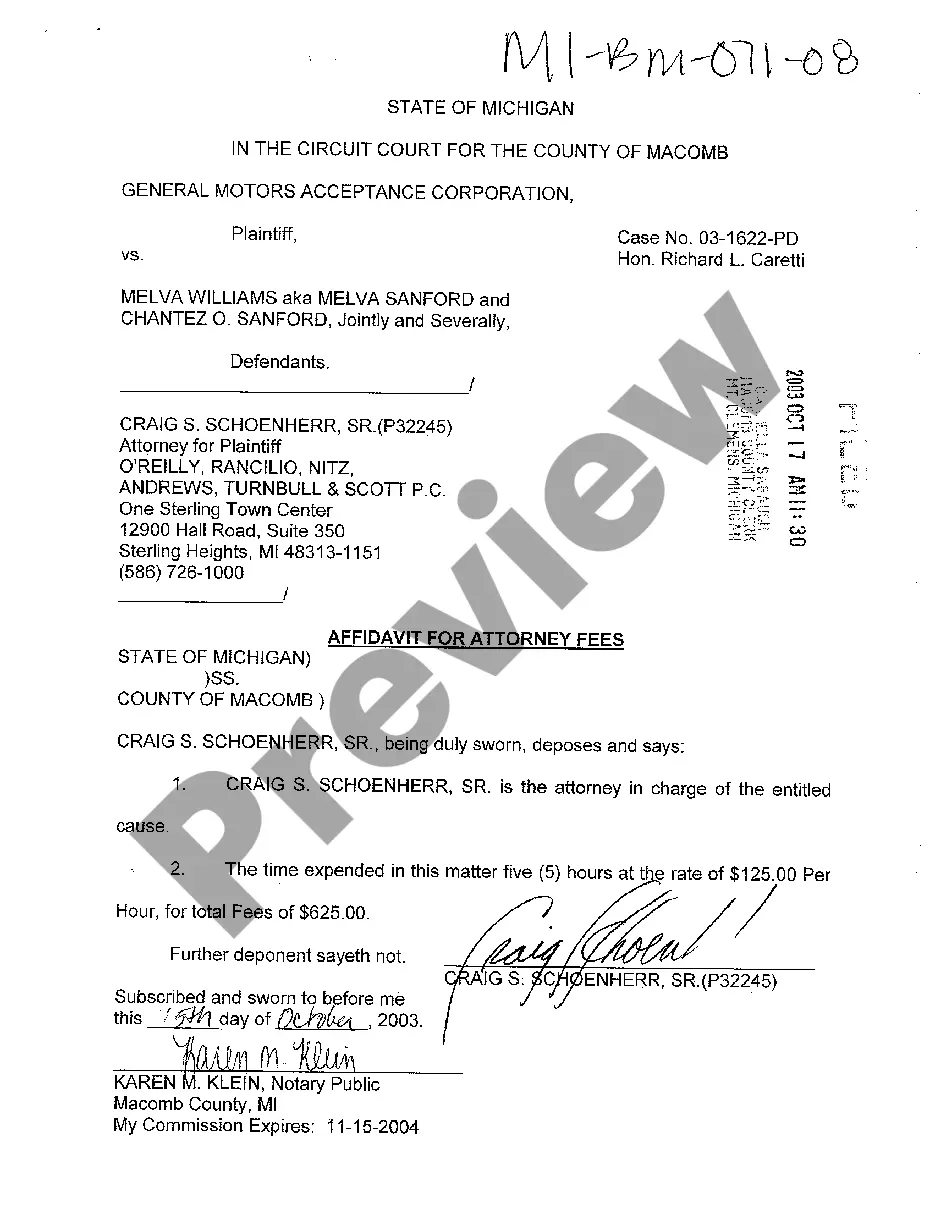
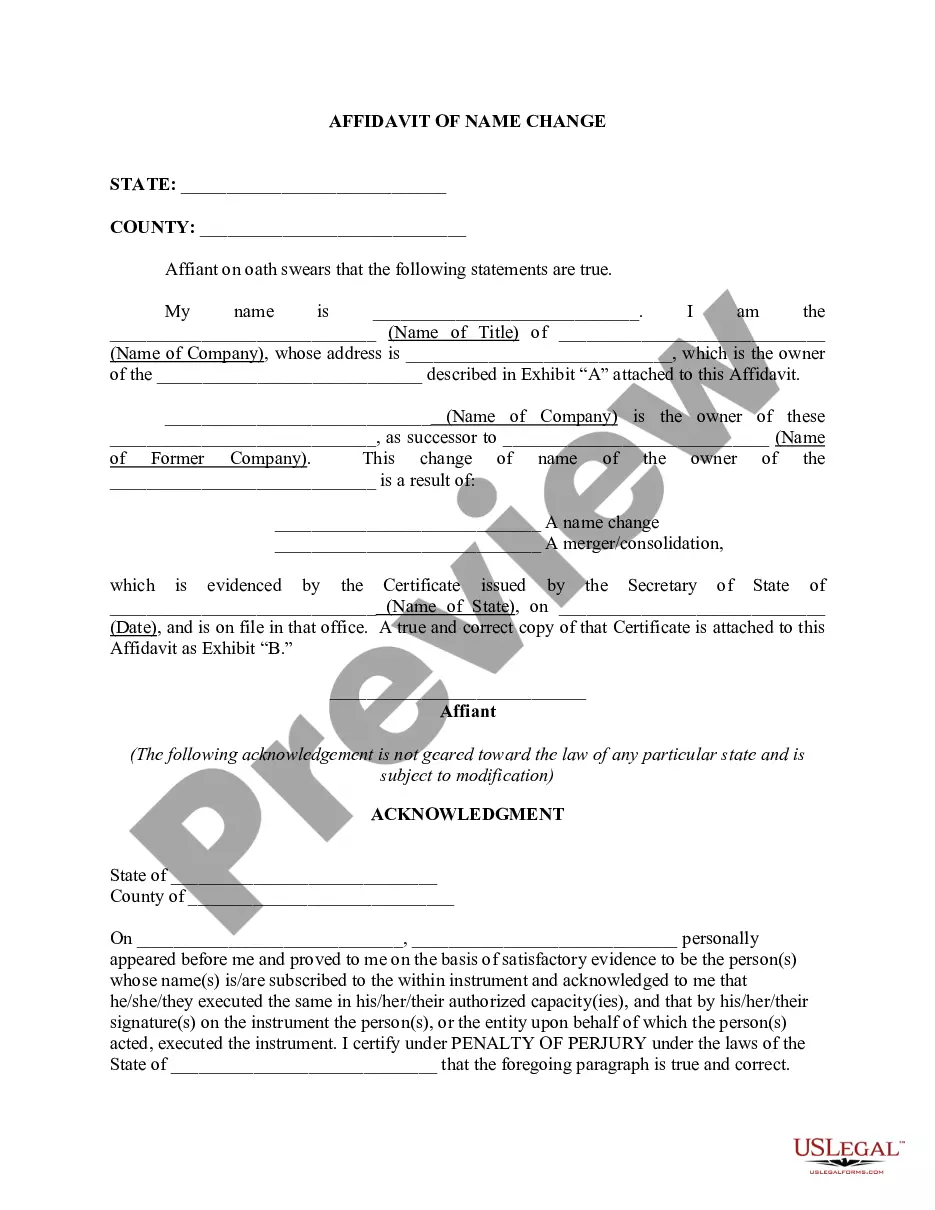
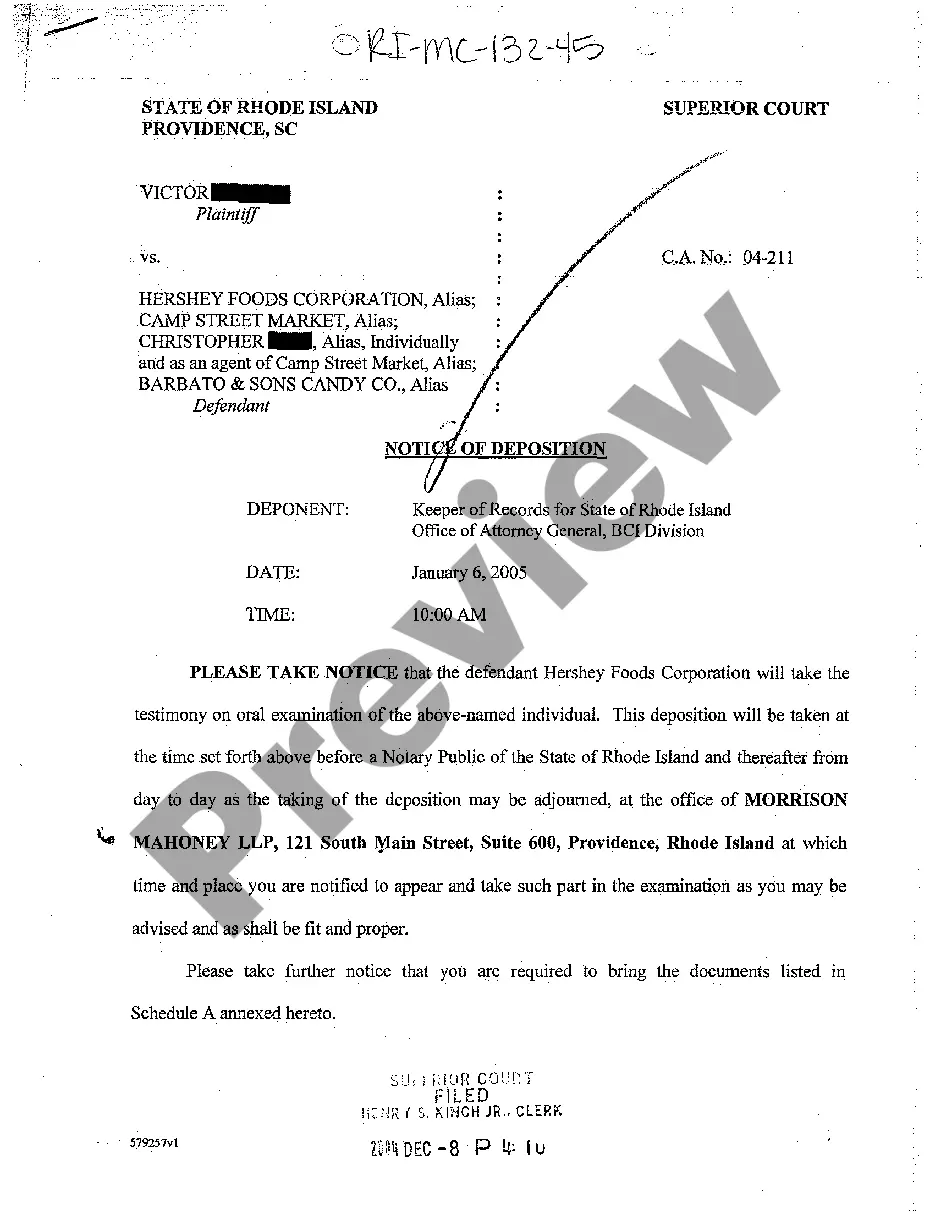


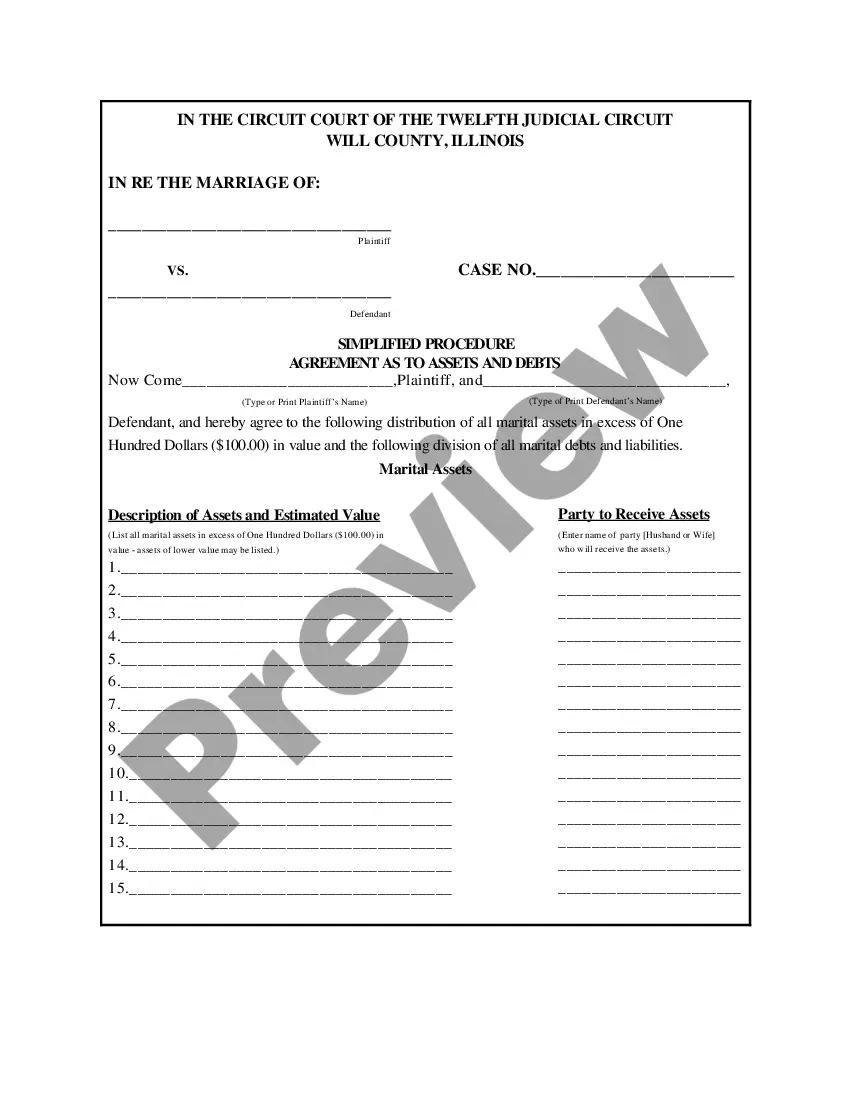

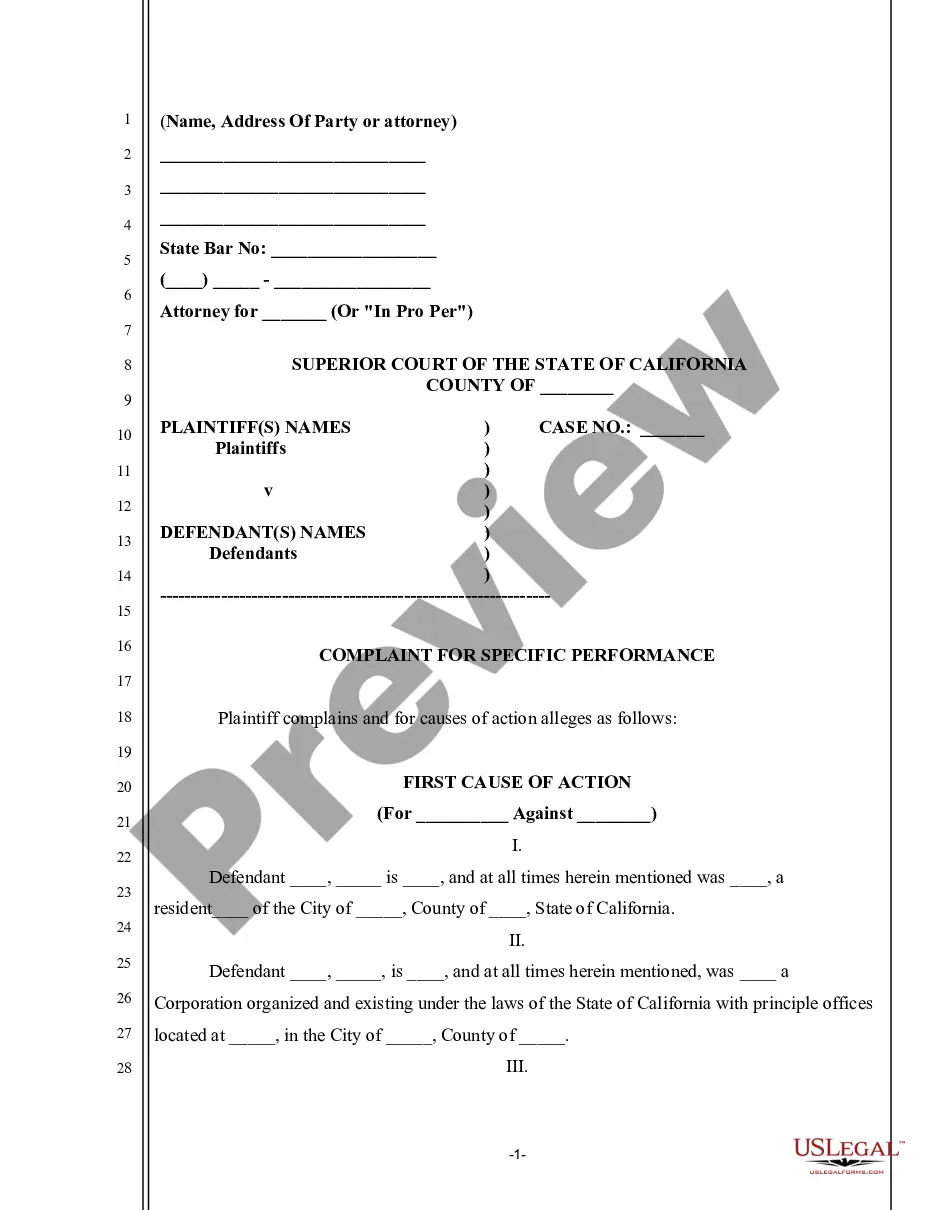
How to fill out California Complaint For Reformation Of Contract?
Properly constructed official documentation is one of the essential assurances for preventing problems and legal disputes, but acquiring it without the assistance of a lawyer may require time.
Whether you need to swiftly locate a current Reformation Of Contract Oblicon or any other forms for employment, family, or business scenarios, US Legal Forms is always at your service.
The process is even simpler for existing users of the US Legal Forms library. If your subscription is active, you only need to Log In to your account and click the Download button next to the desired document. Additionally, you can access the Reformation Of Contract Oblicon at any time later, as all the documents ever obtained on the platform are stored within the My documents tab of your profile. Save time and money on preparing official documents. Experience US Legal Forms today!
- Verify that the form is appropriate for your situation and area by reviewing the description and preview.
- Search for another template (if necessary) using the Search bar in the page header.
- Press Buy Now once you find the relevant template.
- Select the pricing package, Log In to your account or create a new one.
- Choose your preferred payment option to purchase the subscription plan (via credit card or PayPal).
- Select PDF or DOCX file format for your Reformation Of Contract Oblicon.
- Click Download, then print the template to complete it or upload it to an online editor.
Form popularity
FAQ
In order that an action for reformation of instrument may prosper, the following requisites must concur: (1) there must have been a meeting of the minds of the parties to the contract; (2) the instrument does not express the true intention of the parties; and (3) the failure of the instrument to express the true
You can handwrite minor modifications to a contract onto the document. Clearly write the changes, and sign your initials next to each change, before signing the entire document. If the other party agrees to the changes, the other party will also initial the changes and sign the document.
There shall be no reformation in the following cases: 1) Simple donations inter vivos wherein no condition is imposed; 2) Wills; 3) When the real agreement is void.
Errors in Your Legal DocumentLine through the incorrect information (make sure the information can still be read).Make the change.Date and initial the change.Have the other party date and initial the change also, so it's clear that the change has been acknowledged by both parties.
Reformation is a civil claim brought in a lawsuit. With reformation, a judge formally orders a correction to the contract. The judge might add, delete, or re-word the language of the contract. Once corrected, the judge and the parties can then analyze whether a party has breached the contract.
