Tenant Microsoft
Description


Get your form ready online
Our built-in tools help you complete, sign, share, and store your documents in one place.
Make edits, fill in missing information, and update formatting in US Legal Forms—just like you would in MS Word.
Download a copy, print it, send it by email, or mail it via USPS—whatever works best for your next step.
Sign and collect signatures with our SignNow integration. Send to multiple recipients, set reminders, and more. Go Premium to unlock E-Sign.
If this form requires notarization, complete it online through a secure video call—no need to meet a notary in person or wait for an appointment.
We protect your documents and personal data by following strict security and privacy standards.

Make edits, fill in missing information, and update formatting in US Legal Forms—just like you would in MS Word.

Download a copy, print it, send it by email, or mail it via USPS—whatever works best for your next step.

Sign and collect signatures with our SignNow integration. Send to multiple recipients, set reminders, and more. Go Premium to unlock E-Sign.

If this form requires notarization, complete it online through a secure video call—no need to meet a notary in person or wait for an appointment.

We protect your documents and personal data by following strict security and privacy standards.
Looking for another form?




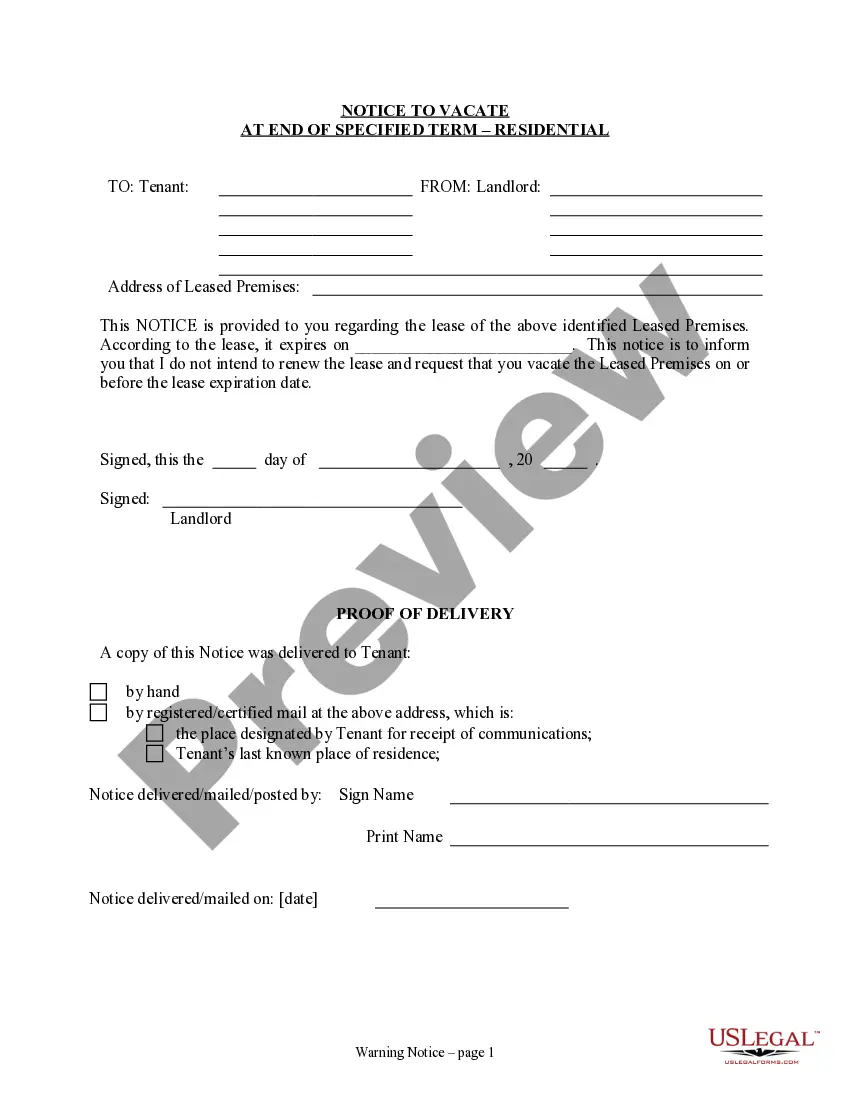
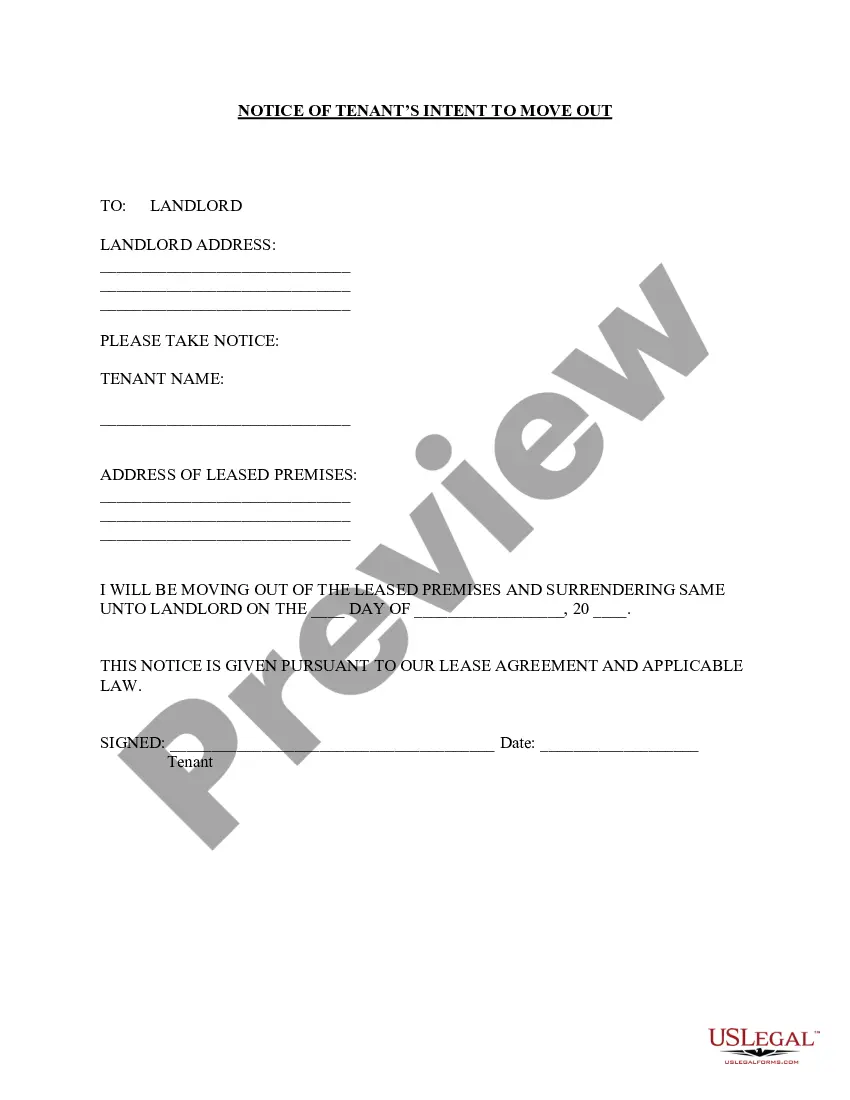
How to fill out California Notice Of Intent Not To Renew At End Of Specified Term From Landlord To Tenant For Residential Property?
- If you are a returning user, log in to your account and ensure your subscription is active. Then, find and download the required template using the Download button.
- If you are new to US Legal Forms, start by exploring the Preview mode and the form descriptions to verify that you've selected the right document for your needs.
- Utilize the Search tab if adjustments are needed. Should there be any discrepancies, find the appropriate form to ensure compliance with your local regulations.
- Proceed to purchase the document by clicking the Buy Now button and selecting a subscription plan that suits you. You will need to register an account to access the forms.
- Complete your purchase by entering your payment details or opting for PayPal as a payment method.
- Download the form to your device and store it securely. You can access your downloaded documents anytime in the My Forms section of your profile.
By leveraging US Legal Forms, you're not only saving time but also guaranteeing that your legal documents are both comprehensive and precise. With access to premium experts for form completion, your peace of mind is assured knowing you have expert guidance every step of the way.
Dive into the benefits of using US Legal Forms today and streamline your legal processes effortlessly.
Form popularity
FAQ
An example of a Microsoft ID is an email address associated with your account, such as 'username@domain.' This ID allows you to access Microsoft services under your Tenant Microsoft. It's important to use a valid Microsoft ID to ensure a seamless experience across all platforms.
You can find your Microsoft tenant ID by logging into the Azure portal or Microsoft 365 admin center. Once logged in, look for the 'Azure Active Directory' section, where your tenant ID will be displayed. Knowing your Tenant Microsoft ID is essential for various administrative tasks.
A tenant in a Microsoft account refers to a dedicated instance representing your organization within the Microsoft cloud ecosystem. This Tenant Microsoft encompasses users, groups, settings, and features that belong to your organization. Understanding this concept is crucial for effectively managing resources and user permissions.
The format of a Microsoft tenant ID generally follows a GUID structure, which consists of 32 hexadecimal characters divided into five groups. For example, the format looks like 'XXXXXXXX-XXXX-XXXX-XXXX-XXXXXXXXXXXX.' Each Tenant Microsoft has its unique identifier that ensures clear differentiation of accounts.
To add a tenant in Microsoft, you must log into your Microsoft 365 admin center. Once logged in, navigate to the 'Settings' section and select the option to add a tenant. This action enables you to manage multiple Tenant Microsoft instances, enhancing organizational flexibility.
To register a Microsoft tenant, you need to visit the Microsoft 365 signup page. From there, you will fill out a form with your organization's details. Completing this process will create your Tenant Microsoft, which serves as the backbone for utilizing Microsoft services effectively.
A Microsoft tenant ID is a unique identifier for your organization's account in Microsoft services. For instance, a typical Microsoft tenant ID might look like '12345678-abcd-1234-abcd-1234567890ef.' This identifier helps Microsoft manage resources and access on behalf of your organization and that highlights the importance of understanding your Tenant Microsoft.
To establish a Microsoft test tenant, consider enrolling in the Microsoft 365 developer program. This grant provides you with a trial subscription, enabling you to create a test tenant that can be used for testing and development purposes.
A Microsoft Entra tenant is a form of identity and access management system that connects various Microsoft services. It serves as a central hub for managing user identities, access policies, and security settings across your Microsoft resources.
To secure a Microsoft tenant domain, you will need to register a custom domain through the Azure portal or Microsoft 365 admin center. Once your domain is verified, it can be associated with your tenant to enhance your organization’s brand identity.