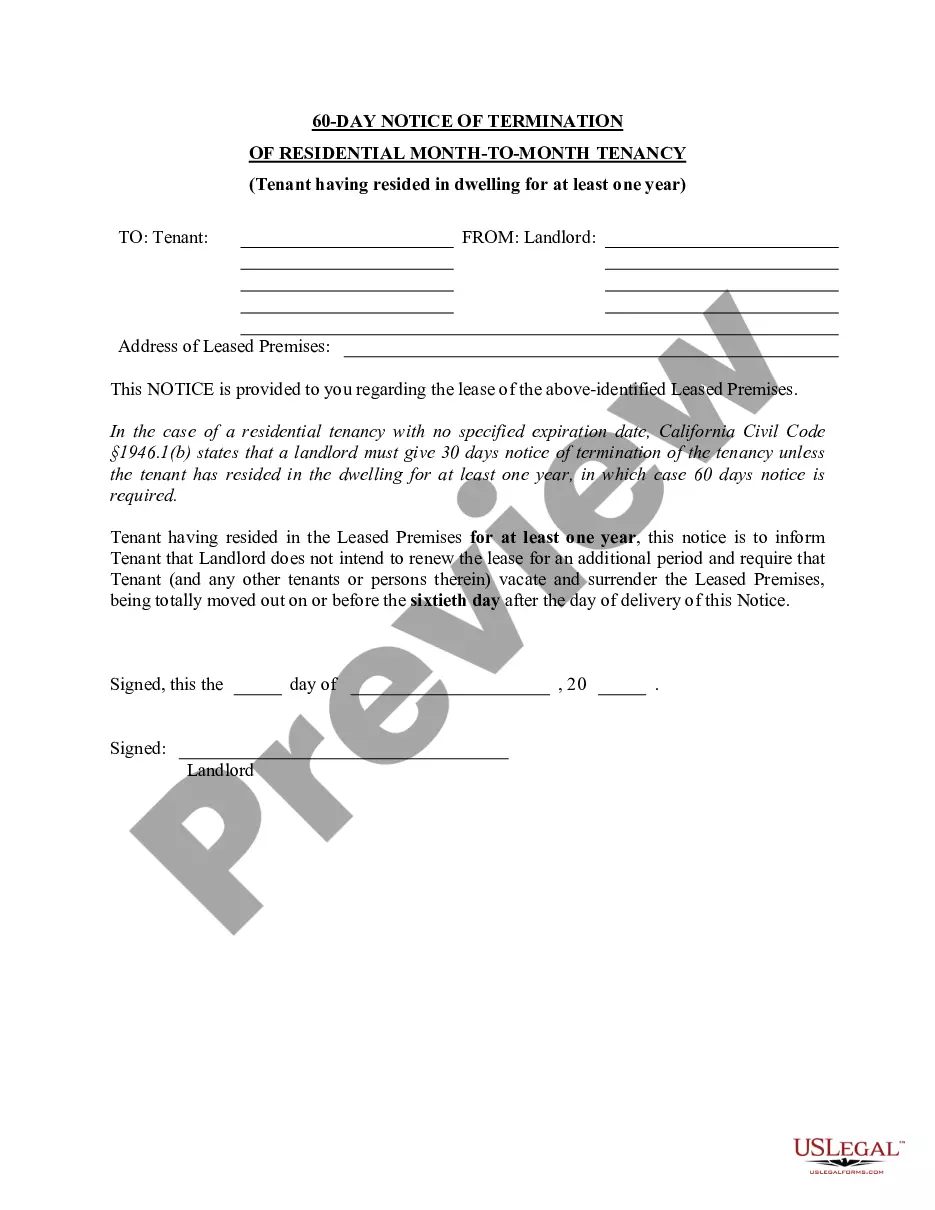
60 Day Notice To Vacate In Spanish
Description
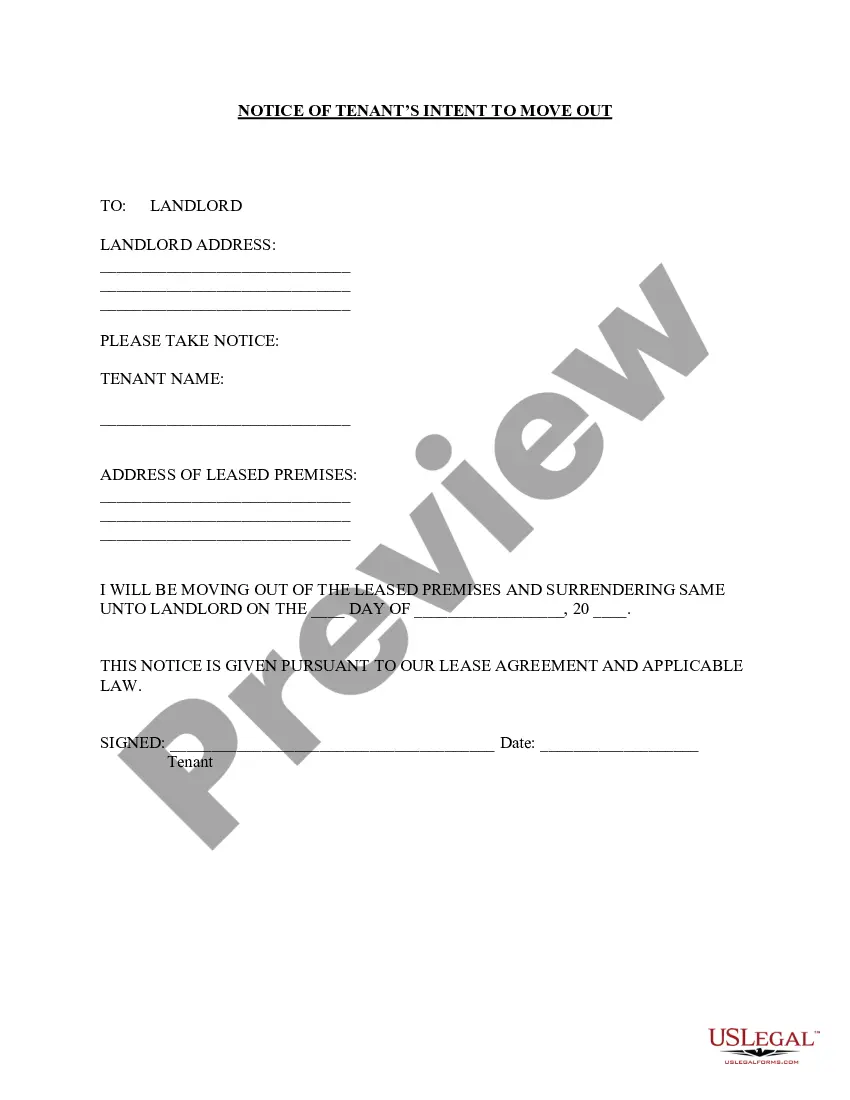
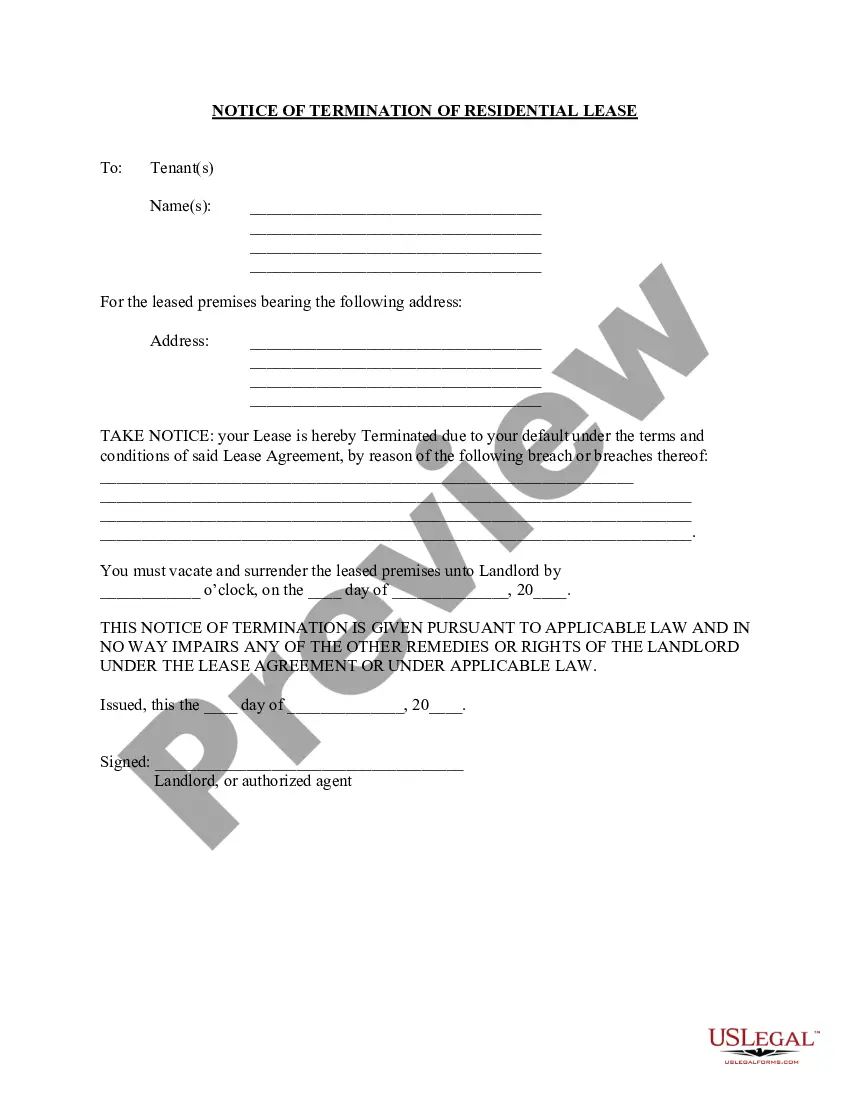
Get your form ready online
Our built-in tools help you complete, sign, share, and store your documents in one place.
Make edits, fill in missing information, and update formatting in US Legal Forms—just like you would in MS Word.
Download a copy, print it, send it by email, or mail it via USPS—whatever works best for your next step.
Sign and collect signatures with our SignNow integration. Send to multiple recipients, set reminders, and more. Go Premium to unlock E-Sign.
If this form requires notarization, complete it online through a secure video call—no need to meet a notary in person or wait for an appointment.
We protect your documents and personal data by following strict security and privacy standards.

Make edits, fill in missing information, and update formatting in US Legal Forms—just like you would in MS Word.

Download a copy, print it, send it by email, or mail it via USPS—whatever works best for your next step.

Sign and collect signatures with our SignNow integration. Send to multiple recipients, set reminders, and more. Go Premium to unlock E-Sign.

If this form requires notarization, complete it online through a secure video call—no need to meet a notary in person or wait for an appointment.

We protect your documents and personal data by following strict security and privacy standards.
Looking for another form?
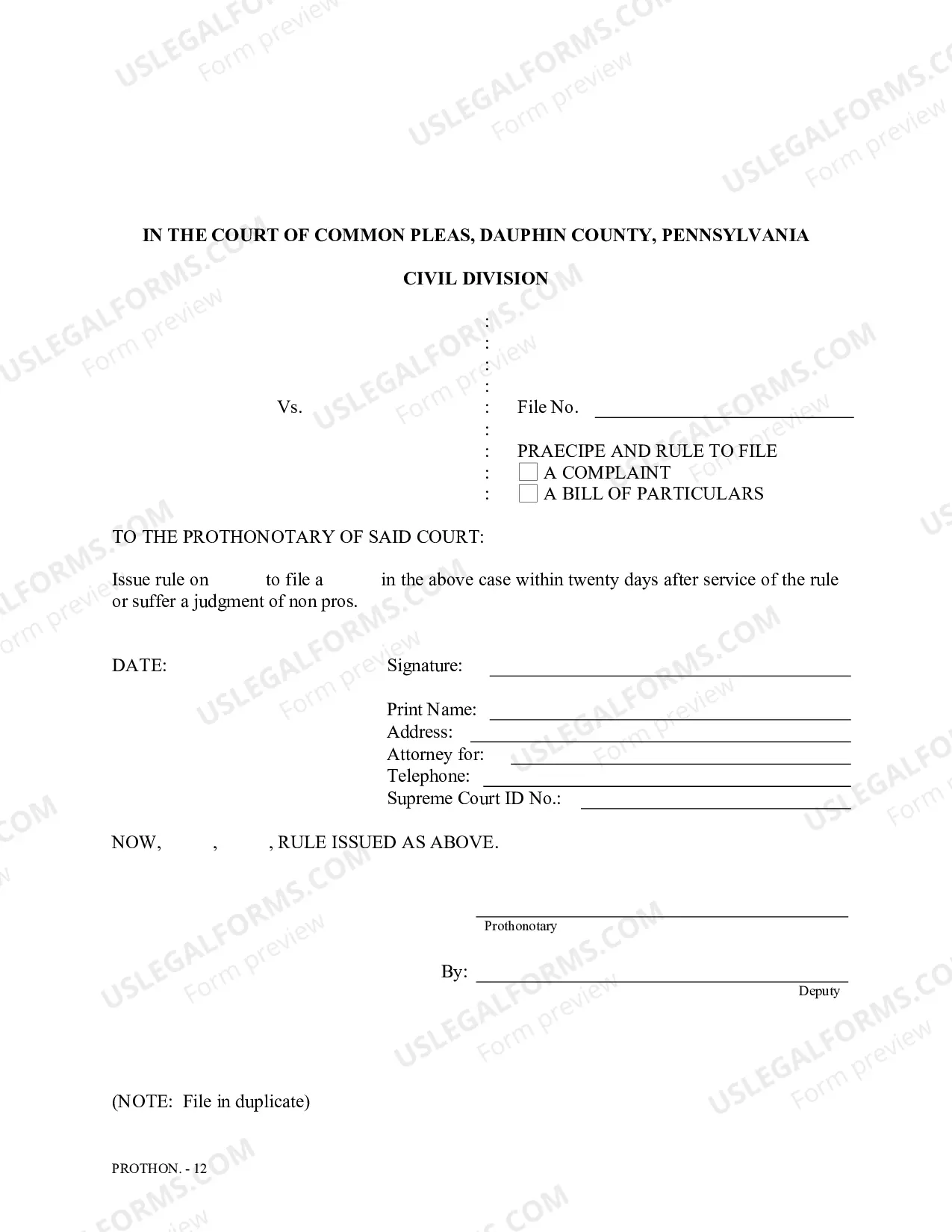

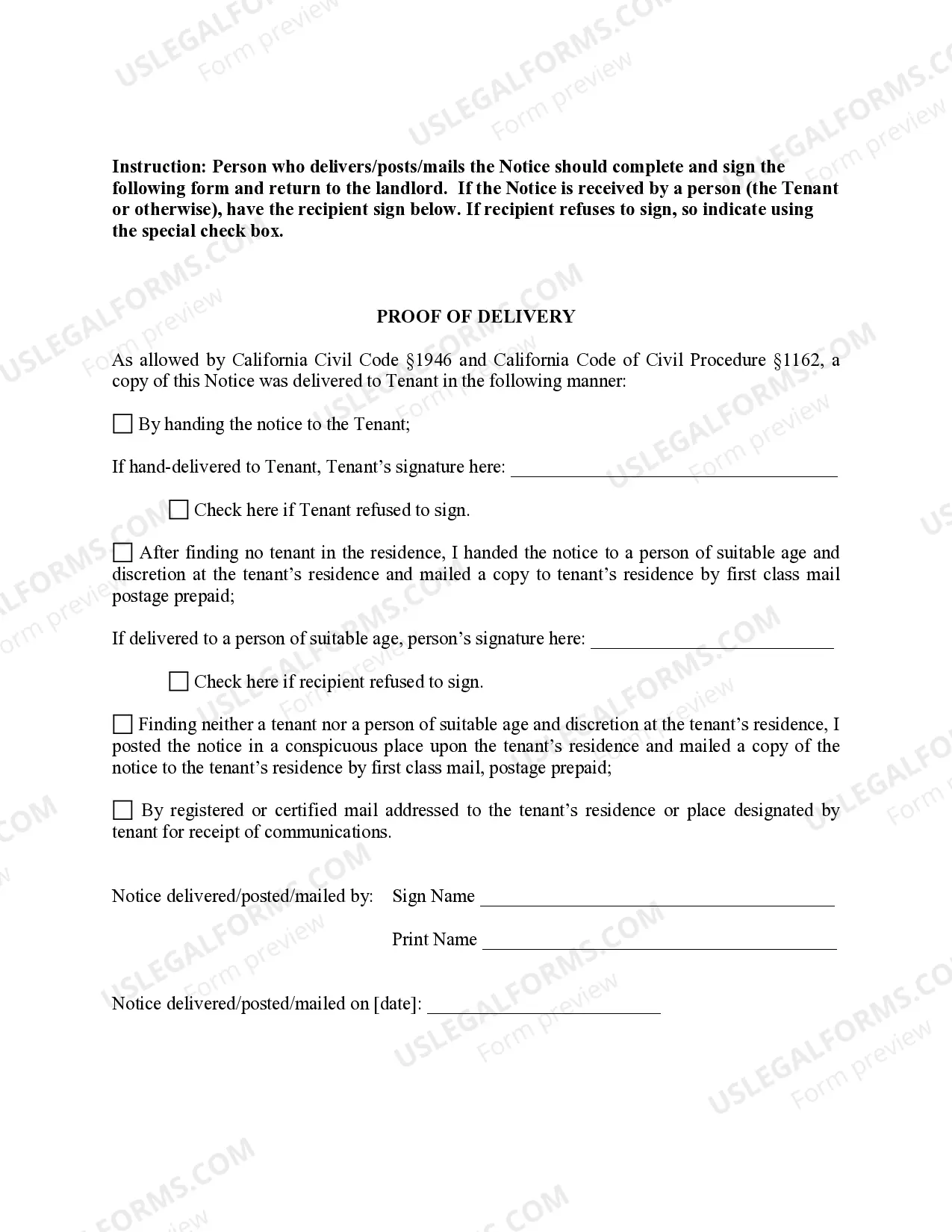
How to fill out California 60 Day Notice Of Termination - Residential Month-to-Month Tenancy?
Handling legal documentation and procedures can be a time-intensive addition to your routine.
60 Day Notice To Vacate In Spanish and similar forms generally necessitate that you locate them and figure out the best way to complete them accurately.
For that reason, whether you are managing financial, legal, or personal issues, having a comprehensive and efficient online index of forms at your disposal will greatly assist you.
US Legal Forms is the premier online platform for legal templates, boasting over 85,000 state-specific forms and various resources to help you fill out your documents swiftly.
Simply Log In to your account, search for 60 Day Notice To Vacate In Spanish, and download it directly from the My documents section. You can also access previously downloaded forms.
- Explore the assortment of pertinent documents accessible to you with just a single click.
- US Legal Forms offers state- and county-specific documents that can be downloaded any time.
- Protect your document handling processes with a top-quality service that allows you to create any form in minutes without incurring additional or hidden fees.
Form popularity
FAQ
The 60-day notice clause usually refers to a provision in lease agreements. This clause outlines the obligation of tenants to notify landlords 60 days in advance before vacating the rental property. Understanding this clause is essential for both parties to ensure a smooth transition. Uslegalforms offers clear explanations of such clauses to enhance your understanding.
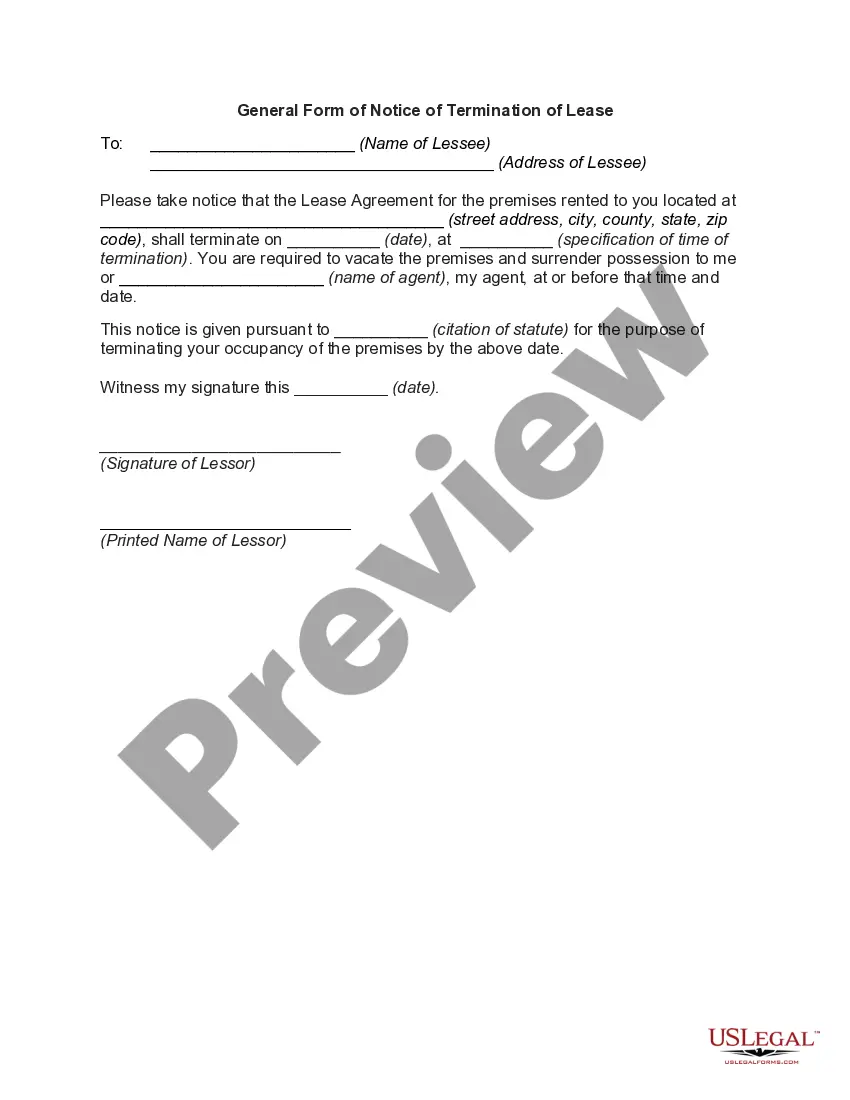
To serve a 60-day notice to vacate in California, you must deliver it in writing to your landlord. This can be done personally, via certified mail, or by posting it at their residence. It’s important to keep a copy for your records. Using a structured format can help ensure compliance, so consider templates on uslegalforms.
Go to File > Version history > See version history.
Yes, go to your google history. It will show you every date and time that it was resaved. Take it back to a time that you had what you needed in it. How do I find my Google form history?
I'm afraid to inform you that version history feature for Microsoft Forms is not yet available but this feature is currently up for a vote for a possible future implementation. You may check on this link for more information: ...
Google Forms does not have version history like Google Docs or Sheets. When you delete responses in Google Forms, it will be deleted permanently. The deleted form responses cannot be restored later.
(2) At the top of your Google Form, click Add-ons (puzzle icon) > Forms History > Open. (3) If this is the first time you are using Forms History, you will be prompted to provide the necessary permissions.
Once you've made your changes, click the Undo button at the top right of the page. This looks like a curved arrow pointing to the left. When you click this button, your changes will be undone.