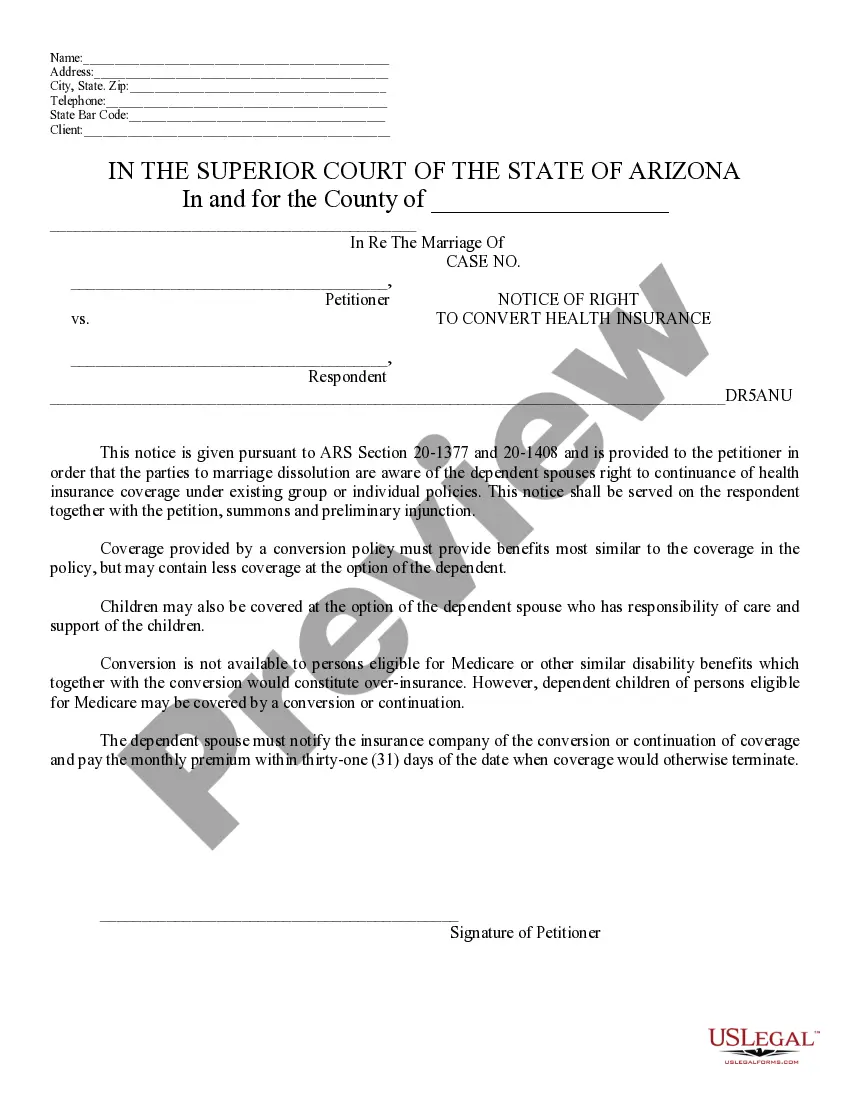
Notice To Convert Health Ins Without
Description
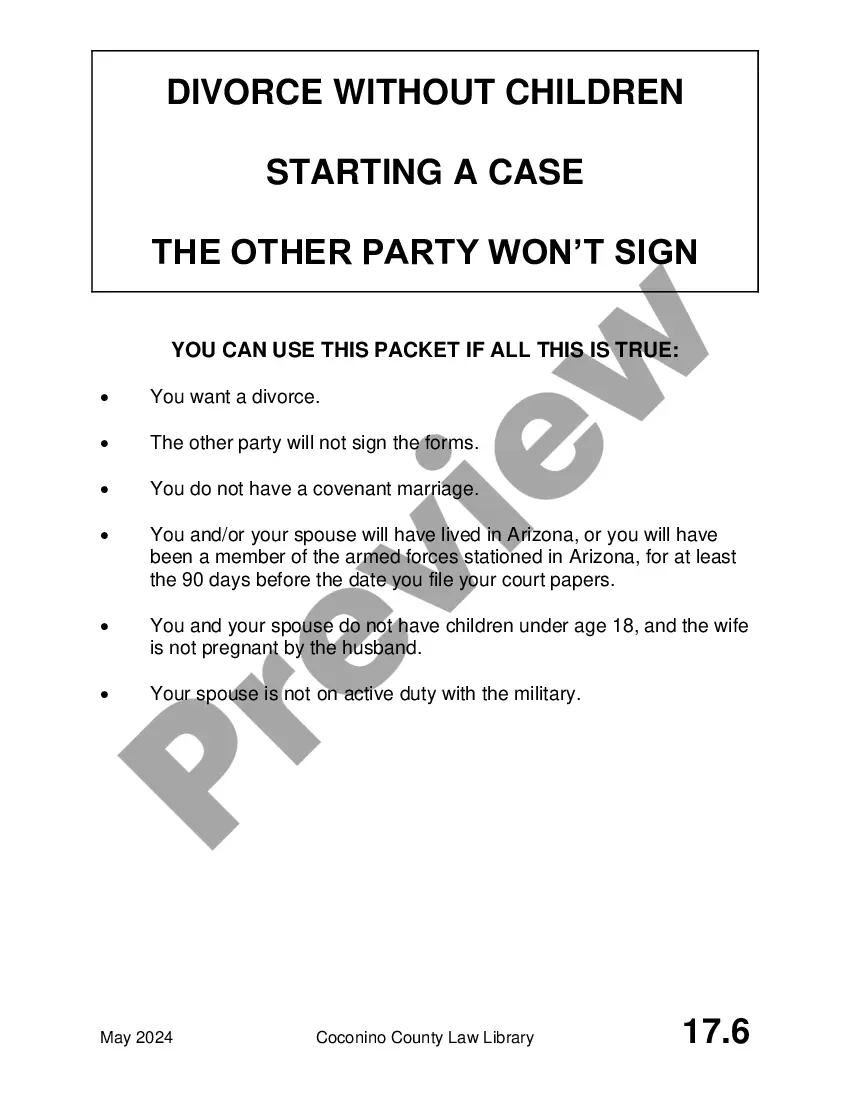
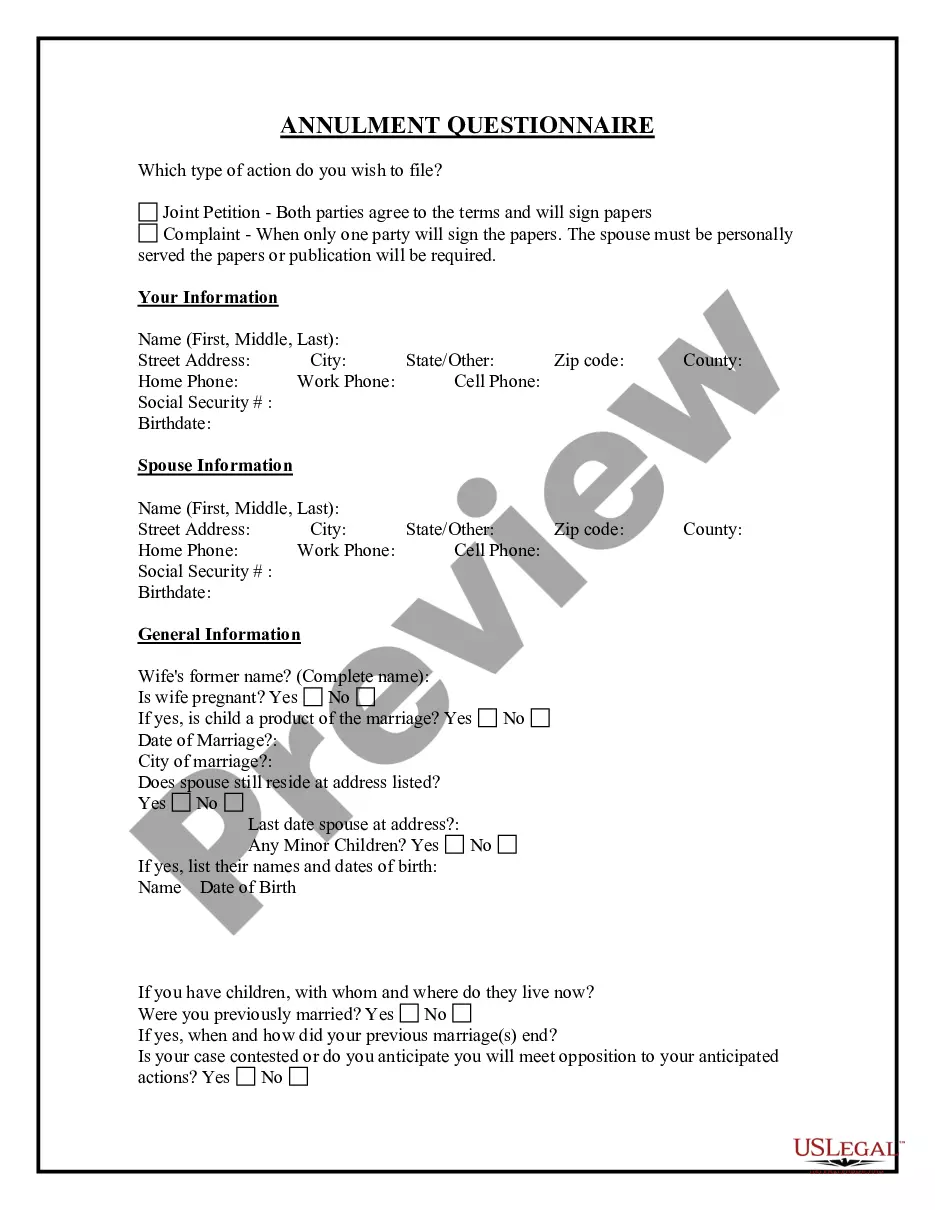
Get your form ready online
Our built-in tools help you complete, sign, share, and store your documents in one place.
Make edits, fill in missing information, and update formatting in US Legal Forms—just like you would in MS Word.
Download a copy, print it, send it by email, or mail it via USPS—whatever works best for your next step.
Sign and collect signatures with our SignNow integration. Send to multiple recipients, set reminders, and more. Go Premium to unlock E-Sign.
If this form requires notarization, complete it online through a secure video call—no need to meet a notary in person or wait for an appointment.
We protect your documents and personal data by following strict security and privacy standards.

Make edits, fill in missing information, and update formatting in US Legal Forms—just like you would in MS Word.

Download a copy, print it, send it by email, or mail it via USPS—whatever works best for your next step.

Sign and collect signatures with our SignNow integration. Send to multiple recipients, set reminders, and more. Go Premium to unlock E-Sign.

If this form requires notarization, complete it online through a secure video call—no need to meet a notary in person or wait for an appointment.

We protect your documents and personal data by following strict security and privacy standards.
Looking for another form?










How to fill out Arizona Notice Of Right To Convert Health Insurance?
Legal administration can be perplexing, even for seasoned experts.
When you seek a Notice To Convert Health Ins Without and lack the time to dedicate to locating the right and updated edition, the process can be overwhelming.
With US Legal Forms, you can.
Access a database of articles, guides, manuals, and resources pertinent to your issue and needs.
Confirm this is the appropriate form by previewing it and examining its description.
- Conserve time and effort searching for the documents you require, and employ US Legal Forms’ enhanced search and Preview feature to locate Notice To Convert Health Ins Without and acquire it.
- If you hold a subscription, Log In to your US Legal Forms account, search for the form, and obtain it.
- Check your My documents section to review the documents you have previously saved and manage your folders as needed.
- If this is your initial experience with US Legal Forms, create a free account and gain unlimited access to all the advantages of the library.
- Here are the steps to follow after downloading the desired form.
- A powerful online form repository can be a game changer for anyone who wishes to navigate these matters effectively.
- US Legal Forms is a frontrunner in digital legal forms, boasting over 85,000 state-specific legal documents accessible at any moment.
- Utilize sophisticated instruments to complete and manage your Notice To Convert Health Ins Without.
Form popularity
FAQ
Submit a copy of one of the following documents. Certificate of coverage or letter from the health plan issuer showing the end date of coverage. Government-issued document showing date of termination of coverage or ineligibility to program.
Use Employee Express to enroll, change, and cancel your FEHB coverage during Open Season and for some qualifying life events. If you do not see your event available in Employee Express, contact your Benefits Specialist for assistance.
A letter from an insurance company, on official letterhead or stationery, including:A letter or premium bill from your former insurance company that shows you or your dependent's cancellation/termination from health coverage.
If you need assistance with your health benefits enrollment, call 1 (888) 767-6738 , to change your enrollment or if you need to speak with a Customer Service Specialist. Or, see our web pages at to obtain information about health insurance benefits online.
Log into your HealthCare.gov account. Choose the completed. Select Report a Life Change on the left-hand menu. Read through the list of changes, and select Report a Life Change at the bottom. For income and household. changes, select the first. option Report a Change In.