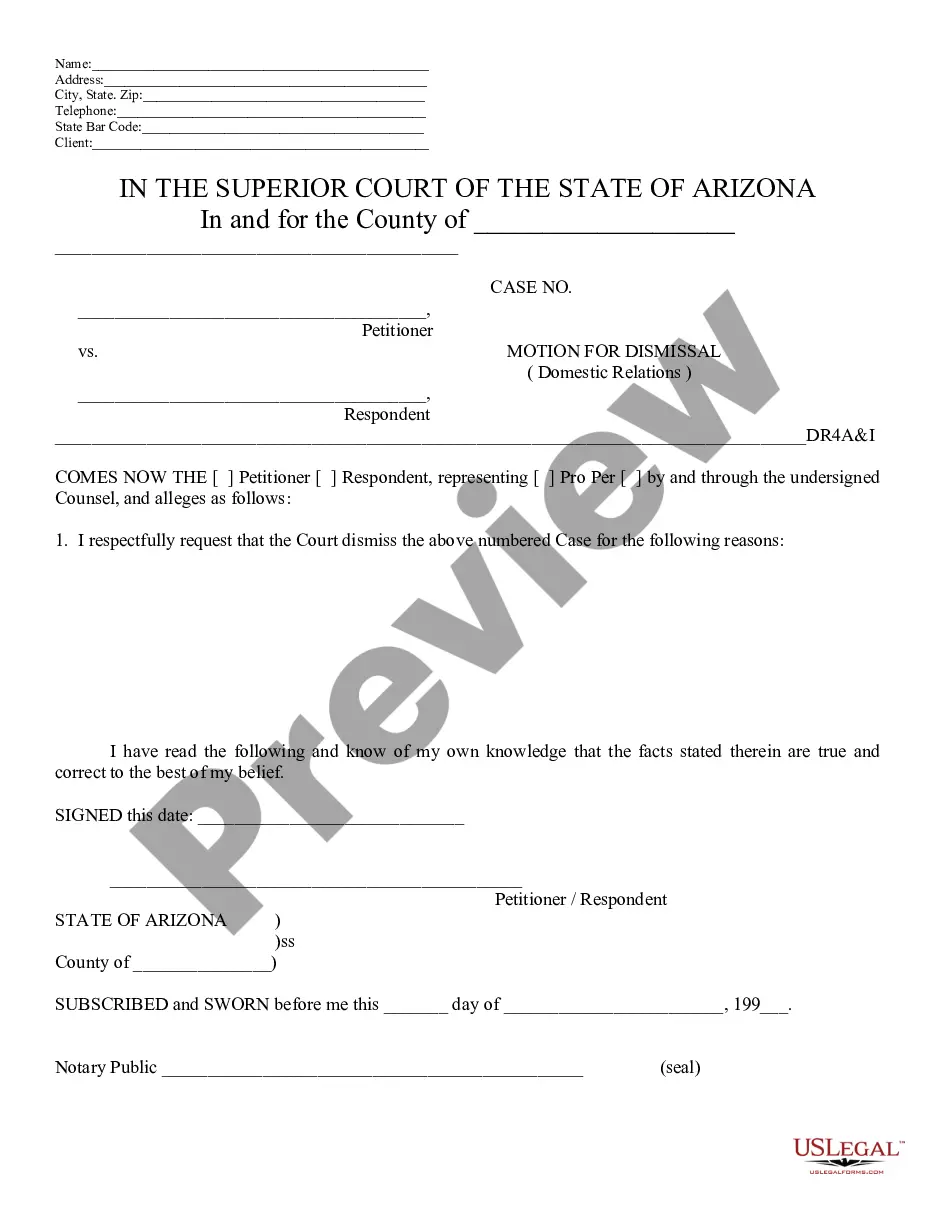
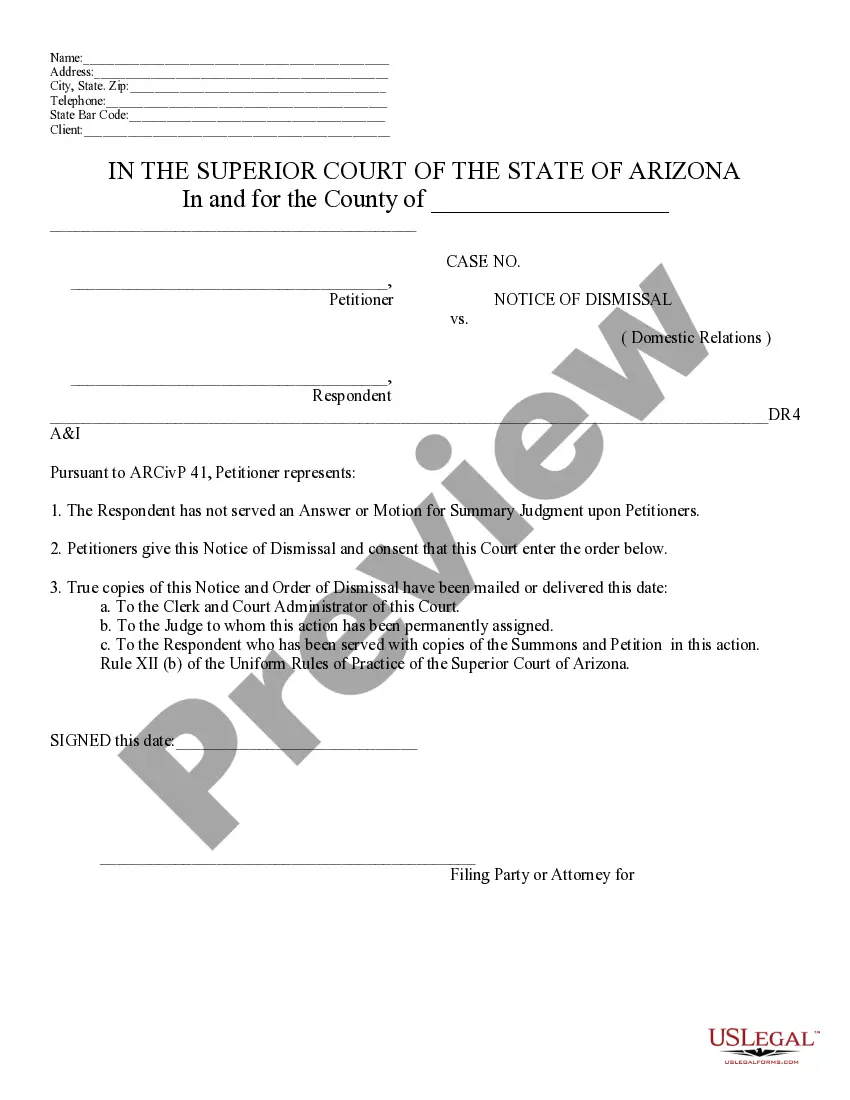
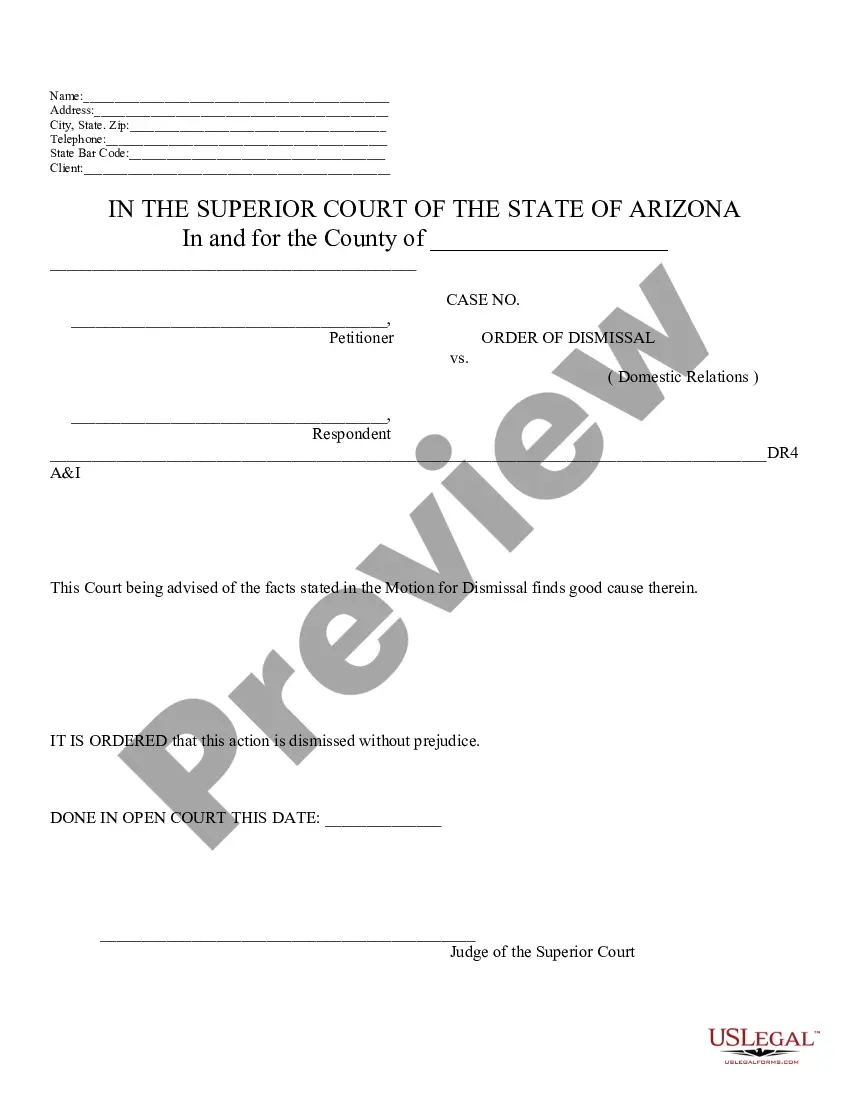
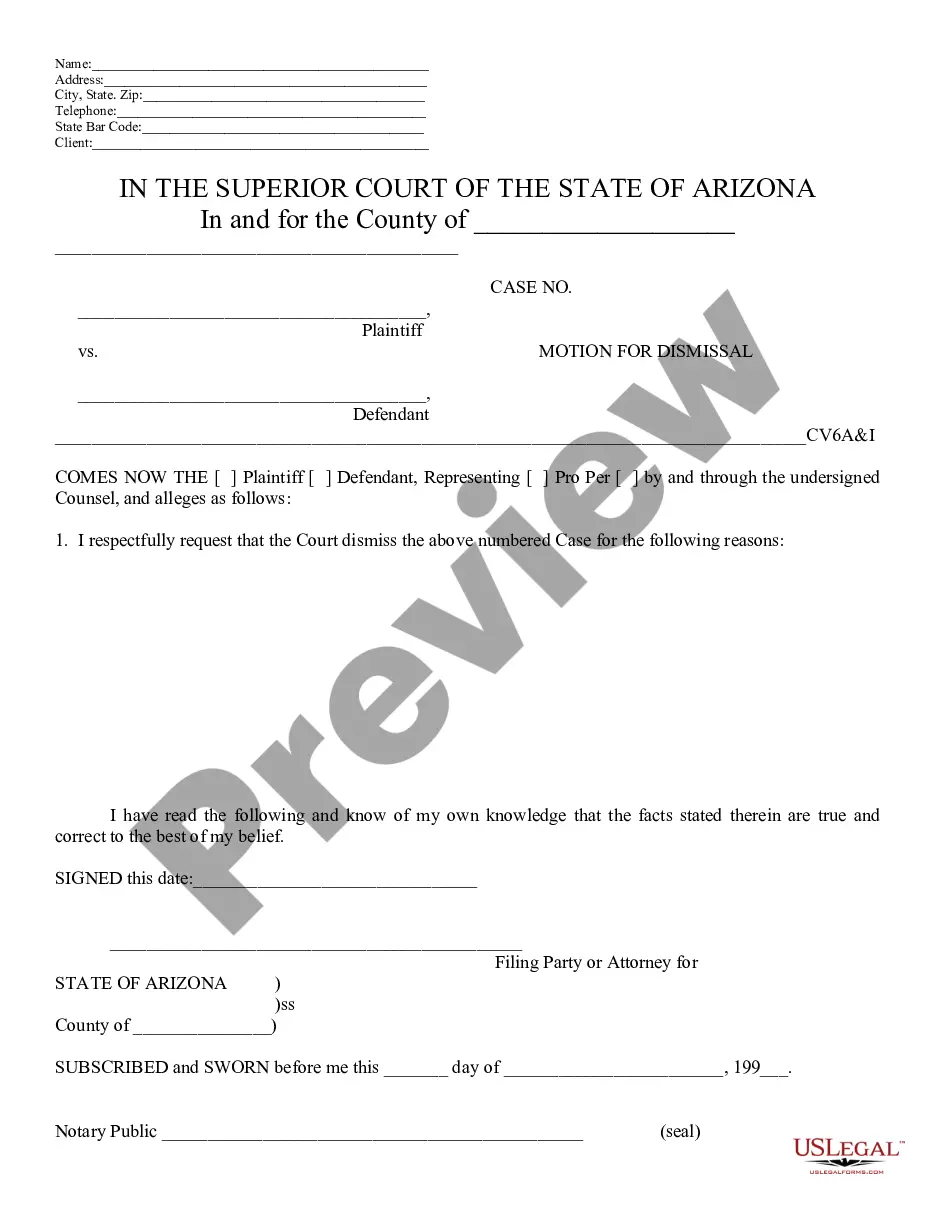
Arizona Motion To Dismiss Form For Court
Description

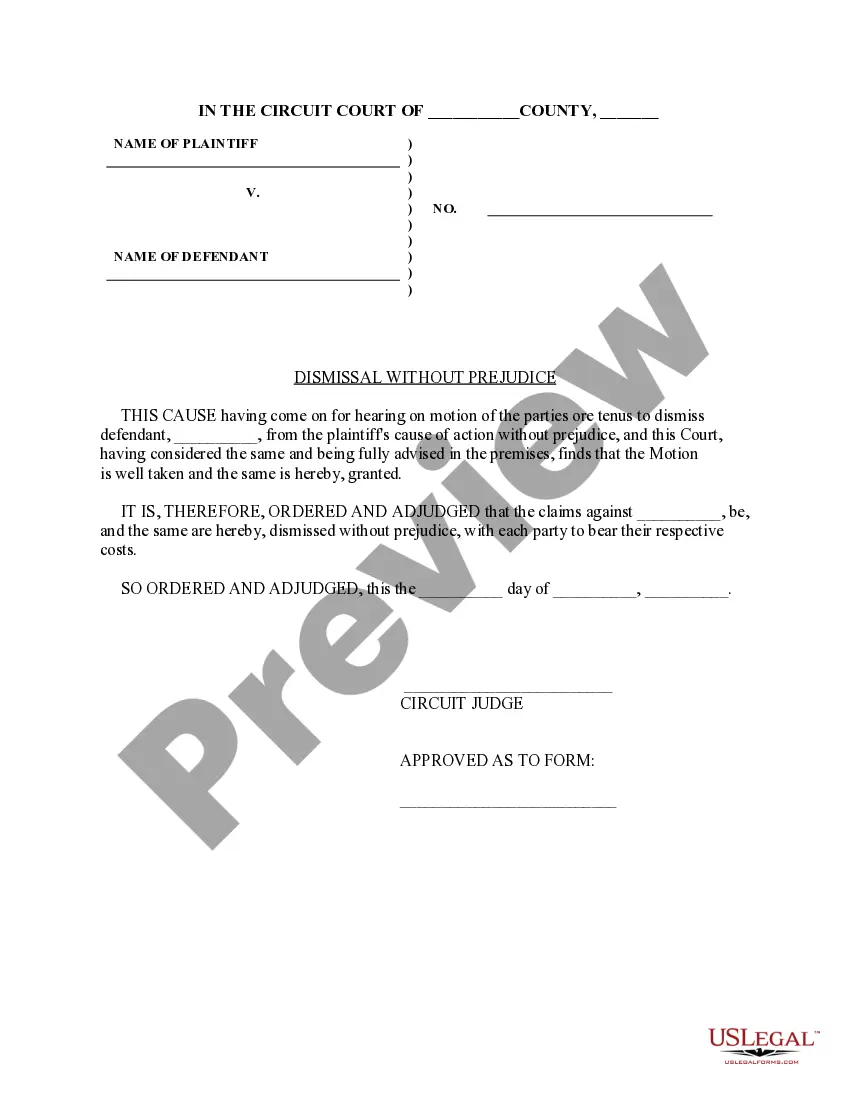
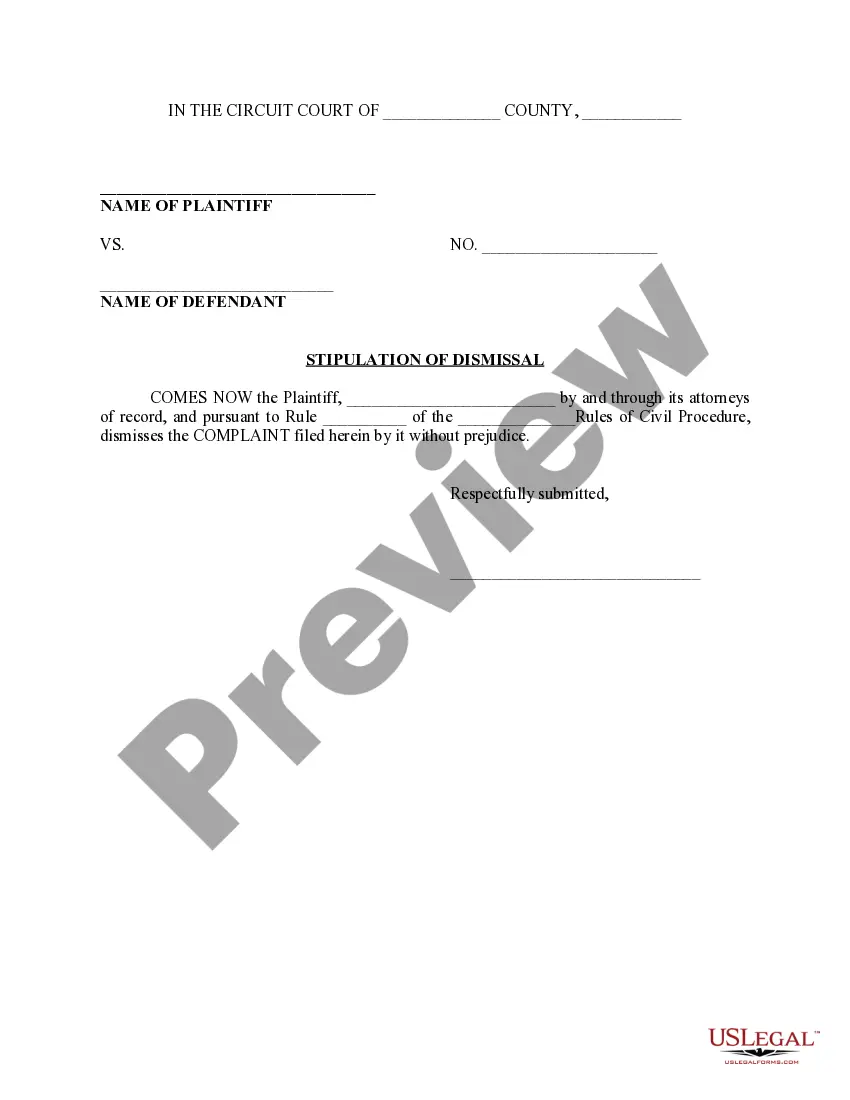
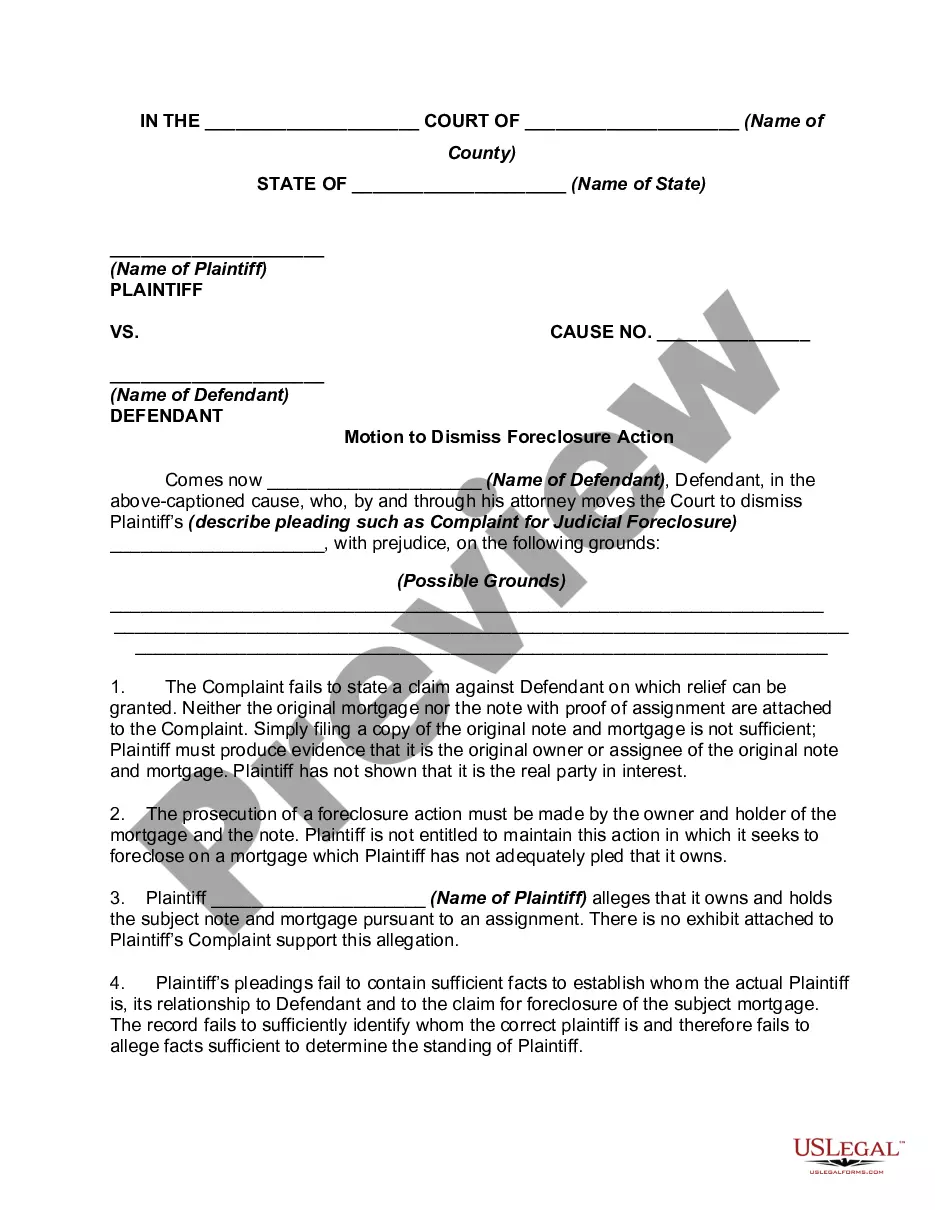
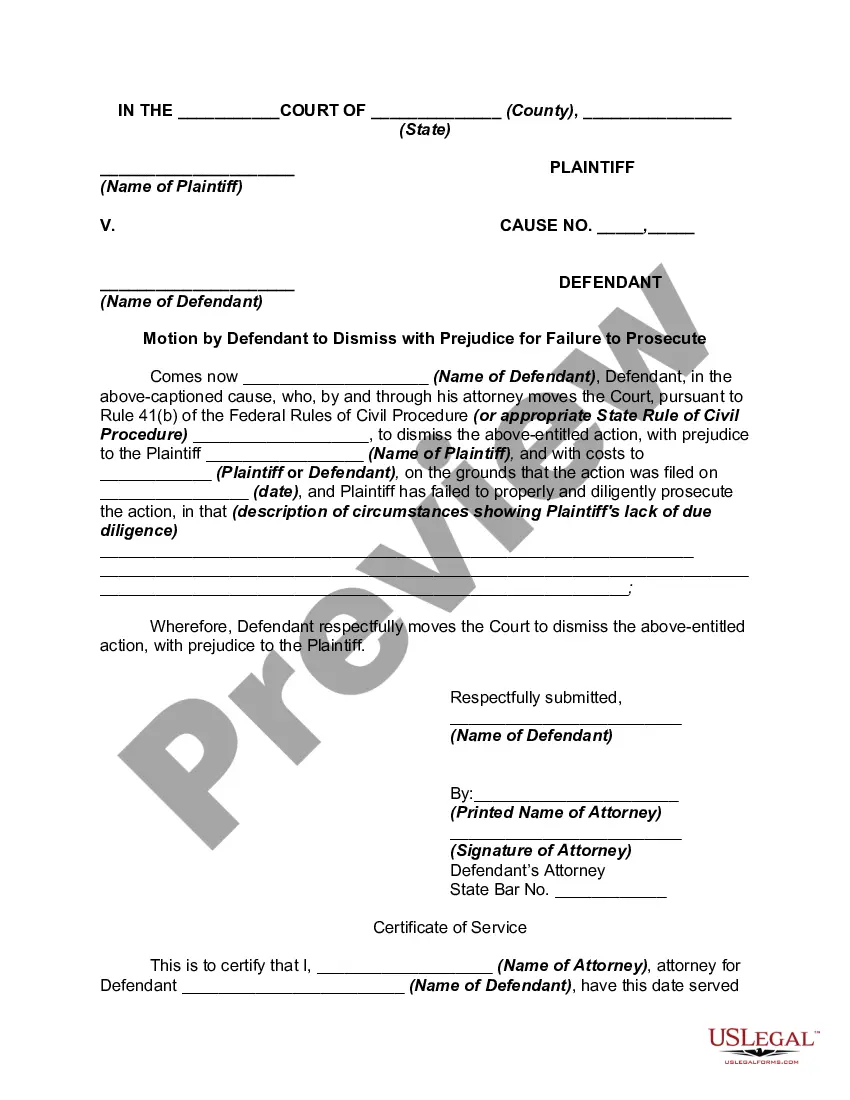
Get your form ready online
Our built-in tools help you complete, sign, share, and store your documents in one place.
Make edits, fill in missing information, and update formatting in US Legal Forms—just like you would in MS Word.
Download a copy, print it, send it by email, or mail it via USPS—whatever works best for your next step.
Sign and collect signatures with our SignNow integration. Send to multiple recipients, set reminders, and more. Go Premium to unlock E-Sign.
If this form requires notarization, complete it online through a secure video call—no need to meet a notary in person or wait for an appointment.
We protect your documents and personal data by following strict security and privacy standards.

Make edits, fill in missing information, and update formatting in US Legal Forms—just like you would in MS Word.

Download a copy, print it, send it by email, or mail it via USPS—whatever works best for your next step.

Sign and collect signatures with our SignNow integration. Send to multiple recipients, set reminders, and more. Go Premium to unlock E-Sign.

If this form requires notarization, complete it online through a secure video call—no need to meet a notary in person or wait for an appointment.

We protect your documents and personal data by following strict security and privacy standards.
Looking for another form?

How to fill out Arizona Motion For Dismissal?
Creating legal documents from the ground up can frequently be daunting.
Certain situations may require extensive research and substantial financial investment.
If you are seeking a more direct and economical method of preparing the Arizona Motion To Dismiss Form For Court or any other documents without the hassle, US Legal Forms is always available to assist you.
Our online collection of over 85,000 current legal forms covers nearly every aspect of your financial, legal, and personal affairs.
Examine the form preview and descriptions to ensure you are on the correct document. Confirm that the form you select complies with your state and county's regulations and laws. Choose the appropriate subscription option to obtain the Arizona Motion To Dismiss Form For Court. Download the form, then complete, verify, and print it out. US Legal Forms boasts a solid reputation and over 25 years of expertise. Join us today and make document execution a straightforward and efficient process!
- With just a few clicks, you can quickly obtain state- and county-specific templates carefully crafted for you by our legal professionals.
- Utilize our platform whenever you require trustworthy and dependable services to easily find and download the Arizona Motion To Dismiss Form For Court.
- If you are familiar with our site and have previously set up an account, simply Log In, choose the form, and download it instantly or re-download it anytime from the My documents section.
- Not registered yet? No problem. It only takes a few minutes to sign up and browse the catalog.
- However, before diving straight into downloading the Arizona Motion To Dismiss Form For Court, please follow these suggestions.
Form popularity
FAQ
If you were sued before filing bankruptcy, you may receive a ?Stipulation for Dismissal? or similar document from the creditor that sued you at some point after filing your Chapter 7 case. It's basically an ?agreement? letting the judge know that the court can dismiss (end/close) the case pending against you.
When a plaintiff files a motion to dismiss, court personnel must verify the plaintiff's identity. (c) Personal Interview. The judicial officer must personally interview the plaintiff and make sufficient inquiry of the plaintiff to determine that the plaintiff is not making the request under duress or coercion.
If you are the petitioner and service has not been completed, you can submit a notice of dismissal . If service has been completed you can file a motion to dismiss your divorce . If both of you agree to dismiss your divorce, you can submit a stipulation to dismiss your divorce.
Voluntary and Involuntary Case Dismissals Most commonly, a defendant will file a motion to dismiss if they believe there is a lack of evidence, improper jurisdiction, a breach of the statute of limitations or if they believe the other party is not complying with a court order.
Unless a specific rule states otherwise, an opposing party must file any responsive memorandum within 10 days after the motion and supporting memorandum are served; and, within 5 days after a responsive memorandum is served, the moving party may file a reply memorandum, which may address only those matters raised in ...