Motion Superior Court Forms Ontario
Description
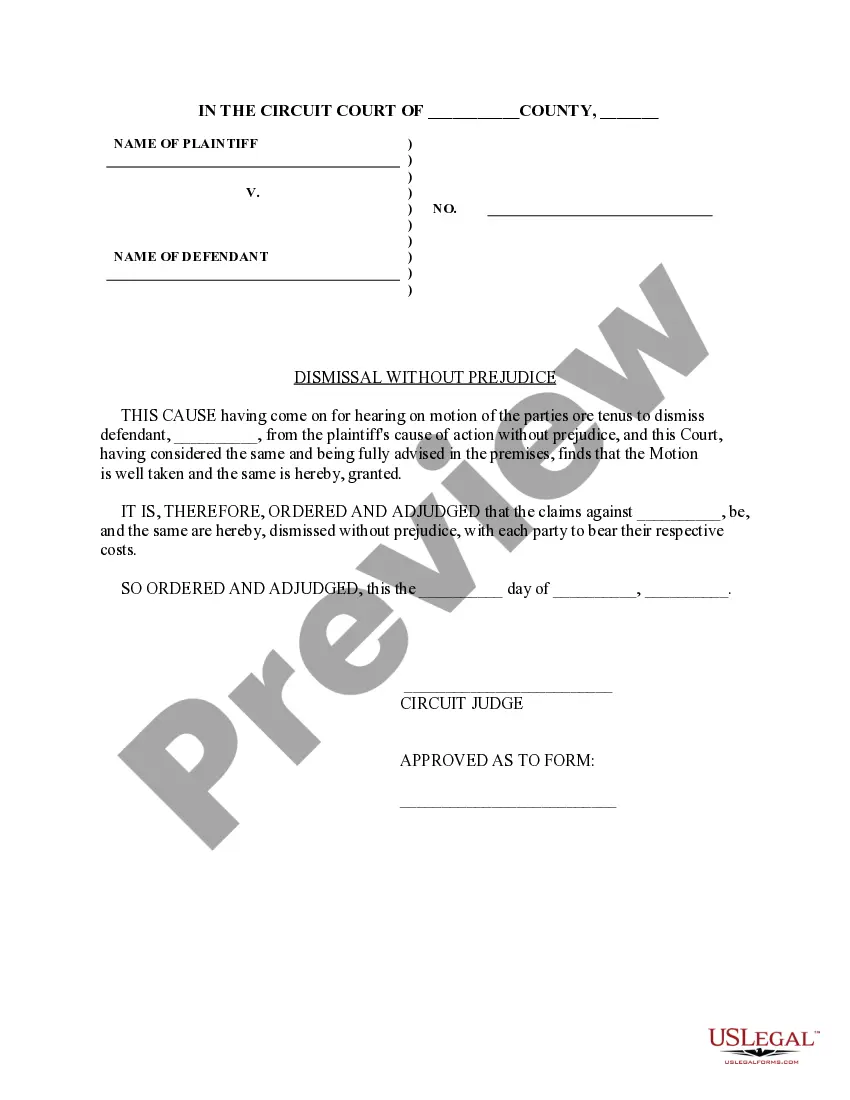
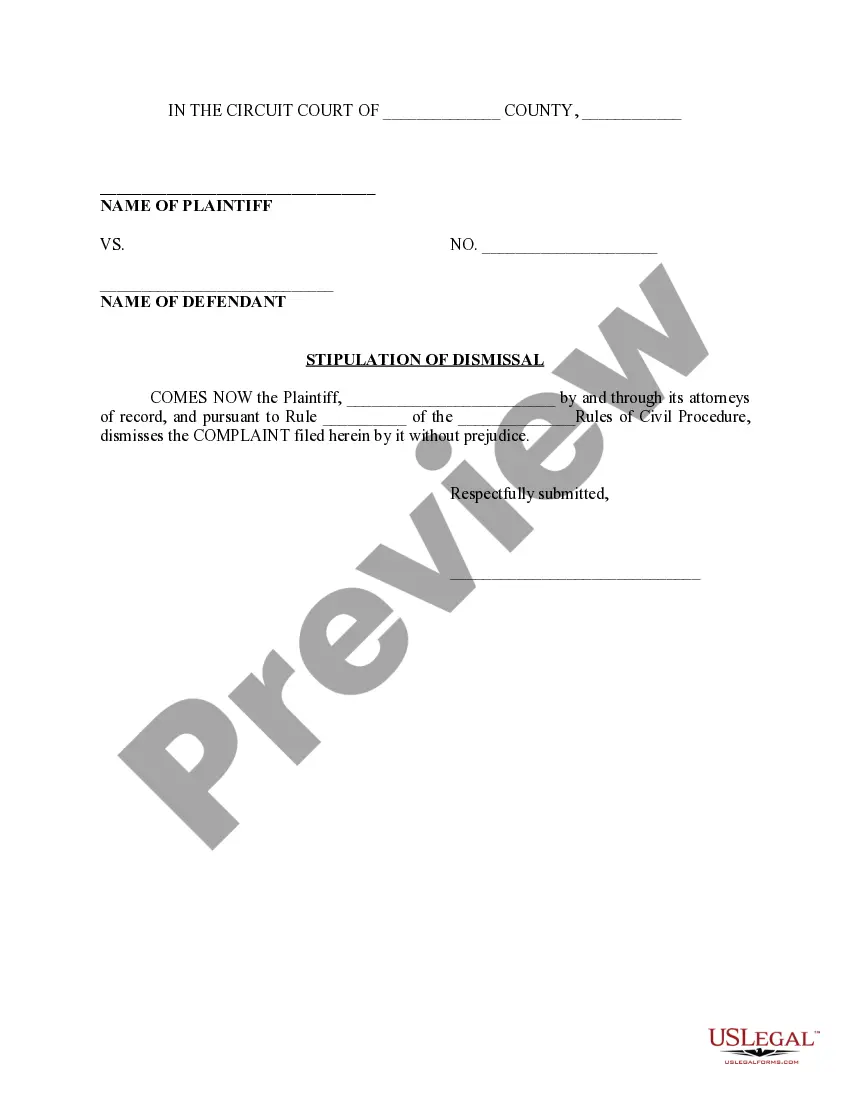
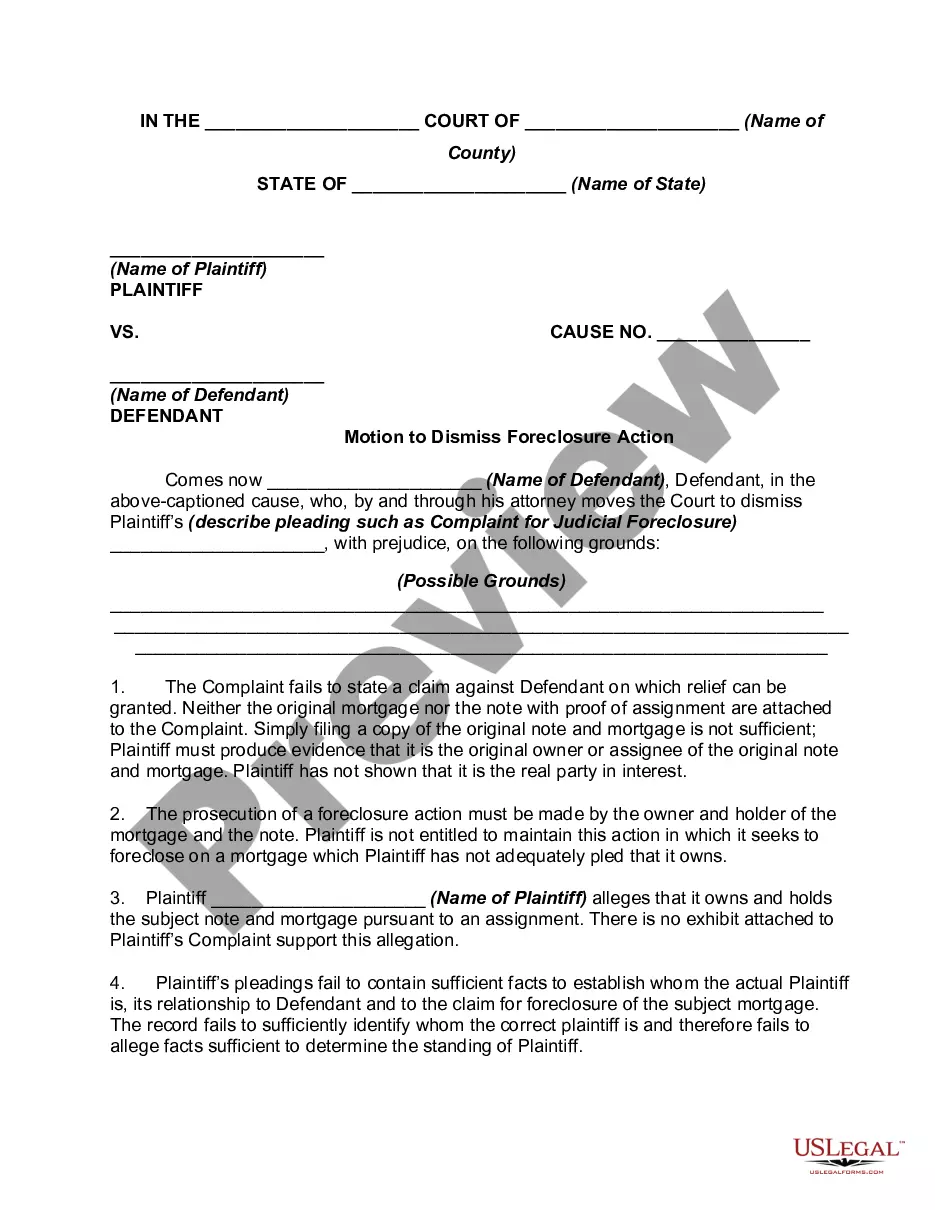
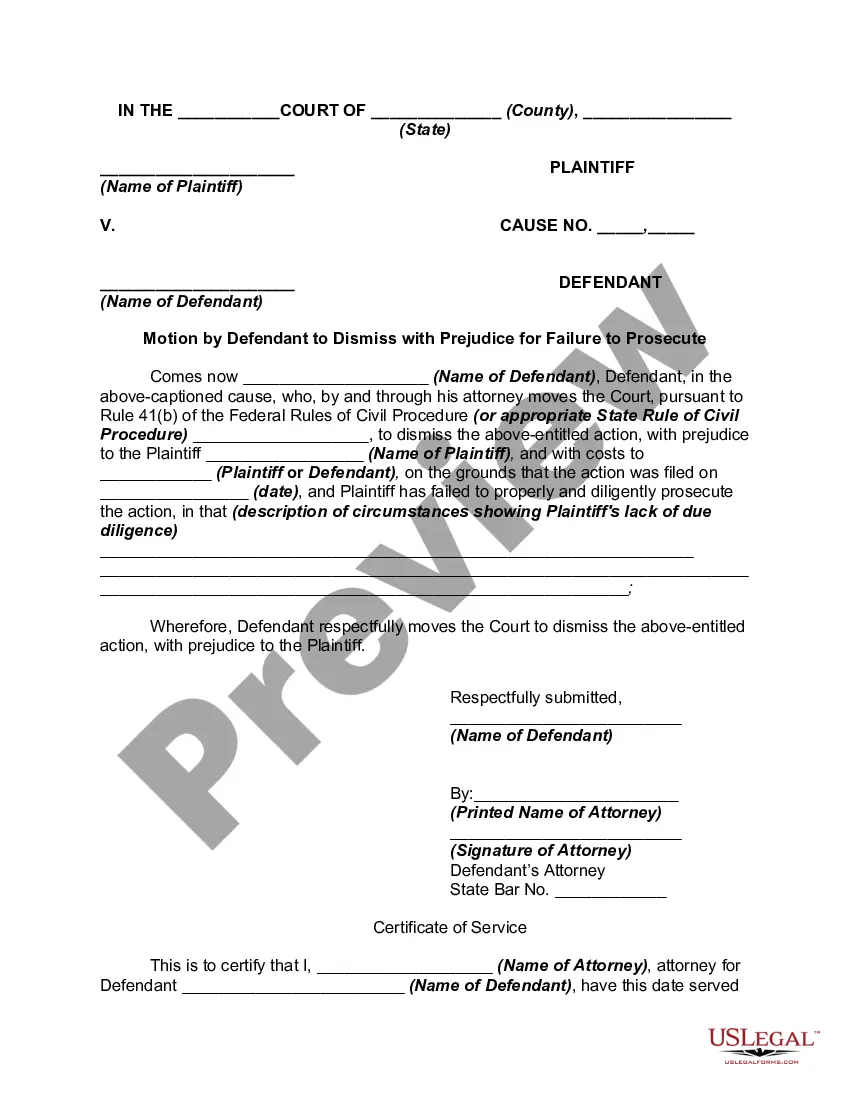
Get your form ready online
Our built-in tools help you complete, sign, share, and store your documents in one place.
Make edits, fill in missing information, and update formatting in US Legal Forms—just like you would in MS Word.
Download a copy, print it, send it by email, or mail it via USPS—whatever works best for your next step.
Sign and collect signatures with our SignNow integration. Send to multiple recipients, set reminders, and more. Go Premium to unlock E-Sign.
If this form requires notarization, complete it online through a secure video call—no need to meet a notary in person or wait for an appointment.
We protect your documents and personal data by following strict security and privacy standards.

Make edits, fill in missing information, and update formatting in US Legal Forms—just like you would in MS Word.

Download a copy, print it, send it by email, or mail it via USPS—whatever works best for your next step.

Sign and collect signatures with our SignNow integration. Send to multiple recipients, set reminders, and more. Go Premium to unlock E-Sign.

If this form requires notarization, complete it online through a secure video call—no need to meet a notary in person or wait for an appointment.

We protect your documents and personal data by following strict security and privacy standards.
Looking for another form?






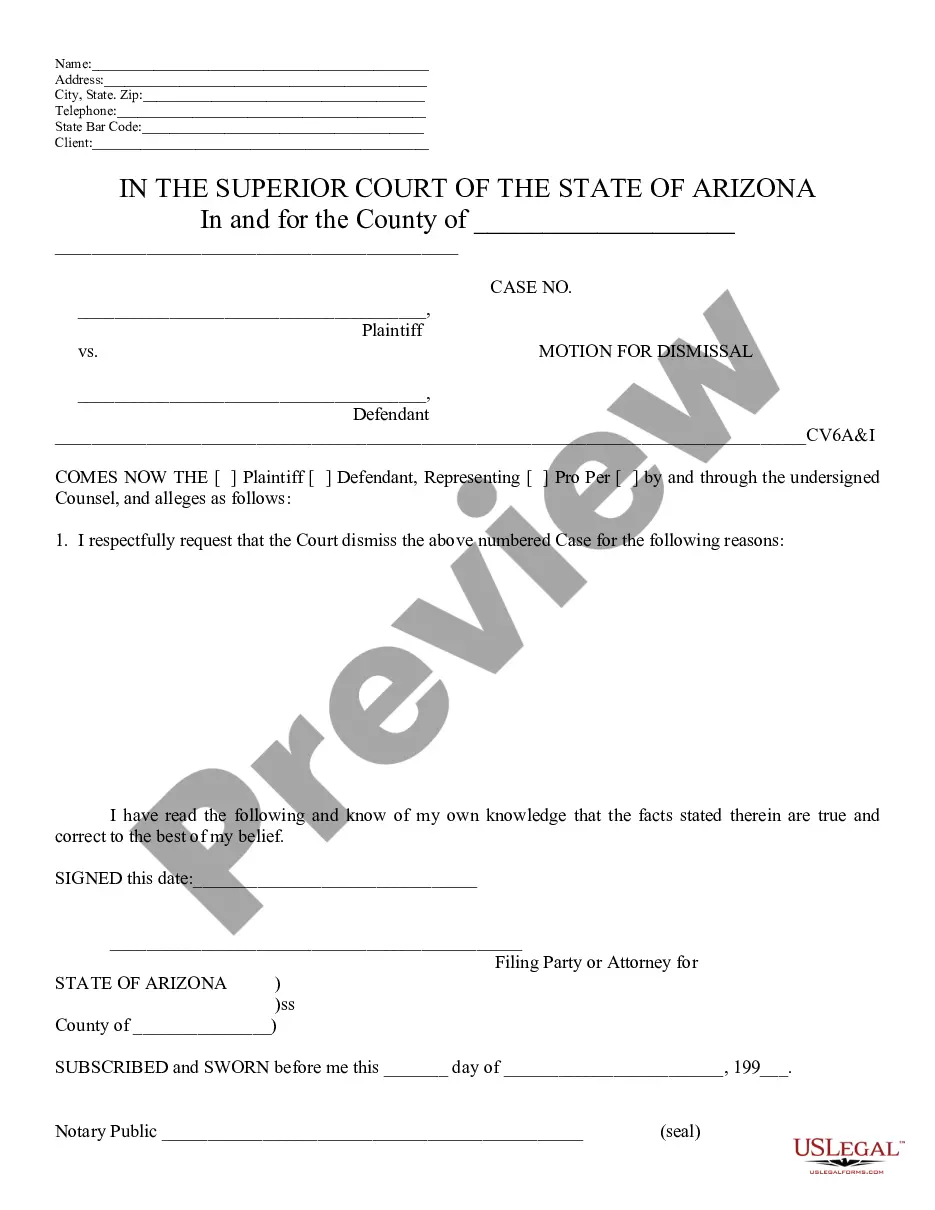
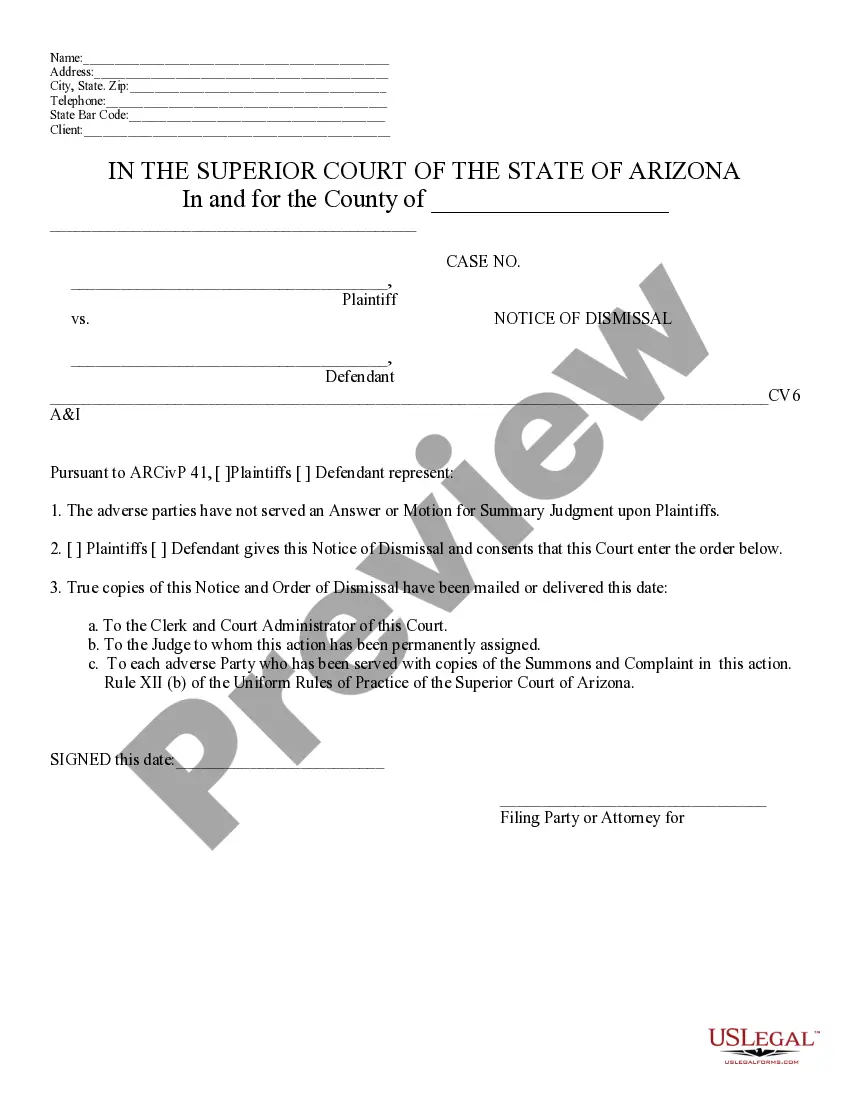
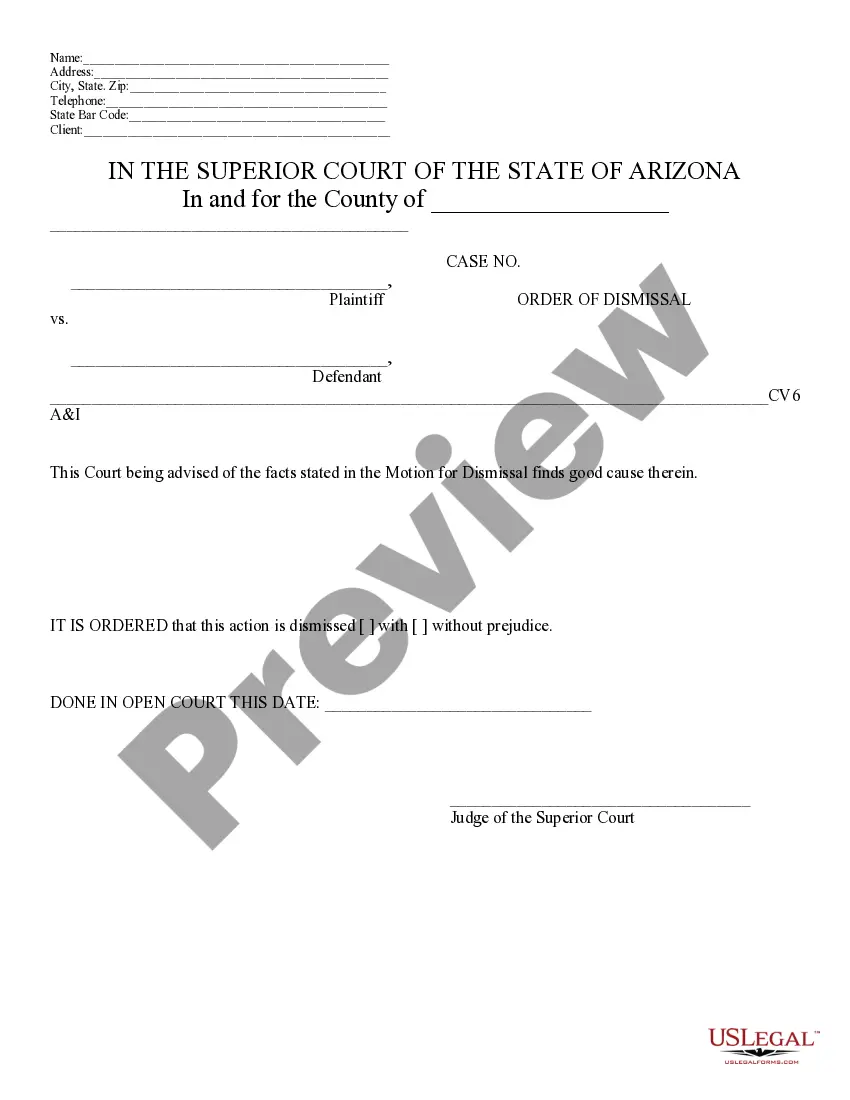
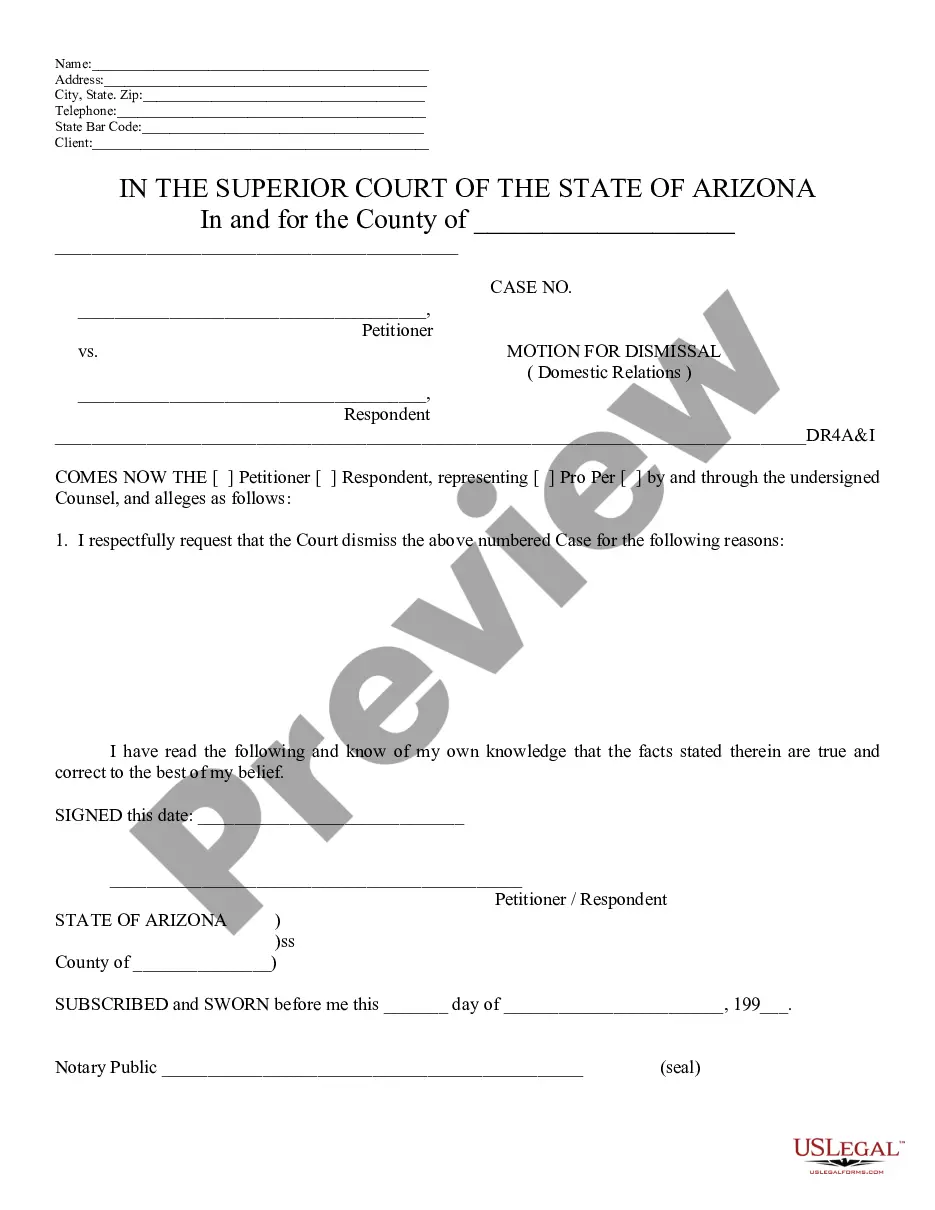
How to fill out Arizona Motion For Dismissal?
Working with legal documents and operations could be a time-consuming addition to your entire day. Motion Superior Court Forms Ontario and forms like it typically require that you search for them and understand the way to complete them appropriately. Consequently, whether you are taking care of economic, legal, or personal matters, using a extensive and practical online catalogue of forms close at hand will significantly help.
US Legal Forms is the best online platform of legal templates, boasting more than 85,000 state-specific forms and a variety of resources that will help you complete your documents effortlessly. Discover the catalogue of relevant documents open to you with just one click.
US Legal Forms provides you with state- and county-specific forms offered at any moment for downloading. Protect your papers administration operations using a top-notch support that lets you put together any form in minutes with no additional or hidden fees. Simply log in to the profile, locate Motion Superior Court Forms Ontario and acquire it immediately in the My Forms tab. You may also gain access to formerly downloaded forms.
Would it be the first time using US Legal Forms? Register and set up an account in a few minutes and you’ll have access to the form catalogue and Motion Superior Court Forms Ontario. Then, adhere to the steps listed below to complete your form:
- Be sure you have the proper form by using the Review feature and looking at the form information.
- Pick Buy Now when ready, and choose the subscription plan that suits you.
- Select Download then complete, eSign, and print the form.
US Legal Forms has twenty five years of experience helping consumers manage their legal documents. Obtain the form you need right now and enhance any operation without breaking a sweat.
Form popularity
FAQ
A motion is a process for requesting that a judge make an order. Generally, a party will make a motion to have a matter addressed before judgment, or in some circumstances after judgment or to support an enforcement process.
A motion is an application to the court made by the prosecutor or defense attorney, requesting that the court make a decision on a certain issue before the trial begins. The motion can affect the trial, courtroom, defendants, evidence, or testimony. Only judges decide the outcome of motions.
Form Number: 14. Form Description: Notice of Motion.
To bring a motion, you need to: ask the court for a motion date. identify and fill out your motion forms. serve and file your motion forms. confirm that you will attend the motion. go to your motion hearing. receive the judge's decision.
There are also procedural, uncomplicated or unopposed motions, called 14Bs, where you ask the court for an order on consent for different procedural orders. An example of a 14B might be that both parties agree to allow a party to file a document late.