Az Deed Form With Notary Signature
Description



Get your form ready online
Our built-in tools help you complete, sign, share, and store your documents in one place.
Make edits, fill in missing information, and update formatting in US Legal Forms—just like you would in MS Word.
Download a copy, print it, send it by email, or mail it via USPS—whatever works best for your next step.
Sign and collect signatures with our SignNow integration. Send to multiple recipients, set reminders, and more. Go Premium to unlock E-Sign.
If this form requires notarization, complete it online through a secure video call—no need to meet a notary in person or wait for an appointment.
We protect your documents and personal data by following strict security and privacy standards.

Make edits, fill in missing information, and update formatting in US Legal Forms—just like you would in MS Word.

Download a copy, print it, send it by email, or mail it via USPS—whatever works best for your next step.

Sign and collect signatures with our SignNow integration. Send to multiple recipients, set reminders, and more. Go Premium to unlock E-Sign.

If this form requires notarization, complete it online through a secure video call—no need to meet a notary in person or wait for an appointment.

We protect your documents and personal data by following strict security and privacy standards.
Looking for another form?

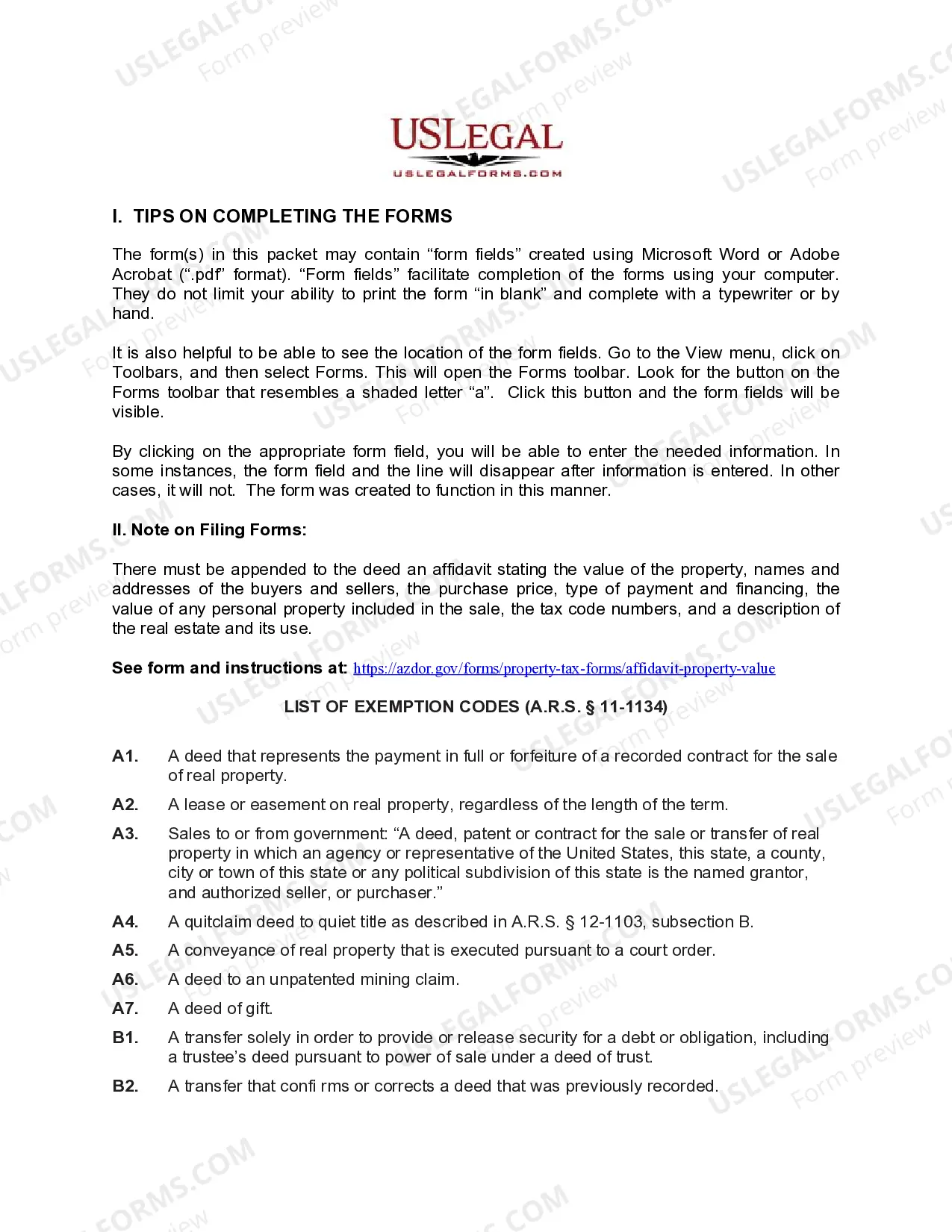
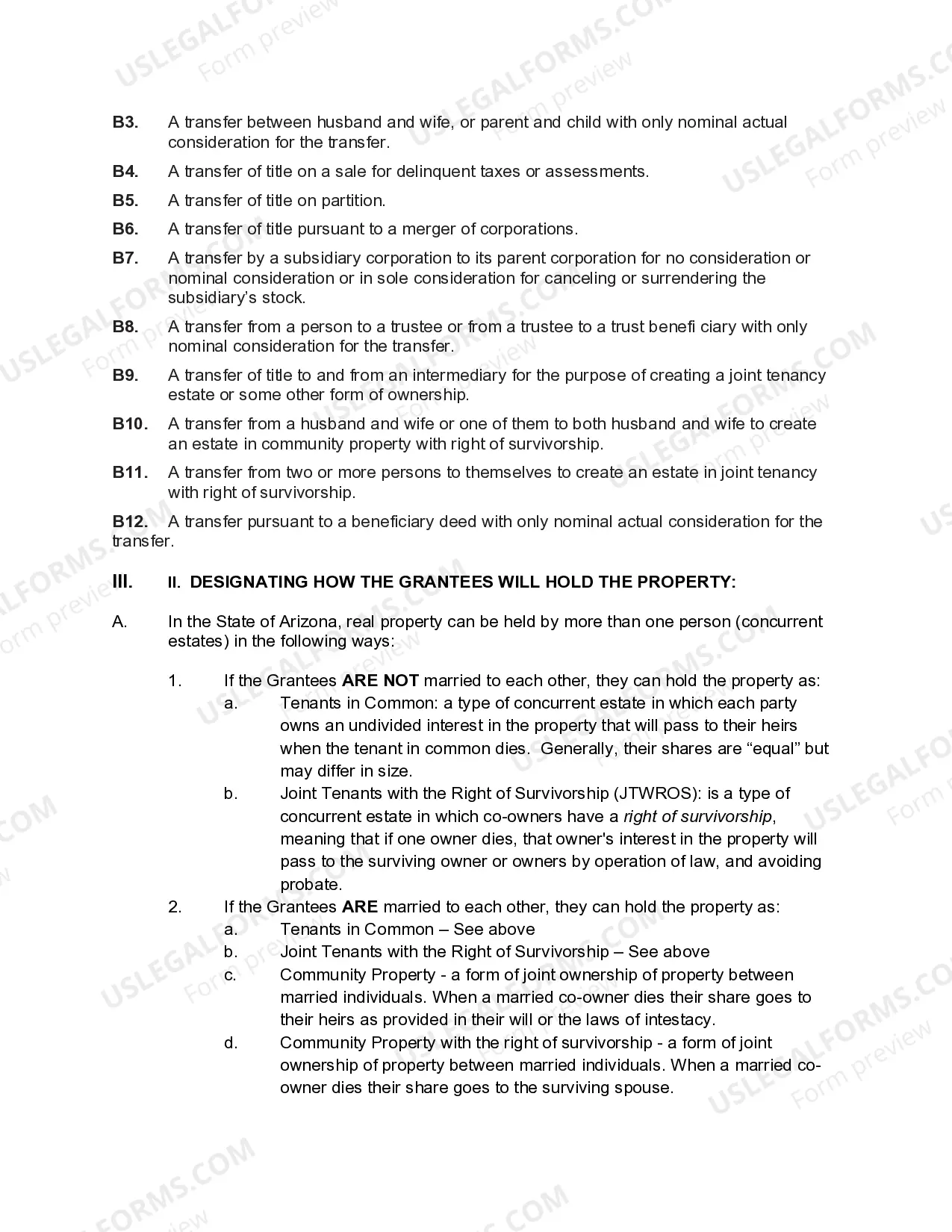
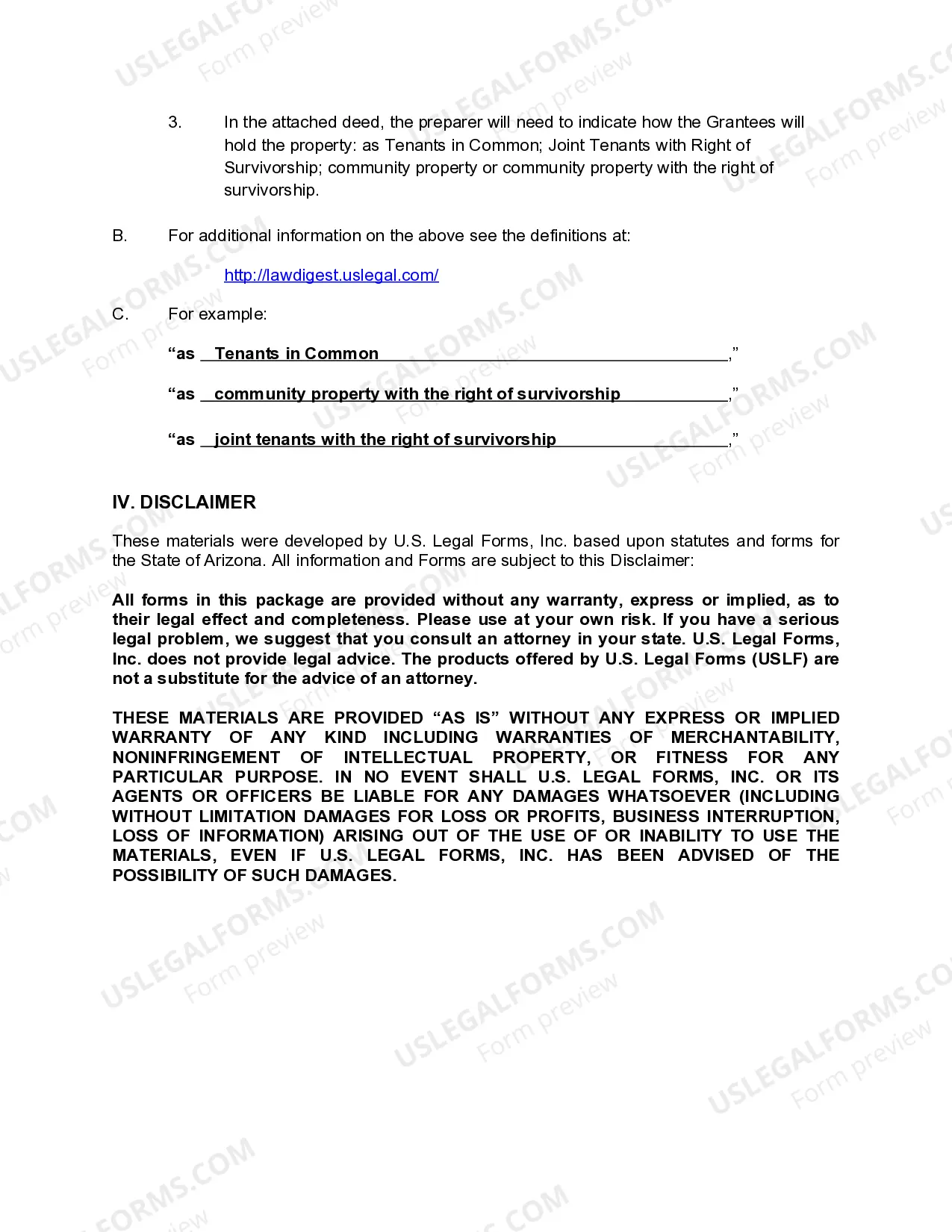
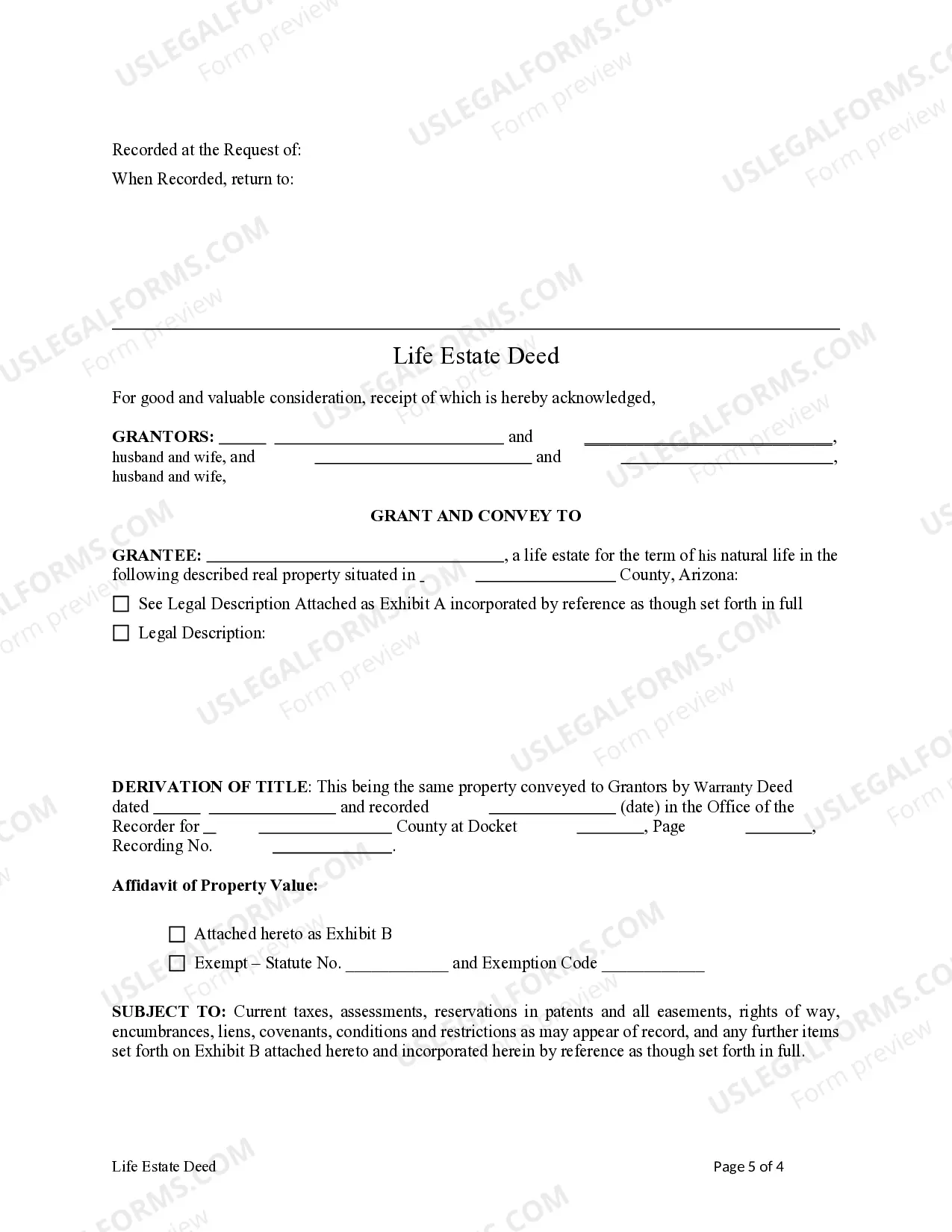
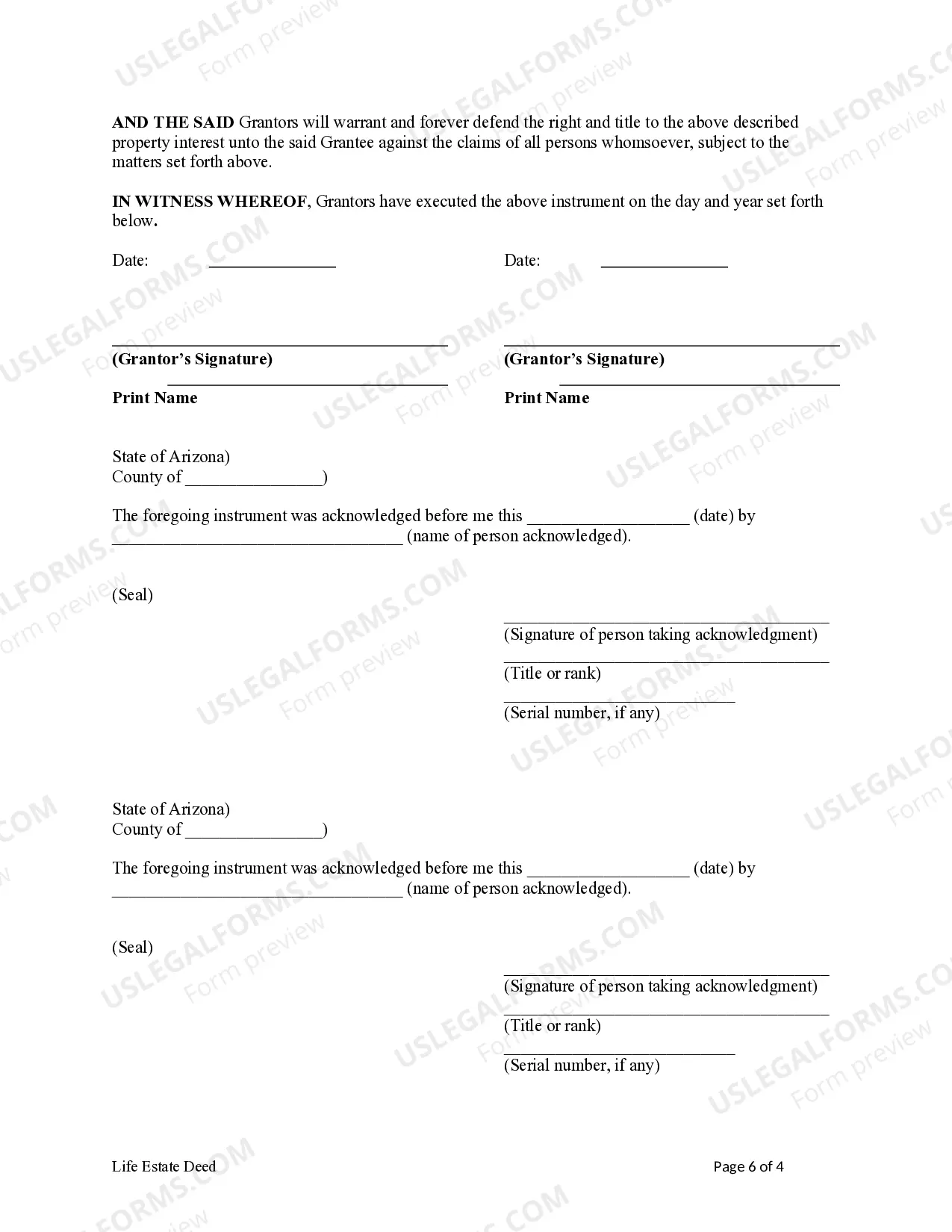
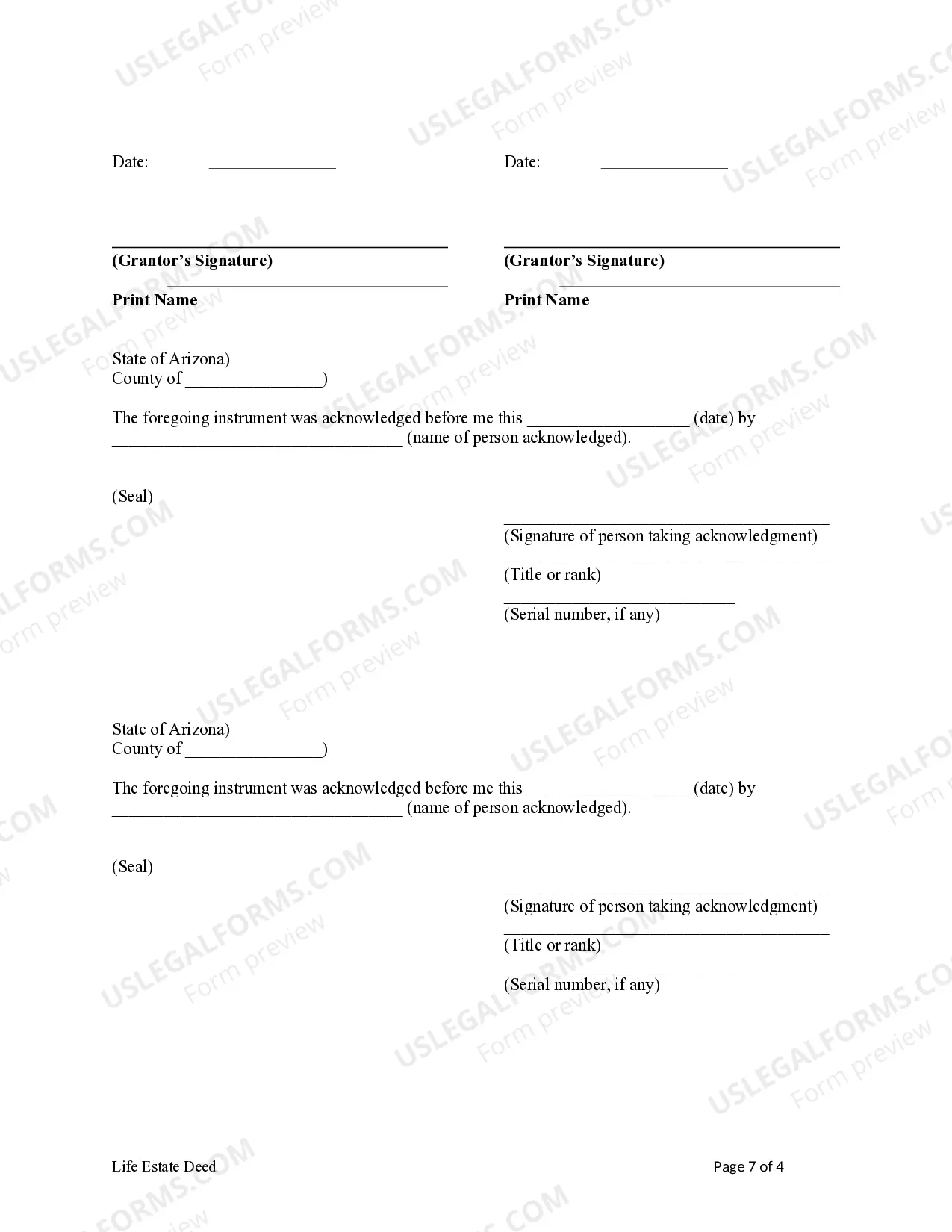
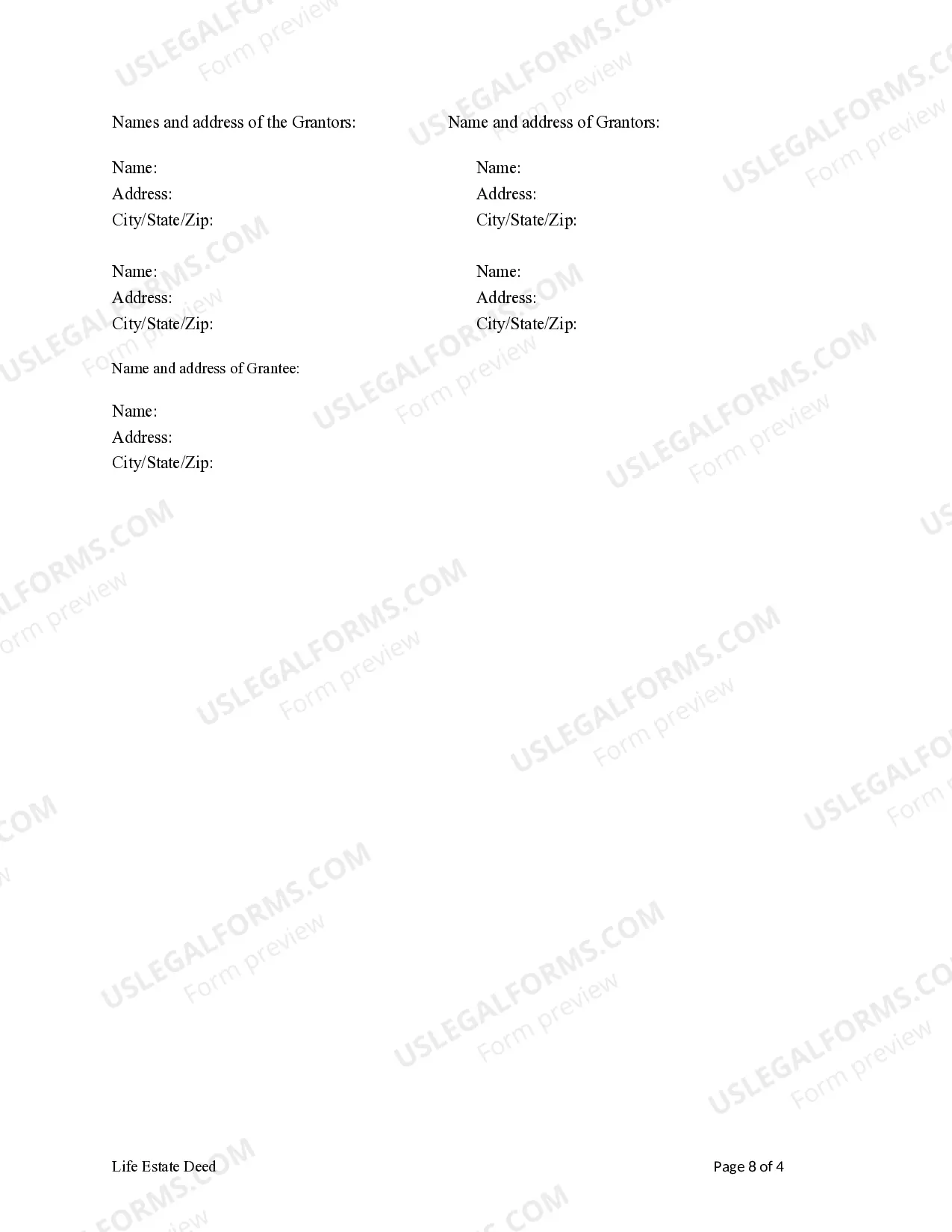
How to fill out Arizona Life Estate Deed From Two Married Couples To An Individual?
The Az Deed Form With Notary Signature you see on this page is a reusable formal template drafted by professional lawyers in compliance with federal and local regulations. For more than 25 years, US Legal Forms has provided people, companies, and attorneys with more than 85,000 verified, state-specific forms for any business and personal occasion. It’s the fastest, simplest and most trustworthy way to obtain the documents you need, as the service guarantees bank-level data security and anti-malware protection.
Obtaining this Az Deed Form With Notary Signature will take you just a few simple steps:
- Browse for the document you need and review it. Look through the sample you searched and preview it or review the form description to confirm it fits your needs. If it does not, utilize the search bar to get the correct one. Click Buy Now when you have located the template you need.
- Subscribe and log in. Opt for the pricing plan that suits you and register for an account. Use PayPal or a credit card to make a quick payment. If you already have an account, log in and check your subscription to proceed.
- Obtain the fillable template. Choose the format you want for your Az Deed Form With Notary Signature (PDF, DOCX, RTF) and save the sample on your device.
- Fill out and sign the document. Print out the template to complete it manually. Alternatively, use an online multi-functional PDF editor to rapidly and precisely fill out and sign your form with a legally-binding] {electronic signature.
- Download your papers one more time. Use the same document again anytime needed. Open the My Forms tab in your profile to redownload any previously purchased forms.
Sign up for US Legal Forms to have verified legal templates for all of life’s situations at your disposal.
Form popularity
FAQ
A Notary is an impartial witness and must have no conflict of interest. commissioned by the Secretary of State to perform notarial acts, as defined in Arizona Revised Statutes (see Chapter 5).
Thus, most notary journals contain a space for a thumbprint. However, Arizona law does not require a thumbprint... The notary shall keep a paper journal and, except as prescribed by subsection E, shall keep only one journal at a time. The notary shall record all notarial acts in chronological order.
If the document to be notarized is a deed, quitclaim deed, deed of trust, or other document affecting real property or a power of attorney document, the notary public shall require the party signing the document to place his or her right thumbprint in the journal.
Here are the steps to get your car title notarized online in Arizona: Go to the Notary Website of Arizona. Click on ?Schedule Your Notary Session Now. ... Enter your details and the type of document you need notarized. Select an available date and time for your virtual notary appointment.
On the Insert tab, in the Text group, click the Signature Line list, and then click Microsoft Office Signature Line. In the Signature Setup dialog box, type information that will appear beneath the signature line: Suggested signer The signer's full name. Suggested signer's title The signer's title, if any.