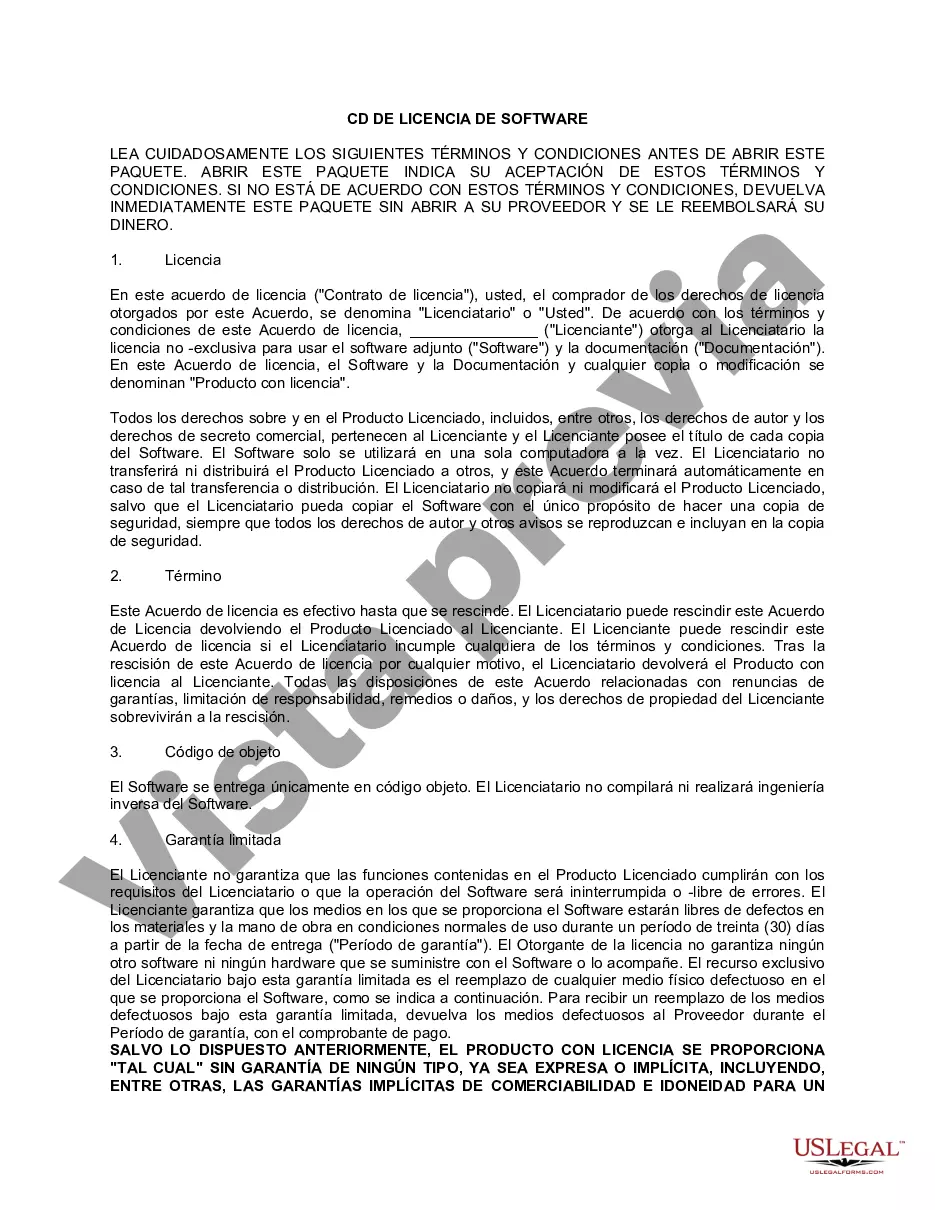
Wayne Michigan Licencia de software de CD - CD Software License
Description




How to fill out Licencia De Software De CD?
What is the typical duration it takes for you to create a legal document.
Given that each state has its own laws and regulations for various life situations, locating a Wayne CD Software License that satisfies all regional criteria can be exhausting, and acquiring it from a qualified lawyer can frequently be expensive.
Many online platforms provide the most sought-after state-specific templates for download, but utilizing the US Legal Forms repository is the most advantageous option.
Select the subscription plan that best fits your needs, create an account on the platform or Log In to continue to payment options, complete the payment via PayPal or credit card, adjust the file format if needed, and click Download to save the Wayne CD Software License. You can print the document or utilize any preferred online editor to fill it out digitally. Regardless of how many times you wish to use the purchased template, you can access all the files you have ever downloaded in your profile by navigating to the My documents tab.
- US Legal Forms is the largest online collection of templates, organized by states and areas of application.
- Besides the Wayne CD Software License, you can also find any tailored form to manage your business or personal matters, adhering to your county regulations.
- Experts verify all samples for their accuracy, ensuring that you can prepare your documents correctly.
- The process of using the service is relatively simple.
- If you already possess an account on the site and your subscription remains active, you just need to Log In, choose the desired sample, and download it.
- You have the option to retain the file in your profile at a later time.
- However, for new users on the website, additional steps will be required to acquire your Wayne CD Software License.
- Verify the content of the page you are currently on.
- Review the description of the template or Preview it (if accessible).
- Look for another form using the appropriate feature in the header.
- Click Buy Now once you are confident in your selected file.
Form popularity
FAQ
A dirty or scratched disc surface is the most common reason for a CD/DVD issue when inserted into a computer. Check the disc for damage and confirm that the disc is compatible with your computer. Clean the disc and check for damage: Clean any dust or smudges from the disc with filtered water and a lint free cloth.
If the CD-ROM works in Safe Mode but not in normal Windows, a running program is causing the issue, or the drivers are corrupt. Open Device Manager, highlight and remove the CD-ROM by pressing the delete key. After deleting the CD-ROM, reboot the computer. Windows should then detect the CD-ROM and reinstall it.
How to enable the DMA settings of a hard disk drive, CD-ROM, CD-R/RW and DVD-ROM drive? Start Control Panel. Double-click System. Click the Device Manager tab. For hard disk drive, click to expand Disk Drive.Right-click on the necessary drive and click Properties. Click the Settings tab. Select the DMA option.
You might need to uninstall your disc recording software, restart the computer, reinstall the CD/DVD writing software, and then restart the computer again if the software no longer recognizes the drive. See Software for burning discs does not recognize the drive.
In the System Properties window, click the Hardware tab. On the Hardware tab, in the Device Manager box, click the Device Manager button. In the Device Manager window, click the DVD/CD-ROM icon. Under the DVD/CD-ROM icon, click to select the drive to be reinstalled.
Boot to the Windows 10 desktop, then launch Device Manager by pressing Windows key + X and clicking Device Manager. Expand DVD/CD-ROM drives, right-click the optical drive listed, then click Uninstall. Exit Device Manager then restart your computer. Windows 10 will detect the drive then reinstall it.
The Eject key is usually located near the volume controls and is marked by a triangle pointing up with a line underneath. In Windows, search for and open File Explorer. In the Computer window, select the icon for the disc drive that is stuck, right-click the icon, and then click Eject. The disc tray should open.
Boot to the Windows 10 desktop, then launch Device Manager by pressing Windows key + X and clicking Device Manager. Expand DVD/CD-ROM drives, right-click the optical drive listed, then click Uninstall. Exit Device Manager then restart your computer. Windows 10 will detect the drive then reinstall it.