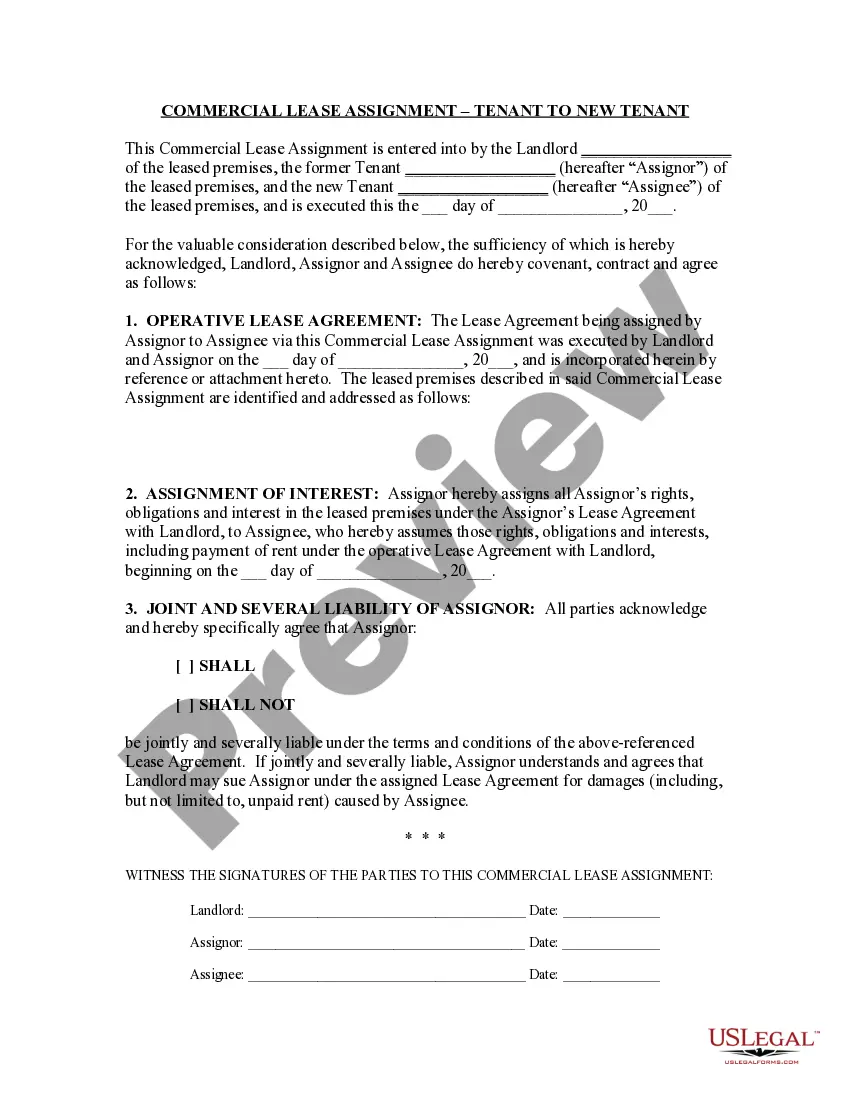
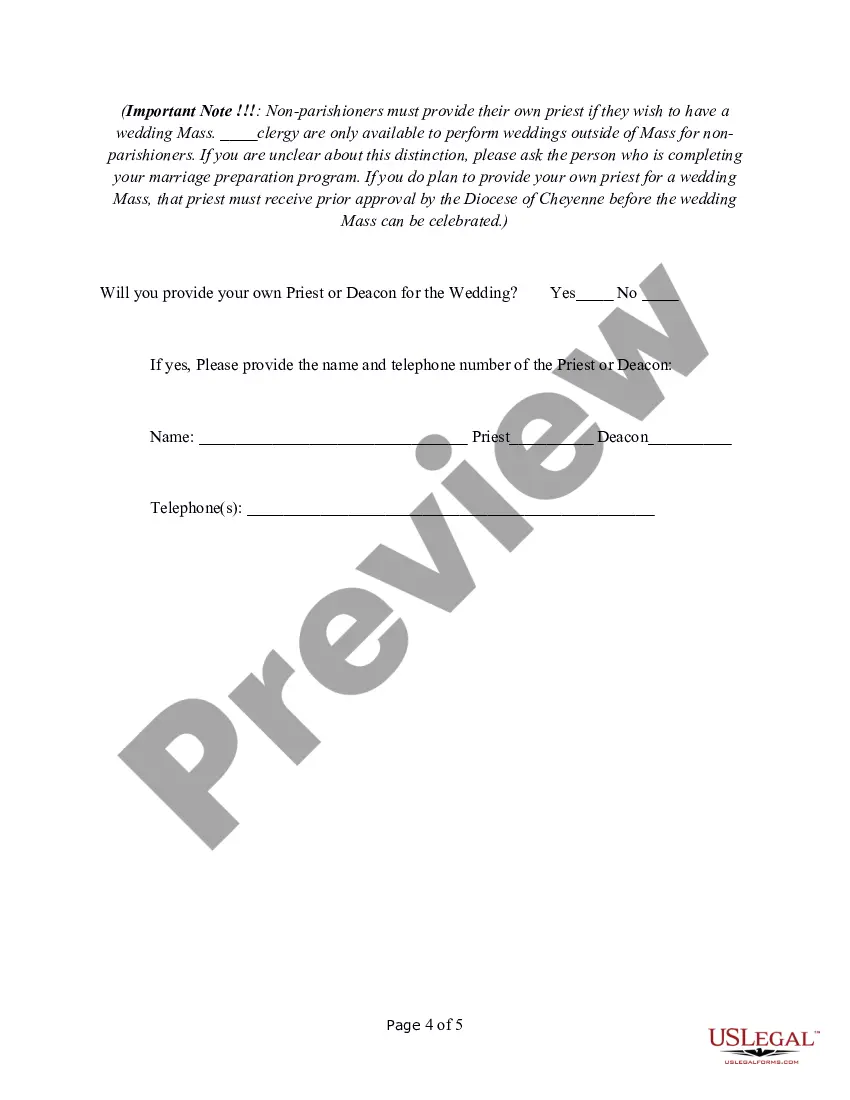
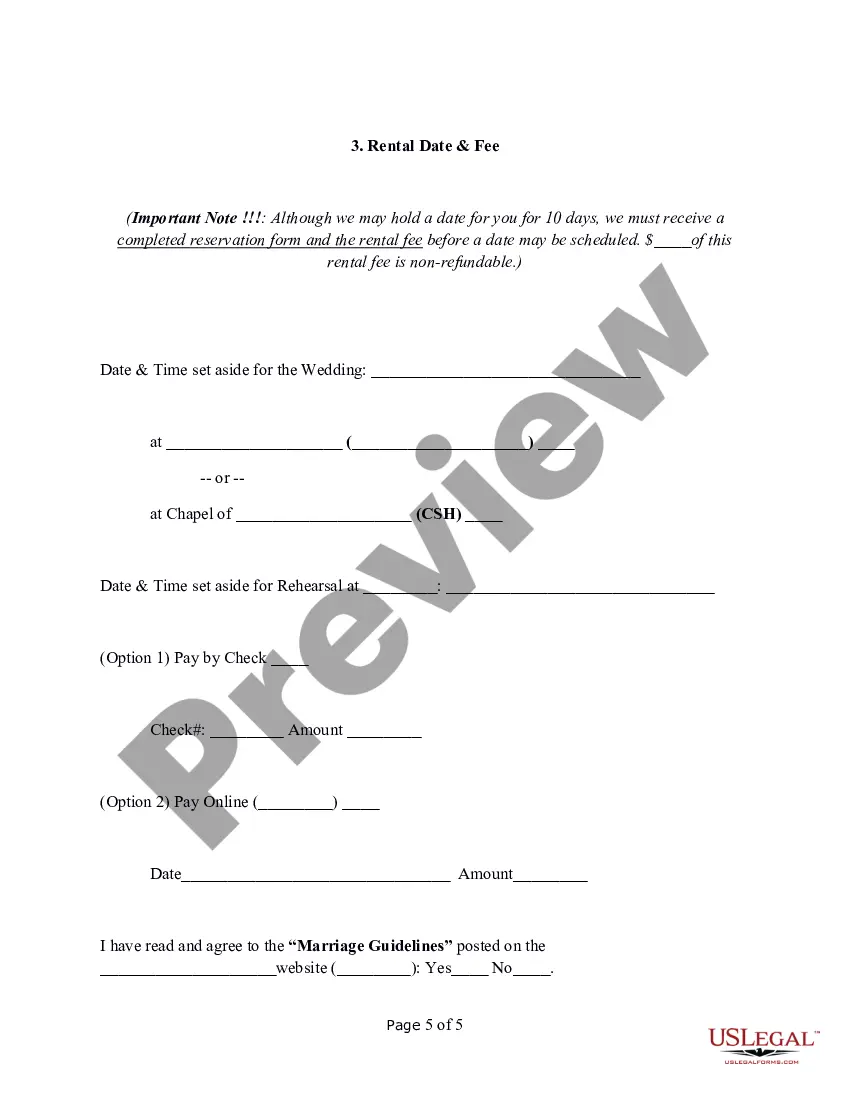
Wedding Date Reservation Form
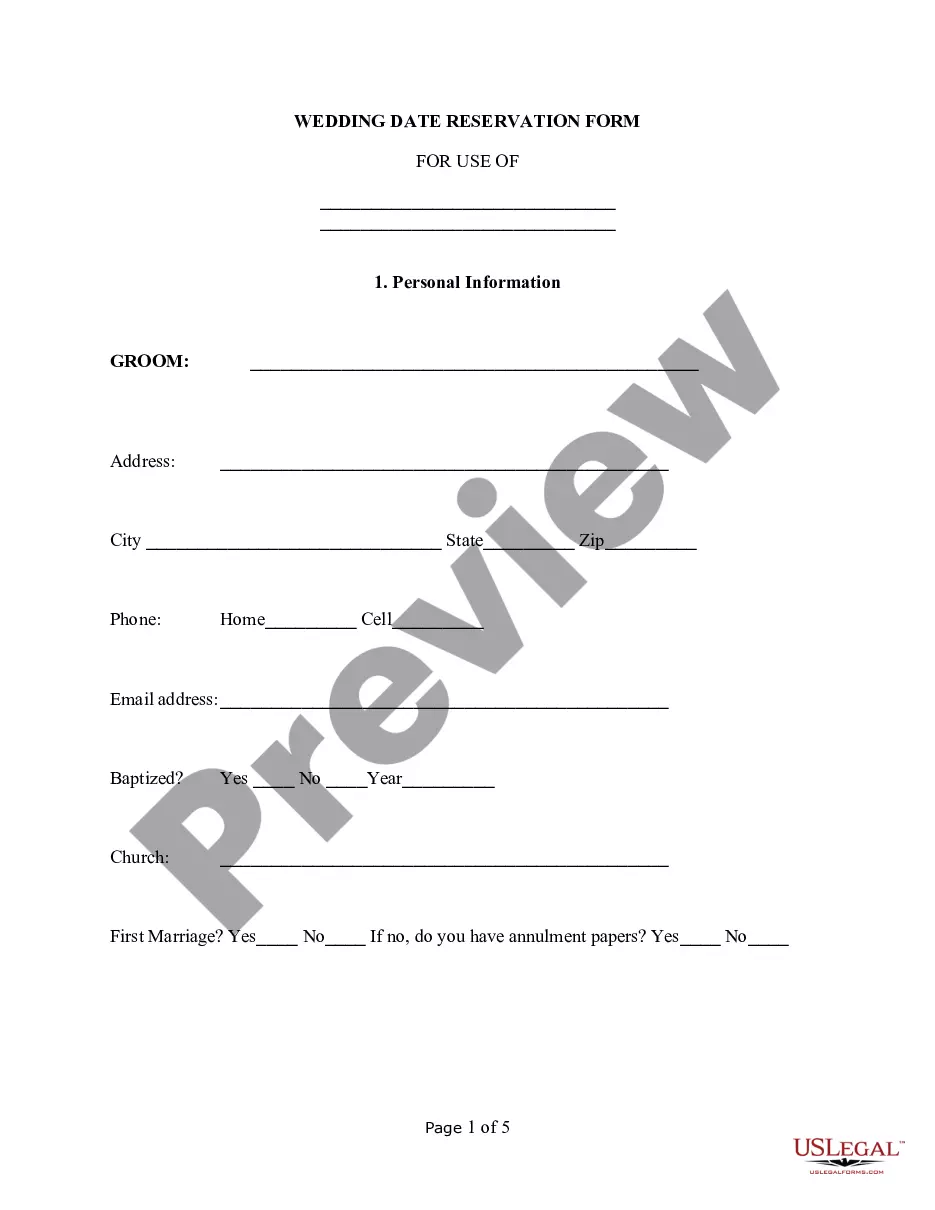
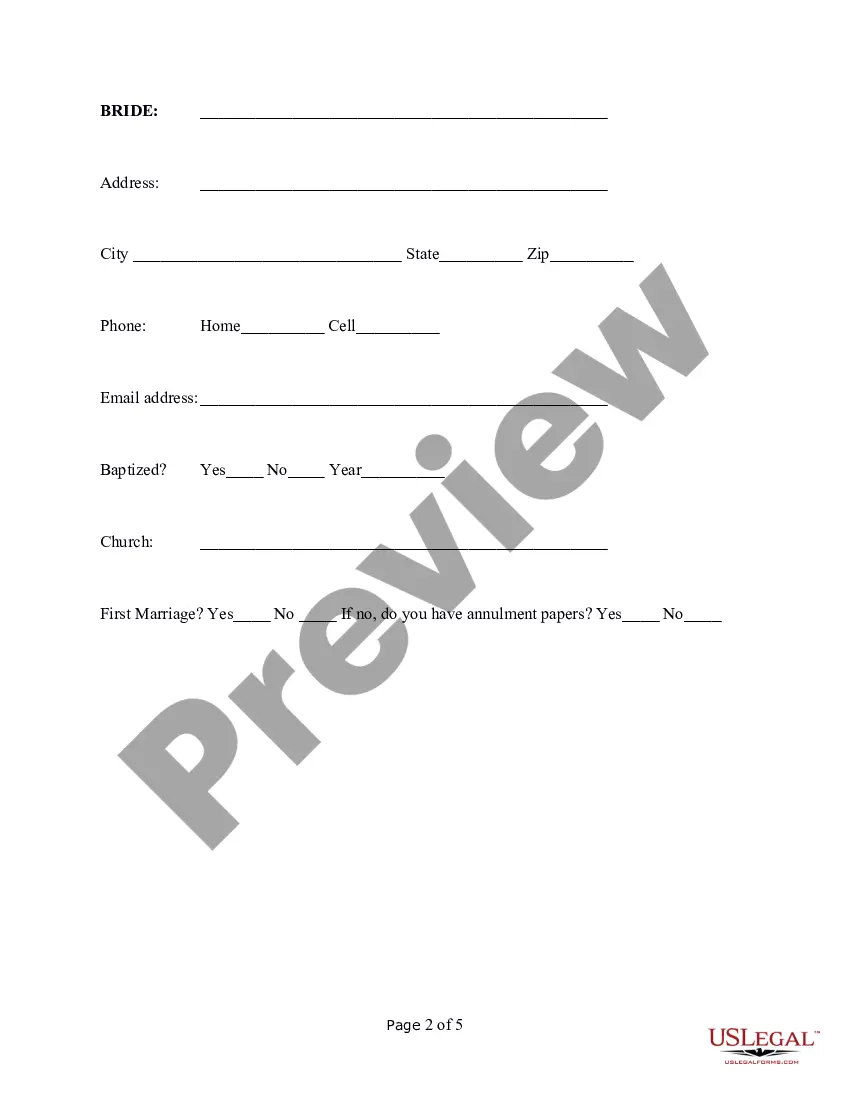
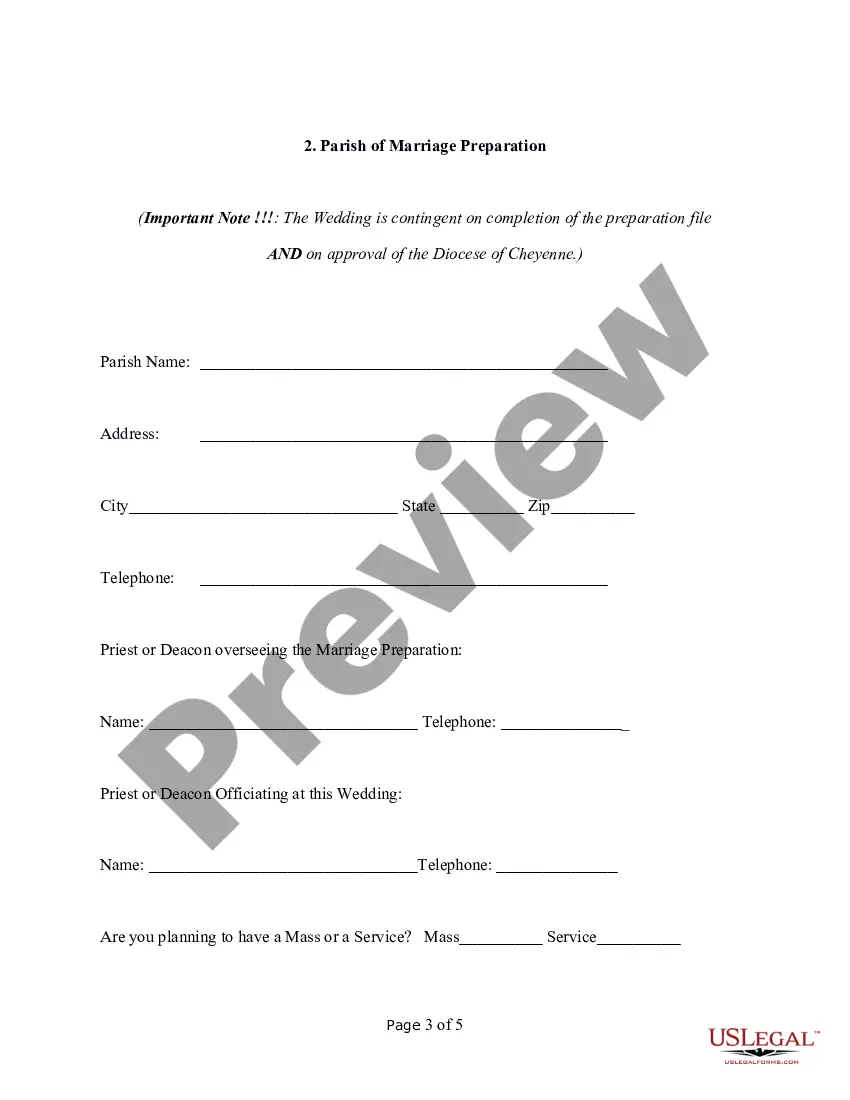
Does this form need to be notarized?
Notarization is not commonly needed for this form. However, certain documents or local rules may make it necessary. Our notarization service, powered by Notarize, allows you to finalize it securely online anytime, day or night.
Get your form ready online
Our built-in tools help you complete, sign, share, and store your documents in one place.
Make edits, fill in missing information, and update formatting in US Legal Forms—just like you would in MS Word.
Download a copy, print it, send it by email, or mail it via USPS—whatever works best for your next step.
Sign and collect signatures with our SignNow integration. Send to multiple recipients, set reminders, and more. Go Premium to unlock E-Sign.
If this form requires notarization, complete it online through a secure video call—no need to meet a notary in person or wait for an appointment.
We protect your documents and personal data by following strict security and privacy standards.
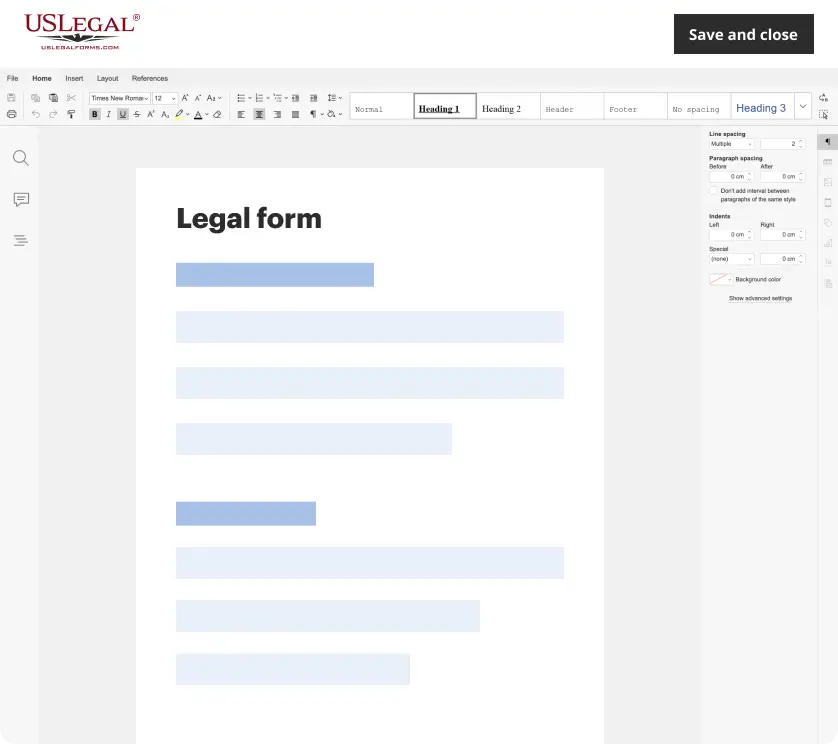
Make edits, fill in missing information, and update formatting in US Legal Forms—just like you would in MS Word.
Download a copy, print it, send it by email, or mail it via USPS—whatever works best for your next step.
Sign and collect signatures with our SignNow integration. Send to multiple recipients, set reminders, and more. Go Premium to unlock E-Sign.

If this form requires notarization, complete it online through a secure video call—no need to meet a notary in person or wait for an appointment.

We protect your documents and personal data by following strict security and privacy standards.
Looking for another form?



Form popularity
FAQ
Traditionally the name of the bride always precedes the groom's name. If the bride's parents are included on the invitation and she shares their last name, then only her first and middle name are used. This same rule applies for the groom. If the couple is hosting by themselves, last names are needed.
First things first, whose name goes first: Traditionally, the bride always precedes the groom. For a formal invite, we would always suggest the bride to be referred to by her first and middle names. The groom is referred by his full name and title (optional).
For the Wedding Guest: How to Fill out a Wedding RSVP Card Include full names.Write legibly.Don't include the names of uninvited guests.If filling out entree options, write down the initials of each guest next to the option they want.Send out the RSVP card ASAP.
There are three things your save the dates must include: Your names. It's traditional to list the bride's name first; for same-sex couples, consider alphabetizing.
What to Include on Your Wedding Invitation Who's hosting. The request to come to the wedding. The names of the couple. The date and time. The location. Reception information. Dress code. Separate RSVP card.
Many response cards will include an "M" followed immediately by a line. In keeping with more formal wedding tradition, the line is here as a way to kickstart your reply. The "M" stands for the first letter of the title you prefer to go by, be it Mr., Mrs., Ms., or Miss.
The letter M is simply the beginning of the person's title ? Mr., Miss, Mrs. and Ms. ? which would then be followed by the person's name.