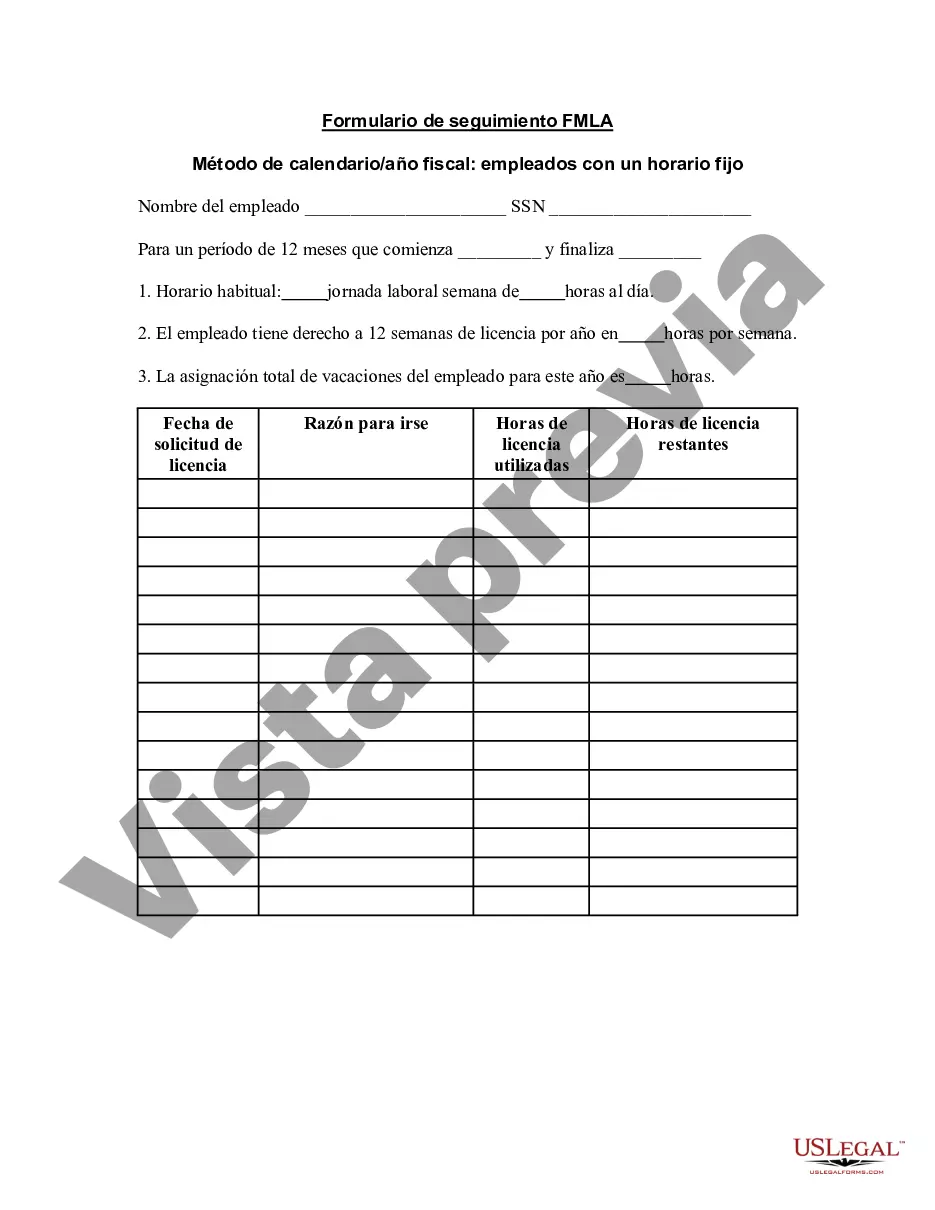
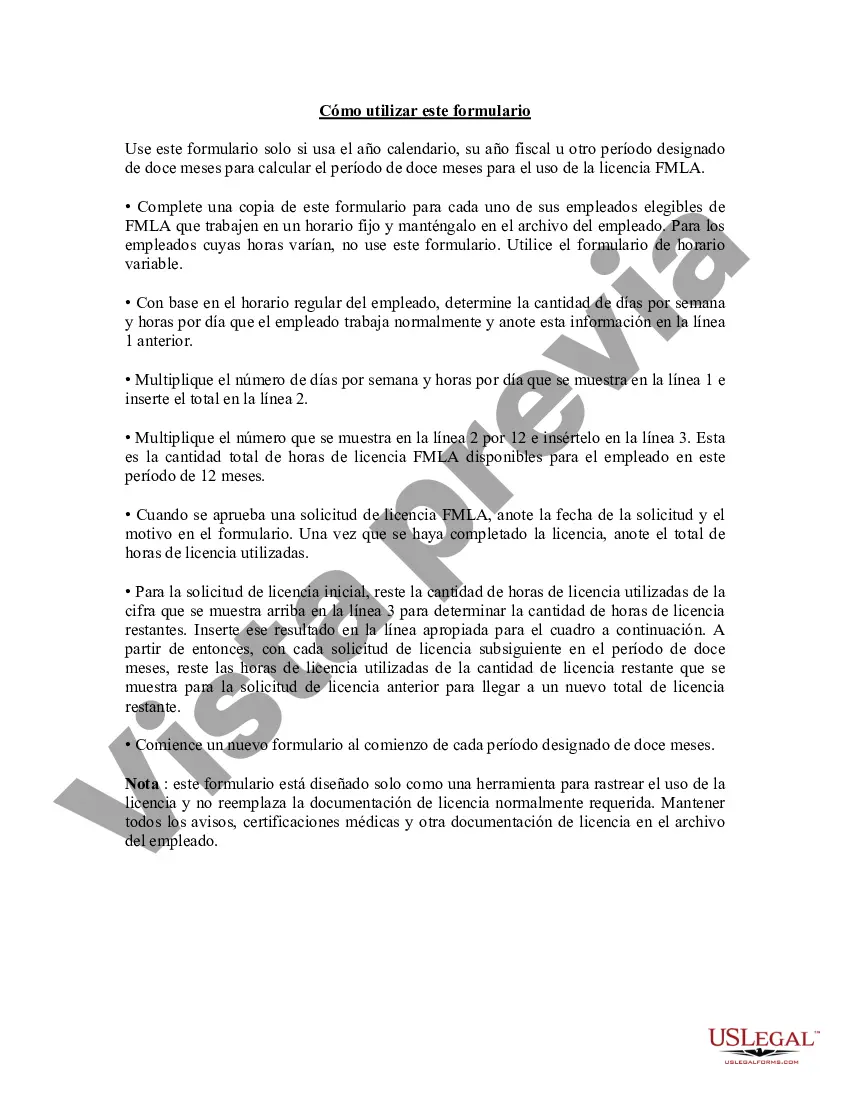
Formulario de Seguimiento FMLA - Calendario - Método del Año Fiscal - Empleados con Horario Establecido - FMLA Tracker Form - Calendar - Fiscal Year Method - Employees with Set Schedule
Description
Get your form ready online
Our built-in tools help you complete, sign, share, and store your documents in one place.
Make edits, fill in missing information, and update formatting in US Legal Forms—just like you would in MS Word.
Download a copy, print it, send it by email, or mail it via USPS—whatever works best for your next step.
Sign and collect signatures with our SignNow integration. Send to multiple recipients, set reminders, and more. Go Premium to unlock E-Sign.
If this form requires notarization, complete it online through a secure video call—no need to meet a notary in person or wait for an appointment.
We protect your documents and personal data by following strict security and privacy standards.

Make edits, fill in missing information, and update formatting in US Legal Forms—just like you would in MS Word.

Download a copy, print it, send it by email, or mail it via USPS—whatever works best for your next step.

Sign and collect signatures with our SignNow integration. Send to multiple recipients, set reminders, and more. Go Premium to unlock E-Sign.

If this form requires notarization, complete it online through a secure video call—no need to meet a notary in person or wait for an appointment.

We protect your documents and personal data by following strict security and privacy standards.
Looking for another form?

How to fill out Formulario De Seguimiento De FMLA - Calendario - Método De Año Fiscal - Empleados Con Horario Establecido?
Among countless free and paid examples that you can get online, you can't be sure about their reliability. For example, who created them or if they are competent enough to deal with what you need those to. Always keep relaxed and make use of US Legal Forms! Discover FMLA Tracker Form - Calendar - Fiscal Year Method - Employees with Set Schedule samples developed by professional lawyers and get away from the costly and time-consuming process of looking for an lawyer or attorney and then paying them to write a papers for you that you can find on your own.
If you have a subscription, log in to your account and find the Download button near the file you are searching for. You'll also be able to access all of your previously downloaded examples in the My Forms menu.
If you are utilizing our platform the first time, follow the instructions listed below to get your FMLA Tracker Form - Calendar - Fiscal Year Method - Employees with Set Schedule quick:
- Make sure that the document you discover applies where you live.
- Look at the template by reading the description for using the Preview function.
- Click Buy Now to begin the ordering procedure or find another example utilizing the Search field located in the header.
- Choose a pricing plan sign up for an account.
- Pay for the subscription using your credit/debit/debit/credit card or Paypal.
- Download the form in the wanted file format.
As soon as you’ve signed up and paid for your subscription, you can use your FMLA Tracker Form - Calendar - Fiscal Year Method - Employees with Set Schedule as many times as you need or for as long as it continues to be active where you live. Edit it with your favored editor, fill it out, sign it, and create a hard copy of it. Do much more for less with US Legal Forms!