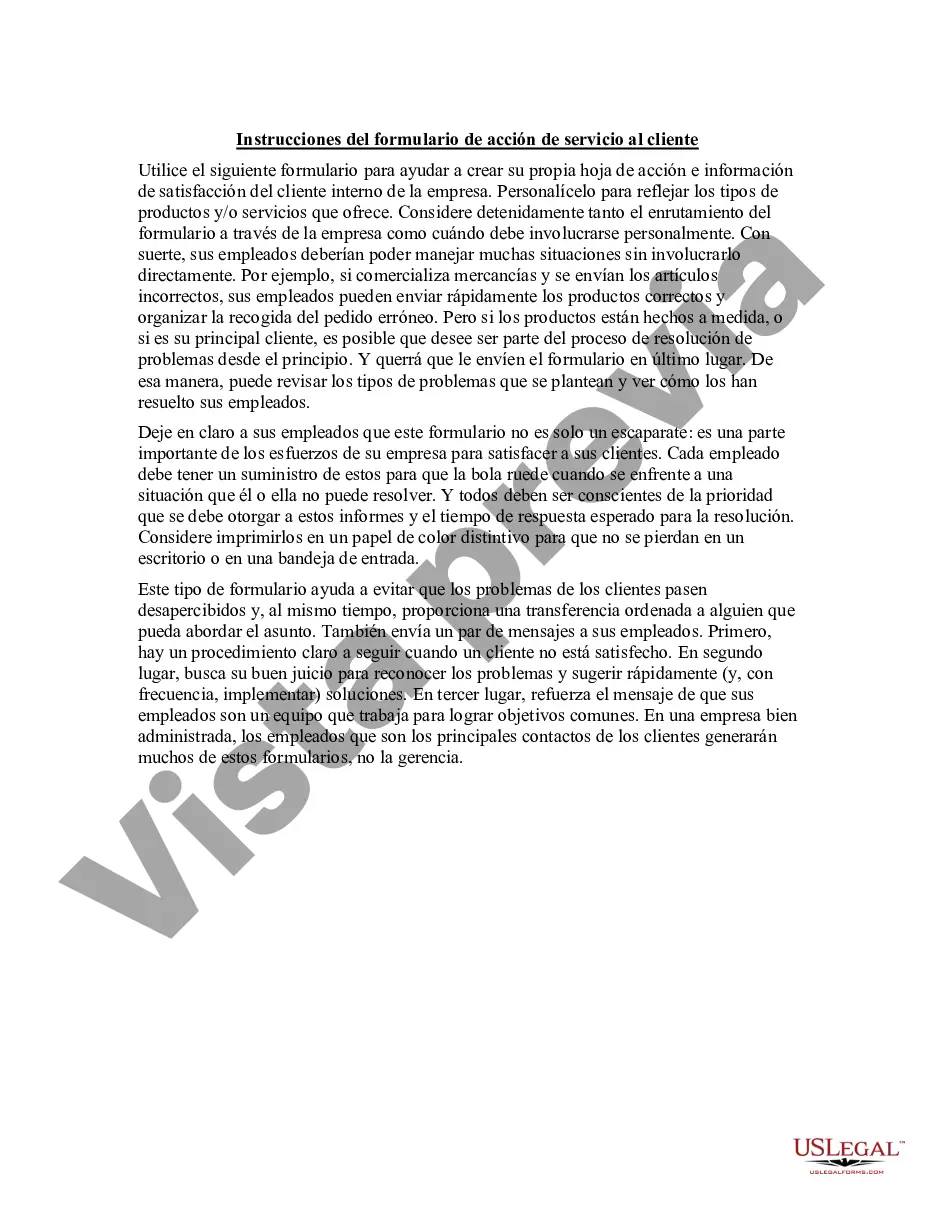
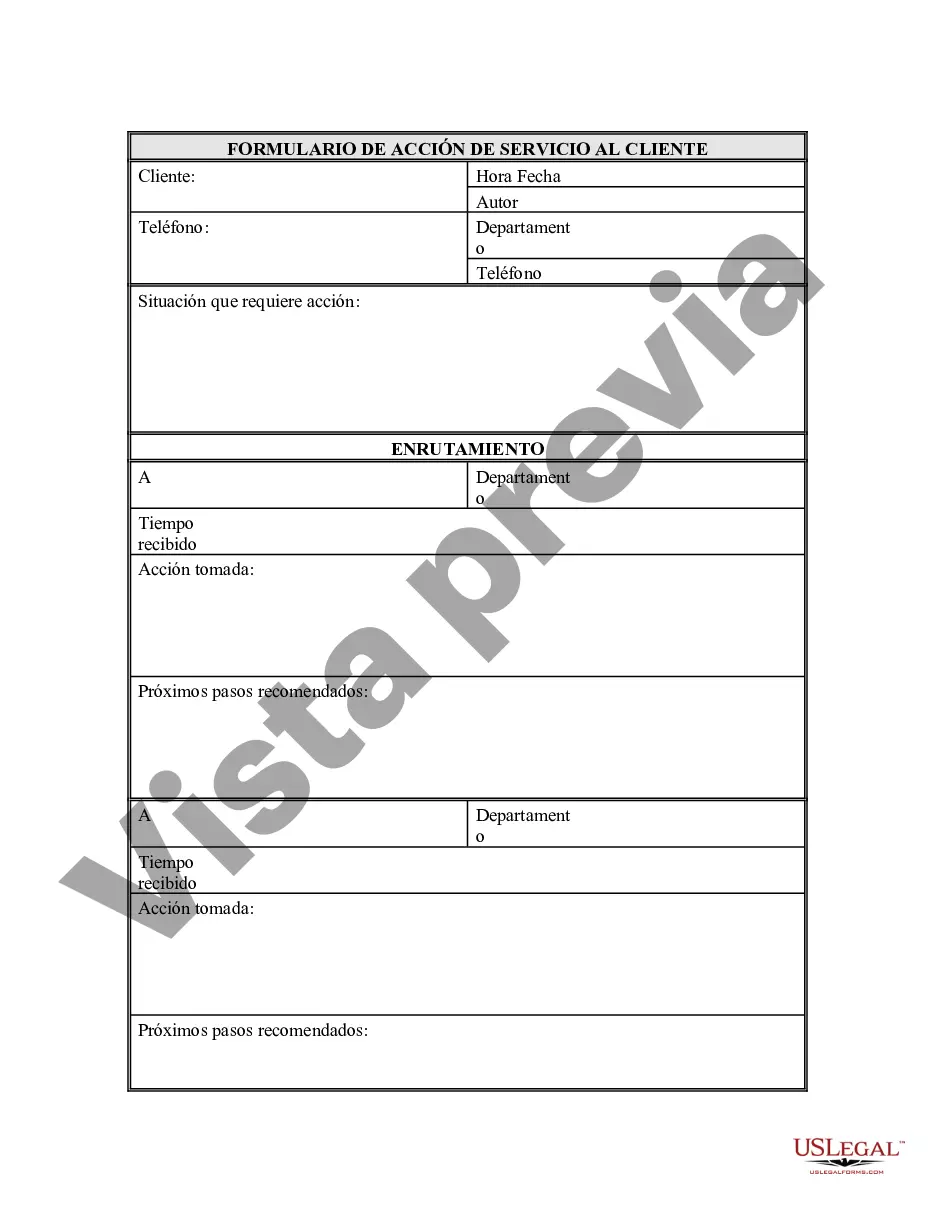
Formulario de Acción del Servicio al Cliente - Customer Service Action Form
Description

Get your form ready online
Our built-in tools help you complete, sign, share, and store your documents in one place.
Make edits, fill in missing information, and update formatting in US Legal Forms—just like you would in MS Word.
Download a copy, print it, send it by email, or mail it via USPS—whatever works best for your next step.
Sign and collect signatures with our SignNow integration. Send to multiple recipients, set reminders, and more. Go Premium to unlock E-Sign.
If this form requires notarization, complete it online through a secure video call—no need to meet a notary in person or wait for an appointment.
We protect your documents and personal data by following strict security and privacy standards.

Make edits, fill in missing information, and update formatting in US Legal Forms—just like you would in MS Word.

Download a copy, print it, send it by email, or mail it via USPS—whatever works best for your next step.

Sign and collect signatures with our SignNow integration. Send to multiple recipients, set reminders, and more. Go Premium to unlock E-Sign.

If this form requires notarization, complete it online through a secure video call—no need to meet a notary in person or wait for an appointment.

We protect your documents and personal data by following strict security and privacy standards.
Looking for another form?

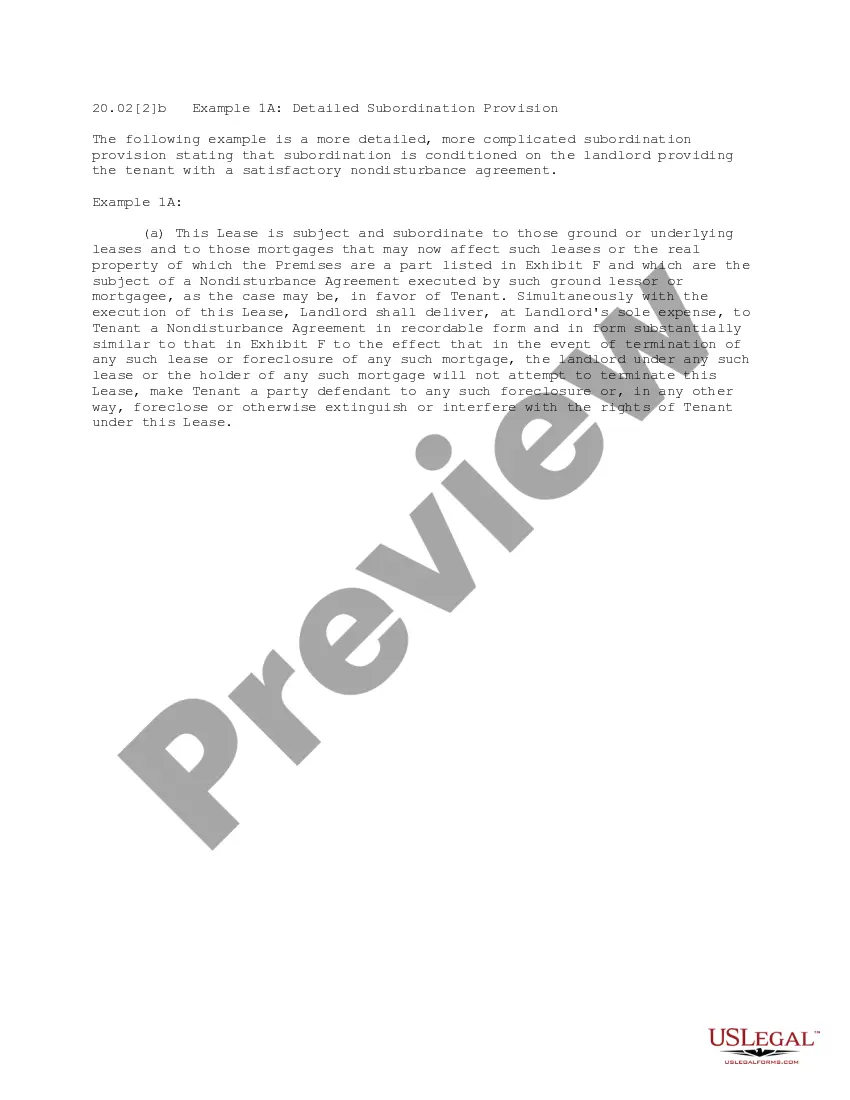
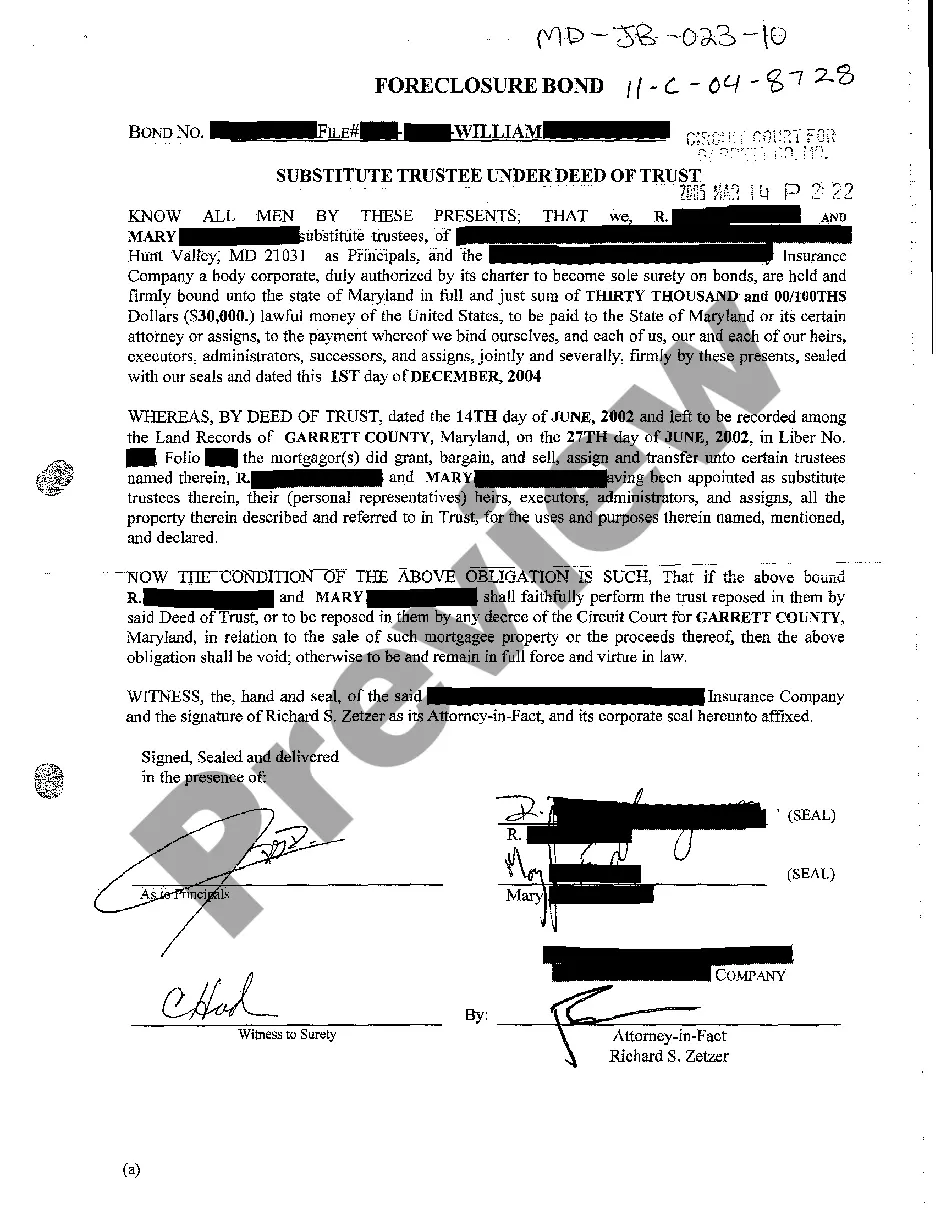
How to fill out Formulario De Acción De Servicio Al Cliente?
Among numerous paid and free samples that you’re able to find on the net, you can't be certain about their accuracy and reliability. For example, who made them or if they’re qualified enough to deal with the thing you need those to. Keep relaxed and utilize US Legal Forms! Find Customer Service Action Form samples made by professional legal representatives and avoid the high-priced and time-consuming procedure of looking for an lawyer or attorney and after that having to pay them to draft a papers for you that you can find on your own.
If you already have a subscription, log in to your account and find the Download button near the file you are looking for. You'll also be able to access all your previously saved examples in the My Forms menu.
If you’re using our website the very first time, follow the instructions below to get your Customer Service Action Form with ease:
- Make sure that the document you find applies in your state.
- Review the template by reading the description for using the Preview function.
- Click Buy Now to start the purchasing procedure or find another example utilizing the Search field found in the header.
- Choose a pricing plan sign up for an account.
- Pay for the subscription with your credit/debit/debit/credit card or Paypal.
- Download the form in the needed format.
When you have signed up and paid for your subscription, you can use your Customer Service Action Form as often as you need or for as long as it continues to be valid where you live. Change it with your favorite offline or online editor, fill it out, sign it, and create a hard copy of it. Do more for less with US Legal Forms!
Form popularity
FAQ
La informacion que se requiere para el llenado es la siguiente:Nombre completo.Nacionalidad.GA©nero.Fecha de nacimiento.DirecciA³n: Es un campo integrado por cinco apartados de texto libre (Calle y nAºmero; Ciudad/Pueblo; Estado/Provincia; CA³digo postal; y PaAs)TelA©fono celular: Es un campo numA©rico.More items...a¢Feb 1, 2019
Un formulario es un documento, ya sea fisico o digital, diseA±ado con el propA³sito de que el usuario introduzca datos estructurados (nombre, apellidos, direcciA³n, etc.) en las zonas del documento destinadas a ese propA³sito, para ser almacenados y procesados posteriormente.
7 Tipos de formularios imprescindibles en cualquier sitio webFormulario de registro o de inicio de sesion.Formulario de restablecimiento de contraseA±a.Formularios para completar el perfil.Formulario de ayuda o comentarios.Formulario de demo.Formulario de pago o suscripciA³n.Formulario de suscripciA³n a newsletter.Oct 12, 2020
En Internet y sistemas informaticos, los formularios pueden ser llenados en lAnea, con validaciA³n de datos, y son muy Aºtiles para registrar usuarios, realizar encuestas, acceder a sistemas restringidos, etc.
Dentro de un formulario podemos encontrar los siguientes elementos:Declaracion del formulario (FORM)Campos de entrada (INPUT)Campo de selecciA³n (SELECT)Area de texto (TEXTAREA)
Los elementos de formulario comunes incluyen campos de texto, menus desplegables, casillas de control, botones de radio, enlaces de visitas efectivas, botones de envAo, campos ocultos, etcA©tera.
Un formulario es un conjunto de casillas que se puede anadir a una pA¡gina y que permite recoger datos que introduce el usuario para luego procesarlos. En un formulario hay 2 partes bA¡sicas: El interfaz o pA¡gina con la estructura de campos, etiquetas y botones que puede ver el usuario.
Un formulario es un documento, ya sea fisico o digital, diseA±ado con el propA³sito de que el usuario introduzca datos estructurados (nombre, apellidos, direcciA³n, etc.) en las zonas del documento destinadas a ese propA³sito, para ser almacenados y procesados posteriormente.