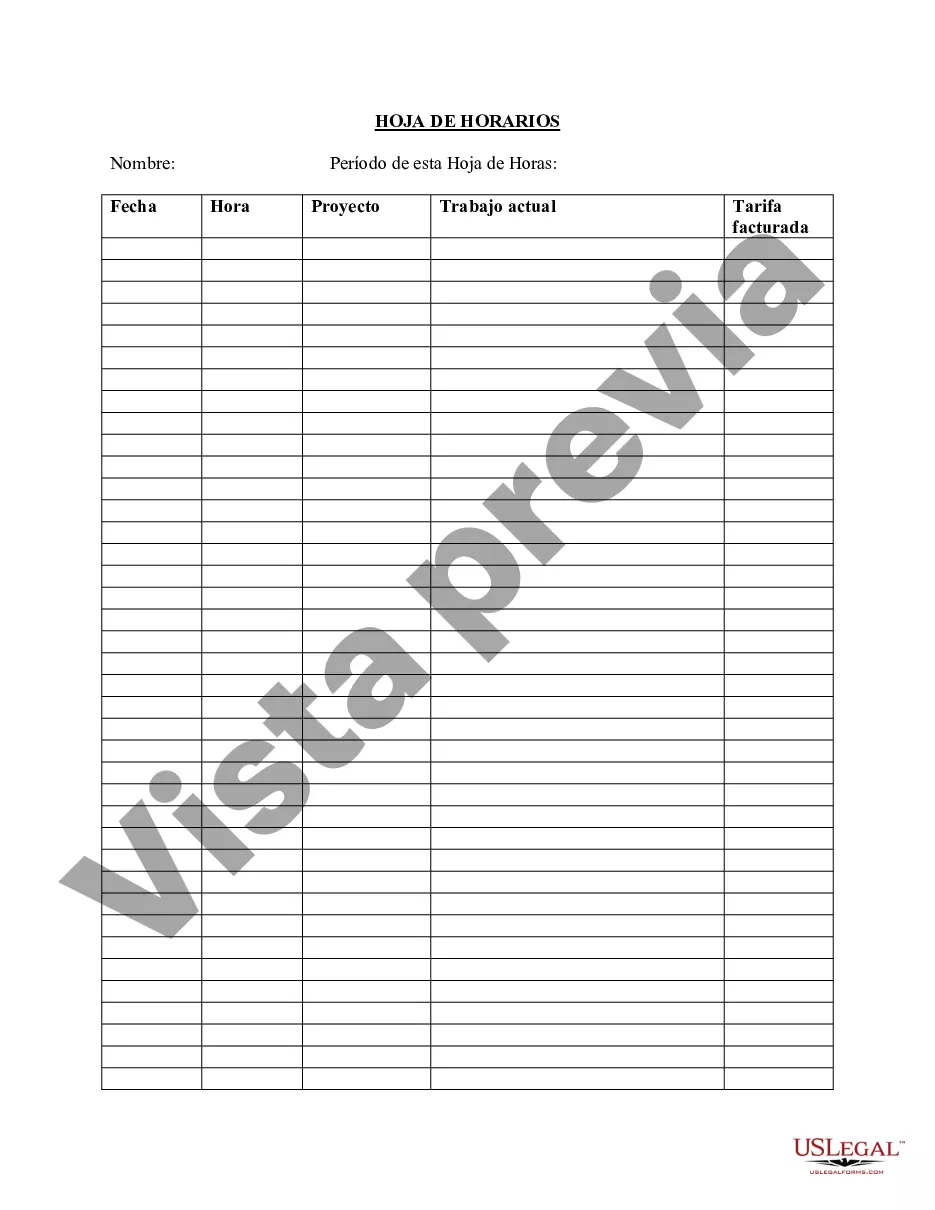
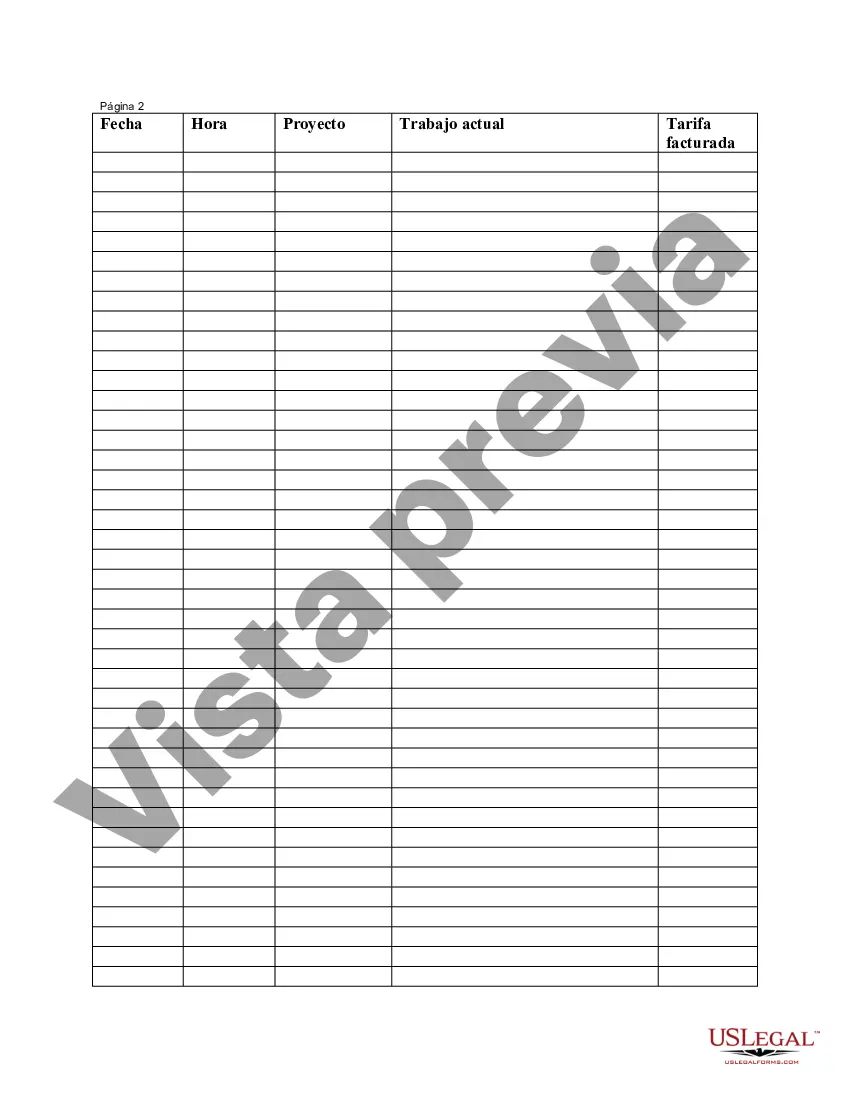
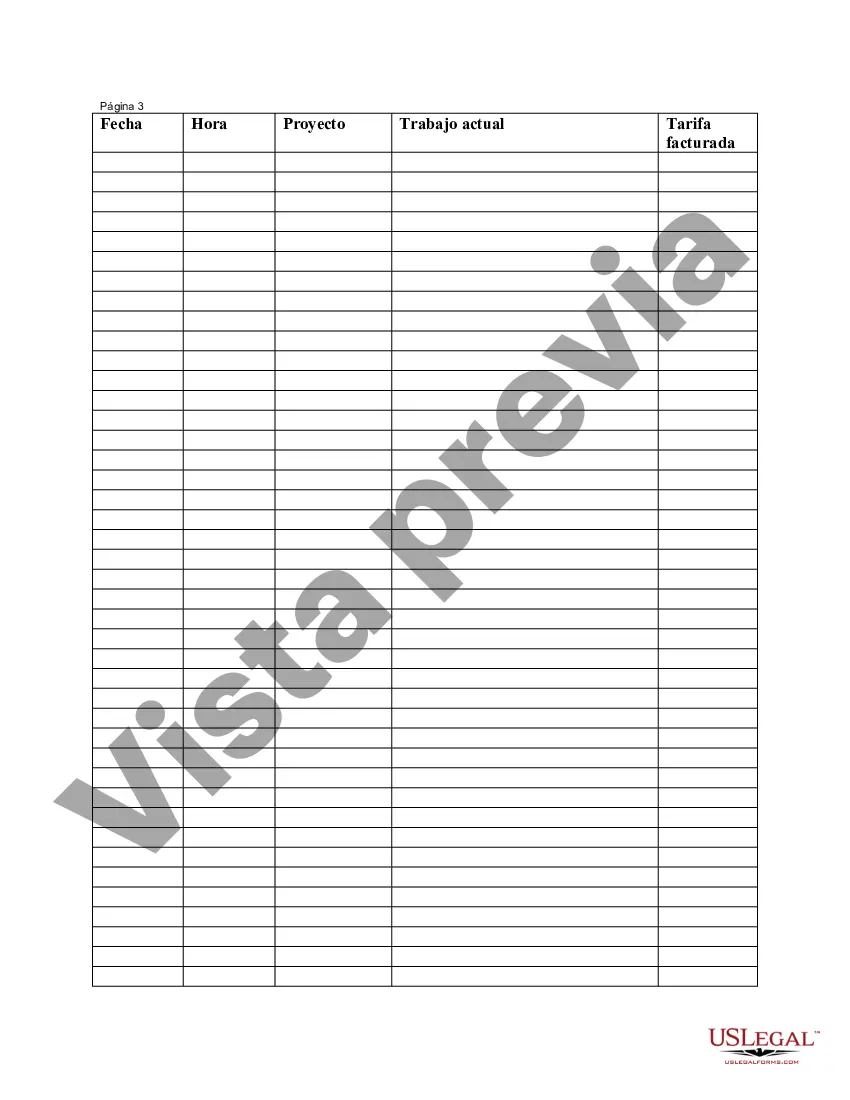
Hoja de Tiempo del Empleado - Employee Time Sheet
Description



Get your form ready online
Our built-in tools help you complete, sign, share, and store your documents in one place.
Make edits, fill in missing information, and update formatting in US Legal Forms—just like you would in MS Word.
Download a copy, print it, send it by email, or mail it via USPS—whatever works best for your next step.
Sign and collect signatures with our SignNow integration. Send to multiple recipients, set reminders, and more. Go Premium to unlock E-Sign.
If this form requires notarization, complete it online through a secure video call—no need to meet a notary in person or wait for an appointment.
We protect your documents and personal data by following strict security and privacy standards.

Make edits, fill in missing information, and update formatting in US Legal Forms—just like you would in MS Word.

Download a copy, print it, send it by email, or mail it via USPS—whatever works best for your next step.

Sign and collect signatures with our SignNow integration. Send to multiple recipients, set reminders, and more. Go Premium to unlock E-Sign.

If this form requires notarization, complete it online through a secure video call—no need to meet a notary in person or wait for an appointment.

We protect your documents and personal data by following strict security and privacy standards.
Looking for another form?
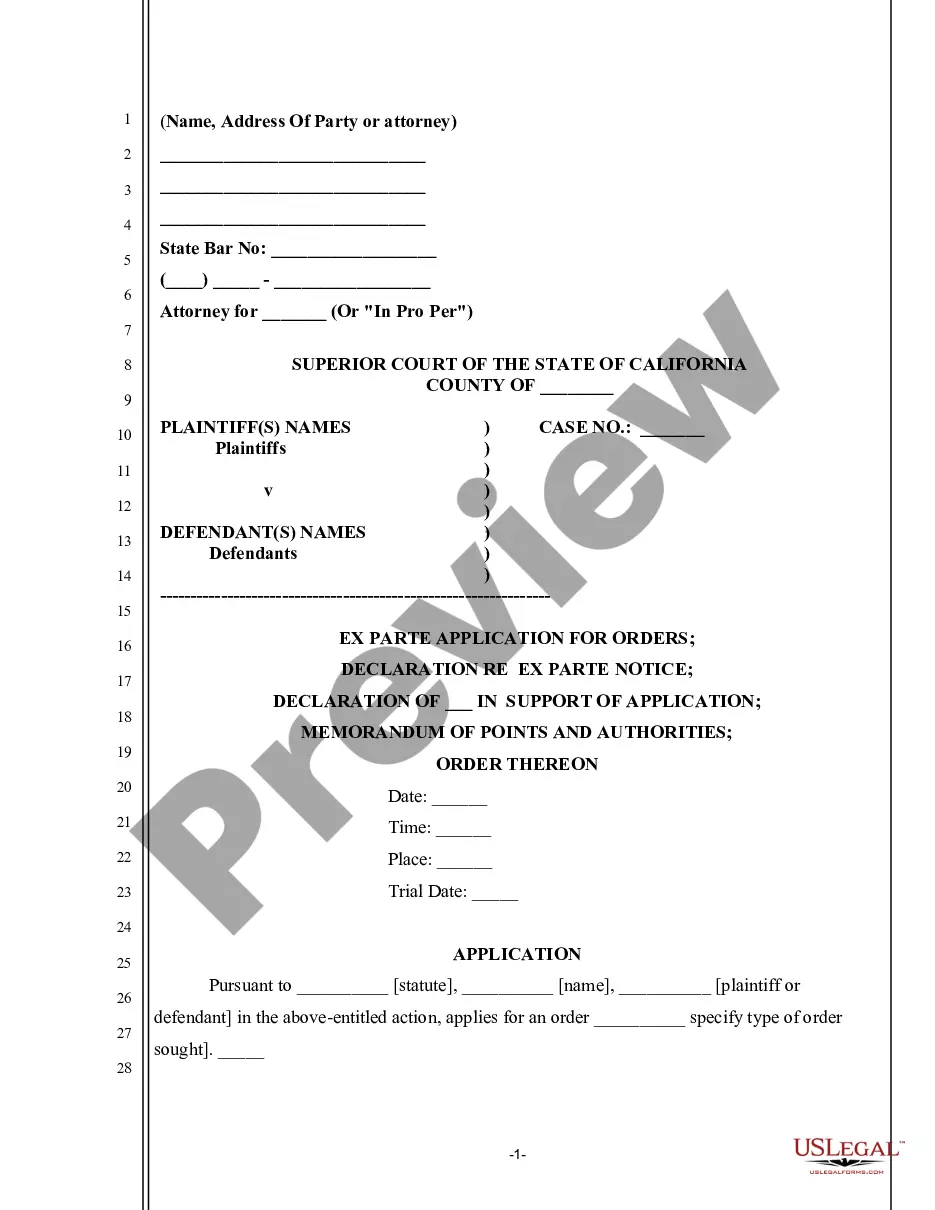
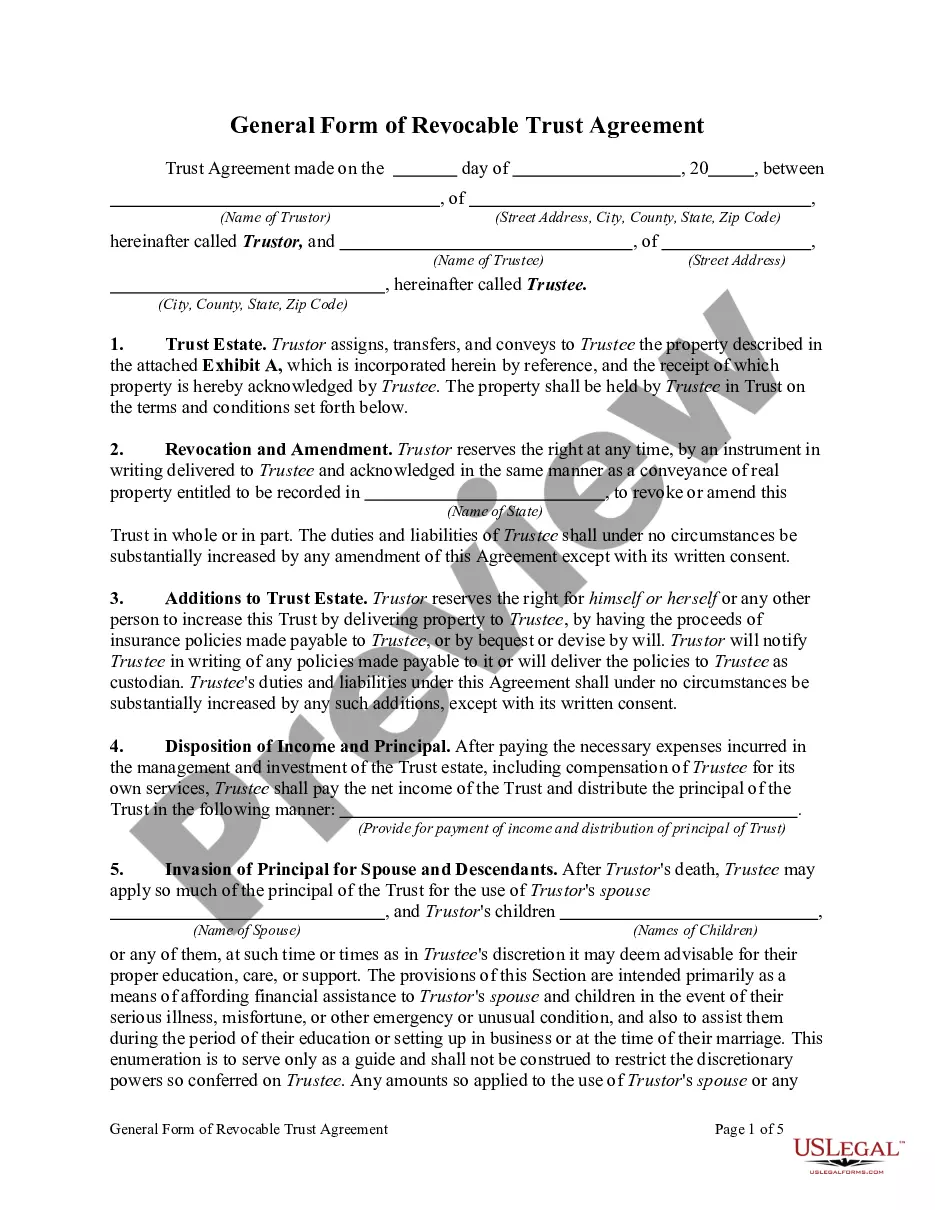
How to fill out Hoja De Tiempo Del Empleado?
Among hundreds of paid and free templates that you can find online, you can't be certain about their accuracy and reliability. For example, who made them or if they’re competent enough to take care of what you need these to. Always keep calm and utilize US Legal Forms! Get Employee Time Sheet templates made by professional legal representatives and avoid the costly and time-consuming process of looking for an attorney and then having to pay them to write a papers for you that you can easily find yourself.
If you have a subscription, log in to your account and find the Download button near the form you are seeking. You'll also be able to access all your earlier saved examples in the My Forms menu.
If you are utilizing our website the very first time, follow the instructions below to get your Employee Time Sheet fast:
- Make sure that the document you see is valid in your state.
- Look at the template by reading the description for using the Preview function.
- Click Buy Now to begin the purchasing process or find another sample using the Search field in the header.
- Select a pricing plan and create an account.
- Pay for the subscription using your credit/debit/debit/credit card or Paypal.
- Download the form in the needed format.
When you’ve signed up and paid for your subscription, you can use your Employee Time Sheet as often as you need or for as long as it continues to be active where you live. Change it with your preferred offline or online editor, fill it out, sign it, and create a hard copy of it. Do more for less with US Legal Forms!
Form popularity
FAQ
Para que sirve el Tracking El Tracking sirve para tener todos los datos posibles sobre una campaA±a de marketing que se haya efectuado tanto a travA©s de medios digitales como fuera de estos.
PasosNavegue hasta la herramienta Hojas de tiempo del proyecto.Haga clic en Crear en la esquina superior derecha.Haga clic en Nueva hoja de tiempo diaria.En la ventana Agregar empleados, seleccione las casillas de verificacion junto a los empleados o miembros del equipo que desee.Haga clic en AA±adir.More items...a¢Dec 27, 2019
Normas Razonables de Trabajo (FLSA-abreviatura en ingles) La ley exige que los empleados deben recibir por lo menos el salario mAnimo, y no pueden ser empleados por mA¡s de 40 horas en una semana sin recibir, por lo menos, el equivalente de tiempo y medio de su tarifa regular de pago por las horas extras trabajadas.
La hoja de trabajo en Excel tambien se la denomina hoja de cA¡lculo. Dicha hoja de trabajo estA¡ compuesta por filas y columnas, formando celdas en las que se pueden ingresar datos y fA³rmulas.Su esquema de trabajo permite volcar los datos que se han recabado en un esquema muy prA¡ctico y funcional.
Descargue gratis una plantilla de linea de tiempo en ExcelHaga clic en una fecha en la parte superior del diagrama de Gantt.Haga clic con el botA³n derecho del mouse y seleccione Formato del eje.En el recuadro emergente, a la izquierda, seleccione Escala.Ajuste el nAºmero en el recuadro llamado MAnimo.
En general, debes tener un descanso de 10-minutos por cada cuatro horas que trabajas, o fraccion mayor de estas horas. Por ejemplo, Una jornada de 3 horas y media a 6 horas requiere un descanso de 10-minutos; Una jornada de mas de 6 horas a 10 horas requiere dos descansos de 10-minutos; y.
Las hojas de tiempo se utilizan para realizar un seguimiento de las horas de trabajo de un empleado. Una hoja de tiempo incluye los dias de la semana de trabajo y las horas trabajadas cada dAa, comenzando con la hora de inicio, seguido de la hora de almuerzo y descanso y terminando con el tiempo de salida.
Crear una hoja de calculoEn la pestaA±a Insertar, elija Hoja de cA¡lculo > Nueva hoja de cA¡lculo de Excel. Se mostrarA¡ un icono de Excel en la pA¡gina, junto a una imagen estA¡tica de la hoja de cA¡lculo en blanco.Para editar la hoja de cA¡lculo, haga doble clic en el icono.