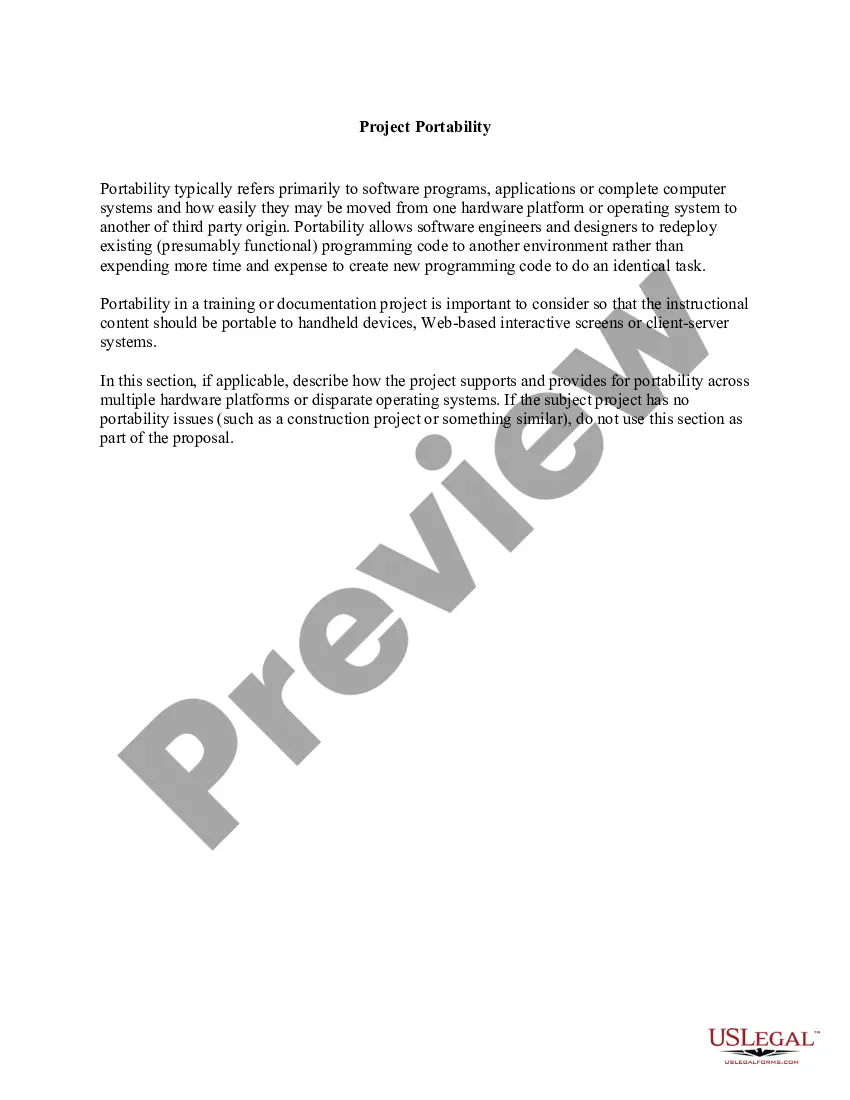
Project Portability
Overview of this form
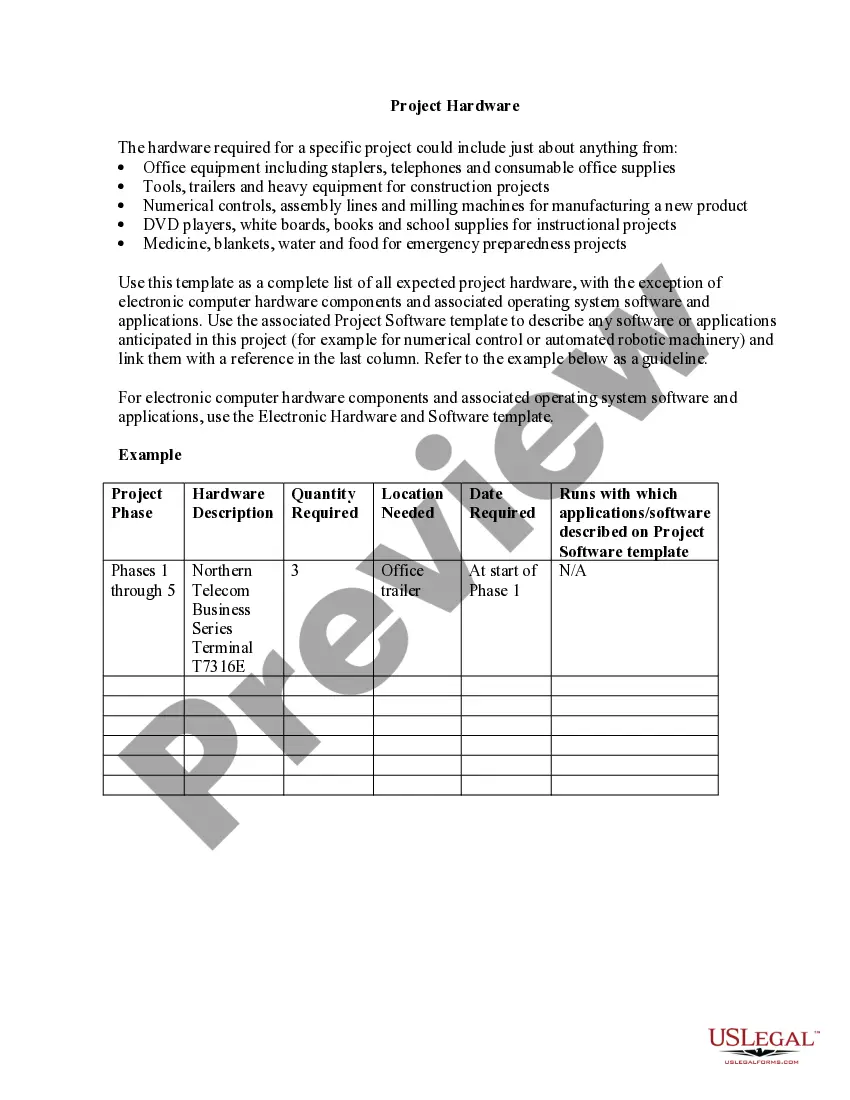
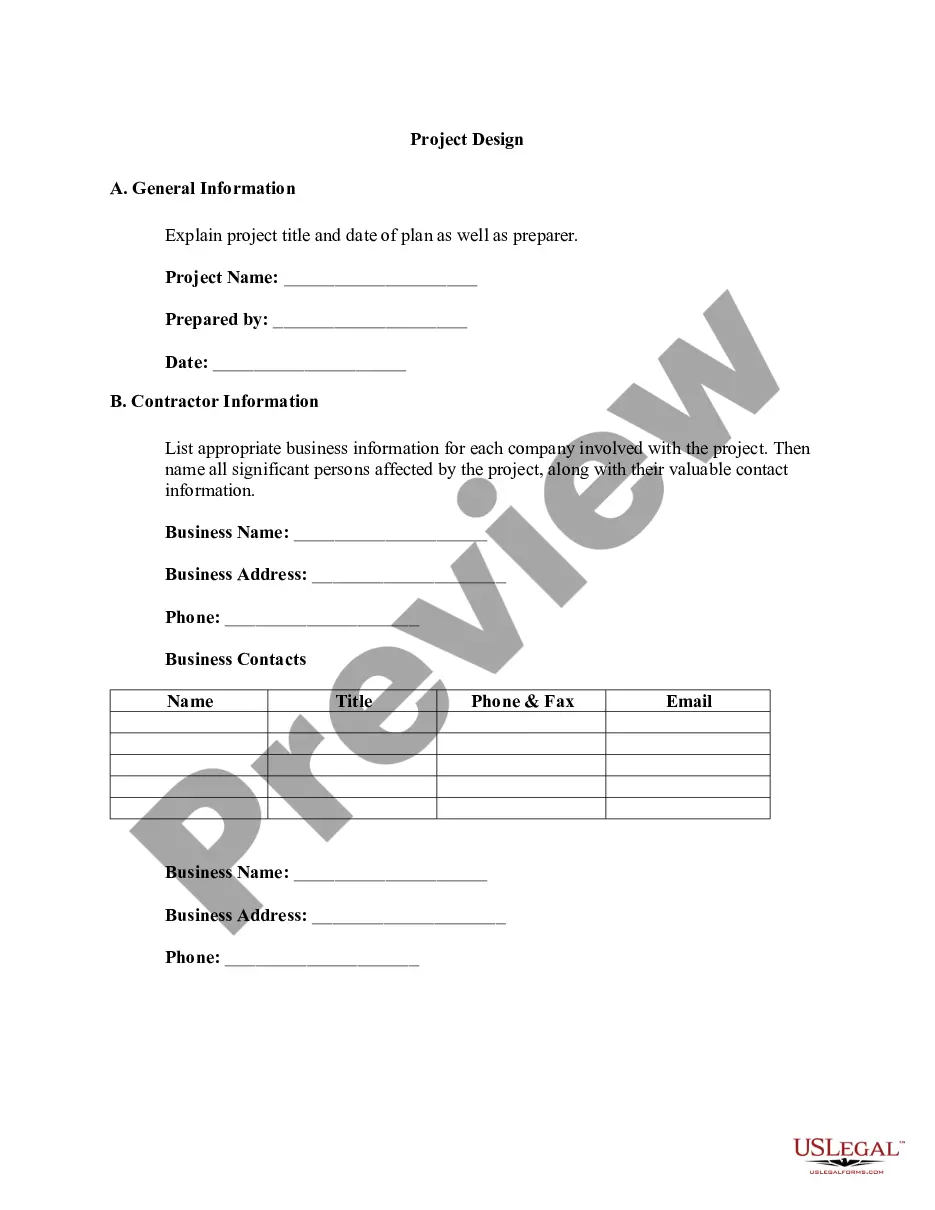
The Project Portability form addresses the transferability of software and systems between different hardware or operating systems. It outlines the importance of ensuring that projects, especially software-related ones, maintain their functionality across various platforms. This form is essential for developers and project managers to indicate how they can efficiently adapt existing code rather than redeveloping it, thereby saving time and resources.
What’s included in this form
- Project description: Overview of the software or system in question.
- Portability considerations: Details on how the project supports multiple platforms.
- Technical specifications: Information regarding the software's adaptability to different environments.
- Implementation strategy: Steps or actions to ensure successful project portability.
When this form is needed
This form is applicable in scenarios where software or systems need to be transferred between different platforms. It is particularly useful during project planning phases, when assessing compatibility of instructional content for various devices, or when preparing for cost-effective project deployment. Use this form to document and communicate your project's portability aspects effectively.
Who needs this form
- Software developers looking to document project adaptability.
- Project managers in technology sectors managing cross-platform projects.
- Instructional designers producing content for multiple delivery systems.
- IT professionals involved in system migrations or upgrades.
Completing this form step by step
- Identify the project title and description.
- Outline the key portability considerations for the project.
- Specify the technical requirements for adapting the project to different platforms.
- Detail the implementation strategy for ensuring successful project portability.
- Review the completed form for accuracy before submission.
Does this form need to be notarized?
Notarization is generally not required for this form. However, certain states or situations might demand it. You can complete notarization online through US Legal Forms, powered by Notarize, using a verified video call available anytime.
Get your form ready online
Our built-in tools help you complete, sign, share, and store your documents in one place.
Make edits, fill in missing information, and update formatting in US Legal Forms—just like you would in MS Word.
Download a copy, print it, send it by email, or mail it via USPS—whatever works best for your next step.
Sign and collect signatures with our SignNow integration. Send to multiple recipients, set reminders, and more. Go Premium to unlock E-Sign.
If this form requires notarization, complete it online through a secure video call—no need to meet a notary in person or wait for an appointment.
We protect your documents and personal data by following strict security and privacy standards.

Make edits, fill in missing information, and update formatting in US Legal Forms—just like you would in MS Word.

Download a copy, print it, send it by email, or mail it via USPS—whatever works best for your next step.

Sign and collect signatures with our SignNow integration. Send to multiple recipients, set reminders, and more. Go Premium to unlock E-Sign.

If this form requires notarization, complete it online through a secure video call—no need to meet a notary in person or wait for an appointment.

We protect your documents and personal data by following strict security and privacy standards.
Common mistakes
- Overlooking specific platform requirements that may affect functionality.
- Not providing sufficient detail regarding technical specifications.
- Failing to align the project goals with the intended platforms.
Benefits of using this form online
- Convenient access to a structured format for documenting project portability.
- Editable templates that allow customization according to project needs.
- Reliable drafting, ensuring legal compliance and clarity.
Quick recap
- The Project Portability form is vital for documenting software and system adaptability.
- Clear communication of portability considerations can save time and resources during project development.
- Multiple users in IT, software development, and instructional design can benefit from this form.
Looking for another form?






Form popularity
FAQ
In Visual Studio, select Analyze and then Portability Analyzer Settings. In the General Settings window, select . NET Standard 2.0 under Target Platforms, and then choose OK.
The Portability Summary section gives overall % of each assembly/project in your solution and how it's supported on the target platform.
Analyze portability To analyze your entire project in Visual Studio, right-click on your project in Solution Explorer and select Analyze Assembly Portability. Otherwise, go to the Analyze menu and select Analyze Assembly Portability. From there, select your project's executable or DLL.
Portability allows eligible insured employees to ?port? (or buy) Group Life insurance coverage when they are losing coverage because their coverage is being voluntarily or involuntarily terminated. The portable group insurance coverage offers group term Life, Accidental Death and Dismemberment (AD&D).
A 1996 U.S. law that allows workers and their families to keep their health insurance when they change or lose their jobs. The privacy rule of the Health Insurance Portability and Accountability Act protects the privacy of a person's health information and keeps it from being misused.
HIPAA's "portability" protection means that once a person obtains creditable health plan coverage, he or she can use evidence of that coverage to reduce or eliminate any preexisting medical condition exclusion period that might otherwise be imposed when moving to another health plan.
Portability is the option to move certain employee benefits along with you if you change employers. Health insurance benefits are made portable through HIPAA legislation and COBRA continuation of coverage.
Description. ApiPort. Cross-platform console tool to access portability service.