Notificación de Apertura de Puesto - Notice of Job Opening
Description
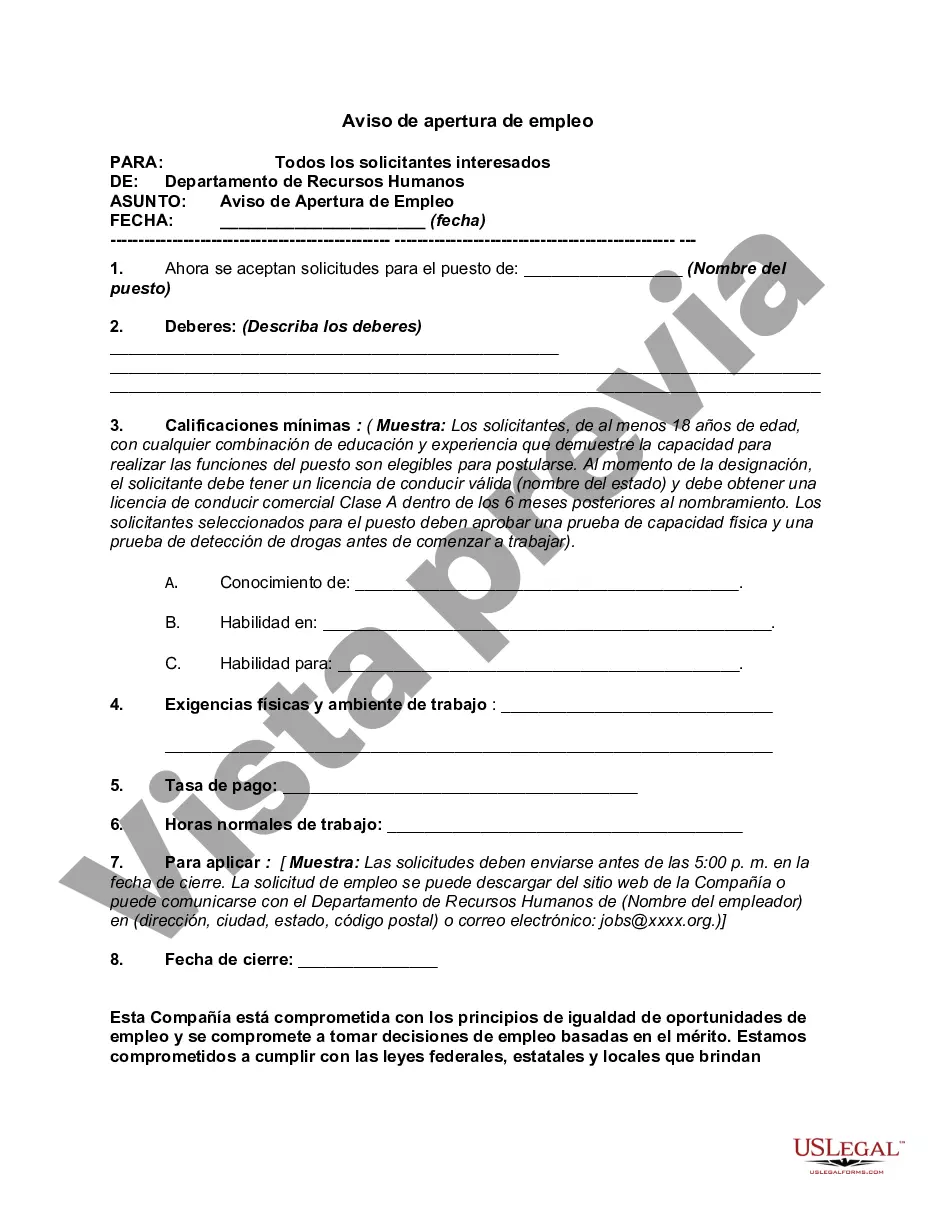
Get your form ready online
Our built-in tools help you complete, sign, share, and store your documents in one place.
Make edits, fill in missing information, and update formatting in US Legal Forms—just like you would in MS Word.
Download a copy, print it, send it by email, or mail it via USPS—whatever works best for your next step.
Sign and collect signatures with our SignNow integration. Send to multiple recipients, set reminders, and more. Go Premium to unlock E-Sign.
If this form requires notarization, complete it online through a secure video call—no need to meet a notary in person or wait for an appointment.
We protect your documents and personal data by following strict security and privacy standards.

Make edits, fill in missing information, and update formatting in US Legal Forms—just like you would in MS Word.

Download a copy, print it, send it by email, or mail it via USPS—whatever works best for your next step.

Sign and collect signatures with our SignNow integration. Send to multiple recipients, set reminders, and more. Go Premium to unlock E-Sign.

If this form requires notarization, complete it online through a secure video call—no need to meet a notary in person or wait for an appointment.

We protect your documents and personal data by following strict security and privacy standards.
Looking for another form?
How to fill out Aviso De Apertura De Empleo?
Employ the most extensive legal catalogue of forms. US Legal Forms is the perfect place for finding updated Notice of Job Opening templates. Our service offers a huge number of legal forms drafted by certified legal professionals and grouped by state.
To obtain a template from US Legal Forms, users simply need to sign up for a free account first. If you are already registered on our platform, log in and choose the document you need and purchase it. Right after purchasing forms, users can find them in the My Forms section.
To get a US Legal Forms subscription on-line, follow the guidelines listed below:
- Check if the Form name you have found is state-specific and suits your needs.
- If the form has a Preview function, use it to review the sample.
- In case the sample does not suit you, utilize the search bar to find a better one.
- PressClick Buy Now if the template corresponds to your requirements.
- Choose a pricing plan.
- Create your account.
- Pay via PayPal or with the credit/credit card.
- Select a document format and download the template.
- As soon as it is downloaded, print it and fill it out.
Save your time and effort using our service to find, download, and fill out the Form name. Join a large number of happy subscribers who’re already using US Legal Forms!
Form popularity
FAQ
La comunicacion se efectuarA¡ con carA¡cter previo o dentro de los treinta dAas siguientes a la apertura de un centro de trabajo o reanudaciA³n de la actividad despuA©s de efectuar alteraciones, ampliaciones o transformaciones de importancia.
La comunicacion de apertura se efectuarA¡ en un ejemplar de modelo oficial, consignA¡ndose los siguientes datos: Datos de la empresa: Nombre o razA³n social, domicilio, municipio, provincia, cA³digo postal, telA©fono y direcciA³n de correo electrA³nico.
La obligacion de comunicar la apertura del centro de trabajo o la reanudaciA³n de actividades corresponde al empresario, sea cual sea la actividad que se lleva a cabo.
El art. 2 de la Orden Ministerial, indica que la comunicacion debe realizarse previamente , o dentro de los 30 dAas siguientes al hecho que la motiva, segAºn modelo oficial.
Solicitar cita previa en la pagina oficial de la Comunidad AutA³noma. Aducir en fecha y hora a las oficinas de la Comunidad AutA³noma. Rellenar impreso oficial de comunicaciA³n de apertura centro de trabajo. Presentar comunicaciA³n por cuadruplicado ante la autoridad laboral.
¿CuA¡ndo? La comunicaciA³n se efectuarA¡ con carA¡cter previo o dentro de los treinta dAas siguientes a la apertura de un centro de trabajo o reanudaciA³n de la actividad despuA©s de efectuar alteraciones, ampliaciones o transformaciones de importancia.
Tanto la apertura de un centro de trabajo como la reanudacion de la actividad despuA©s de realizar alteraciones, ampliaciones o transformaciones importantes, comporta la obligaciA³n de comunicaciA³n a la autoridad laboral competente.
¿CA³mo solicitar la apertura de un centro de trabajo?Datos de la empresa: Nombre o razA³n social y domicilio completo. NIF y nAºmero de la Seguridad Social, e indicar si es de nueva creaciA³n o ya existente.Datos del centro de trabajo: Nombre y domicilio completo.Datos de producciA³n del centro de trabajo: Potencia instalada.Oct 27, 2021