Idaho Quitclaim Deed - Individual to Four Individuals
About this form
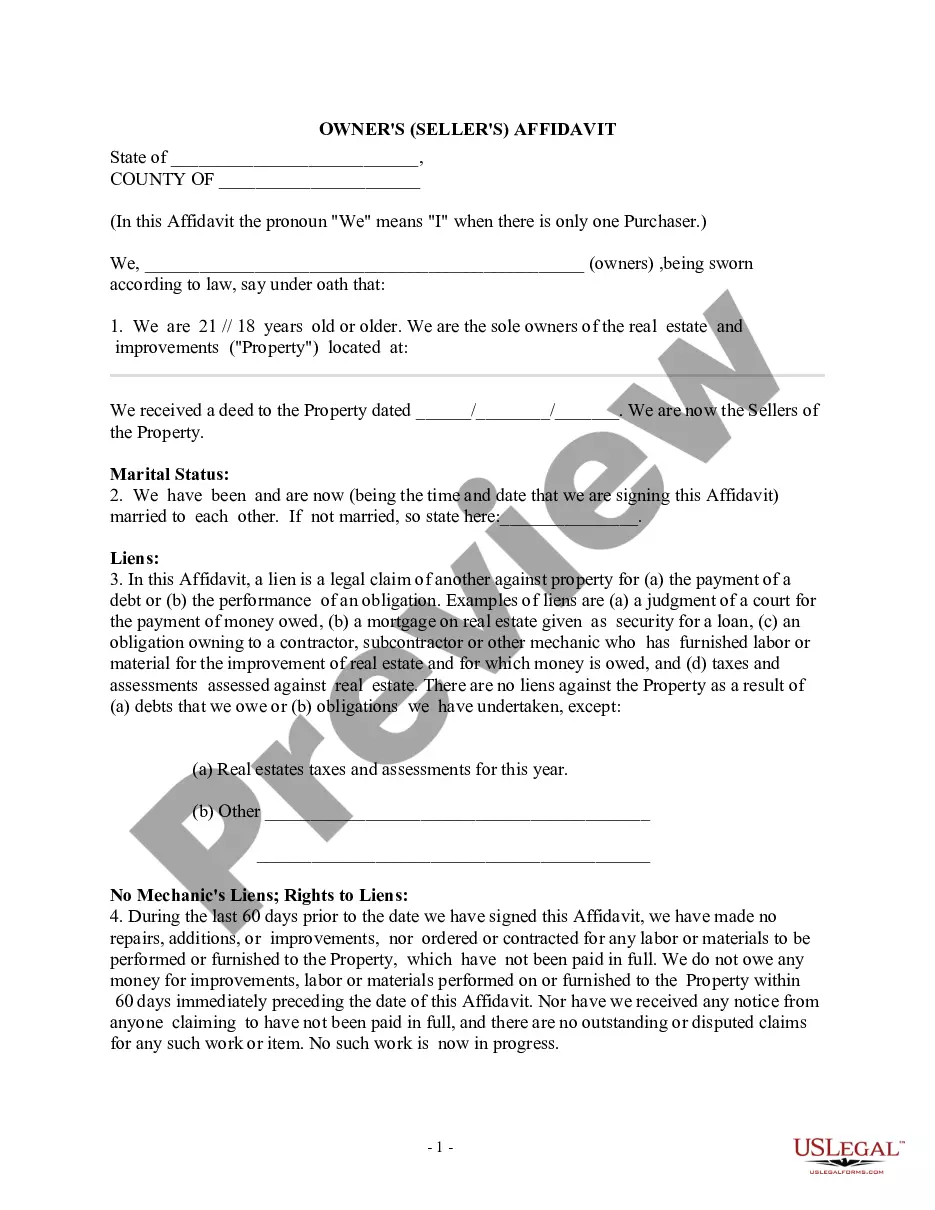
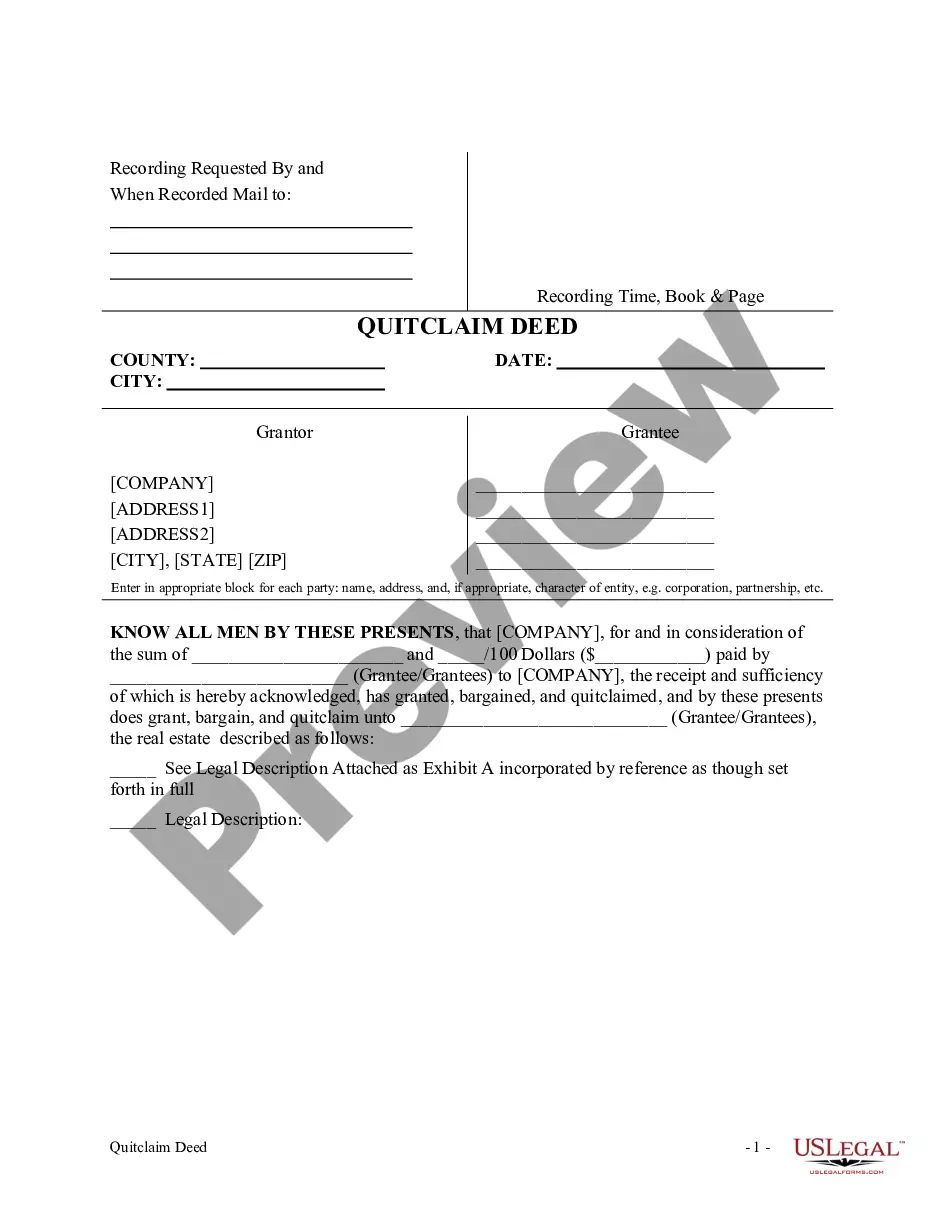
The Quitclaim Deed - Individual to Four Individuals is a legal document that allows a single individual (the Grantor) to transfer their interest in a property to four other individuals (the Grantees). This type of deed is used in situations where the Grantor wants to relinquish any claim or rights to the property without providing warranties about the title. Unlike a warranty deed, a quitclaim deed offers no guarantee that the title is clear, making it essential to understand its implications before use.
Main sections of this form
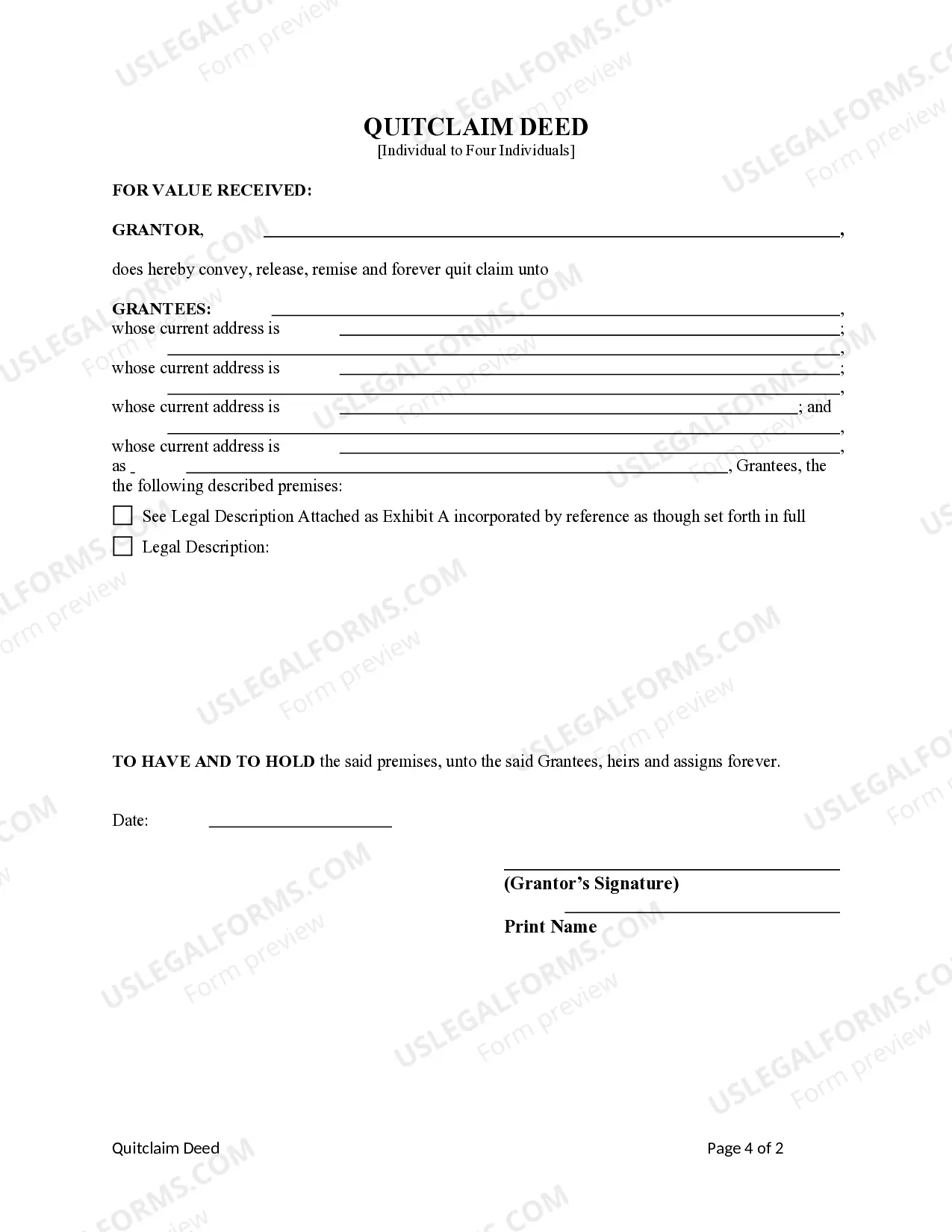
- Identification of the Grantor and Grantees.
- Description of the property being transferred.
- Declaration of the Grantor's intention to quitclaim their interest.
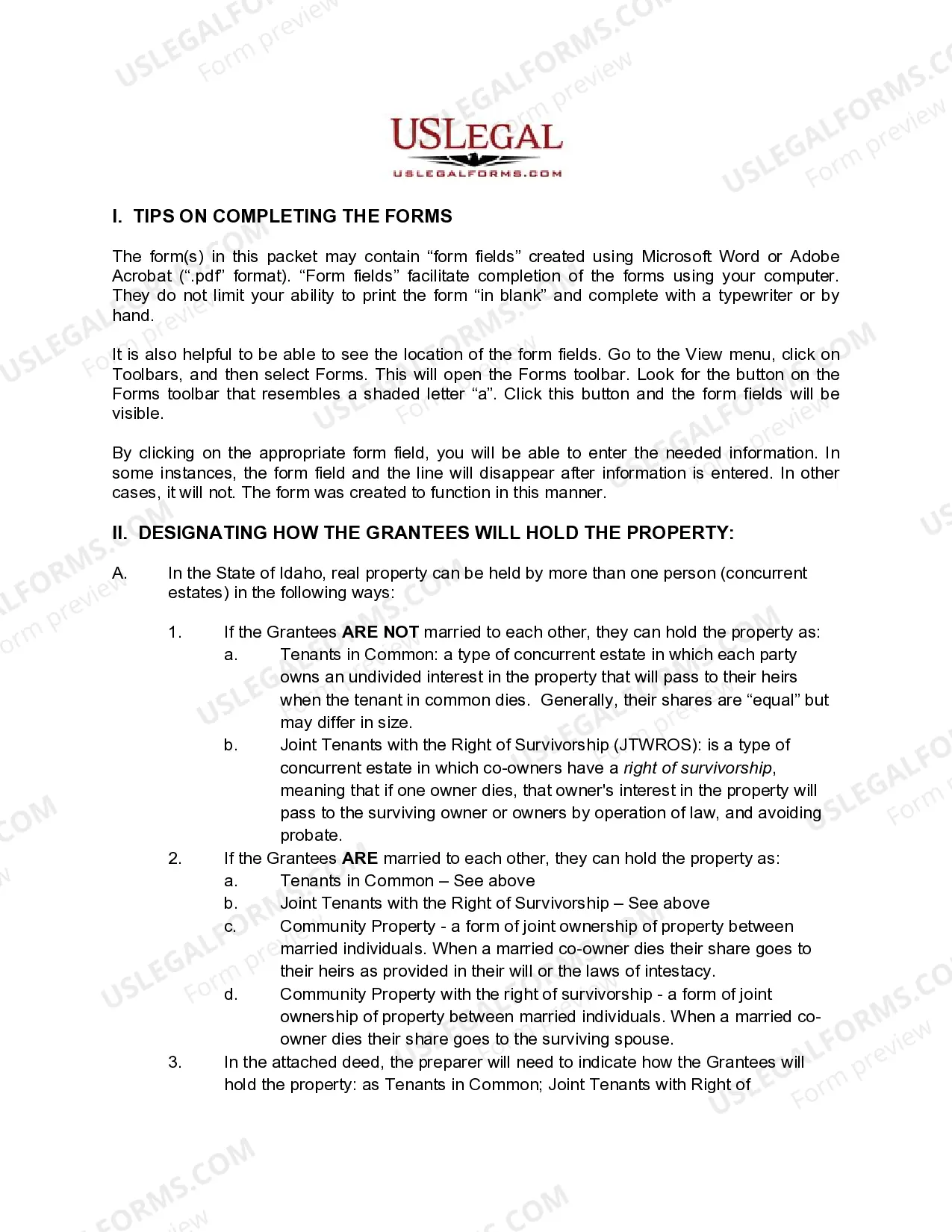
- Specification of how Grantees will hold the property (e.g., tenants in common or joint tenants with right of survivorship).
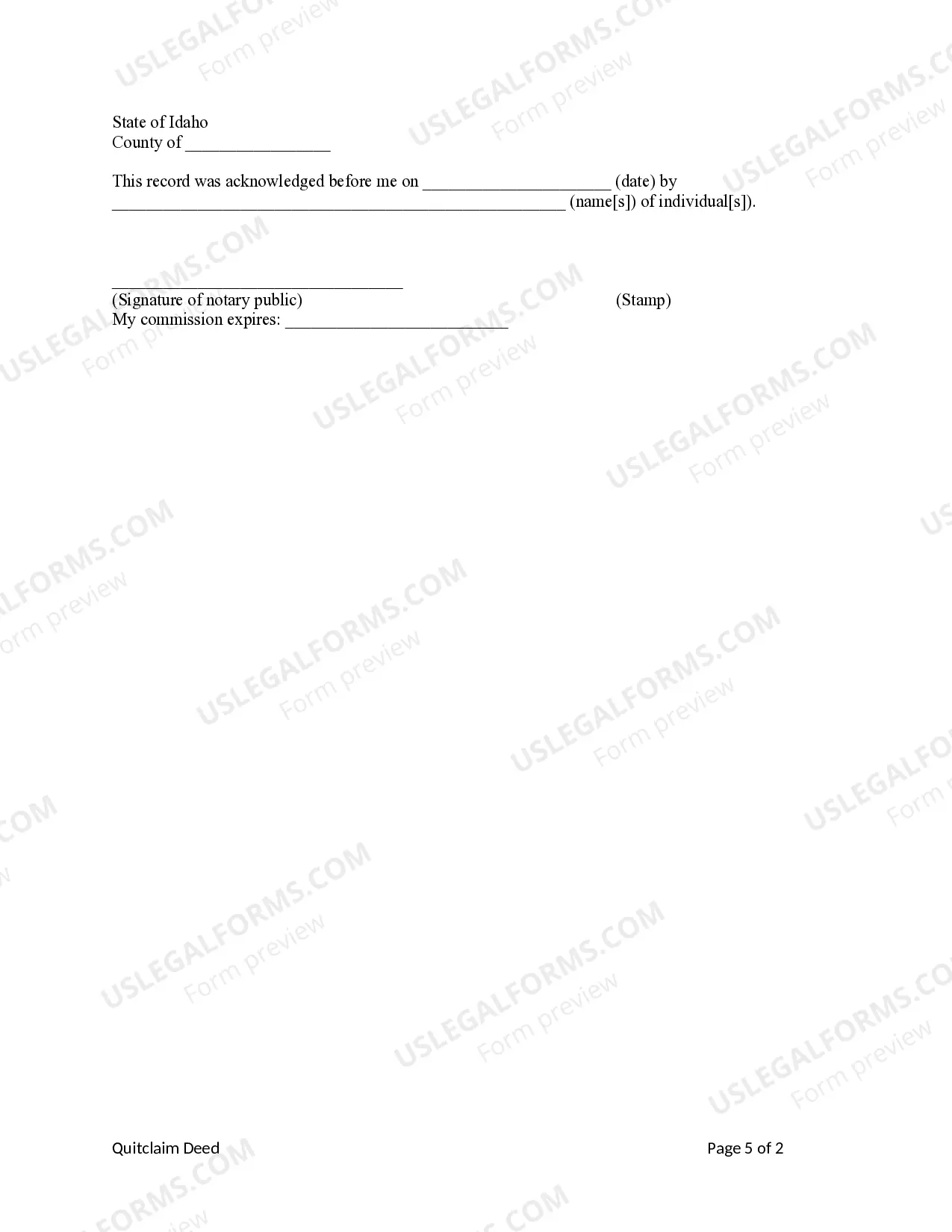
- Signature lines for the Grantor and space for notarization.

Common use cases
This quitclaim deed is typically used when an individual wants to transfer their ownership interest in a property to four other parties. Situations may include family property transfers, adding others to property ownership, or resolving real estate disputes without complicating the title. It is particularly useful when the Grantor is unsure about the validity of their title and wants to avoid liability for any claims related to that title.
Who needs this form
- Individuals looking to transfer property ownership to family or friends.
- People handling estate settlements where property is transferred among heirs.
- Anyone needing to clarify property ownership among multiple parties.
- Real estate professionals assisting clients with simple property transfers.
Instructions for completing this form
- Identify the parties involved, including the Grantor and the four Grantees.
- Describe the property being transferred in detail, including legal address and identification numbers.
- Specify how the Grantees will hold the property (e.g., as tenants in common or joint tenants with right of survivorship).
- Sign and date the form in the presence of a notary public.
- Ensure all parties receive a copy of the executed deed for their records.
Notarization requirements for this form
Yes, this form must be notarized to be legally valid. Notarization serves as a verification of the identities of those signing the deed, ensuring that the transfer is legitimate. US Legal Forms offers integrated online notarization services 24/7, allowing for secure video calls with a notary without the need for in-person travel.
Get your form ready online
Our built-in tools help you complete, sign, share, and store your documents in one place.
Make edits, fill in missing information, and update formatting in US Legal Forms—just like you would in MS Word.
Download a copy, print it, send it by email, or mail it via USPS—whatever works best for your next step.
Sign and collect signatures with our SignNow integration. Send to multiple recipients, set reminders, and more. Go Premium to unlock E-Sign.
If this form requires notarization, complete it online through a secure video call—no need to meet a notary in person or wait for an appointment.
We protect your documents and personal data by following strict security and privacy standards.

Make edits, fill in missing information, and update formatting in US Legal Forms—just like you would in MS Word.

Download a copy, print it, send it by email, or mail it via USPS—whatever works best for your next step.

Sign and collect signatures with our SignNow integration. Send to multiple recipients, set reminders, and more. Go Premium to unlock E-Sign.

If this form requires notarization, complete it online through a secure video call—no need to meet a notary in person or wait for an appointment.

We protect your documents and personal data by following strict security and privacy standards.
Avoid these common issues
- Failing to accurately describe the property being transferred.
- Not specifying how the Grantees will hold the property.
- Incomplete or incorrect signatures from the Grantor or notary.
- Not providing copies of the executed deed to all parties involved.
Benefits of completing this form online
- Convenient access to the form anytime and anywhere with an internet connection.
- Editable fields allow users to complete the form easily on a computer.
- Reliable templates created by licensed attorneys ensure legal compliance.
- Immediate access to printable formats for in-person filing if necessary.
Key takeaways
- The Quitclaim Deed allows for the transfer of property interest without title warranties.
- Understanding how the Grantees will hold the property is crucial for legal clarity.
- Completing the form correctly is important to avoid common mistakes and ensures smooth property transfer.
Looking for another form?
Form popularity
FAQ
Updated November 9, 2020. Quitclaim deeds in Idaho allow a property's owner, known as a grantor, to convey rights and interest in a property to someone else, known as a grantee, without any guarantees.
But you might be wondering if an owner can transfer a deed to another person without a real estate lawyer. The answer is yes. Parties to a transaction are always free to prepare their own deeds.A quitclaim deed, for example, is far simpler than a warranty deed.
Discuss property ownership interests. Access a copy of your title deed. Complete, review and sign the quitclaim or warranty form. Submit the quitclaim or warranty form. Request a certified copy of your quitclaim or warranty deed.
It's usually a very straightforward transaction, but it's possible for a quitclaim deed to be challenged. If a quitclaim deed is challenged in court, the issue becomes whether the property was legally transferred and if the grantor had the legal right to transfer the property.
Enter the full name of the Grantor (seller) AND. Enter the name(s) of the Grantee(s) (buyer(s)) Address. Legal description of the property. Enter the name of the County where the property is situated.
A person who signs a quitclaim deed to transfer property they do not own results in no title at all being transferred since there is no actual ownership interest. The quitclaim deed only transfers the type of title you own.
To use a Quitclaim Deed to add someone to a property deed or title, you would need to create a Quitclaim Deed and list all of the current owners in the grantor section. In the grantee section, you would list all of the current owners as well as the person you would like to add.