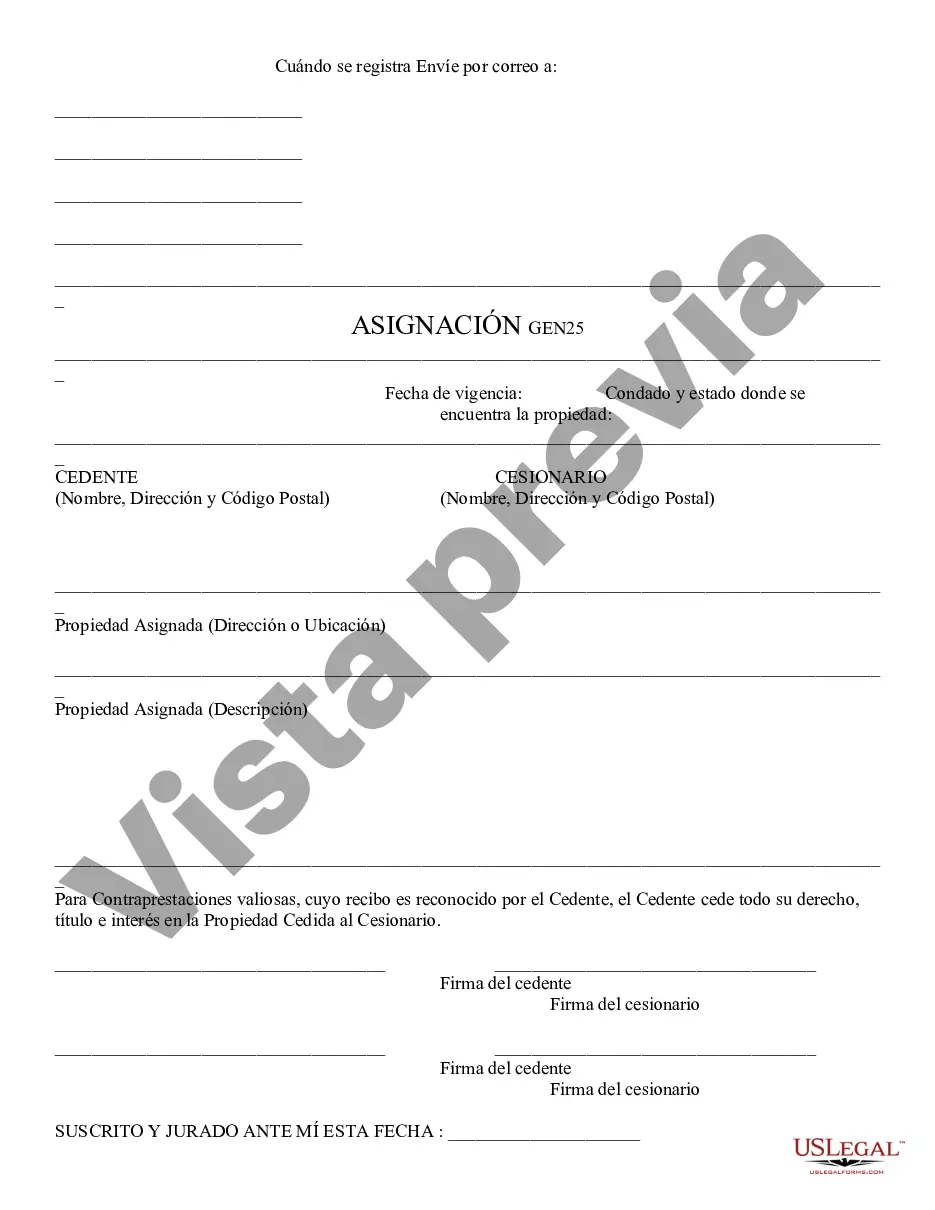
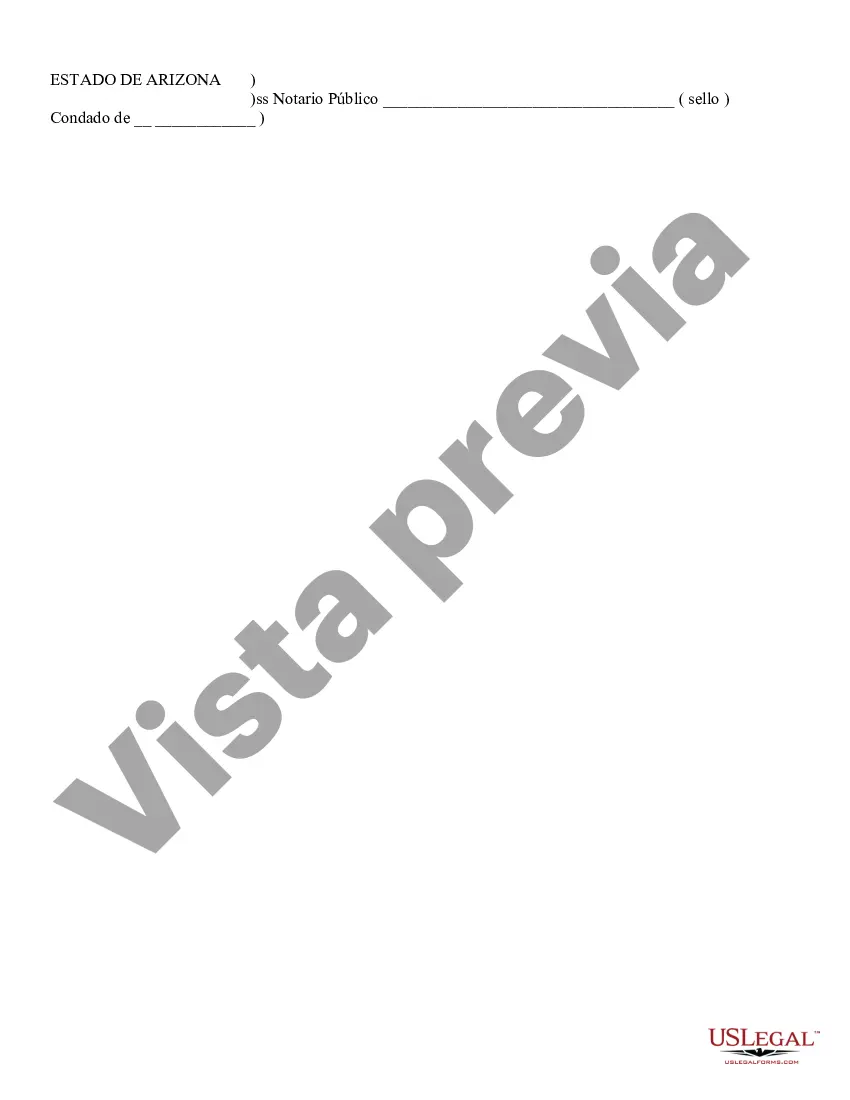
Assignment - Generic: This Assignment is very general and lists the two people involved, ie the assignor and assignee. It further lists what in fact is being assigned, ie property rights, employment, etc. This form must be signed by both parties in front of a Notary Public. This form is available in both Word and Rich Text formats.
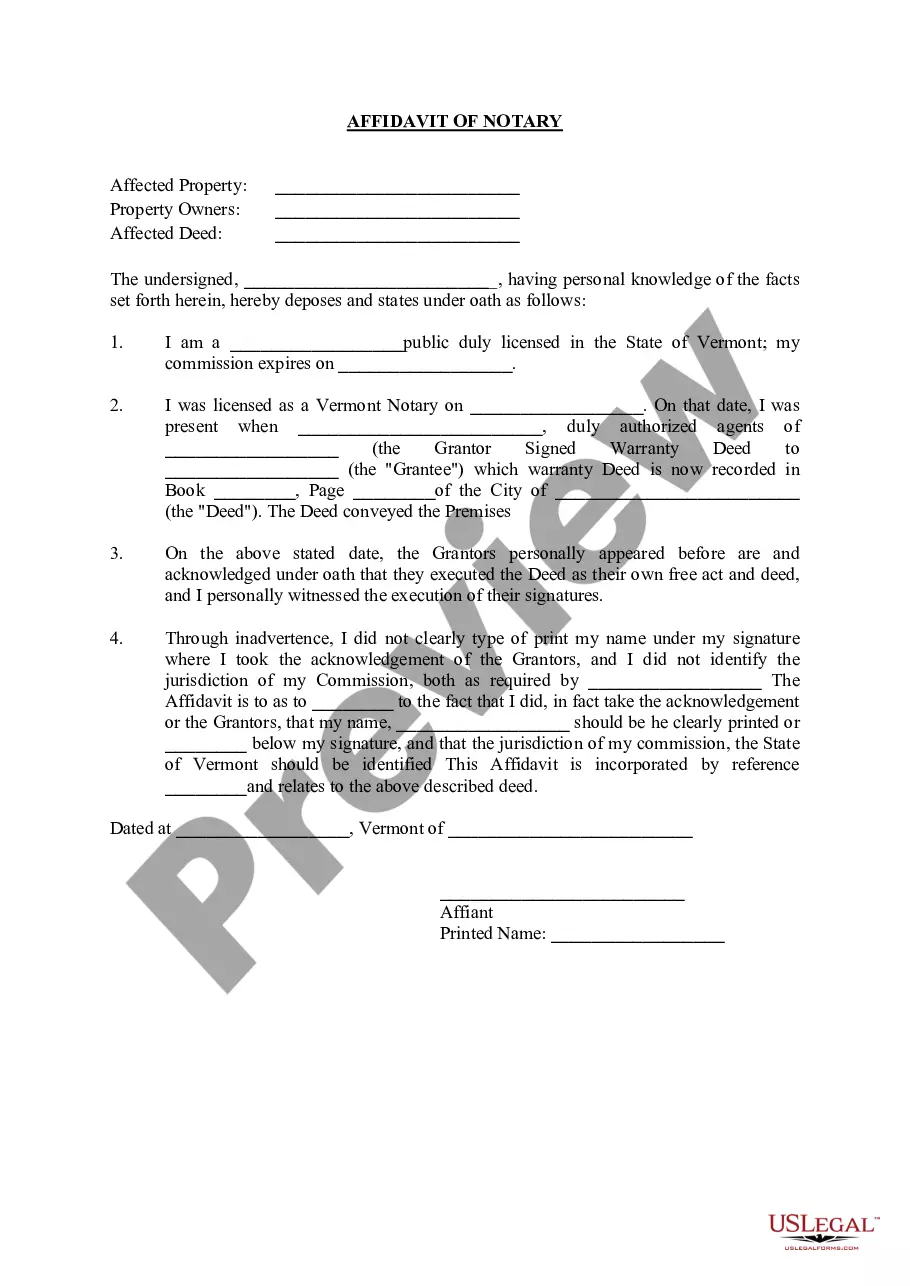
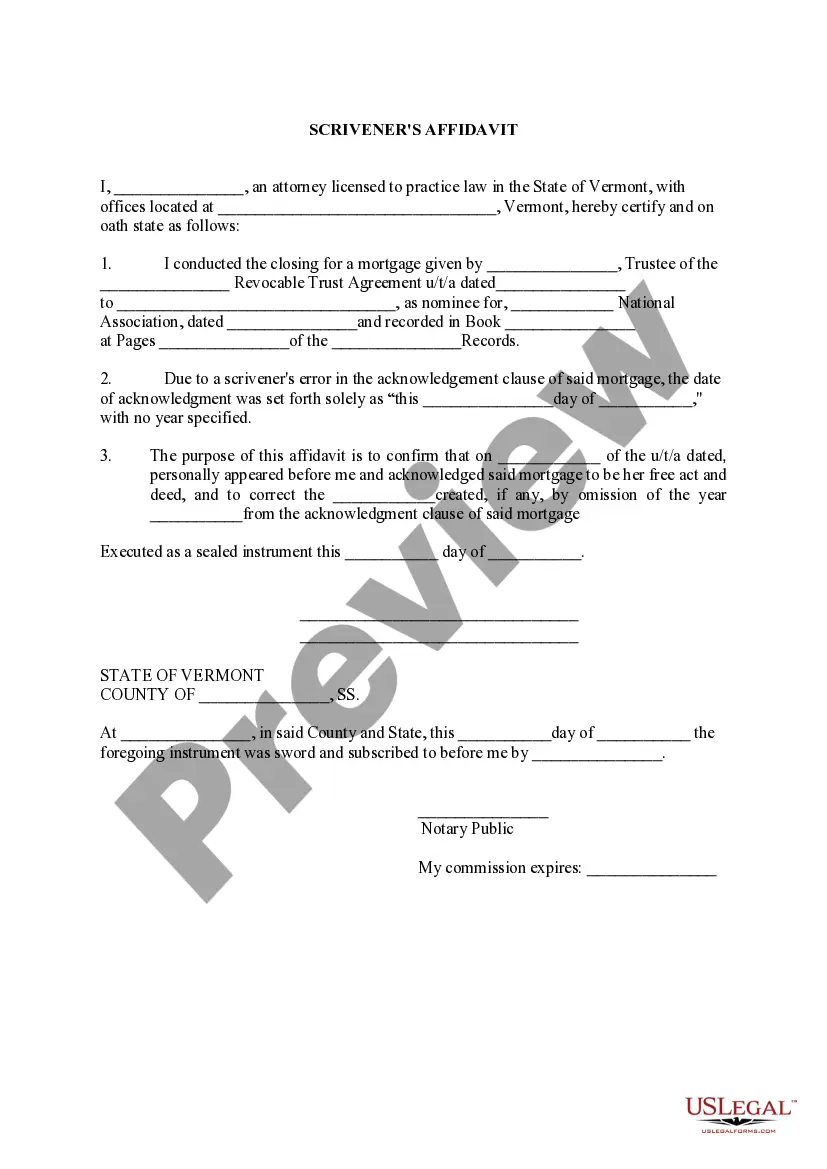
Para su conveniencia, debajo del texto en español le brindamos la versión completa de este formulario en inglés. For your convenience, the complete English version of this form is attached below the Spanish version.Trabajo - Genérico - Arizona Assignment - Generic
62 downloads
Description
Free preview

Get your form ready online
Our built-in tools help you complete, sign, share, and store your documents in one place.
Built-in online Word editor
Make edits, fill in missing information, and update formatting in US Legal Forms—just like you would in MS Word.
Export easily
Download a copy, print it, send it by email, or mail it via USPS—whatever works best for your next step.
E-sign your document
Sign and collect signatures with our SignNow integration. Send to multiple recipients, set reminders, and more. Go Premium to unlock E-Sign.
Notarize online 24/7
If this form requires notarization, complete it online through a secure video call—no need to meet a notary in person or wait for an appointment.
Store your document securely
We protect your documents and personal data by following strict security and privacy standards.

Make edits, fill in missing information, and update formatting in US Legal Forms—just like you would in MS Word.

Download a copy, print it, send it by email, or mail it via USPS—whatever works best for your next step.

Sign and collect signatures with our SignNow integration. Send to multiple recipients, set reminders, and more. Go Premium to unlock E-Sign.

If this form requires notarization, complete it online through a secure video call—no need to meet a notary in person or wait for an appointment.

We protect your documents and personal data by following strict security and privacy standards.
Looking for another form?
How to fill out Arizona Asignación - Genérica?
If you're attempting to locate accurate Arizona Assignment - Generic examples, US Legal Forms is exactly what you require; discover documents created and verified by state-certified attorneys.
Utilizing US Legal Forms not only shields you from issues related to legal documents; furthermore, you conserve time, effort, and money! Downloading, printing, and completing a professional template is significantly more economical than hiring an attorney to do it for you.
And that’s it. With just a few simple clicks, you have an editable Arizona Assignment - Generic. Once you establish your account, all future requests will be processed with even greater ease. After obtaining a US Legal Forms subscription, simply Log In to your account and click the Download option available on the form’s page. Then, when you need to use this template again, you'll always find it in the My documents section. Don’t waste your time sifting through numerous forms on various websites. Purchase official copies from one reliable platform!
- To begin, complete your registration process by entering your email and creating a password.
- Follow the instructions below to set up your account and find the Arizona Assignment - Generic template to address your needs.
- Utilize the Preview option or review the document description (if available) to ensure that the sample is what you seek.
- Verify its applicability in your location.
- Click on Buy Now to place your order.
- Choose a preferred pricing plan.
- Create your account and pay using your credit card or PayPal.
- Select a suitable file format and download the document.
Form popularity
FAQ
Para hacer una Nota de Modificacion Presupuestaria, se debe ingresar al MA³dulo de Proceso Presupuestario, en la pestaA±a Registro, opciA³n ModificaciA³n Presupuestal, y Nota de ModificaciA³n Presupuestal. Abre la ventana correspondiente, y damos clic a la opciA³n Crear.
El Modulo de Procesos Presupuestarios, es la herramienta a travA©s del cual se recibe la ProgramaciA³n de Compromisos Anuales PCA, se Distribuye del Pliego al Distrito (Unidad Ejecutora) y se Prioriza para la EjecuciA³n en el MA³dulo Administrativo.
Nota Modificatoria Presupuestaria: Es el documento que sustenta y genera la Modificacion Presupuestaria, cuyo modelo y generaciA³n del mismo se da a travA©s del Aplicativo Proceso Presupuestario.
Para inicializar una lista en C#, es tan sencillo como utilizar la keyword List, seguido del tipo de dato que va a contener dicha lista entre los simbolos <>. A continuaciA³n, debemos utilizar el constructor de List como si de cualquier otro objeto C# se tratase.
Obtenga el ultimo elemento de una lista con el mA©todo LINQ en C. El LINQ se utiliza para realizar operaciones de consulta en estructuras de datos en C#. La funciA³n Last() dentro de LINQ obtiene el Aºltimo elemento de una estructura de datos. Podemos usar la funciA³n Last() para obtener el Aºltimo elemento de nuestra lista
Este modulo apoya la elaboraciA³n del presupuesto y controla los compromisos de gasto, estableciendo topes de gasto para cada Unidad Ejecutora (UE), y mantiene el presupuesto actualizado y ajustado, de manera que al terminar el aA±o fiscal las cuentas cierren adecuadamente.
Obtenga el ultimo elemento de una lista con el mA©todo LINQ en C. El LINQ se utiliza para realizar operaciones de consulta en estructuras de datos en C#. La funciA³n Last() dentro de LINQ obtiene el Aºltimo elemento de una estructura de datos. Podemos usar la funciA³n Last() para obtener el Aºltimo elemento de nuestra lista
Este modulo apoya la elaboraciA³n del presupuesto y controla los compromisos de gasto, estableciendo topes de gasto para cada Unidad Ejecutora (UE), y mantiene el presupuesto actualizado y ajustado, de manera que al terminar el aA±o fiscal las cuentas cierren adecuadamente.
Glosario de Presupuesto Publico - Modificaciones presupuestarias. Constituyen cambios en los crA©ditos presupuestarios, tanto en su cuantAa como en el nivel Institucional (crA©ditos suplementarios y transferencias de partidas) y, en su caso, a nivel funcional programA¡tico (habilitaciones y anulaciones).