Washington Power Attorney With Apostille
Description
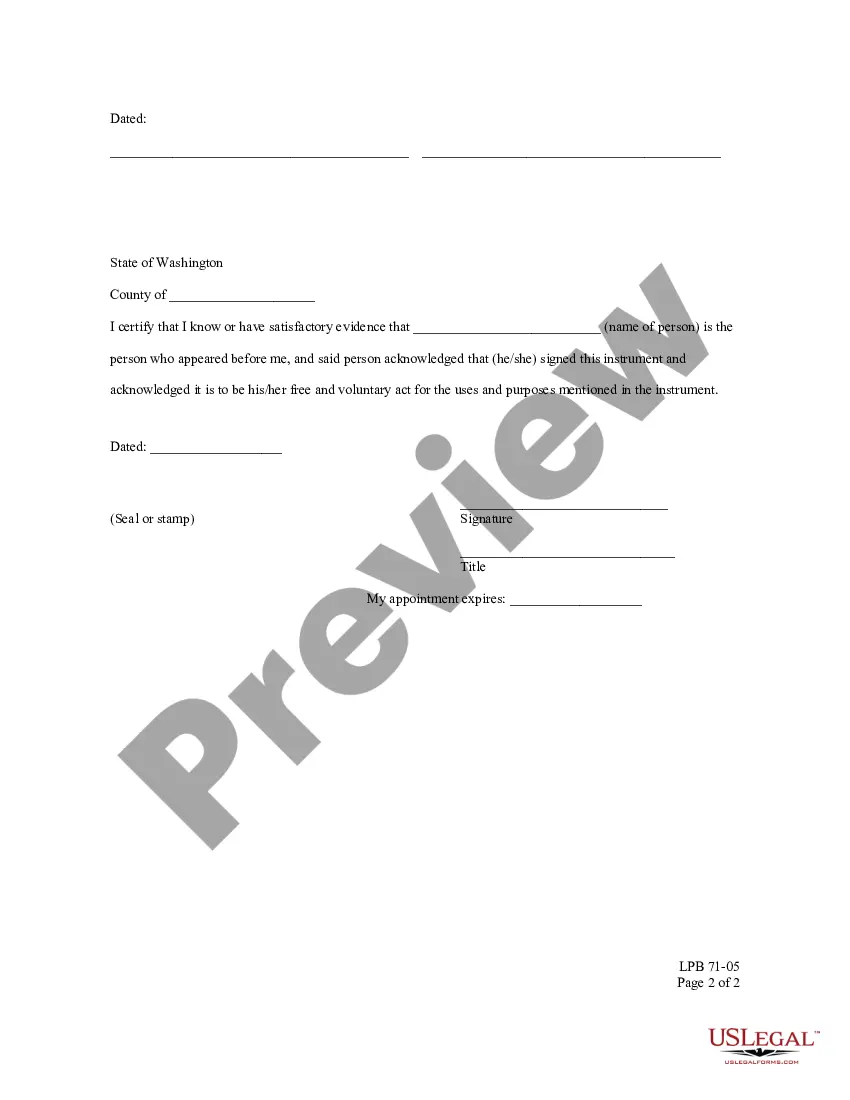
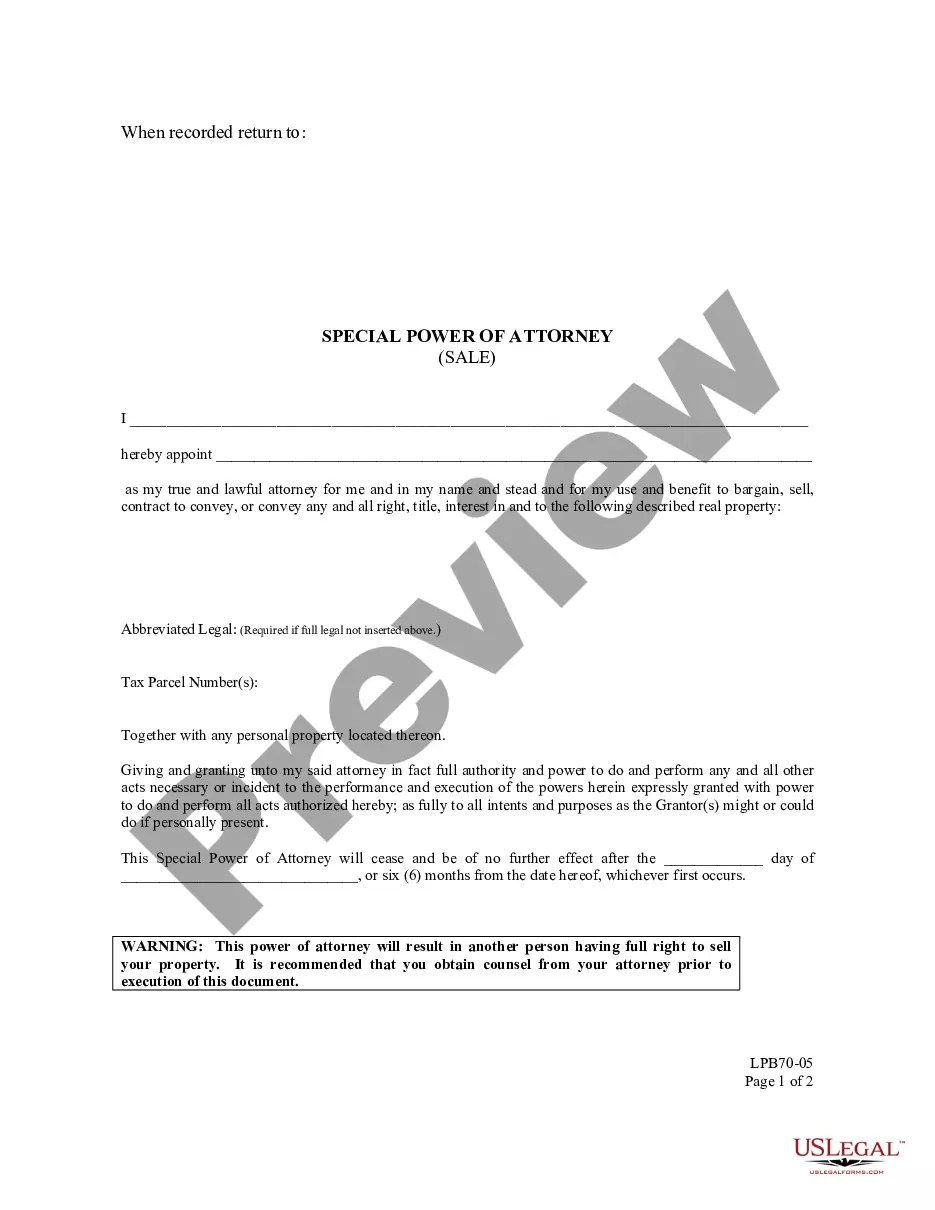
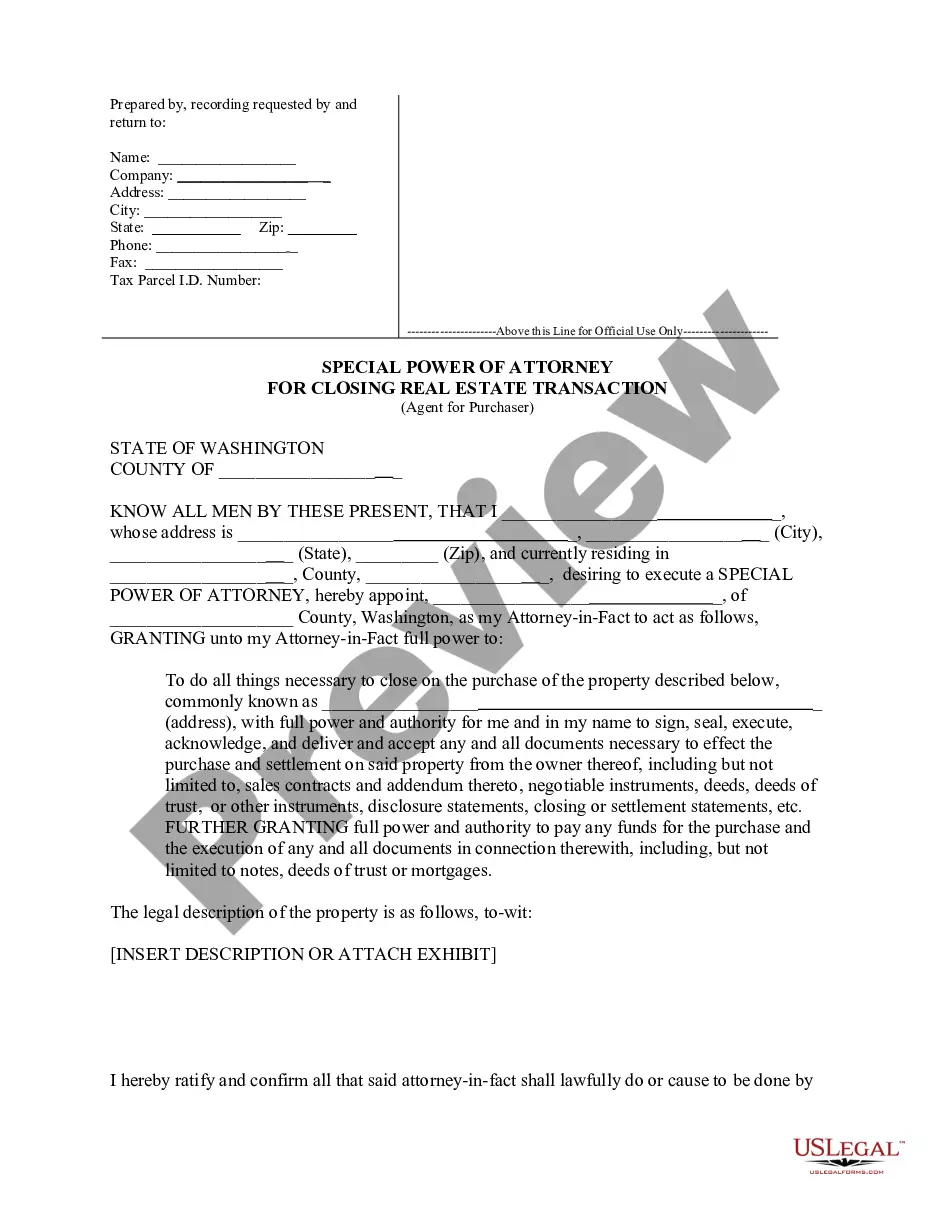
Get your form ready online
Our built-in tools help you complete, sign, share, and store your documents in one place.
Make edits, fill in missing information, and update formatting in US Legal Forms—just like you would in MS Word.
Download a copy, print it, send it by email, or mail it via USPS—whatever works best for your next step.
Sign and collect signatures with our SignNow integration. Send to multiple recipients, set reminders, and more. Go Premium to unlock E-Sign.
If this form requires notarization, complete it online through a secure video call—no need to meet a notary in person or wait for an appointment.
We protect your documents and personal data by following strict security and privacy standards.

Make edits, fill in missing information, and update formatting in US Legal Forms—just like you would in MS Word.

Download a copy, print it, send it by email, or mail it via USPS—whatever works best for your next step.

Sign and collect signatures with our SignNow integration. Send to multiple recipients, set reminders, and more. Go Premium to unlock E-Sign.

If this form requires notarization, complete it online through a secure video call—no need to meet a notary in person or wait for an appointment.

We protect your documents and personal data by following strict security and privacy standards.
Looking for another form?




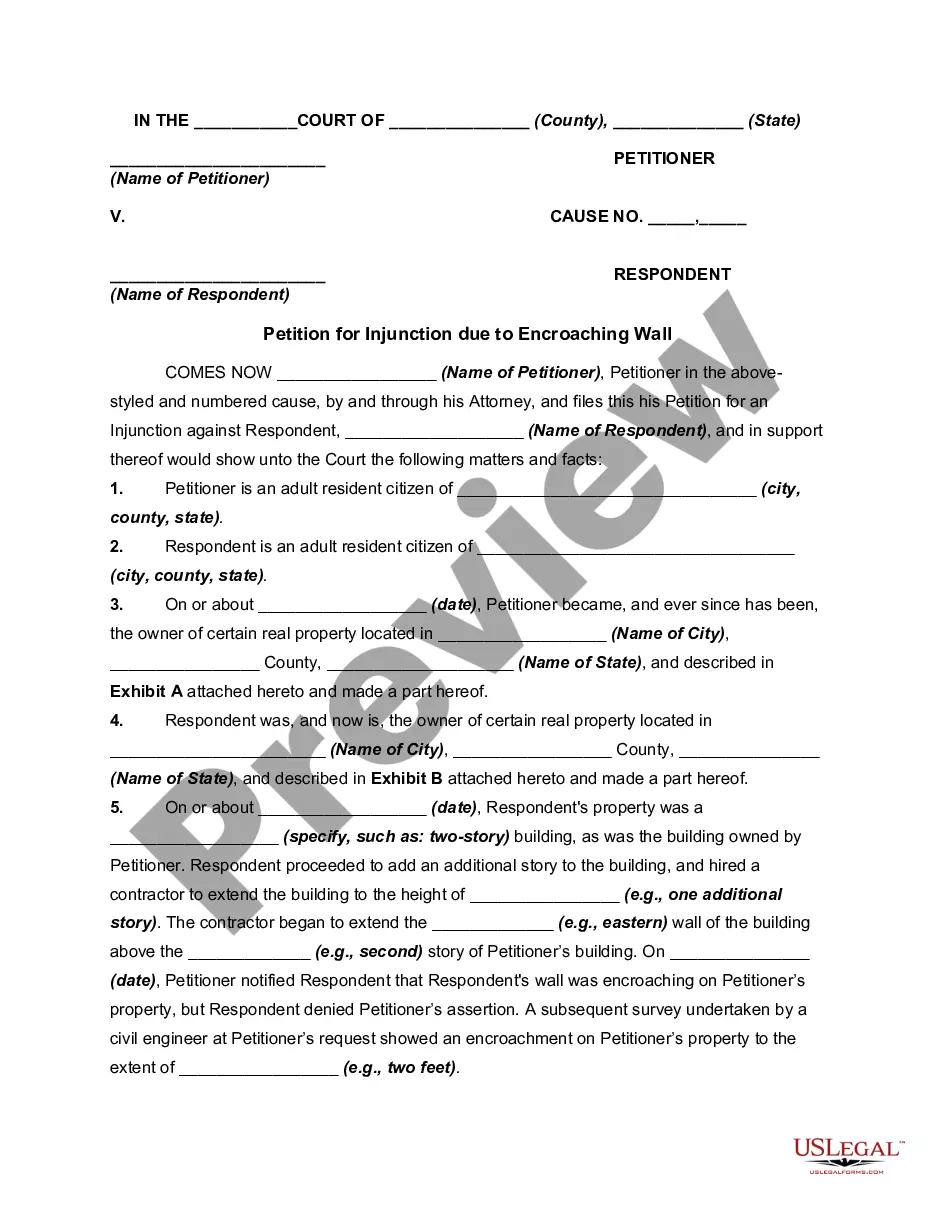


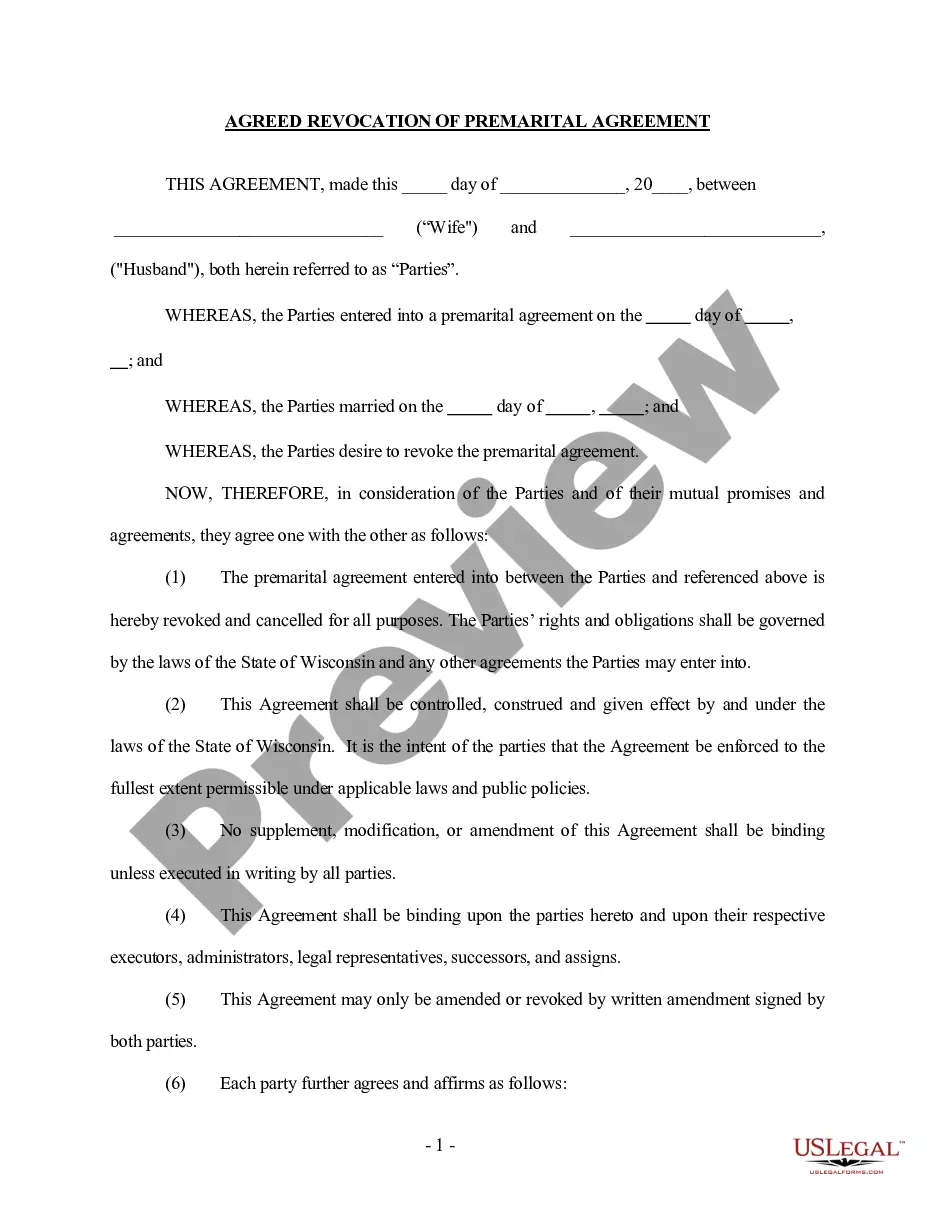
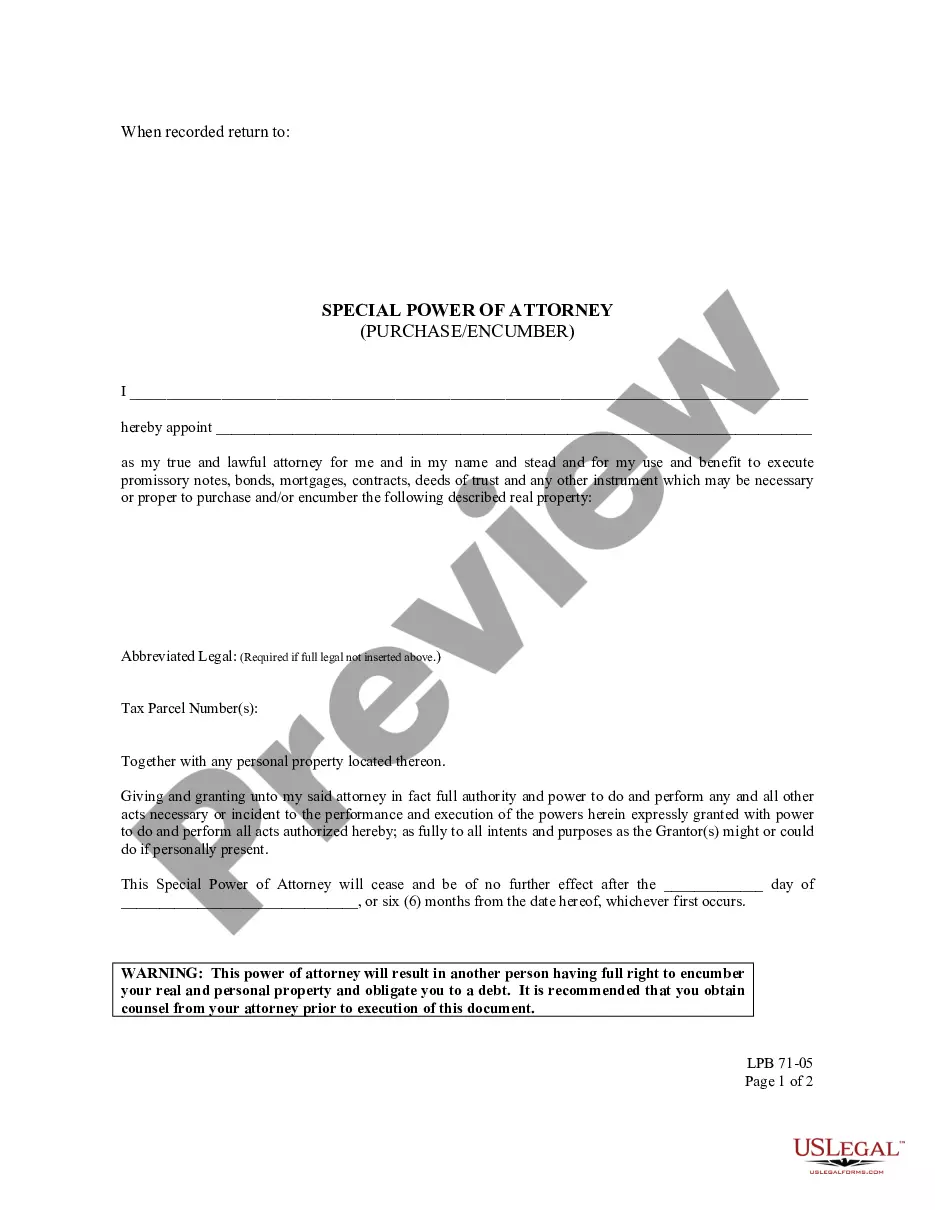
How to fill out Washington Special Power Of Attorney - Purchase - Encumber?
There's no longer a necessity to waste time searching for legal documents to adhere to your local state laws.
US Legal Forms has gathered them all in a single location and simplified their availability.
Our platform offers over 85k templates for any business and personal legal matters categorized by state and area of application.
Utilize the search bar above to find another sample if the current one does not suit your needs. Click Buy Now next to the template name when you discover the correct one. Choose the most appropriate pricing plan and create an account or Log In. Make payment for your subscription using a card or through PayPal to proceed. Select the file format for your Washington Power Attorney With Apostille and download it to your device. Print your form to complete it by hand or upload the document if you prefer to fill it out in an online editor. Preparing official documents in compliance with federal and state regulations is quick and easy with our library. Try US Legal Forms today to keep your paperwork organized!
- All forms are expertly drafted and validated for authenticity, ensuring you can confidently obtain a current Washington Power Attorney With Apostille.
- If you are acquainted with our platform and already possess an account, ensure your subscription is active before retrieving any templates.
- Log In to your account, select the document, and click Download.
- You can also access all acquired documents anytime by navigating to the My documents tab in your profile.
- If you've never interacted with our platform before, the procedure will require a few more steps to finalize.
- Here's how new users can locate the Washington Power Attorney With Apostille in our catalog.
- Thoroughly examine the page content to confirm it contains the sample you need.
- To accomplish this, utilize the form description and preview options if available.
Form popularity
FAQ
An apostille stamp is generally added to a power of attorney after it has been notarised. Different countries need different levels of legalisation for documents some may just need a notary signature on the power of attorney for it to be legal, while others will need an apostille stamp from the FCO.
To obtain an apostille you must send the following information:Fee is $15.00 per document (a document can be more than one page).Make check or money order payable in U.S. dollars (USD) to: Secretary of State.Apostille or Certificate of Authentication Request Form, which includes:
Requirements in getting an Apostille for your Philippine DocumentsAuthentication Form you can print this ahead or get it at the DFA Office.Original and Photocopy of your ID the person contacting the DFA.Digitized Government Issued ID with signature.30-Jan-2021
In order to apostille your power of attorney, you must mail in the original notarized copy to our office for processing. A power of attorney can only be authenticated from the State the documents were notarized in. The notary must be commissioned and use proper notarial wording for their State.