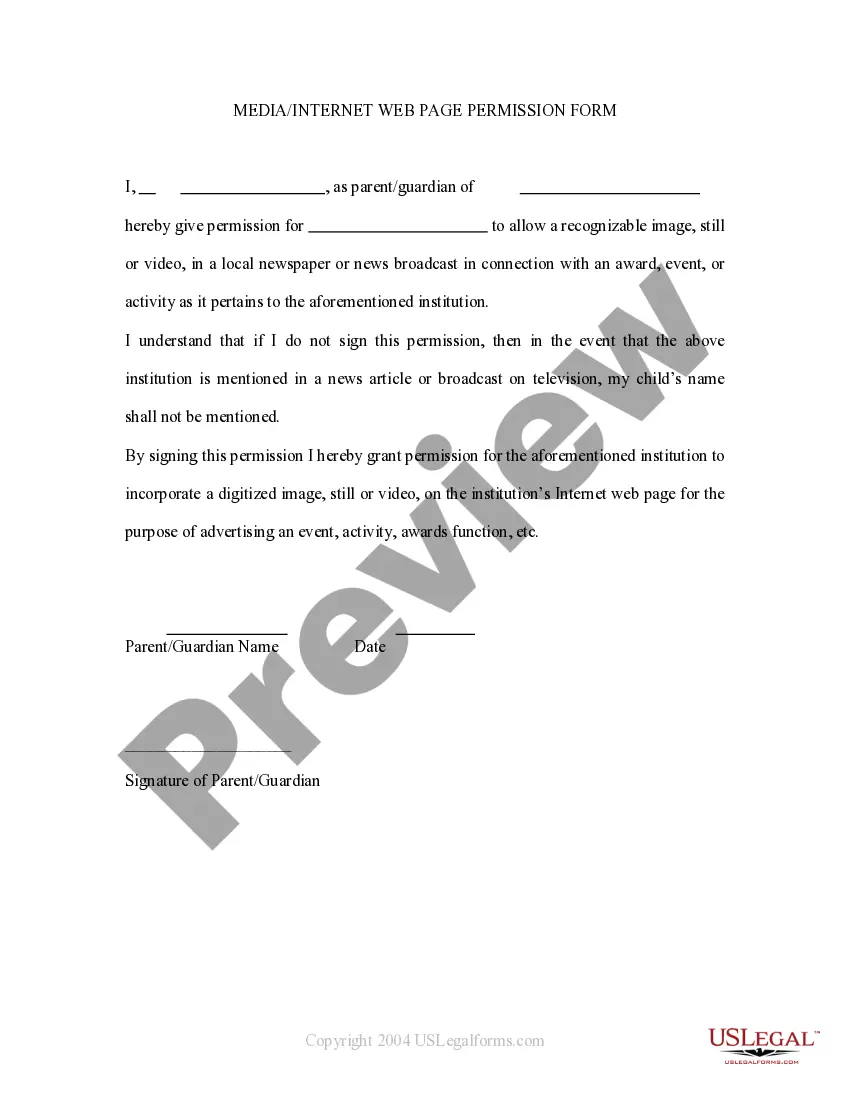
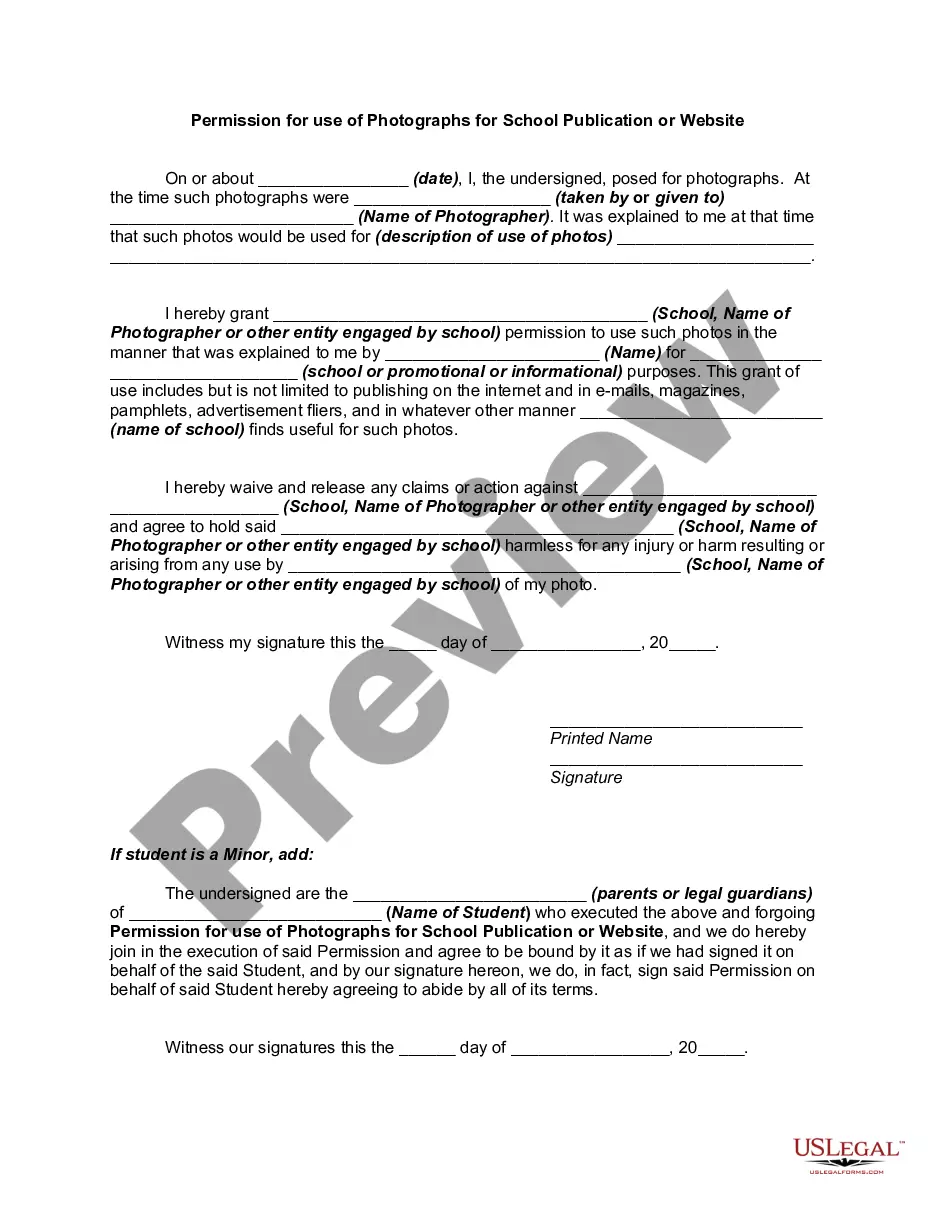
Media Permission Form With Pictures
Description
Get your form ready online
Our built-in tools help you complete, sign, share, and store your documents in one place.
Make edits, fill in missing information, and update formatting in US Legal Forms—just like you would in MS Word.
Download a copy, print it, send it by email, or mail it via USPS—whatever works best for your next step.
Sign and collect signatures with our SignNow integration. Send to multiple recipients, set reminders, and more. Go Premium to unlock E-Sign.
If this form requires notarization, complete it online through a secure video call—no need to meet a notary in person or wait for an appointment.
We protect your documents and personal data by following strict security and privacy standards.

Make edits, fill in missing information, and update formatting in US Legal Forms—just like you would in MS Word.

Download a copy, print it, send it by email, or mail it via USPS—whatever works best for your next step.

Sign and collect signatures with our SignNow integration. Send to multiple recipients, set reminders, and more. Go Premium to unlock E-Sign.

If this form requires notarization, complete it online through a secure video call—no need to meet a notary in person or wait for an appointment.

We protect your documents and personal data by following strict security and privacy standards.
Looking for another form?

How to fill out Media - Internet Web Page Permission Form?
Dealing with legal documents and protocols can be a lengthy addition to your schedule.
Media Permission Form With Pictures and similar forms generally require you to locate them and figure out how to fill them out efficiently.
Consequently, whether you are managing financial, legal, or personal issues, having a comprehensive and practical online collection of forms at your disposal will be extremely beneficial.
US Legal Forms is the premier online provider of legal templates, boasting over 85,000 state-specific documents and a range of resources to assist you in completing your forms swiftly.
Is this your first experience with US Legal Forms? Register and create your account in a few moments and you will get access to the form library and Media Permission Form With Pictures. Then, follow the instructions below to finish your form: Ensure you have identified the correct document using the Review feature and examining the document details. Choose Buy Now when ready, and select the subscription plan that suits your requirements. Click Download then fill out, eSign, and print the document. US Legal Forms has twenty-five years of experience assisting users in managing their legal documents. Find the form you need now and streamline any process without breaking a sweat.
- Browse the library of pertinent documents available with a single click.
- US Legal Forms offers state- and county-specific documents ready for download at any time.
- Protect your document management processes using a high-quality service that enables you to assemble any form in minutes without any additional or concealed fees.
- Simply Log In to your account, find Media Permission Form With Pictures, and obtain it immediately within the My documents section.
- You can also retrieve previously saved documents.
Form popularity
FAQ
To ensure the privacy of individuals and children, images will not be identified using full names or personal information without written approval from the photographed subject, parent or legal guardian.
'Please note that photographs and footage will be taken throughout [Event Name]. These will be used by the University for marketing and publicity in our publications, on our website and in social media or in any third party publication.
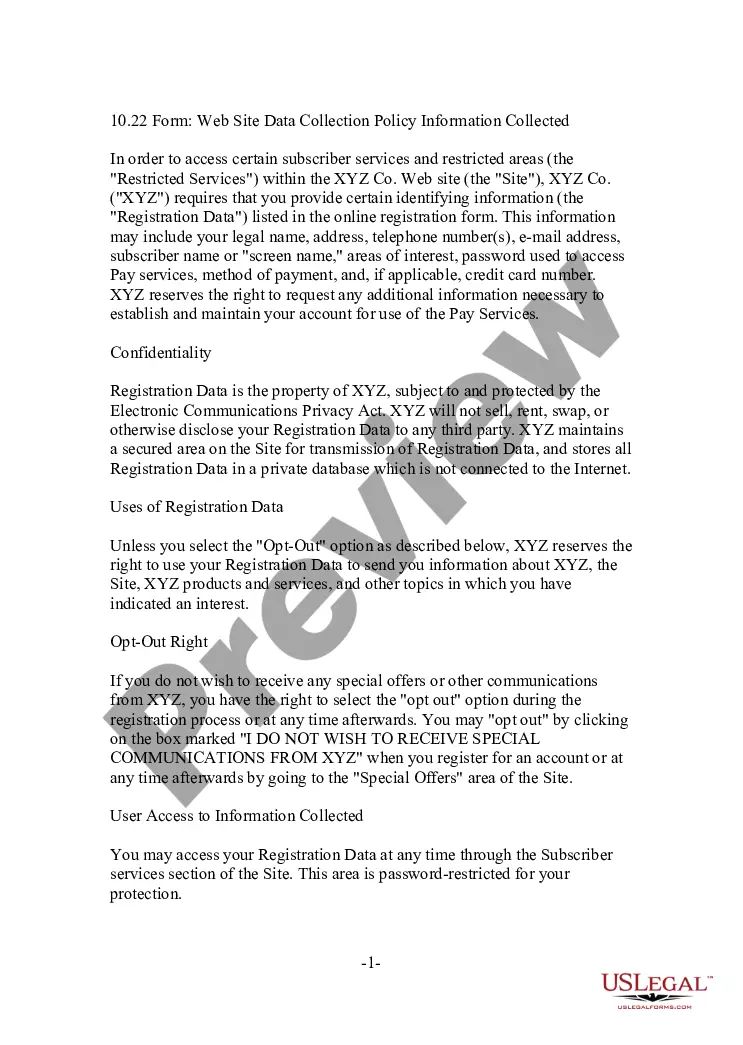
Requirements for publishing images If you wish to publish or sell the photo, however, you will need a signed photo release form that documents that permission was given by the subject, guardian of the subject, or the owner of the subject in the photo. Publish means that the photo will be used for promotional purposes.
The form, aside from granting permission to the requesting party, will include a description of the photo(s) being requested. A revocation clause is included to allow the individual providing consent to annul the authorization of use at any point in time.
The best thing to do is ask. If you like a photo, simply comment underneath it with your request. A simple comment like this gets the user to give consent, which is very important before sharing images.