We Have Accepted Your Request And Actively Dealing With It
Description
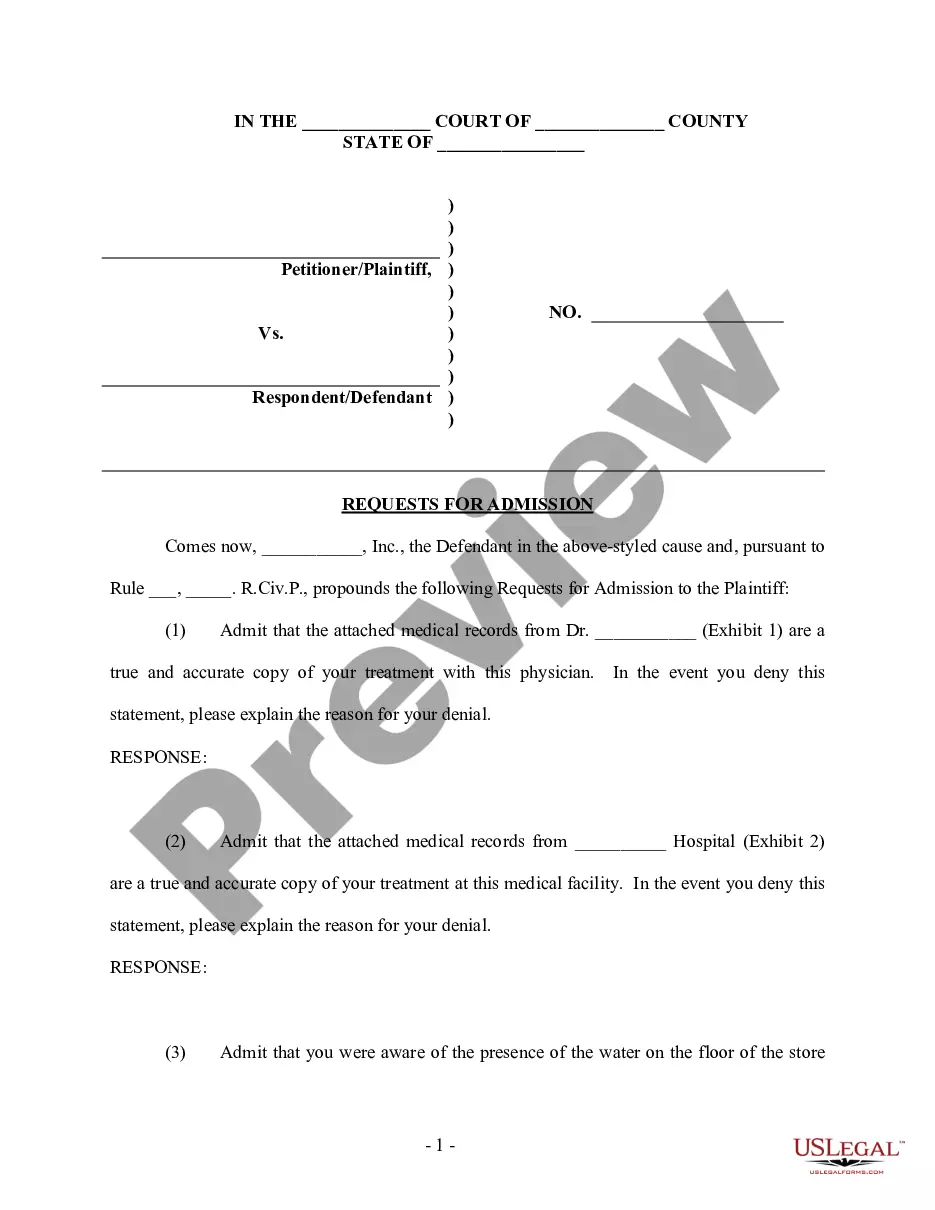
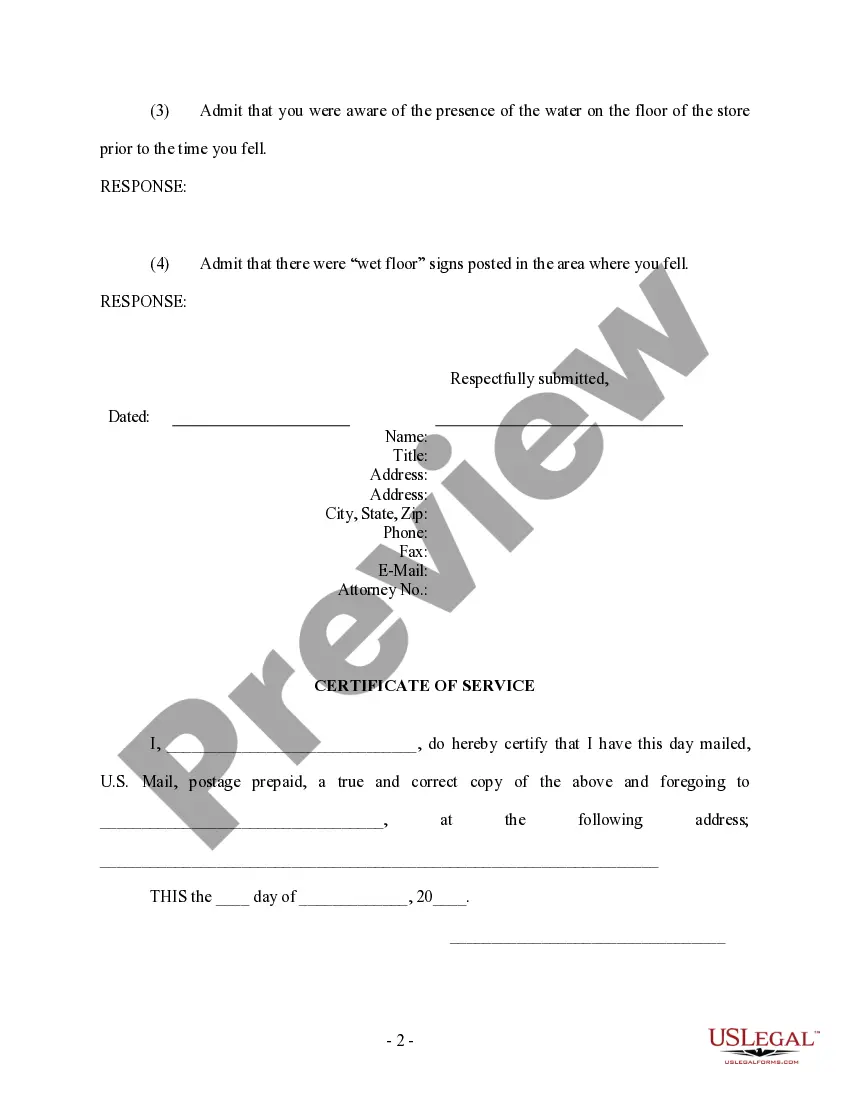
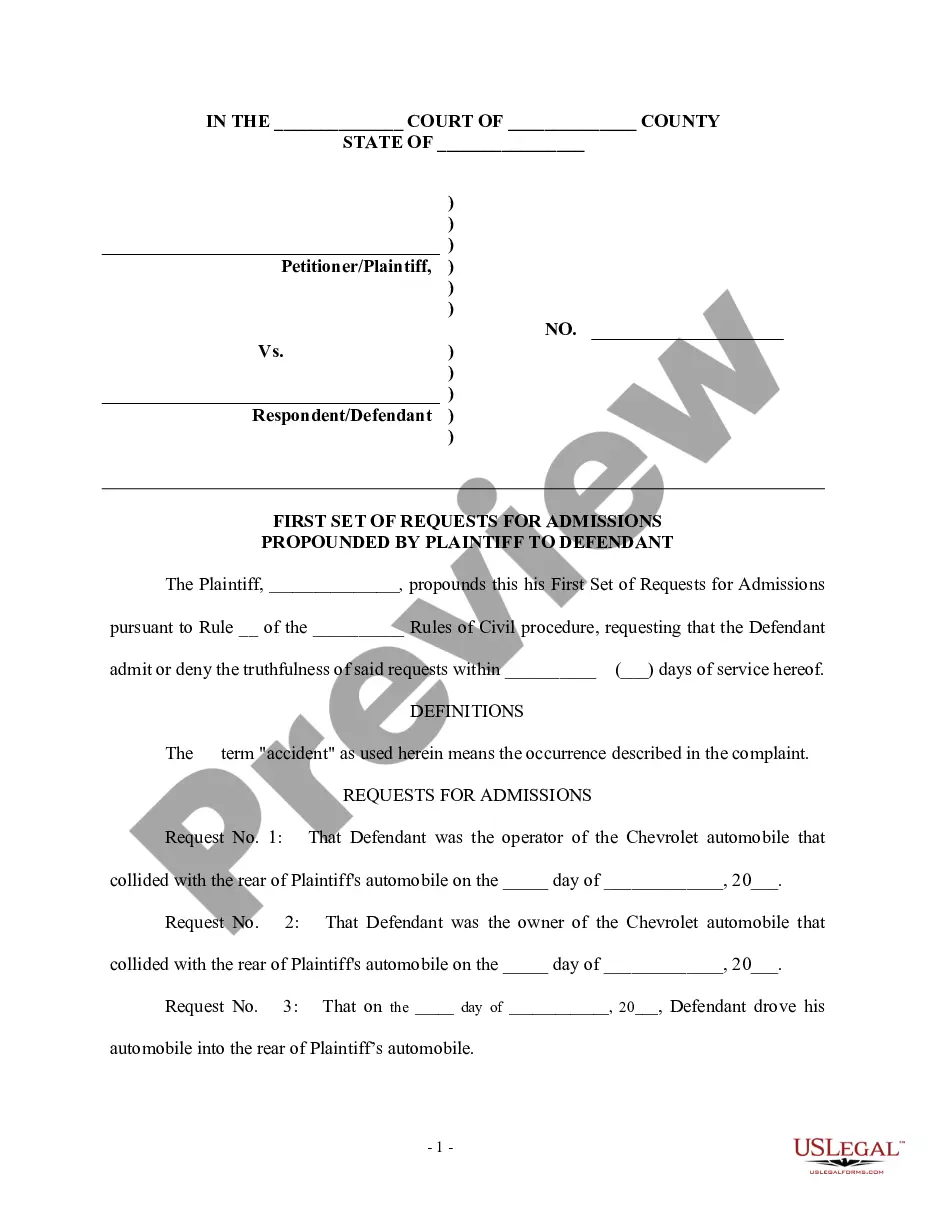
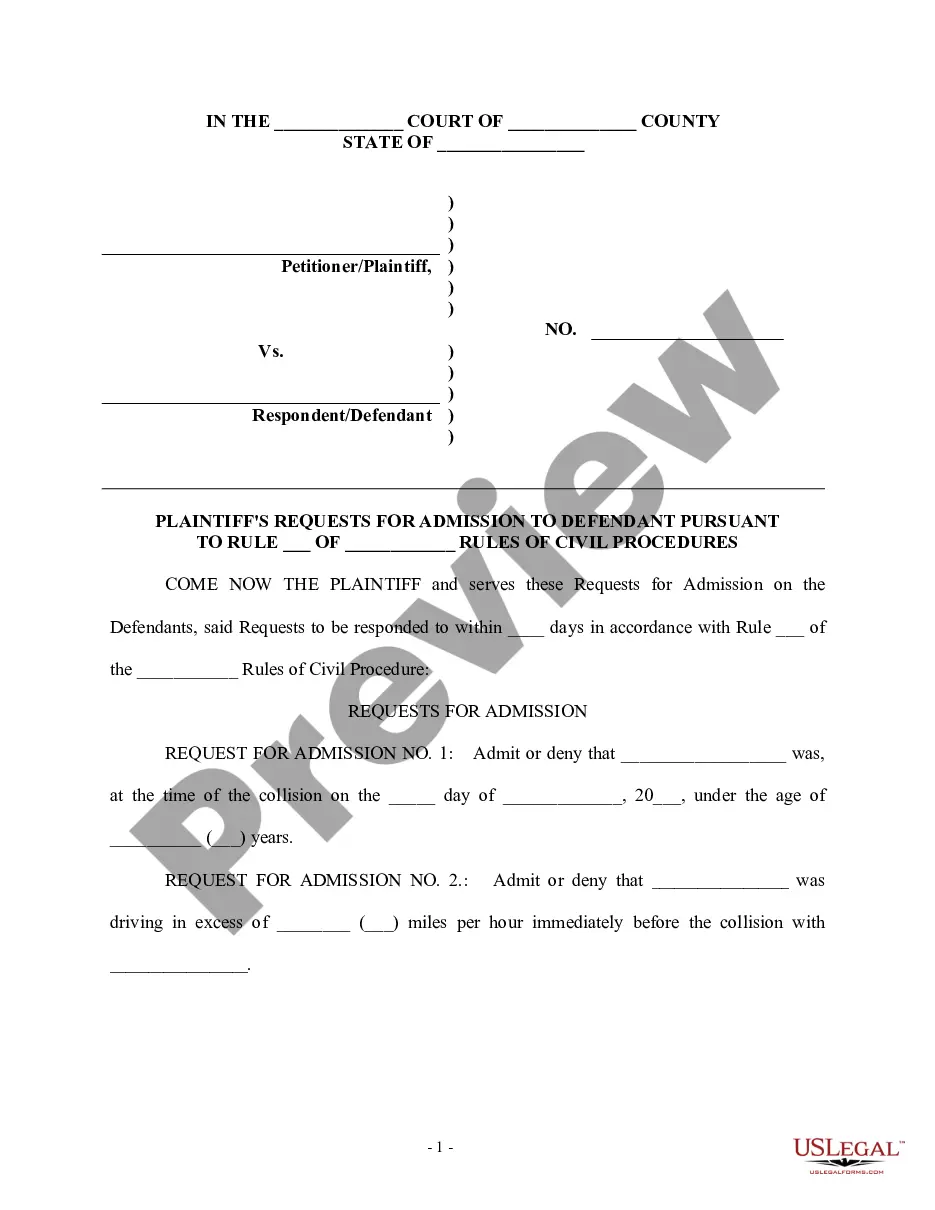
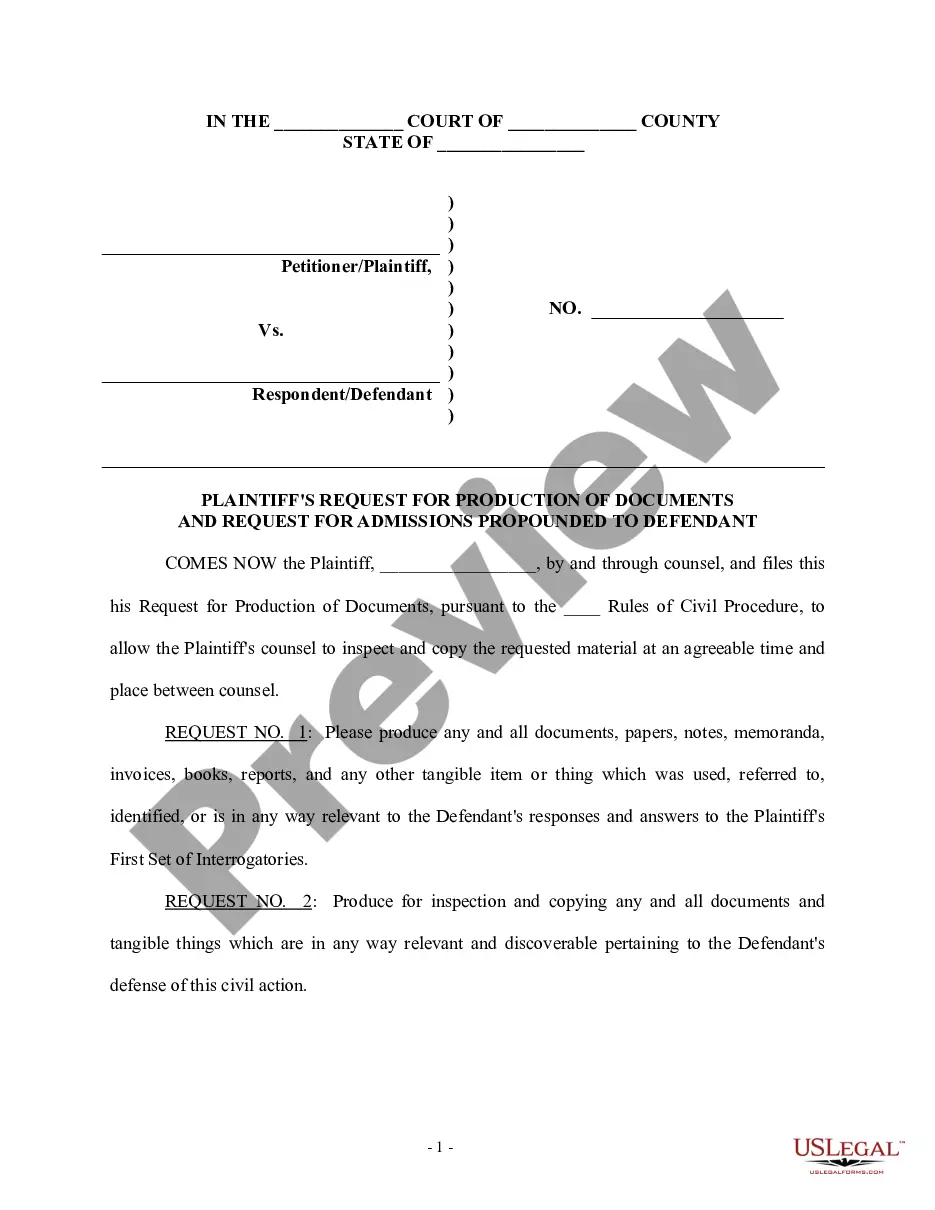
Get your form ready online
Our built-in tools help you complete, sign, share, and store your documents in one place.
Make edits, fill in missing information, and update formatting in US Legal Forms—just like you would in MS Word.
Download a copy, print it, send it by email, or mail it via USPS—whatever works best for your next step.
Sign and collect signatures with our SignNow integration. Send to multiple recipients, set reminders, and more. Go Premium to unlock E-Sign.
If this form requires notarization, complete it online through a secure video call—no need to meet a notary in person or wait for an appointment.
We protect your documents and personal data by following strict security and privacy standards.

Make edits, fill in missing information, and update formatting in US Legal Forms—just like you would in MS Word.

Download a copy, print it, send it by email, or mail it via USPS—whatever works best for your next step.

Sign and collect signatures with our SignNow integration. Send to multiple recipients, set reminders, and more. Go Premium to unlock E-Sign.

If this form requires notarization, complete it online through a secure video call—no need to meet a notary in person or wait for an appointment.

We protect your documents and personal data by following strict security and privacy standards.
Looking for another form?


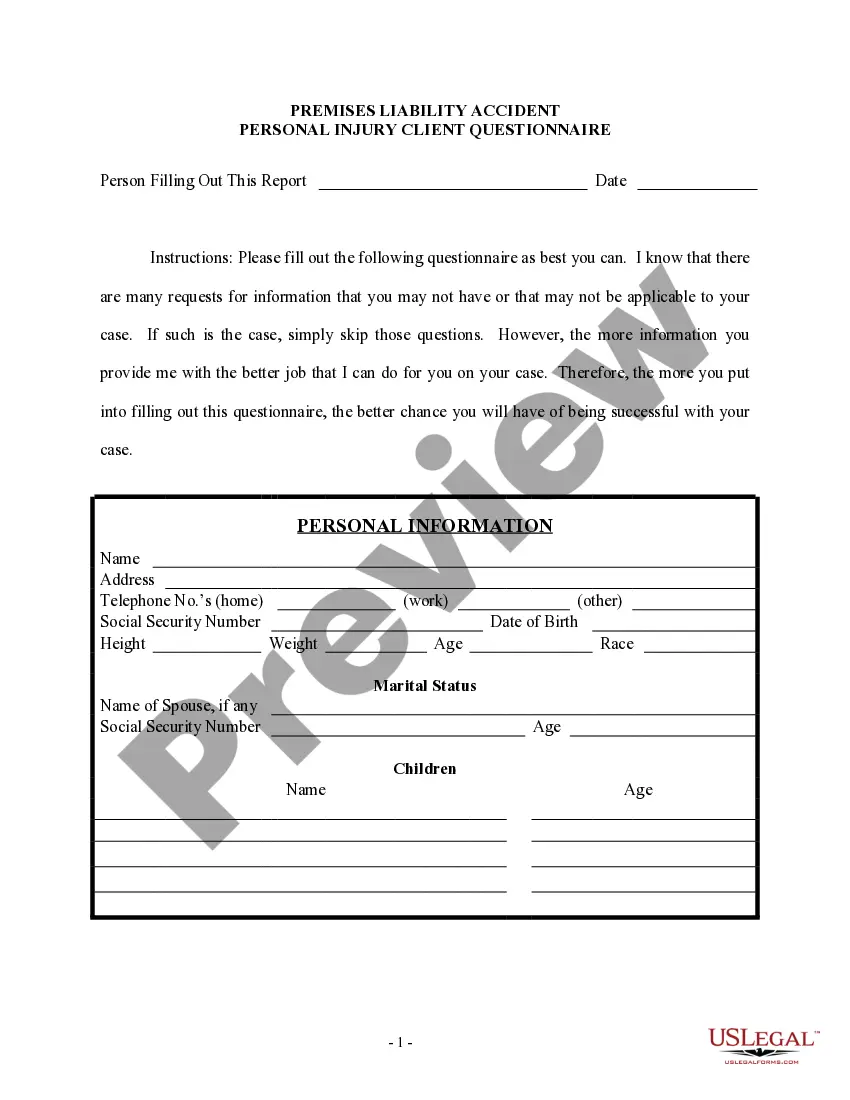
How to fill out Requests For Admissions?
- Start by logging into your account. If you've previously used our service, simply log in and access the Download button for the desired template. Ensure your subscription is active.
- If you are new, browse our extensive library. Take advantage of the Preview mode to confirm you’re selecting the right form that fits your local jurisdiction.
- Utilize the Search feature if necessary. Should you find any discrepancies, quickly locate the appropriate template to suit your needs.
- Proceed to purchase your document. Click the Buy Now button and select a subscription plan that aligns with your needs. You'll be prompted to create an account for access.
- Complete your transaction by entering your payment details. You may use a credit card or PayPal for your purchase.
- Download your completed form. Save the document to your device and find it any time in the My Forms section of your profile.
In conclusion, US Legal Forms offers an invaluable service that simplifies the legal documentation process. With our user-friendly platform and vast library, you can efficiently handle your legal needs with confidence.
Get started today and simplify your legal documentation needs with US Legal Forms!
Form popularity
FAQ
To determine if someone deleted your friend request, check your pending requests on Facebook or other platforms. If the request is no longer visible, it might have been canceled. Remember that we have accepted your request and actively dealing with it, helping you keep tabs on your social interactions effectively.
When someone deletes your Facebook friend request, the request will simply vanish from the pending section in your friend requests. You won't be notified when this occurs, keeping the process behind the scenes. We have accepted your request and actively dealing with it to keep your social connections organized.
On Reddit, users generally do not automatically follow others on Threads; following tends to be a more manual process. However, engaging actively in communities can lead to organic follower growth. We have accepted your request and actively dealing with it, providing support as you navigate social interactions.
Instagram Threads can facilitate connections by showcasing your interests, which might attract followers. Friends and people with similar interests may find your account and follow you based on your shared content. Remember that we have accepted your request and actively dealing with it, so you can manage this influx of attention effectively.
If someone cancels your friend request on platforms like Discord or Facebook, the request will simply disappear from your pending requests. Unlike others, you will not receive a notification about this action. We have accepted your request and actively dealing with it to ensure you stay informed about your connections.
Unfortunately, Discord does not notify you if someone declines your friend request. However, if your request remains pending for an extended period, it may indicate that the recipient has decided not to accept it. We have accepted your request and actively dealing with it, helping you navigate such situations more effectively.
On Threads, users may automatically follow accounts based on mutual interests or connections. This feature helps enhance engagement and interaction within the platform. If you want to manage your connections better, we have accepted your request and actively dealing with it to provide you with the necessary tools.
To stop Facebook from sending automatic friend requests, adjust your privacy settings. Navigate to 'Settings', select 'Privacy', and manage your friend request preferences. By doing so, you take control over your interactions, making it a smoother experience as we have accepted your request and actively dealing with it.
You might have received automatic followers because of mutual interests or shared connections on the platform. This can create a more connected experience, as people can engage with content from those they are more likely to interact with. We have accepted your request and actively dealing with it, ensuring you are surrounded by relevant followers.
Yes, Threads display the accounts you are following, allowing your connections to see who you engage with. This feature helps you build a community around your interests. When your request has been accepted, you can freely explore these connections, as we have accepted your request and actively dealing with it.