Summary Judgment Response With Mime Type Text/html
Description
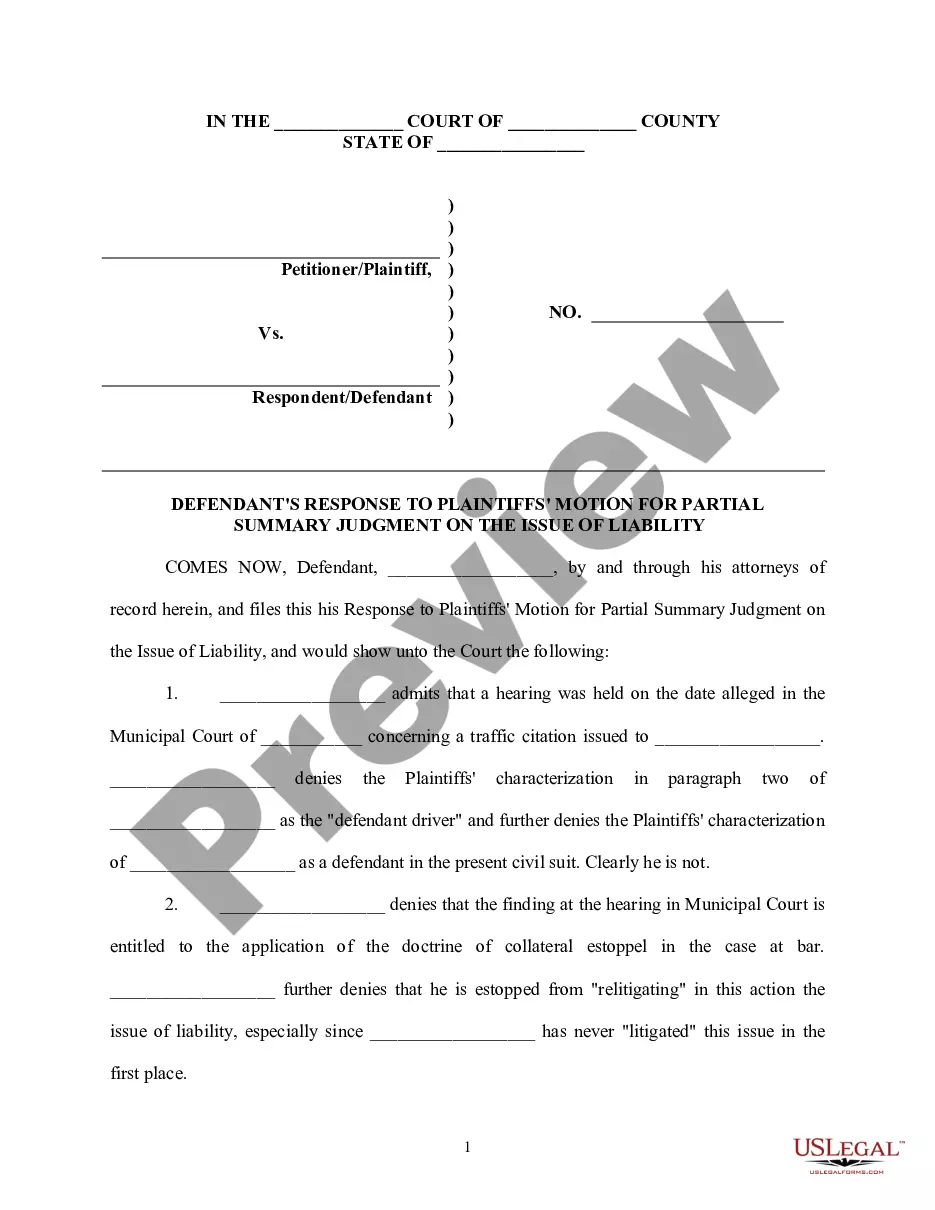
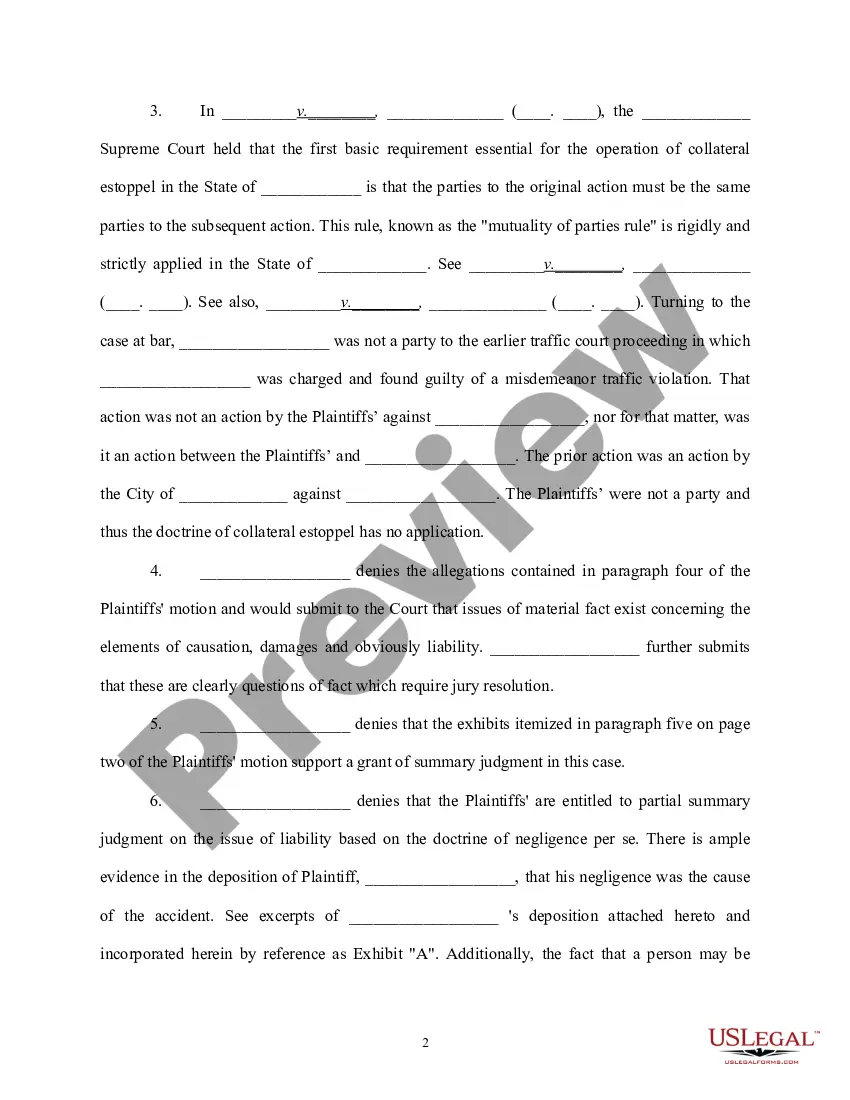
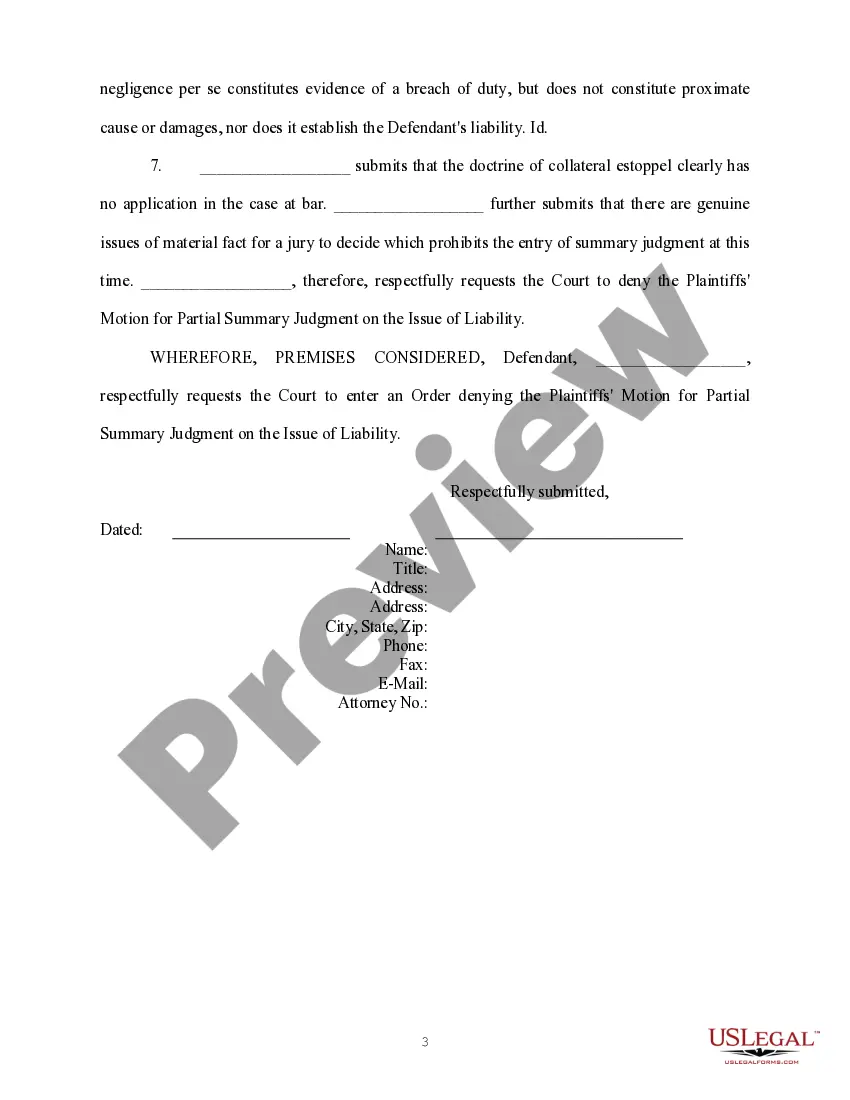
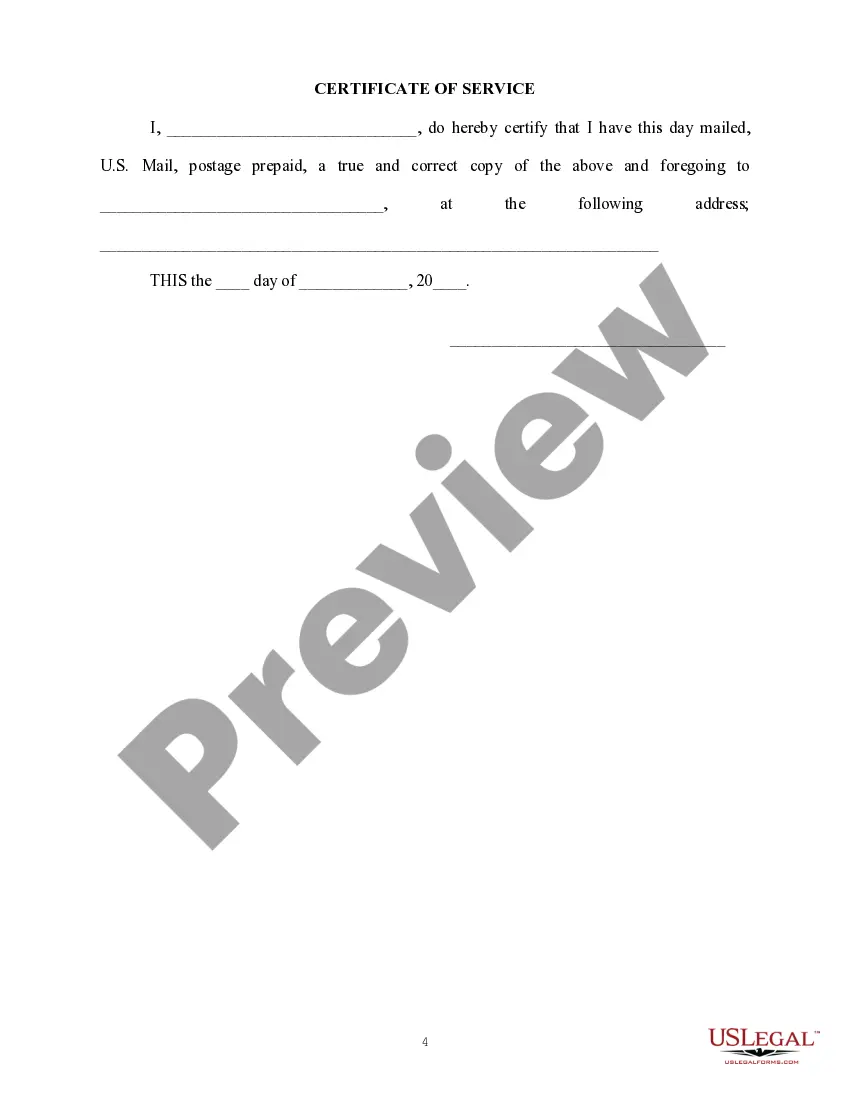
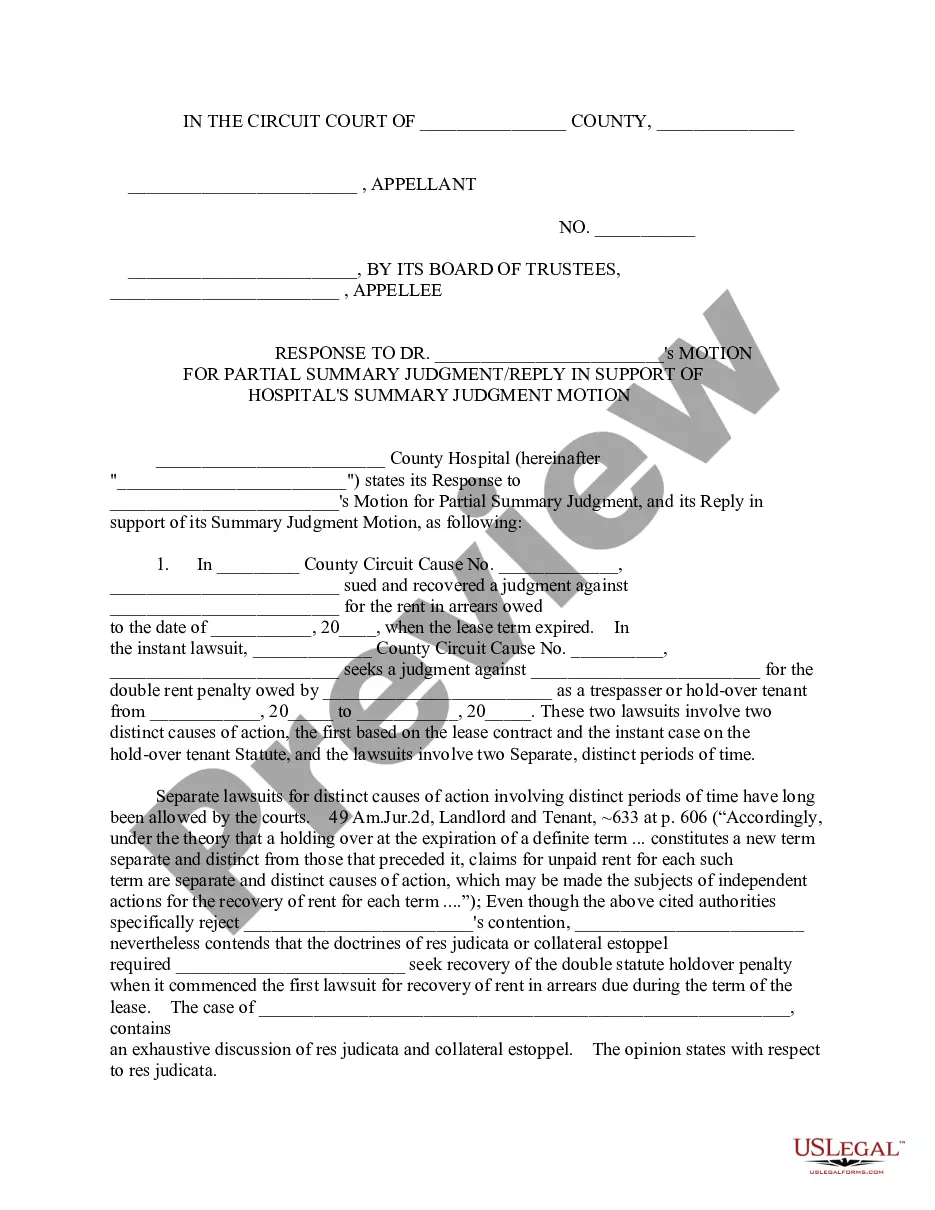
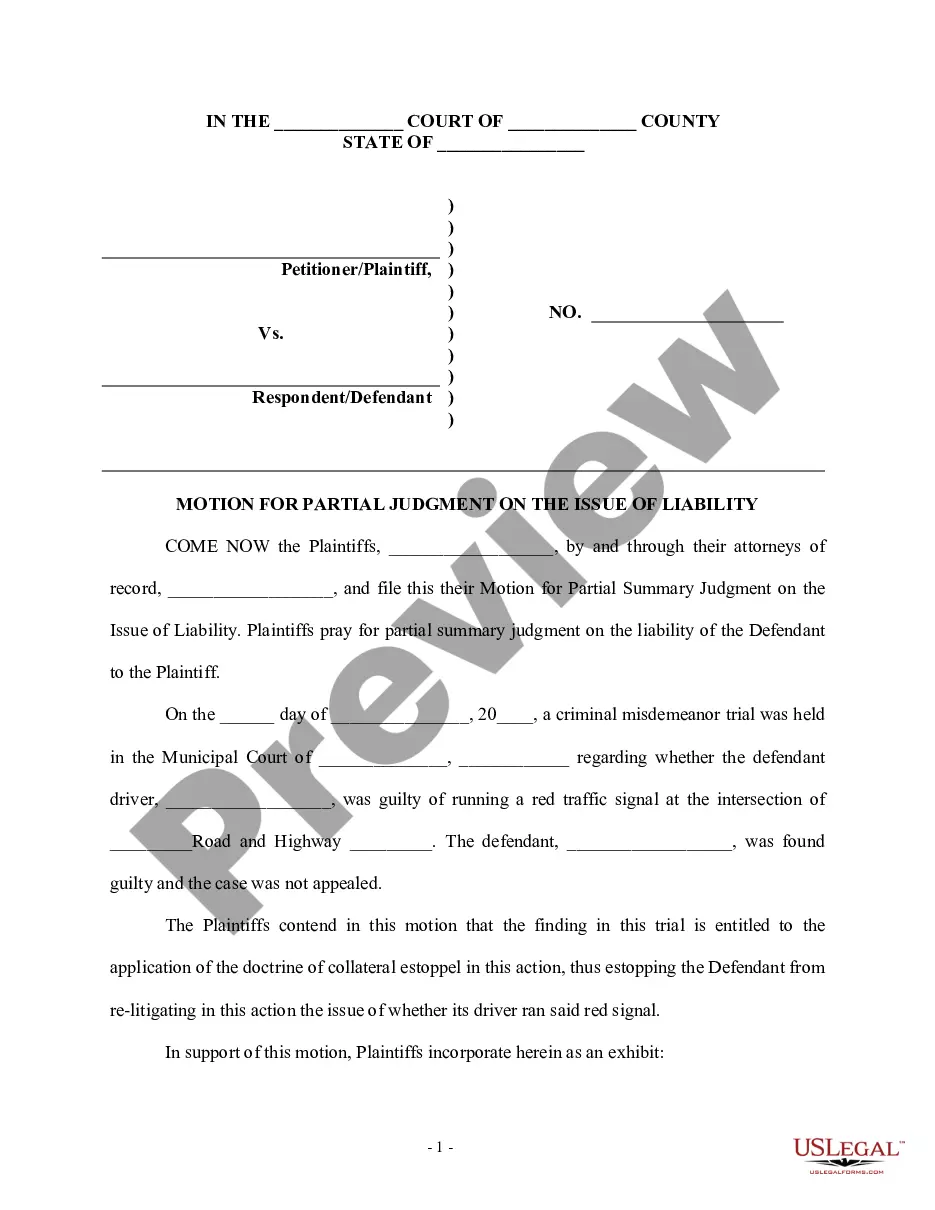
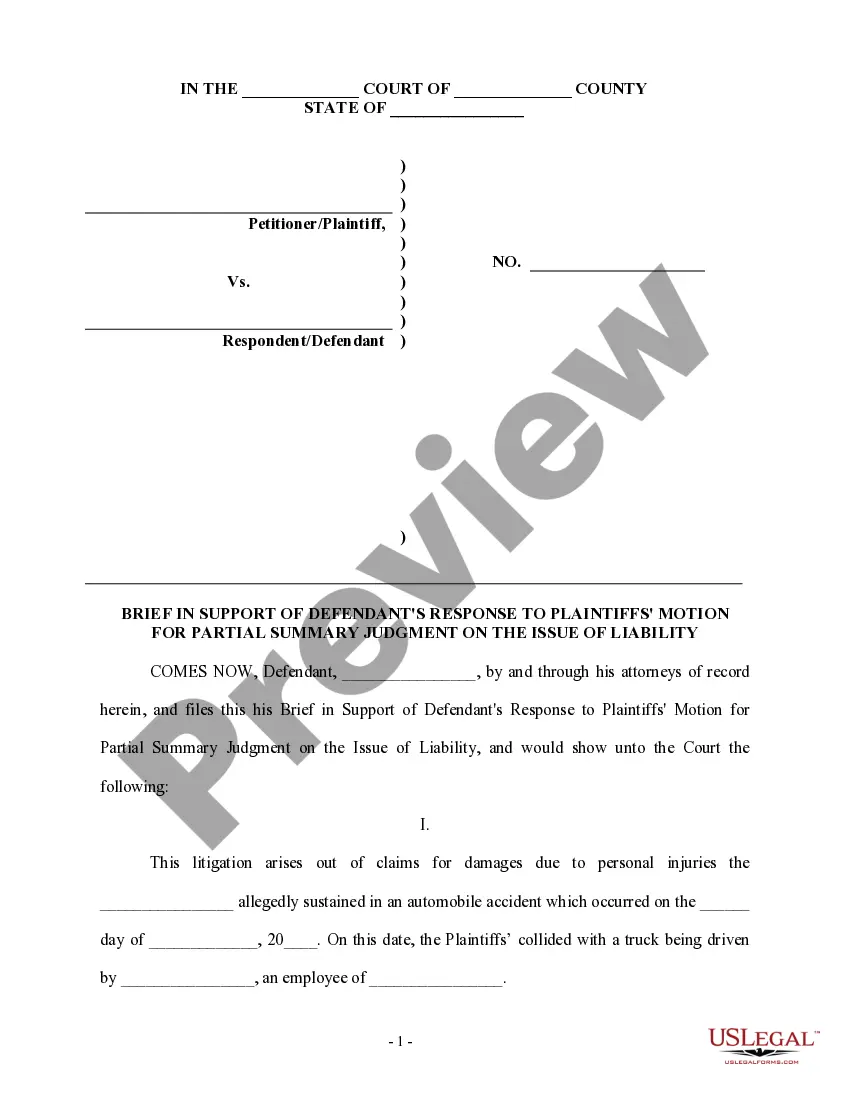
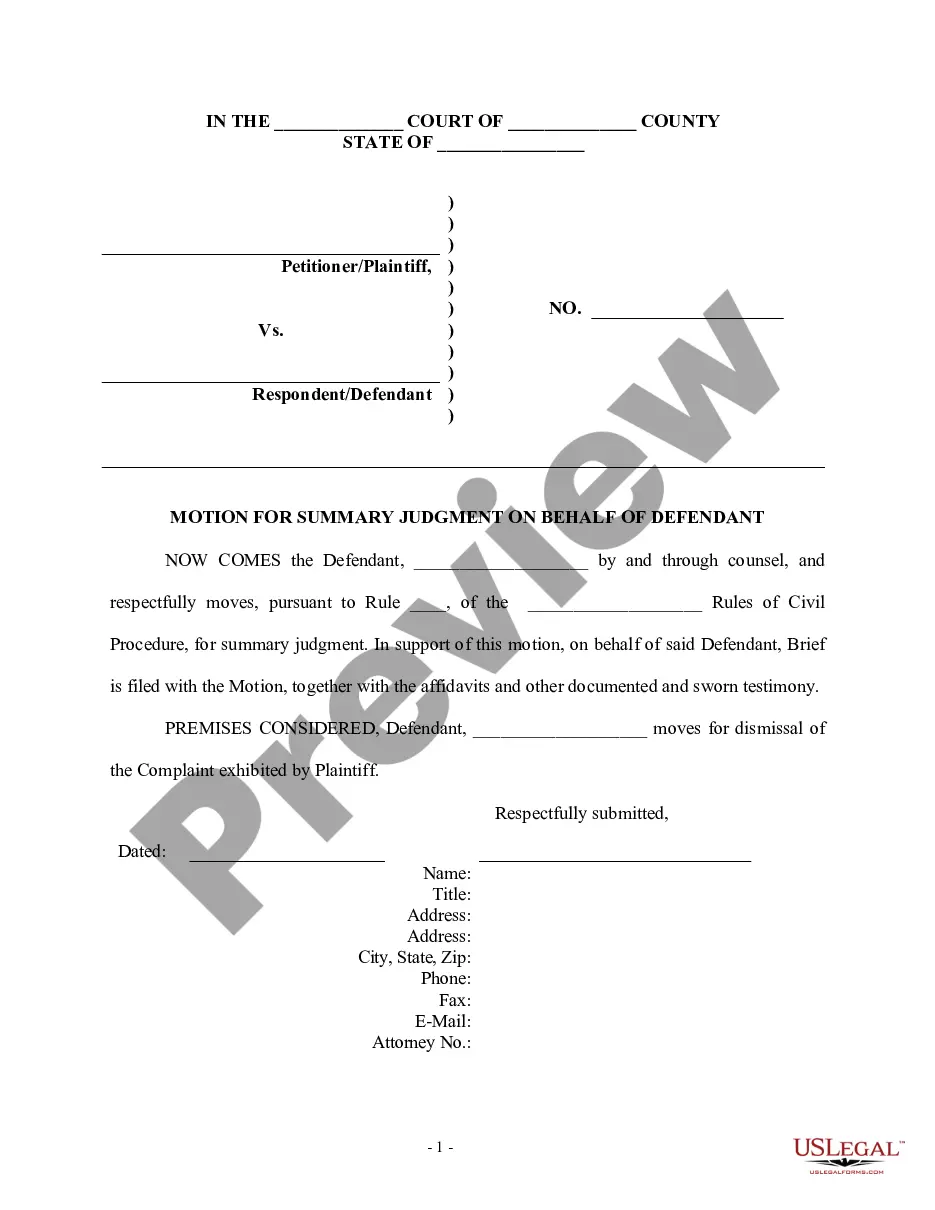
Get your form ready online
Our built-in tools help you complete, sign, share, and store your documents in one place.
Make edits, fill in missing information, and update formatting in US Legal Forms—just like you would in MS Word.
Download a copy, print it, send it by email, or mail it via USPS—whatever works best for your next step.
Sign and collect signatures with our SignNow integration. Send to multiple recipients, set reminders, and more. Go Premium to unlock E-Sign.
If this form requires notarization, complete it online through a secure video call—no need to meet a notary in person or wait for an appointment.
We protect your documents and personal data by following strict security and privacy standards.

Make edits, fill in missing information, and update formatting in US Legal Forms—just like you would in MS Word.

Download a copy, print it, send it by email, or mail it via USPS—whatever works best for your next step.

Sign and collect signatures with our SignNow integration. Send to multiple recipients, set reminders, and more. Go Premium to unlock E-Sign.

If this form requires notarization, complete it online through a secure video call—no need to meet a notary in person or wait for an appointment.

We protect your documents and personal data by following strict security and privacy standards.
Looking for another form?

How to fill out Defendant's Response To Plaintiff's Motion For Summary Judgment On The Issue Of Liability?
Dealing with legal documentation and protocols can be a lengthy addition to your routine.
Summary Judgment Response With Mime Type Text/html and similar forms often require you to search for them and comprehend how to fill them out correctly.
Thus, if you are managing financial, legal, or personal issues, having a comprehensive and user-friendly online collection of forms available will be extremely beneficial.
US Legal Forms is the premier online service for legal templates, providing over 85,000 state-specific documents and a variety of resources to help you complete your paperwork with ease.
Is this your first time using US Legal Forms? Create a free account in a few minutes and gain access to the form library and Summary Judgment Response With Mime Type Text/html. Then, follow the steps outlined below to fill out your form: Ensure you have located the correct form using the Preview feature and reviewing the form details.
- Explore the collection of relevant documents accessible with just one click.
- US Legal Forms supplies you with state- and county-specific documents available for download at any moment.
- Protect your document management processes with a reliable service that enables you to prepare any form in minutes without extra or hidden charges.
- Simply Log In to your account, locate Summary Judgment Response With Mime Type Text/html, and download it immediately from the My documents section.
- You can also retrieve forms that you have saved previously.
Form popularity
FAQ
The type attribute specifies the MIME type of a script. The type attribute identifies the content between the <script> and </script> tags. The MIME type consists of two parts: one media type and one subtype. For JavaScript, the MIME type is "text/javascript".
How to add a MIME type to a Web site or application Open Internet Information Services (IIS) Manager: ... In the Connections pane, go to the site, application, or directory for which you want to add a MIME type. In the Home pane, double-click MIME Types. In the MIME Types pane, click Add... in the Actions pane.
Text/html mime type is the recommended mime type for serving html documents. It is supported by all browsers since the beginning of html.
MIME types enable browsers to recognize the filetype of a file which has been sent via HTTP by the webserver. As a result the browser is able to choose a suitable displaying method. Common MIME types are for example text/html for html-files or image/jpeg for jpeg-files.
A media type (also known as a Multipurpose Internet Mail Extensions or MIME type) indicates the nature and format of a document, file, or assortment of bytes.