Marital Status For Marriage Certificate
Description

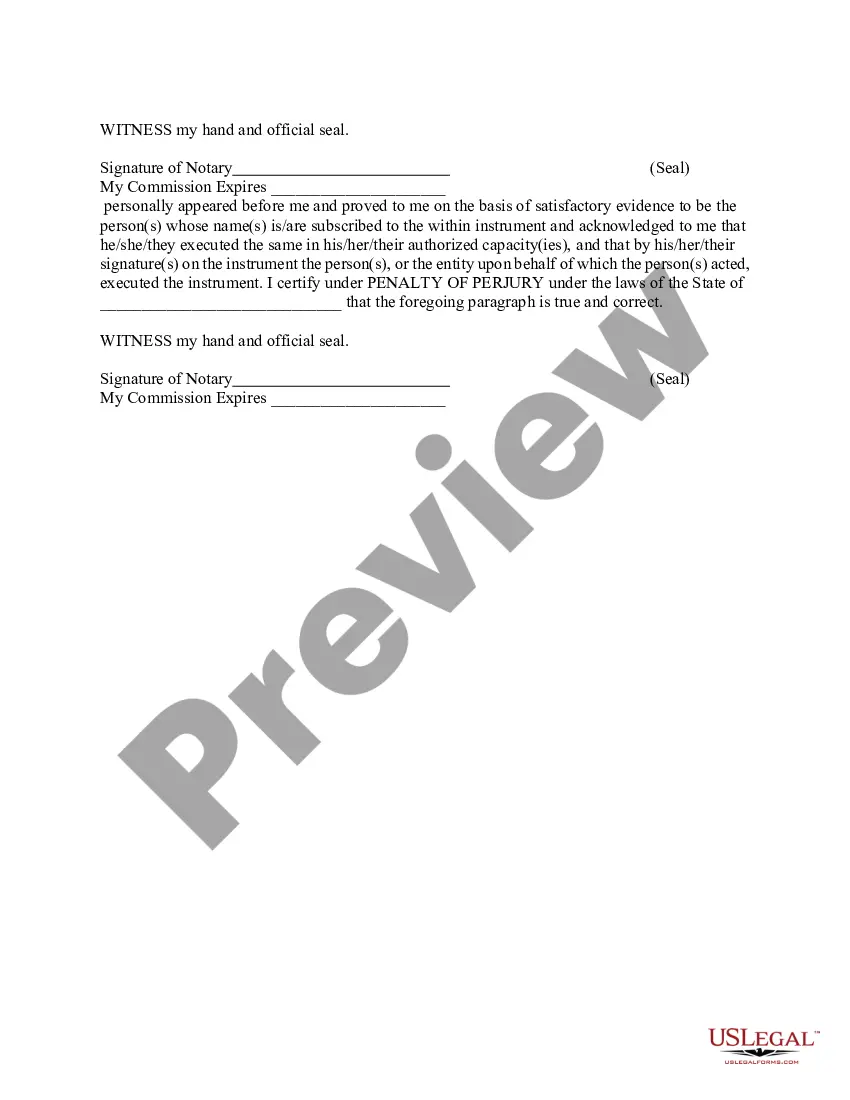
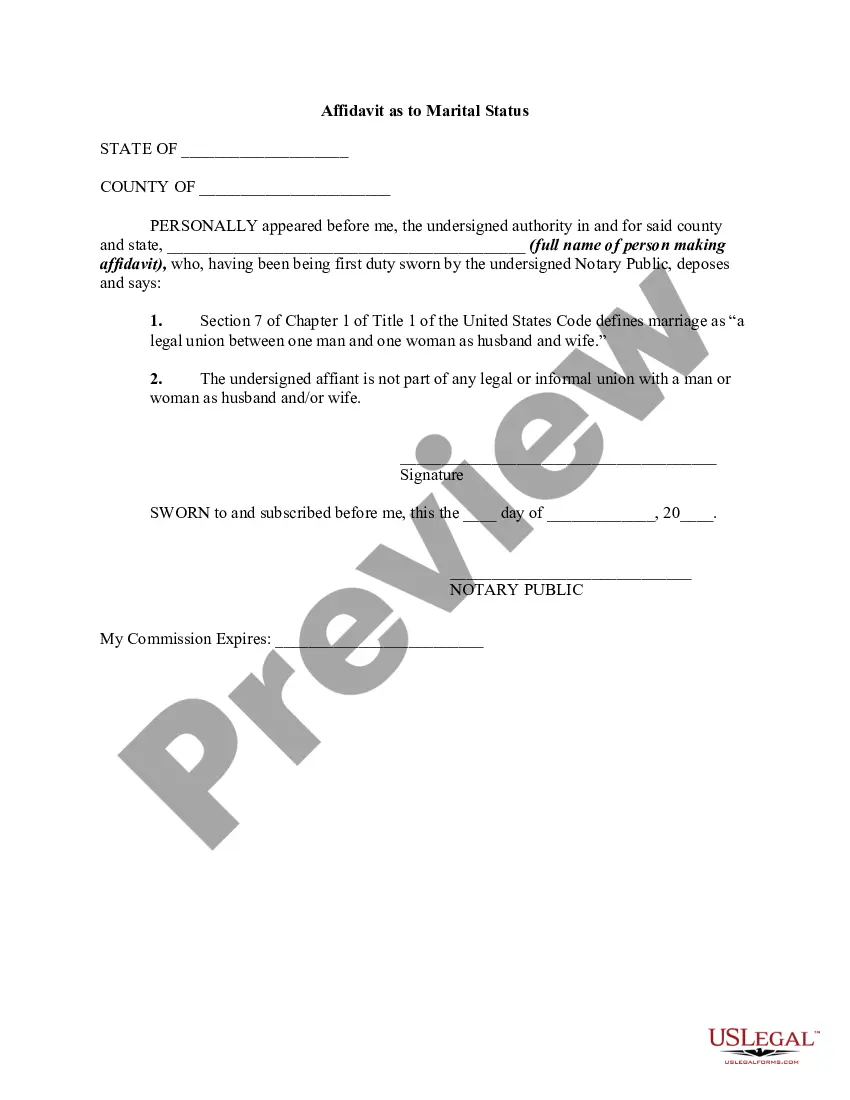
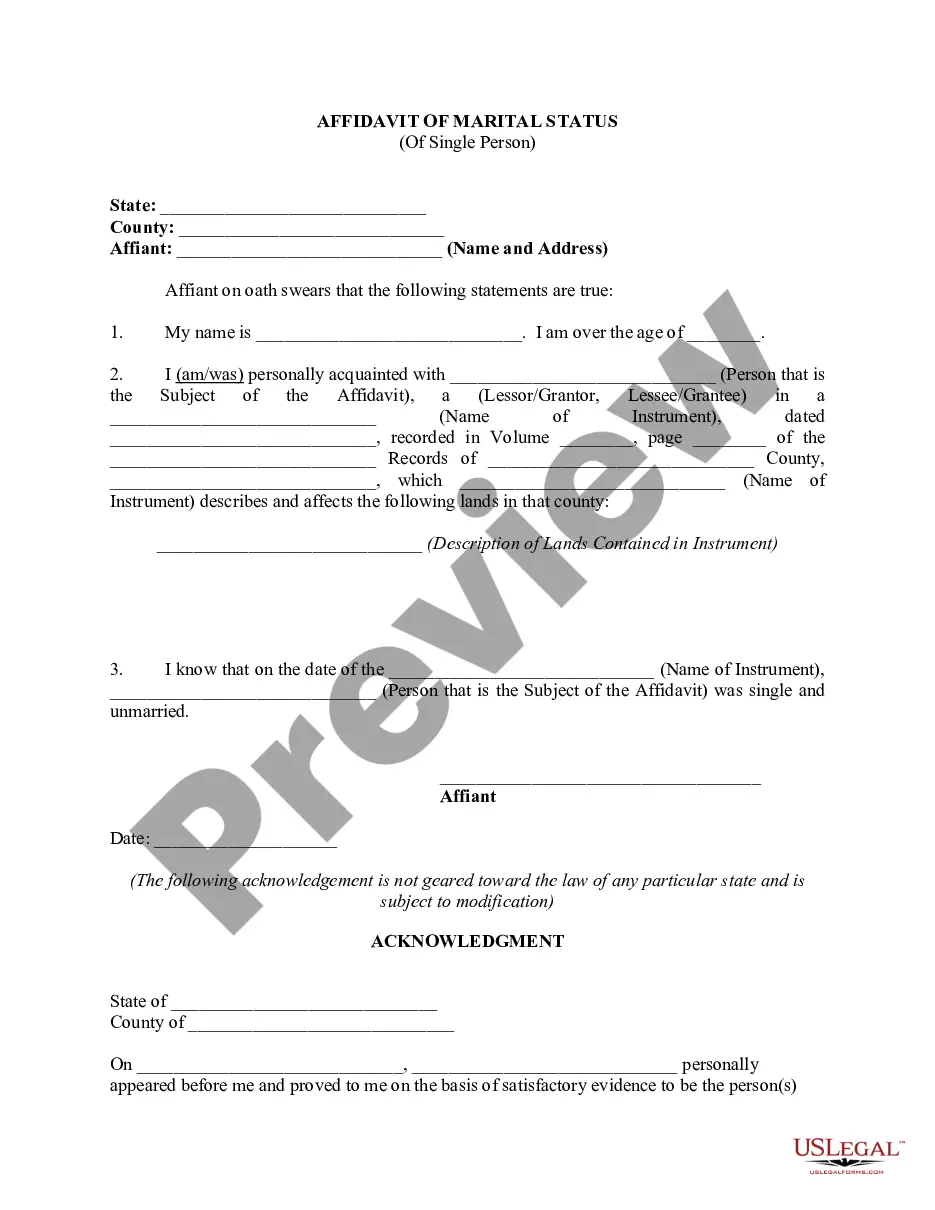
Get your form ready online
Our built-in tools help you complete, sign, share, and store your documents in one place.
Make edits, fill in missing information, and update formatting in US Legal Forms—just like you would in MS Word.
Download a copy, print it, send it by email, or mail it via USPS—whatever works best for your next step.
Sign and collect signatures with our SignNow integration. Send to multiple recipients, set reminders, and more. Go Premium to unlock E-Sign.
If this form requires notarization, complete it online through a secure video call—no need to meet a notary in person or wait for an appointment.
We protect your documents and personal data by following strict security and privacy standards.
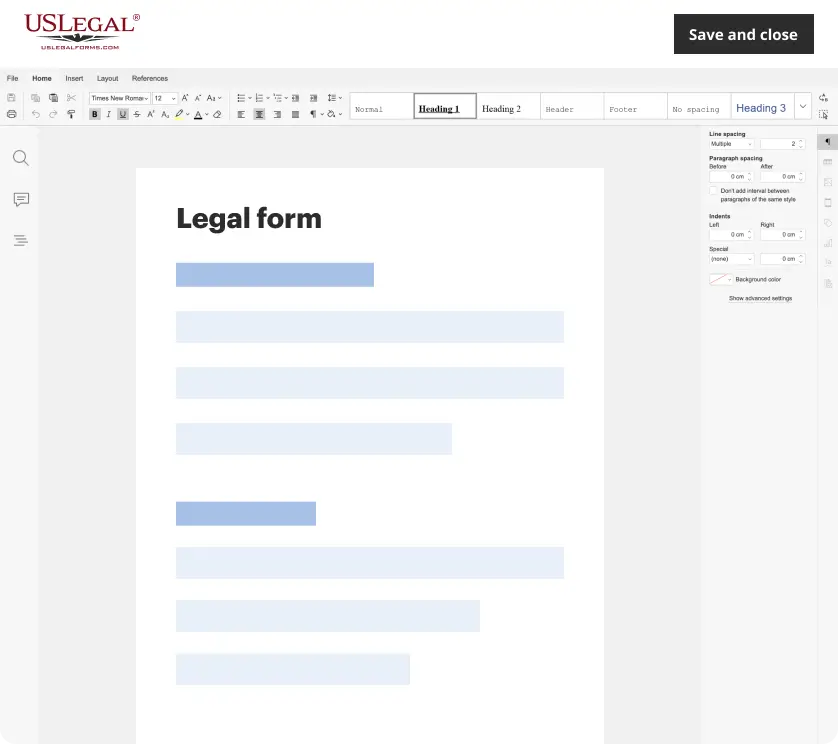
Make edits, fill in missing information, and update formatting in US Legal Forms—just like you would in MS Word.
Download a copy, print it, send it by email, or mail it via USPS—whatever works best for your next step.
Sign and collect signatures with our SignNow integration. Send to multiple recipients, set reminders, and more. Go Premium to unlock E-Sign.
If this form requires notarization, complete it online through a secure video call—no need to meet a notary in person or wait for an appointment.
We protect your documents and personal data by following strict security and privacy standards.
Looking for another form?
How to fill out Affidavit Of Marital Status Of Married Person?
Creating legal documents from the ground up can frequently feel somewhat daunting.
Some situations might entail hours of investigation and considerable amounts of money incurred.
If you’re seeking a simpler and more economical method of preparing Marital Status For Marriage Certificate or any other forms without unnecessary complications, US Legal Forms is always at your service.
Our online library of over 85,000 current legal forms covers nearly every aspect of your financial, legal, and personal matters.
However, before directly downloading the Marital Status For Marriage Certificate, adhere to these suggestions: Review the form preview and descriptions to ensure you have located the document you seek. Verify that the template you choose complies with the rules and regulations of your state and county. Select the appropriate subscription option to obtain the Marital Status For Marriage Certificate. Download the file. Then complete, sign, and print it out. US Legal Forms has an excellent reputation and over 25 years of experience. Join us today and make form execution something effortless and efficient!
- With just a few clicks, you can swiftly obtain state- and county-compliant templates meticulously arranged for you by our legal experts.
- Utilize our platform whenever you require trusted and dependable services through which you can comfortably locate and download the Marital Status For Marriage Certificate.
- If you’re already familiar with our services and have previously created an account with us, simply Log In to your account, find the form, and download it away or re-download it at any time in the My documents section.
- Don’t possess an account? No issue. It takes minutes to register and explore the repository.
Form popularity
FAQ
To fill in your marital status on a form, simply select the option that accurately describes your situation, such as 'single,' 'married,' 'divorced,' or 'widowed.' Make sure to check the instructions carefully, as some forms may have specific wording or categories. Providing your accurate marital status for marriage certificate purposes is important for legal records.
Yes, a friend can officiate your wedding in California, provided they meet the state's legal requirements to perform the ceremony. They must be ordained or recognized by a religious organization, or they must meet state guidelines to act as a civil officiant. This person will play an important role in establishing your marital status for marriage certificate.
You can include titles like 'Licensed Officiant,' 'Religious Leader,' or 'Justice of the Peace' on a marriage license. This title signifies your role in the ceremony and contributes to the legal validity of the document. Correctly identifying your title helps ensure accurate marital status for marriage certificate registration.
When listing your title on a marriage license, you should use terms such as 'Minister,' 'Judge,' 'Clerk,' or 'Officiant,' as appropriate. The title reflects your authority to perform the ceremony and will be documented for the marital status for marriage certificate. Always verify local regulations for additional guidance.
As an officiant in California, you fill out a marriage license by gathering required information from both parties, including their names, addresses, and birthdates. After the ceremony, ensure you sign the document in the designated area, confirming the marriage took place. This process plays a crucial role in establishing the marital status for marriage certificate purposes.
When filling out a marriage license, you should enter the full legal names of both individuals as they appear on government-issued identification. This clarity helps avoid any potential discrepancies in your marital status for marriage certificate registration. Be sure to check local requirements, as these can vary by state.
When completing a marriage certificate, it is essential to include the full names of the spouses, the date of the marriage, and the location where the ceremony took place. Additionally, you must provide your name as the officiant and any necessary signatures. This information helps establish the marital status for marriage certificate records.
Filling out a marriage license as an officiant in California involves several important steps. First, ensure you have the correct form, which you can typically obtain from the county clerk’s office. After the ceremony, you must complete the license by including both spouses' names and the date of marriage, indicating your role as the officiant. This demonstrates the marital status for marriage certificate purposes.
Filling out marital status in a form involves locating the relevant section and selecting the option that best describes your current relationship. Carefully read the instructions to ensure you make an informed choice. Understanding your own status is crucial for legal clarity. For further assistance, consider using resources from US Legal Forms that guide you step-by-step in completing your marital status accurately.
If you have a divorce decree, you should specify 'Divorced' on forms requiring marital status. However, if you have never married or are currently without a spouse, then 'Single' is the appropriate choice. Using the correct terminology ensures clarity in your legal documents. To simplify this process, US Legal Forms offers easy-to-use templates for documenting your marital status accurately.