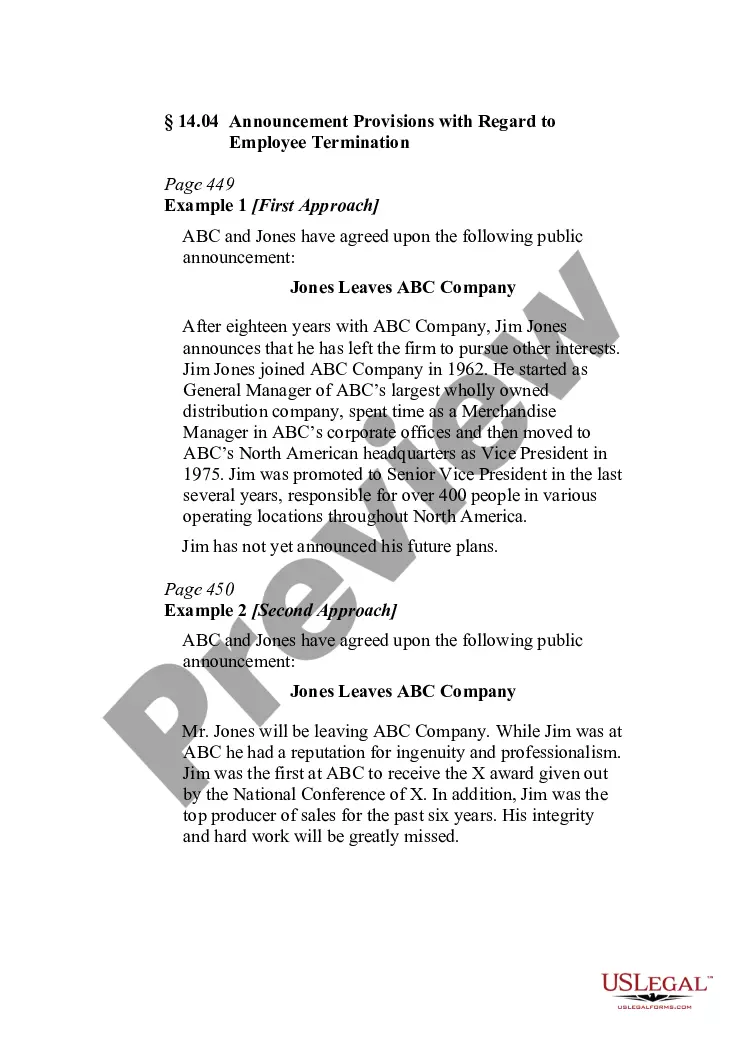
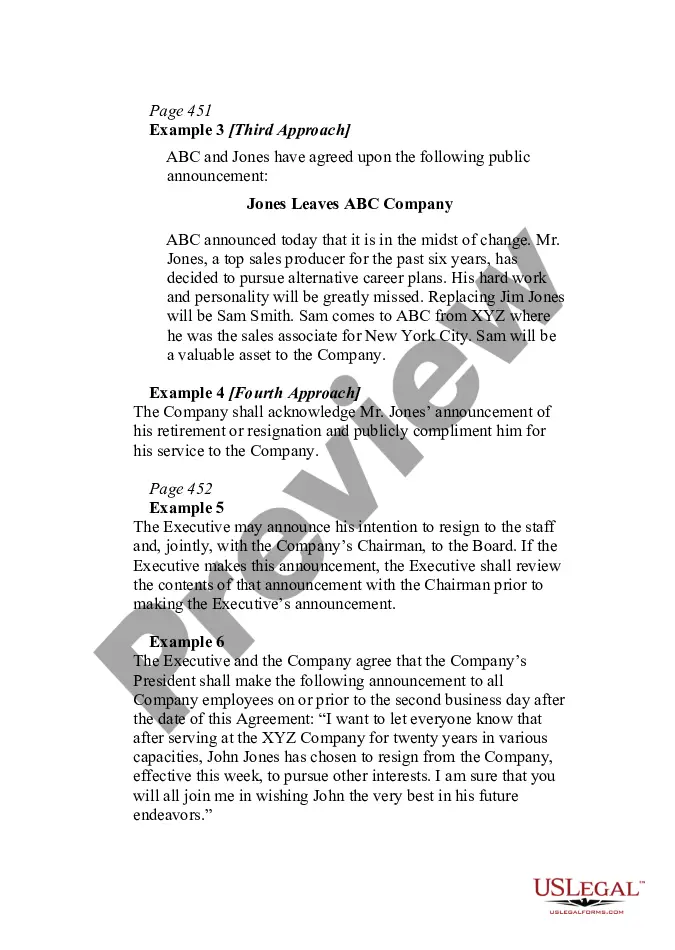
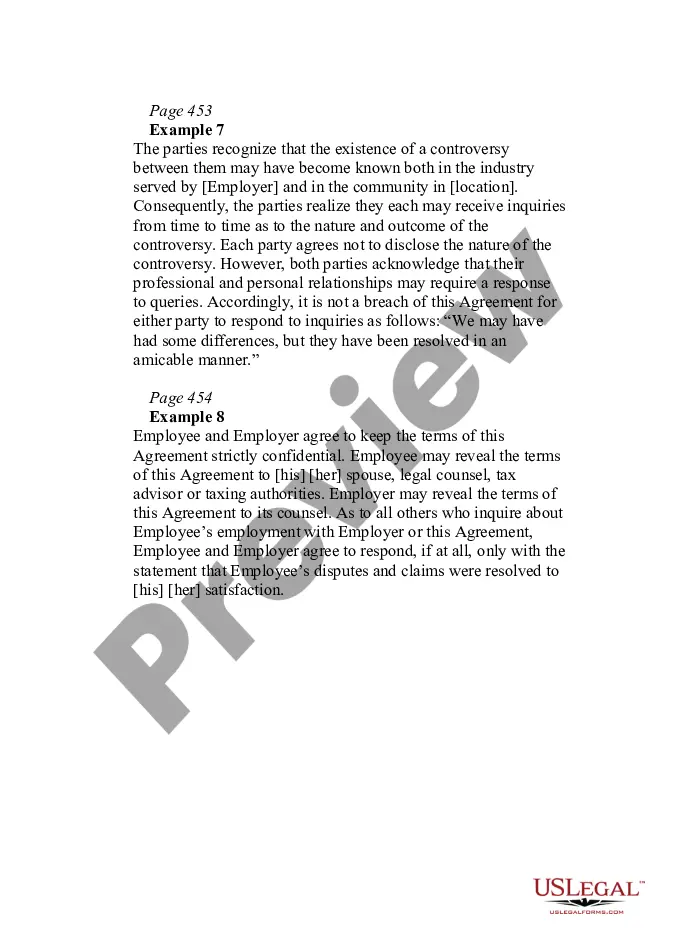
Employee Leaving Announcement To Customers
Description
Get your form ready online
Our built-in tools help you complete, sign, share, and store your documents in one place.
Make edits, fill in missing information, and update formatting in US Legal Forms—just like you would in MS Word.
Download a copy, print it, send it by email, or mail it via USPS—whatever works best for your next step.
Sign and collect signatures with our SignNow integration. Send to multiple recipients, set reminders, and more. Go Premium to unlock E-Sign.
If this form requires notarization, complete it online through a secure video call—no need to meet a notary in person or wait for an appointment.
We protect your documents and personal data by following strict security and privacy standards.

Make edits, fill in missing information, and update formatting in US Legal Forms—just like you would in MS Word.

Download a copy, print it, send it by email, or mail it via USPS—whatever works best for your next step.

Sign and collect signatures with our SignNow integration. Send to multiple recipients, set reminders, and more. Go Premium to unlock E-Sign.

If this form requires notarization, complete it online through a secure video call—no need to meet a notary in person or wait for an appointment.

We protect your documents and personal data by following strict security and privacy standards.
Looking for another form?
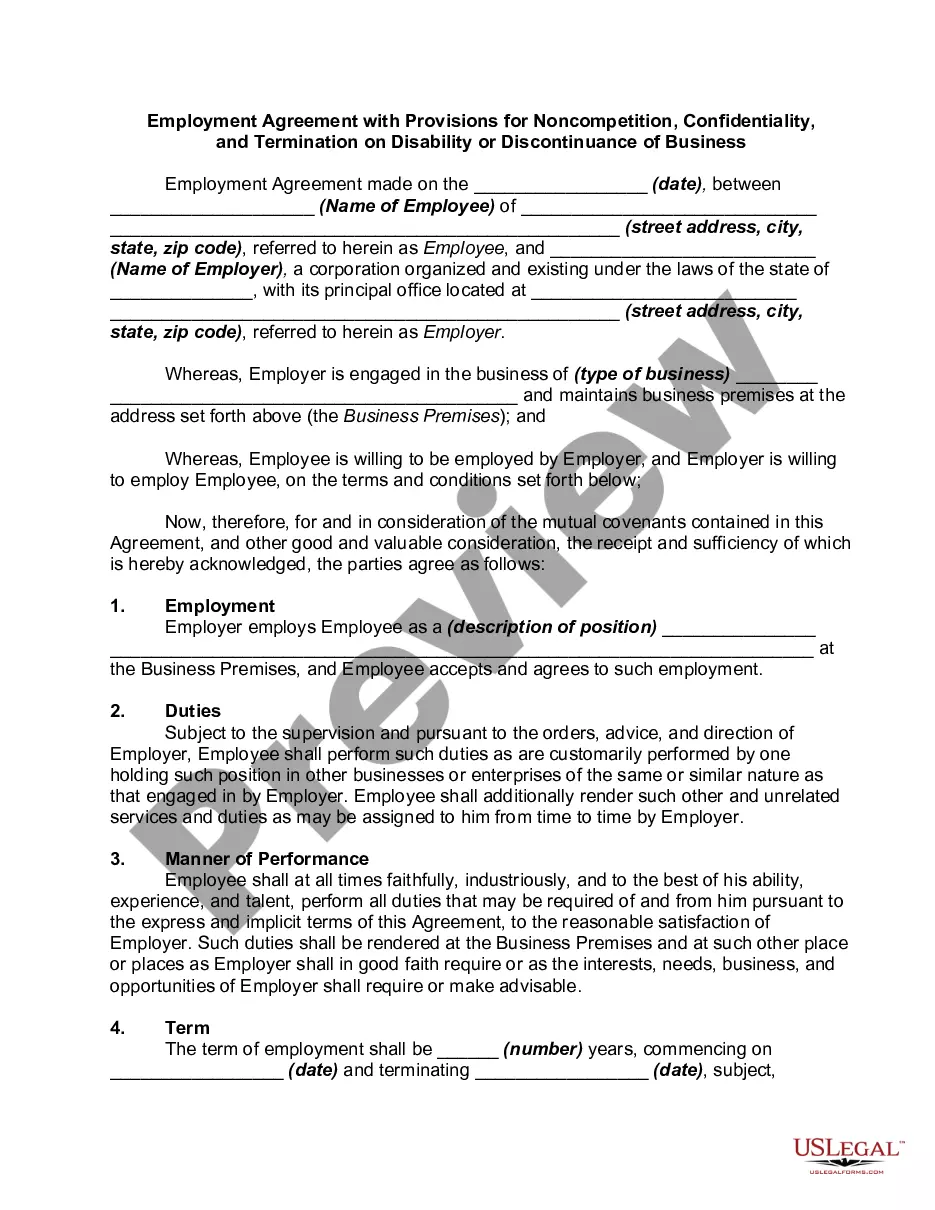
How to fill out Announcement Provisions With Regard To Employee Termination?
Finding a go-to place to access the most recent and relevant legal templates is half the struggle of working with bureaucracy. Finding the right legal files demands precision and attention to detail, which is the reason it is very important to take samples of Employee Leaving Announcement To Customers only from trustworthy sources, like US Legal Forms. A wrong template will waste your time and delay the situation you are in. With US Legal Forms, you have very little to worry about. You can access and view all the information regarding the document’s use and relevance for your situation and in your state or region.
Take the listed steps to complete your Employee Leaving Announcement To Customers:
- Make use of the catalog navigation or search field to find your sample.
- Open the form’s description to check if it fits the requirements of your state and region.
- Open the form preview, if there is one, to make sure the form is definitely the one you are interested in.
- Resume the search and look for the correct template if the Employee Leaving Announcement To Customers does not suit your needs.
- If you are positive about the form’s relevance, download it.
- When you are a registered customer, click Log in to authenticate and access your selected forms in My Forms.
- If you do not have a profile yet, click Buy now to obtain the template.
- Select the pricing plan that suits your requirements.
- Go on to the registration to finalize your purchase.
- Complete your purchase by selecting a transaction method (bank card or PayPal).
- Select the document format for downloading Employee Leaving Announcement To Customers.
- When you have the form on your gadget, you can change it with the editor or print it and complete it manually.
Eliminate the inconvenience that comes with your legal paperwork. Explore the comprehensive US Legal Forms library to find legal templates, examine their relevance to your situation, and download them immediately.
Form popularity
FAQ
In general, it's wise to stick to something straightforward: ?James is no longer with the company. We look forward to introducing you to your new contact, Jane, who has 12 years of experience serving clients in your industry.
What should be included in an employee departure email? Direct the announcement appropriately. ... Get to the point. ... Include the departure date. ... If appropriate, include the circumstances of the employee's departure. ... Discuss the next steps. ... Invite your team to a farewell event, if applicable. ... Show your gratitude. ... Sign off.
Resignation announcement template I'm writing today to notify you that [Employee Name] resigned from their position as [job title], effective [leave date]. They're leaving to [reason for resigning]. As of [leave date], please direct all department questions to [name of interim employee] until we secure a replacement.
Dear (company/department name) staff, It's with sadness I'm writing to announce that (name of employee) will be leaving the (name of company) effective (date of departure) to pursue other interests. (First name of employee) has been with us for the past (how long they worked), and they will be hard to replace.
Dear Team [Company Name] / Team [Department Name] / All, I am writing to share the bittersweet news that after [X] years of working with [Company Name], [Exiting Worker's Full Name] is retiring. Their last day with the company will be [Termination Date] and their last working day will be [Last Working Date].