Wrongful Count Civil Draft With Copilot
Description

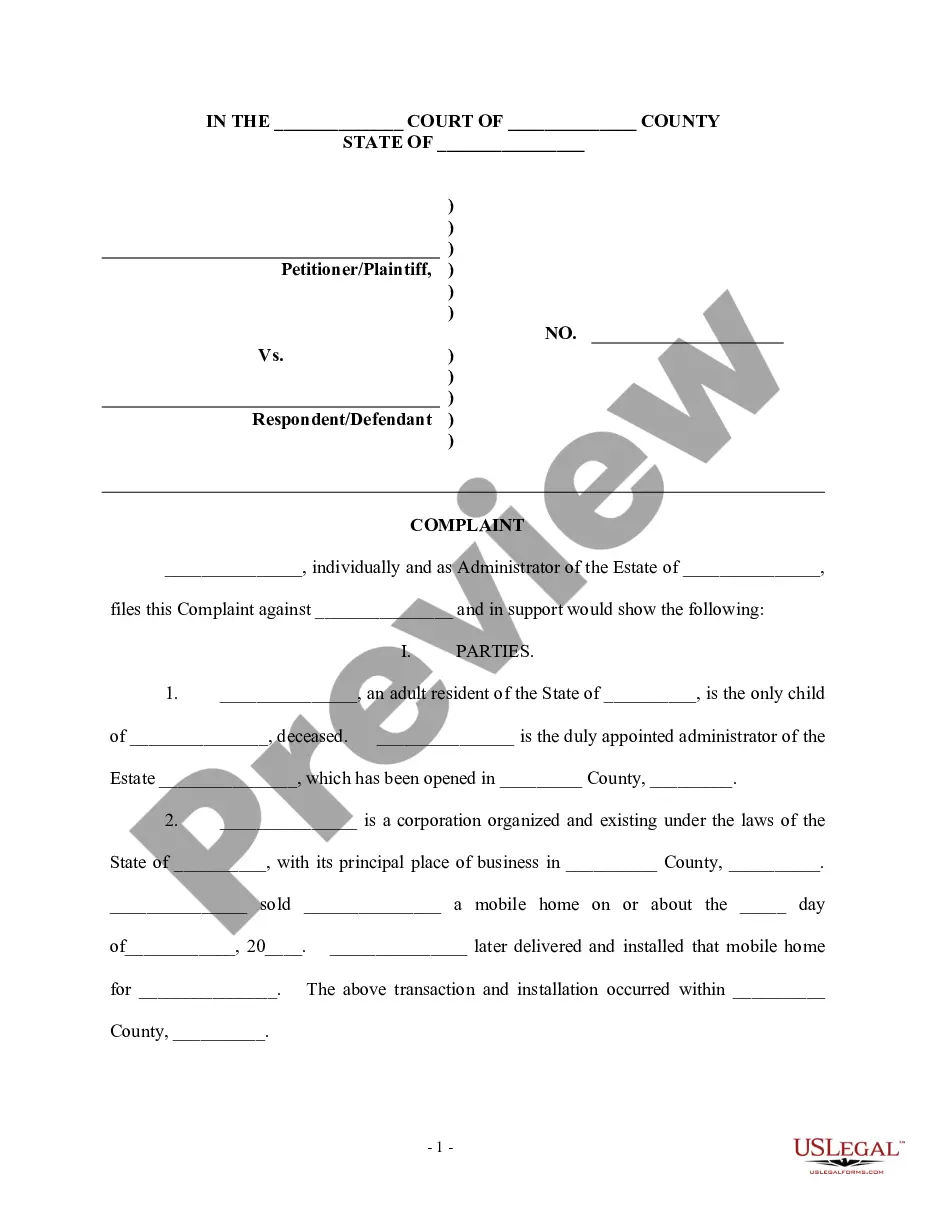

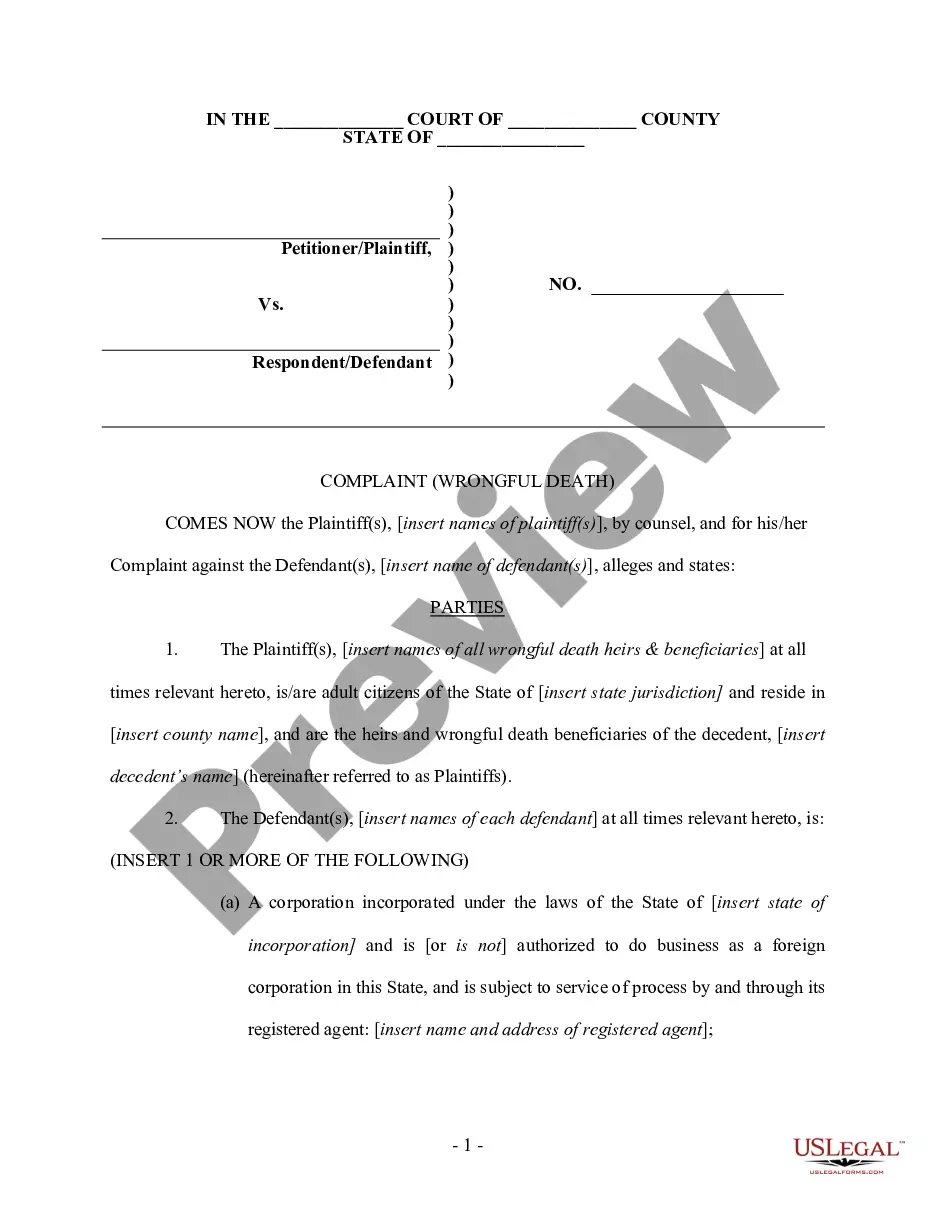
Get your form ready online
Our built-in tools help you complete, sign, share, and store your documents in one place.
Make edits, fill in missing information, and update formatting in US Legal Forms—just like you would in MS Word.
Download a copy, print it, send it by email, or mail it via USPS—whatever works best for your next step.
Sign and collect signatures with our SignNow integration. Send to multiple recipients, set reminders, and more. Go Premium to unlock E-Sign.
If this form requires notarization, complete it online through a secure video call—no need to meet a notary in person or wait for an appointment.
We protect your documents and personal data by following strict security and privacy standards.

Make edits, fill in missing information, and update formatting in US Legal Forms—just like you would in MS Word.

Download a copy, print it, send it by email, or mail it via USPS—whatever works best for your next step.

Sign and collect signatures with our SignNow integration. Send to multiple recipients, set reminders, and more. Go Premium to unlock E-Sign.

If this form requires notarization, complete it online through a secure video call—no need to meet a notary in person or wait for an appointment.

We protect your documents and personal data by following strict security and privacy standards.
Looking for another form?
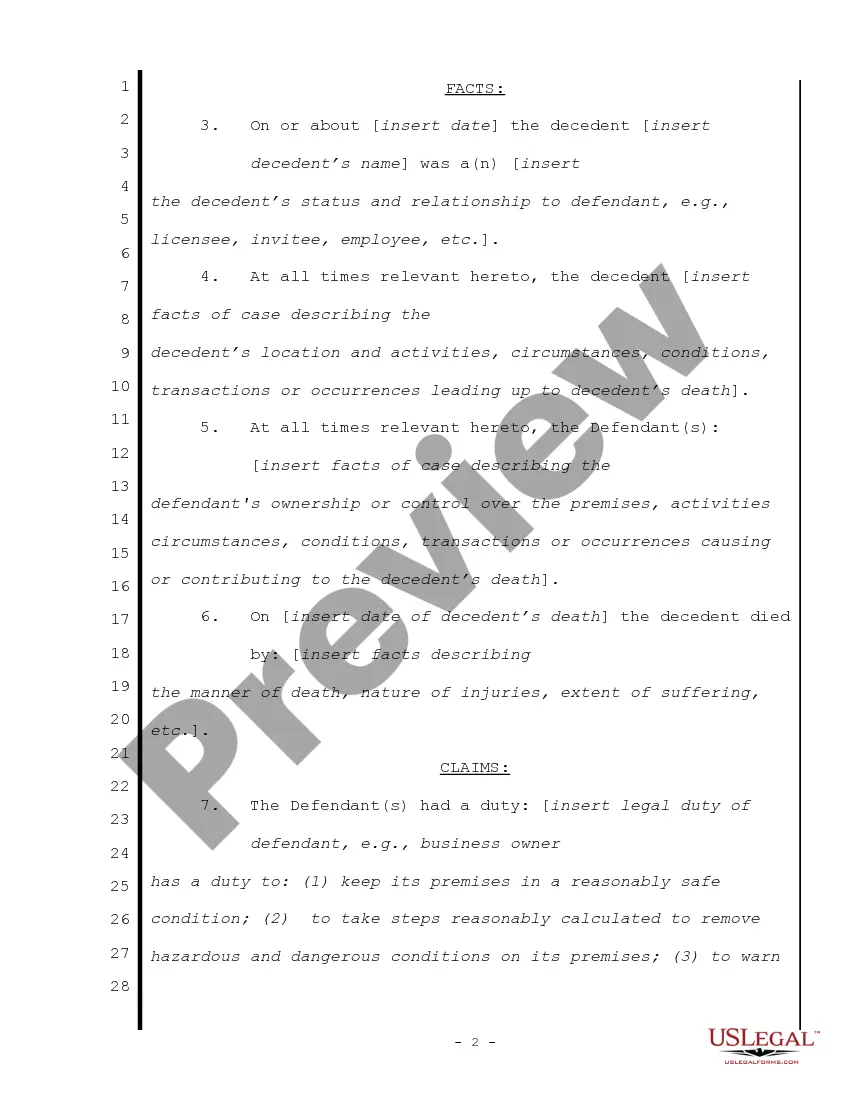
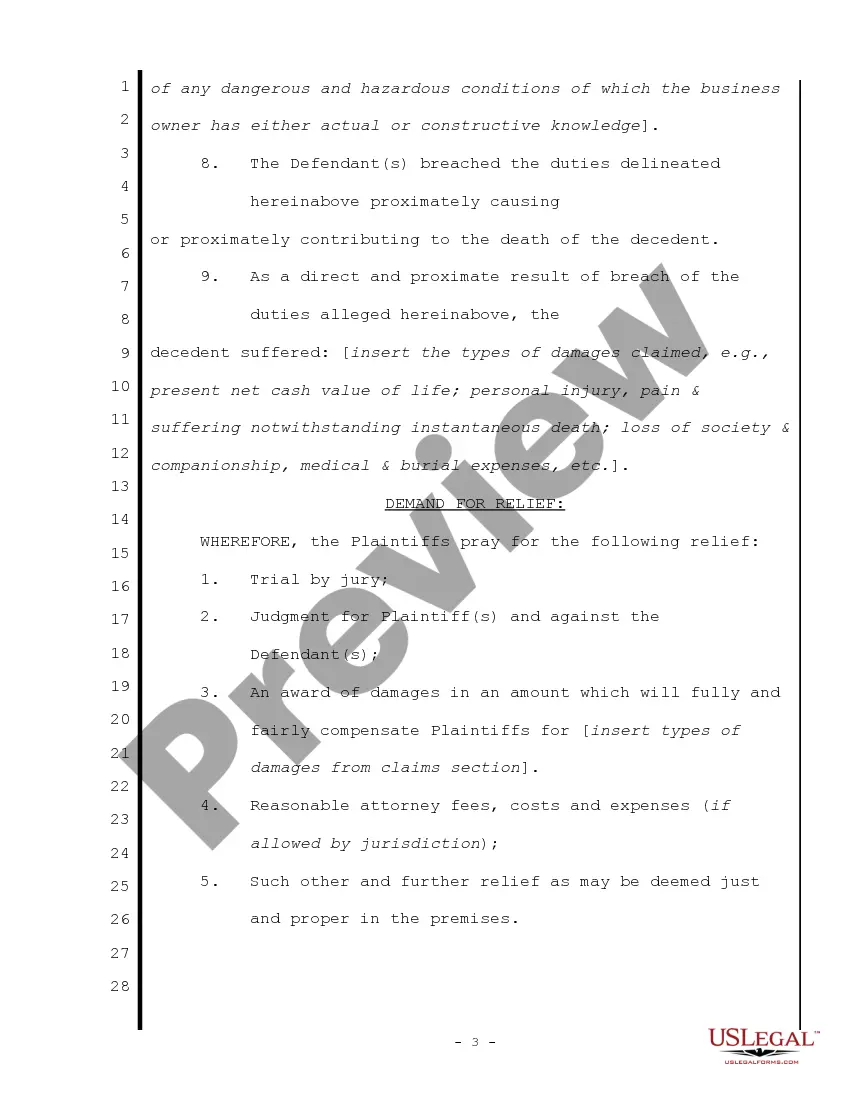
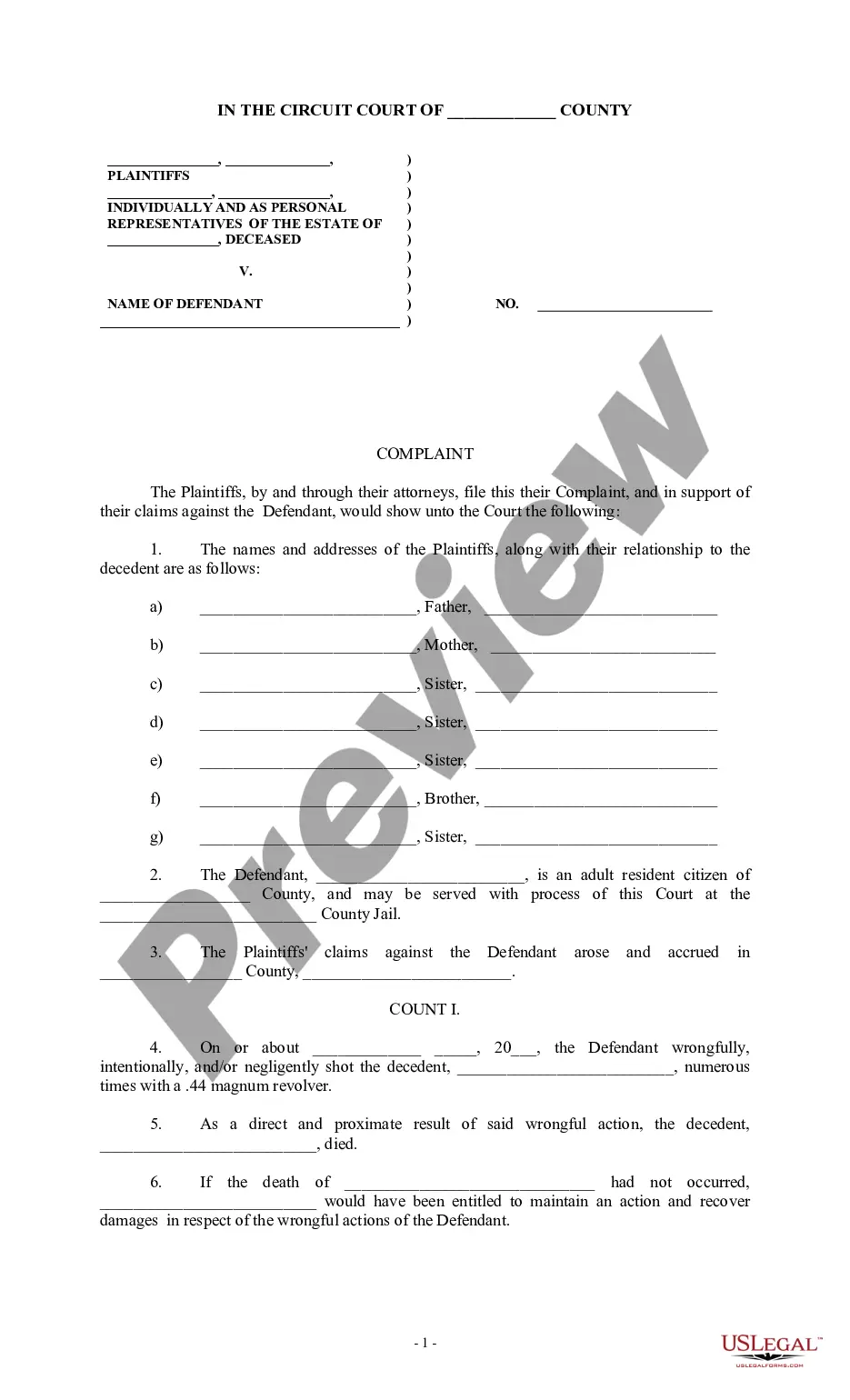
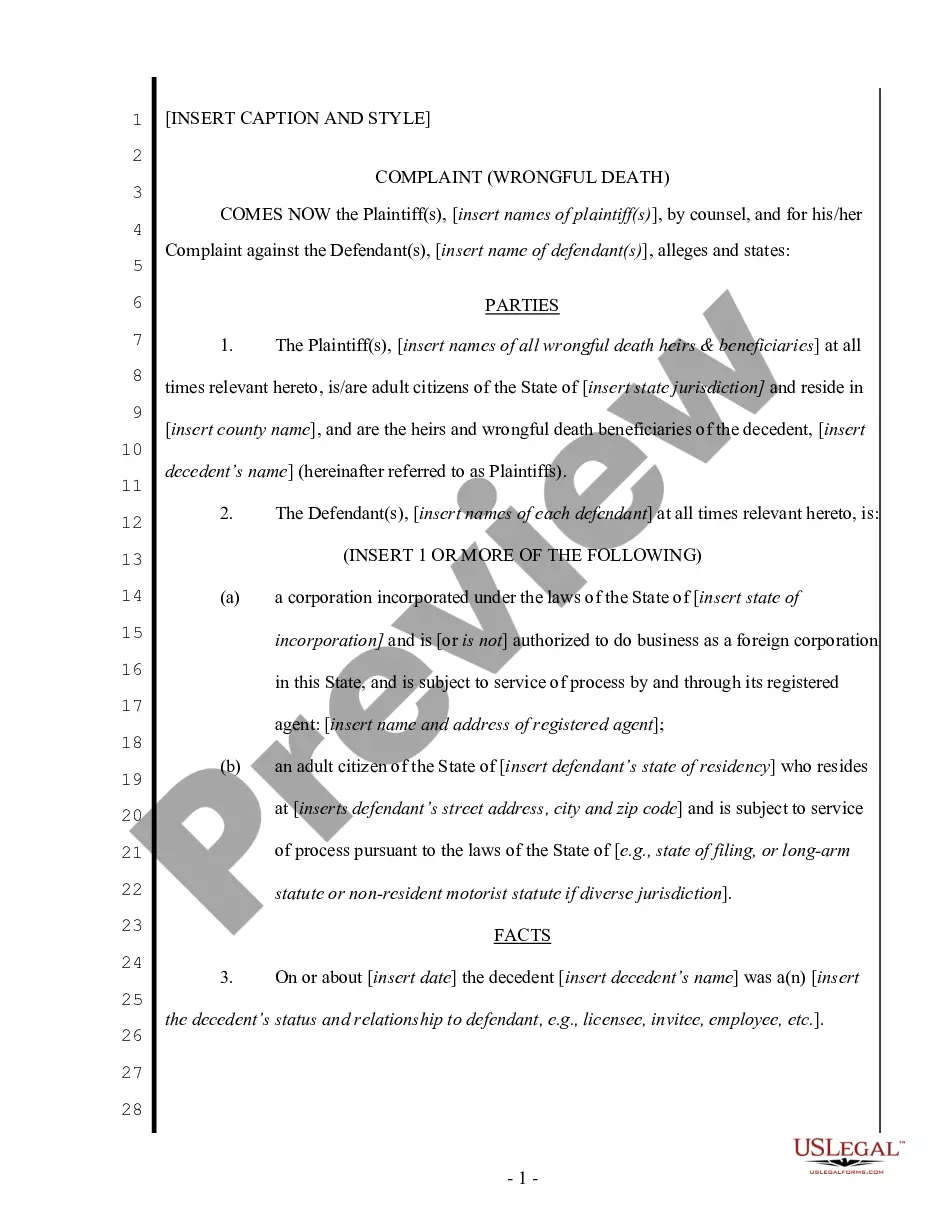
How to fill out Complaint For Wrongful Death - Single Count?
- Log in to your US Legal Forms account. Ensure your subscription is up-to-date for seamless access to your necessary forms.
- Preview the document description to confirm it suits your needs and aligns with local jurisdiction requirements.
- Utilize the search feature if you need a different template. Look for any discrepancies in your choice before proceeding.
- Select the document you want. Click on the 'Buy Now' button and choose the subscription plan that best fits you, creating an account for further access.
- Complete your purchase. Enter your payment information, whether through credit card or PayPal, to finalize your subscription.
- Download your wrongful count civil draft. Save it to your device and access it anytime via the 'My Forms' section of your profile.
By following these steps, you can easily generate a legally sound wrongful count civil draft tailored to your needs. US Legal Forms not only offers a vast selection but also ensures you have access to expert assistance for any clarifications needed.
Start your journey towards legal efficiency today. Visit US Legal Forms and simplify your document drafting process!
Form popularity
FAQ
Draft with Copilot refers to a feature that assists users in generating and refining documents by providing intelligent suggestions throughout the drafting process. This tool enhances your writing experience, making it easier to create professional documents efficiently. Whether you're drafting something simple or complex, like a wrongful count civil draft with copilot, understanding this tool can greatly improve your workflow. For more tailored guidance, uslegalforms is available to help you navigate its features.
Draft with Copilot operates by analyzing your existing content and understanding your writing preferences. It suggests improvements and can even generate new sections of text to fit your requirements. This feature streamlines the process of creating various documents, including those related to legal matters. To fully leverage these capabilities, you could explore the resources provided by uslegalforms.
Copilot may appear on your PC after you install or update certain Microsoft applications, like Word or Power Apps. It serves to enhance your productivity by offering intelligent suggestions and assistive drafting. If you are unsure why it activated, check your update settings or review installed features. For specific inquiries about wrongful count civil draft with copilot, consider seeking detailed help from uslegalforms.
The accuracy of Copilot in Word depends largely on the context of your document. Generally, it excels at understanding your writing style and generating content that aligns with your needs. While it can make suggestions that enhance clarity, users should always review its recommendations when drafting legal documents, such as those related to wrongful count civil draft with copilot. For reliable support, uslegalforms can assist you in ensuring your documents meet legal standards.
To turn off the draft with Copilot feature in Power Apps, navigate to the settings menu within the app. From there, locate the Copilot settings and toggle the option off. This will effectively disable the functionality, ensuring you can work without the assistance of the draft feature. If you need guidance, uslegalforms offers comprehensive resources that elaborate on this process.
To remove Copilot from your Word experience, access the add-ins or extensions section in your settings. Find the Copilot feature and disable or uninstall it as needed. By doing this, you can prevent any unwanted drafts, including a wrongful count civil draft with Copilot, from appearing in your documents.
The draft created with Copilot typically appears in the main document area of your Word application. When using Copilot, it often suggests content directly in the context you are working on. If you are dealing with a wrongful count civil draft with Copilot, ensure you look closely at these suggestions and determine which parts are relevant to your needs.
To effectively get rid of the draft drafted by Copilot, simply select the content generated and delete it manually. You have full control over your document, and removing unwanted sections is straightforward. If you find this challenging, consider using the USLegalForms platform to ensure better management of your wrongful count civil draft with Copilot.
To turn off the draft feature with Copilot, navigate to the settings menu within your Word application. Look for the 'Copilot' option and switch it off. By doing this, you can stop Copilot from generating a wrongful count civil draft with Copilot in your document, allowing you more control over your writing process.
To add a draft to a Word document, start by accessing the document where you want the draft. Use the insert options to include the draft text in the desired section. If you utilize Copilot, the process becomes even easier, especially for complex cases like a wrongful count civil draft. This capability helps you organize your document and maintain clarity.