Wrong File
Description

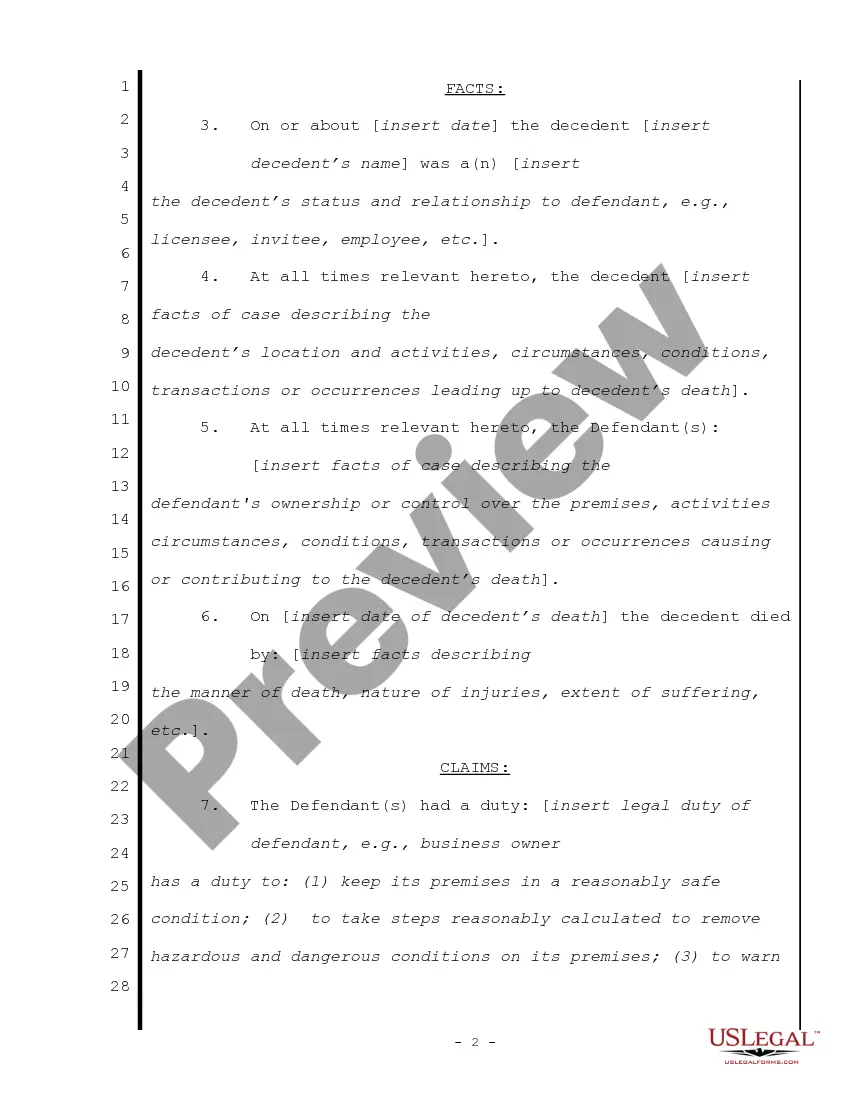
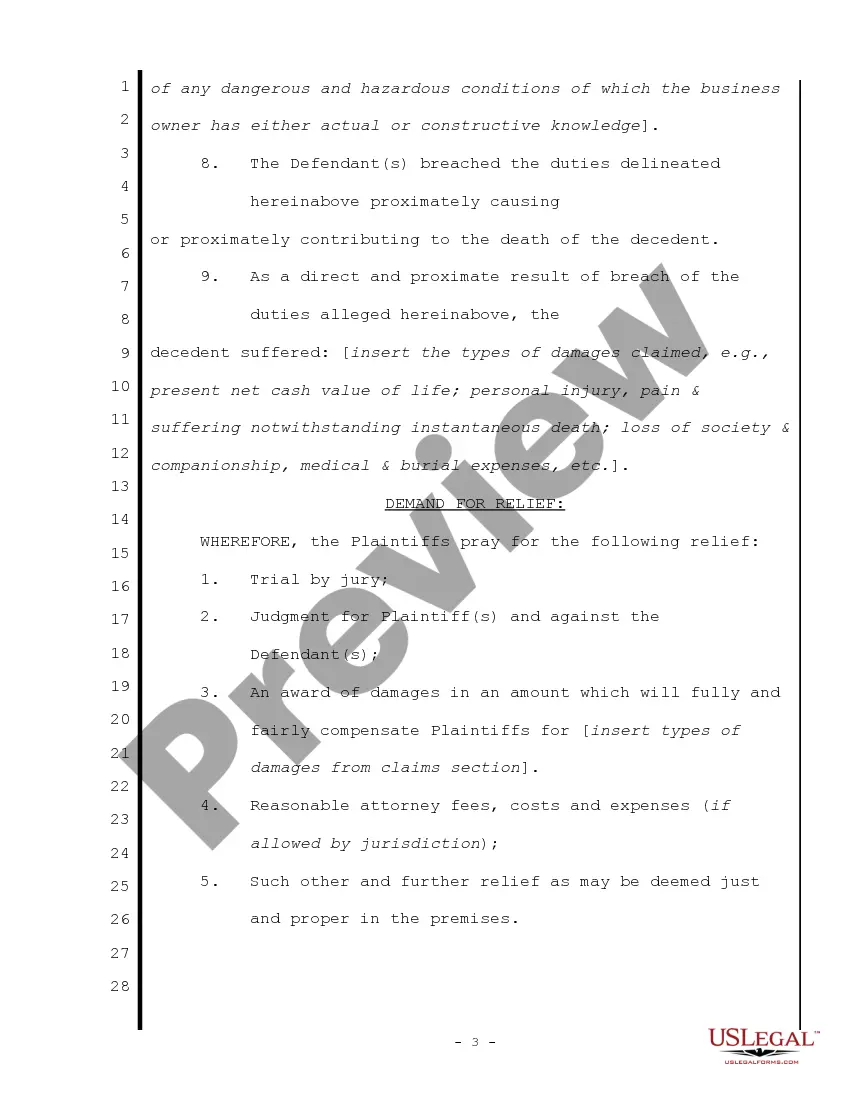
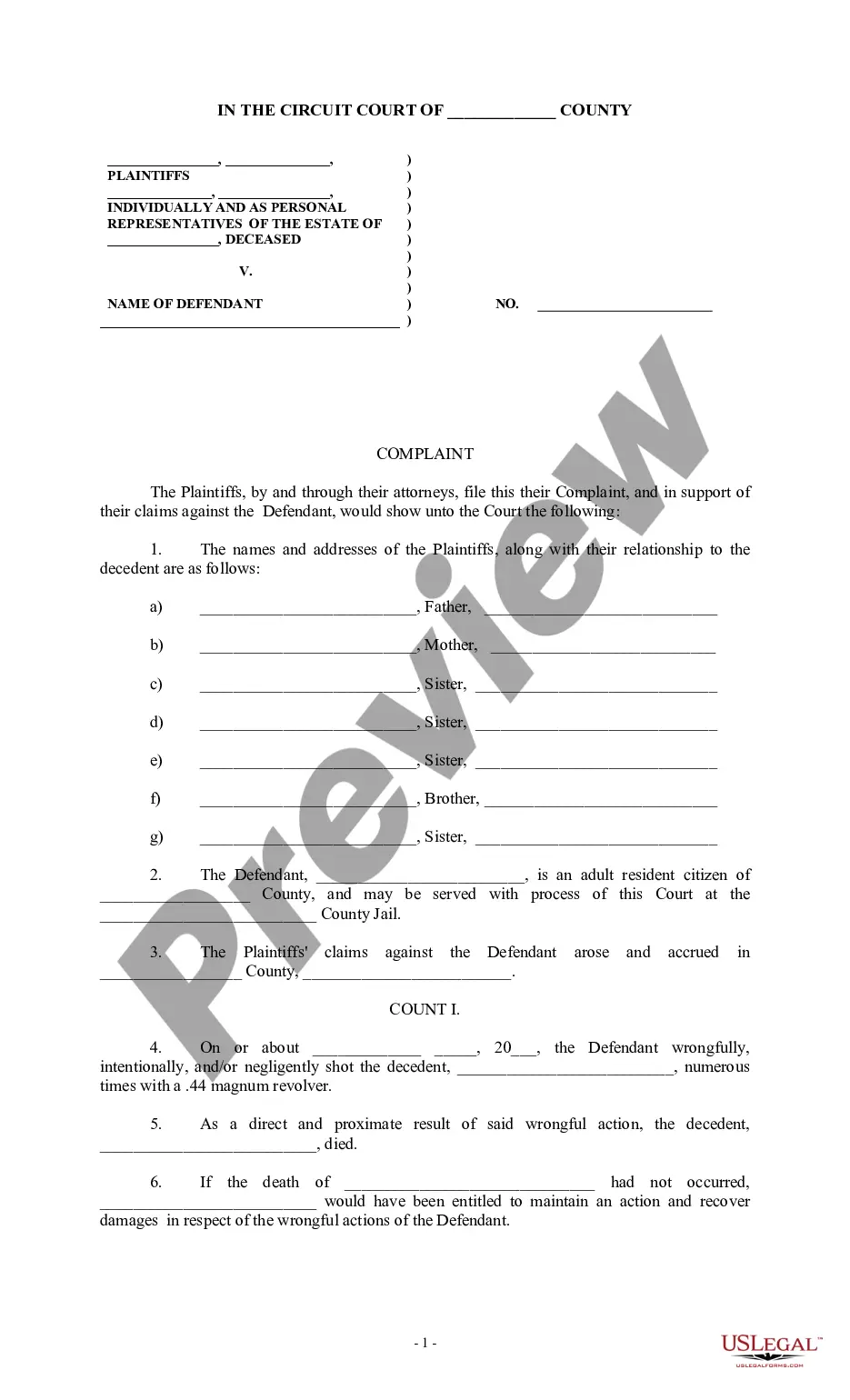
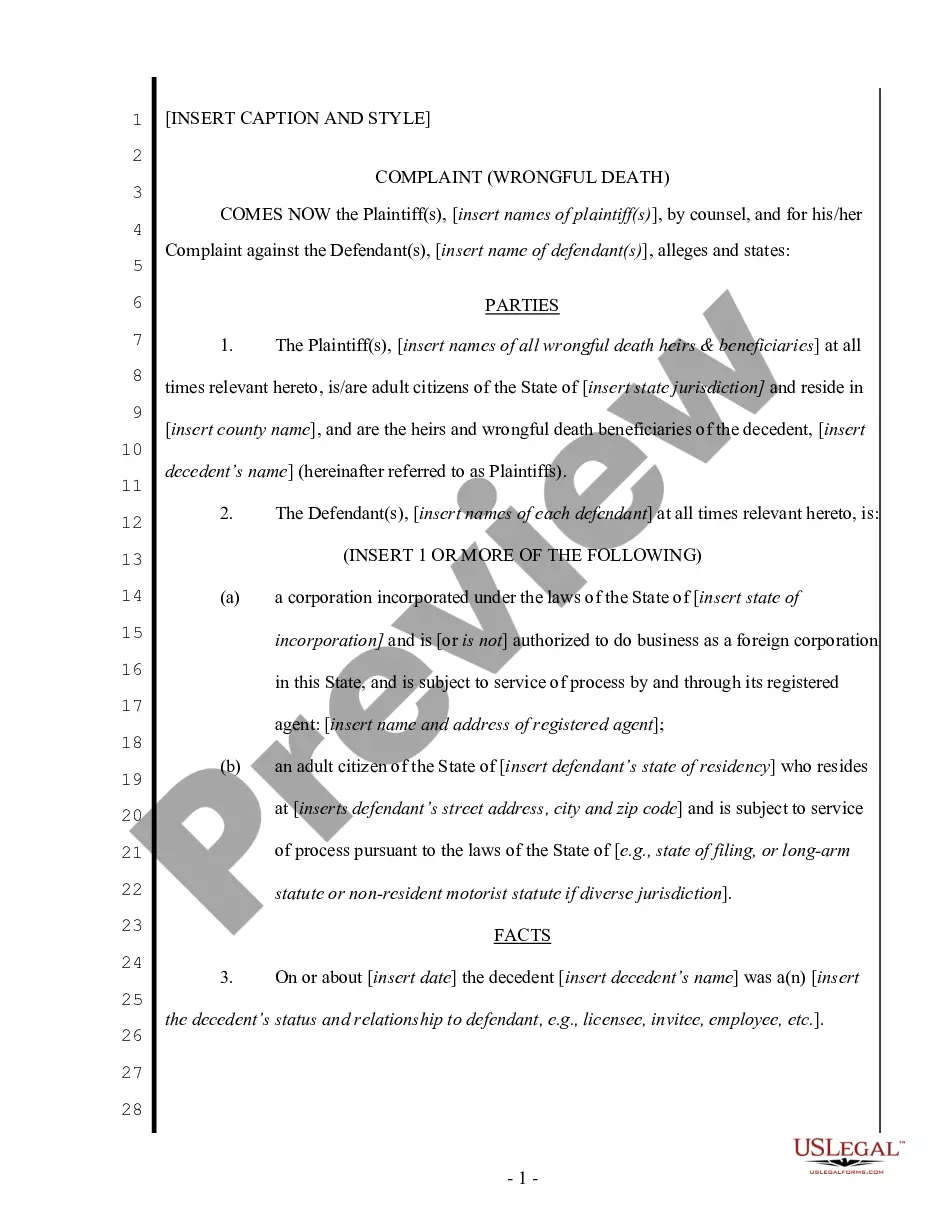

Get your form ready online
Our built-in tools help you complete, sign, share, and store your documents in one place.
Make edits, fill in missing information, and update formatting in US Legal Forms—just like you would in MS Word.
Download a copy, print it, send it by email, or mail it via USPS—whatever works best for your next step.
Sign and collect signatures with our SignNow integration. Send to multiple recipients, set reminders, and more. Go Premium to unlock E-Sign.
If this form requires notarization, complete it online through a secure video call—no need to meet a notary in person or wait for an appointment.
We protect your documents and personal data by following strict security and privacy standards.

Make edits, fill in missing information, and update formatting in US Legal Forms—just like you would in MS Word.

Download a copy, print it, send it by email, or mail it via USPS—whatever works best for your next step.

Sign and collect signatures with our SignNow integration. Send to multiple recipients, set reminders, and more. Go Premium to unlock E-Sign.

If this form requires notarization, complete it online through a secure video call—no need to meet a notary in person or wait for an appointment.

We protect your documents and personal data by following strict security and privacy standards.
Looking for another form?
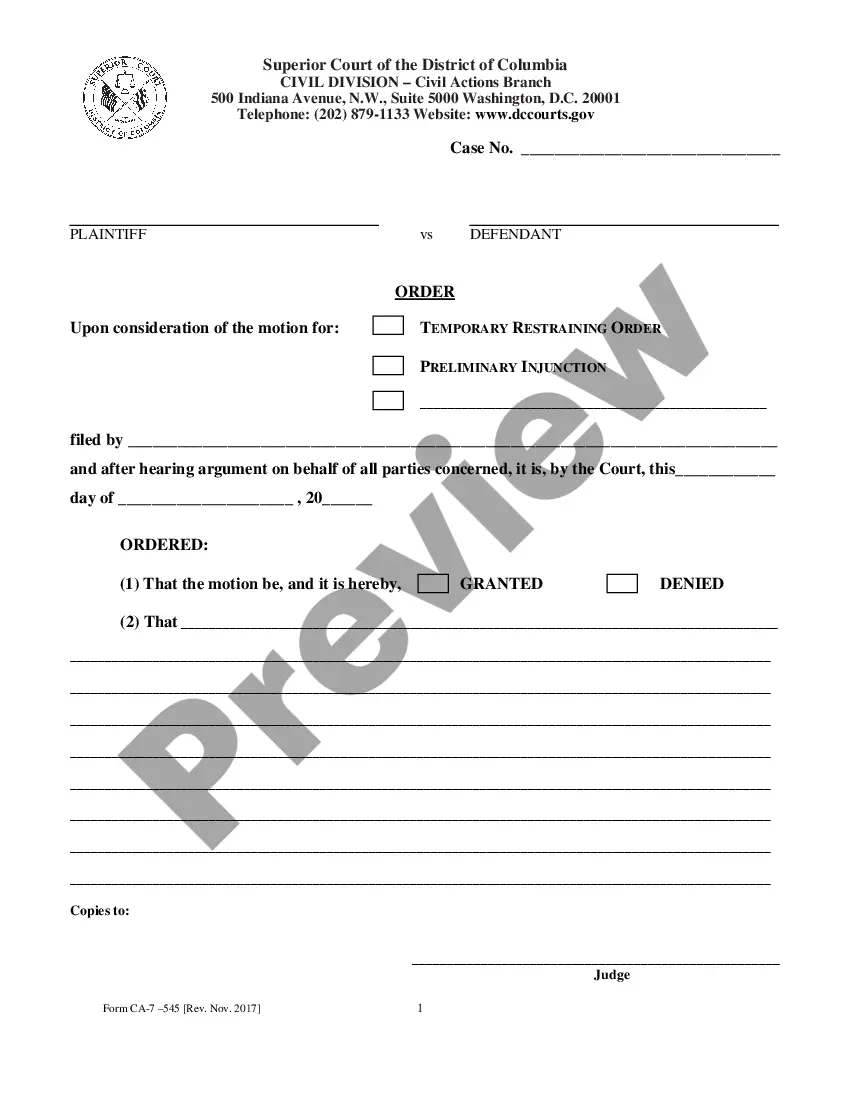
How to fill out Complaint For Wrongful Death - Single Count?
- If you have previously used US Legal Forms, log in to your account and confirm your subscription is active before selecting your form.
- Browse through the Preview mode to examine the form description carefully. Ensure the template matches your requirements and adheres to your local jurisdiction's standards.
- If the template seems unsuitable, utilize the Search function to find other relevant forms that might fit your needs better.
- Once you locate the correct document, click on the Buy Now button. Choose a subscription plan that works for you, and remember to register for full access.
- Proceed with your payment by entering your credit card information or using your PayPal account to finalize your purchase.
- After payment, download the form to your device. You can access it later from the My Forms section of your account.
By following these steps, you can ensure that you select the right file and get the most out of US Legal Forms. The platform's extensive form collection and expert assistance empower you to complete your legal documents accurately.
Don't delay—start using US Legal Forms today to streamline your legal document needs!
Form popularity
FAQ
If you cannot change the file format, it could be due to file permissions or the program not supporting the conversion. Some files have restrictions that prevent modification. You can use platforms like US Legal Forms to assist with file-related issues, ensuring you have the correct format and access to necessary tools.
You can manually change a file type by right-clicking on the file and choosing 'Rename.' Change the file extension to your desired format, making sure it matches the type you want to convert to. This action can prevent confusion with a wrong file format; however, always ensure compatibility to avoid errors.
To change a file to another file, you can use a file conversion tool. Upload your file to an online converter or download software that supports the file types you need to change. Simply select the output format and initiate the conversion process. This way, you can avoid any complications with wrong file formats.
Changing a file type to PDF is straightforward. First, open the file in its native application, then navigate to 'File' and select 'Save As' or 'Export.' Choose PDF as the desired format, and save the file. This method ensures your file converts properly, avoiding any potential wrong file issues.
To manually change a file format, start by locating the file on your device. Then, right-click on the file and select 'Rename.' Modify the file extension at the end of the file name, such as changing .txt to .docx. Ensure that you confirm the change, as altering file formats incorrectly can result in a wrong file error.
When you encounter a wrong file opened with the wrong program, first right-click on the file. Then, select 'Open with' and choose the appropriate software from the list. If the program is not listed, click on 'Choose another app' to find it. This should help you open the file in the correct application.
You can correct a filed return by submitting an amendment using Form 1040-X, detailing the changes related to your original submission. Acting fast helps in minimizing complications arising from a wrong file. Our platform simplifies the task with step-by-step guidance, ensuring you make the necessary corrections effectively.
If you filed with the wrong filing status, you should amend your tax return to correct it. Filing a wrong file can lead to inaccuracies in your taxes, which can be rectified by submitting Form 1040-X. Our US Legal feature can help you understand the implications and streamline the amendment process.
To fix IRS mistakes, you can file an amendment using Form 1040-X. It’s essential to clearly explain the corrections needed regarding your wrong file to ensure a seamless resolution. Our platform offers helpful resources to guide you through this process, making it easier to address mistakes with the IRS.
Yes, you can amend a return you just filed if you discover an error shortly after submission. Amendments are not limited by how recent the filing was, but you should act promptly to correct any wrong file. Utilize our US Legal feature to simplify the amendment process and rectify your submission effectively.