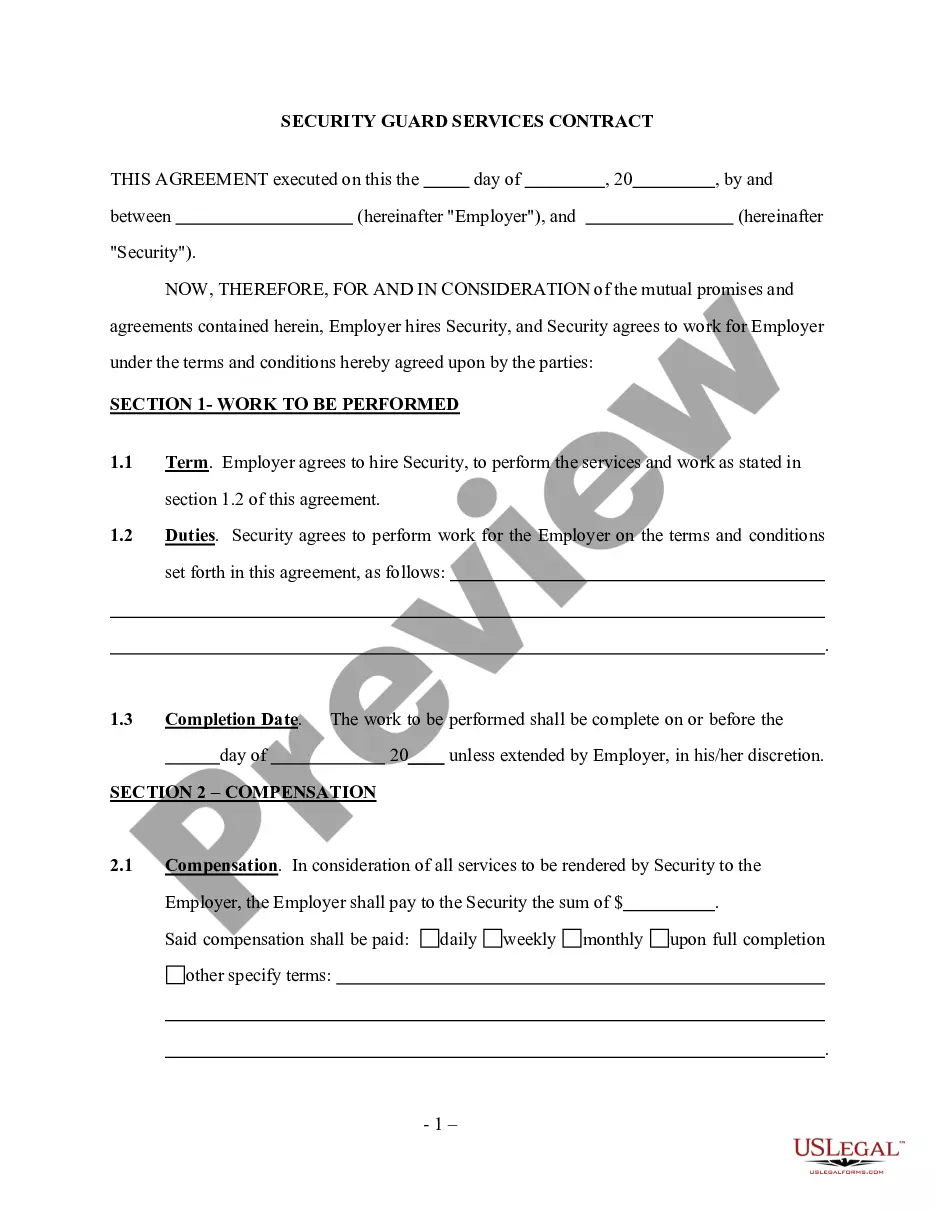
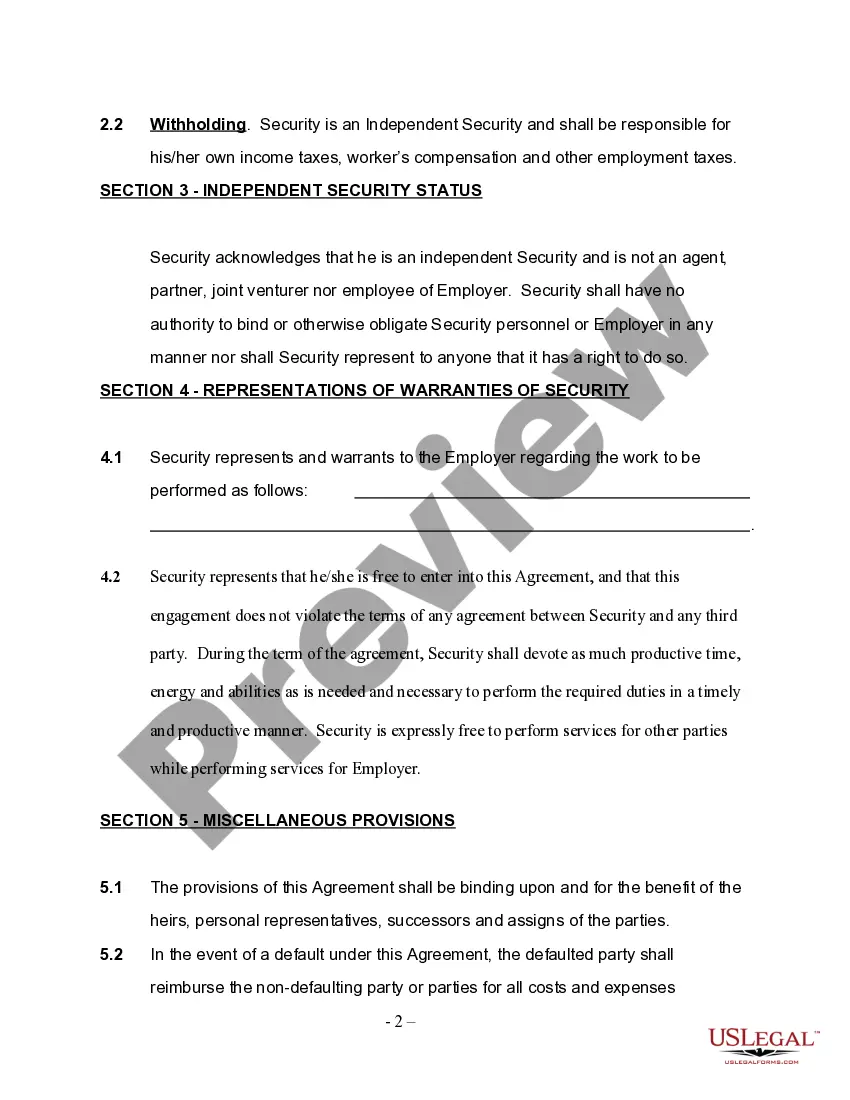
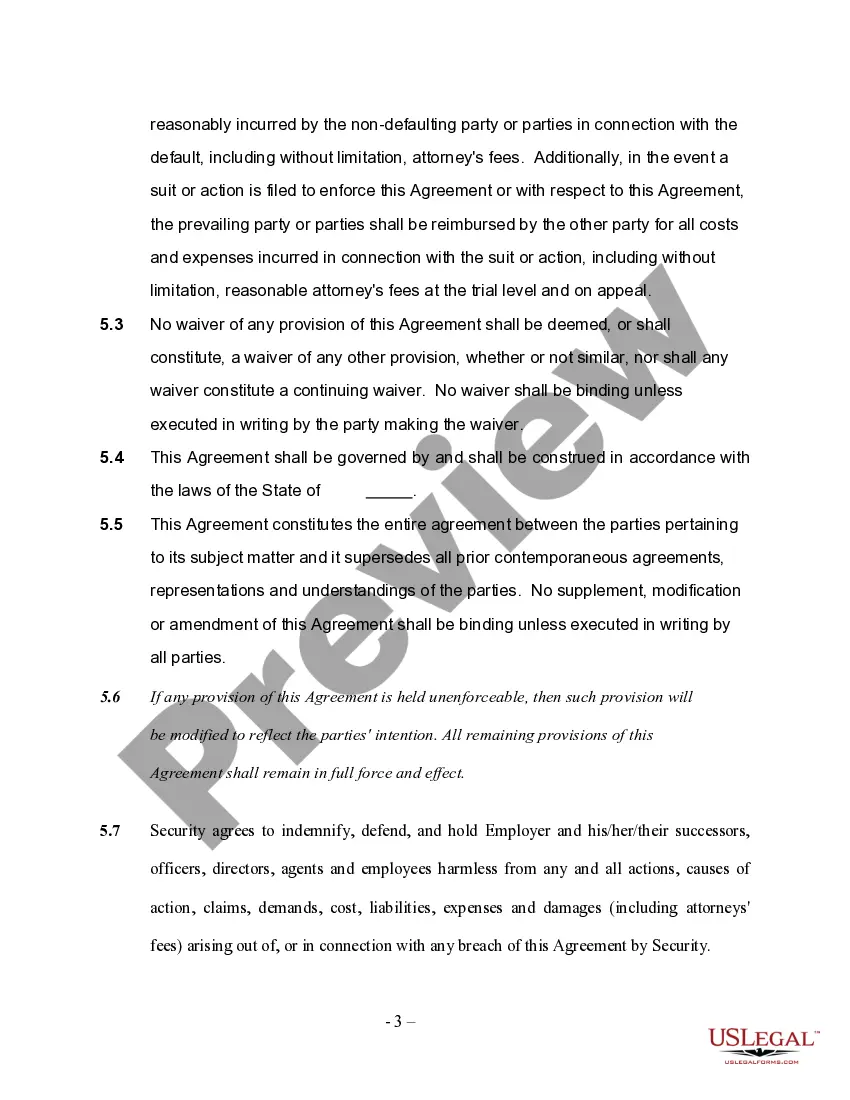
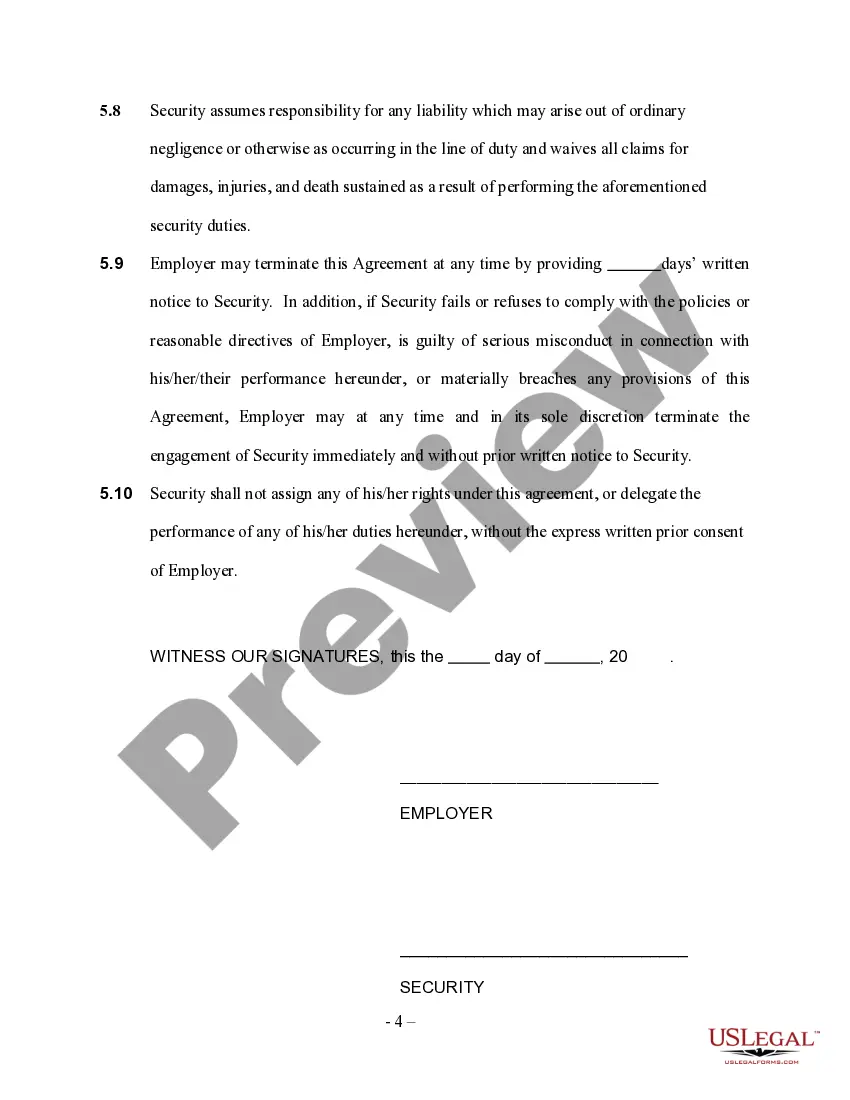
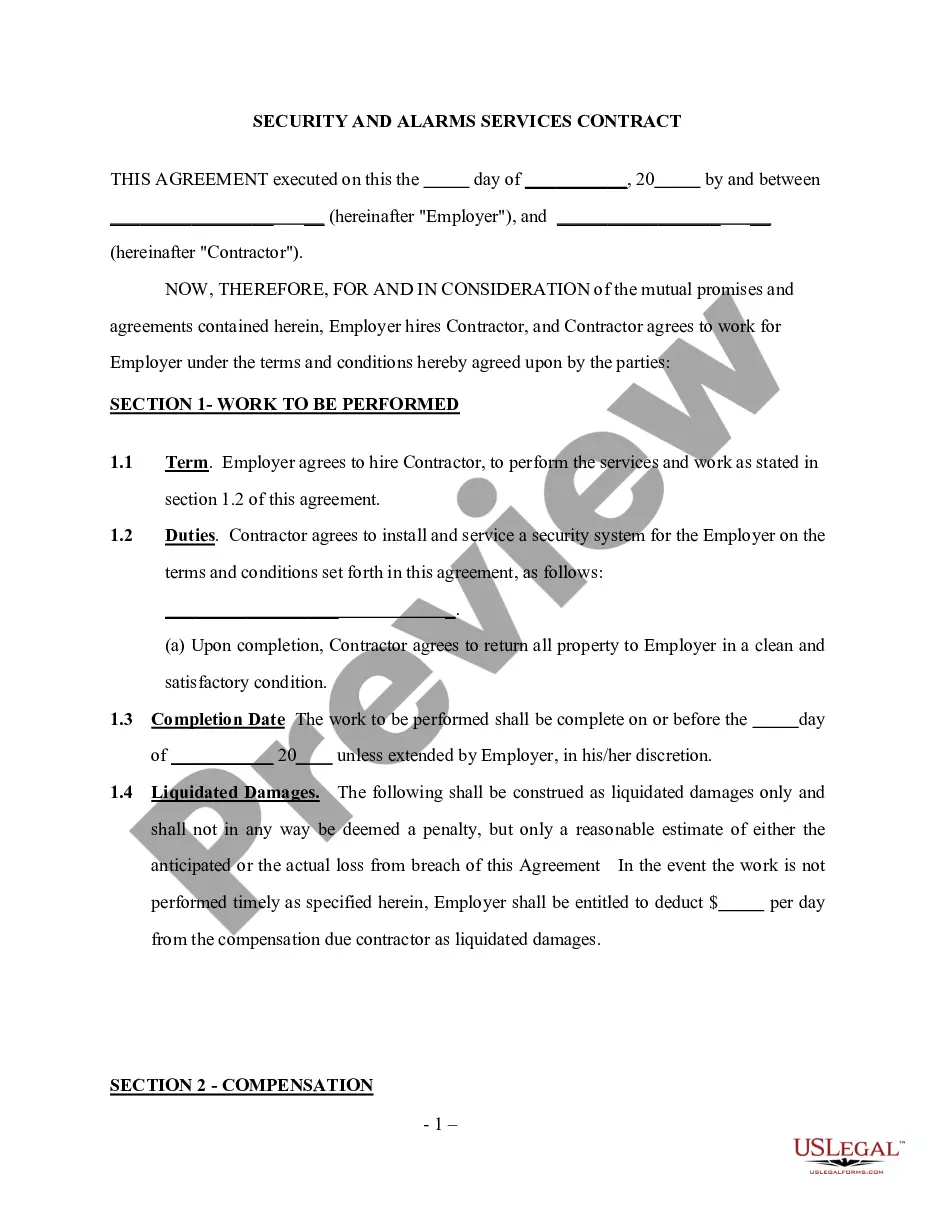
Security Guard Independent Contractor Agreement For Employees
Description

Get your form ready online
Our built-in tools help you complete, sign, share, and store your documents in one place.
Make edits, fill in missing information, and update formatting in US Legal Forms—just like you would in MS Word.
Download a copy, print it, send it by email, or mail it via USPS—whatever works best for your next step.
Sign and collect signatures with our SignNow integration. Send to multiple recipients, set reminders, and more. Go Premium to unlock E-Sign.
If this form requires notarization, complete it online through a secure video call—no need to meet a notary in person or wait for an appointment.
We protect your documents and personal data by following strict security and privacy standards.

Make edits, fill in missing information, and update formatting in US Legal Forms—just like you would in MS Word.

Download a copy, print it, send it by email, or mail it via USPS—whatever works best for your next step.

Sign and collect signatures with our SignNow integration. Send to multiple recipients, set reminders, and more. Go Premium to unlock E-Sign.

If this form requires notarization, complete it online through a secure video call—no need to meet a notary in person or wait for an appointment.

We protect your documents and personal data by following strict security and privacy standards.
Looking for another form?
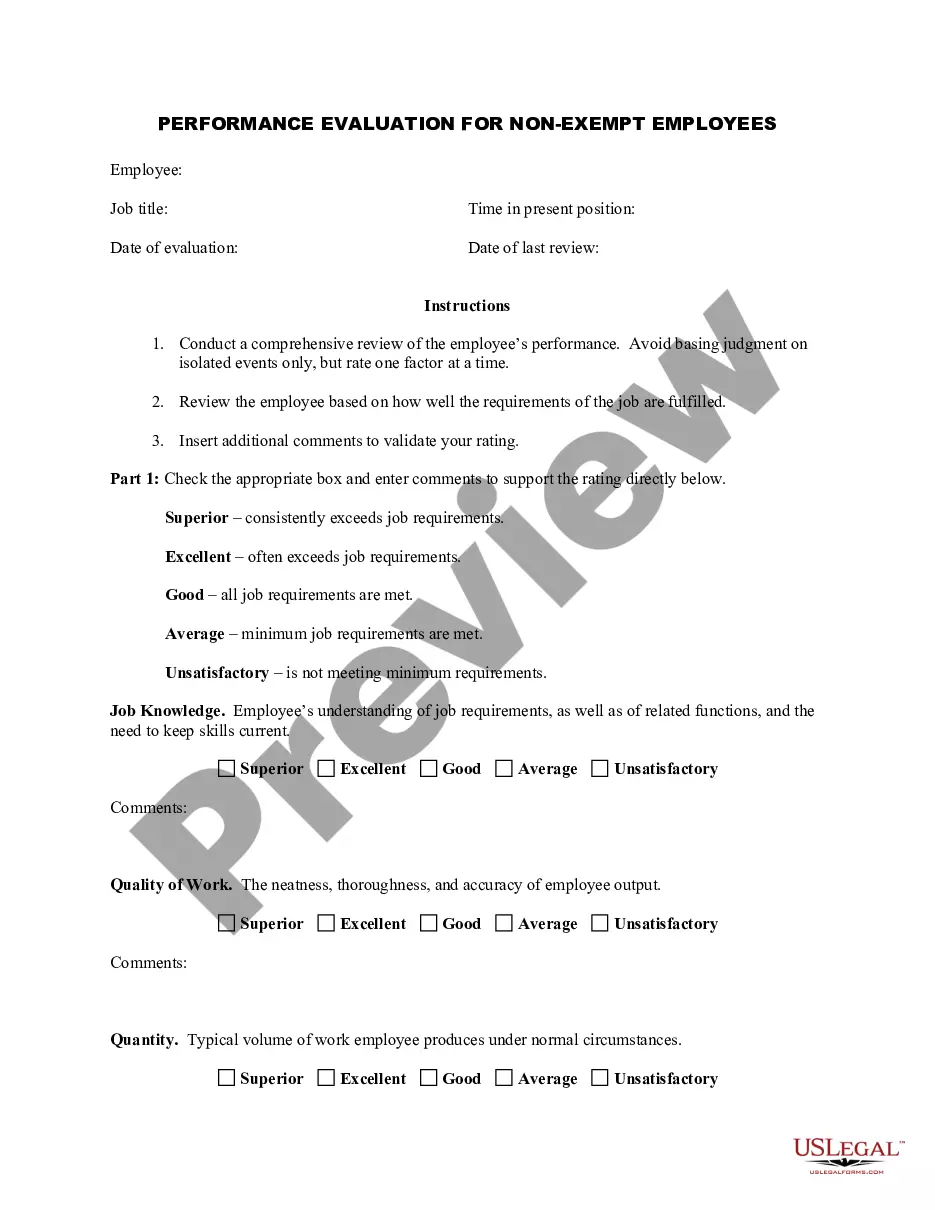
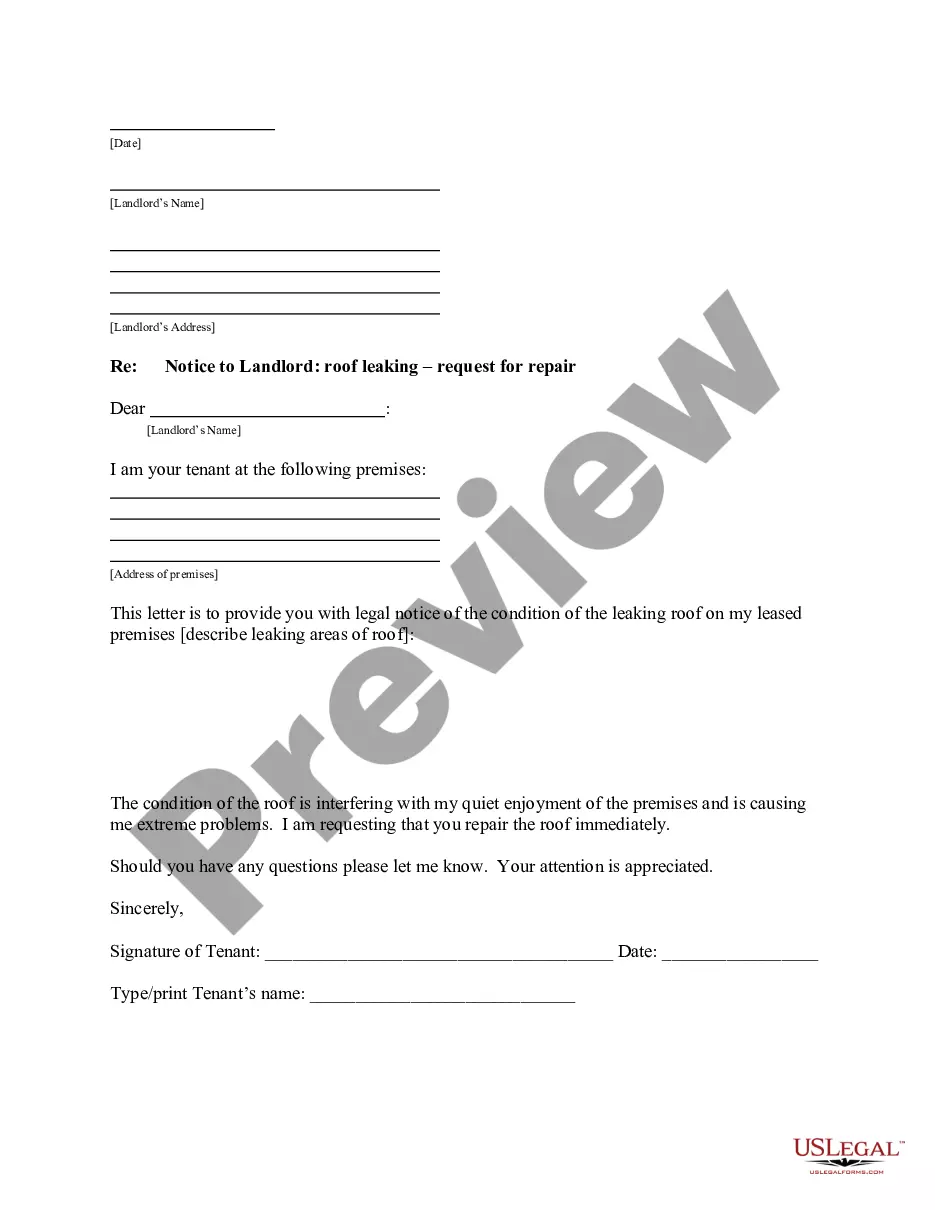
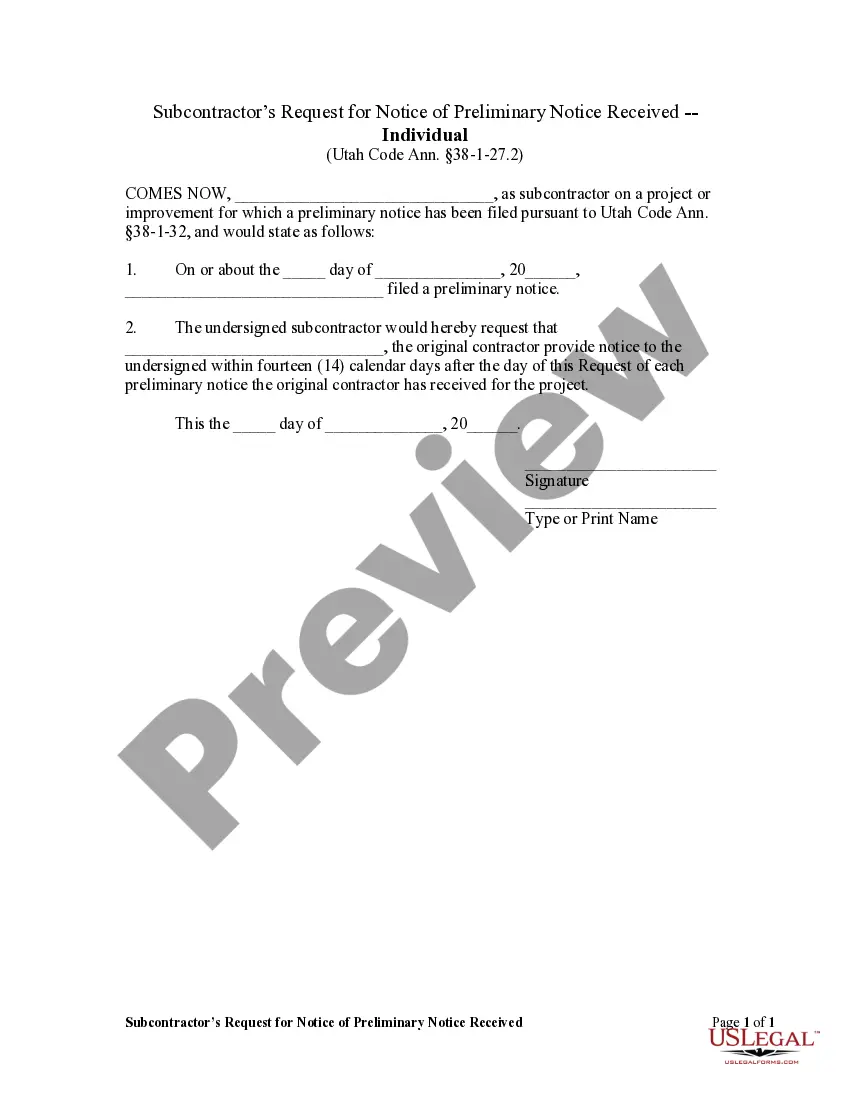

How to fill out Self-Employed Security Guard Services Contract?
Finding a reliable place to obtain the most up-to-date and suitable legal templates is a significant part of dealing with bureaucratic processes.
Identifying the correct legal documents requires precision and careful consideration, which is why it's crucial to gather samples of the Security Guard Independent Contractor Agreement For Employees exclusively from reputable sources, such as US Legal Forms. A faulty template can squander your time and delay your situation.
Once you have the form on your device, you can modify it with the editor or print it and complete it manually. Eliminate the complexities associated with your legal documentation. Browse the extensive catalog of US Legal Forms to discover legal templates, assess their applicability to your needs, and download them instantly.
- Utilize the library navigation or search option to find your template.
- Review the information about the form to confirm it meets the criteria of your state and locality.
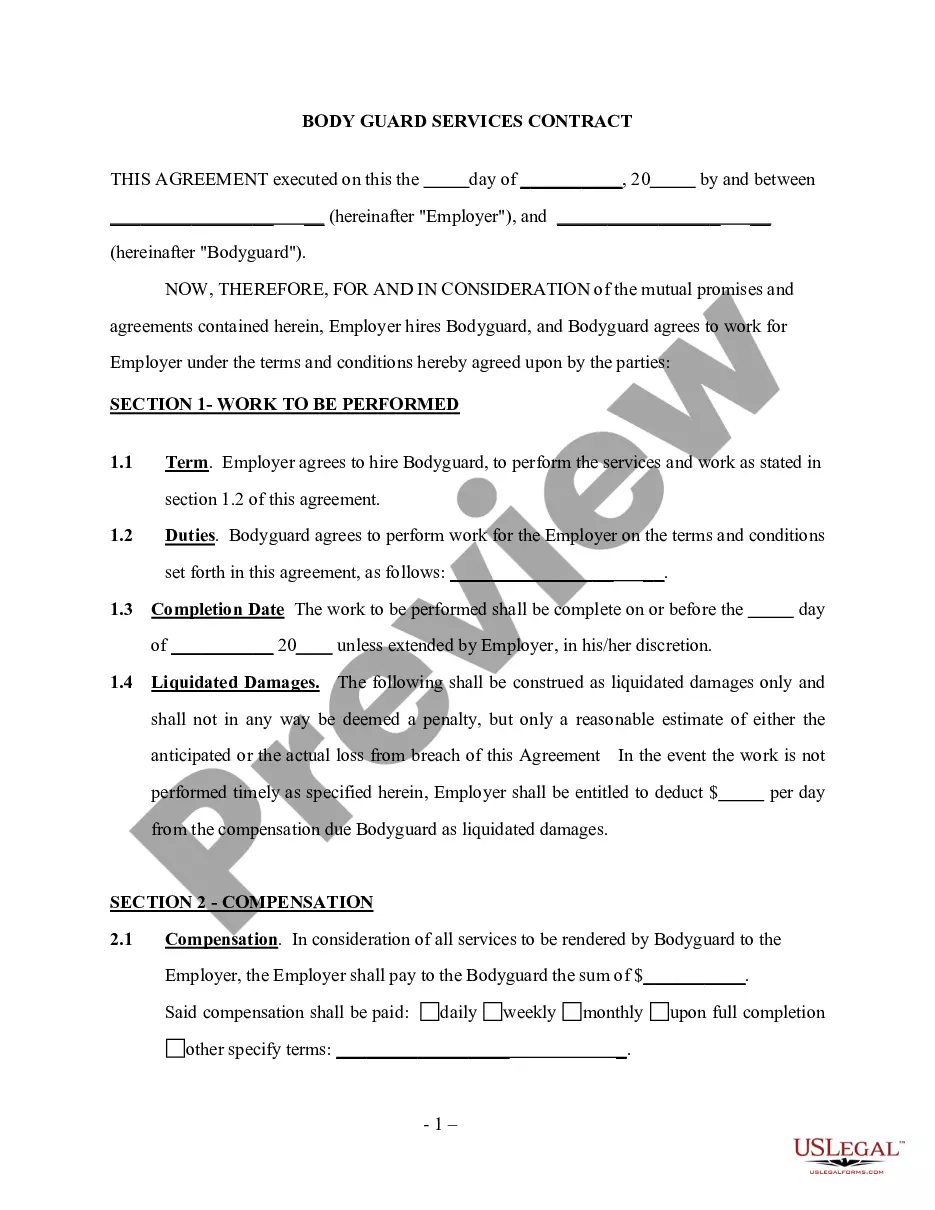
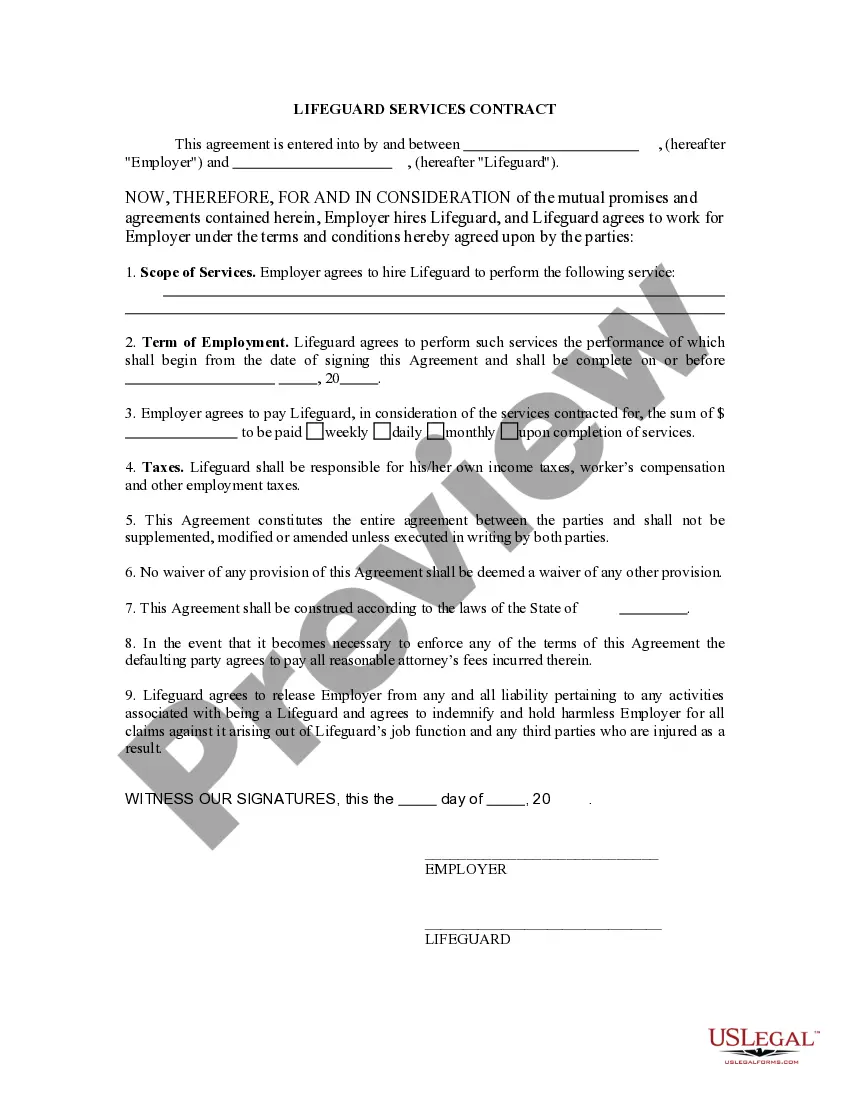
- Examine the form preview, if one is available, to verify that the template is what you need.
- Return to the search and seek the appropriate document if the Security Guard Independent Contractor Agreement For Employees does not fulfill your criteria.
- Once you are confident about the form’s relevance, download it.
- If you are a registered customer, click Log in to verify your identity and access your selected templates in My documents.
- If you do not yet have an account, click Buy now to acquire the form.
- Select the pricing plan that best meets your needs.
- Proceed to register to complete your purchase.
- Finalize your transaction by choosing a payment method (credit card or PayPal).
- Choose the file format for downloading the Security Guard Independent Contractor Agreement For Employees.
Form popularity
FAQ
You can make a will without a lawyer in Maine, and it will be valid as long as you follow the requirements set out by state law, including those outlined above.
You can also write your will yourself. This is called a Holographic Will. The Will must be written in your own handwriting and signed by you. No witnesses are needed.
If you have a fairly straightforward estate plan in mind, a do-it-yourself will can be an easy, inexpensive way to make your wishes known regarding the distribution of your assets after death.
The general requirements for a valid Will are usually as follows: (a) the document must be written (meaning typed or printed), (b) signed by the person making the Will (usually called the ?testator? or ?testatrix?, and (c) signed by two witnesses who were present to witness the execution of the document by the maker ...
No, in Maine, you do not need to notarize your will to make it legal. However, Maine allows you to make your will "self-proving" and you'll need to go to a notary if you want to do that. A self-proving will speeds up probate because the court can accept the will without contacting the witnesses who signed it.
The average cost of creating a will in Maine ranges from $200 to $600, depending on the attorney's fees and the complexity of the will. The average cost of establishing a trust in Maine can range from $1,000 to $3,000 or more, based on the type of trust, attorney's fees, and the complexity of the trust's provisions.
How to make a will without a lawyer in 7 steps Step 1: Create an account with an online service. ... Step 2: Designate an executor. ... Step 3: Identify beneficiaries. ... Step 4: Plan for your dependents. ... Step 5: Prepare your assets. ... Step 6: List your debts. ... Step 7: Execute your will.