Paralegal Contract Agreement Template For Canada
Description
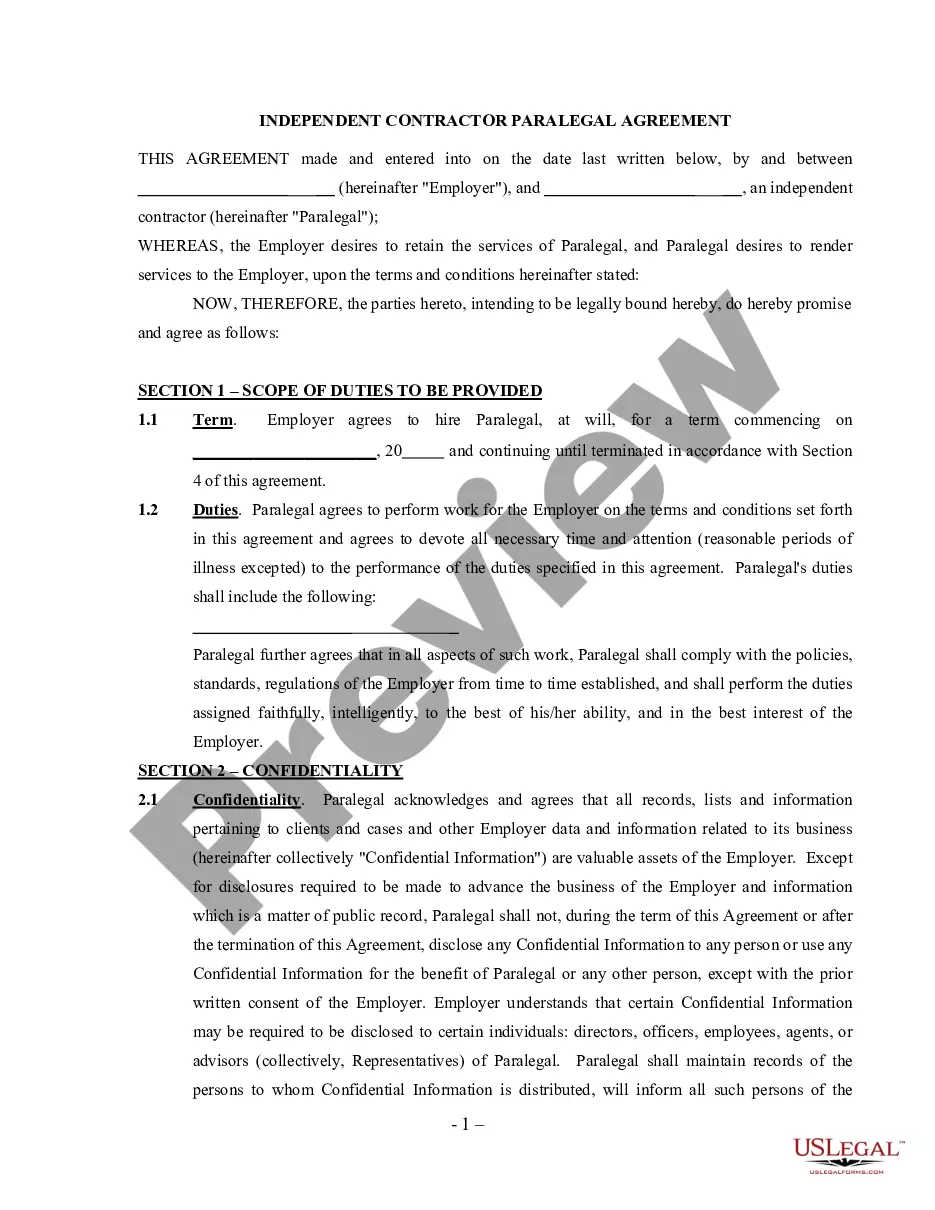
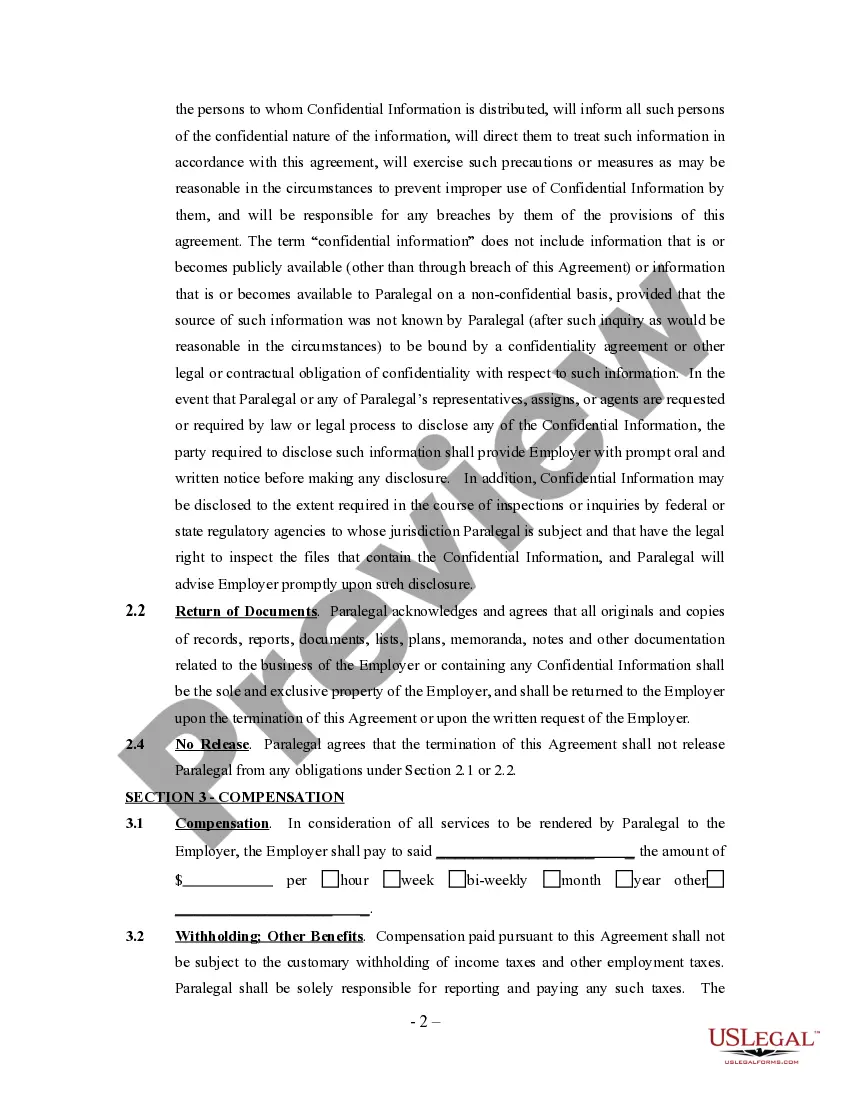
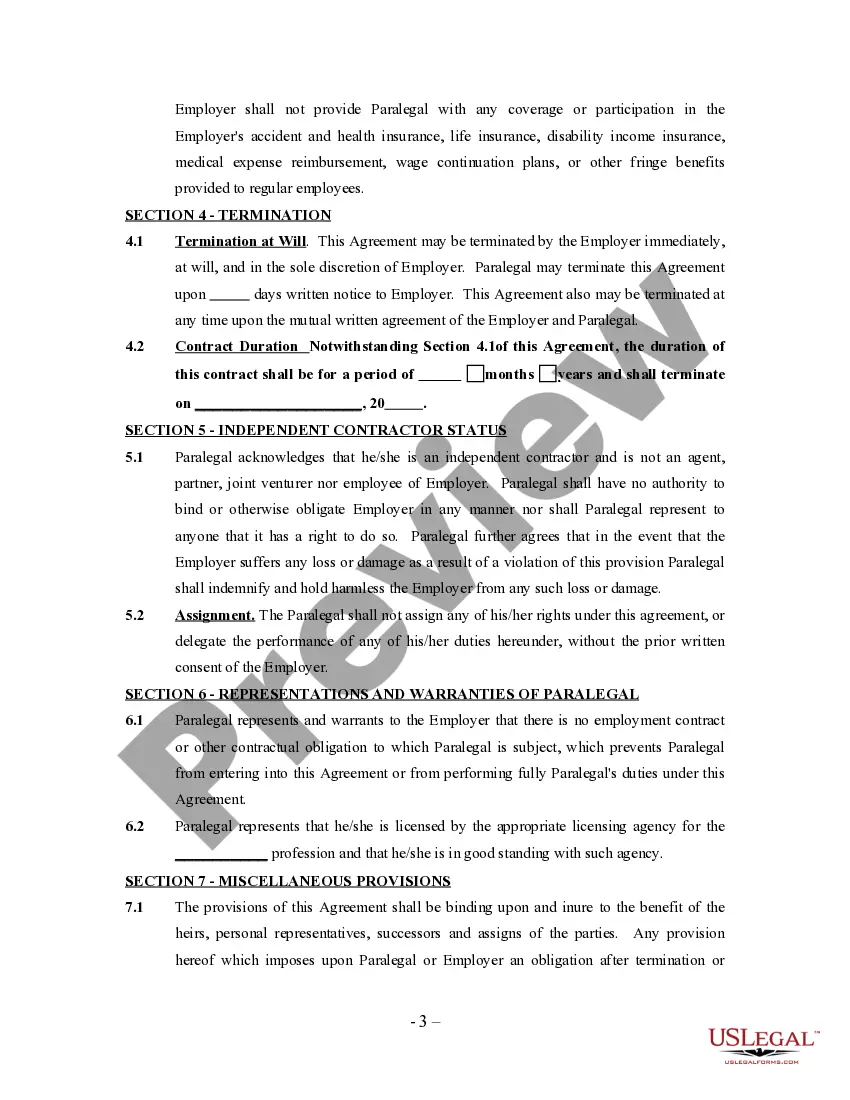
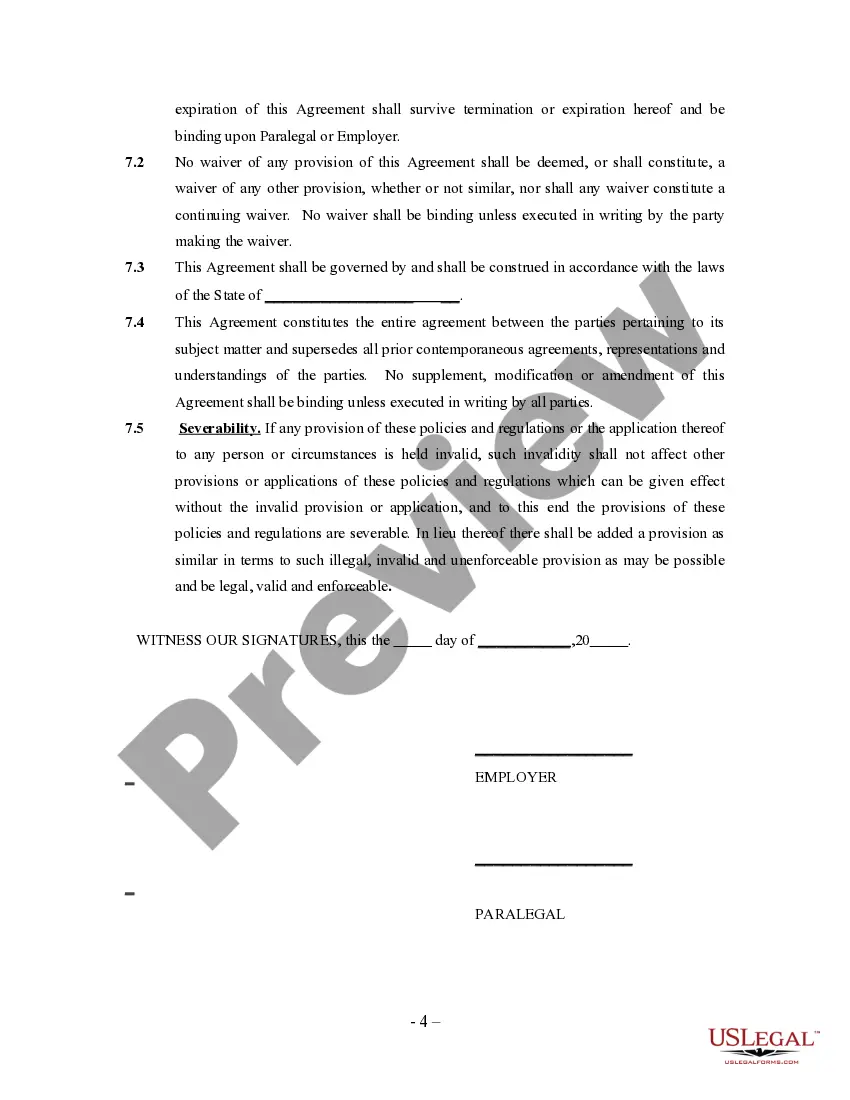
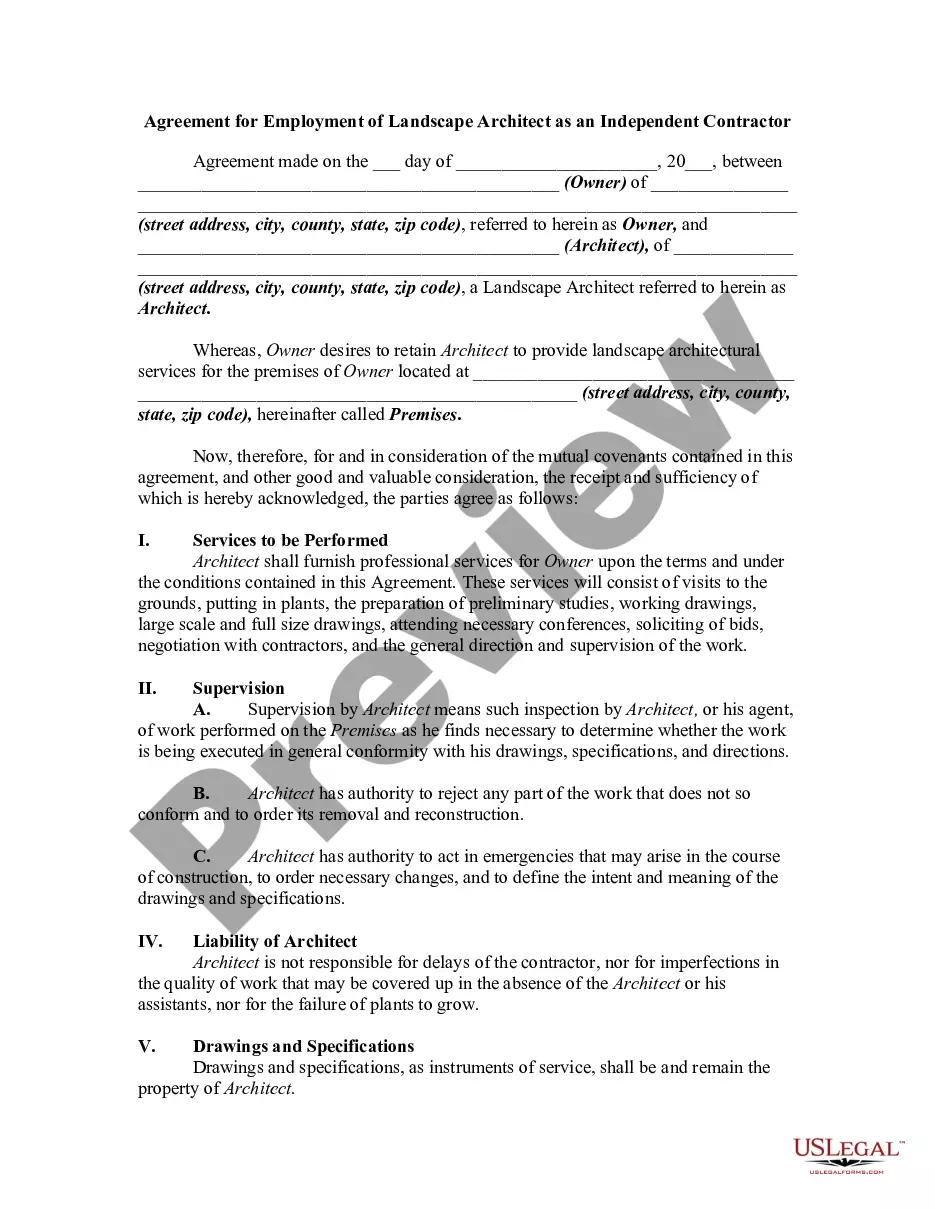
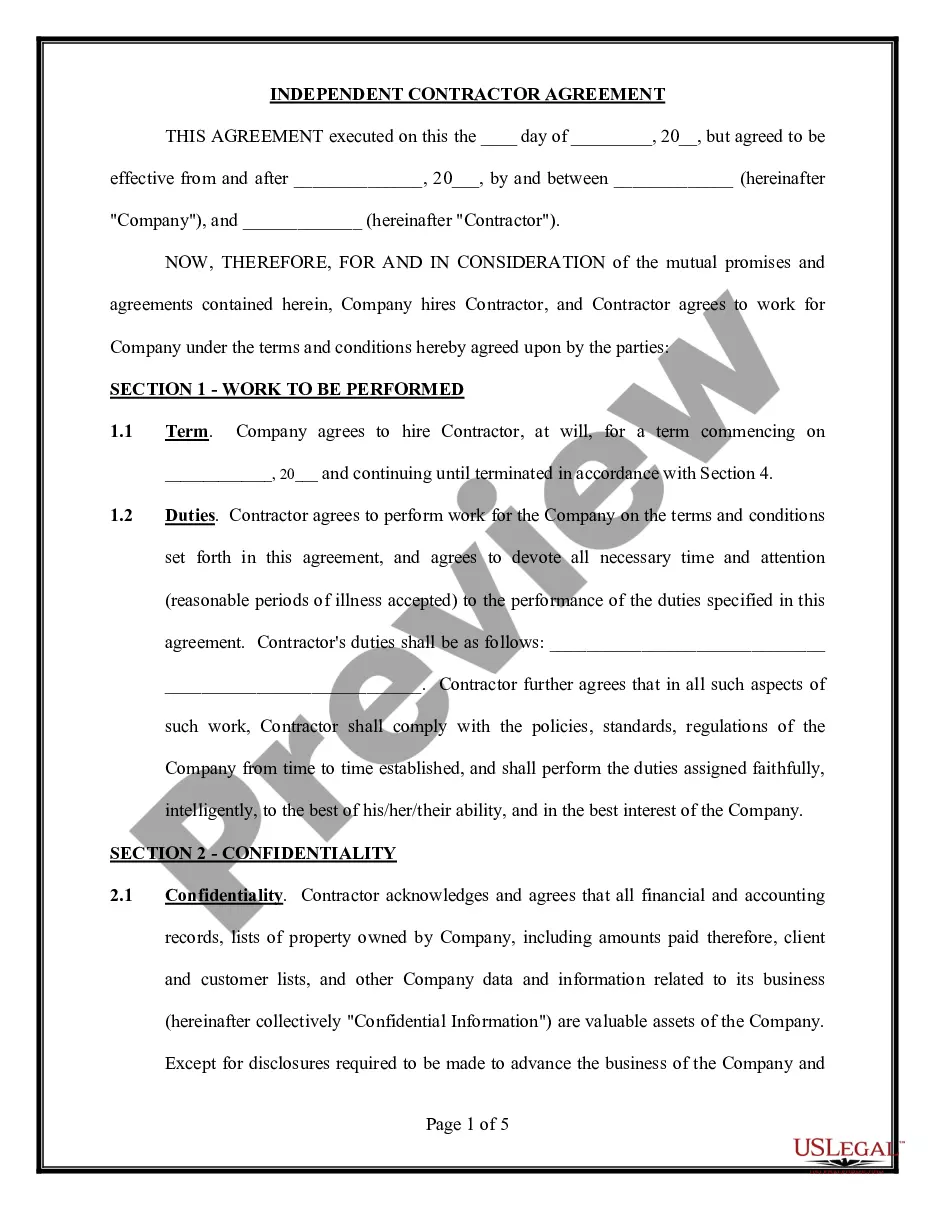
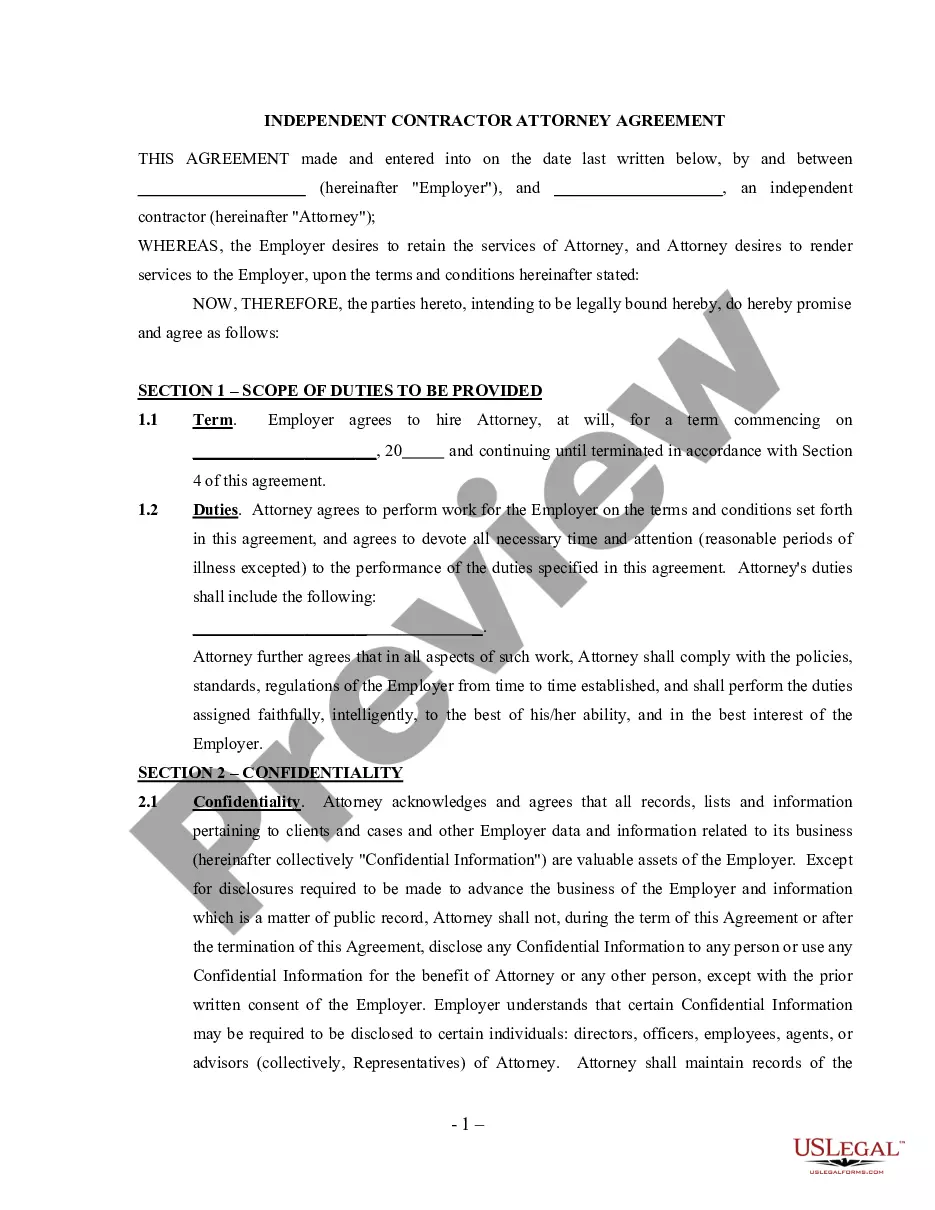
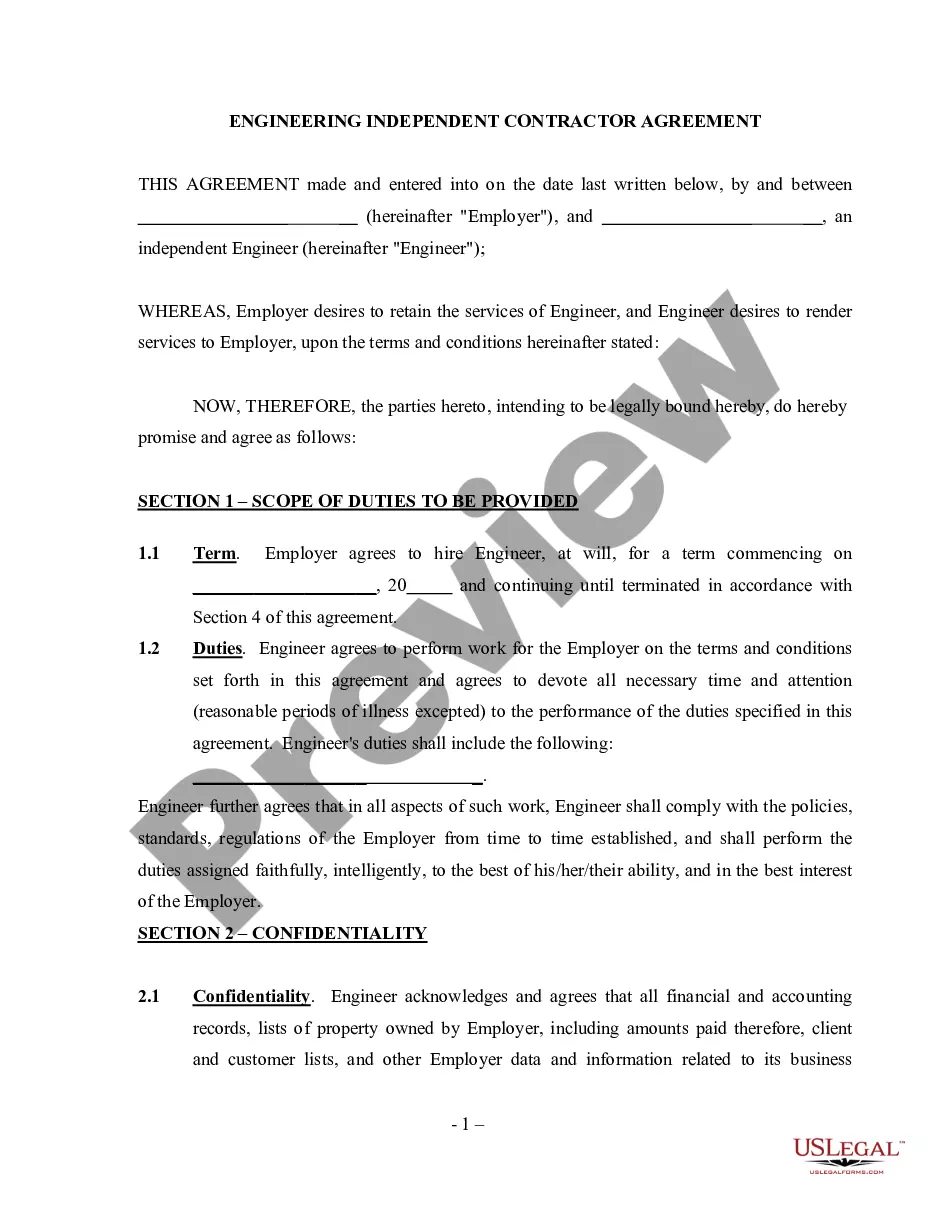
Get your form ready online
Our built-in tools help you complete, sign, share, and store your documents in one place.
Make edits, fill in missing information, and update formatting in US Legal Forms—just like you would in MS Word.
Download a copy, print it, send it by email, or mail it via USPS—whatever works best for your next step.
Sign and collect signatures with our SignNow integration. Send to multiple recipients, set reminders, and more. Go Premium to unlock E-Sign.
If this form requires notarization, complete it online through a secure video call—no need to meet a notary in person or wait for an appointment.
We protect your documents and personal data by following strict security and privacy standards.

Make edits, fill in missing information, and update formatting in US Legal Forms—just like you would in MS Word.

Download a copy, print it, send it by email, or mail it via USPS—whatever works best for your next step.

Sign and collect signatures with our SignNow integration. Send to multiple recipients, set reminders, and more. Go Premium to unlock E-Sign.

If this form requires notarization, complete it online through a secure video call—no need to meet a notary in person or wait for an appointment.

We protect your documents and personal data by following strict security and privacy standards.
Looking for another form?


How to fill out Paralegal Agreement - Self-Employed Independent Contractor?
Identifying a reliable source for acquiring the latest and suitable legal templates constitutes a significant part of navigating bureaucracy.
Finding the correct legal document entails precision and meticulousness, which underscores the importance of obtaining samples of the Paralegal Contract Agreement Template For Canada solely from reputable providers, such as US Legal Forms. An incorrect template can squander your time and hinder your current situation. With US Legal Forms, your concerns are minimal. You can access and review all the specifics regarding the document's applicability and significance for your case and within your jurisdiction.
Eliminate the complications associated with your legal documentation. Browse the extensive US Legal Forms repository to discover legal templates, assess their applicability to your situation, and download them right away.
- Utilize the library navigation or search bar to find your template.
- Examine the form’s description to ensure it meets the stipulations of your state and locality.
- Check the form preview, if available, to confirm that the template is what you are looking for.
- Return to the search and find the appropriate template if the Paralegal Contract Agreement Template For Canada does not meet your criteria.
- When you are certain about the form’s pertinence, download it.
- If you are a registered user, click Log in to verify and access your chosen templates in My documents.
- If you have not created an account yet, click Buy now to acquire the form.
- Select the pricing option that aligns with your needs.
- Proceed with the registration to complete your purchase.
- Finalize your purchase by selecting a payment method (credit card or PayPal).
- Choose the document format for downloading the Paralegal Contract Agreement Template For Canada.
- Once the form is on your device, you can modify it using the editor or print it out and complete it manually.
Form popularity
FAQ
How do I create an Independent Contractor Agreement? State the location. ... Describe the type of service required. ... Provide the contractor's and client's details. ... Outline compensation details. ... State the agreement's terms. ... Include any additional clauses. ... State the signing details.
There are no legal differences between typed and handwritten agreements when it comes to enforceability. When most people think of a contract, a formally typed, the professional contract usually comes to mind. Nonetheless, a handwritten contract can be as valid as one that's typed.
Simply put, yes, you can write your own legal contract. You just need to be sure to include key components such as an offer, an acceptance, an exchange of value, and the willingness of both parties to enter into a contract. Legally binding contracts can be done both in writing or orally.
Contracts have three essential elements: Agreement. The people making the contract (called ?the parties?) must agree or have a ?meeting of the minds? on what has been agreed to in the contract. ... Consideration. There must be an exchange of something of value to each party. ... Intention.
How to draft a contract agreement Check out the parties. Come to an agreement on the terms. Specify the length of the contract. Spell out the consequences. Determine how you would resolve any disputes. Think about confidentiality. Check the contract's legality. Open it up to negotiation.