Kitchen Cabinet Contract Template For Construction
Description
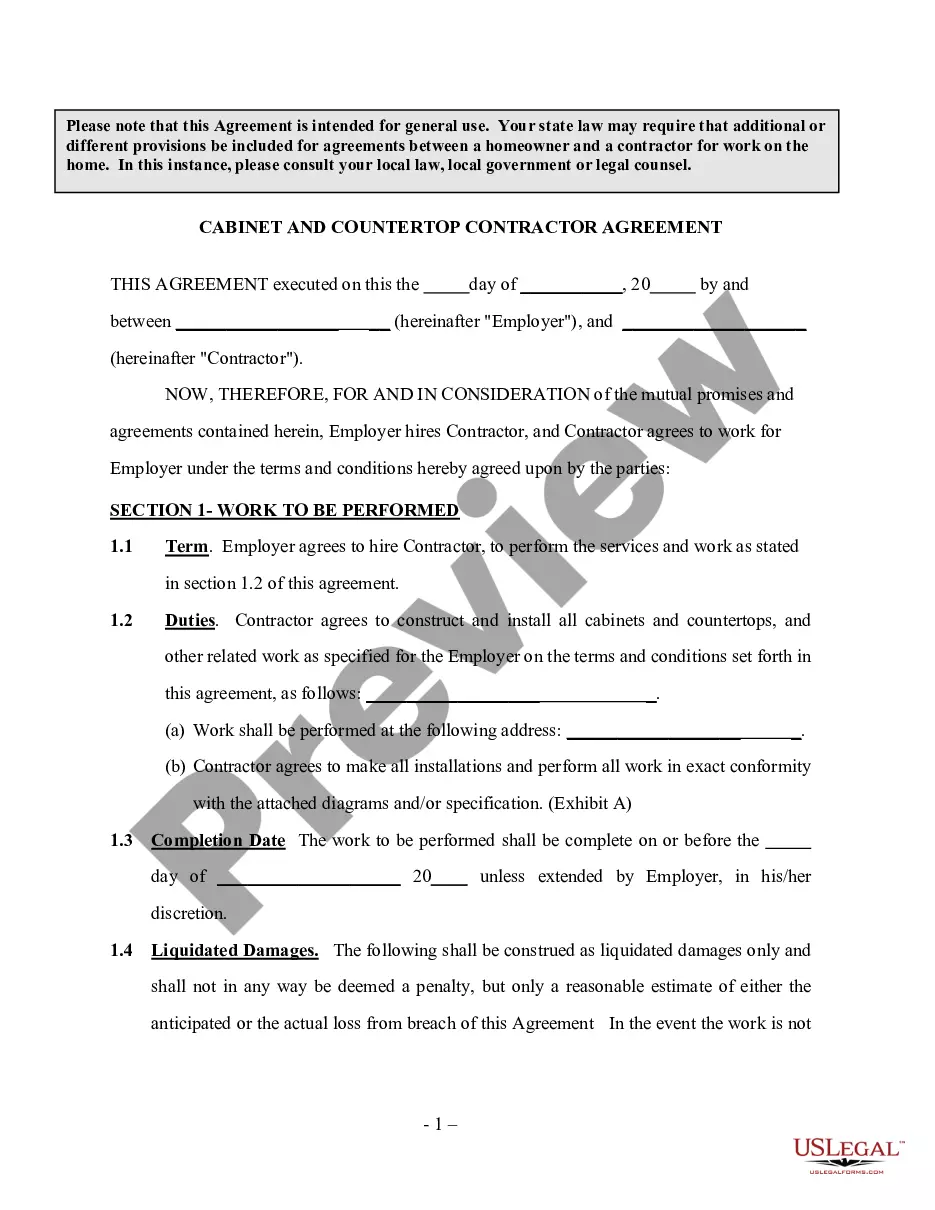
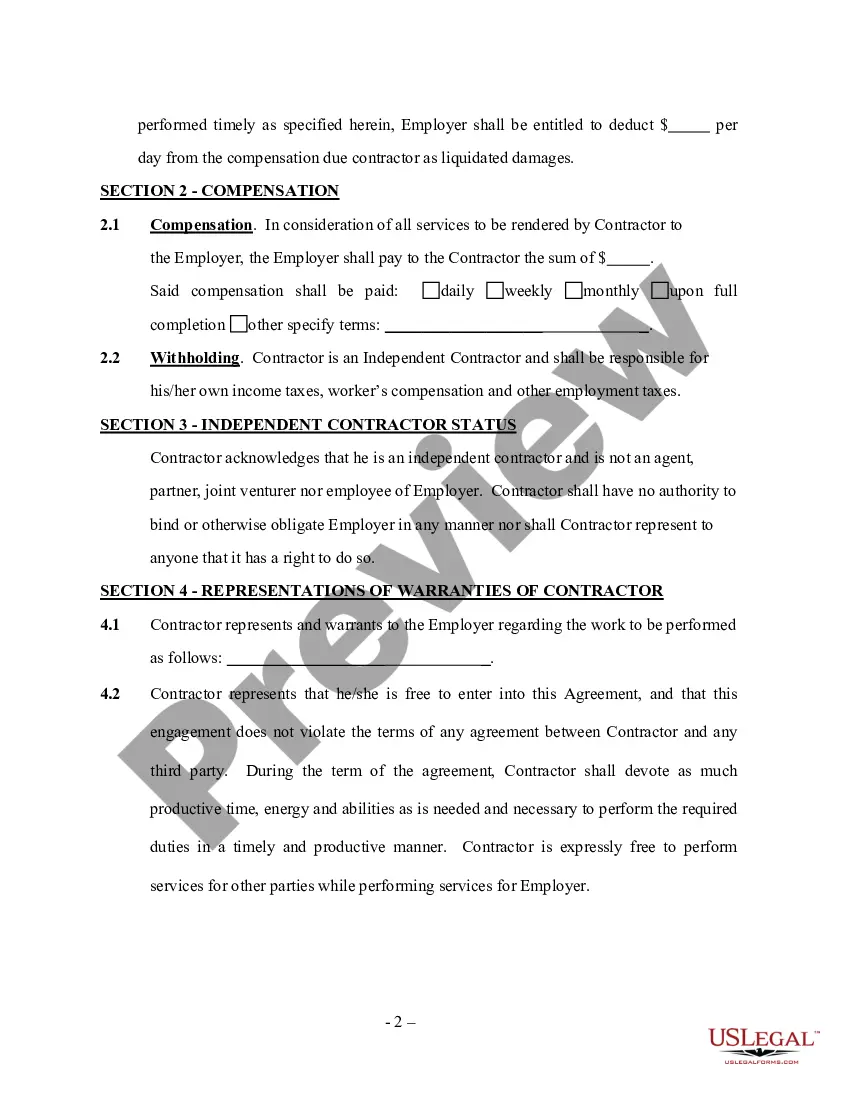
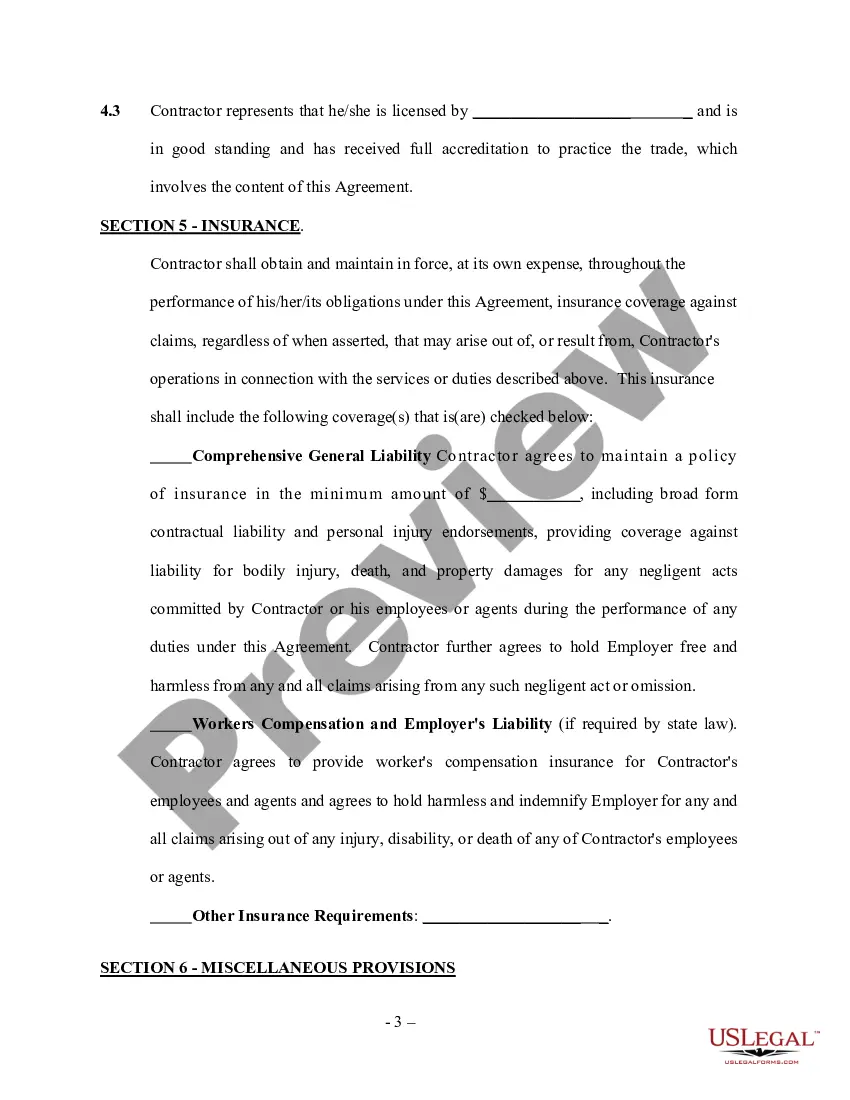
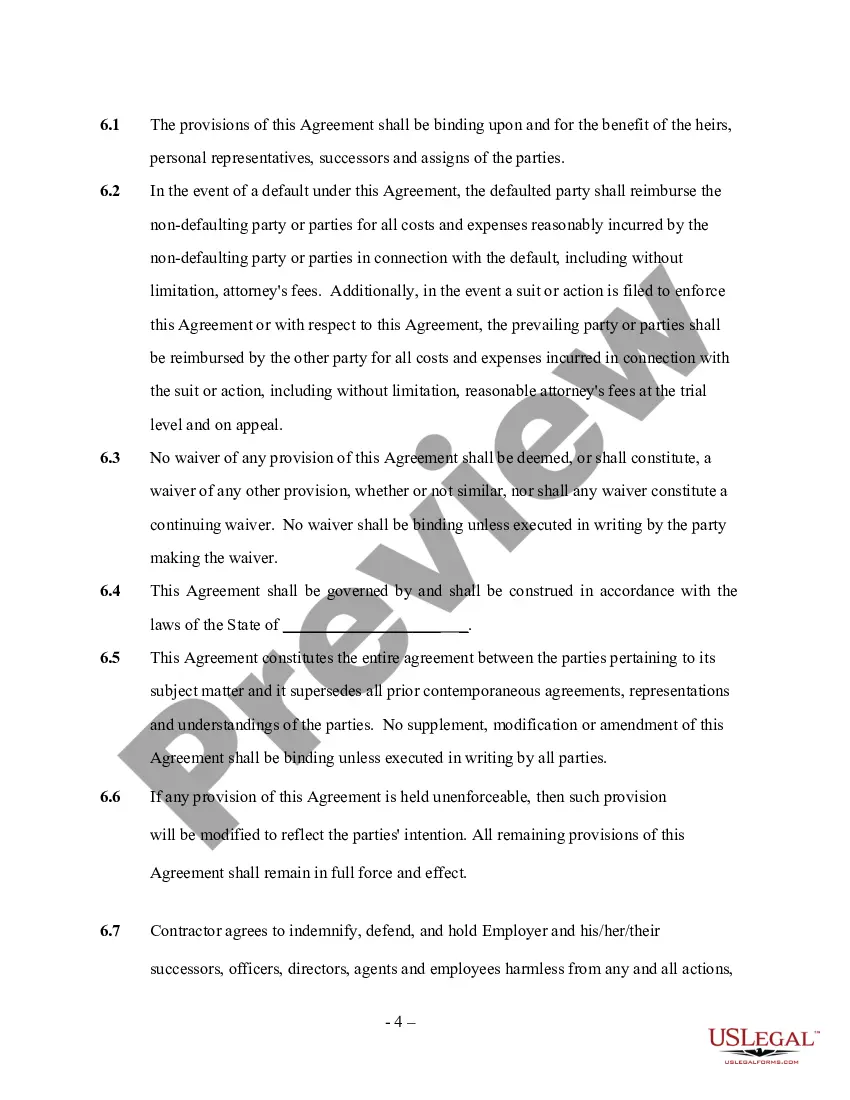
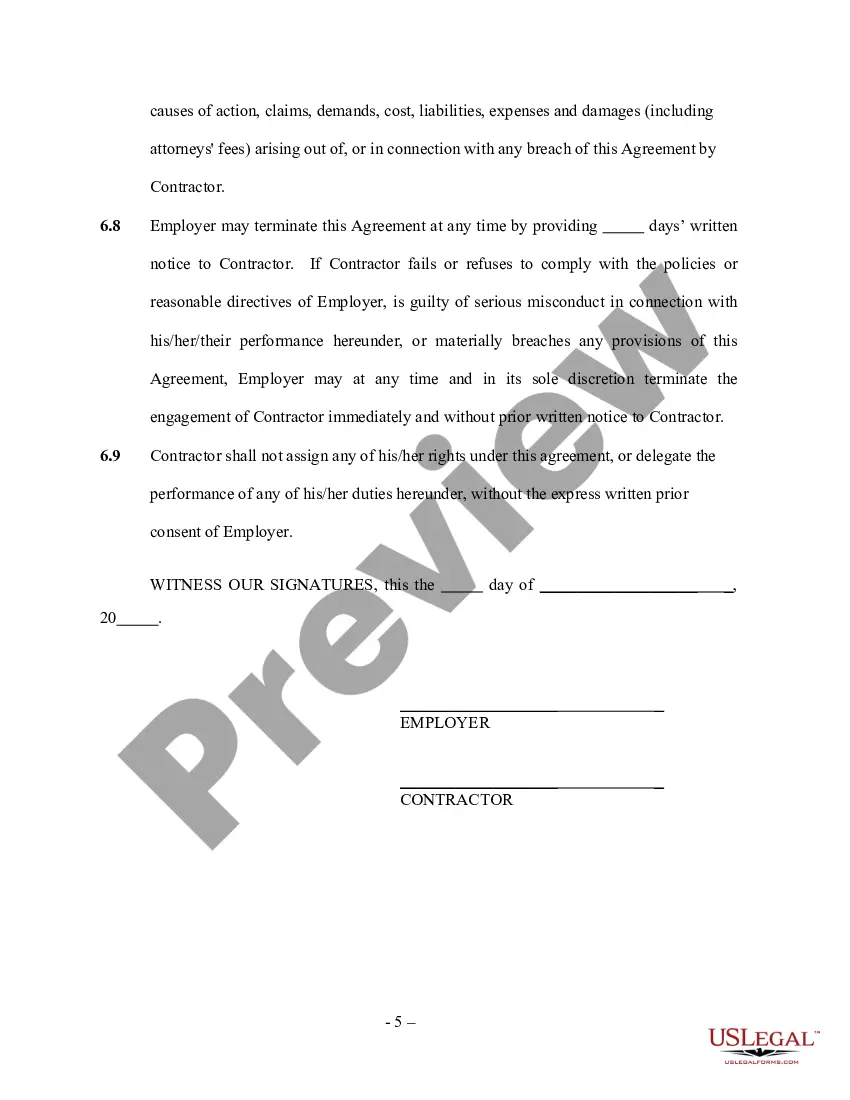
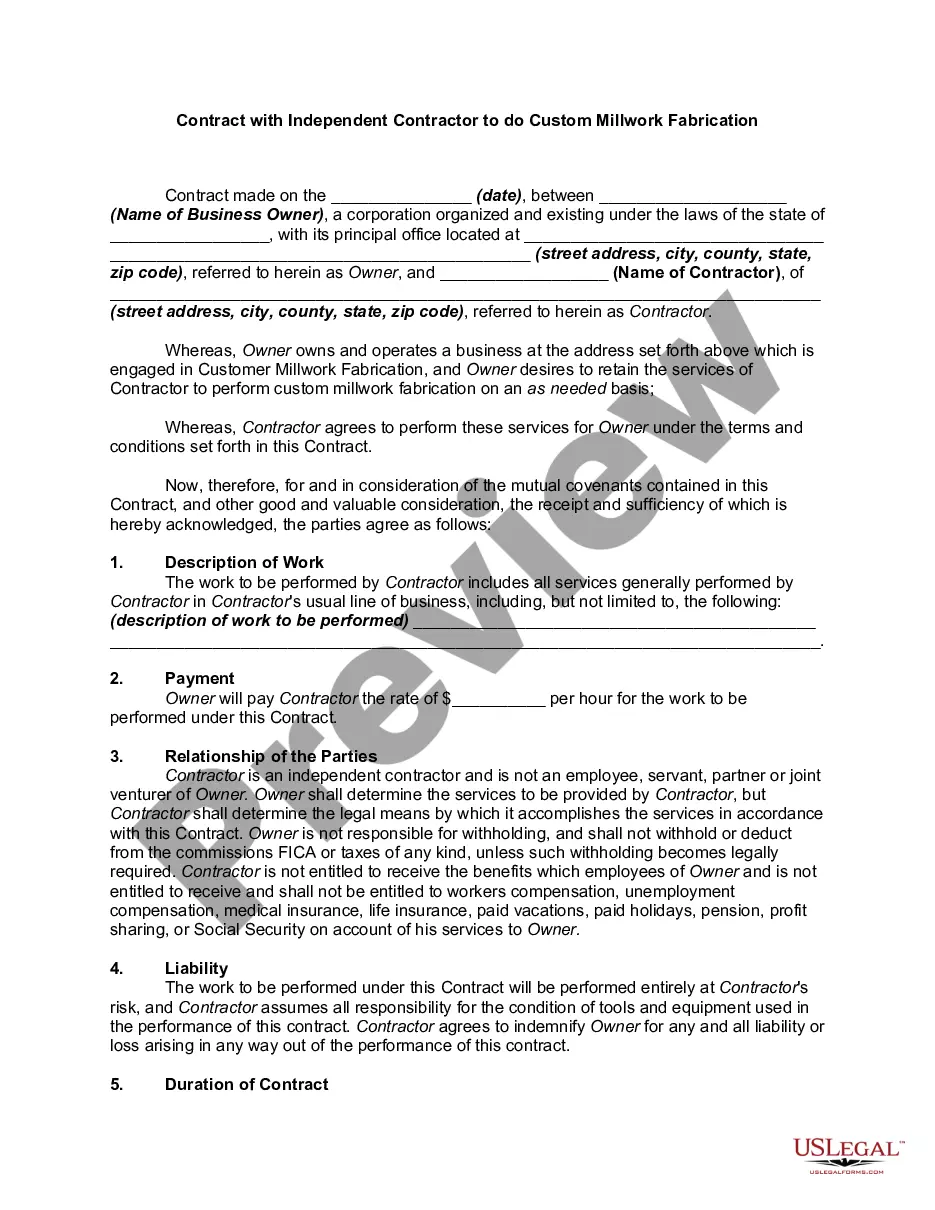
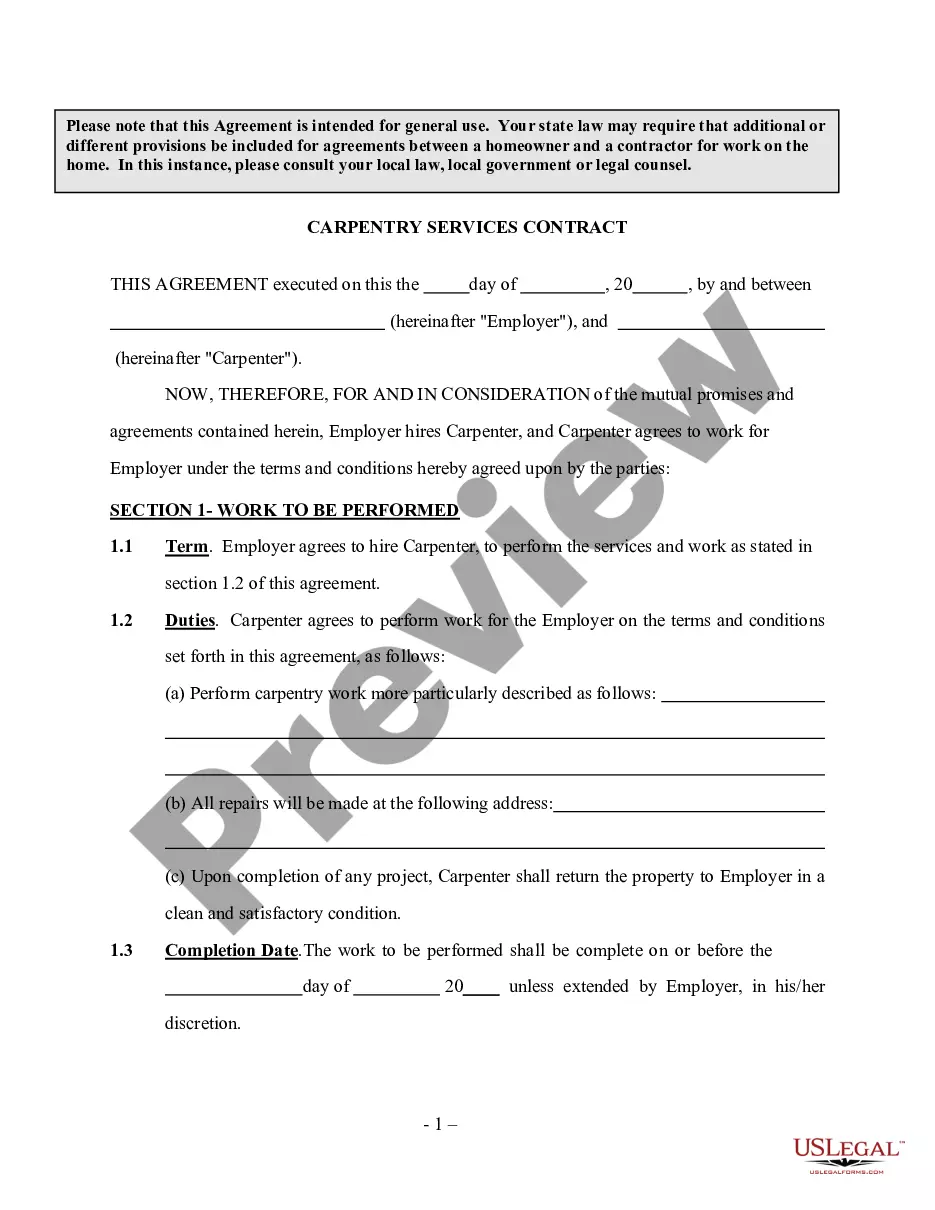
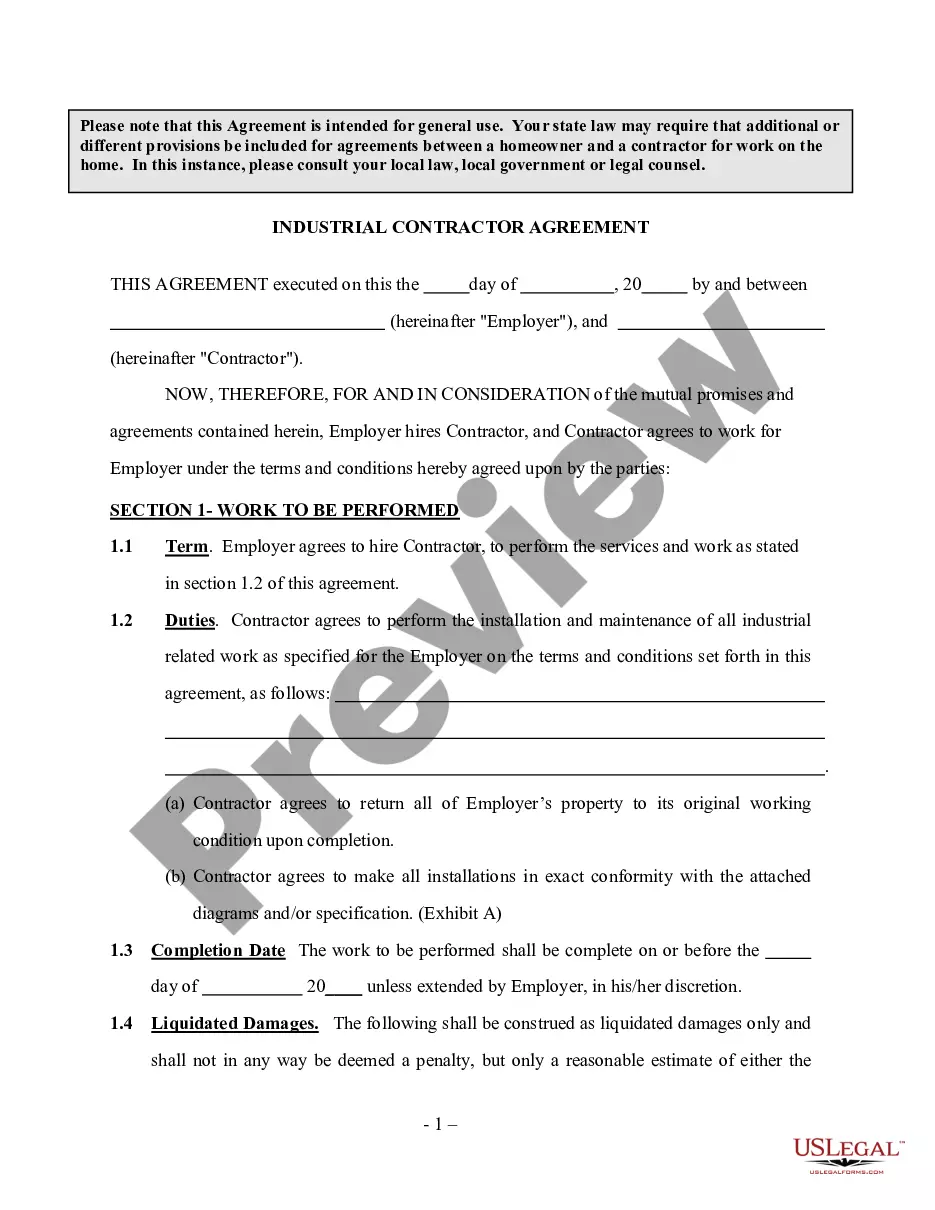
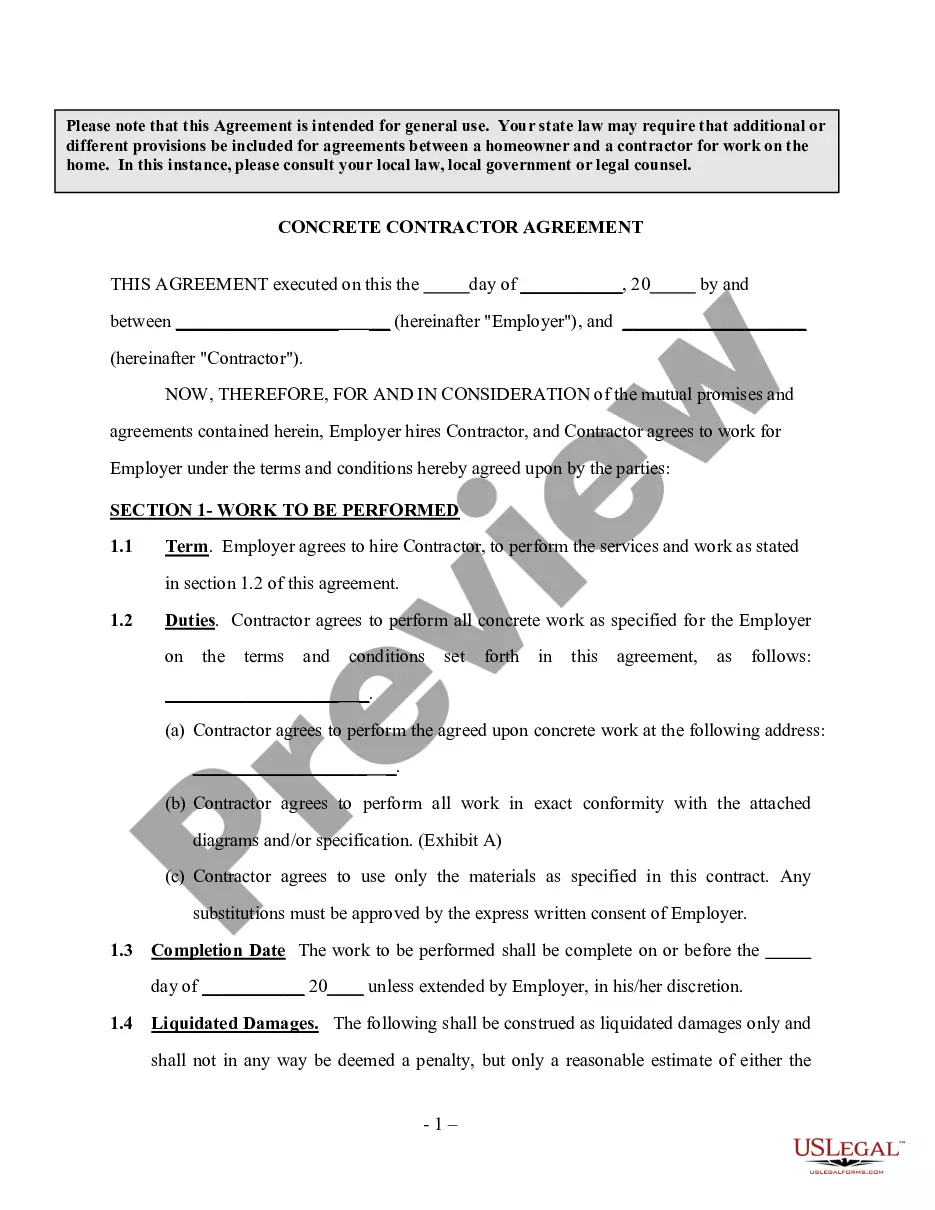
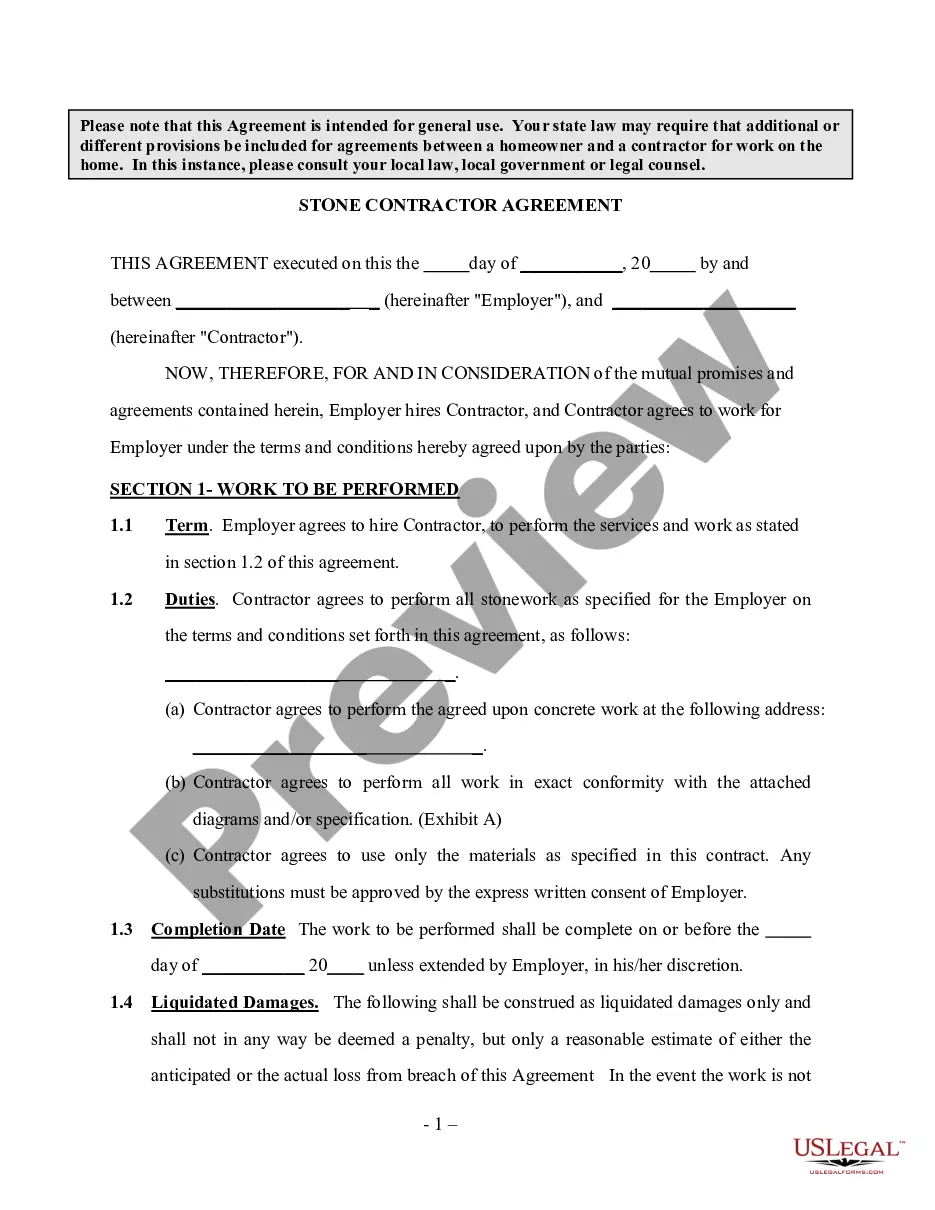
Get your form ready online
Our built-in tools help you complete, sign, share, and store your documents in one place.
Make edits, fill in missing information, and update formatting in US Legal Forms—just like you would in MS Word.
Download a copy, print it, send it by email, or mail it via USPS—whatever works best for your next step.
Sign and collect signatures with our SignNow integration. Send to multiple recipients, set reminders, and more. Go Premium to unlock E-Sign.
If this form requires notarization, complete it online through a secure video call—no need to meet a notary in person or wait for an appointment.
We protect your documents and personal data by following strict security and privacy standards.

Make edits, fill in missing information, and update formatting in US Legal Forms—just like you would in MS Word.

Download a copy, print it, send it by email, or mail it via USPS—whatever works best for your next step.

Sign and collect signatures with our SignNow integration. Send to multiple recipients, set reminders, and more. Go Premium to unlock E-Sign.

If this form requires notarization, complete it online through a secure video call—no need to meet a notary in person or wait for an appointment.

We protect your documents and personal data by following strict security and privacy standards.
Looking for another form?

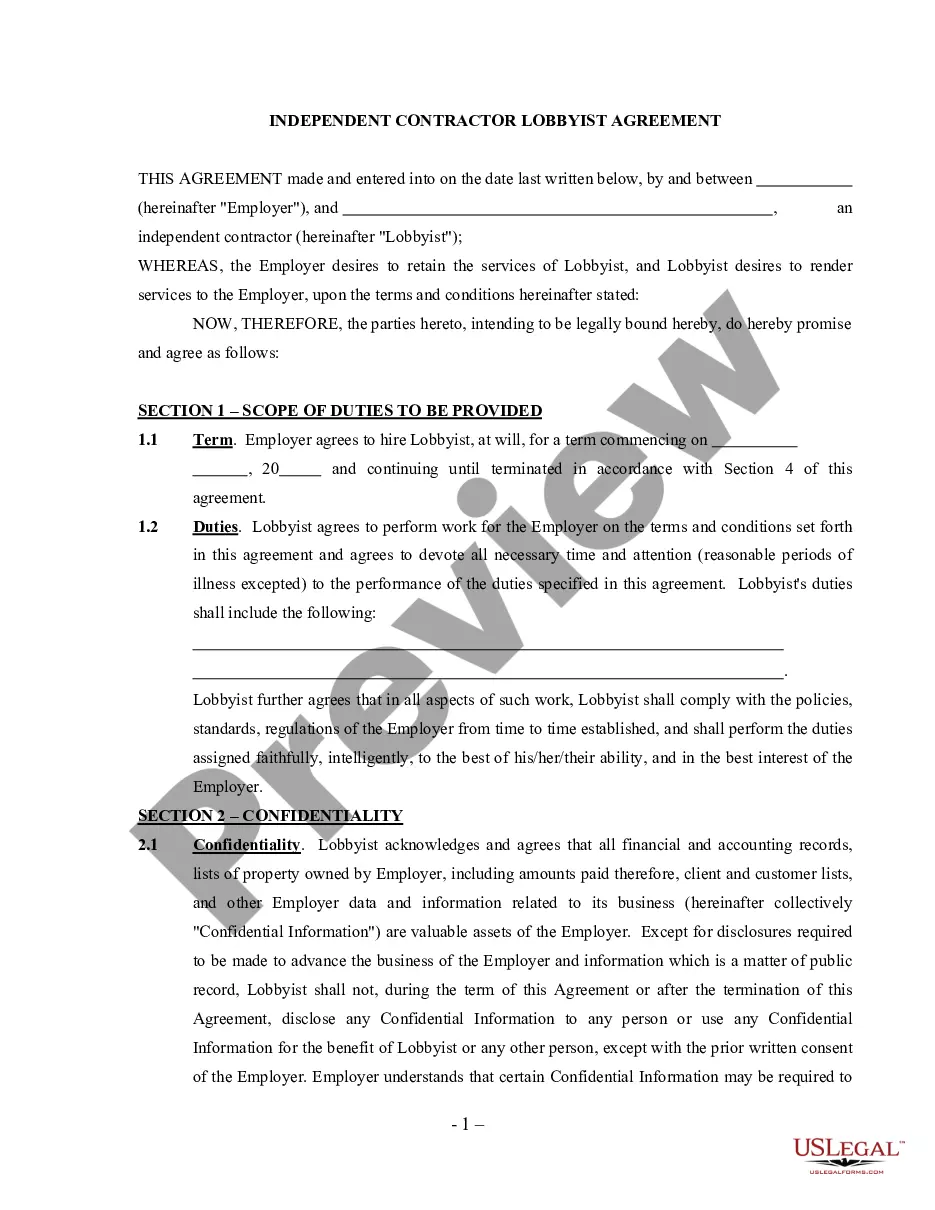
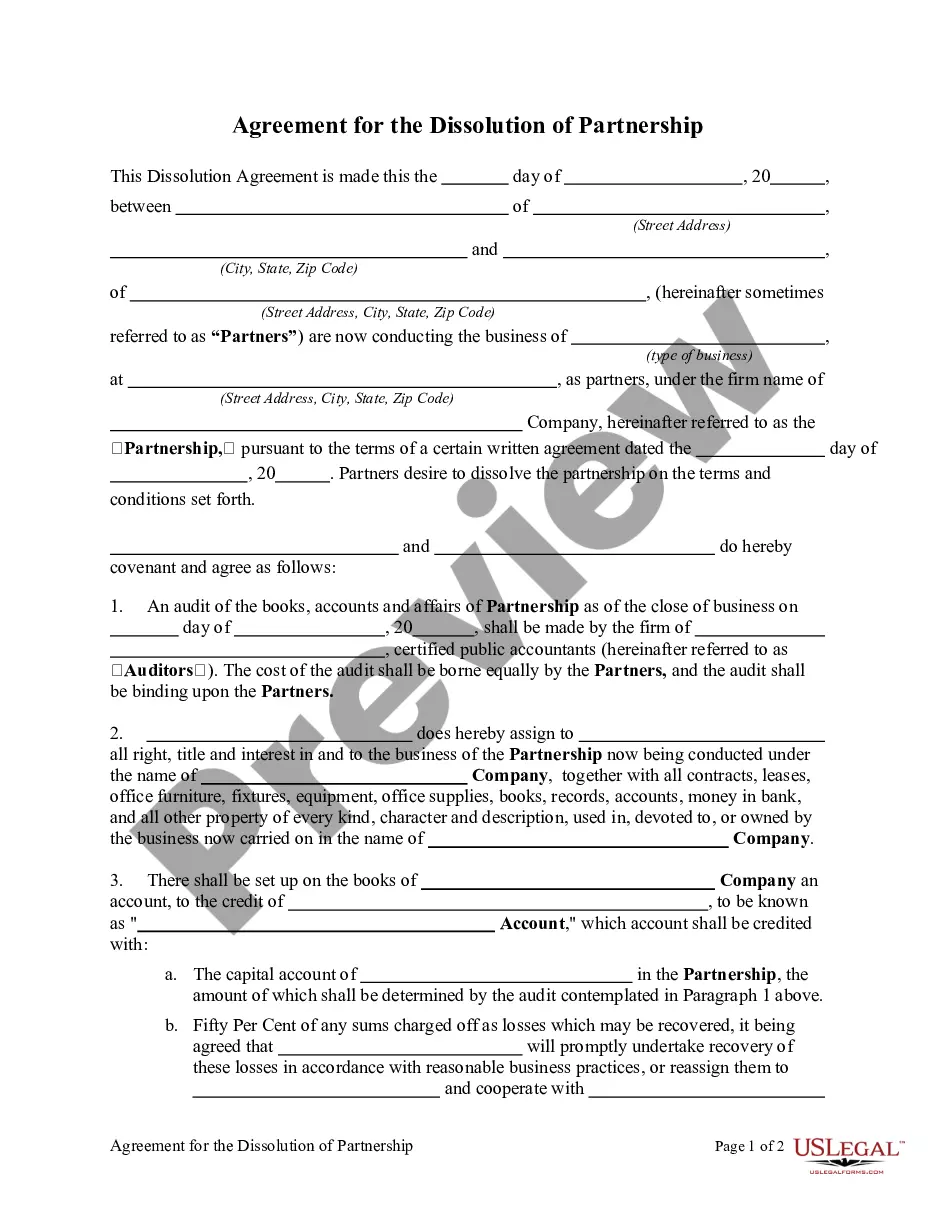


How to fill out Cabinet And Countertop Contract Agreement - Self-Employed?
Creating legal paperwork from the ground up can at times feel daunting.
Certain cases may require extensive research and substantial financial investment.
If you seek a simpler and more economical method of producing a Kitchen Cabinet Contract Template For Construction or other documents without unnecessary complications, US Legal Forms is always available for you.
Our online collection features over 85,000 current legal documents that encompass almost every facet of your financial, legal, and personal situations. With just a few clicks, you can promptly acquire state- and county-specific templates carefully crafted by our legal professionals.
Examine the document preview and descriptions to ensure you have identified the correct form. Confirm that the form you select is in accordance with the regulations and laws of your state and county. Choose the most appropriate subscription option to purchase the Kitchen Cabinet Contract Template For Construction. Download the file, then complete, sign, and print it. US Legal Forms has a strong reputation and over 25 years of experience. Join us today and make form completion a straightforward and efficient process!
- Utilize our platform whenever you require dependable and trustworthy services to effortlessly find and download the Kitchen Cabinet Contract Template For Construction.
- If you’re already familiar with our services and have previously created an account with us, simply Log In to your account, find the form, and download it, or re-download it anytime later in the My documents section.
- Don’t have an account? No problem. It takes minimal time to register and explore the library.
- But before proceeding to download the Kitchen Cabinet Contract Template For Construction, adhere to these suggestions.
Form popularity
FAQ
Some downsides of an irrevocable trust include the following: You will give up much more control over your financial affairs. Additional tax returns may need to be filed for the irrevocable trust, which can add cost and complexity. Irrevocable trusts may be more difficult to create and are nearly impossible to modify.
The price of making a living trust depends on the method you use to actually put it together. One way is to use an online program and create the trust document yourself. This will cost you a few hundred dollars or so. Another viable option is to go through a lawyer, for which you'll probably pay $1,000 or more.
Irrevocable trusts are generally set up to minimize estate taxes, access government benefits, and protect assets. This is in contrast to a revocable trust, which allows the grantor to modify the trust, but loses certain benefits such as creditor protection.
Creating a living trust in Maine is generally a six-step process: Decide on the kind of trust you want. ... Decide what will go in your trust. ... Pick a trustee. ... Create the trust document. ... Sign the trust in front of a notary public. Put your assets inside the trust.
One main difference between a will and a trust is that a will goes into effect only after you die, while a trust takes effect as soon as you create it. A will is a document that directs who will receive your property at your death and it appoints a legal representative to carry out your wishes.
You may want to consider an irrevocable trust if: The value of your assets is higher than the federal estate tax exemption and you want to avoid estate taxes. You're comfortable giving up use or control of your own assets after you establish the trust. You want to protect your assets from future creditors.
A revocable living trust can be changed or eliminated at any time you wish during your lifetime. An irrevocable living trust becomes unchangeable once signed. Your living trust Maine keeps your trust assets out of probate, the court procedure in which a will is verified and its provisions followed.
While the revocable trust offers more flexibility, the irrevocable trust offers certain advantages such as creditor protection. If you want to manage the trust yourself and feel like you may want to modify your trust in the future, it would make sense to go for a revocable trust.