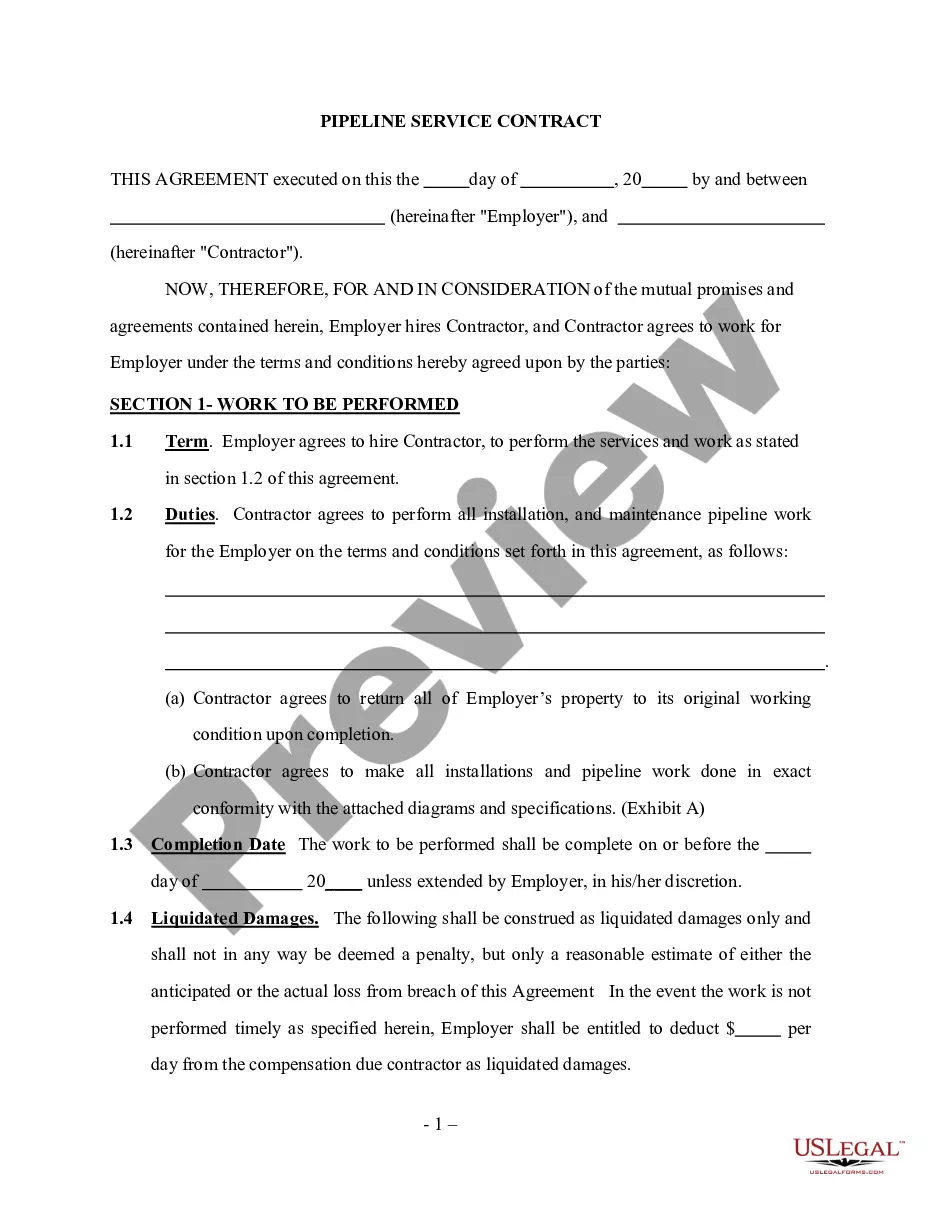
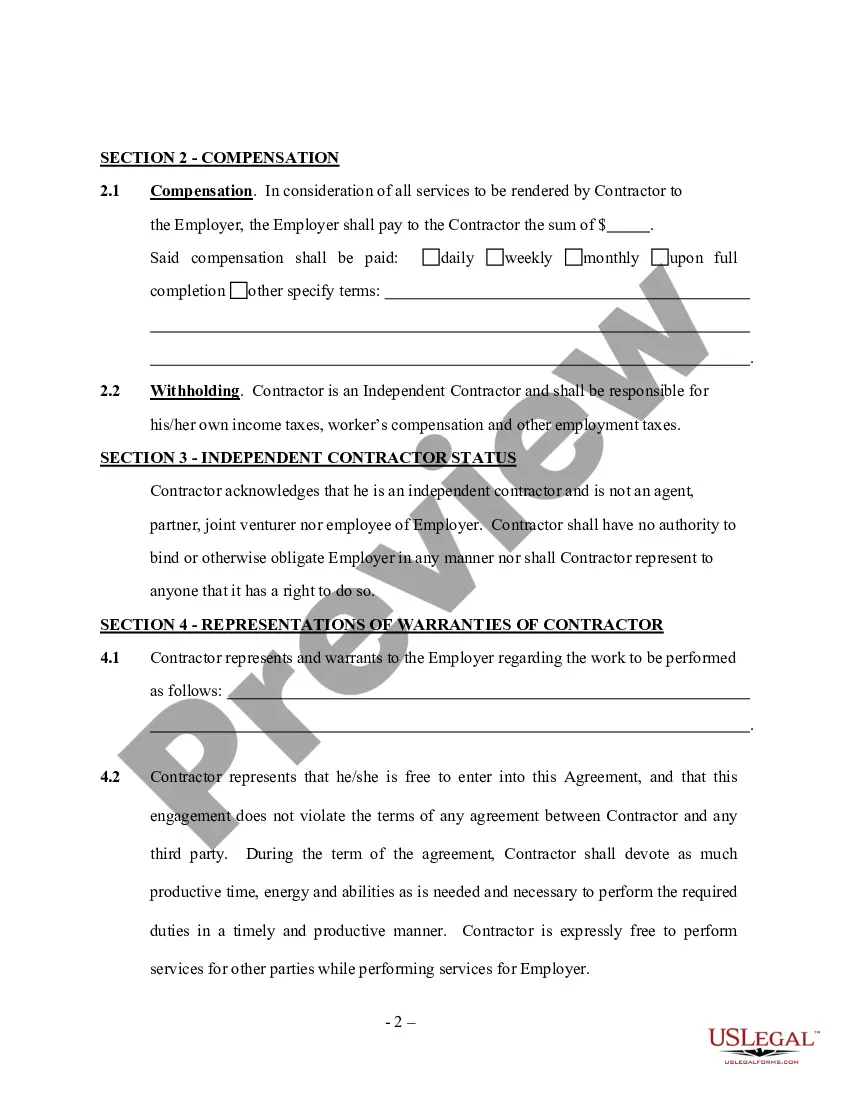
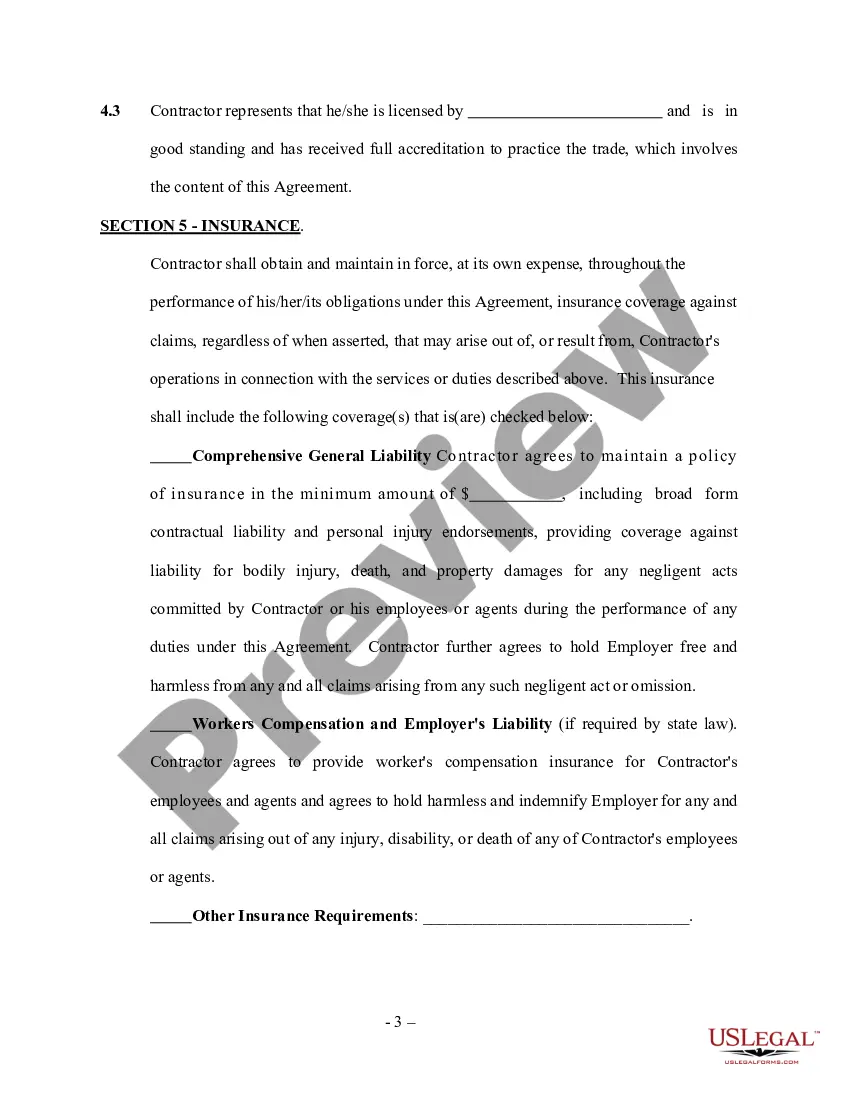
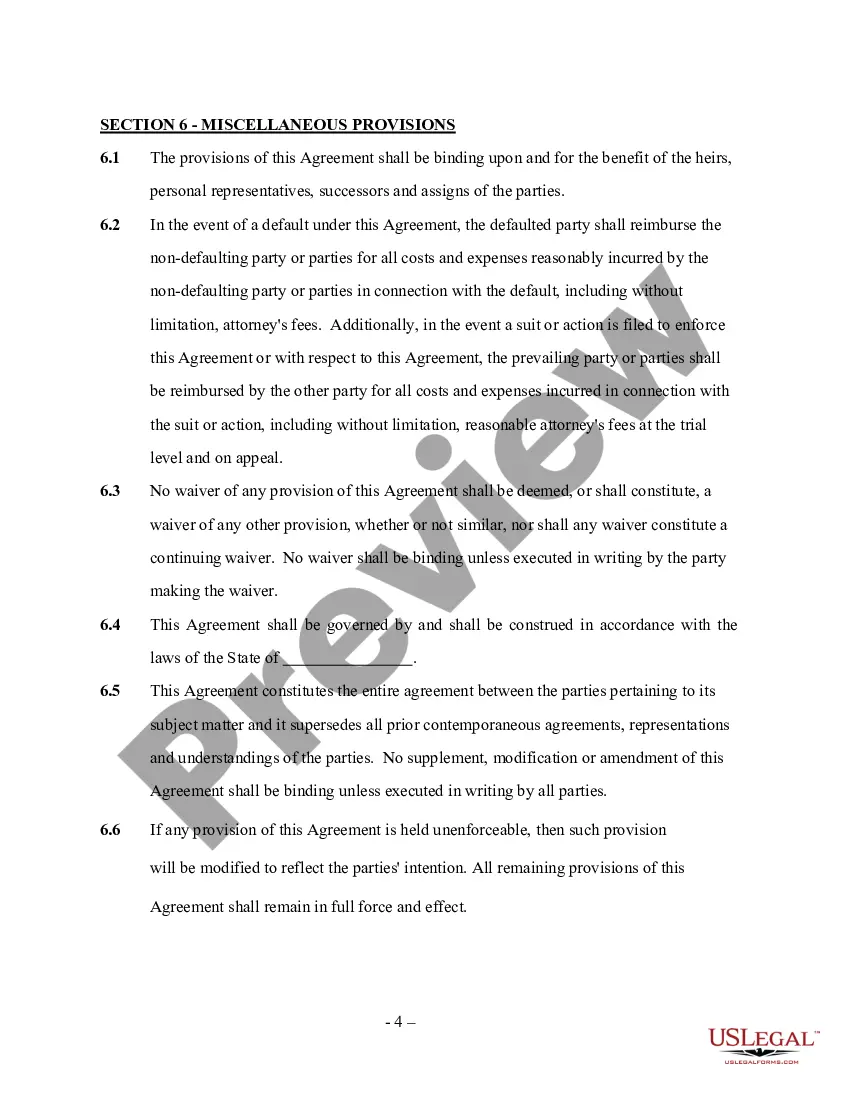
Service Contract Self Employed With No
Description
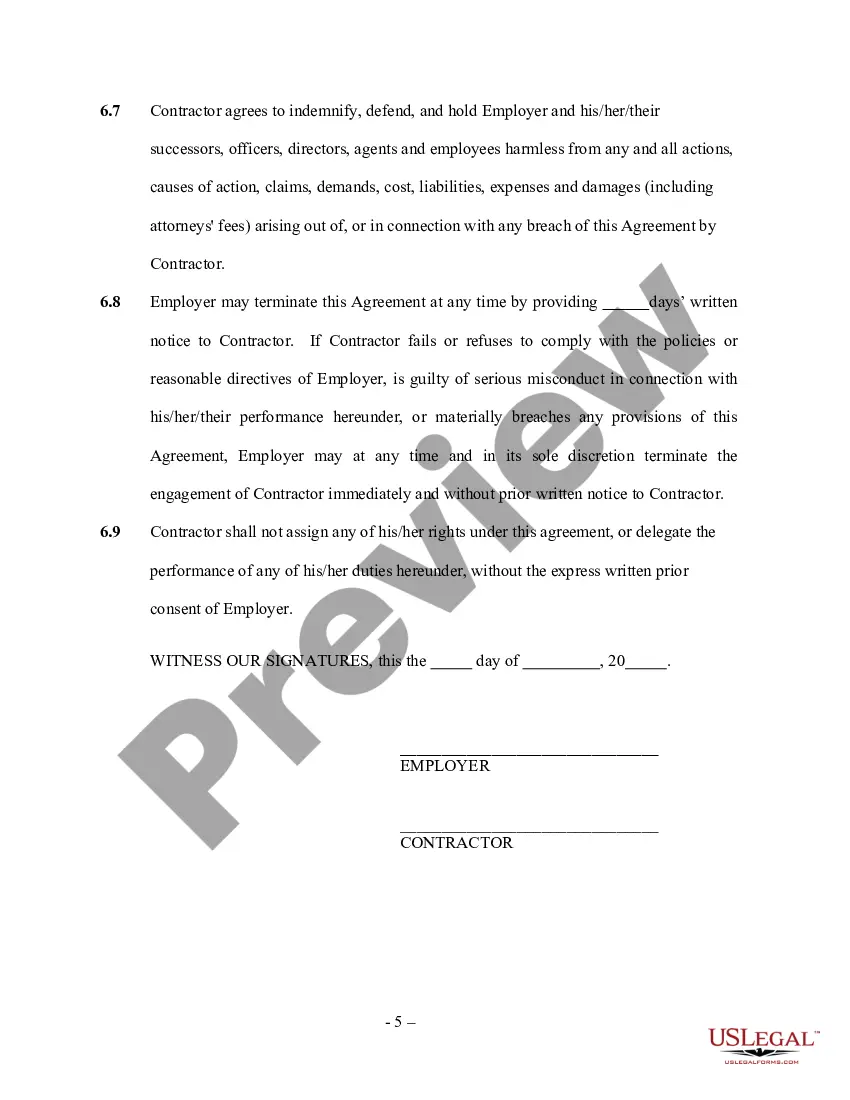

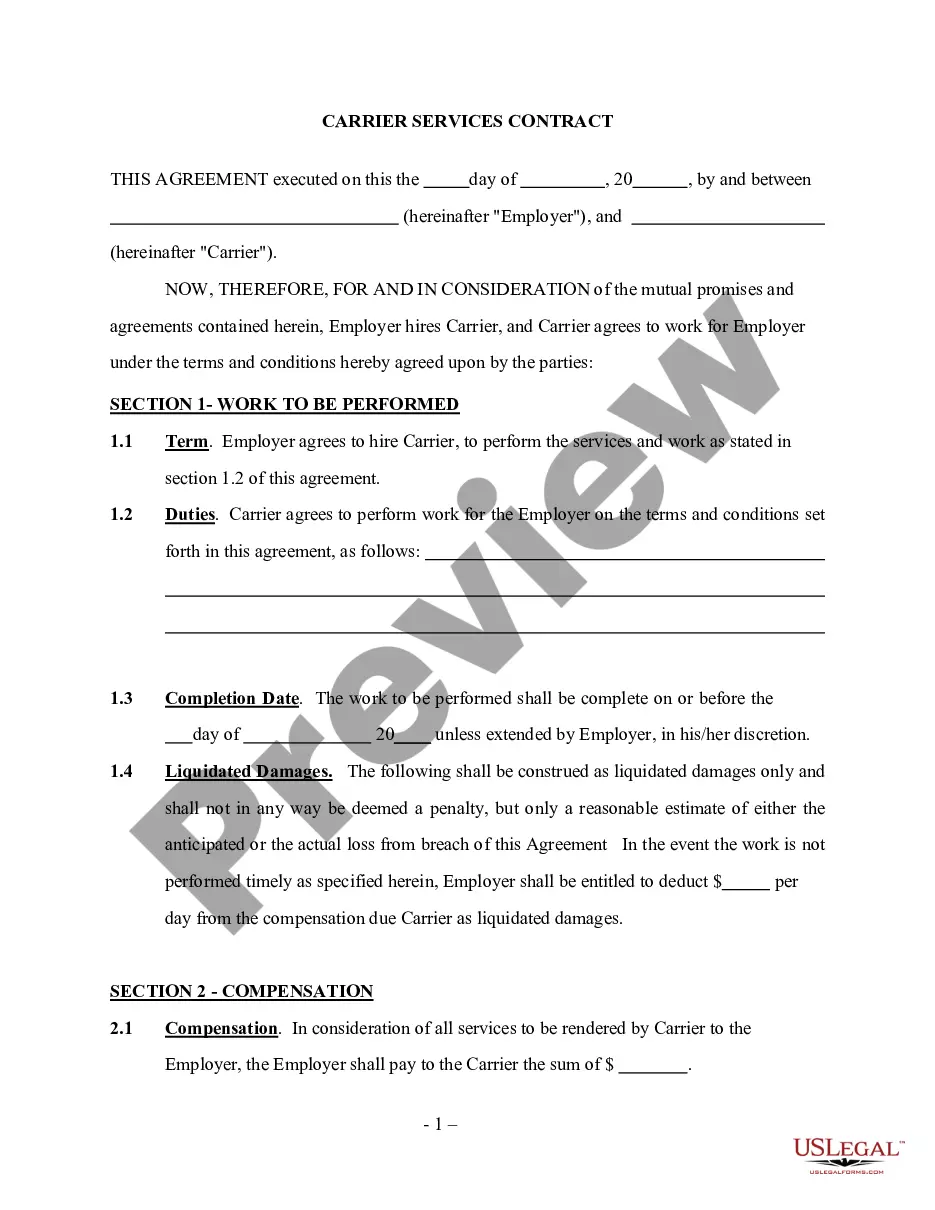
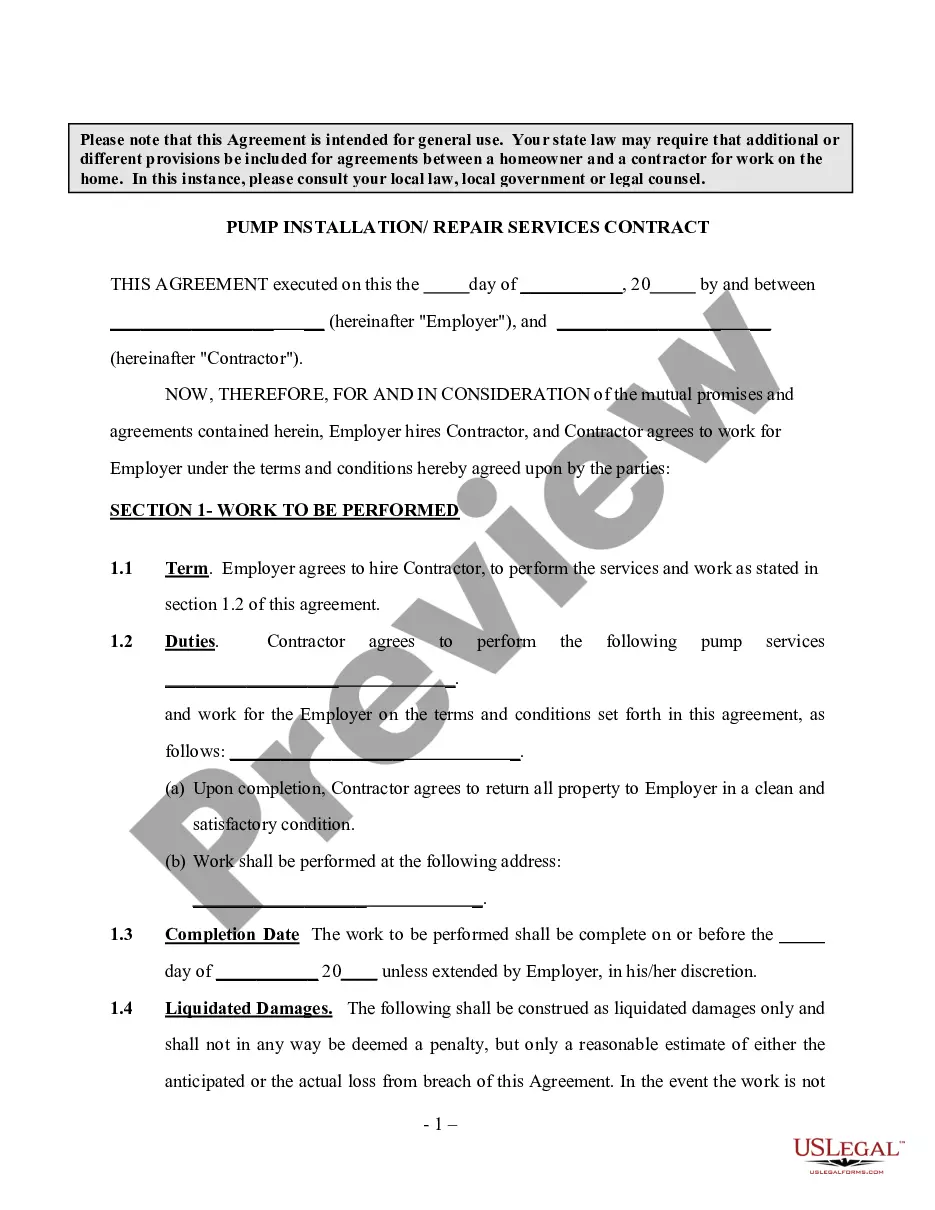
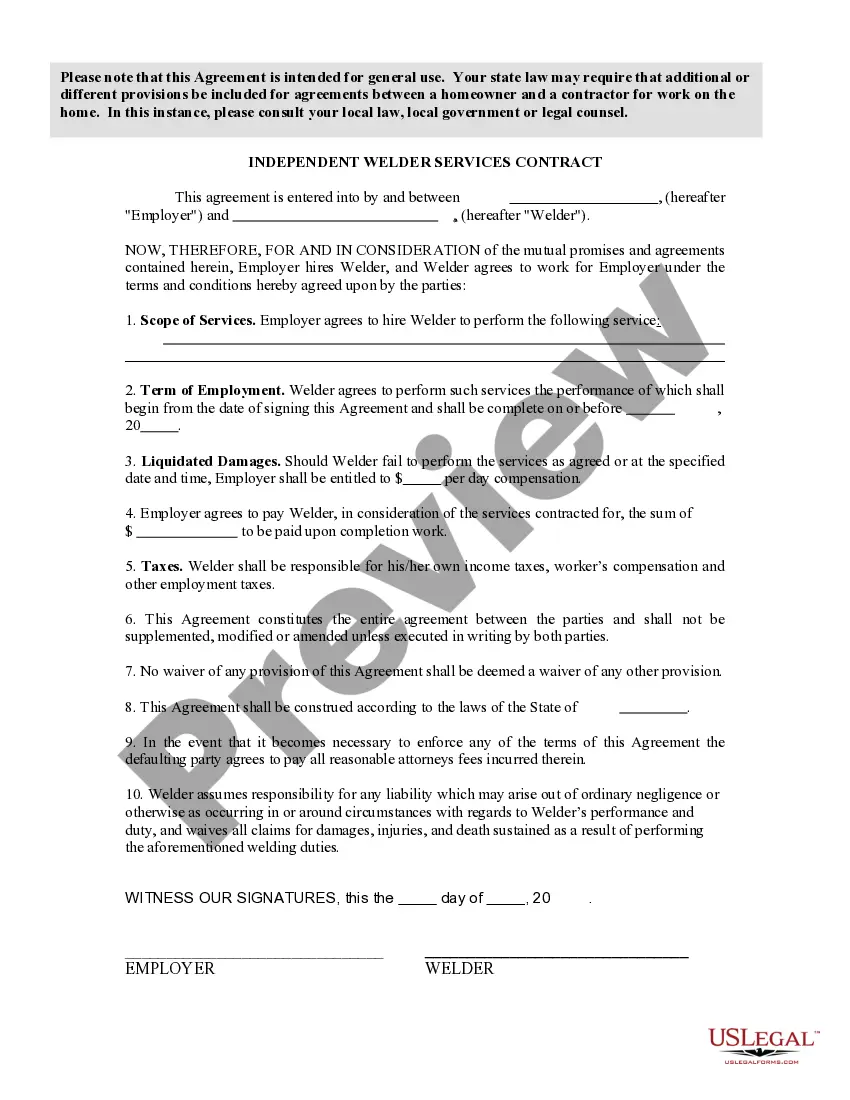
Get your form ready online
Our built-in tools help you complete, sign, share, and store your documents in one place.
Make edits, fill in missing information, and update formatting in US Legal Forms—just like you would in MS Word.
Download a copy, print it, send it by email, or mail it via USPS—whatever works best for your next step.
Sign and collect signatures with our SignNow integration. Send to multiple recipients, set reminders, and more. Go Premium to unlock E-Sign.
If this form requires notarization, complete it online through a secure video call—no need to meet a notary in person or wait for an appointment.
We protect your documents and personal data by following strict security and privacy standards.

Make edits, fill in missing information, and update formatting in US Legal Forms—just like you would in MS Word.

Download a copy, print it, send it by email, or mail it via USPS—whatever works best for your next step.

Sign and collect signatures with our SignNow integration. Send to multiple recipients, set reminders, and more. Go Premium to unlock E-Sign.

If this form requires notarization, complete it online through a secure video call—no need to meet a notary in person or wait for an appointment.

We protect your documents and personal data by following strict security and privacy standards.
Looking for another form?



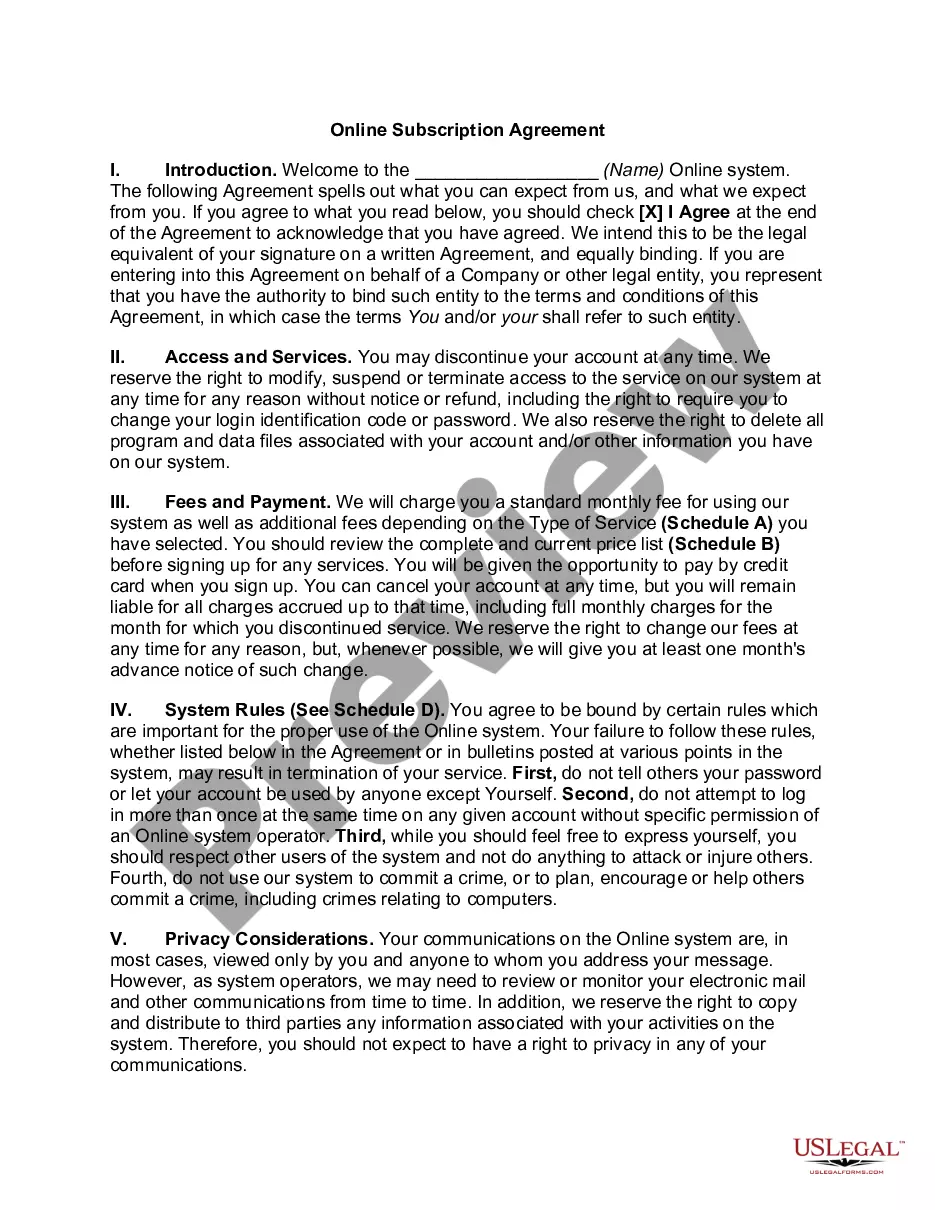





How to fill out Pipeline Service Contract - Self-Employed?
Maneuvering through the red tape of official paperwork and templates can be challenging, particularly if one is not doing so as a profession.
Even locating the appropriate template for the Service Contract Self Employed With No may take considerable time, as it must be accurate and valid to the very last detail.
However, you will need to invest much less time acquiring a suitable template from a trustworthy source.
Obtain the correct form in a few straightforward steps: Enter the document title in the search box. Identify the proper Service Contract Self Employed With No from the results. Review the description of the sample or open its preview. If the template meets your requirements, click Buy Now. Then, choose your subscription plan. Register an account on US Legal Forms using your email and create a secure password. Choose either a credit card or PayPal as a payment method. Finally, download the template file onto your device in your preferred format. US Legal Forms will save you a great deal of time verifying if the form you found online meets your requirements. Create an account and enjoy limitless access to all the forms you need.
- US Legal Forms is a service that streamlines the process of finding the correct forms online.
- US Legal Forms serves as a centralized hub from which you can obtain the latest samples of documents, confirm their applicability, and download these templates to complete.
- It comprises a repository of over 85K forms that are relevant across different sectors.
- When searching for a Service Contract Self Employed With No, you won't have to question its validity since all the forms are authenticated.
- Having an account on US Legal Forms will guarantee that you have all the necessary samples at your disposal.
- You can archive them in your history or add them to the My documents section.
- Your saved forms can be accessed from any device simply by clicking Log In on the library site.
- If you do not yet possess an account, you can always conduct a fresh search for the required template.
Form popularity
FAQ
How do I create an Independent Contractor Agreement? State the location.Describe the type of service required.Provide the contractor's and client's details.Outline compensation details.State the agreement's terms.Include any additional clauses.State the signing details.
How to write an employment contract Title the employment contract.Identify the parties.List the term and conditions.Outline the job responsibilities.Include compensation details.Use specific contract terms.Consult with an employment lawyer.
Filing Cash Payments Now, let's say you received $1,500 in cash payments. If you wanted to disclose the income without a 1099 form, all you would need to do is total up the gross total from your 1099 and your cash payments. For instance, in this example, you would report $9,500 in your tax return.
9 Form Instructions Line 1 Name. Line 2 Business name. Line 3 Federal tax classification. Line 4 Exemptions. Lines 5 & 6 Address, city, state, and ZIP code. Line 7 Account number(s) Part I Taxpayer Identification Number (TIN) Part II Certification.
Yes, you may report contract labor as a business expense on Schedule C even if you did not create Form 1099-MISC for those payments.
