Mortgage Loan With Renovation
Description
Get your form ready online
Our built-in tools help you complete, sign, share, and store your documents in one place.
Make edits, fill in missing information, and update formatting in US Legal Forms—just like you would in MS Word.
Download a copy, print it, send it by email, or mail it via USPS—whatever works best for your next step.
Sign and collect signatures with our SignNow integration. Send to multiple recipients, set reminders, and more. Go Premium to unlock E-Sign.
If this form requires notarization, complete it online through a secure video call—no need to meet a notary in person or wait for an appointment.
We protect your documents and personal data by following strict security and privacy standards.

Make edits, fill in missing information, and update formatting in US Legal Forms—just like you would in MS Word.

Download a copy, print it, send it by email, or mail it via USPS—whatever works best for your next step.

Sign and collect signatures with our SignNow integration. Send to multiple recipients, set reminders, and more. Go Premium to unlock E-Sign.

If this form requires notarization, complete it online through a secure video call—no need to meet a notary in person or wait for an appointment.

We protect your documents and personal data by following strict security and privacy standards.
Looking for another form?





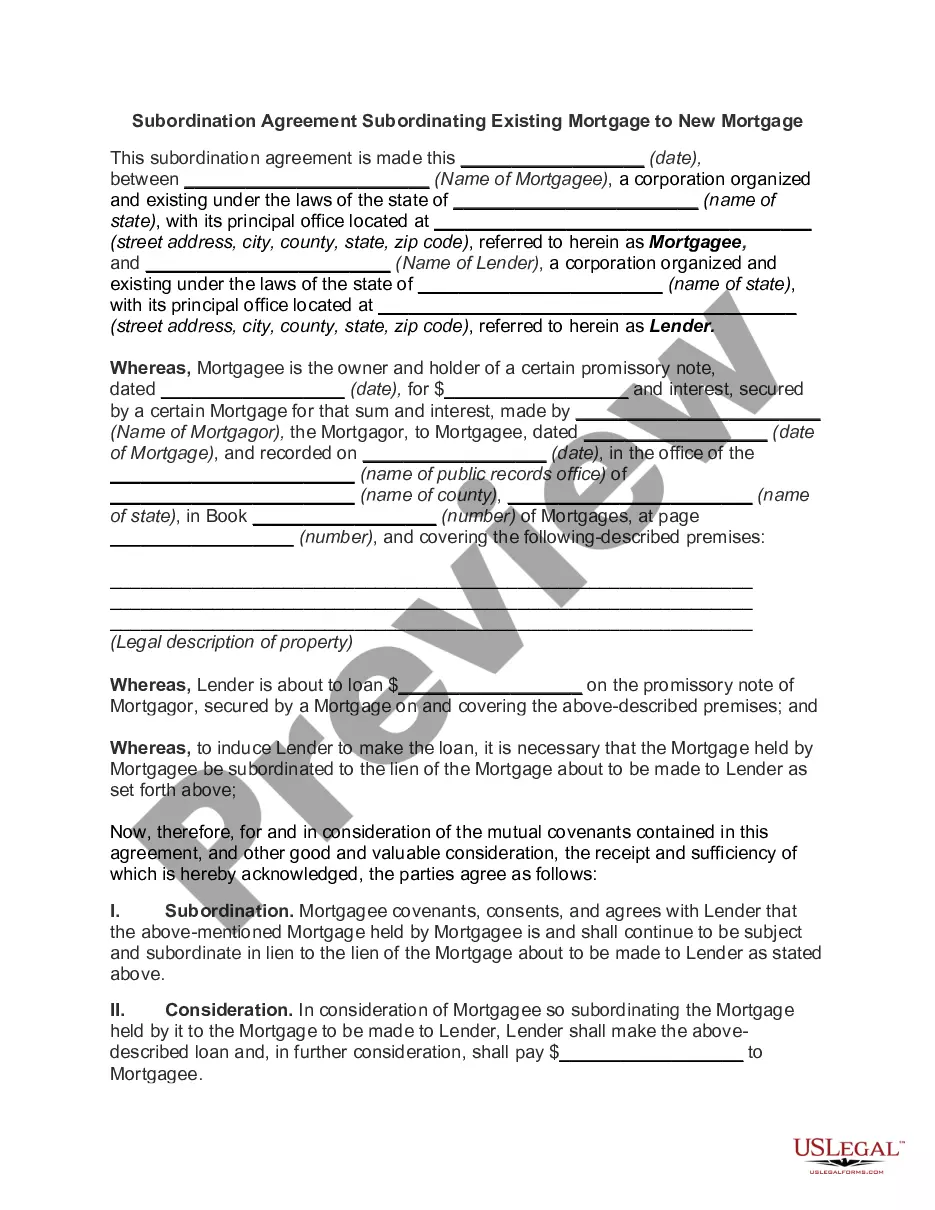

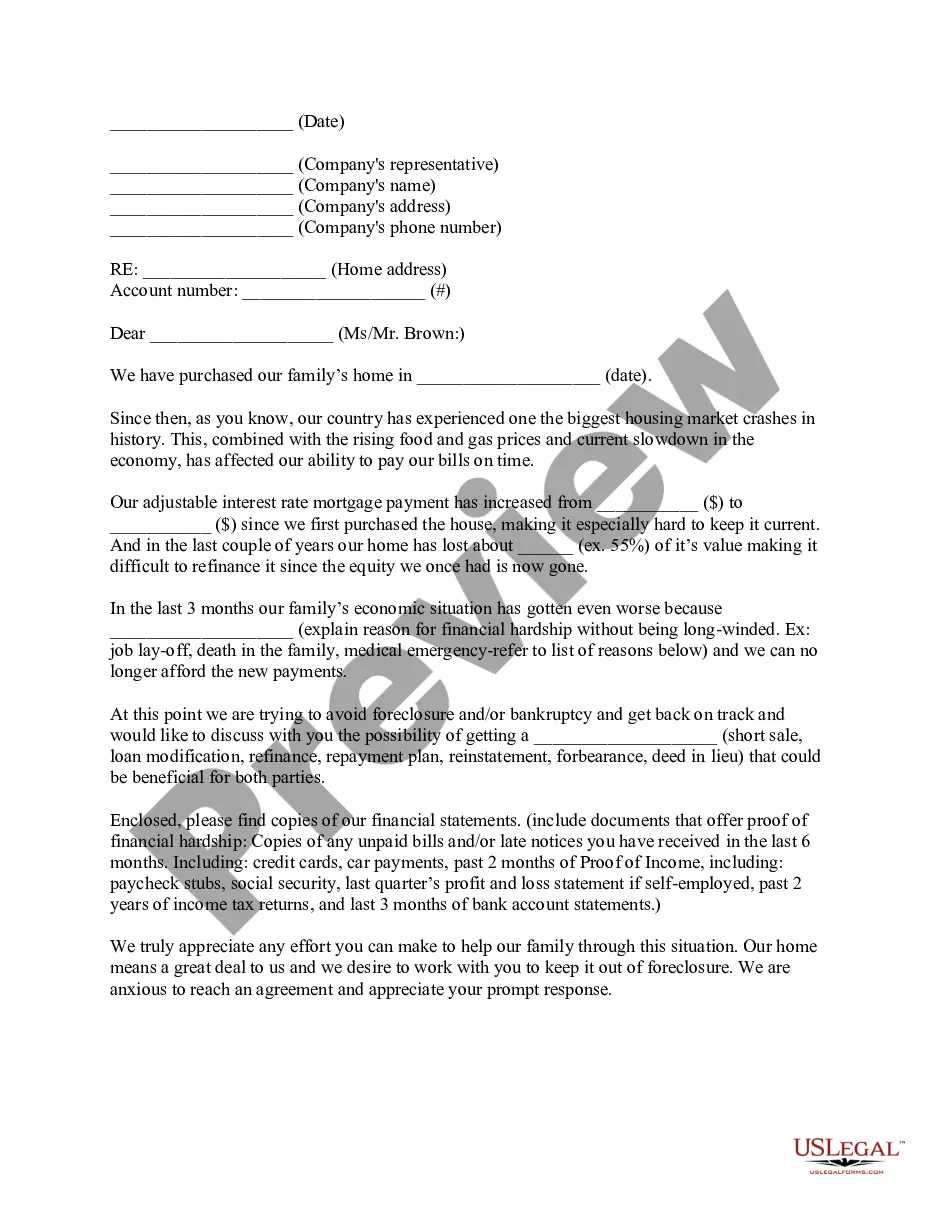
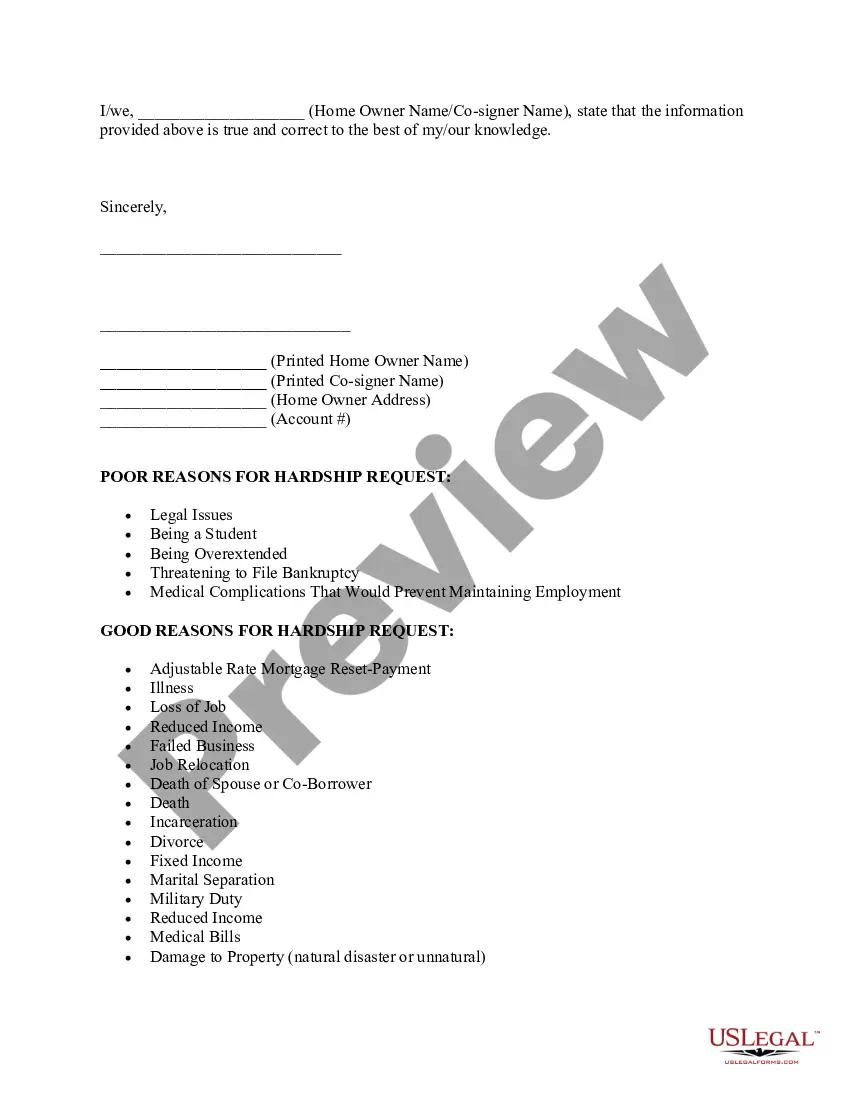
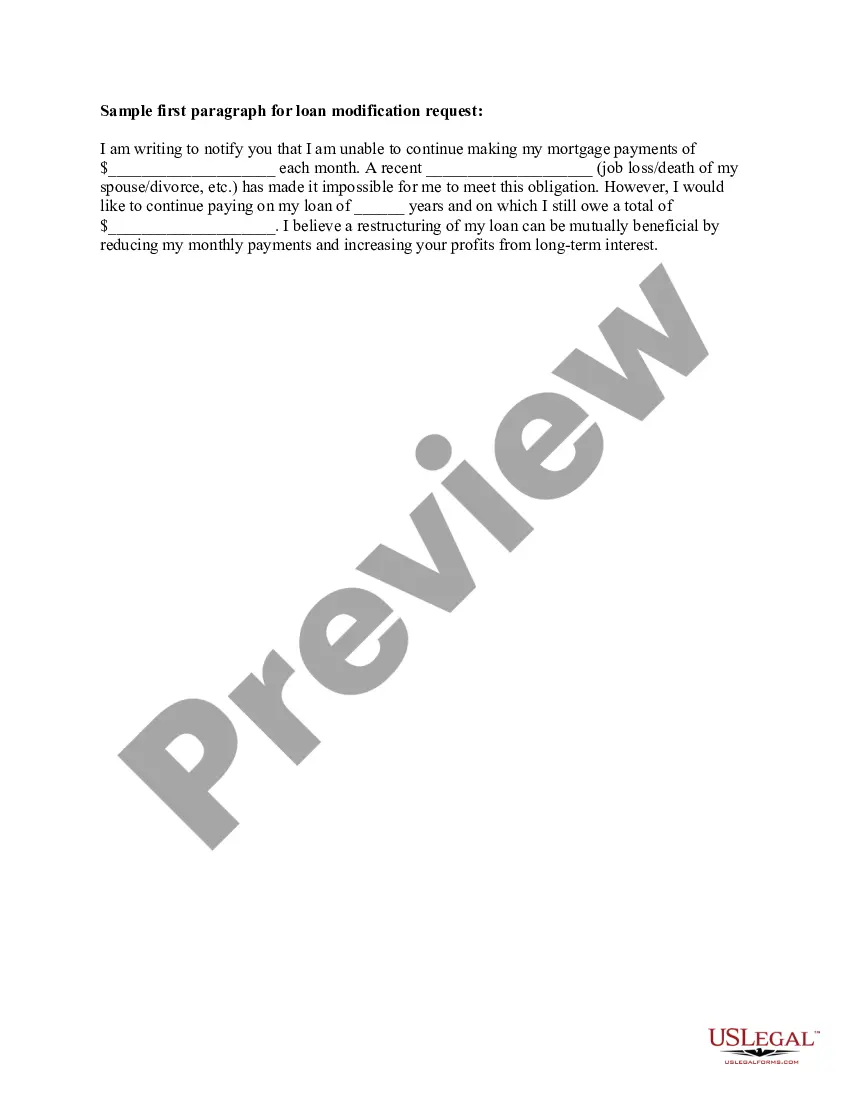
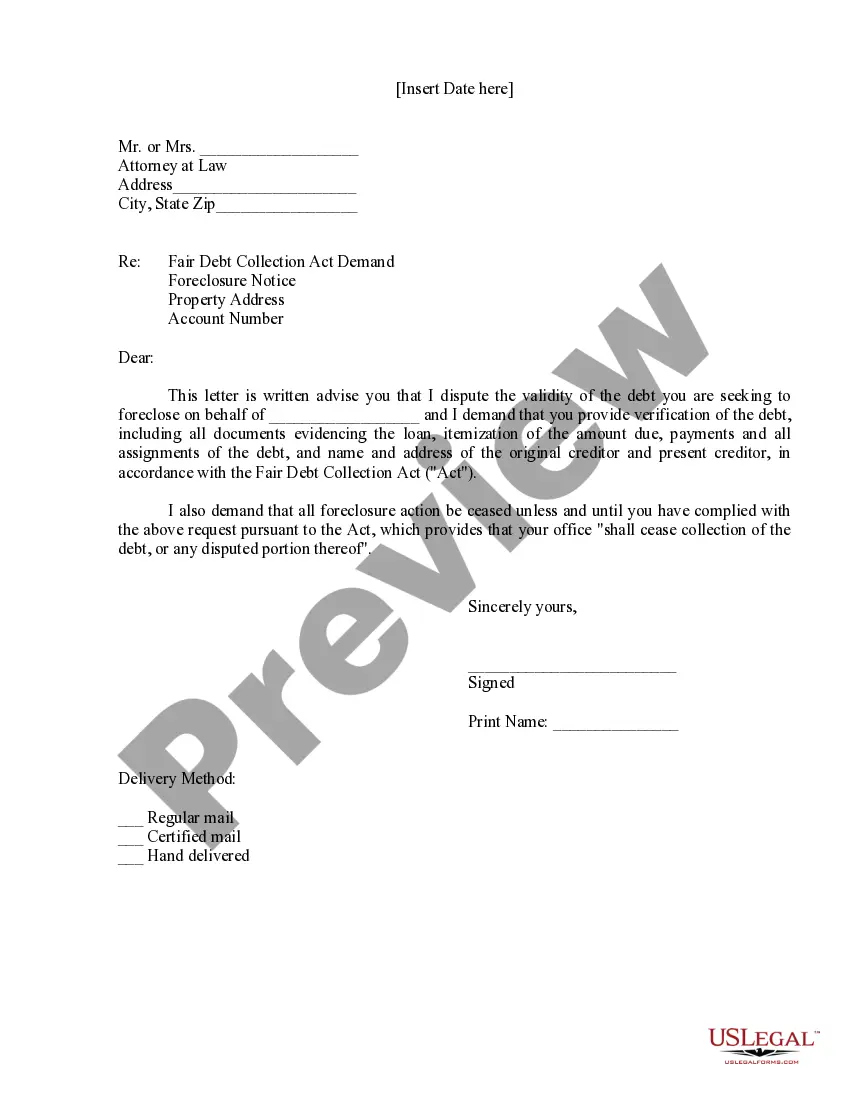
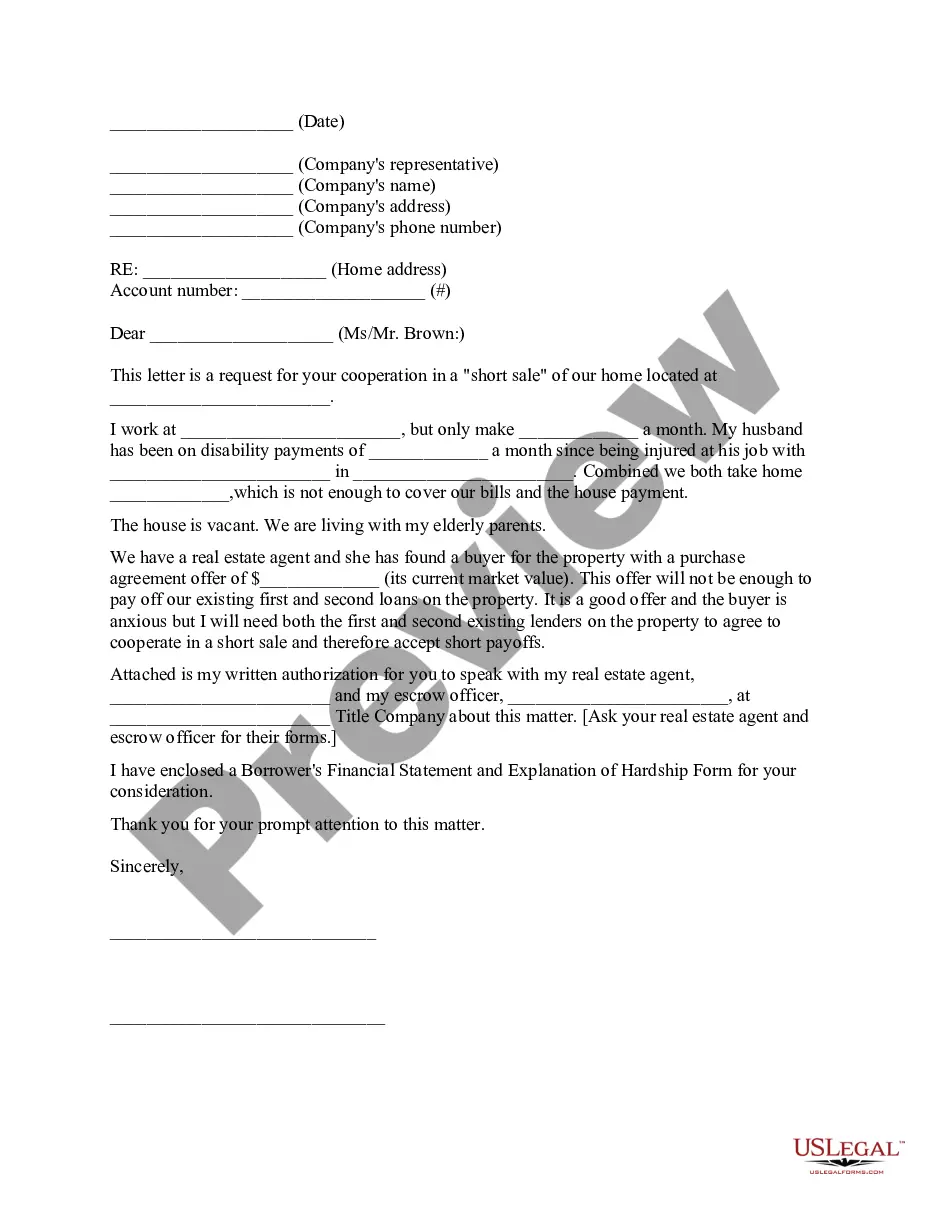
How to fill out Hardship Letter To Mortgagor Or Lender To Prevent Foreclosure?
Securing a reliable source for obtaining the most up-to-date and pertinent legal templates is a significant part of dealing with bureaucracy.
Locating the appropriate legal documents requires precision and meticulousness, which is why it is essential to obtain samples of Mortgage Loan With Renovation solely from reputable providers, like US Legal Forms. A faulty template can consume your time and prolong the situation you’re facing. With US Legal Forms, you have minimal concerns. You can access and verify all the information related to the document's application and applicability for your situation and in your state or locality.
Once you have the document on your device, you can modify it using the editor or print it to complete it manually. Eliminate the hassle associated with your legal paperwork. Explore the extensive US Legal Forms library to discover legal templates, assess their relevance to your situation, and download them instantly.
- Utilize the catalog browsing or search box to find your template.
- Review the document’s details to confirm it meets your state and county’s criteria.
- Access the form preview, if available, to confirm that the template is indeed what you seek.
- Return to the search and identify the correct document if the Mortgage Loan With Renovation does not fit your needs.
- Once you are certain about the form’s applicability, download it.
- If you are a registered user, click Log in to verify and access your selected templates in My documents.
- If you do not have an account yet, click Buy now to acquire the template.
- Choose the pricing option that aligns with your requirements.
- Proceed to the registration to complete your transaction.
- Finalize your purchase by selecting a payment method (credit card or PayPal).
- Choose the file format for downloading your Mortgage Loan With Renovation.
Form popularity
FAQ
Yes, you can renovate a house you have a mortgage on, especially through a renovation mortgage. This financial product allows you to tap into additional funds for improvements without refinancing. Many homeowners successfully increase their property’s value through strategic renovations, which can lead to equity gains over time. Evaluating your options carefully will help you plan your finances effectively.
If you can't afford a home repair, consider a renovation mortgage which allows financing for repairs without upfront costs. You can also explore assistance programs or community resources that offer financial help. Look for government grants or loans that cater to lower-income households. Understanding your options can pave the way for addressing your repair needs effectively.
A business contract template is a document you or another party will create that will serve as a foundational document in current and future business deals. The agreement will perform the following functions: Safeguard ideas. Limit personal liability. Establish expectations for clients and employees.
Whether you need an independent contractor agreement, a standard service contract, or a non-disclosure agreement, PandaDoc's library of free business contracts has you covered. Our contract templates are free as downloadable PDFs and are fully customizable when using the PandaDoc document editor.
Whether you need an independent contractor agreement, a standard service contract, or a non-disclosure agreement, PandaDoc's library of free business contracts has you covered. Our contract templates are free as downloadable PDFs and are fully customizable when using the PandaDoc document editor.
Simply put, yes, you can write your own legal contract. You just need to be sure to include key components such as an offer, an acceptance, an exchange of value, and the willingness of both parties to enter into a contract. Legally binding contracts can be done both in writing or orally.
Open Word. Click on 'New' Browse available templates, or type 'contract' in the search bar. Select template of your choice.
A contract is an agreement between parties, creating mutual obligations that are enforceable by law. The basic elements required for the agreement to be a legally enforceable contract are: mutual assent, expressed by a valid offer and acceptance; adequate consideration; capacity; and legality.
Yes. A template is the basis you can use to create a contract, while a contract is the completed or drafted document you send to a recipient. You can use template builder to create ready-made templates that can be used to customize contracts for your business.
Open the Google Docs template Contract Template and enter your company details and an image with your signature in the provided space, as well as the actual contract. Familiarize yourself with working with variables if you want to add more placeholders, conditions, or loops to your contract.